射击游戏里,我们鼠标点击可以发射子弹,子弹碰到物体,会有各种物理效果,比如撞倒物体。
那用 cannon 如何实现这种发射子弹的效果呢?
这就需要用到 applyImpulse 的 api 了。
创建个项目:
npx create-vite cannon-apply-impulse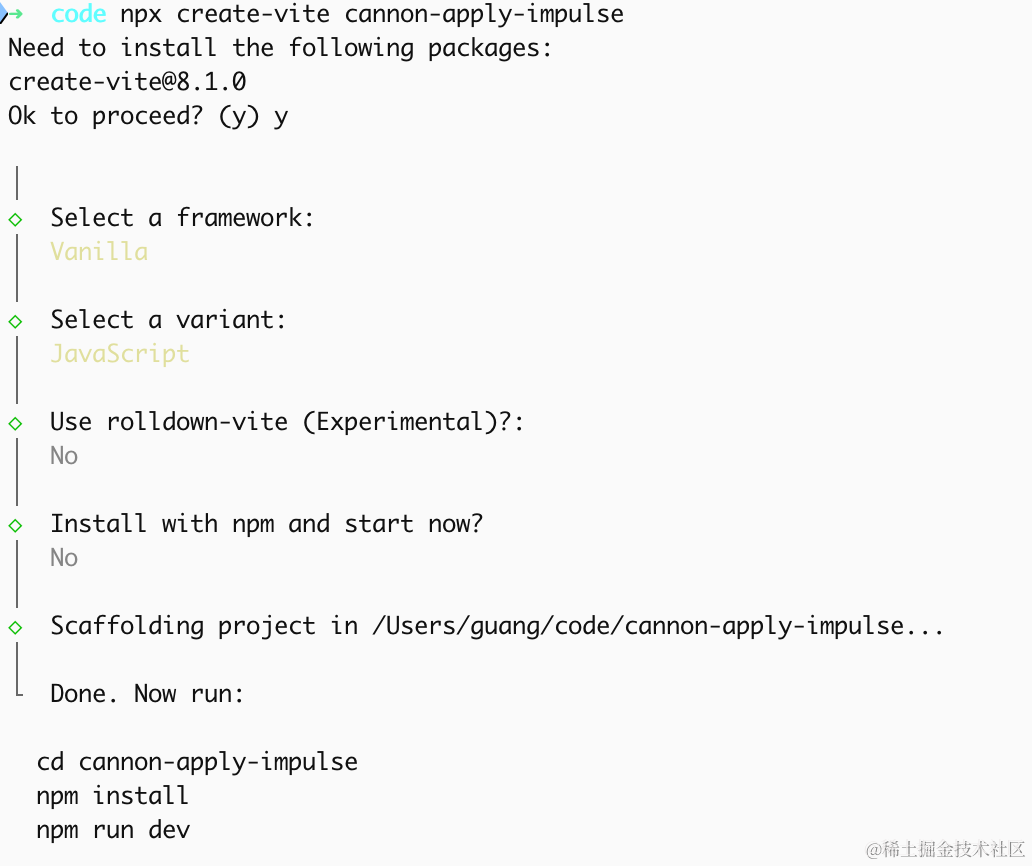 进入项目,安装依赖:
pnpm install
pnpm install --save three
pnpm install --save-dev @types/three
改下 src/main.js
import './style.css';
import * as THREE from 'three';
import {
    OrbitControls
} from 'three/addons/controls/OrbitControls.js';
import mesh from './mesh.js';

const scene = new THREE.Scene();

scene.add(mesh);

const directionLight = new THREE.DirectionalLight(0xffffff);
directionLight.position.set(500, 600, 800);
scene.add(directionLight);

const ambientLight = new THREE.AmbientLight();
scene.add(ambientLight);

const helper = new THREE.AxesHelper(1000);
scene.add(helper);

const width = window.innerWidth;
const height = window.innerHeight;

const camera = new THREE.PerspectiveCamera(60, width / height, 0.1, 10000);
camera.position.set(500, 600, 800);
camera.lookAt(0, 0, 0);

const renderer = new THREE.WebGLRenderer({
  antialias: true,
});
renderer.setSize(width, height)

function render() {
    renderer.render(scene, camera);
    requestAnimationFrame(render);
}

render();

document.body.append(renderer.domElement);

const controls = new OrbitControls(camera, renderer.domElement);
创建 Scene、Light、Camera、Renderer。
改下 style.css
body {
  margin: 0;
}
写一下 mesh.js
import * as THREE from 'three';

const planeGeometry = new THREE.PlaneGeometry(1000, 1000);
const planeMaterial = new THREE.MeshLambertMaterial({
    color: new THREE.Color('skyblue')
});

const plane = new THREE.Mesh(planeGeometry, planeMaterial);
plane.rotateX(- Math.PI / 2);

const boxGeometry = new THREE.BoxGeometry(50, 50, 50);
const boxMaterial = new THREE.MeshLambertMaterial({
    color: new THREE.Color('orange')
});
const box = new THREE.Mesh(boxGeometry, boxMaterial);
box.position.y = 25;

const mesh = new THREE.Group();
mesh.add(plane);
mesh.add(box);

export default mesh;
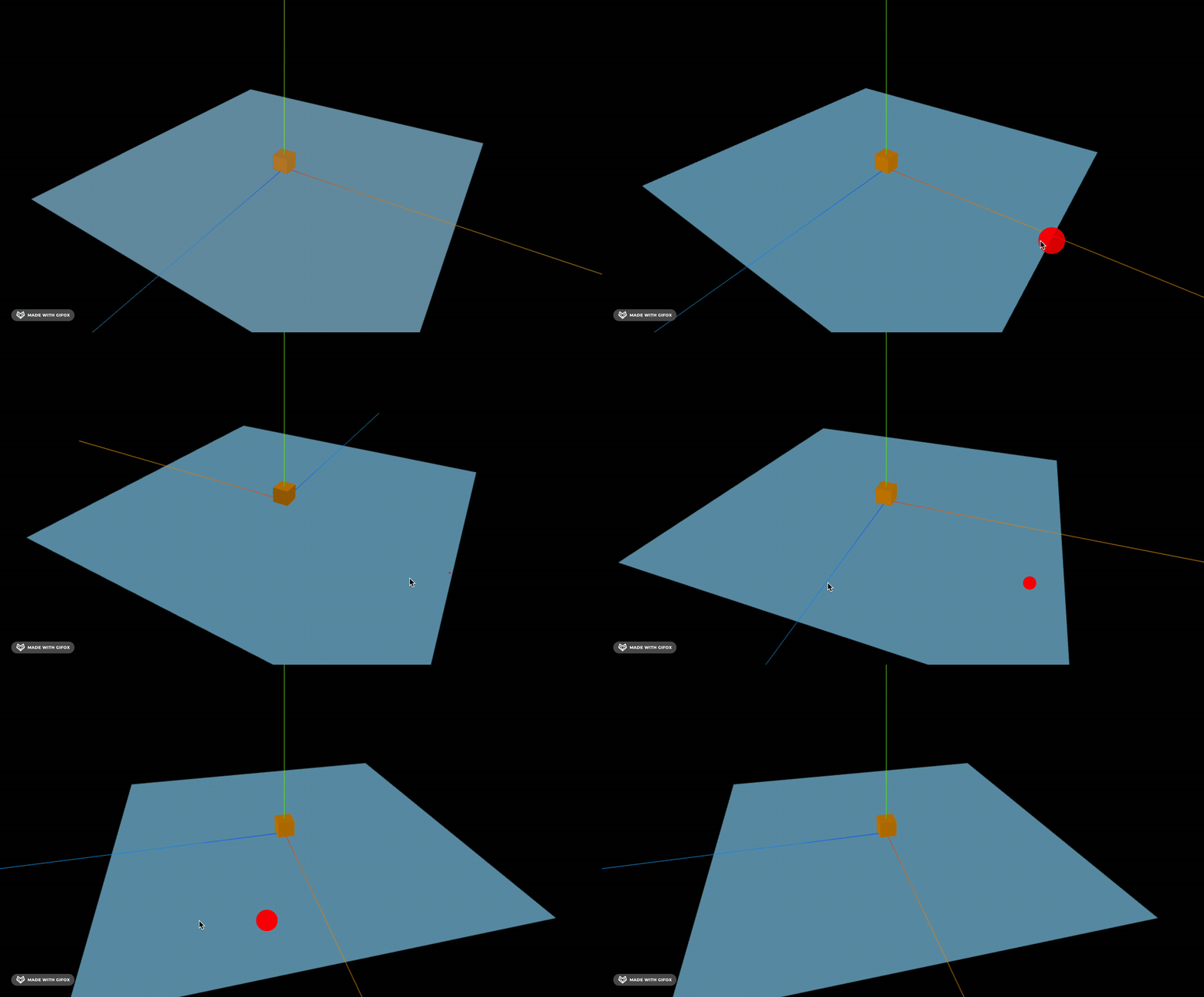
看下效果:
npm run dev
我们多画一些立方体:
import * as THREE from 'three';

const group = new THREE.Group();

const planeGeometry = new THREE.PlaneGeometry(1000, 1000);
const planeMaterial = new THREE.MeshLambertMaterial({
    color: new THREE.Color('skyblue')
});

const plane = new THREE.Mesh(planeGeometry, planeMaterial);
plane.rotateX(- Math.PI / 2);
group.add(plane);

const boxSize = 50;
const boxGeo = new THREE.BoxGeometry(boxSize, boxSize, boxSize);
const colorA = new THREE.Color('orange');

function addBoxAt(x, y, z) {
    const mat = new THREE.MeshPhongMaterial({ color: colorA });
    const mesh = new THREE.Mesh(boxGeo, mat);
    mesh.position.set(x, y, z);
    group.add(mesh);
}

const cols = 20;
const rows = 3;
const half = boxSize / 2;

for (let i = 0; i < cols; i++) {
  for (let j = 0; j < rows; j++) {
    const x = (i - (cols - 1) / 2) * boxSize;
    const y = half + j * boxSize;
    addBoxAt(x, y, 0);
  }
}

export default group;
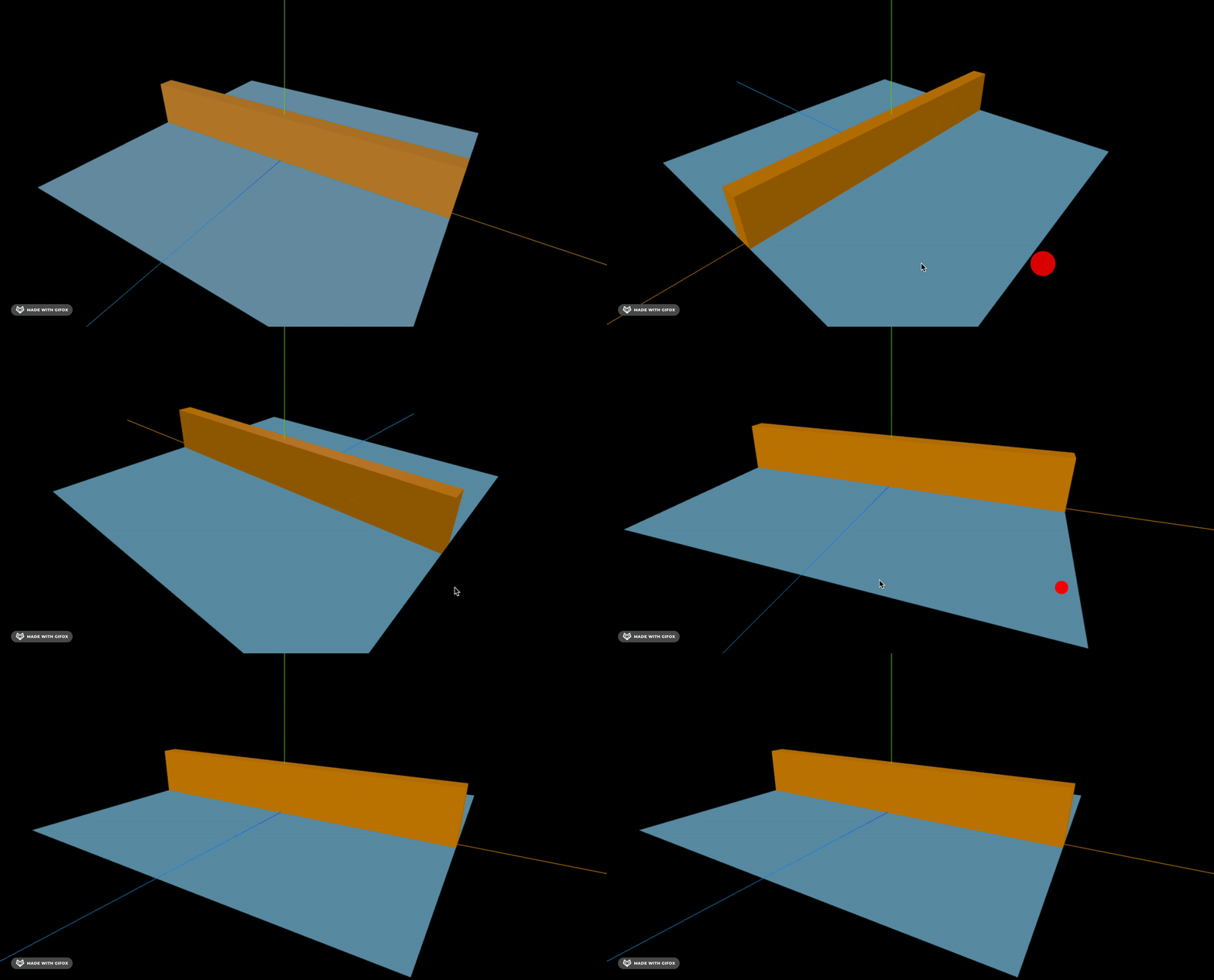
画 20 * 3 的立方体,每个立方体 50 的大小。
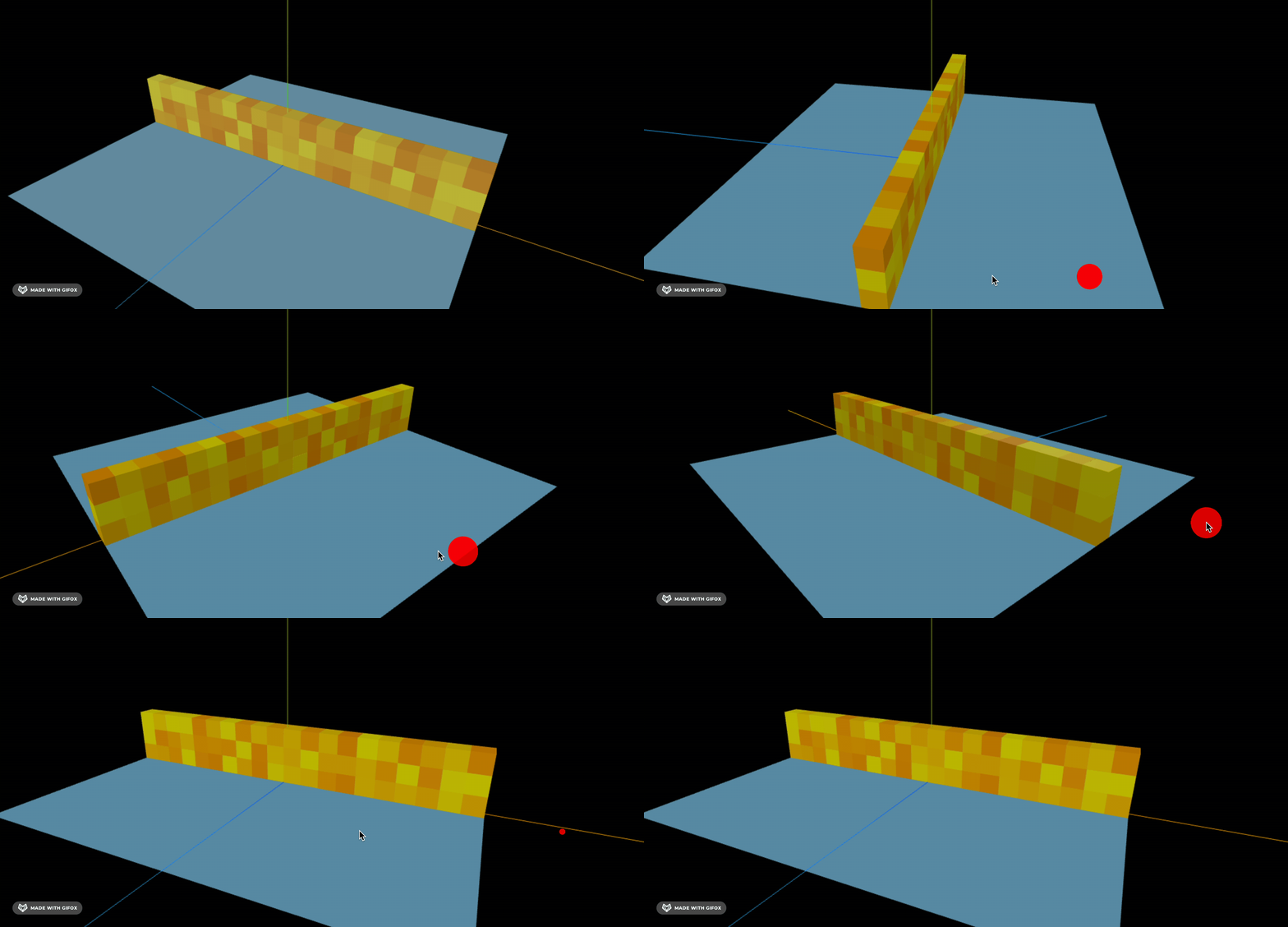
然后加一个随机颜色:
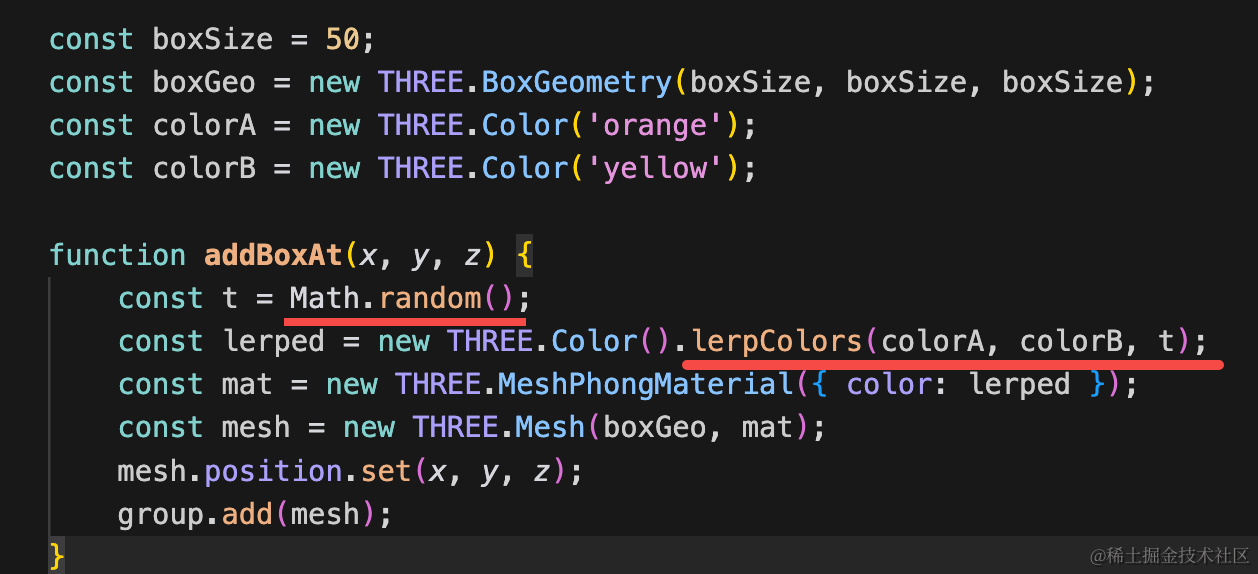
用两个 color 的随机插值来生成颜色:
const colorA = new THREE.Color('orange');
const colorB = new THREE.Color('yellow');

function addBoxAt(x, y, z) {
    const t = Math.random();
    const lerped = new THREE.Color().lerpColors(colorA, colorB, t);
    const mat = new THREE.MeshPhongMaterial({ color: lerped });
    const mesh = new THREE.Mesh(boxGeo, mat);
    mesh.position.set(x, y, z);
    group.add(mesh);
}
移动下位置:
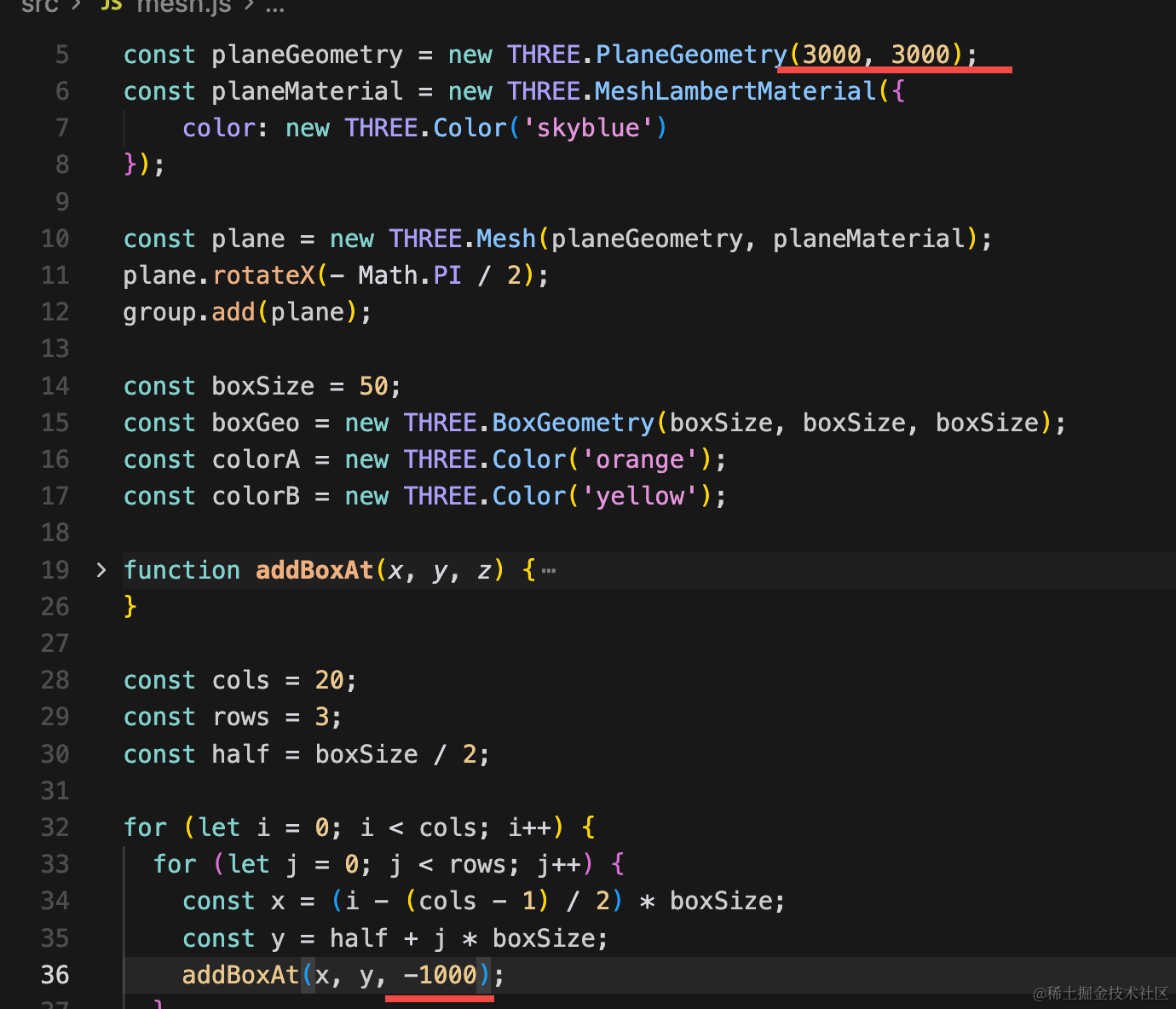
平面变为 3000 * 3000 大小,立方体堆移到 z -1000 的位置:
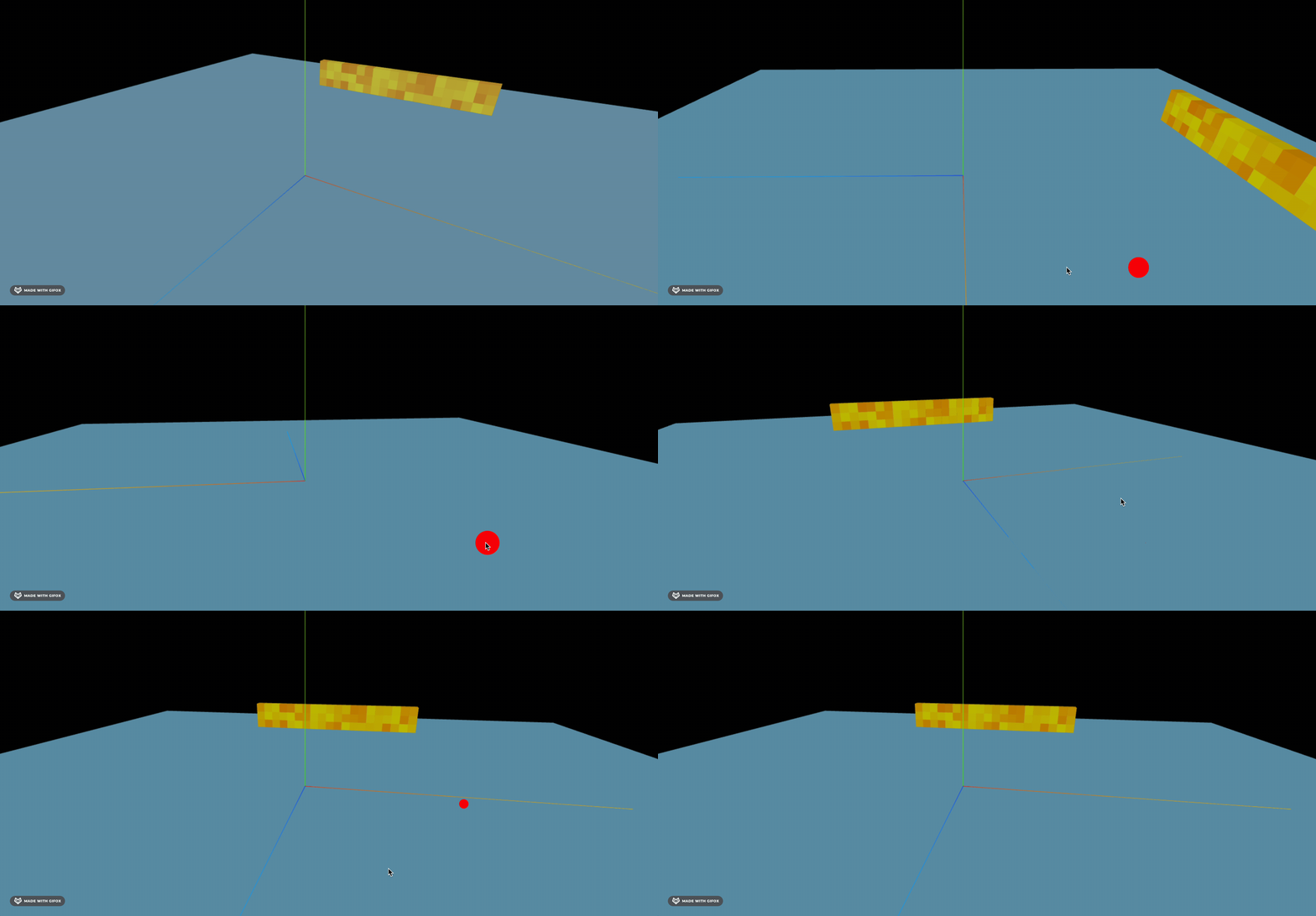
然后画一个小球:
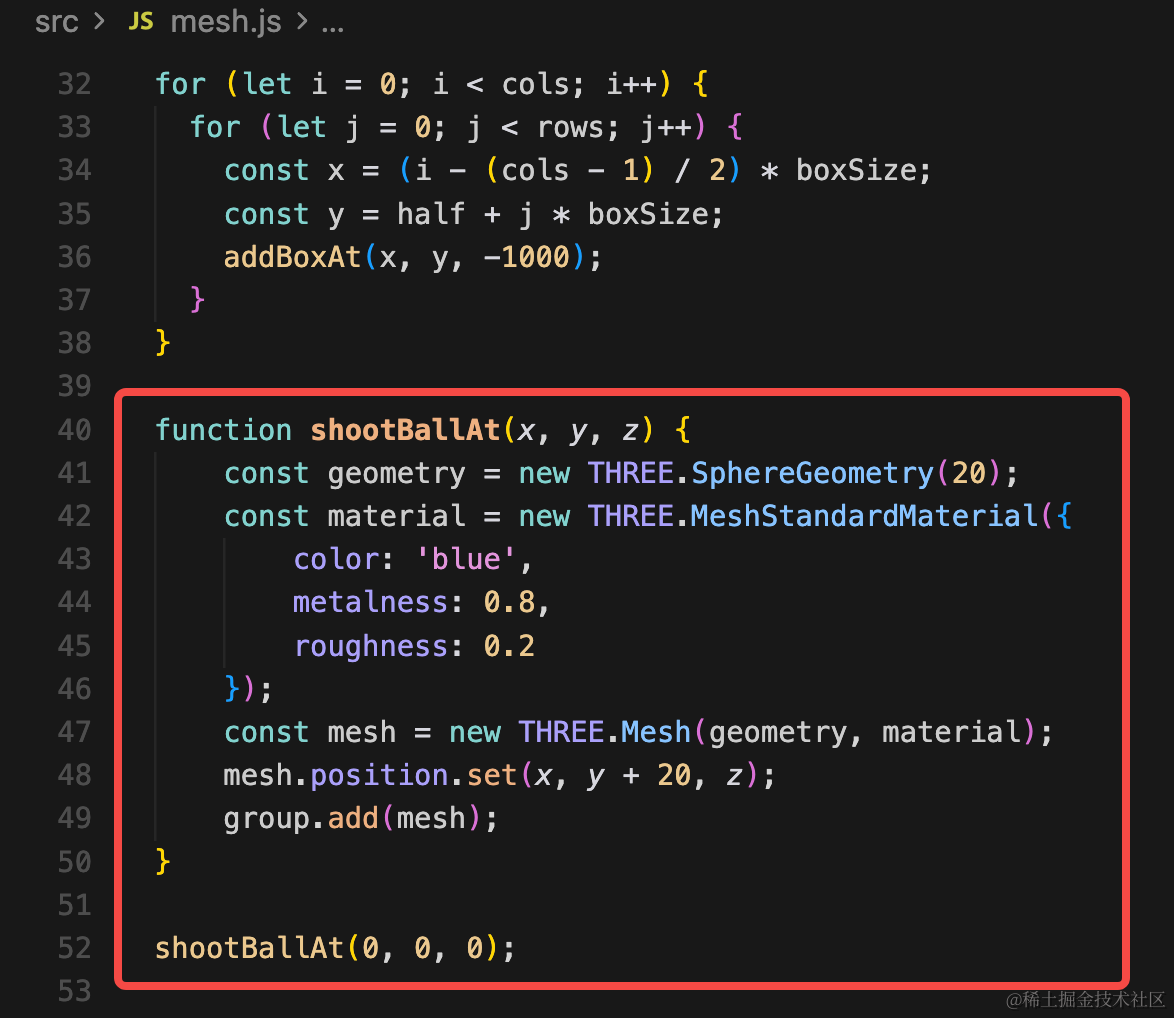
这里设置比较高的金属度。
function shootBallAt(x, y, z) {
    const geometry = new THREE.SphereGeometry(20);
    const material = new THREE.MeshStandardMaterial({
        color: 'blue',
        metalness: 0.8,
        roughness: 0.2
    });
    const mesh = new THREE.Mesh(geometry, material);
    mesh.position.set(x, y + 20, z);
    group.add(mesh);
}

shootBallAt(0, 0, 0);
去掉坐标轴,看下效果:
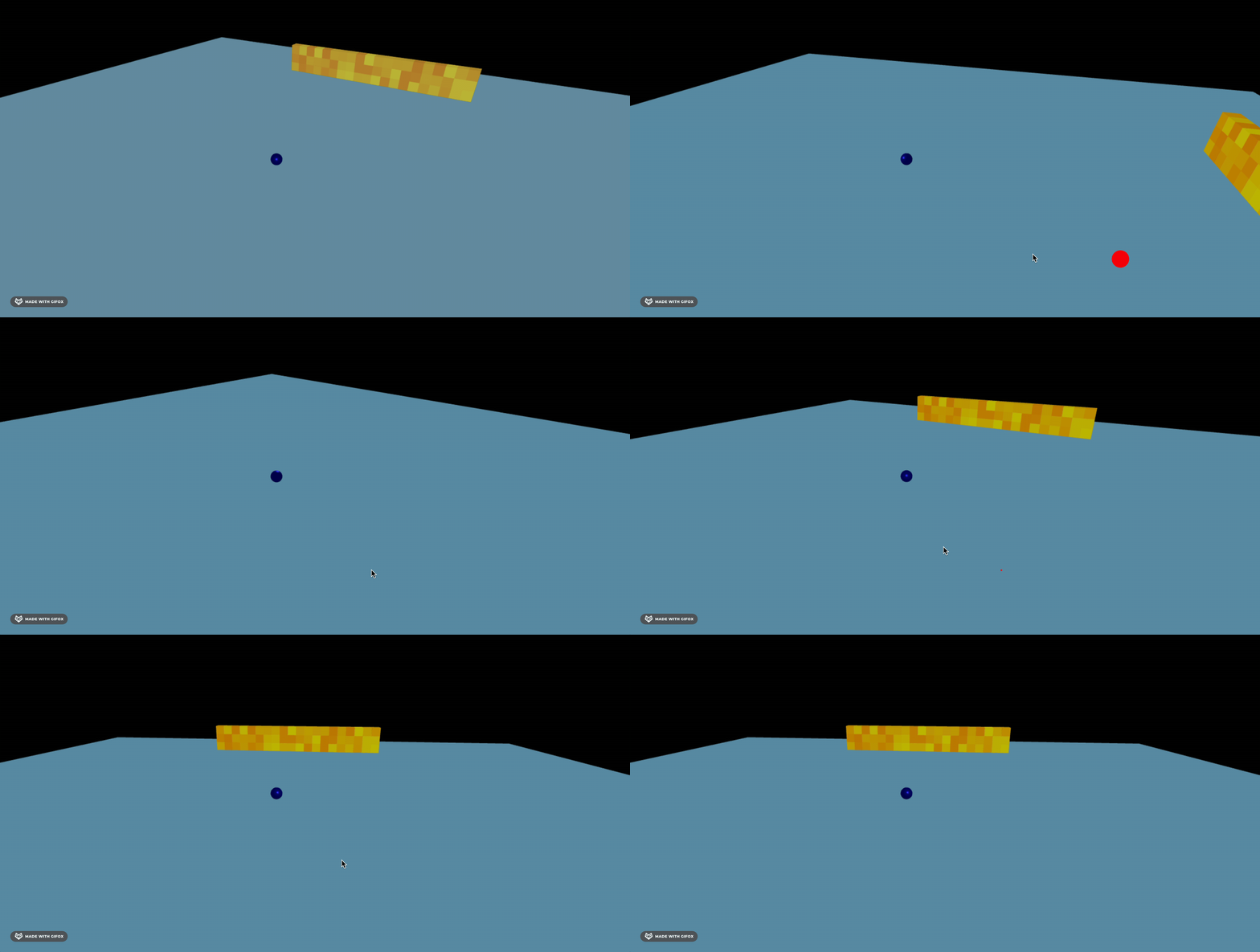
球、立方体堆、平面都画好了,下一步就是怎么把这个球发射出去,撞倒立方体堆了。
案例代码上传了小册仓库
总结
这节我们把场景画了出来,包括球、立方体堆等。
下节我们引入 cannon,实现小球发射撞倒立方体堆的物理效果。