前面用过 cannon 物理引擎的推力、摩擦力、弹力等,但物理世界可不止这些作用力。
还有旋转的向心力等。
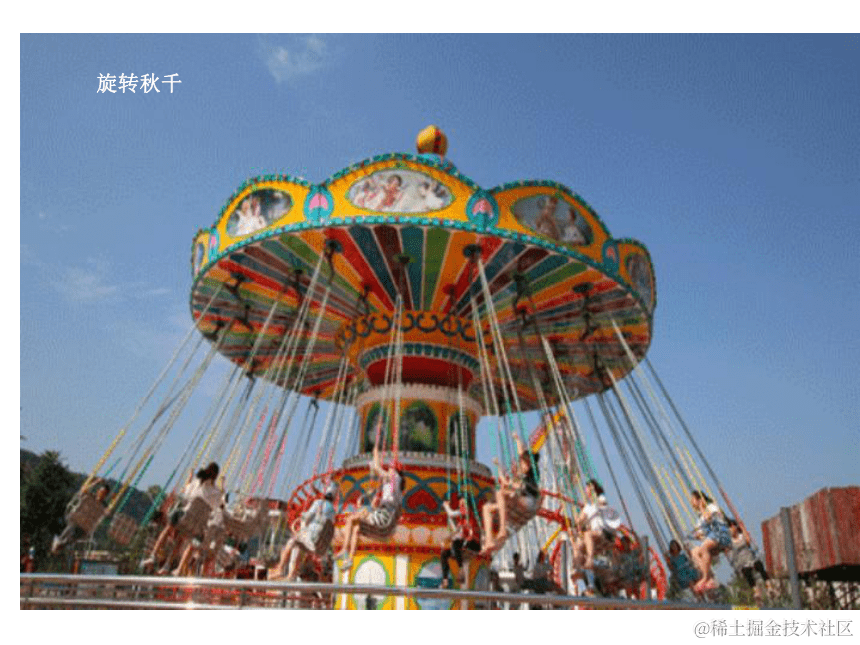
比如旋转秋千这种就是向心力:
这节我们就来做一个向心力的案例:摆锤。
npx create-vite cannon-hingle-pendulum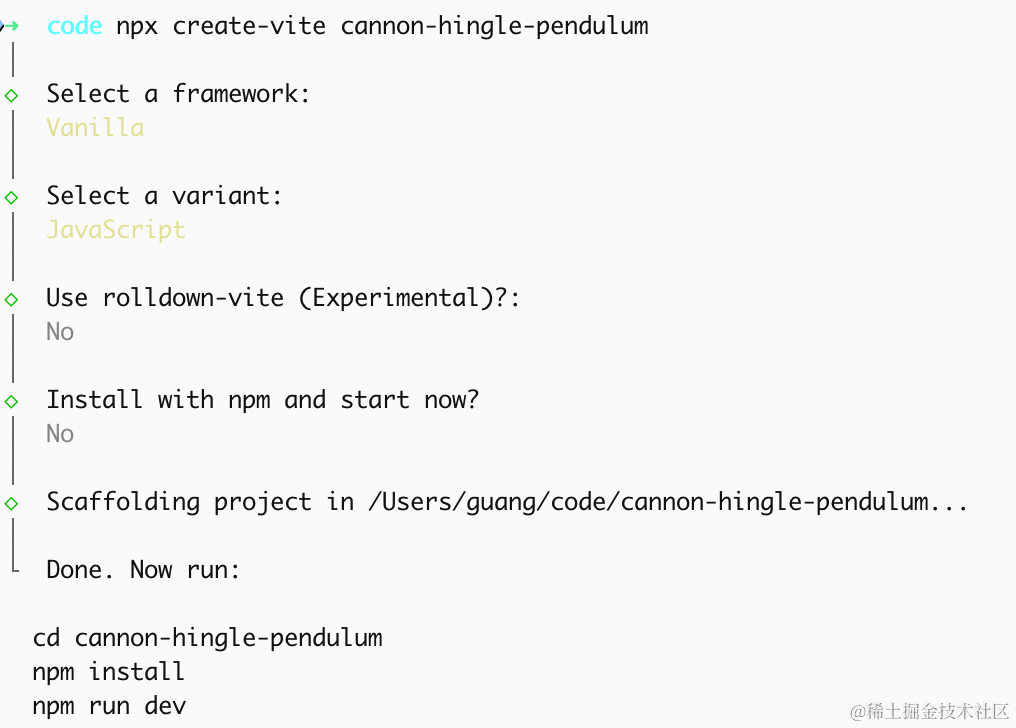
进入项目,安装依赖:
pnpm install
pnpm install --save three
pnpm install --save-dev @types/three
安装 cannon:
pnpm install --save cannon-es改下 src/main.js
import './style.css';
import * as THREE from 'three';
import {
    OrbitControls
} from 'three/addons/controls/OrbitControls.js';
import mesh from './mesh.js';

const scene = new THREE.Scene();
scene.background = new THREE.Color(0x1a1a2e);

scene.add(mesh);

scene.add(new THREE.AmbientLight(0xffffff, 0.6));
const dir = new THREE.DirectionalLight(0xffffff, 0.8);
dir.position.set(5, 10, 5);

scene.add(dir);

const width = window.innerWidth;
const height = window.innerHeight;

const camera = new THREE.PerspectiveCamera(60, width / height, 0.1, 1000);
camera.position.set(0, 8, 8);
camera.lookAt(0, 2, 0);

const renderer = new THREE.WebGLRenderer({
  antialias: true,
});
renderer.setSize(width, height)

function render() {
    renderer.render(scene, camera);
    requestAnimationFrame(render);
}

render();

document.body.append(renderer.domElement);

const controls = new OrbitControls(camera, renderer.domElement);
创建 Scene、Light、Camera、Renderer。
改下 style.css
body {
  margin: 0;
}
写一下 mesh.js
import * as THREE from 'three';
import * as THREE from 'three';

const group = new THREE.Group();

const groundGeo = new THREE.PlaneGeometry(20, 20);
const groundMat = new THREE.MeshLambertMaterial({ color: 0x2c3e50 });
const groundMesh = new THREE.Mesh(groundGeo, groundMat);
groundMesh.rotation.x = -Math.PI / 2;
groundMesh.receiveShadow = true;
group.add(groundMesh);

export default group;
我们先画一个平面。
看下效果:
npm run dev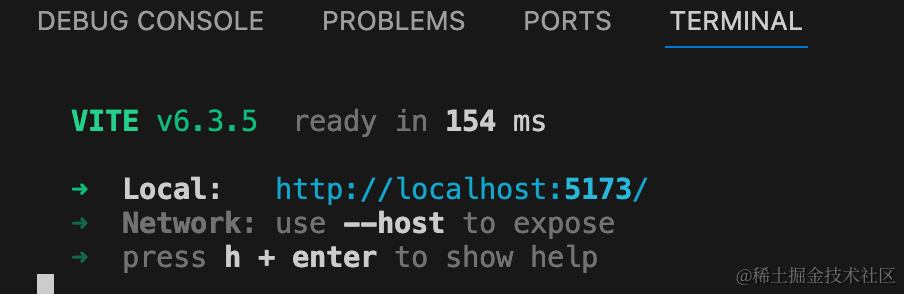

然后把摆锤画出来:
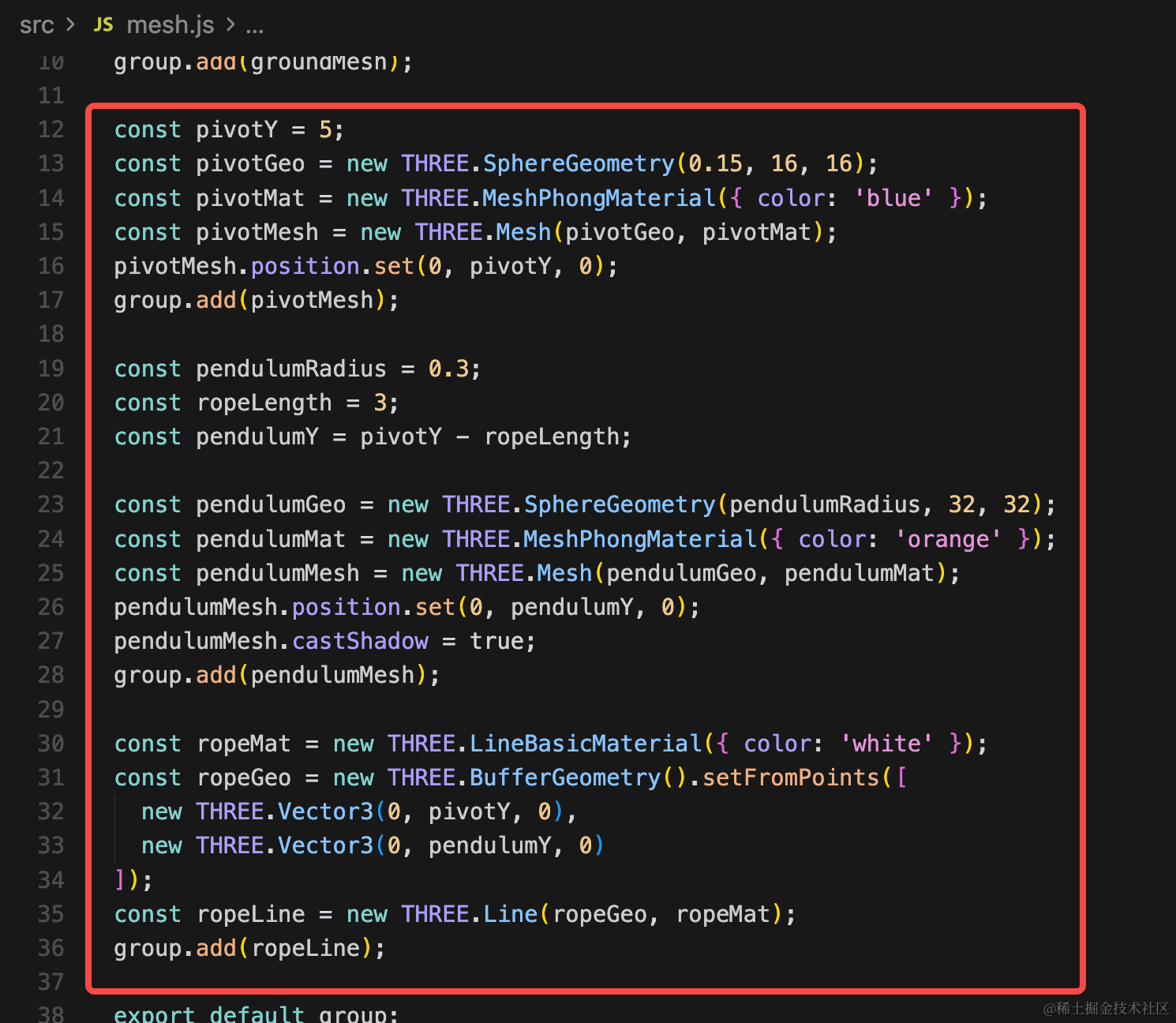
const pivotY = 5;
const pivotGeo = new THREE.SphereGeometry(0.15, 16, 16);
const pivotMat = new THREE.MeshPhongMaterial({ color: 'blue' });
const pivotMesh = new THREE.Mesh(pivotGeo, pivotMat);
pivotMesh.position.set(0, pivotY, 0);
group.add(pivotMesh);

const pendulumRadius = 0.3;
const ropeLength = 3;
const pendulumY = pivotY - ropeLength;

const pendulumGeo = new THREE.SphereGeometry(pendulumRadius, 32, 32);
const pendulumMat = new THREE.MeshPhongMaterial({ color: 'orange' });
const pendulumMesh = new THREE.Mesh(pendulumGeo, pendulumMat);
pendulumMesh.position.set(0, pendulumY, 0);
pendulumMesh.castShadow = true;
group.add(pendulumMesh);

const ropeMat = new THREE.LineBasicMaterial({ color: 'white' });
const ropeGeo = new THREE.BufferGeometry().setFromPoints([
  new THREE.Vector3(0, pivotY, 0),
  new THREE.Vector3(0, pendulumY, 0)
]);
const ropeLine = new THREE.Line(ropeGeo, ropeMat);
group.add(ropeLine);
两个球、一条线连接。
看下效果:

然后如何让黄球旋转、篮球固定呢?
这就需要用到一个新的铰链 api:
首先我们创建 cannon 物理世界:
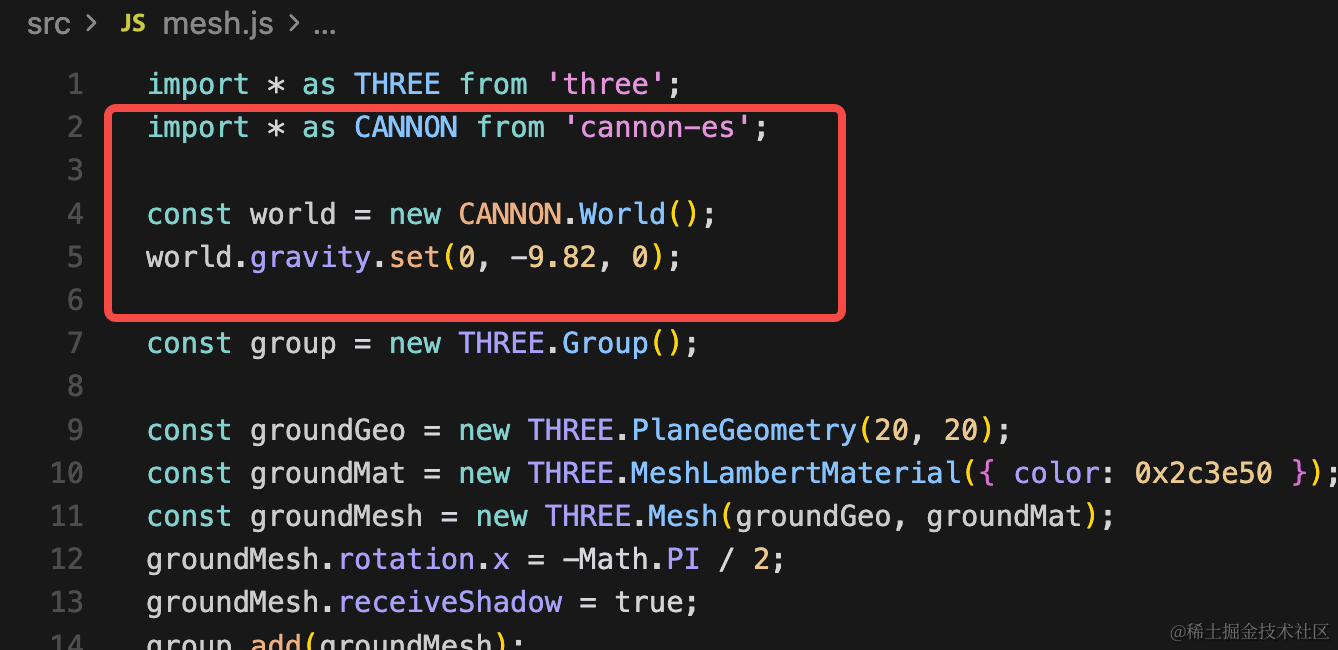
import * as CANNON from 'cannon-es';

const world = new CANNON.World();
world.gravity.set(0, -9.82, 0);
下面下面的平面加到物理世界里:
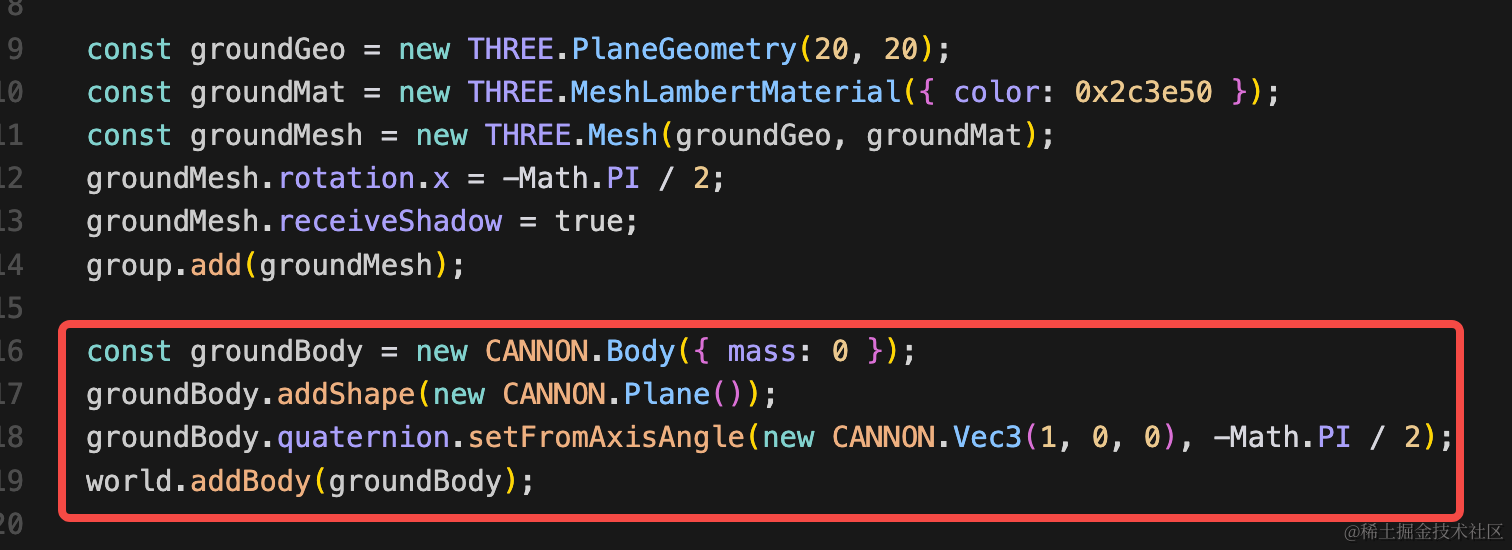
const groundBody = new CANNON.Body({ mass: 0 });
groundBody.addShape(new CANNON.Plane());
groundBody.quaternion.setFromAxisAngle(new CANNON.Vec3(1, 0, 0), -Math.PI / 2);
world.addBody(groundBody);
质量为 0 就是不会移动。
然后分别把固定点、小球也加到物理世界里:
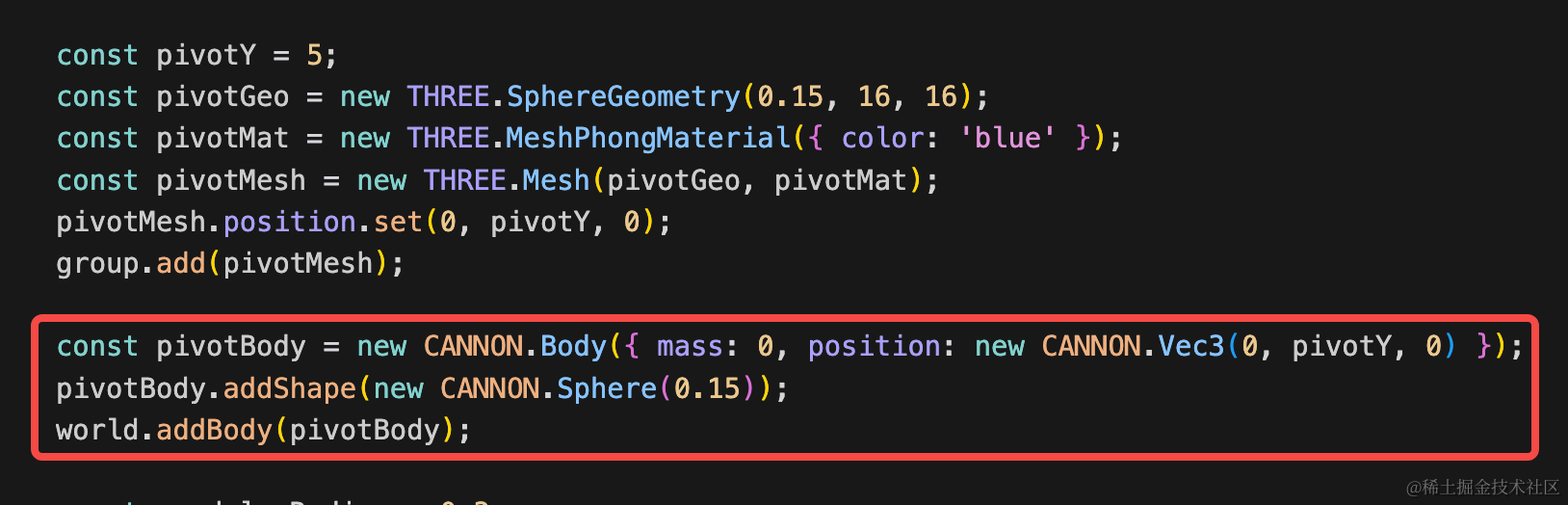
const pivotBody = new CANNON.Body({ mass: 0, position: new CANNON.Vec3(0, pivotY, 0) });
pivotBody.addShape(new CANNON.Sphere(0.15));
world.addBody(pivotBody);
质量为 0,和地面一样是固定不动的。
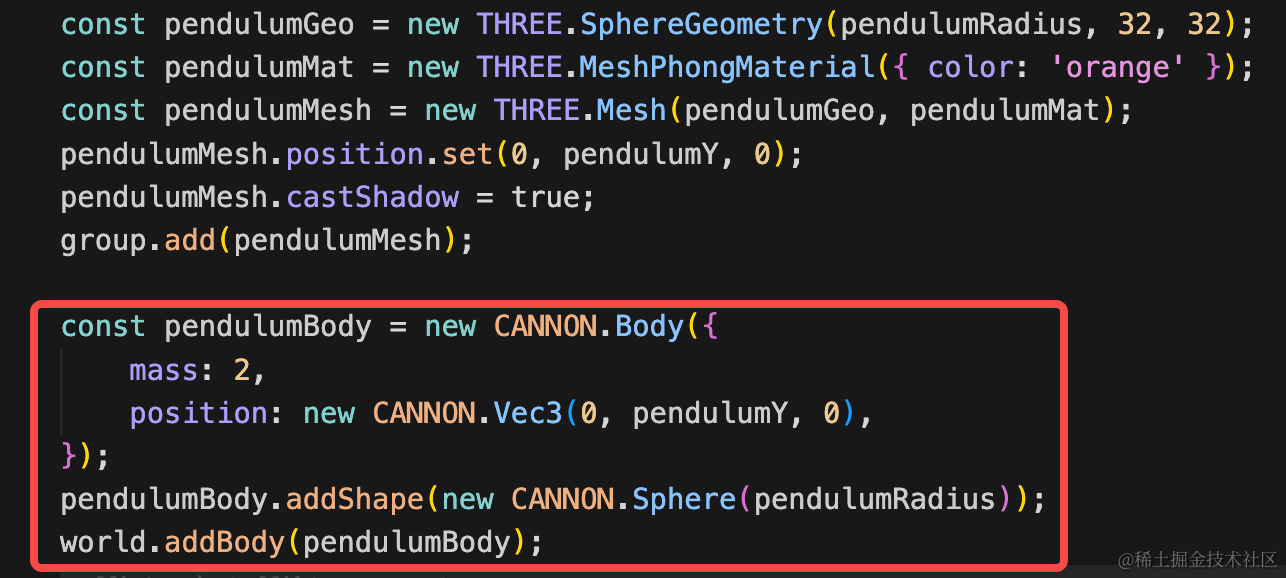
const pendulumBody = new CANNON.Body({
    mass: 2,
    position: new CANNON.Vec3(0, pendulumY, 0),
});
pendulumBody.addShape(new CANNON.Sphere(pendulumRadius));
world.addBody(pendulumBody);
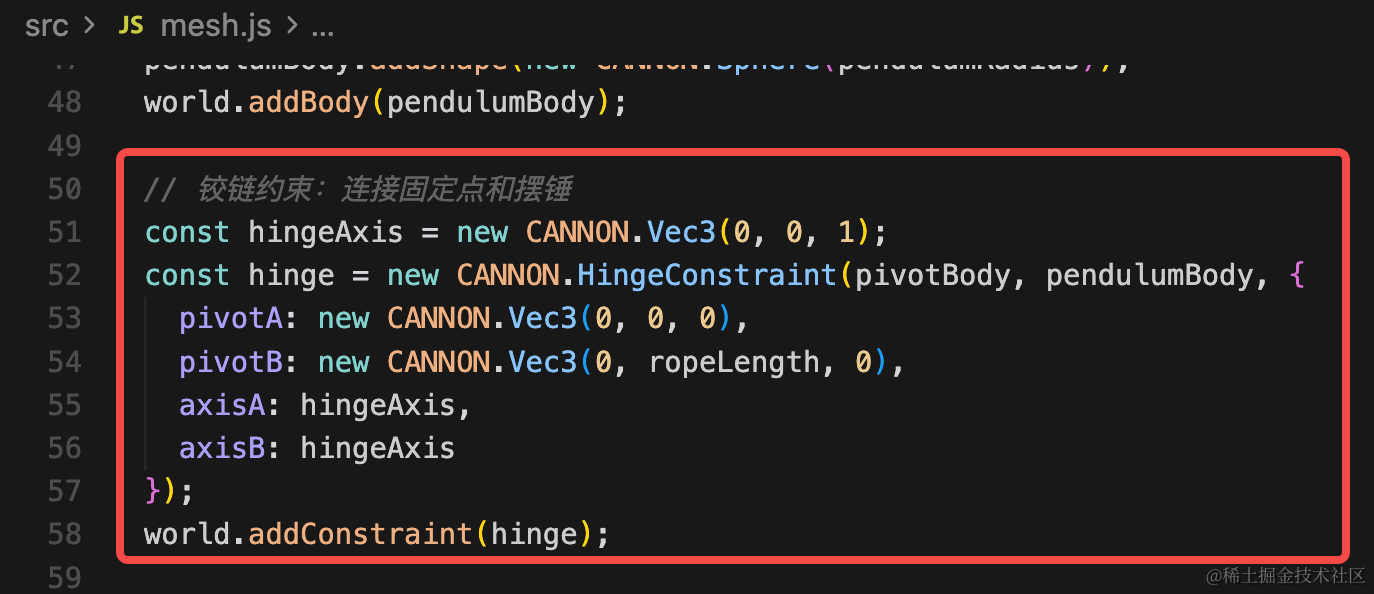
如何让固定点、小球连接起来呢?
用铰链 api:
const hingeAxis = new CANNON.Vec3(0, 0, 1);
const hinge = new CANNON.HingeConstraint(pivotBody, pendulumBody, {
  pivotA: new CANNON.Vec3(0, 0, 0),
  pivotB: new CANNON.Vec3(0, ropeLength, 0),
  axisA: hingeAxis,
  axisB: hingeAxis
});
world.addConstraint(hinge);
添加铰链约束,把固定点和球连接起来。
pivotA、pivotB 分别指定铰链连接两个物体的什么位置,这里设置成他们的 position 即可,也就是连接中心点。
axisA 和 axiesB 是旋转轴方向,0,0,1 就是绕 z 轴旋转。
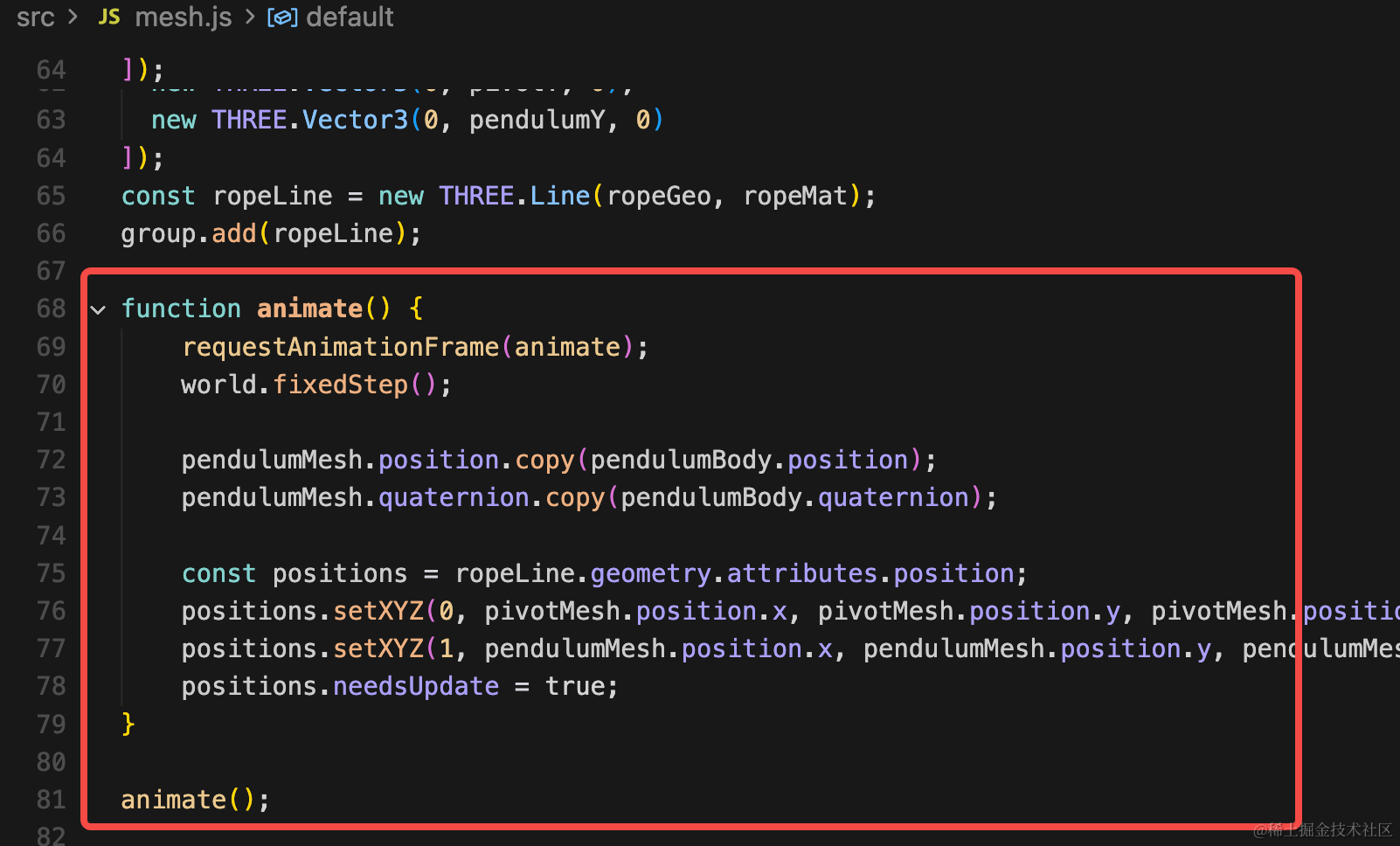
然后我们把物理世界的物体位置同步到 threejs 场景:
function animate() {
    requestAnimationFrame(animate);
    world.fixedStep();

    pendulumMesh.position.copy(pendulumBody.position);
    pendulumMesh.quaternion.copy(pendulumBody.quaternion);

    const positions = ropeLine.geometry.attributes.position;
    positions.setXYZ(0, pivotMesh.position.x, pivotMesh.position.y, pivotMesh.position.z);
    positions.setXYZ(1, pendulumMesh.position.x, pendulumMesh.position.y, pendulumMesh.position.z);
    positions.needsUpdate = true;
}

animate();
主要是同步小球的位置、旋转角度,线的端点位置这两个。
线的两个端点分别是小球和固定点的位置,设置 needsUpdate 为 true 提示 threejs 更新了顶点位置。
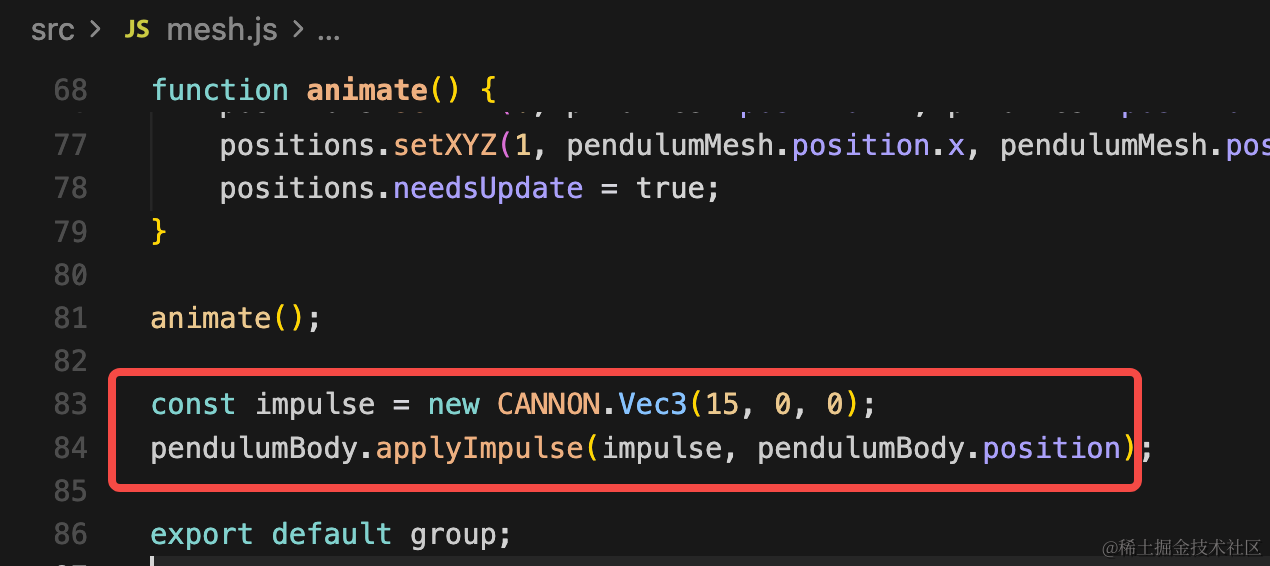
最后,给小球一个推力看下效果:
const impulse = new CANNON.Vec3(15, 0, 0);
pendulumBody.applyImpulse(impulse, pendulumBody.position);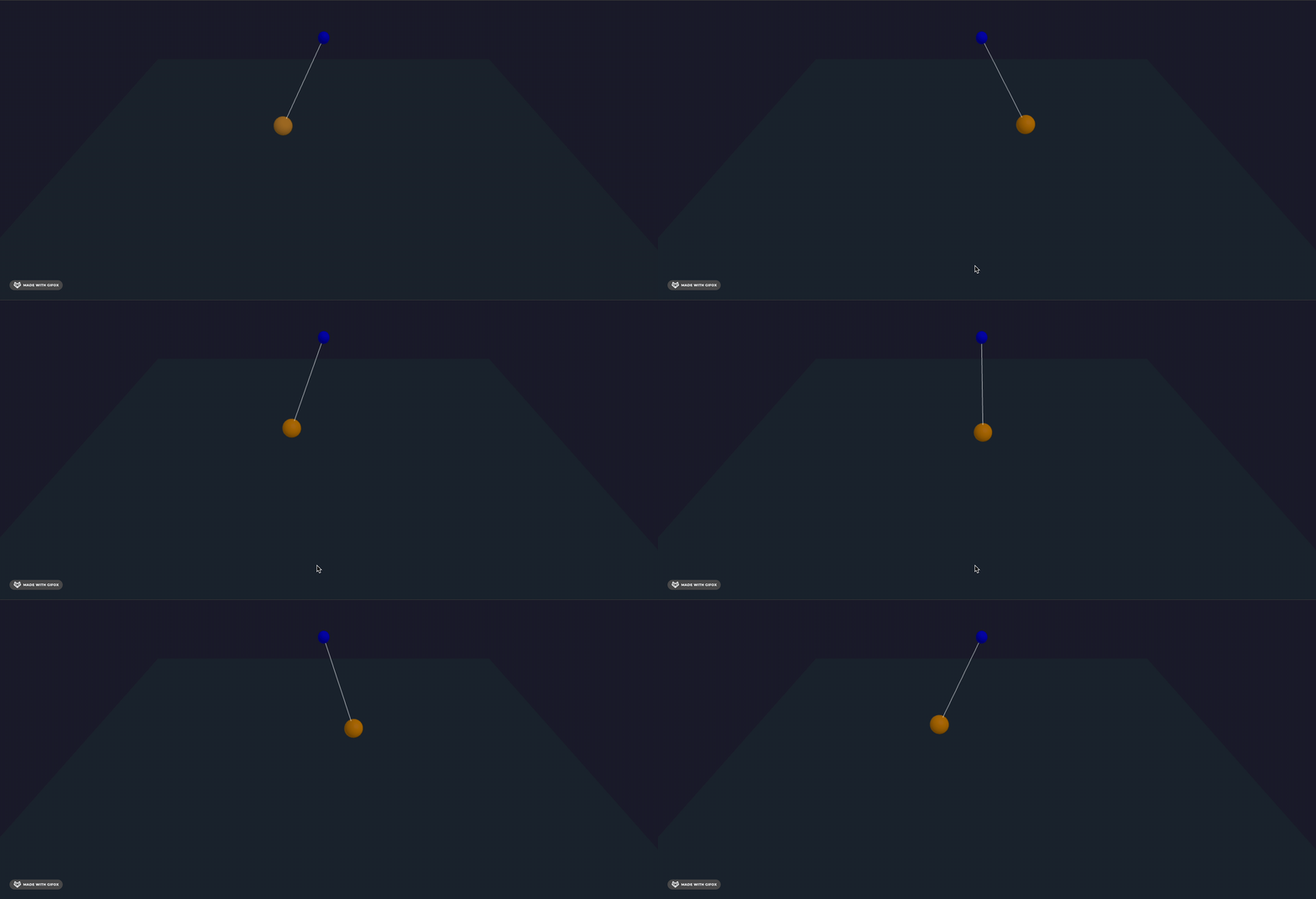
可以看到,小球绕固定点摆动起来了。
加大下推力试试:
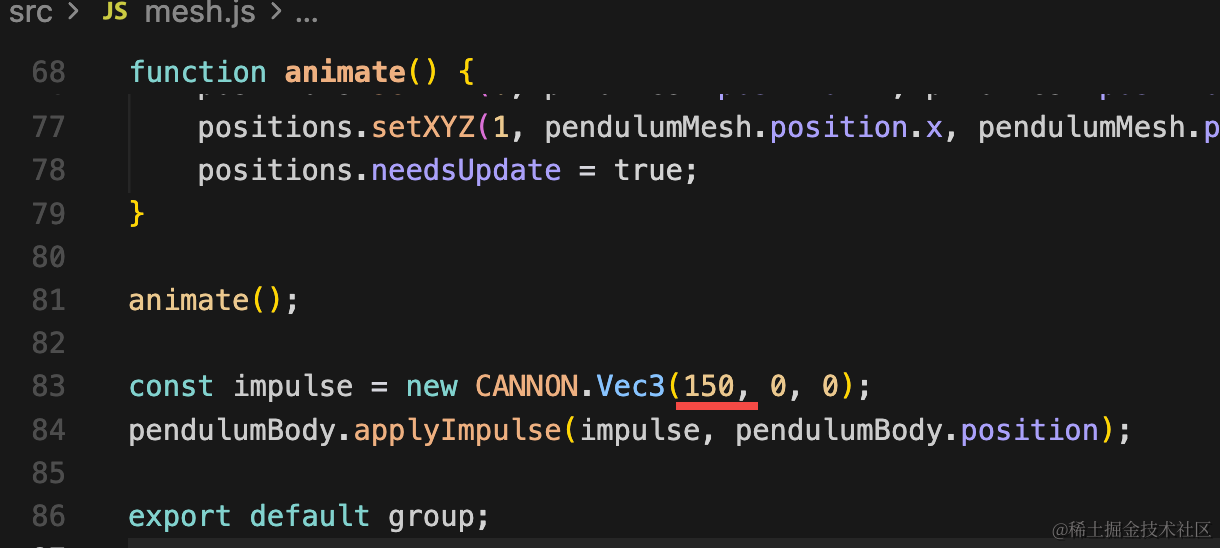
这样,摆锤的效果就实现了。
案例代码上传了小册仓库
总结
这节我们学了铰链约束的 api,他可以把两个物体通过铰链连接起来,实现一起运动的效果。
后面遇到推门、摆锤这种物理效果,都可以用铰链来实现。