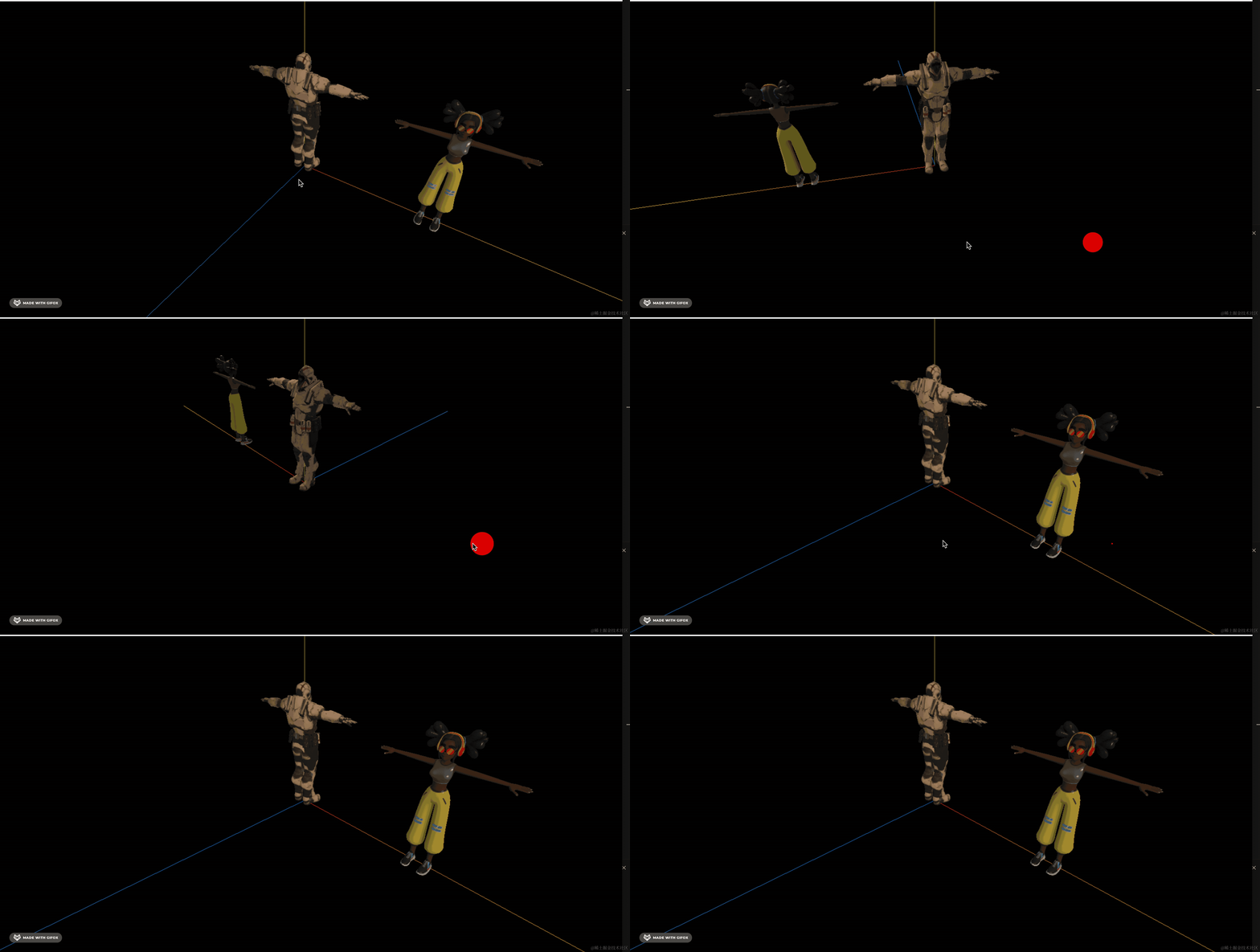
3D 场景中可能有好多人物,有的人物模型有跳舞的骨骼动画,有的没有。
如果我想把其中一个模型的骨骼动画应用到其他的模型可以么?
比如这个:
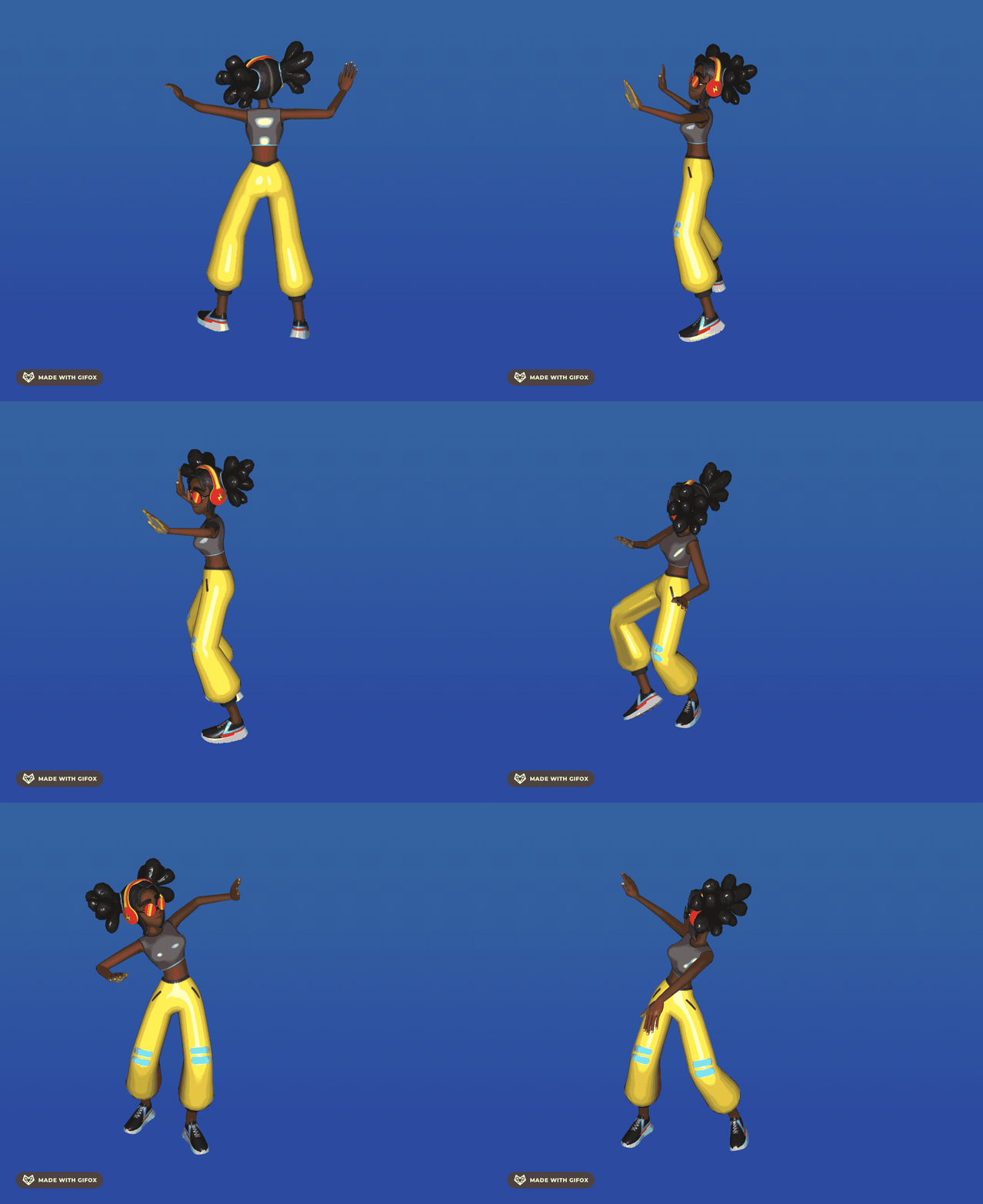
应用到这个:
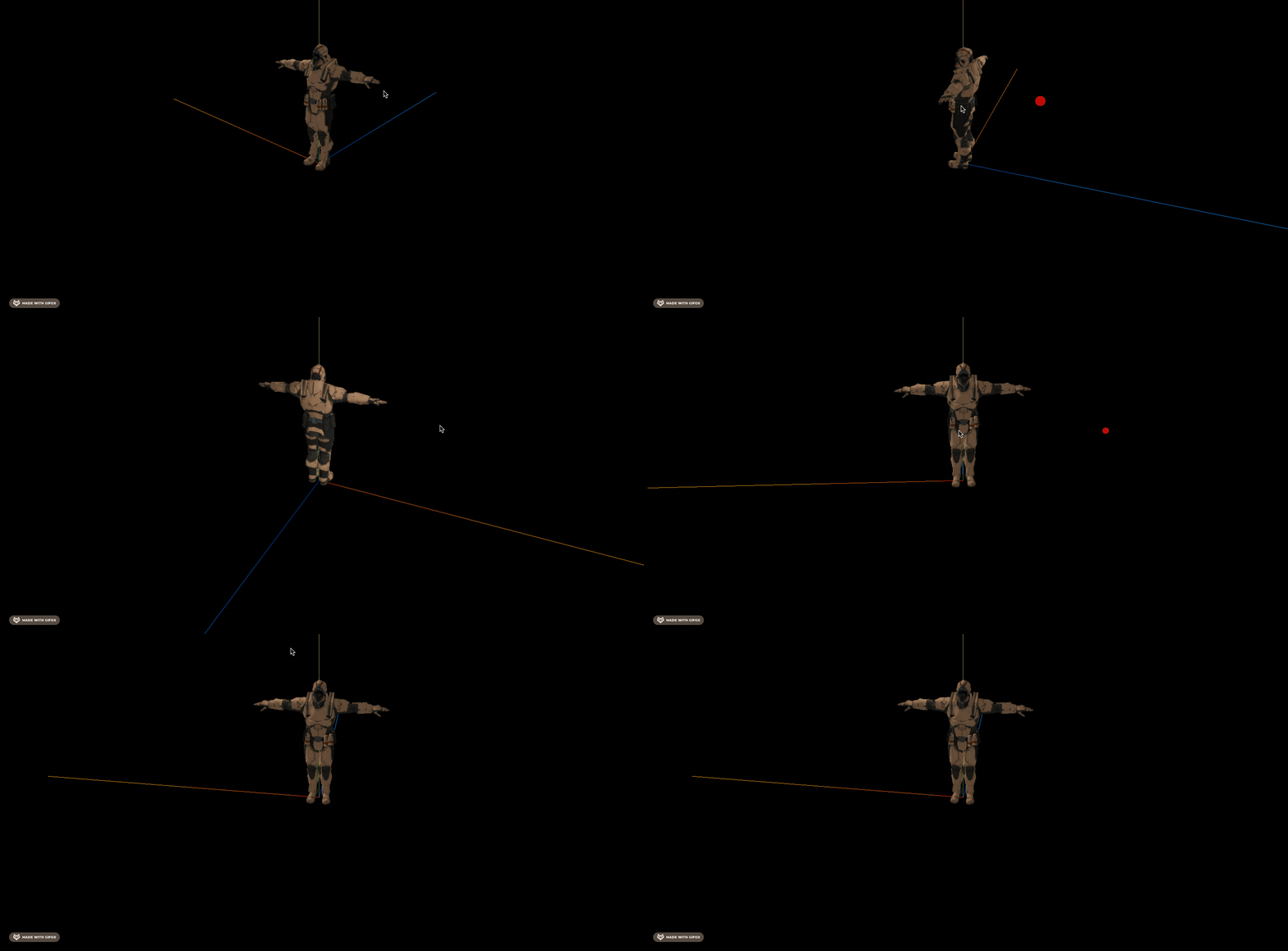
但是可以的,用骨骼动画的重定向。
创建个项目:
npx create-vite animation-retarget-test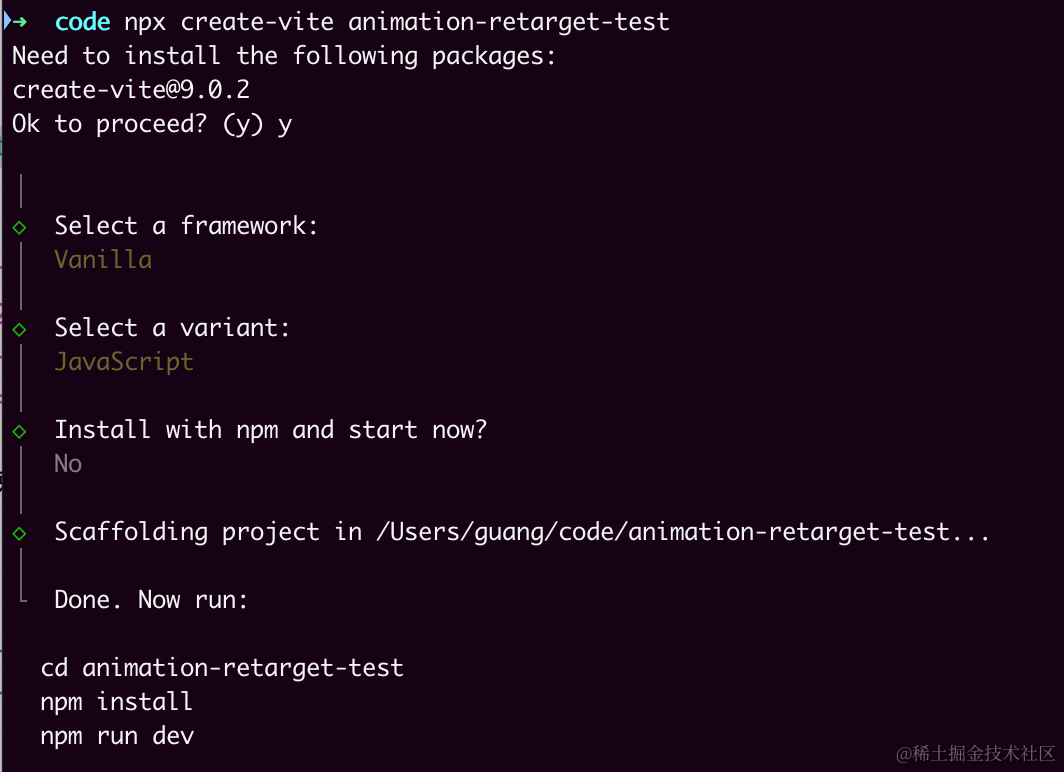
进入项目,安装依赖:
pnpm install
pnpm install --save three
pnpm install --save-dev @types/three
改下 src/main.js
import './style.css';
import * as THREE from 'three';
import {
    OrbitControls
} from 'three/addons/controls/OrbitControls.js';
import mesh from './mesh.js';

const scene = new THREE.Scene();

scene.add(mesh);

const directionLight = new THREE.DirectionalLight(0xffffff, 2);
directionLight.position.set(500, 400, 300);
scene.add(directionLight);

const ambientLight = new THREE.AmbientLight();
scene.add(ambientLight);

const width = window.innerWidth;
const height = window.innerHeight;

const helper = new THREE.AxesHelper(500);
scene.add(helper);

const camera = new THREE.PerspectiveCamera(60, width / height, 0.1, 1000);
camera.position.set(200, 300, 300);
camera.lookAt(0, 0, 0);

const renderer = new THREE.WebGLRenderer();
renderer.setSize(width, height)

function render() {
    renderer.render(scene, camera);
    requestAnimationFrame(render);
}

render();

document.body.append(renderer.domElement);

const controls = new OrbitControls(camera, renderer.domElement);
创建 Scene、Light、Camera、Renderer。
改下 style.css
body {
  margin: 0;
}
然后创建 mesh.js
import * as THREE from 'three';
import { GLTFLoader } from 'three/addons/loaders/GLTFLoader.js';

const loader = new GLTFLoader();

const mesh = new THREE.Group();

loader.load("./Soldier.glb", function (gltf) {
    console.log(gltf);
    mesh.add(gltf.scene);
    gltf.scene.scale.set(100, 100, 100);
})

export default mesh;
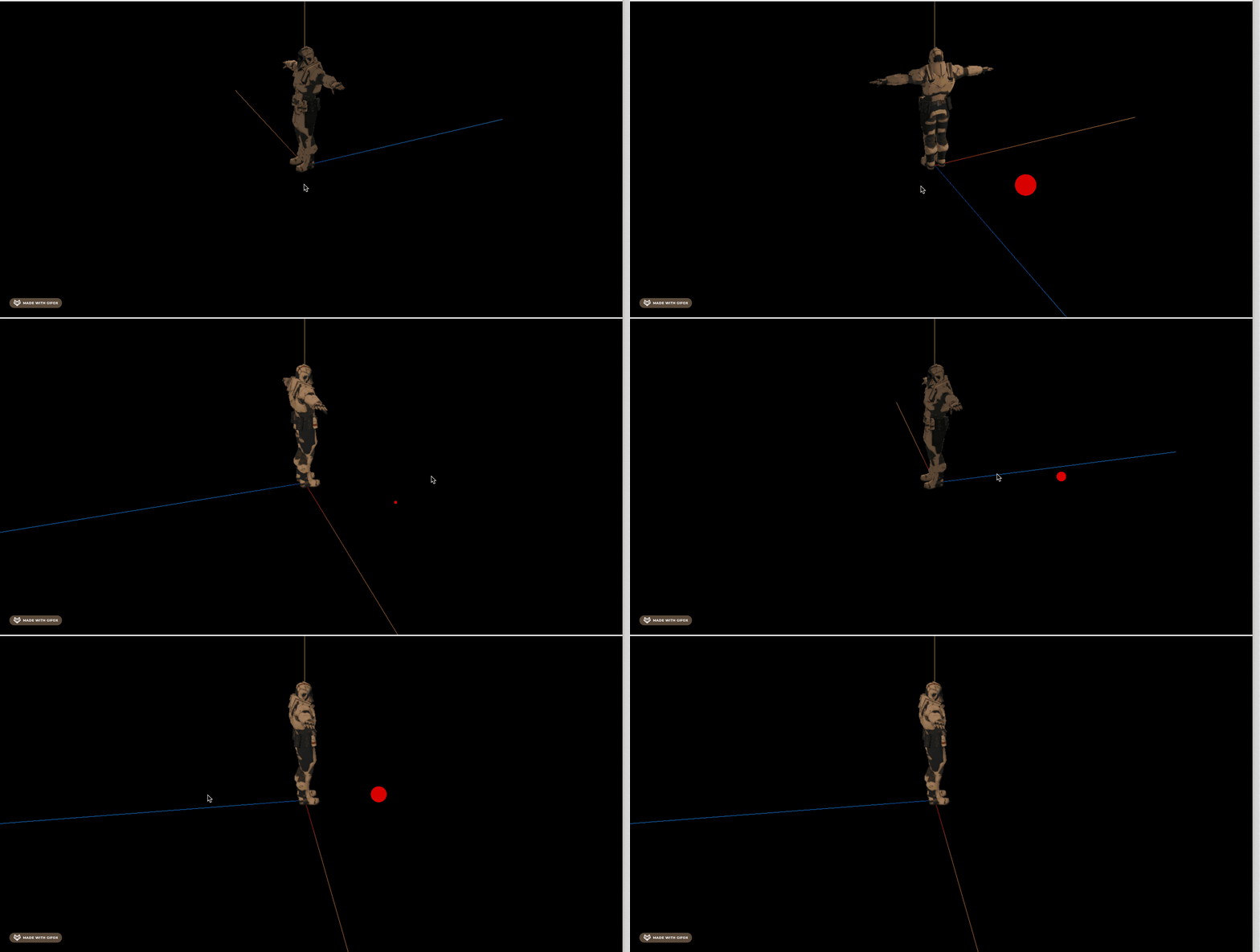
加载士兵模型。
https://github.com/mrdoob/three.js/blob/dev/examples/models/gltf/Soldier.glb
npm run dev
再找一个模型:
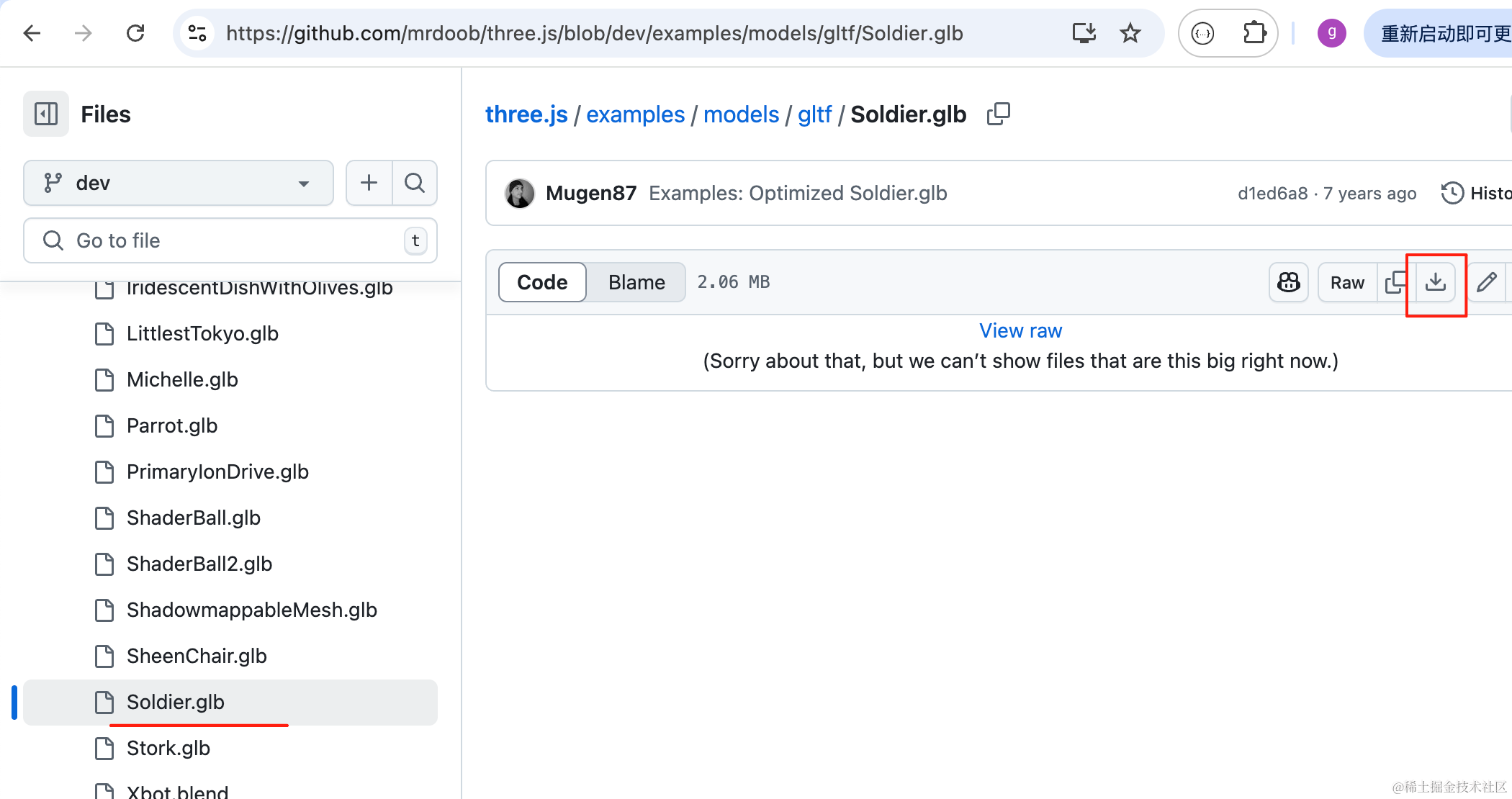
下载 three.js 的 github 仓库里的这个模型:
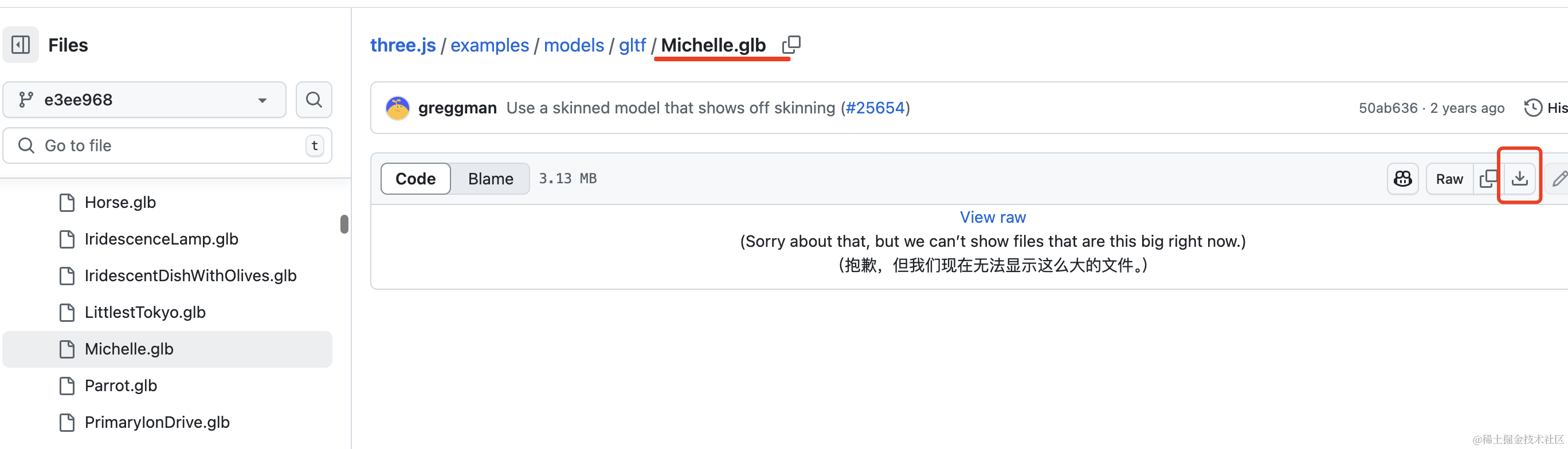
点击右边的下载按钮即可。
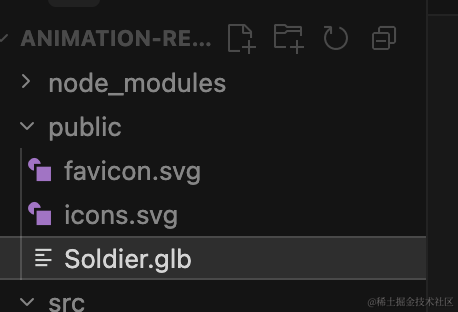
放到项目的 public 目录下:
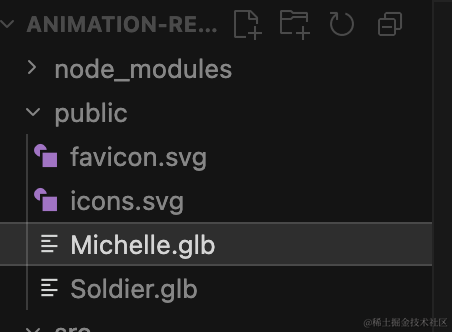
把这个也加载进来:
创建 mesh2.js
import * as THREE from 'three';
import { GLTFLoader } from 'three/addons/loaders/GLTFLoader.js';

const loader = new GLTFLoader();

const mesh = new THREE.Group();

loader.load("./Michelle.glb", function (gltf) {
    console.log(gltf);
    mesh.add(gltf.scene);
    gltf.scene.scale.set(100, 100, 100);

    gltf.scene.position.set(200, 0, 0);
})

export default mesh;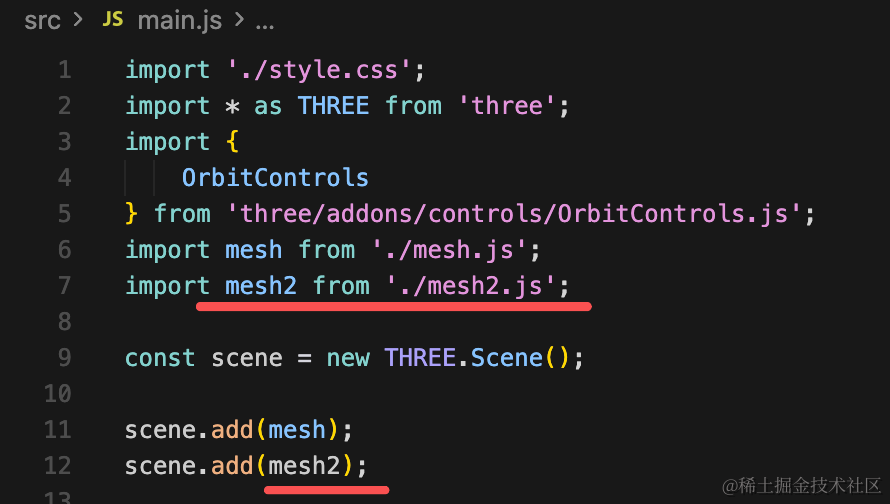
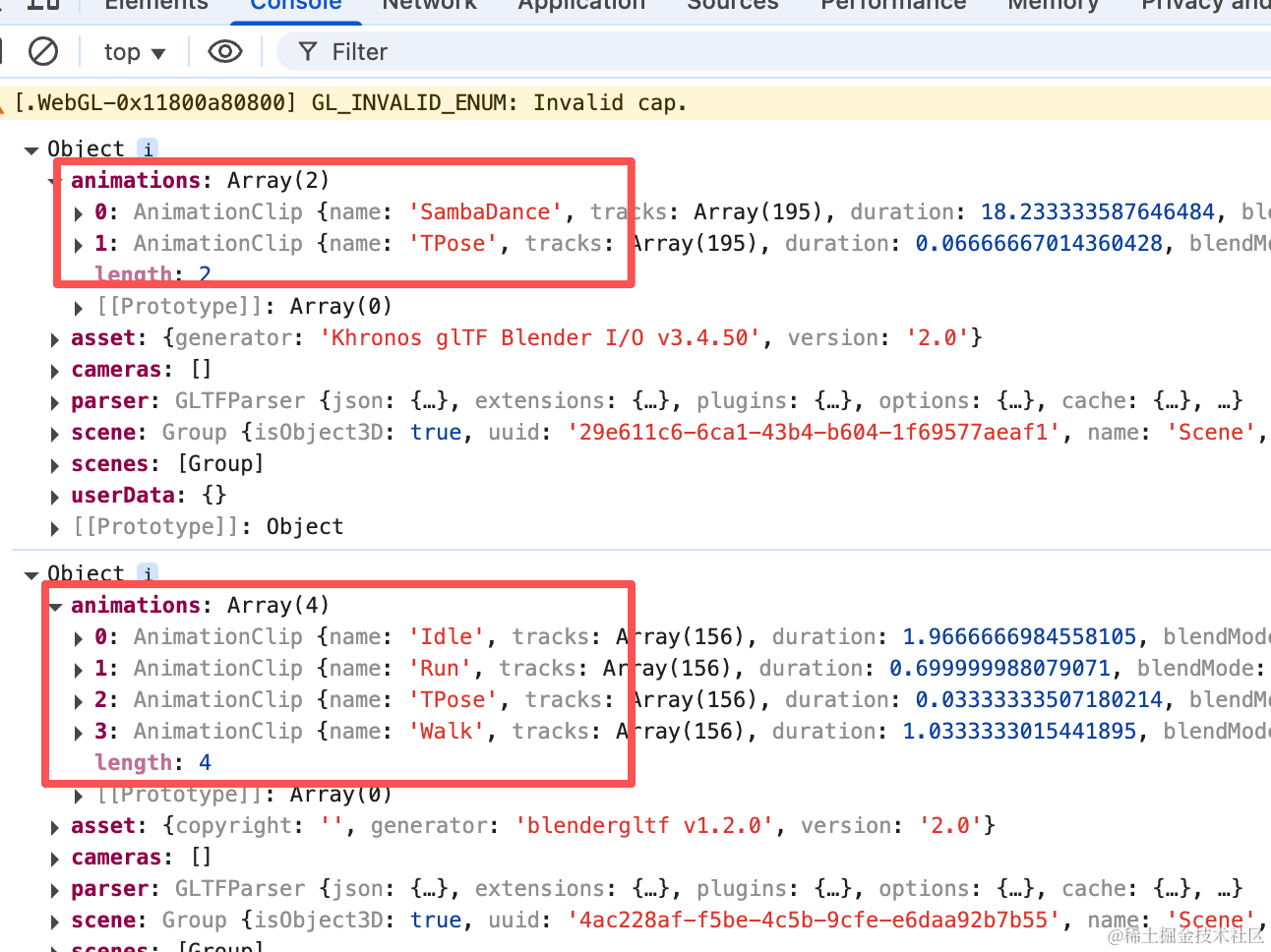
可以看到,它们分别有不同的动画。
我们播放下:
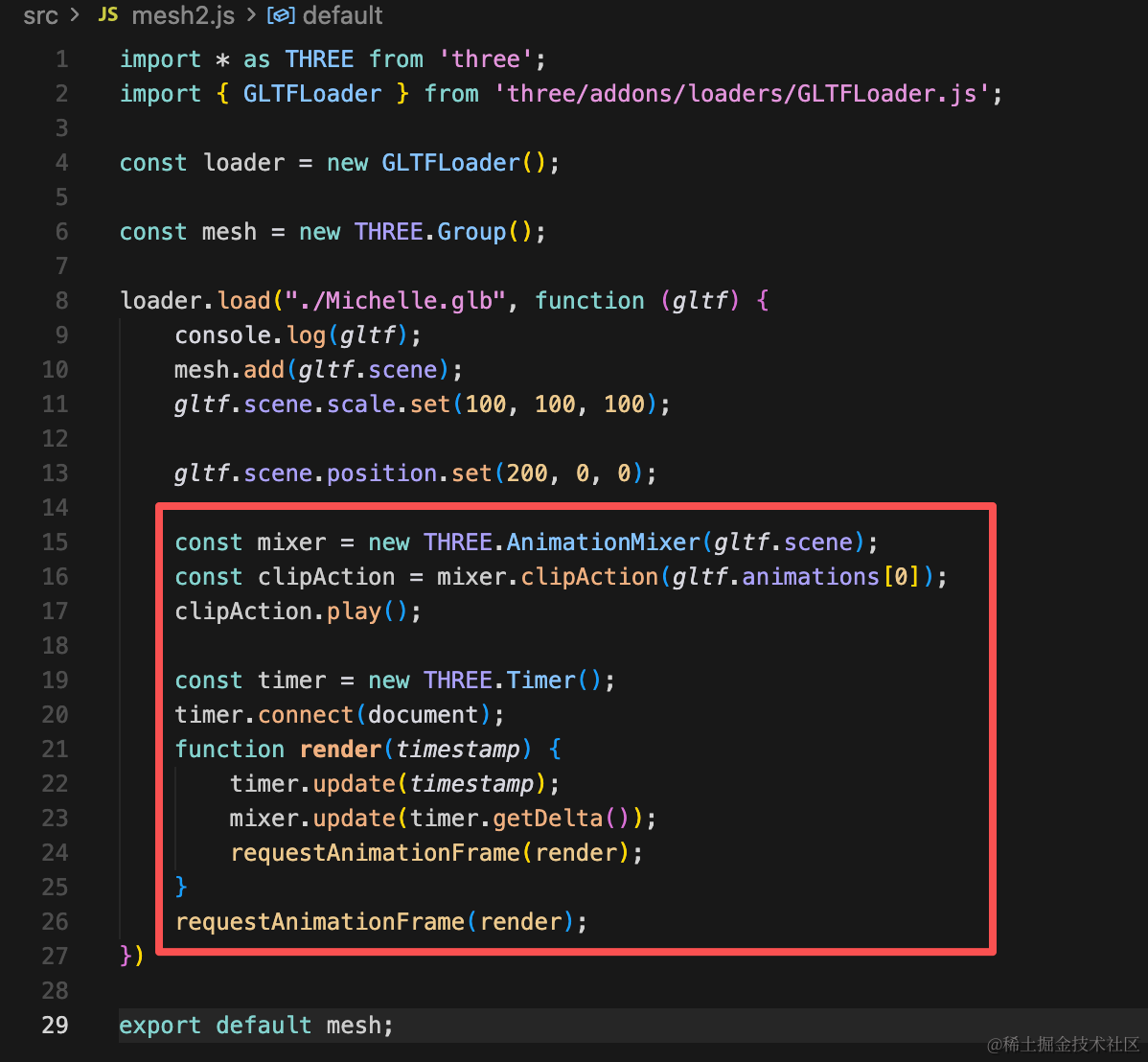
我更新到这里的时候,Clock 的 api 废弃了,用 Timer 的 api
const mixer = new THREE.AnimationMixer(gltf.scene);
const clipAction = mixer.clipAction(gltf.animations[0]);
clipAction.play();

const timer = new THREE.Timer();
timer.connect(document);
function render(timestamp) {
    timer.update(timestamp);
    mixer.update(timer.getDelta());
    requestAnimationFrame(render);
}
requestAnimationFrame(render);
用 AnimationMixer 播放第一个骨骼动画。
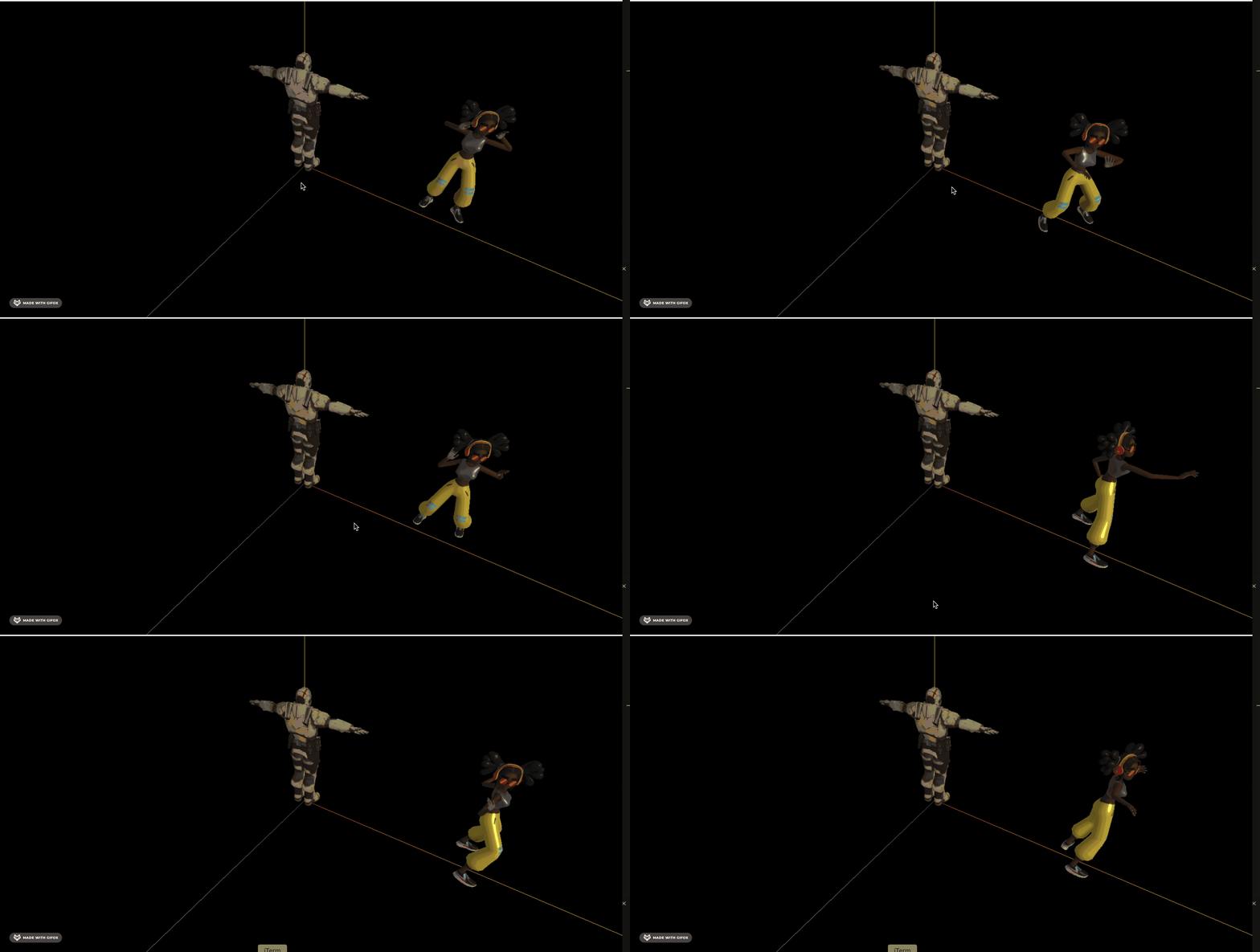
然后播放另一个模型的骨骼动画:
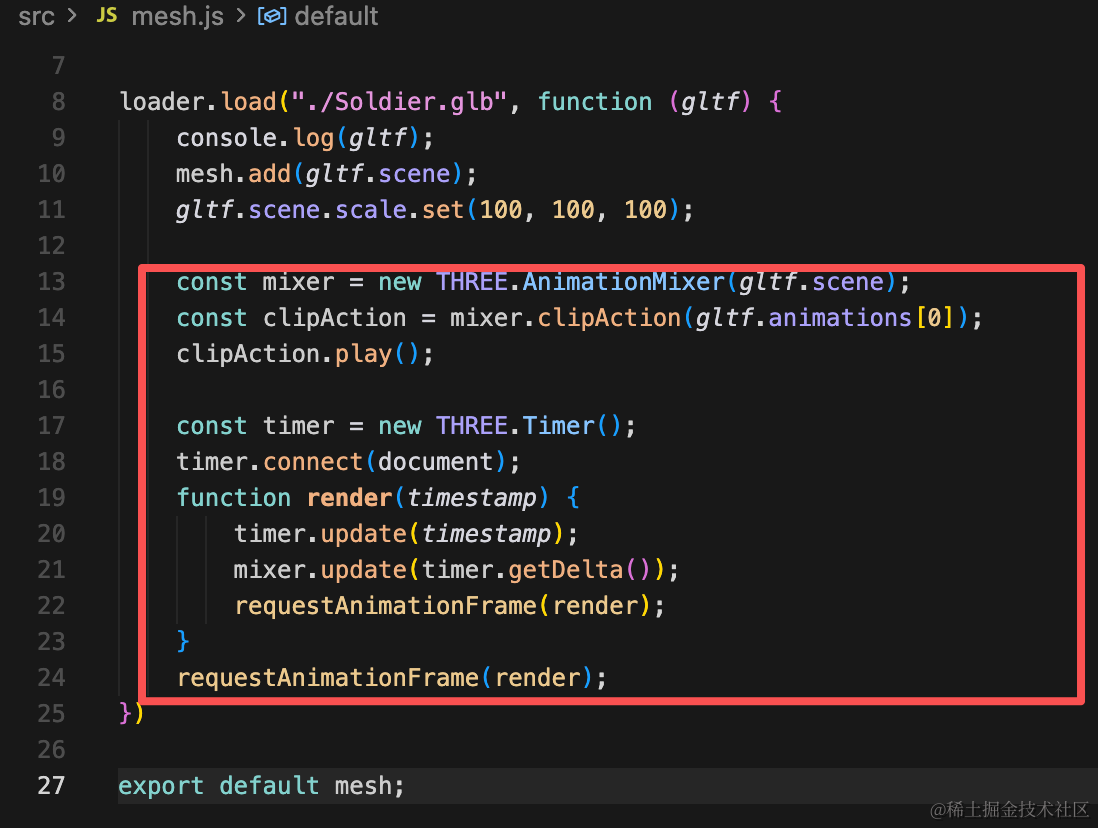
const mixer = new THREE.AnimationMixer(gltf.scene);
const clipAction = mixer.clipAction(gltf.animations[1]);
clipAction.play();

const timer = new THREE.Timer();
timer.connect(document);
function render(timestamp) {
    timer.update(timestamp);
    mixer.update(timer.getDelta());
    requestAnimationFrame(render);
}
requestAnimationFrame(render);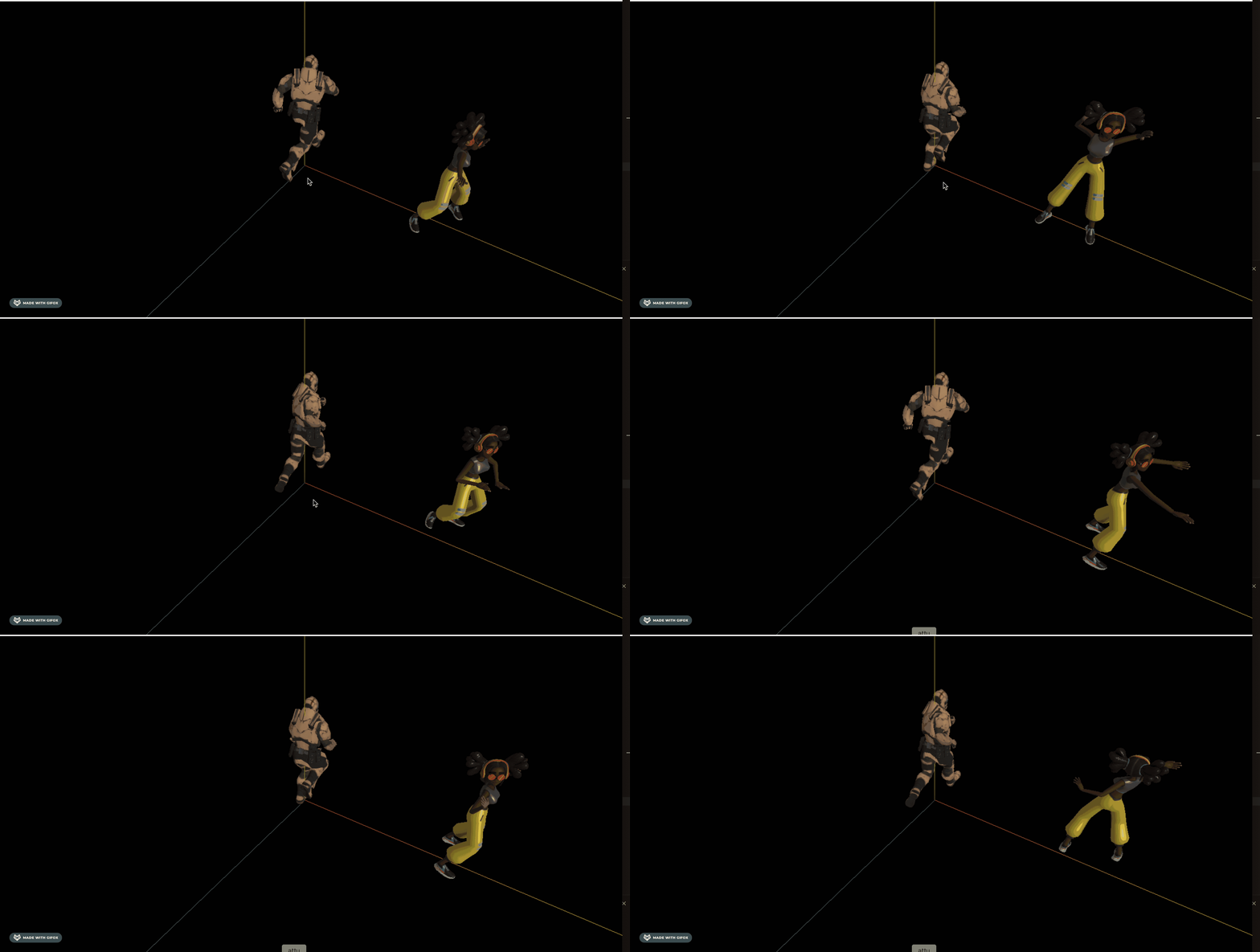
那如何把一个模型的骨骼动画应用到另一个呢?
下节继续探索。
案例代码上传了小册仓库。
总结
这节我们加载了两个人物模型,并且播放了他们的骨骼动画。
下节继续探索如果把一个模型的骨骼动画应用到另一个模型。