上节实现了汽车的行驶和人的行走:
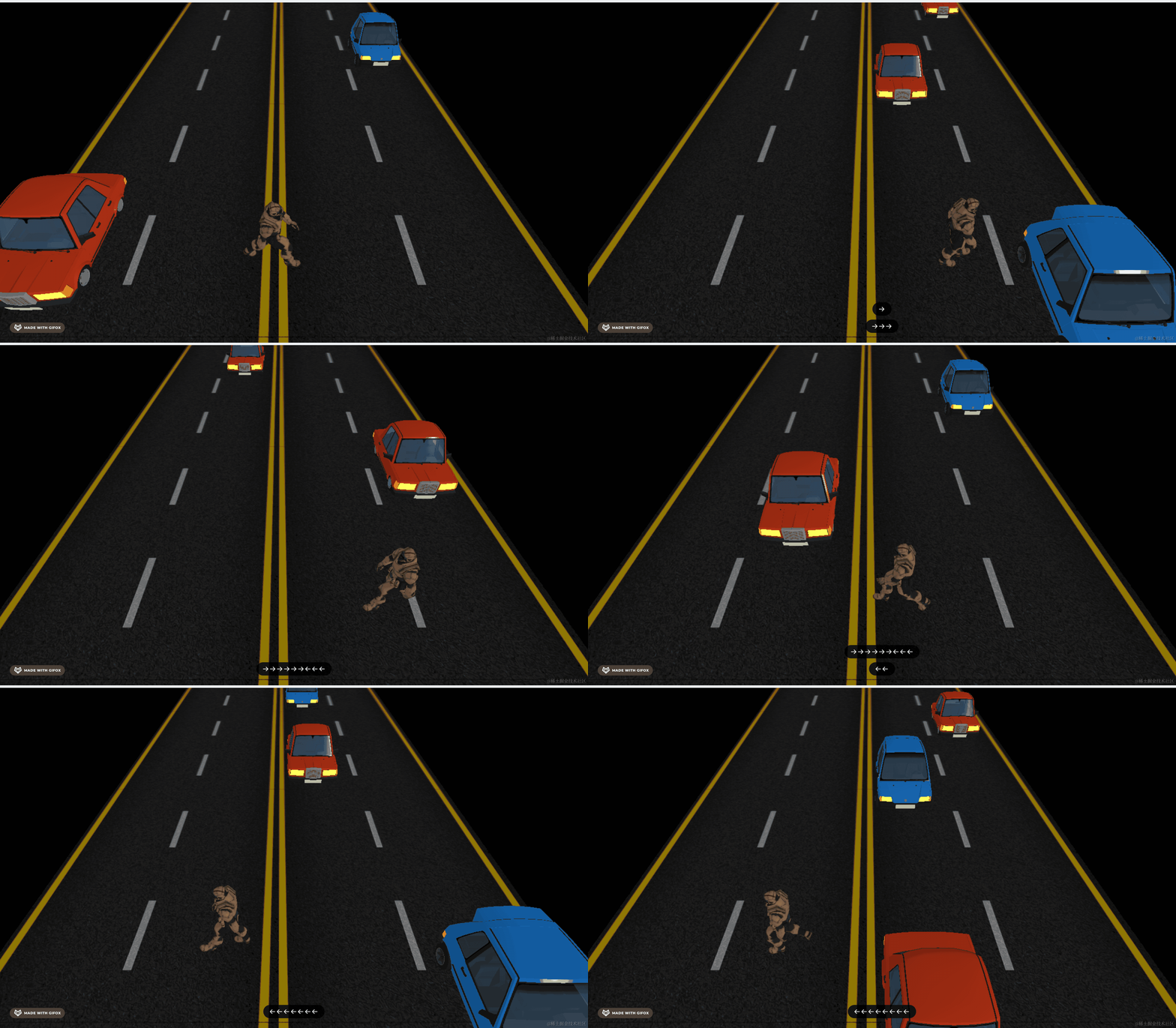
这节我们来做下碰撞检测。
碰撞检测我们学过两种方式:
一种是包围盒,可以通过不同对象的包围盒是否相交来判断。
另一种是物理引擎,碰撞的时候有相应的事件。
这个案例我们用包围盒 Box3 的方式来判断。
首先,我们把包围盒可视化出来:
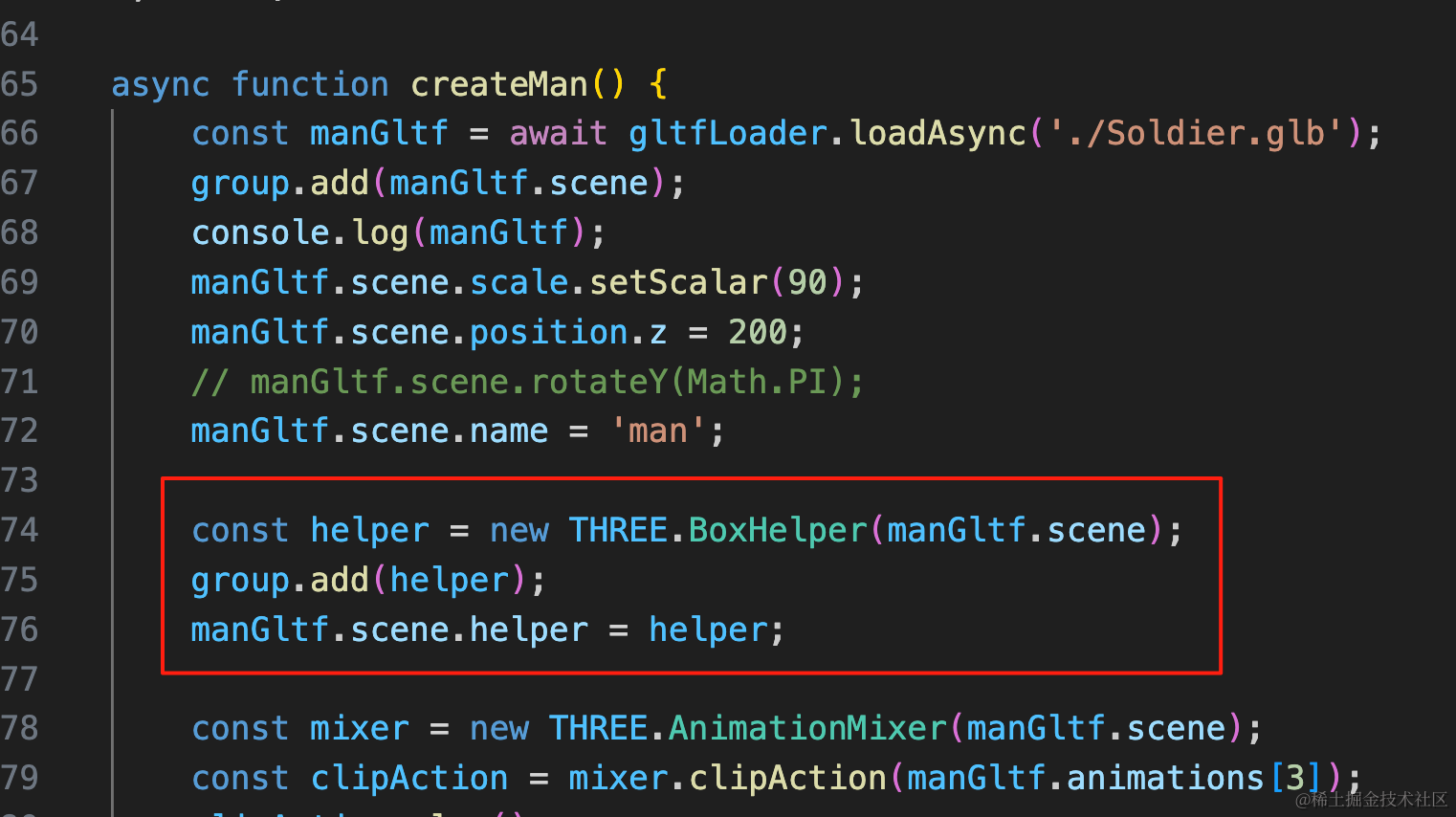
const helper = new THREE.BoxHelper(manGltf.scene);
group.add(helper);
manGltf.scene.helper = helper;
创建 BoxHelper,把它挂到对象上。
car 的也是一样:
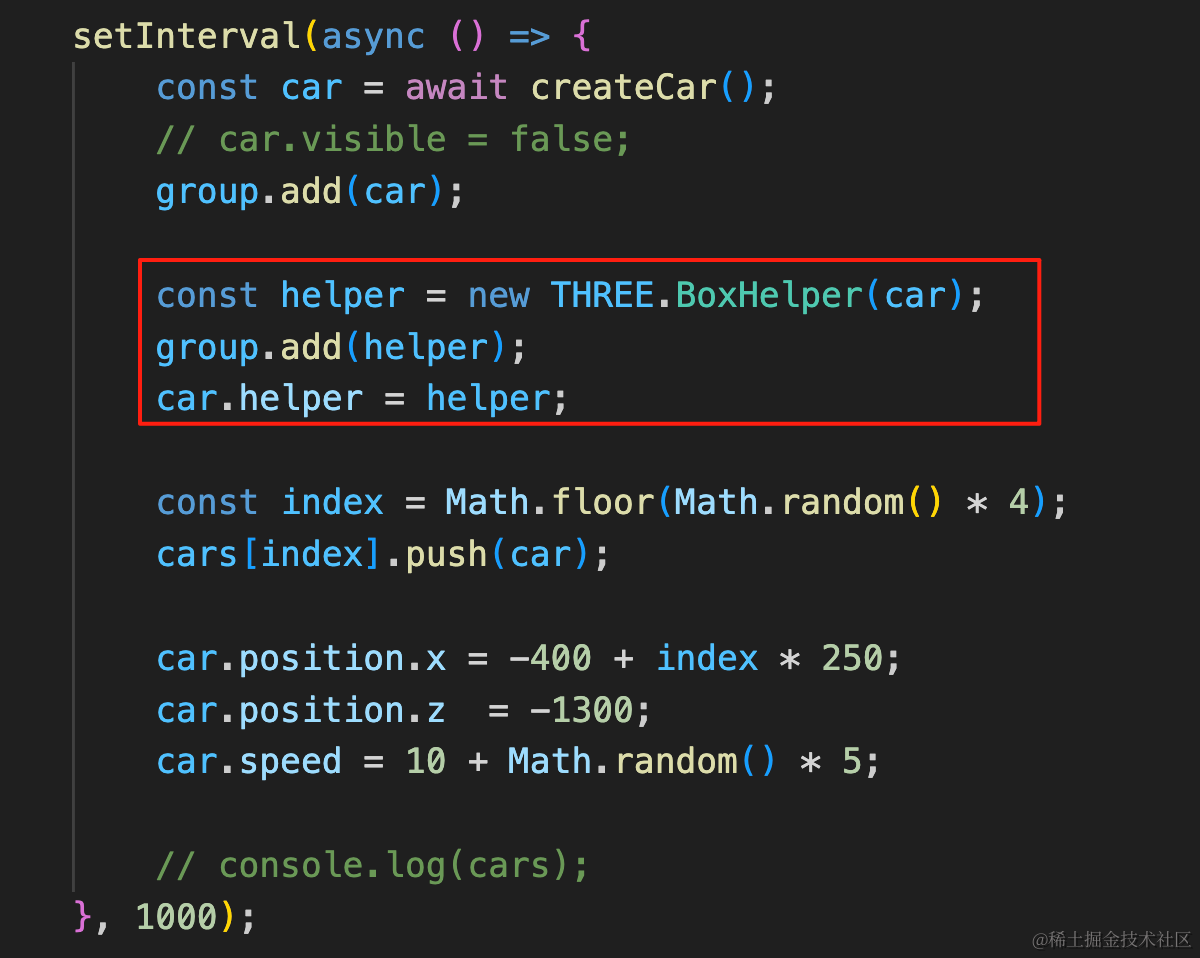
const helper = new THREE.BoxHelper(car);
group.add(helper);
car.helper = helper;
但车和人的位置是变化的,要同步更新包围盒:
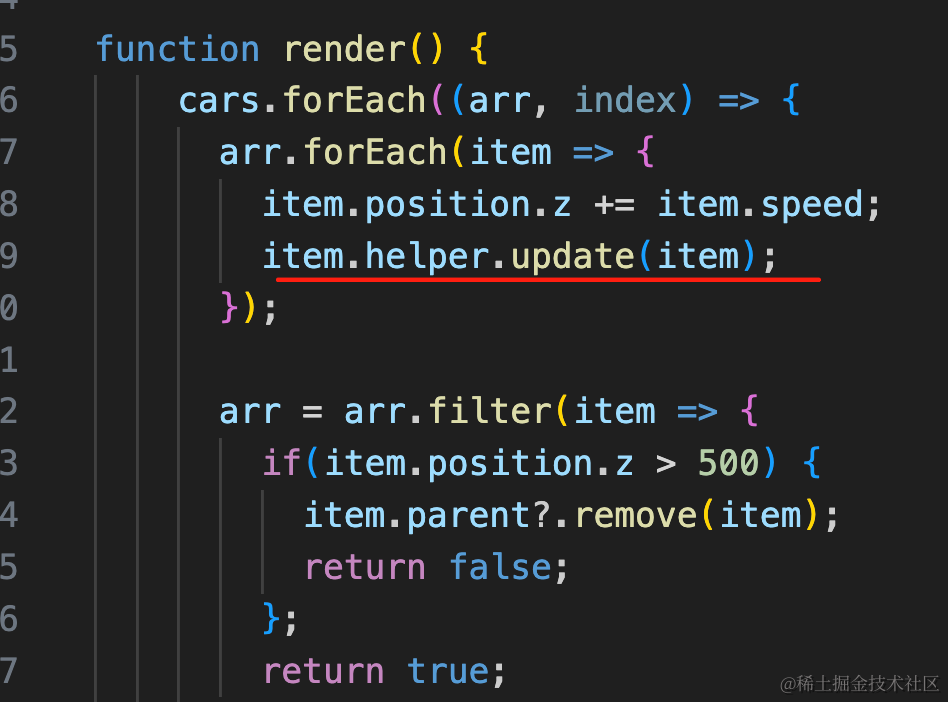
调用 helper.update 方法,传入对象,就会更新包围盒。
人的也是一样:
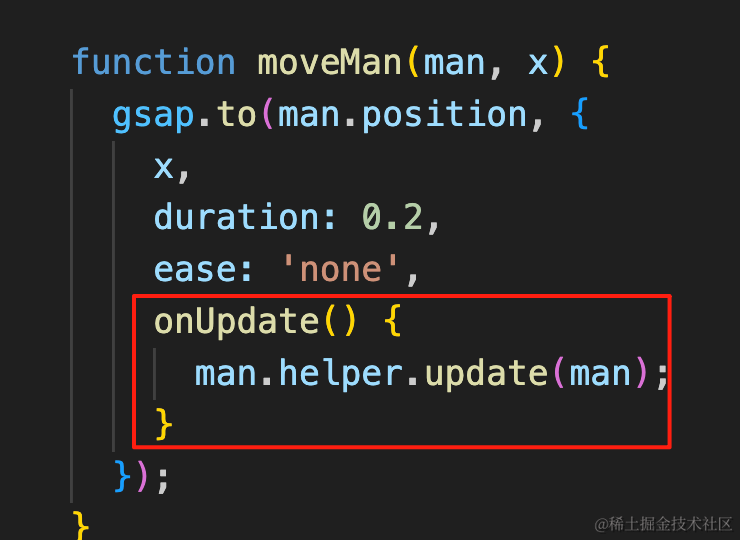
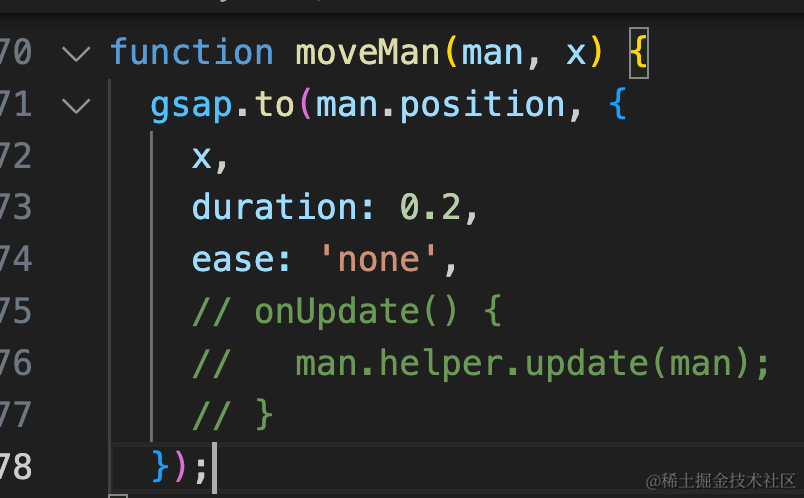
onUpdate() {
  man.helper.update(man);
}
看下效果:
车的包围盒还行,人的包围盒有点过于宽了:
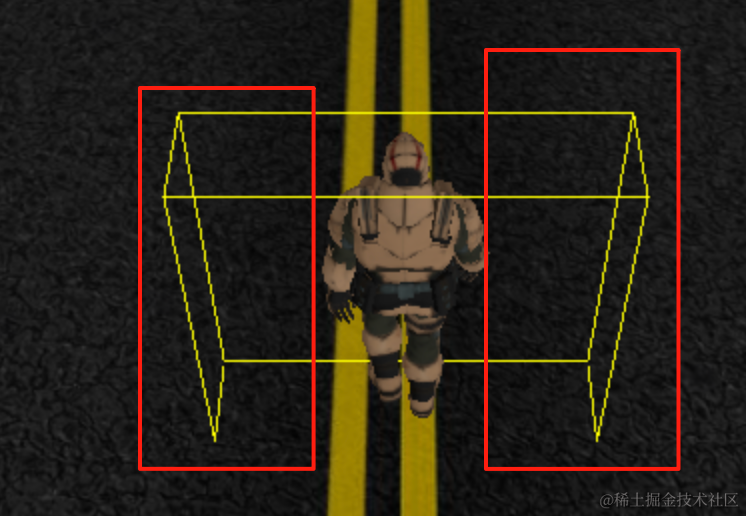
这样碰撞检测的时候不够准确,我们裁剪掉一部分:
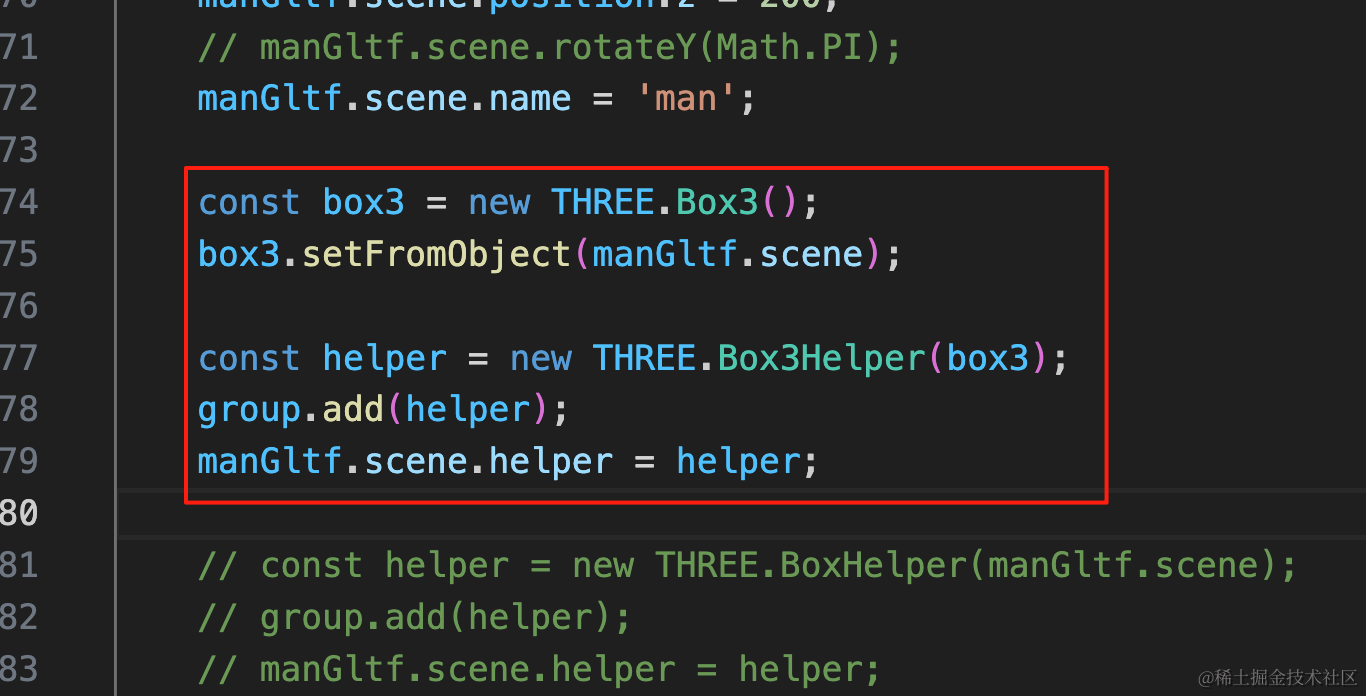
const box3 = new THREE.Box3();
box3.setFromObject(manGltf.scene);

const helper = new THREE.Box3Helper(box3);
group.add(helper);
manGltf.scene.helper = helper;
首先我们换成 Box3Helper,自己创建包围盒 Box3 让它包裹目标对象,然后可视化出来。
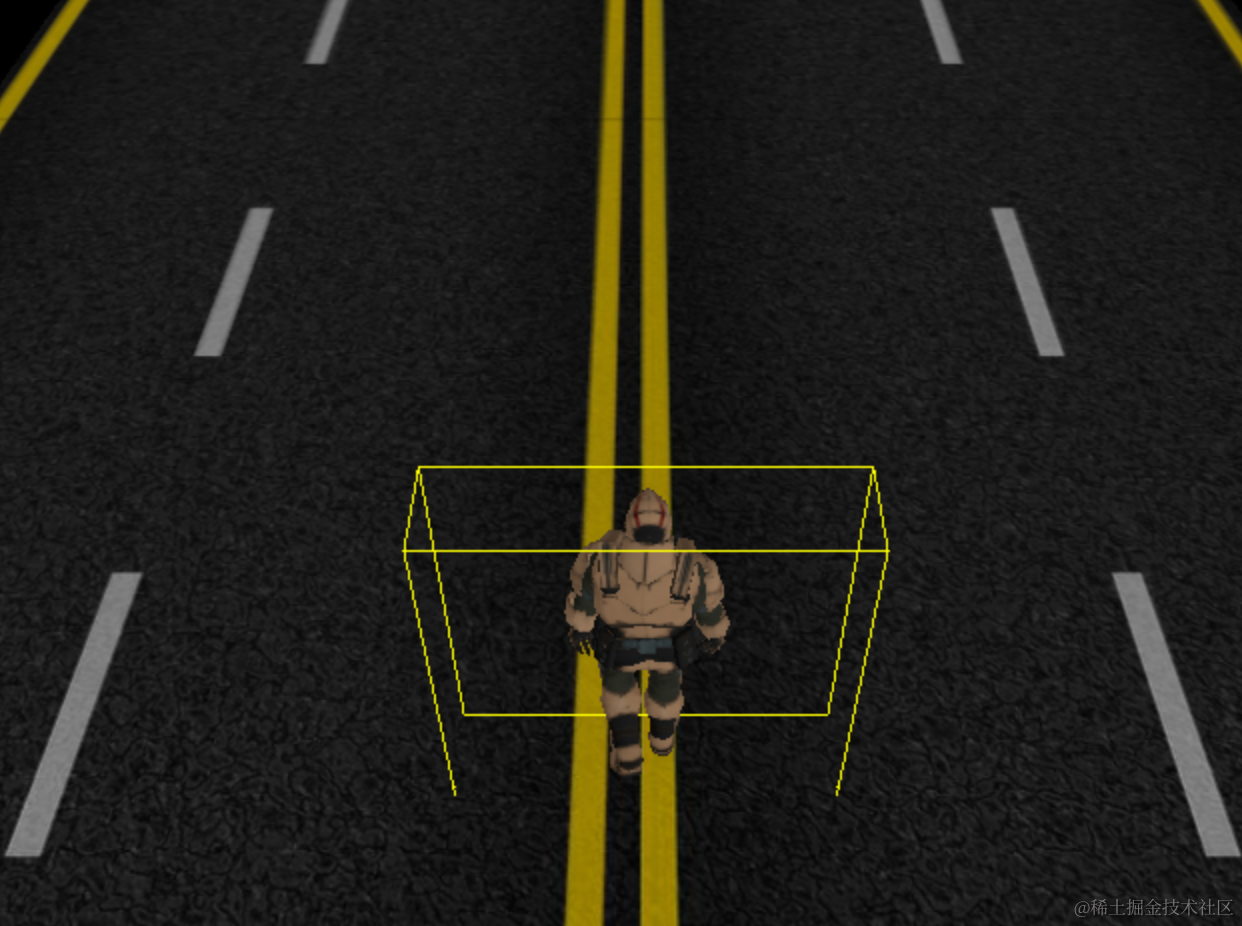
效果一样,但现在我们就可以裁剪了。
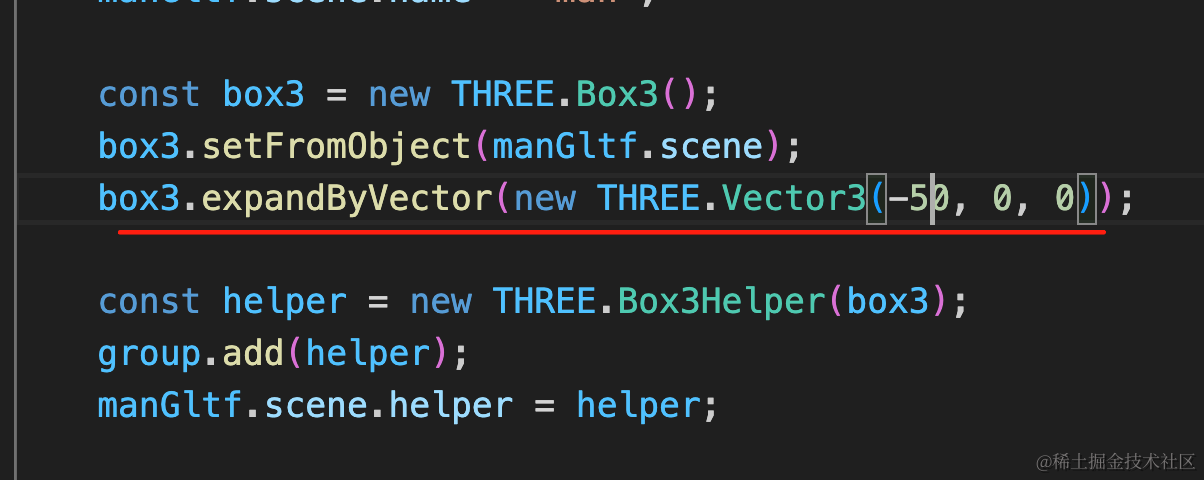
box3.expandByVector(new THREE.Vector3(-50, 0, 0));用 expandByVector 在 x 方向两侧都去掉 50
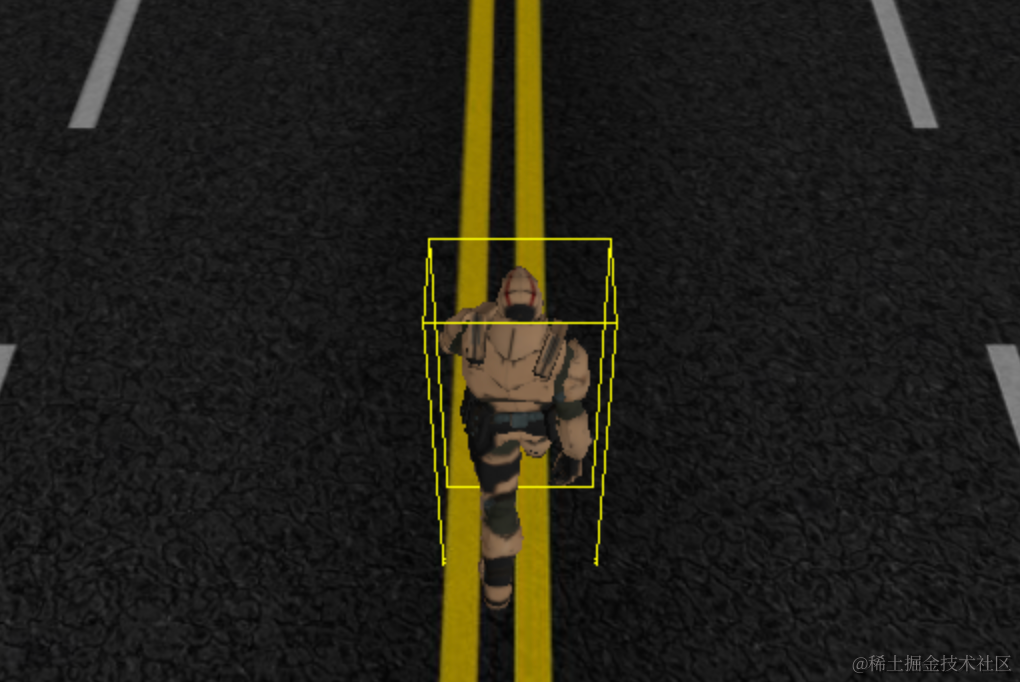
现在包围盒大小就差不多了。
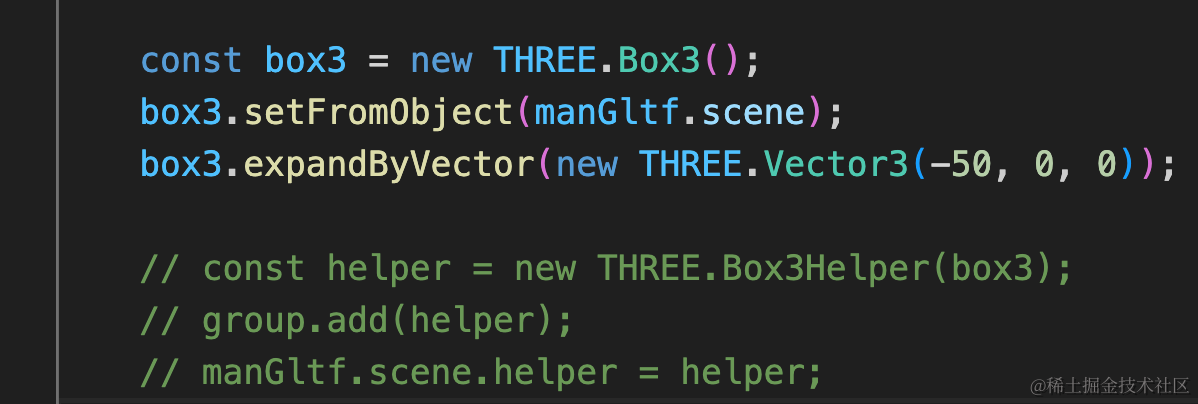
去掉 helper 和 update 的调用,因为 Box3Helper 没 update 方法:
在渲染循环里判断下是否碰撞:
首先,我们拿到 man 的对象,并且计算下包围盒,这里包围盒也要裁剪一部分:
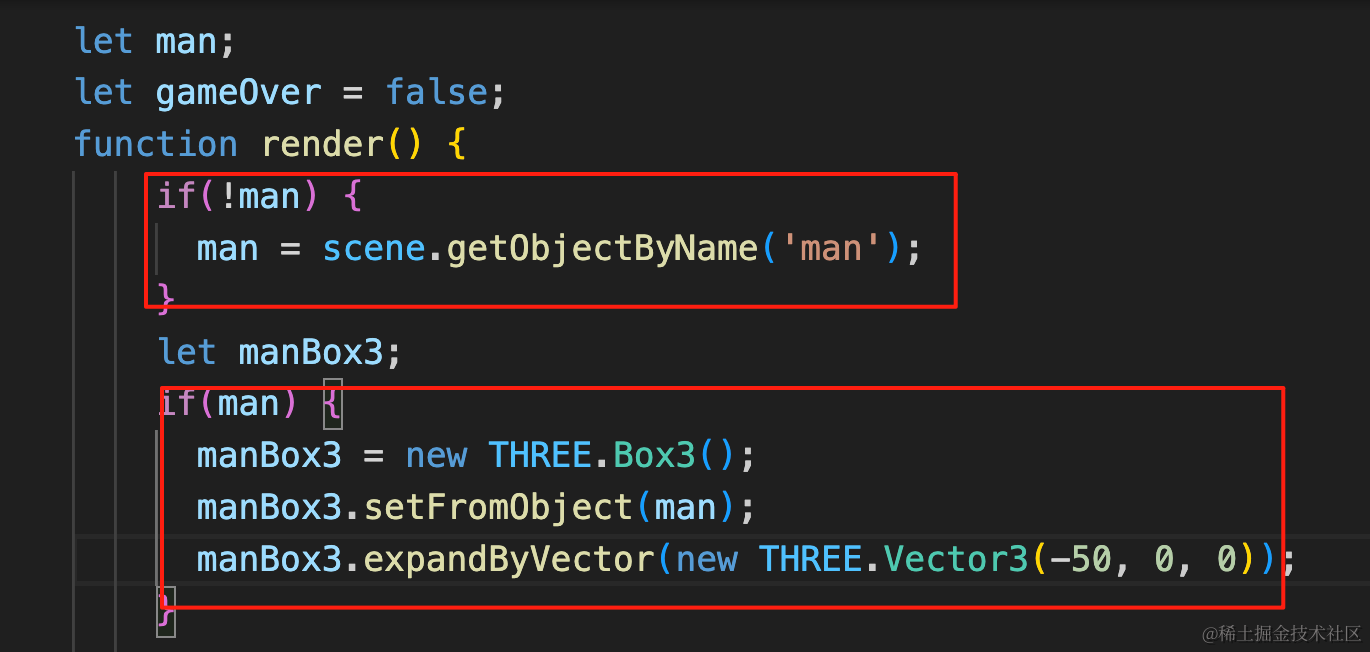
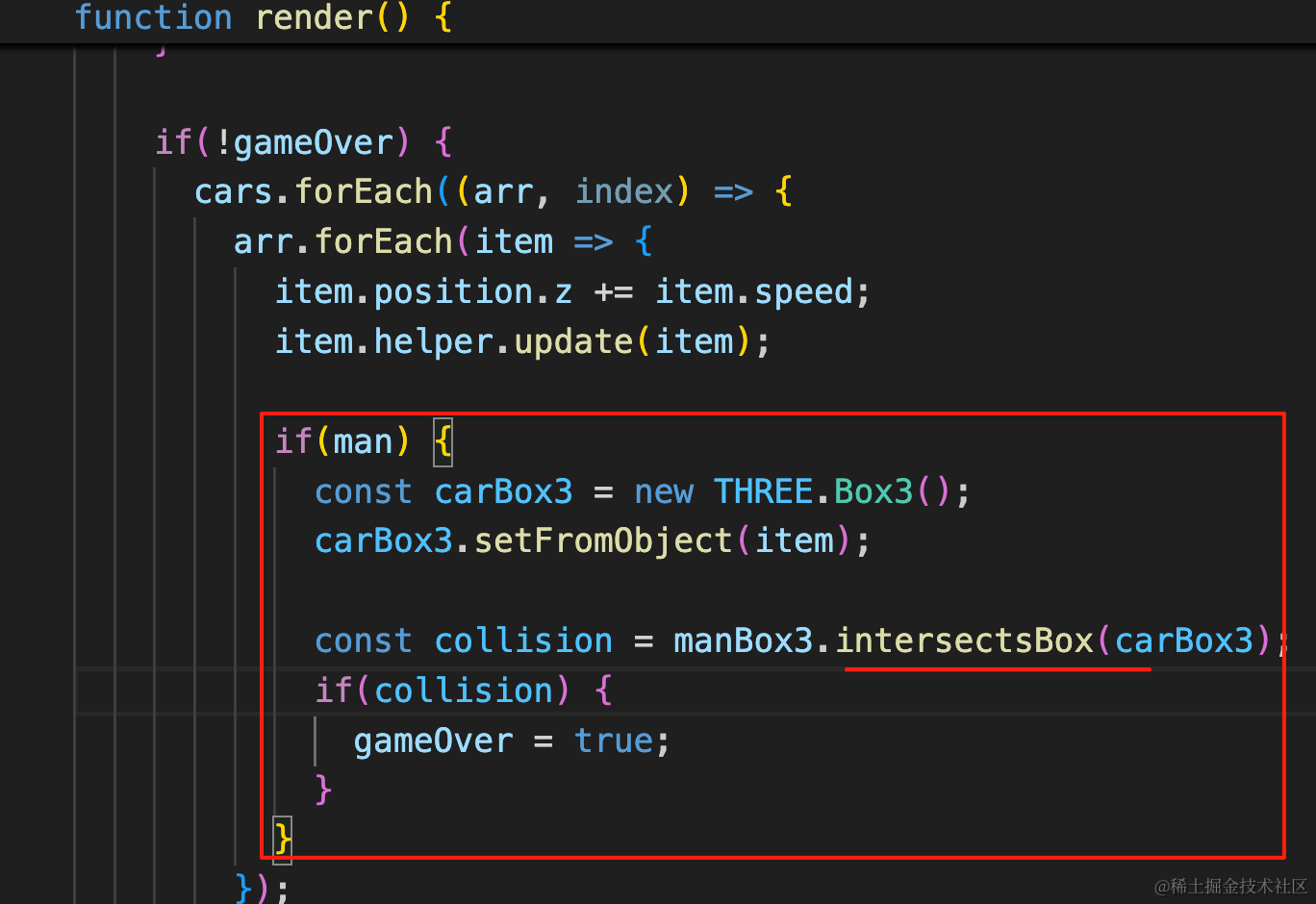
然后用它和每辆车的包围盒判断是否碰撞,用 intersectsBox
如果碰撞了,就设置 gameOver 为 true,然后停止更新车辆位置。
let man;
let gameOver = false;
function render() {
    if(!man) {
      man = scene.getObjectByName('man');
    }
    let manBox3;
    if(man) {
      manBox3 = new THREE.Box3();
      manBox3.setFromObject(man);
      manBox3.expandByVector(new THREE.Vector3(-50, 0, 0));
    }

    if(!gameOver) {
      cars.forEach((arr, index) => {
        arr.forEach(item => {
          item.position.z += item.speed;
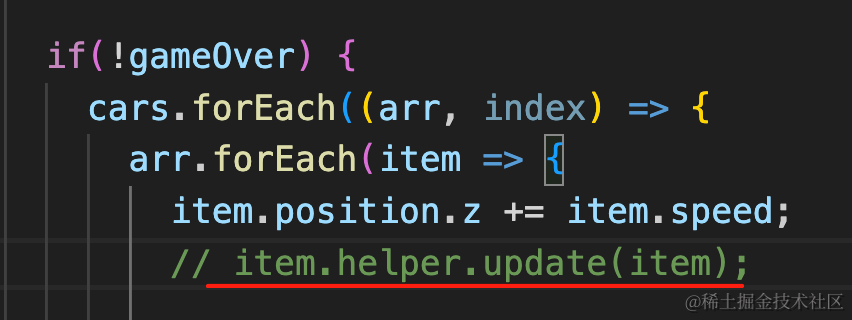
          item.helper.update(item);

          if(man) {
            const carBox3 = new THREE.Box3();
            carBox3.setFromObject(item);

            const collision = manBox3.intersectsBox(carBox3);
            if(collision) {
              gameOver = true;
            }
          }
        });

        arr = arr.filter(item => {
          if(item.position.z > 500) {
            item.parent?.remove(item);
            return false;
          };
          return true;
        })
      });
    }

    renderer.render(scene, camera);
    requestAnimationFrame(render);

}
看下效果:
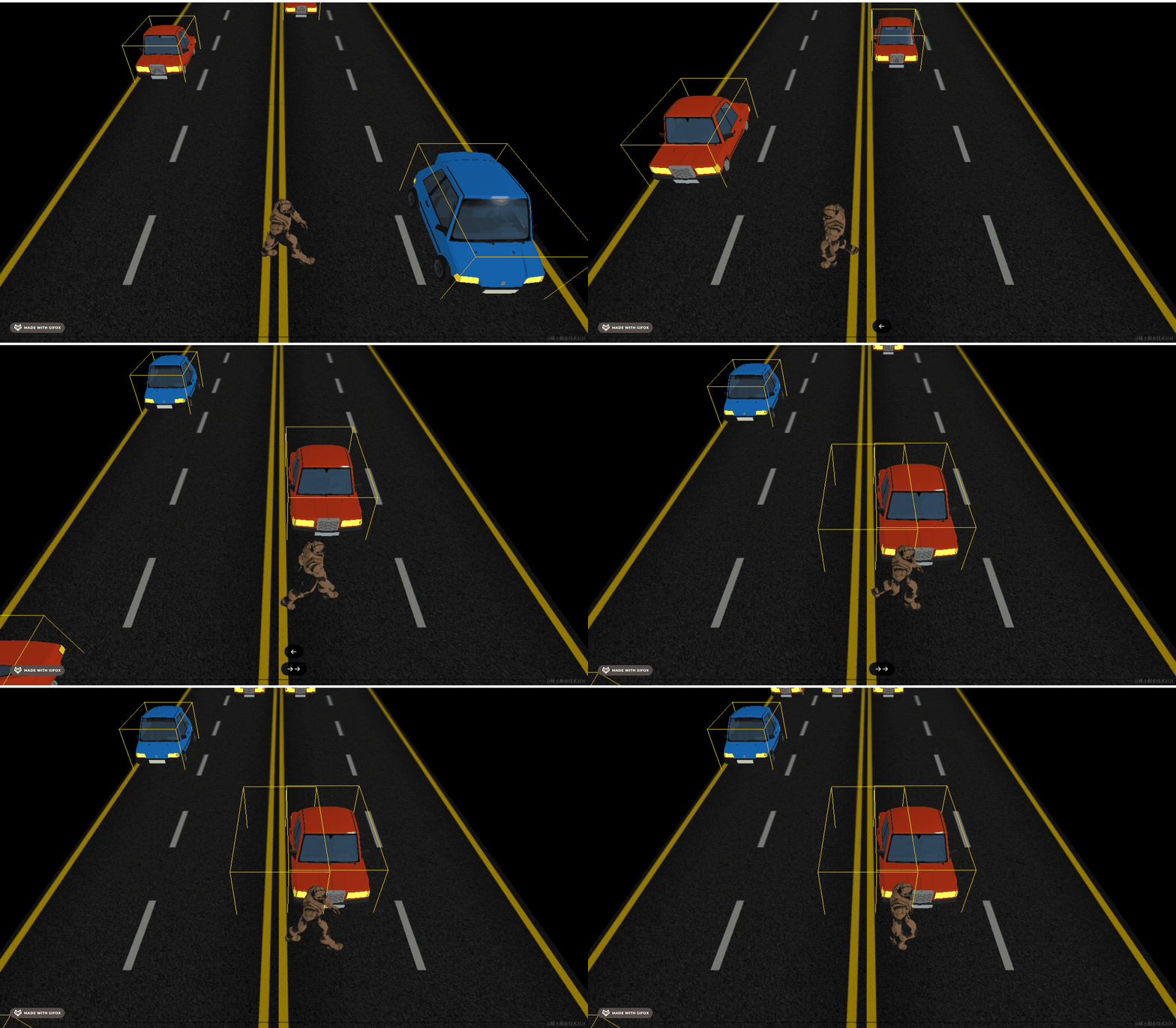
可以看到,检测到了碰撞。
碰撞的时候车确实不动了,但还在产生。
我们加个判断:
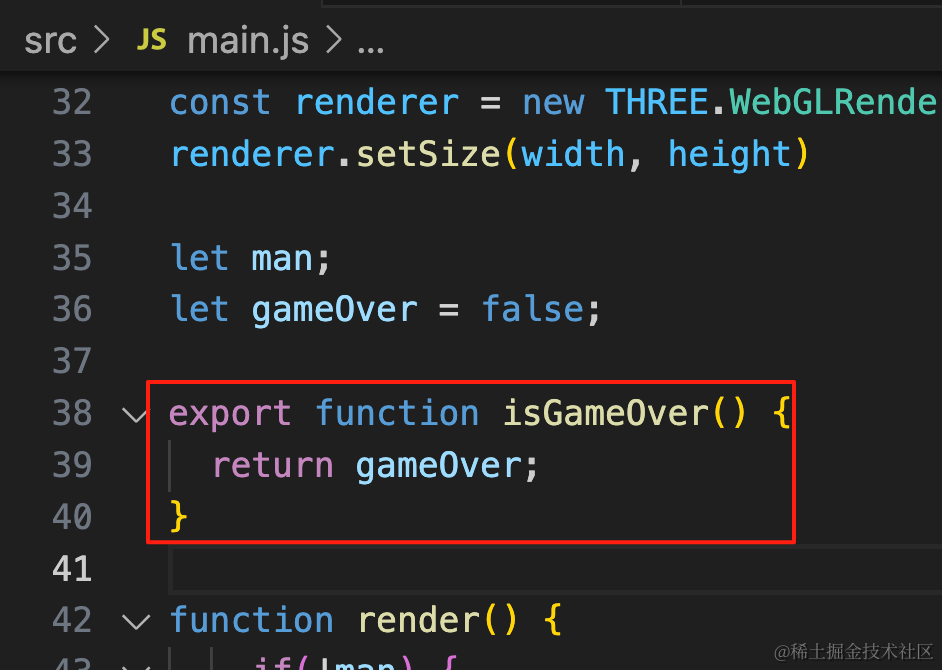
export function isGameOver() {
  return gameOver;
}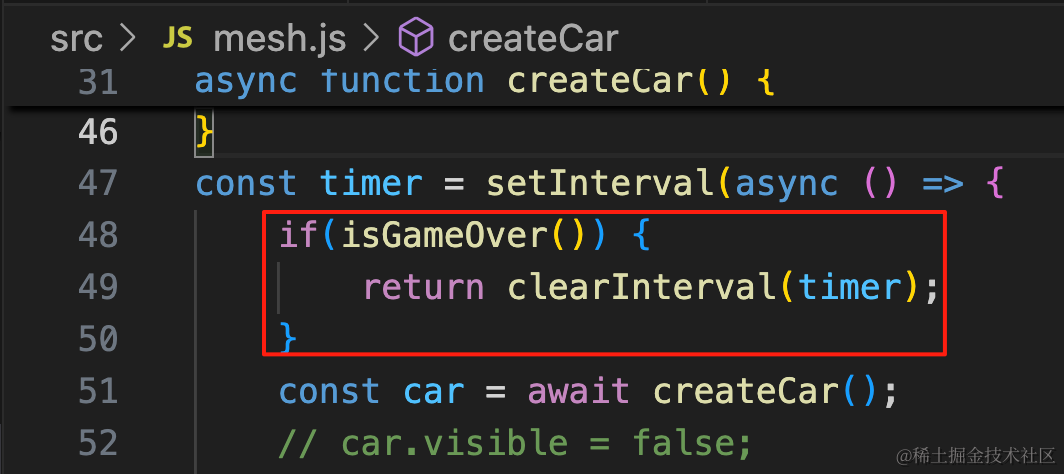
if(isGameOver()) {
    return clearInterval(timer);
}
gameOver 就停止定时器。
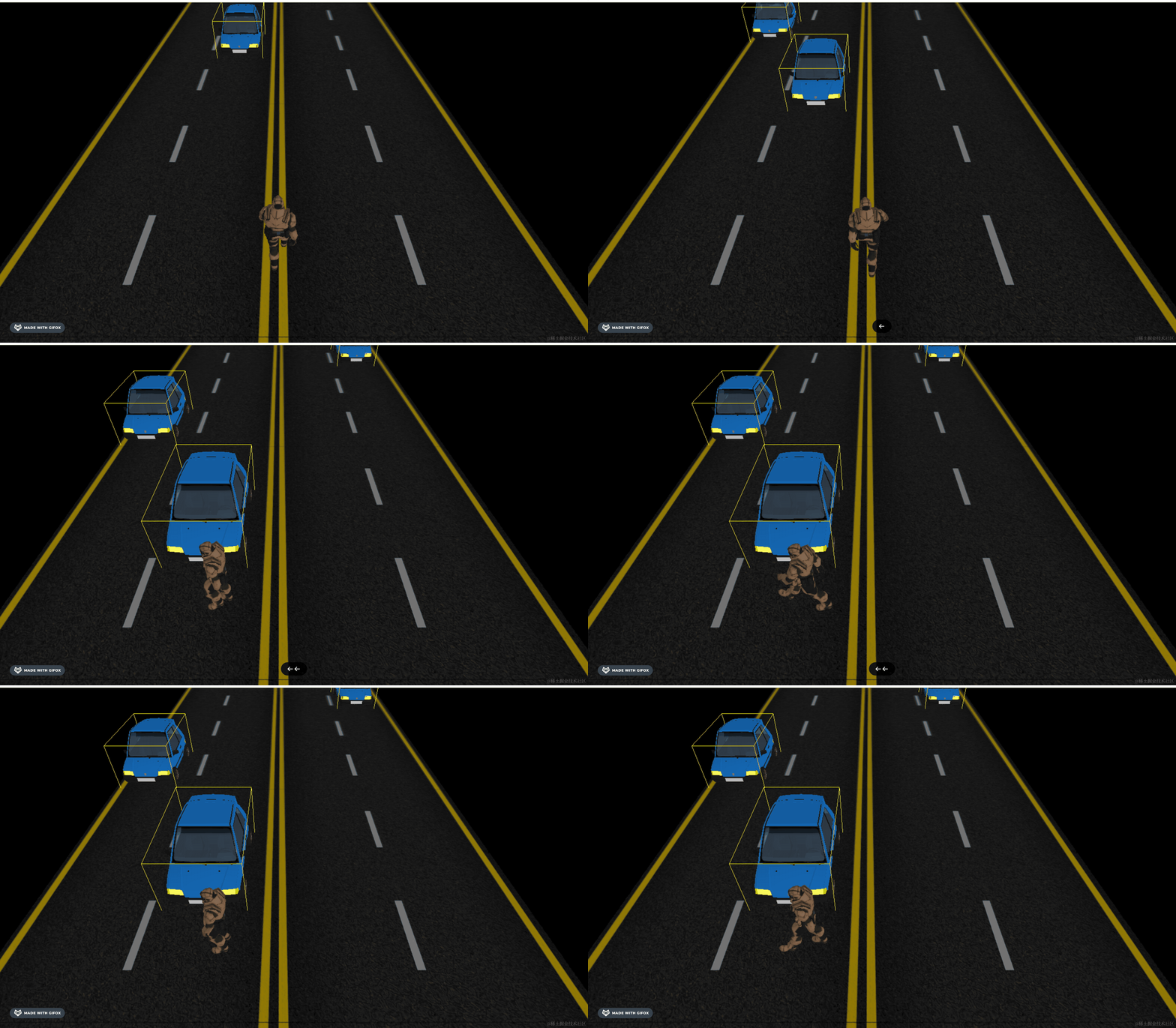
现在车辆就不会再产生了。
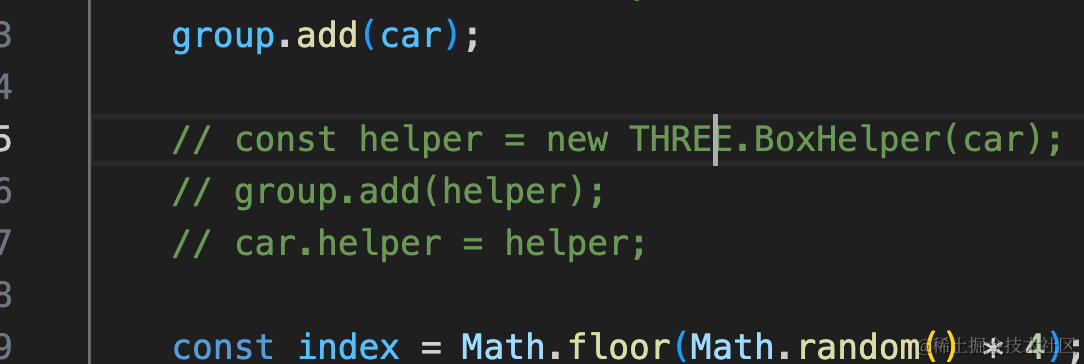
我们把 BoxHelper 去掉,试下整体效果:
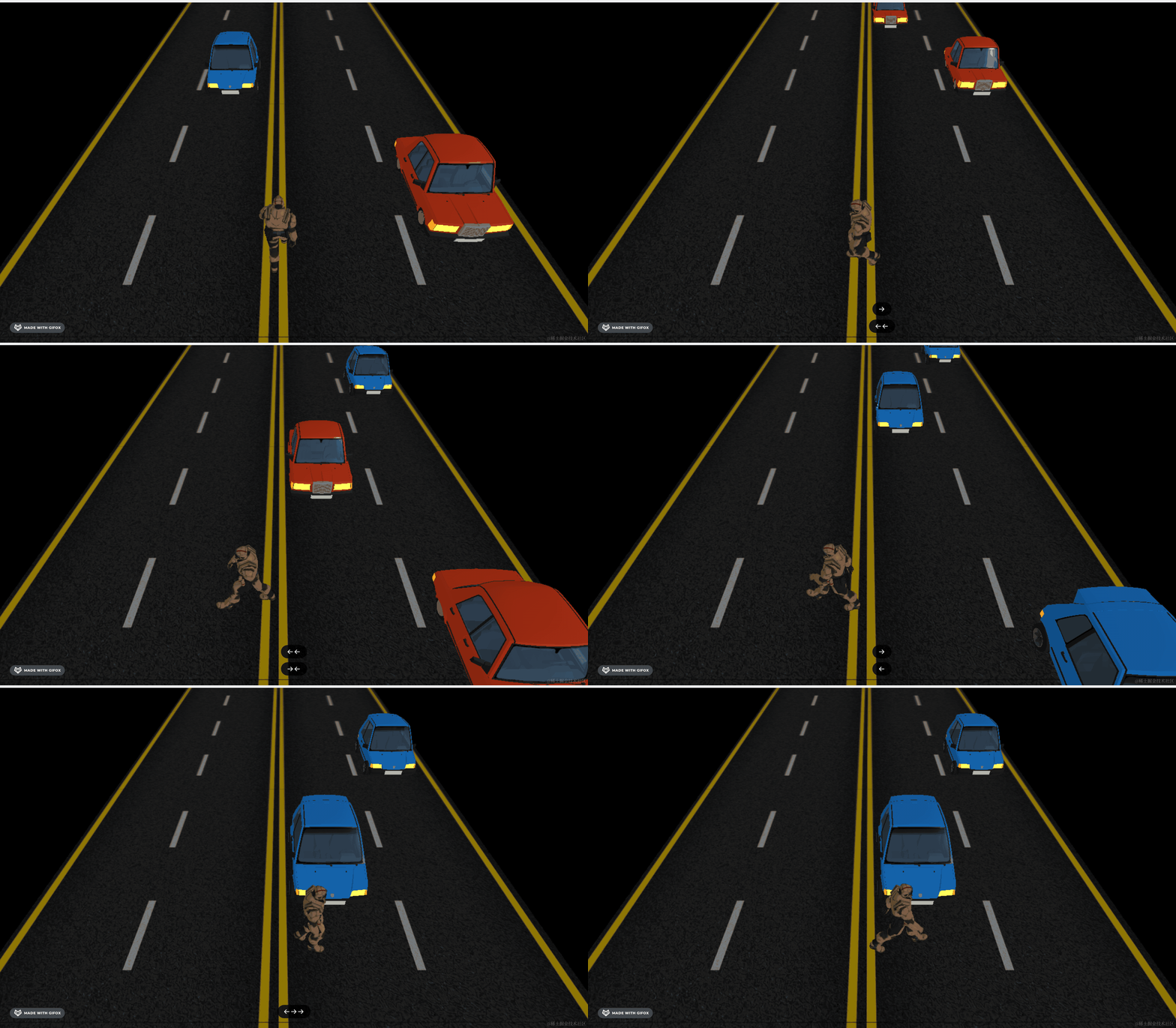
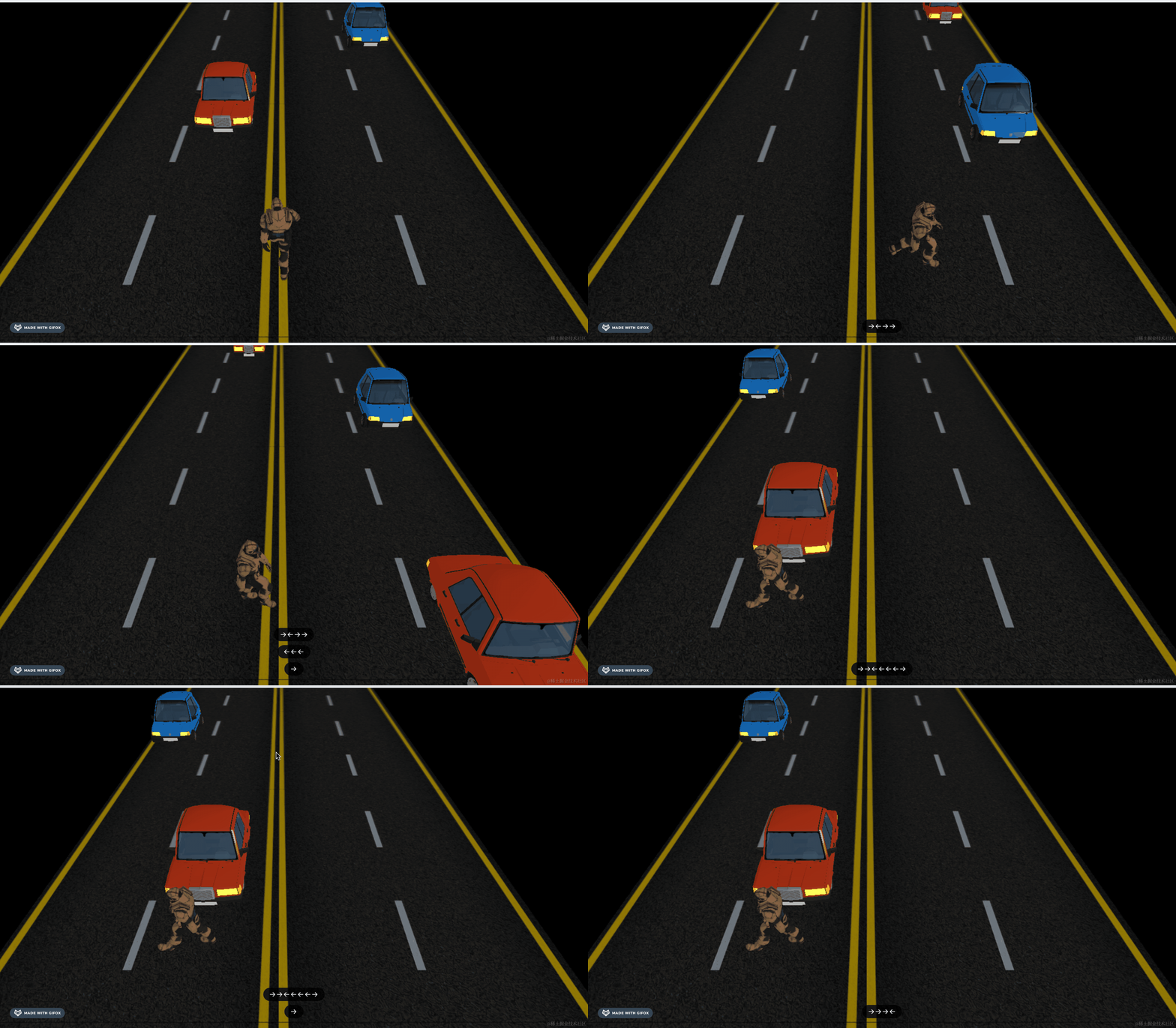
碰撞的时候,人物的走动动画也应该暂停:
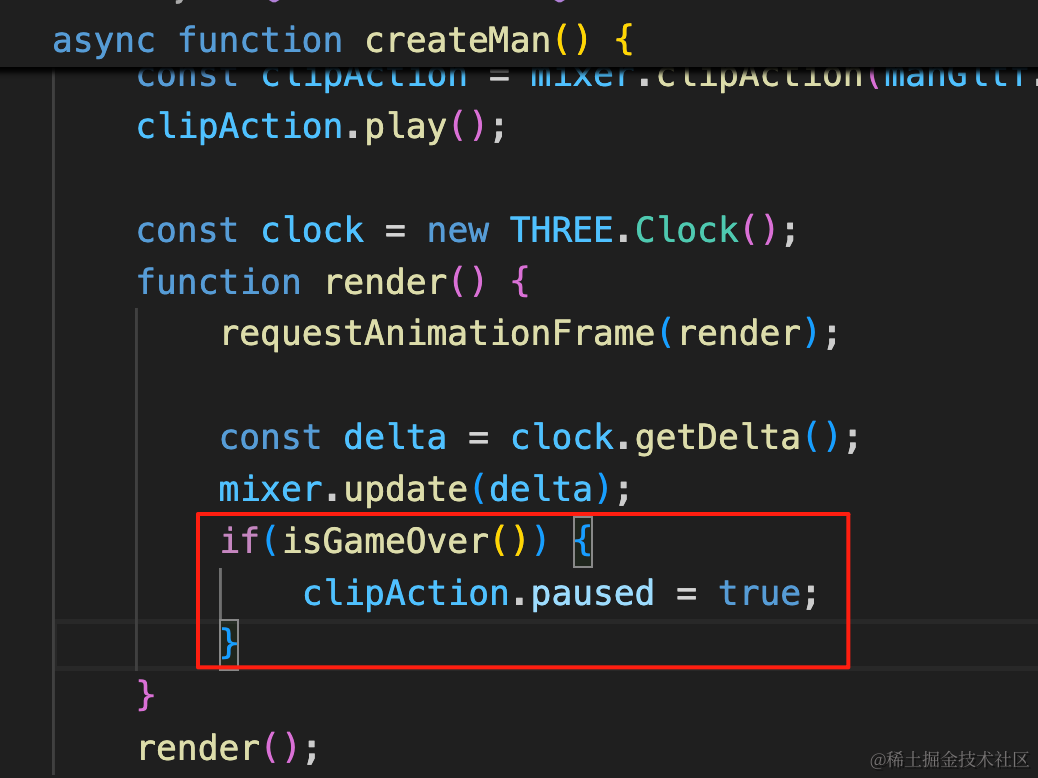
if(isGameOver()) {
    clipAction.paused = true;
}
并且不能再移动:
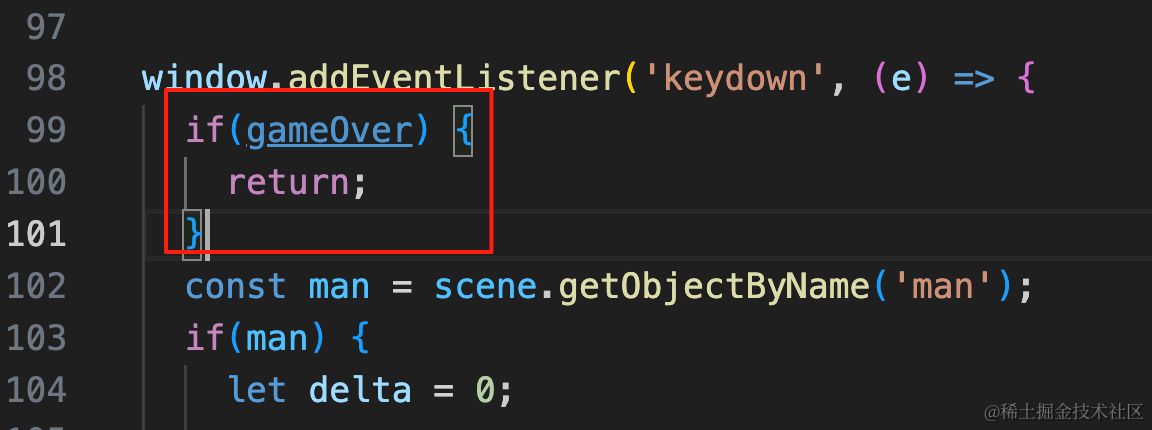
if(gameOver) {
    return;
}
最后,修复一个问题:
现在从侧面碰撞检测不到,因为包围盒裁剪有点问题:
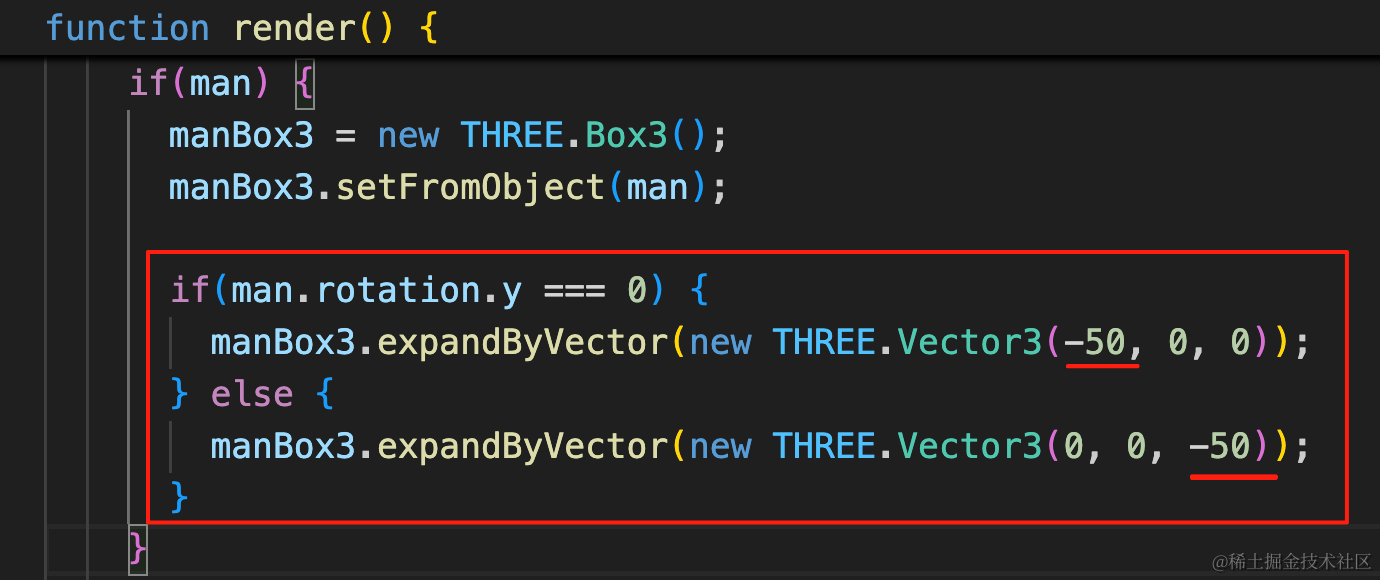
如果人转身了,那就应该在 z 方向裁剪,否则是 x 方向。
if(man.rotation.y === 0) {
    manBox3.expandByVector(new THREE.Vector3(-50, 0, 0));
} else {
    manBox3.expandByVector(new THREE.Vector3(0, 0, -50));
}案例代码上传了小册仓库
总结
这节我们实现了碰撞检测。
通过包围盒 Box3 的 intersectsBox 实现的。
人物的包围盒有点大,我们用 expandByVector 做了裁剪。
碰撞之后设置 gameOver 状态,把各种活动都暂停。
下节我们加上鲜血喷射的粒子效果。