上节我们把地球和国家轮廓线画出来了:
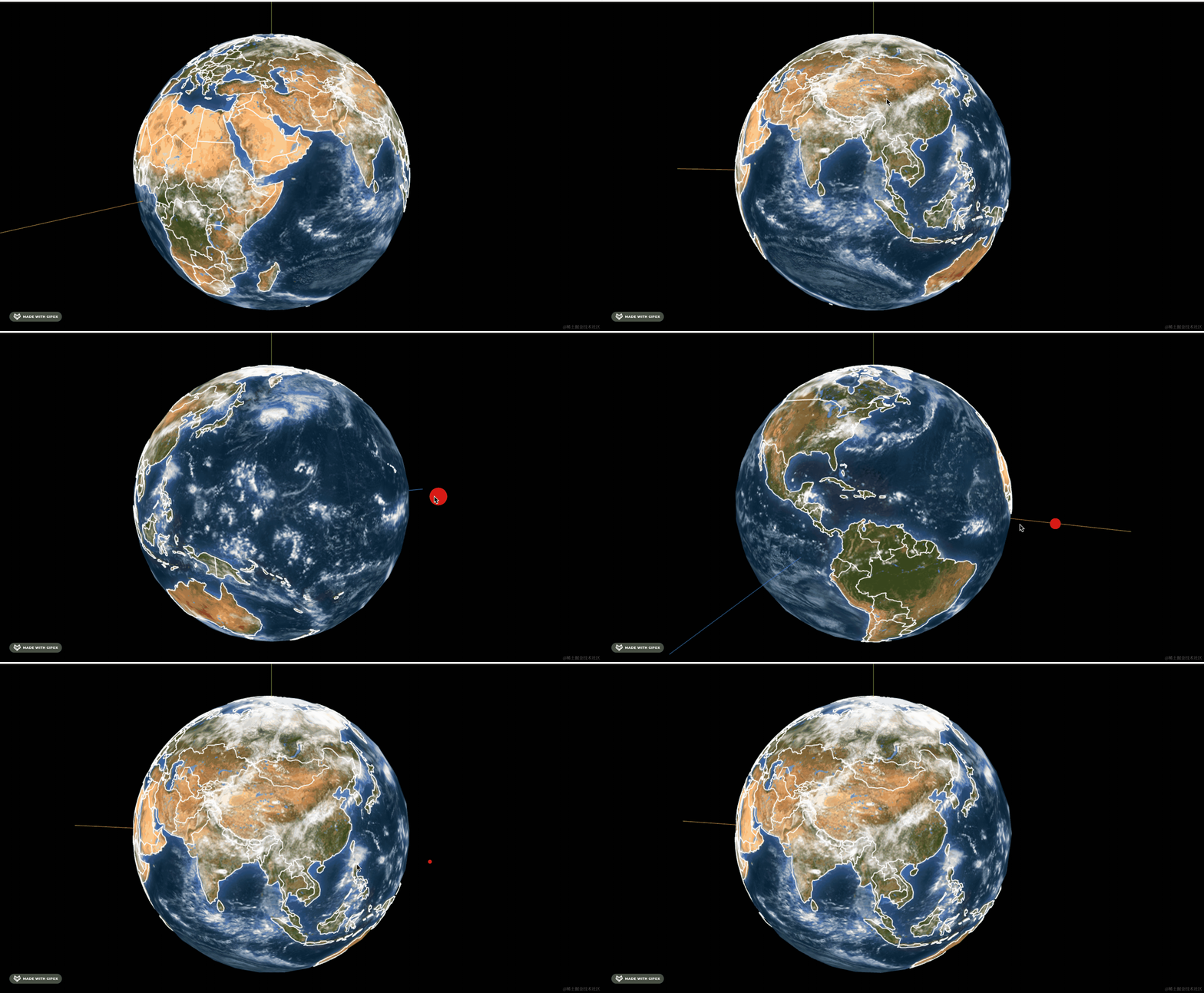
这节把国家名字标出来。
之前画中国地图的时候,就是从 feature.properties 拿到省市的名字、中心等信息。
世界地图的 geojson 也是一样。
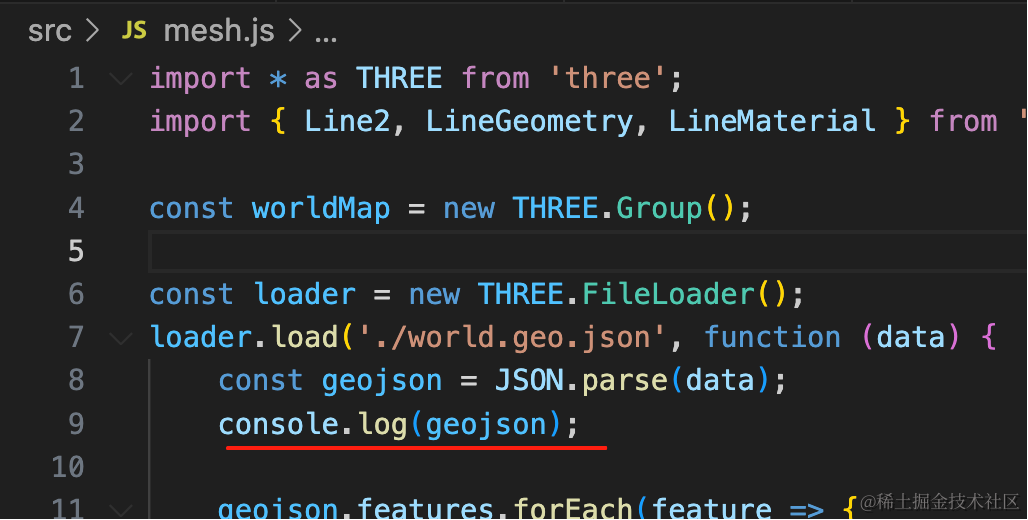
看下打印的 geojson:
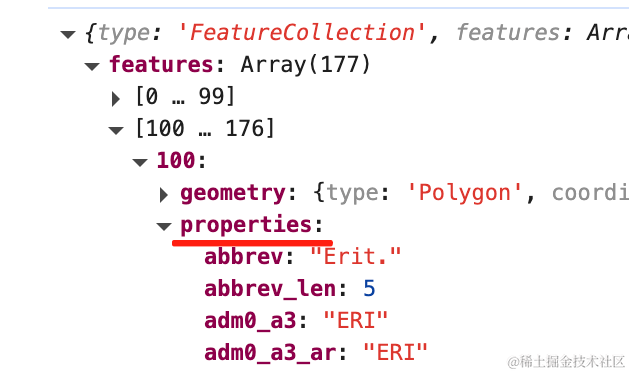
可以看到 feature.properties 里有国家名字、标签位置的信息:
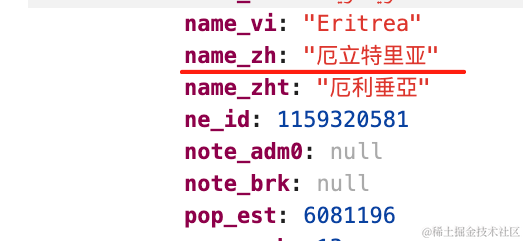
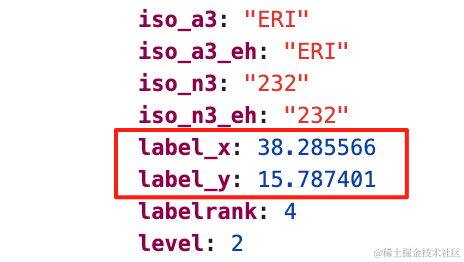
这个 geojson 做了国际化,有各种语言的 name,这里我们取 name_zh
在 label_x、label_y 的位置把国家名标出来。
安装 three-spritetext
pnpm install --save three-spritetext改下代码:
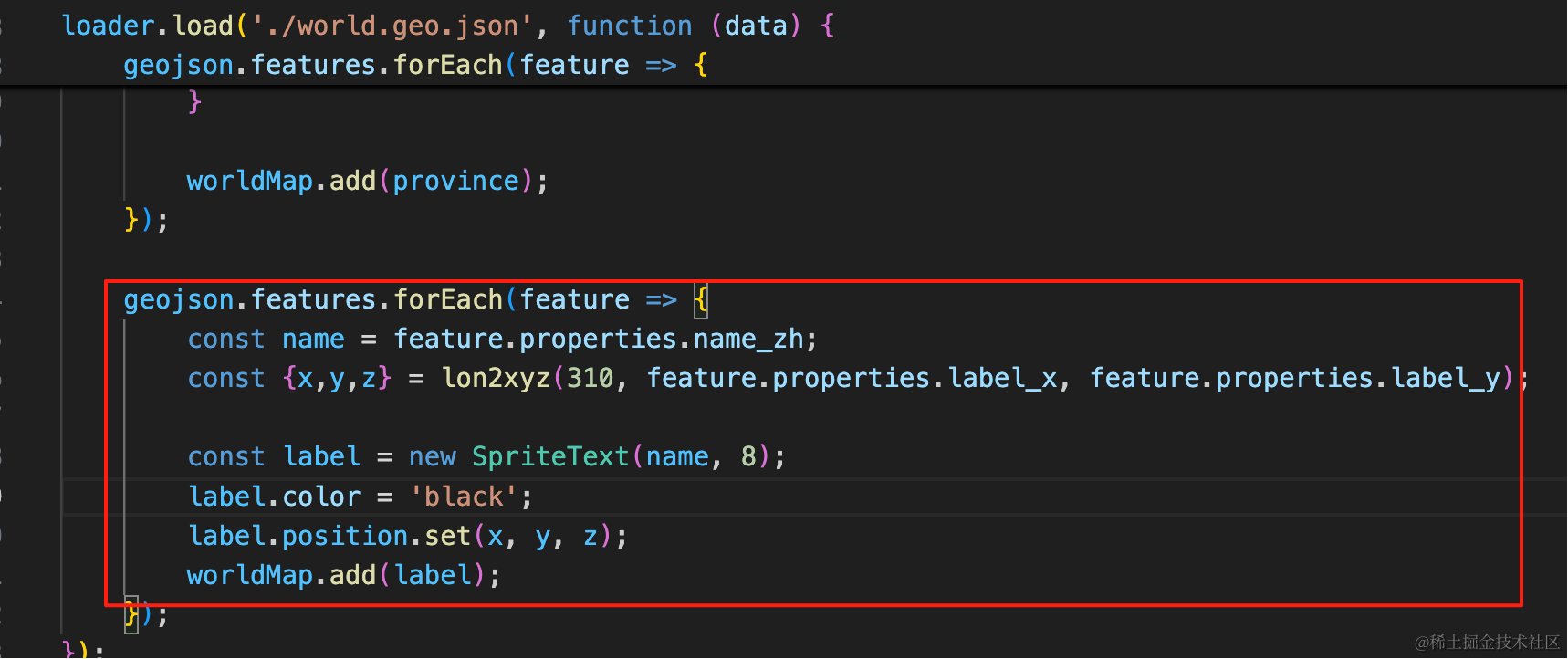
geojson.features.forEach(feature => {
    const name = feature.properties.name_zh;
    const {x,y,z} = lon2xyz(310, feature.properties.label_x, feature.properties.label_y);

    const label = new SpriteText(name, 8);
    label.color = 'black';
    label.position.set(x, y, z);
    worldMap.add(label);
});
拿到 name、经纬度。
转为球面坐标,这里半径大一点。
在那个位置加一个 SpriteText。
geojson.features.forEach(feature => {
    const name = feature.properties.name_zh;
    const {x,y,z} = lon2xyz(310, feature.properties.label_x, feature.properties.label_y);

    const label = new SpriteText(name, 8);
    label.color = 'black';
    label.position.set(x, y, z);
    worldMap.add(label);
});
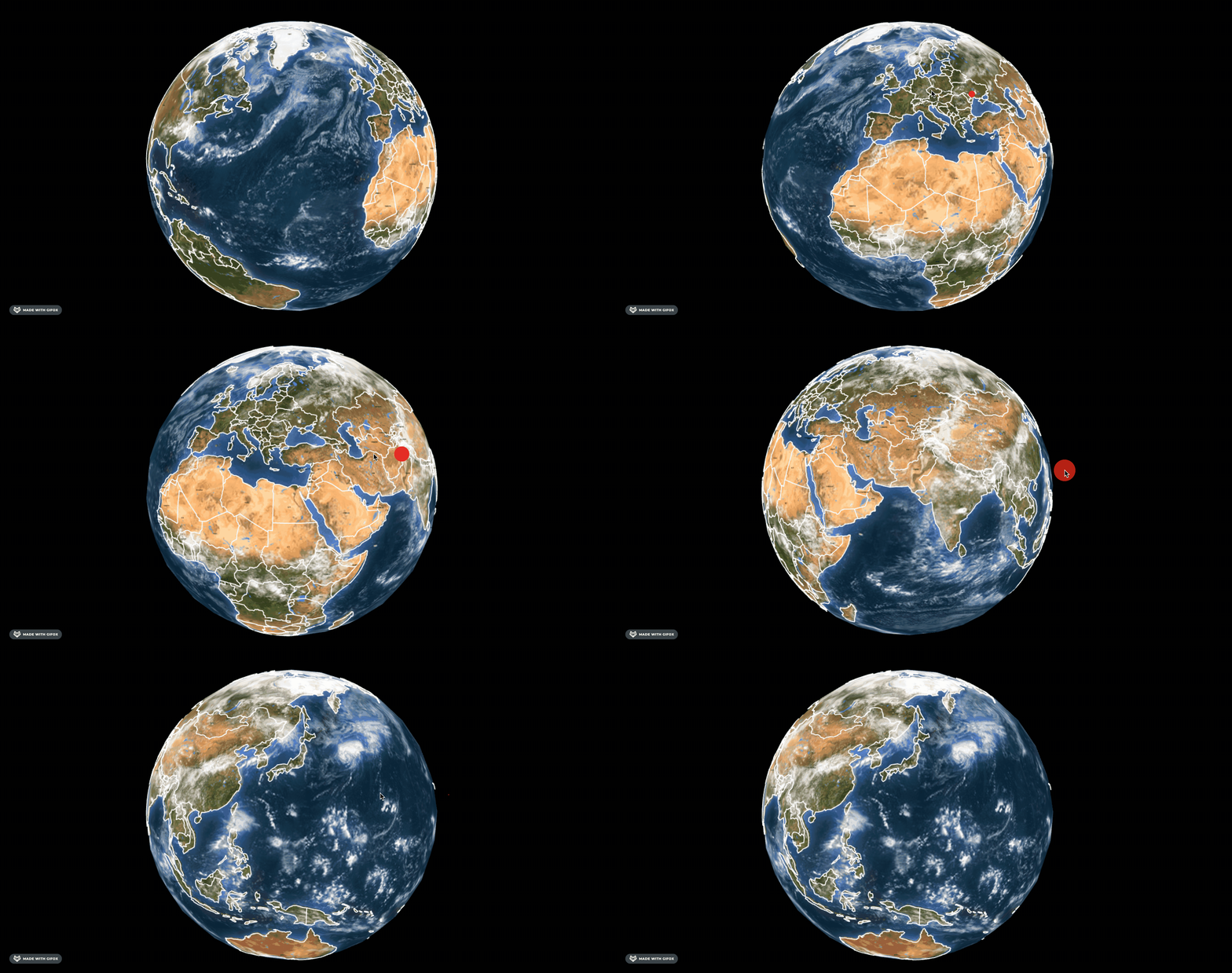
这样,国家名字就标上了。
但欧洲的有的国家名重合了:
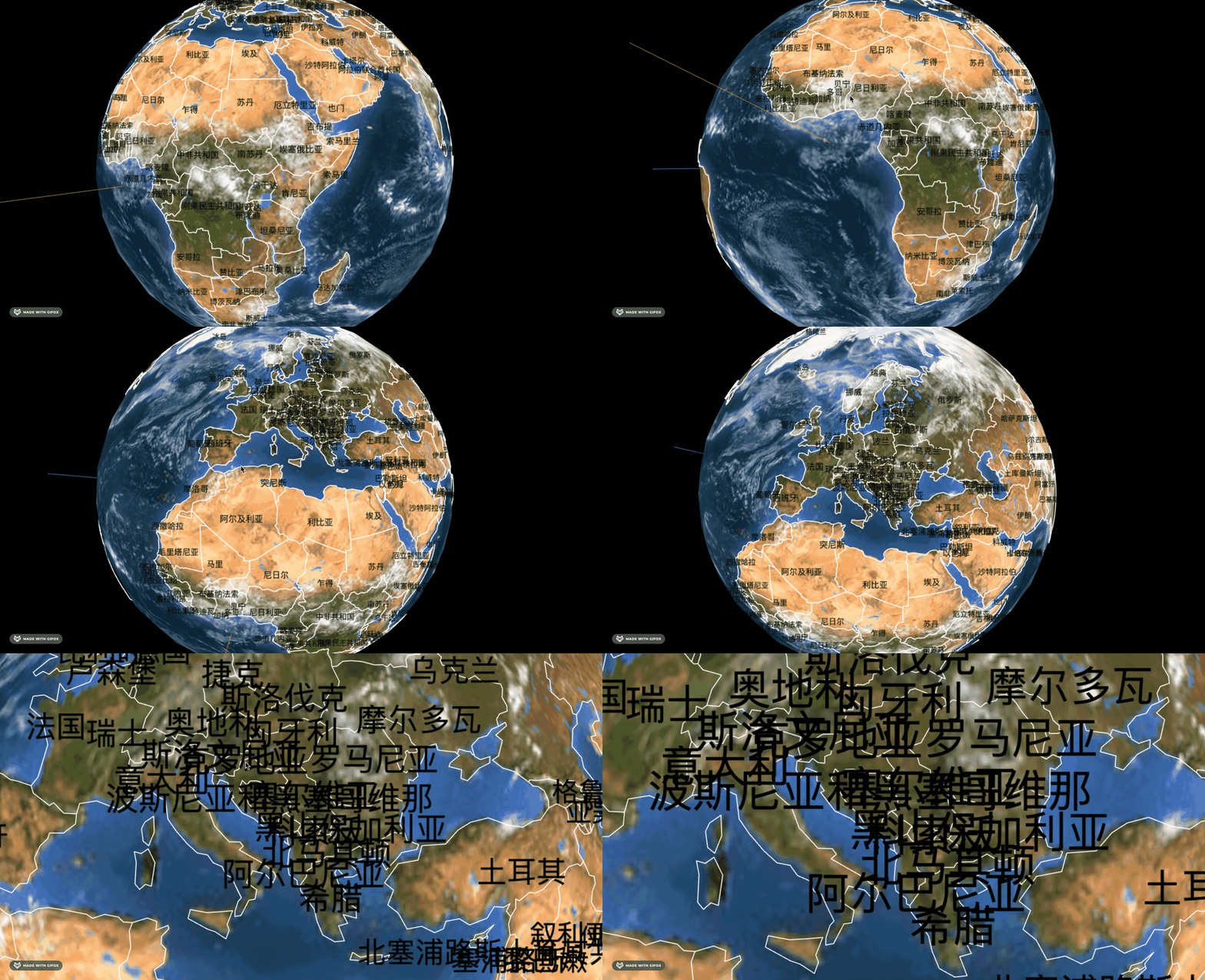
有的国家面积小,有的国家面积大
我们把地球体积改大点,把字改小点
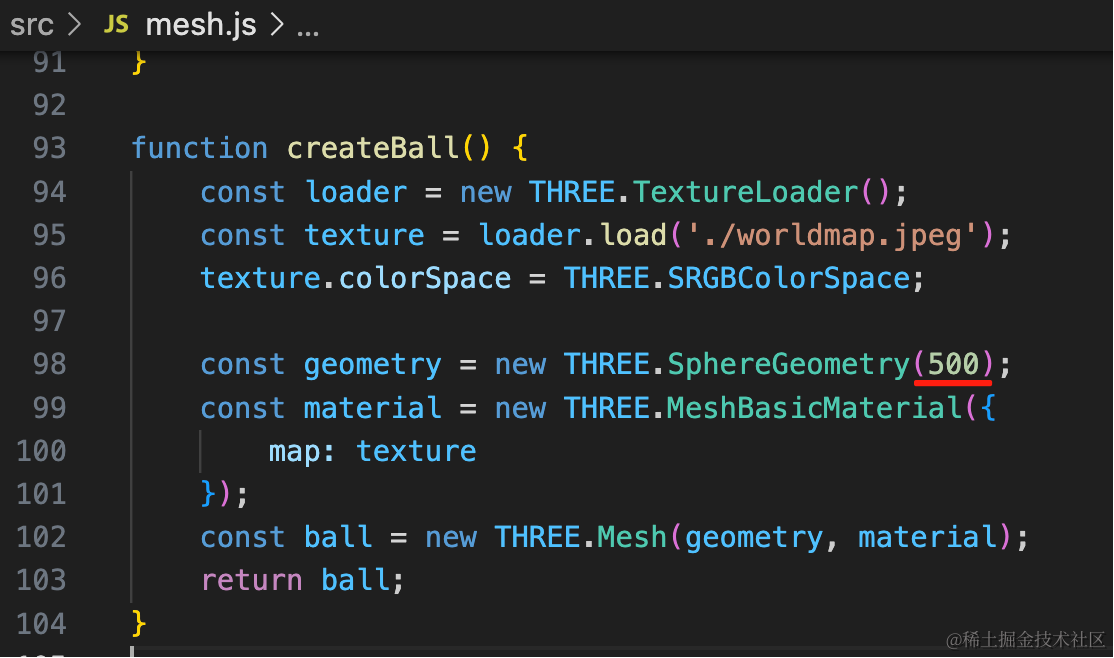
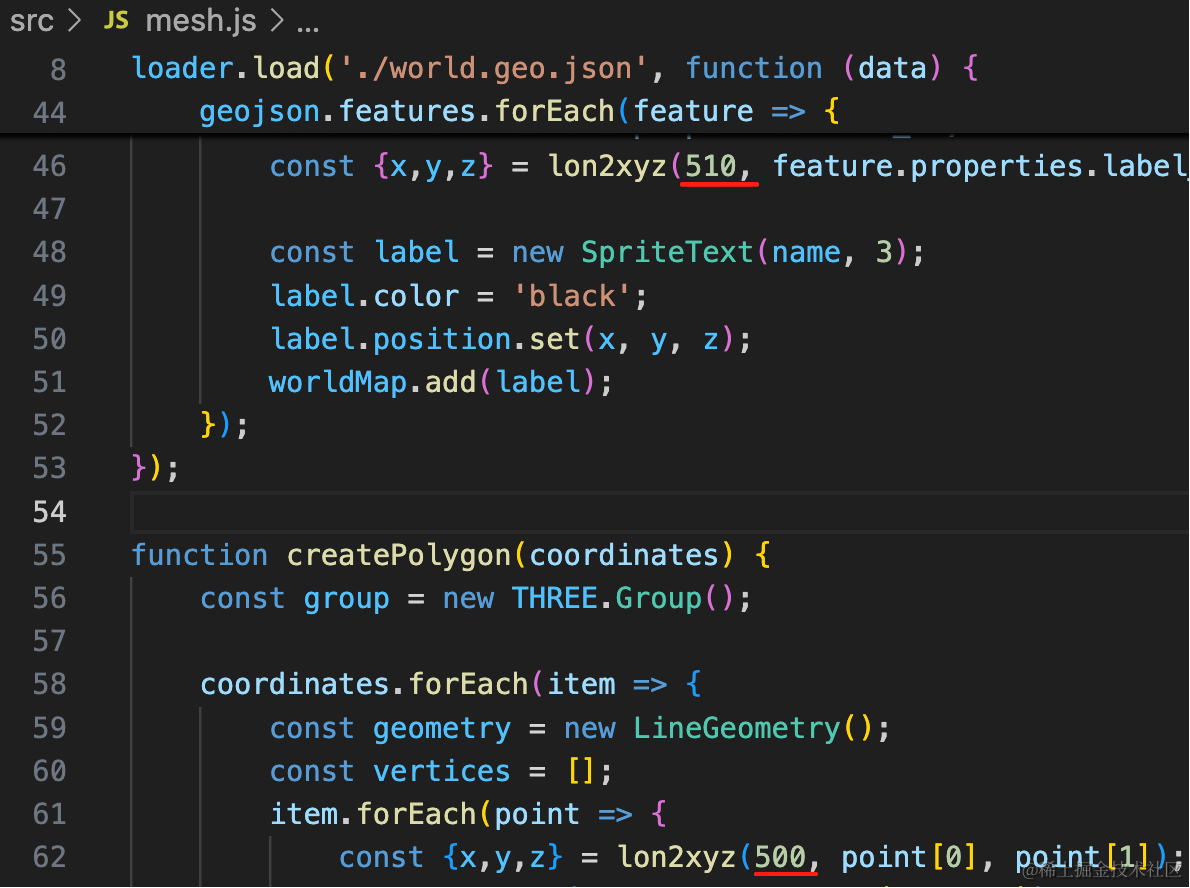
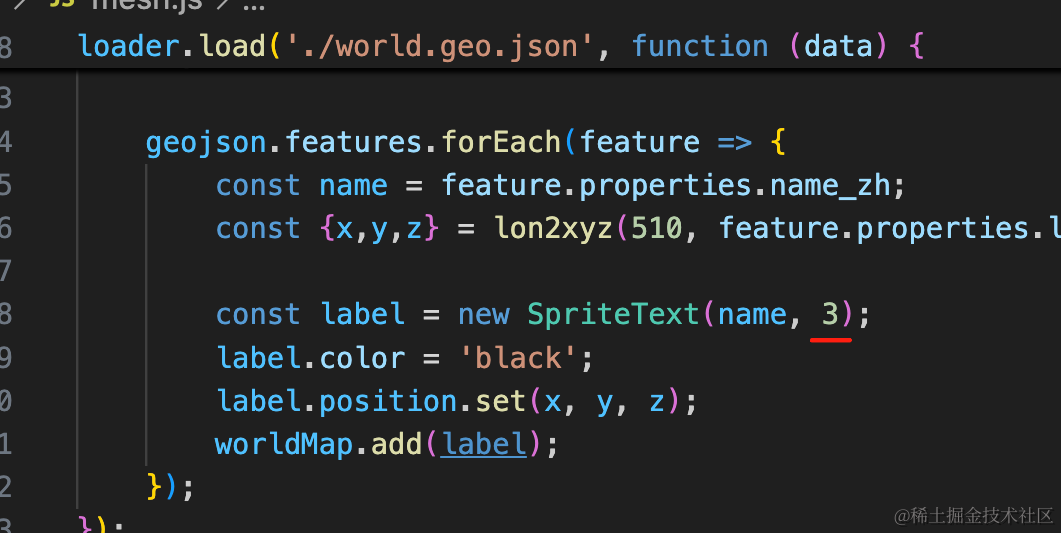
这样就显示全了:
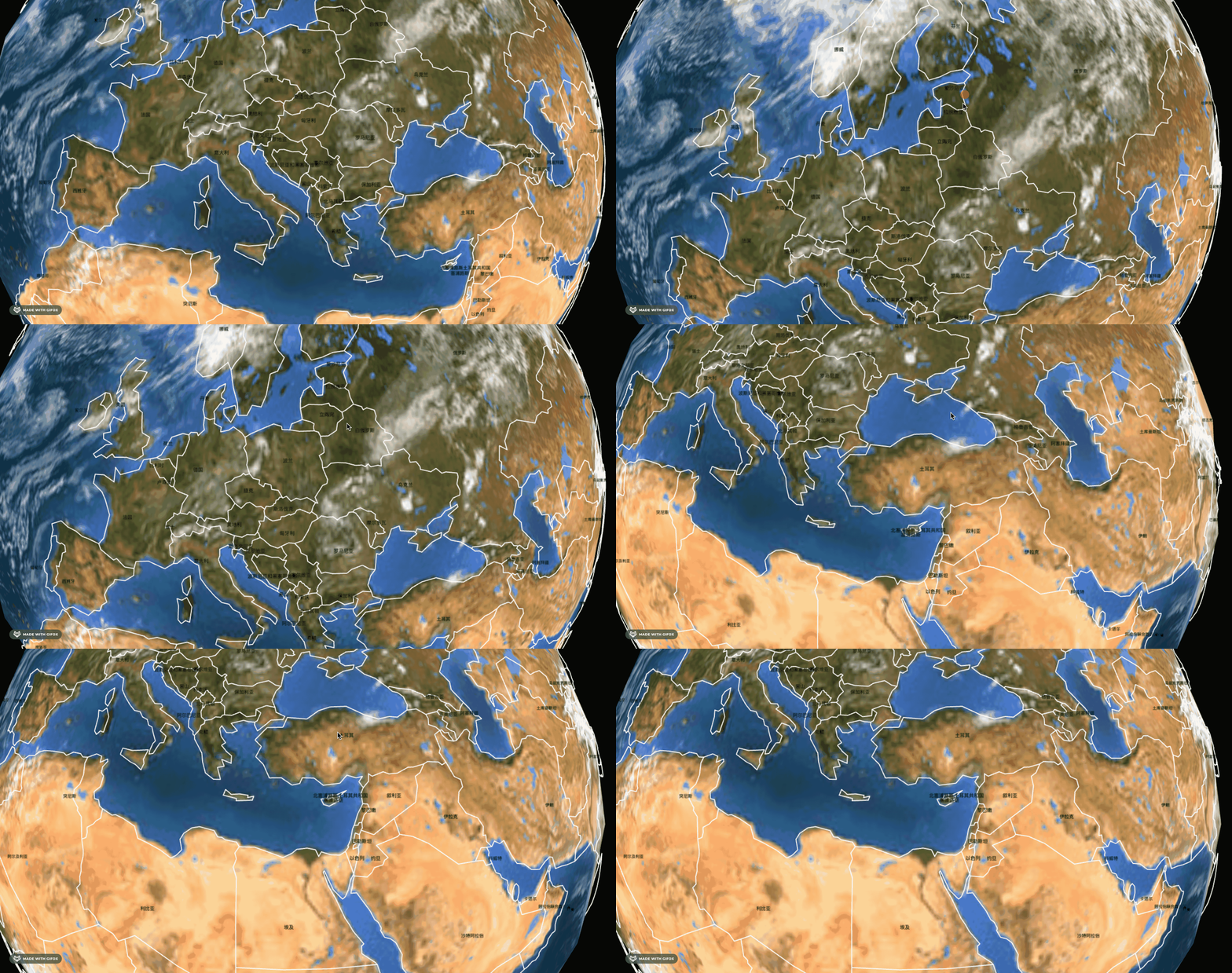
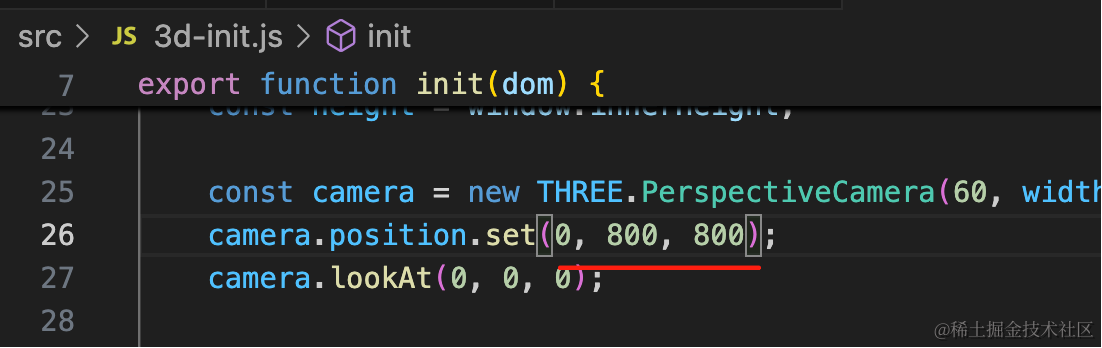
改下相机位置:
最后我们给地球外面加一个光圈。
找个光圈图片:
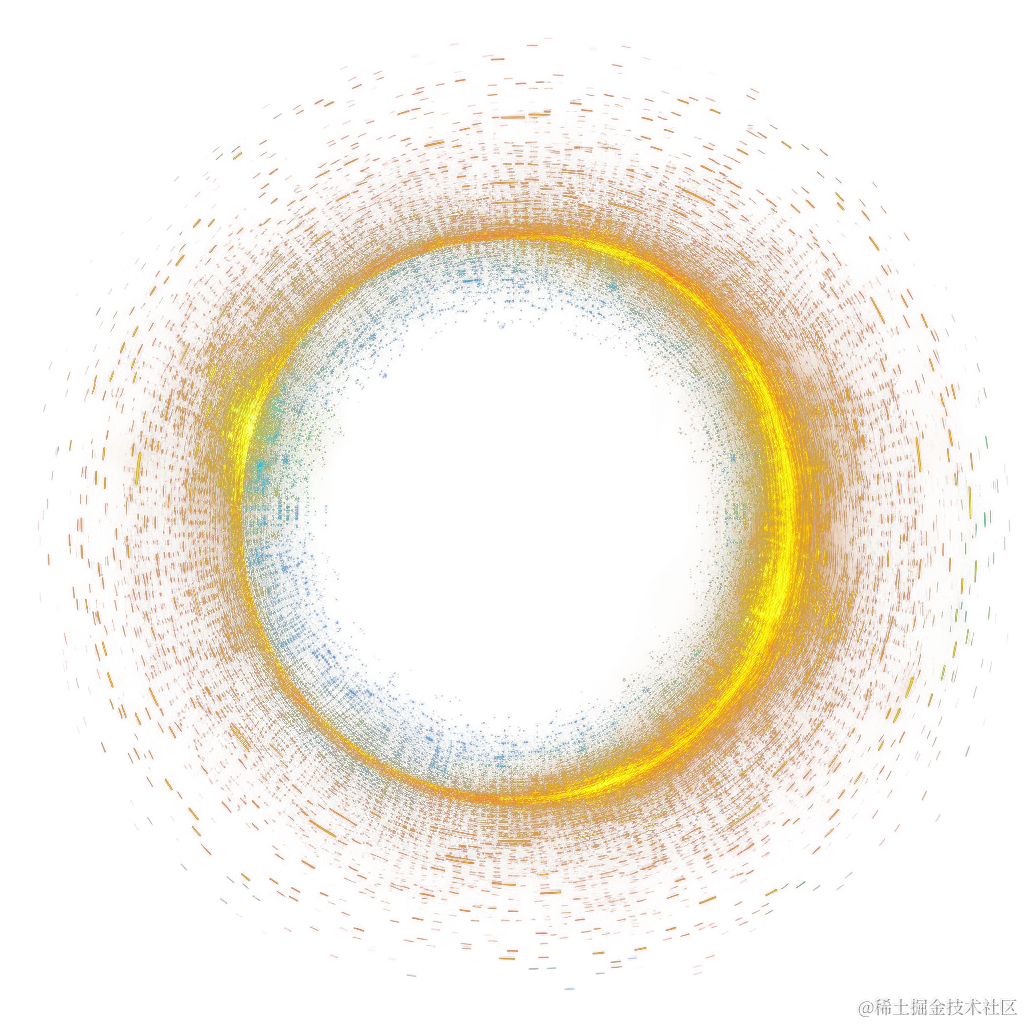
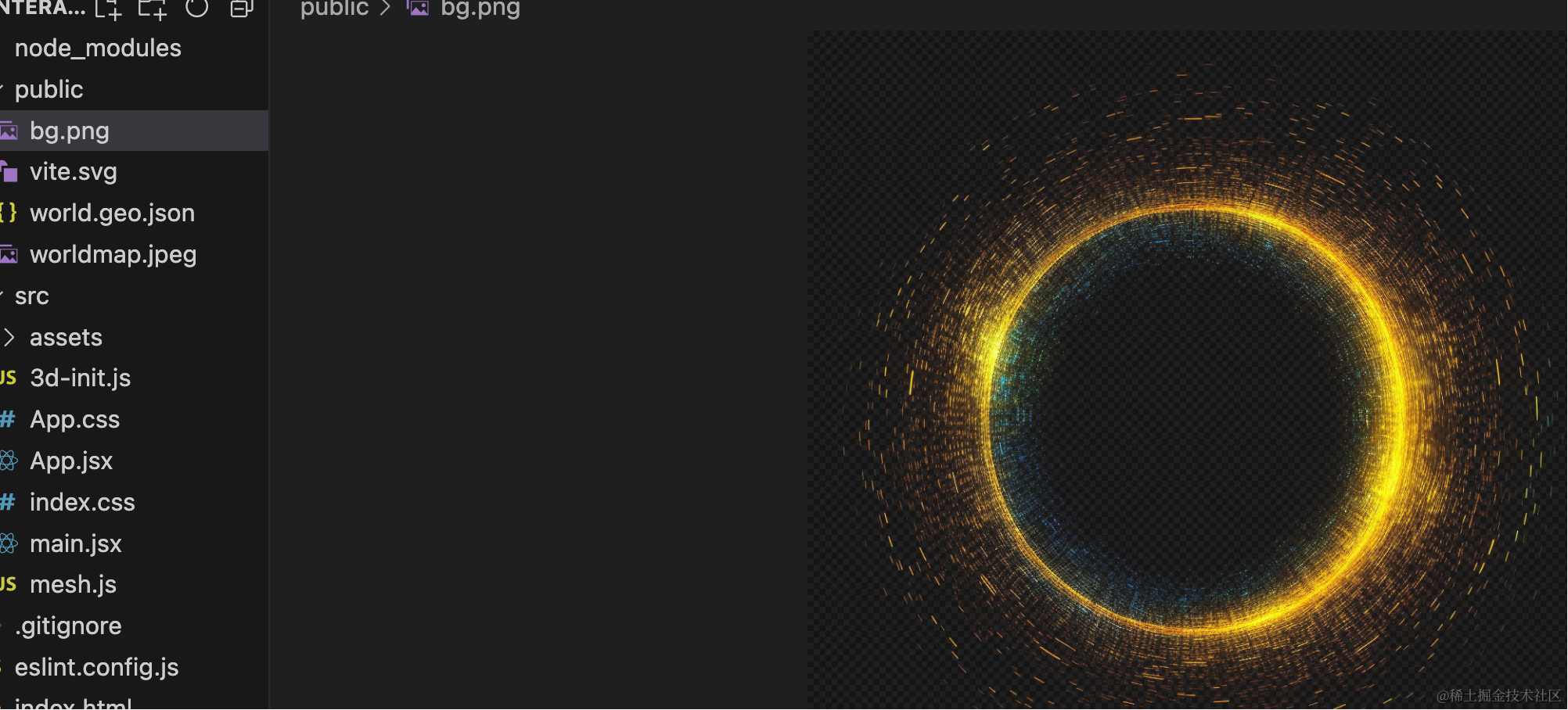
(搜索引擎搜到的素材一般不能用,最好从一些素材网站找,这里就不推荐了,自己搜一下)
代码里用一下:
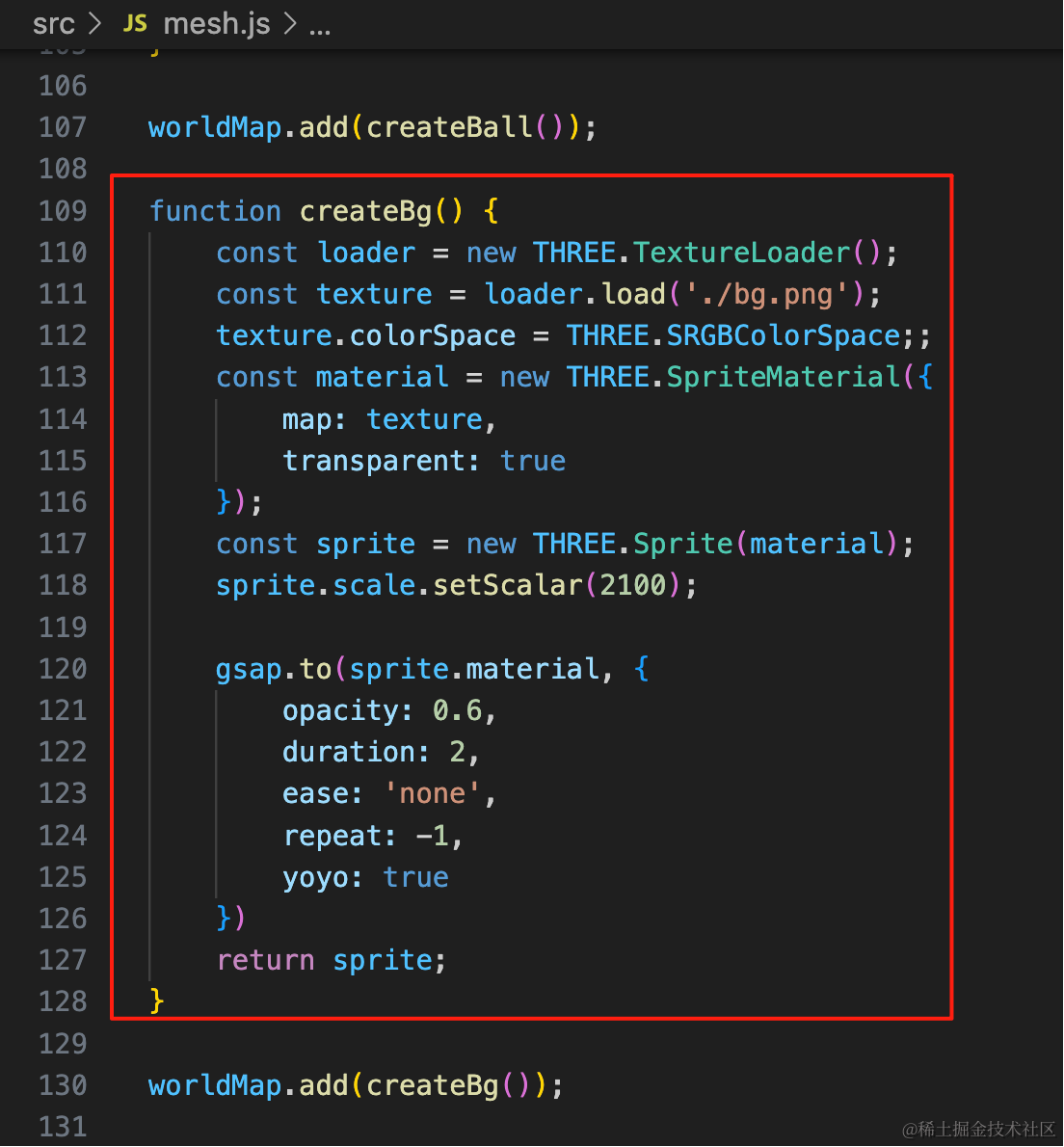
function createBg() {
    const loader = new THREE.TextureLoader();
    const texture = loader.load('./bg.png');
    texture.colorSpace = THREE.SRGBColorSpace;;
    const material = new THREE.SpriteMaterial({
        map: texture,
        transparent: true
    });
    const sprite = new THREE.Sprite(material);
    sprite.scale.setScalar(2100);

    gsap.to(sprite.material, {
        opacity: 0.6,
        duration: 2,
        ease: 'none',
        repeat: -1,
        yoyo: true
    })
    return sprite;
}

worldMap.add(createBg());
这里安装了 gsap 来做动画透明度改变的动画。
pnpm install --save gsapyoyo 设置为 true,就是往返的动画
看下效果:

我们把线也改成金色,并且粗一点:
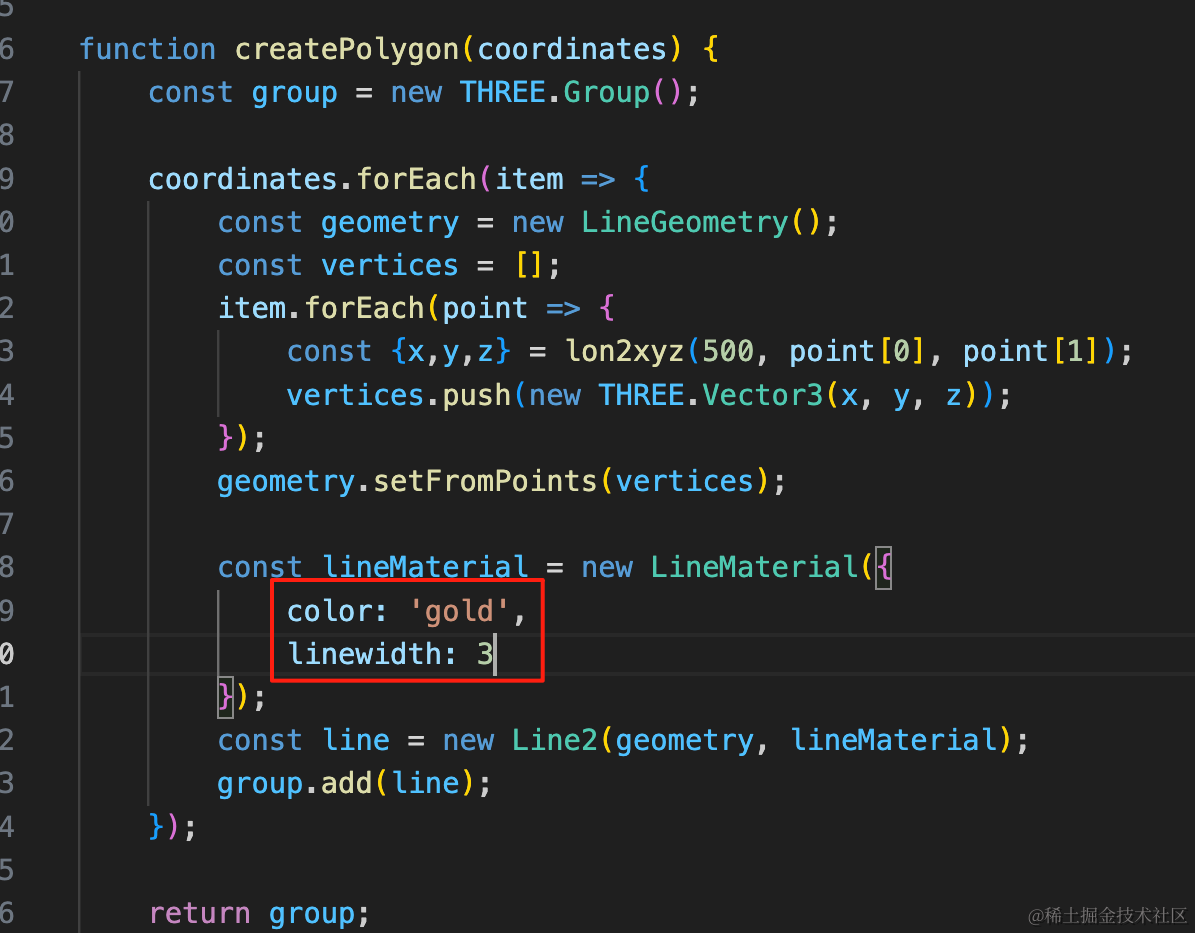
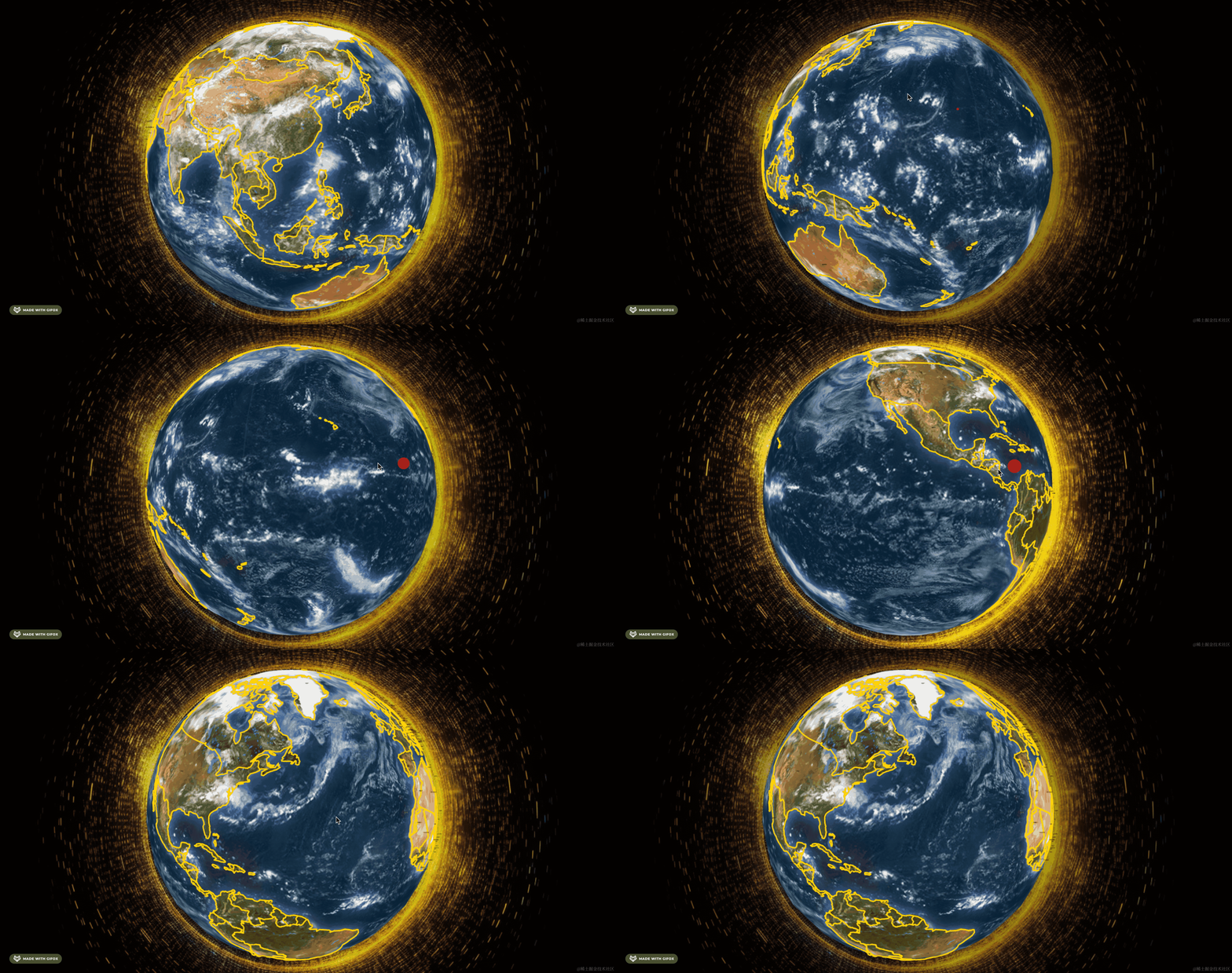
这样整体就好看多了。
案例代码上传了小册仓库
总结
这节我们把国家的名字标了出来,但有个国家面积比较小,为了显示全我们把字设置的很小。
然后加上了光圈效果。
下节我们来做国家的定位和搜索。