不知道你有没有玩过开放世界的游戏。
比如这个夏日午后:
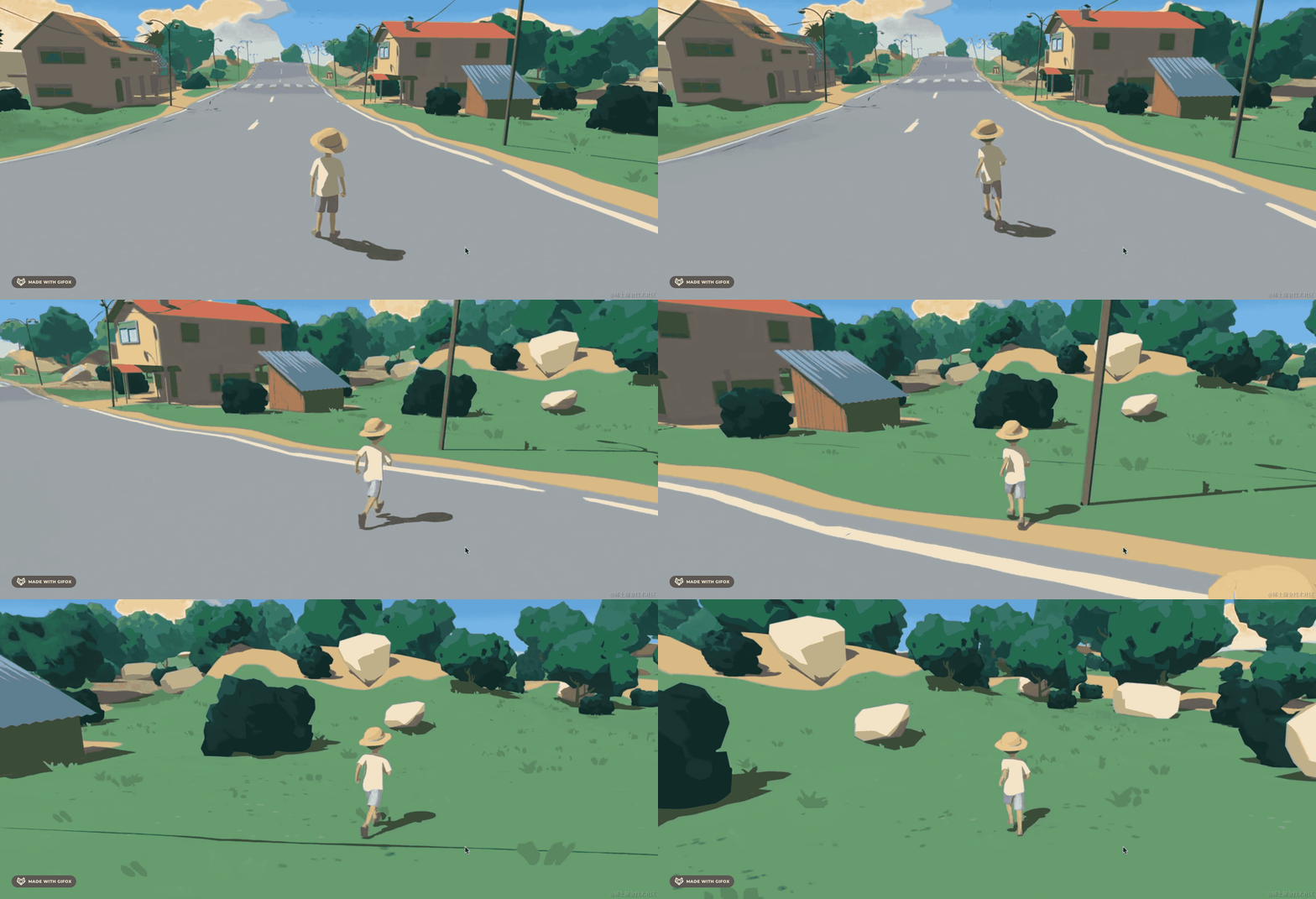
它就是可以控制玩家在这个世界里自由探索,可以跑、跳。
而且玩家碰到障碍物会停下来,比如碰到石头。并且还可以跳到石头上。
那如何实现这种开放世界呢?
前面我们学了如何控制玩家实现漫游效果,而让玩家和障碍物的碰撞检测,一些物理效果,很明显要用 cannon 来做。
这节开始我们就实现一个这样的开放世界。
创建项目:
npx create-vite open-world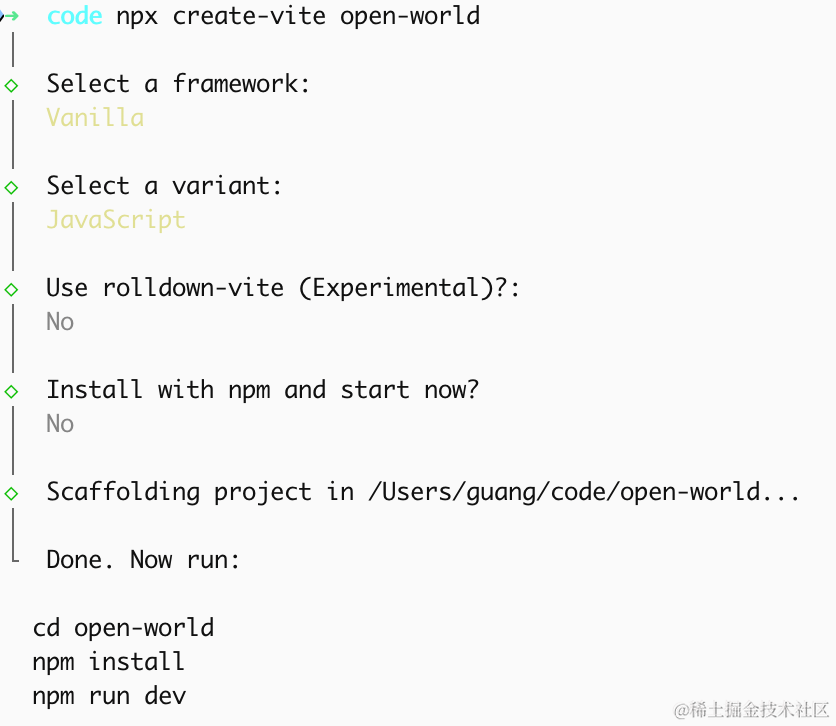
进入项目,安装依赖:
pnpm install
pnpm install --save three
pnpm install --save-dev @types/three
安装 cannon:
pnpm install --save cannon-es先写下基础代码:
改下 src/main.js
import './style.css';
import * as THREE from 'three';
import {
    OrbitControls
} from 'three/addons/controls/OrbitControls.js';
import mesh from './mesh.js';

const scene = new THREE.Scene();
scene.background = new THREE.Color(0x87ceeb);

scene.add(mesh);

scene.add(new THREE.AmbientLight(0xffffff, 0.6));
const sun = new THREE.DirectionalLight(0xffffff, 0.8);
sun.position.set(20, 30, 10);
scene.add(sun);

const width = window.innerWidth;
const height = window.innerHeight;

const camera = new THREE.PerspectiveCamera(75, width / height, 0.1, 200);
camera.position.set(0, 1.6, 5);
camera.lookAt(0, 0, 0);

const renderer = new THREE.WebGLRenderer({
  antialias: true
});
renderer.setSize(width, height)

function render() {
    renderer.render(scene, camera);
    requestAnimationFrame(render);
}

render();

document.body.append(renderer.domElement);

const controls = new OrbitControls(camera, renderer.domElement);
创建 Scene、Light、Camera、Renderer
改下 style.css
body {
    margin: 0;
}
然后创建 mesh.js
import * as THREE from 'three';

const group = new THREE.Group();

const groundSize = 100;
const groundGeo = new THREE.PlaneGeometry(groundSize, groundSize);
const groundMat = new THREE.MeshLambertMaterial({ color: 0x90a955 });
const groundMesh = new THREE.Mesh(groundGeo, groundMat);
groundMesh.rotation.x = -Math.PI / 2;
group.add(groundMesh);

export default group;
先画了下地面
跑一下:
npm run dev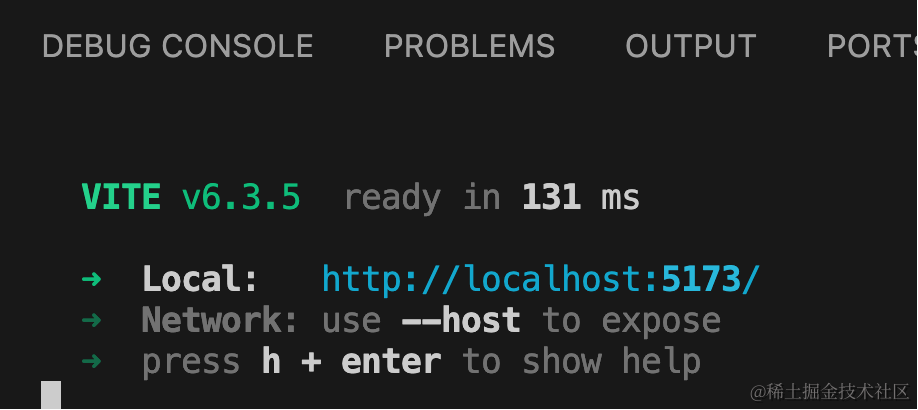
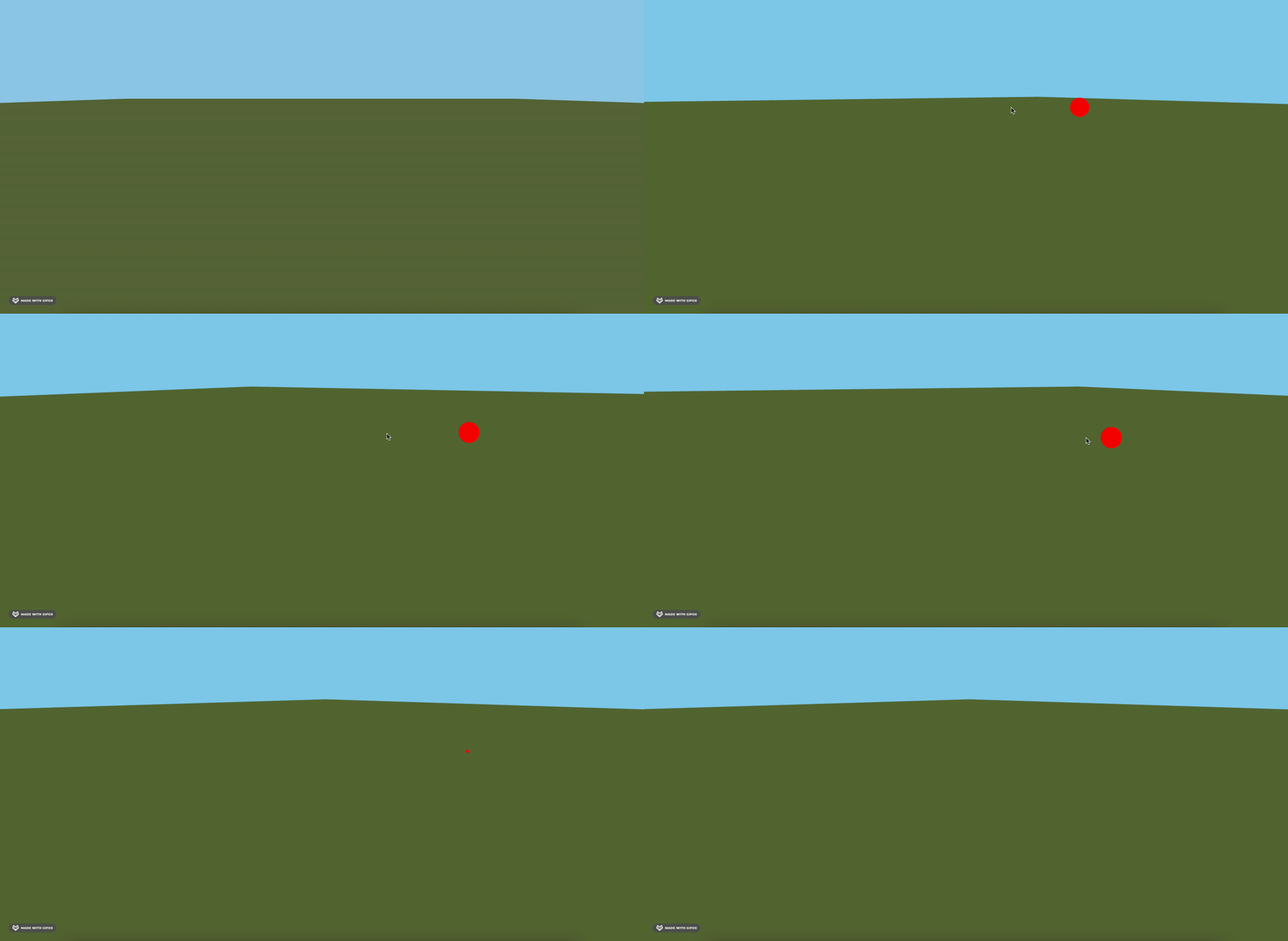
然后画一些障碍物,比如玩家可以跳上去的那种。
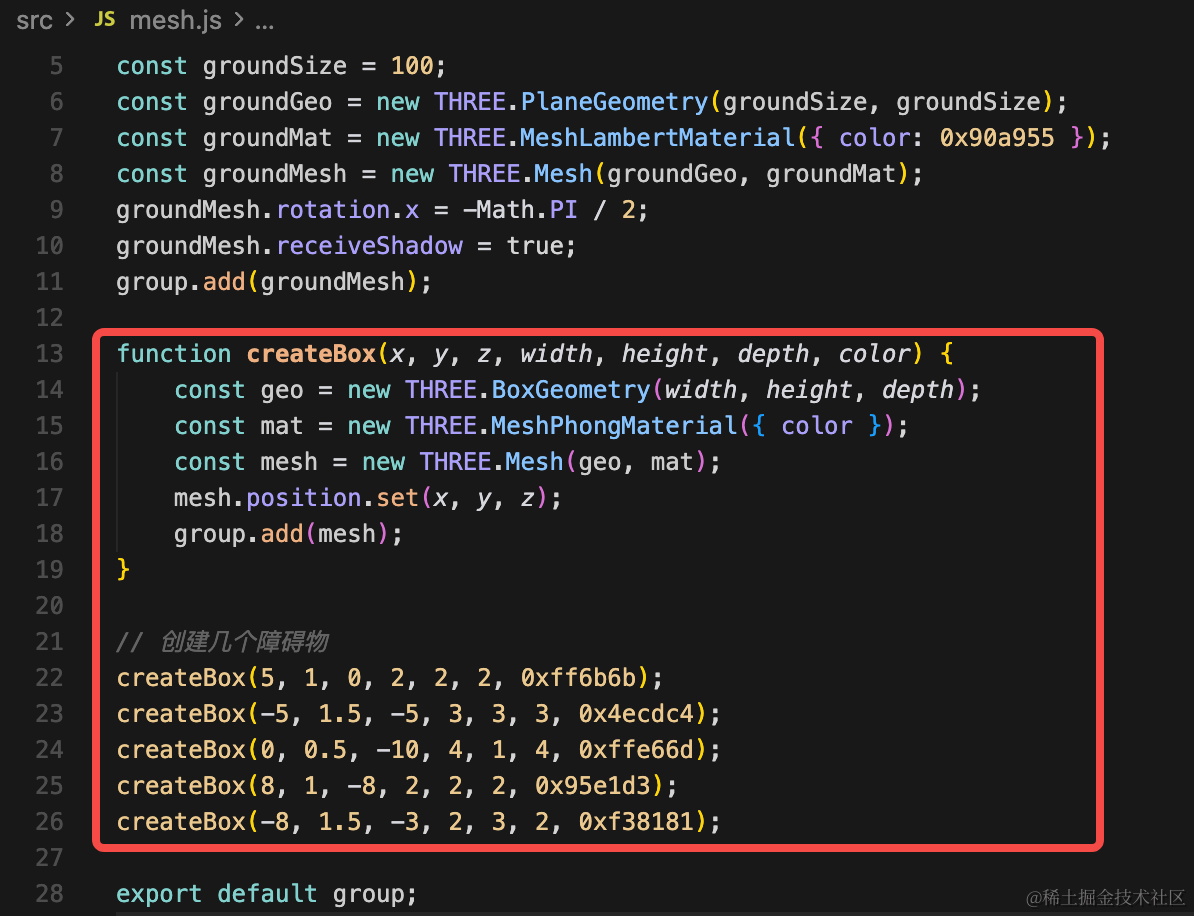
function createBox(x, y, z, width, height, depth, color) {
    const geo = new THREE.BoxGeometry(width, height, depth);
    const mat = new THREE.MeshPhongMaterial({ color });
    const mesh = new THREE.Mesh(geo, mat);
    mesh.position.set(x, y, z);
    group.add(mesh);
}

// 创建几个障碍物
createBox(5, 1, 0, 2, 2, 2, 0xff6b6b);
createBox(-5, 1.5, -5, 3, 3, 3, 0x4ecdc4);
createBox(0, 0.5, -10, 4, 1, 4, 0xffe66d);
createBox(8, 1, -8, 2, 2, 2, 0x95e1d3);
createBox(-8, 1.5, -3, 2, 3, 2, 0xf38181);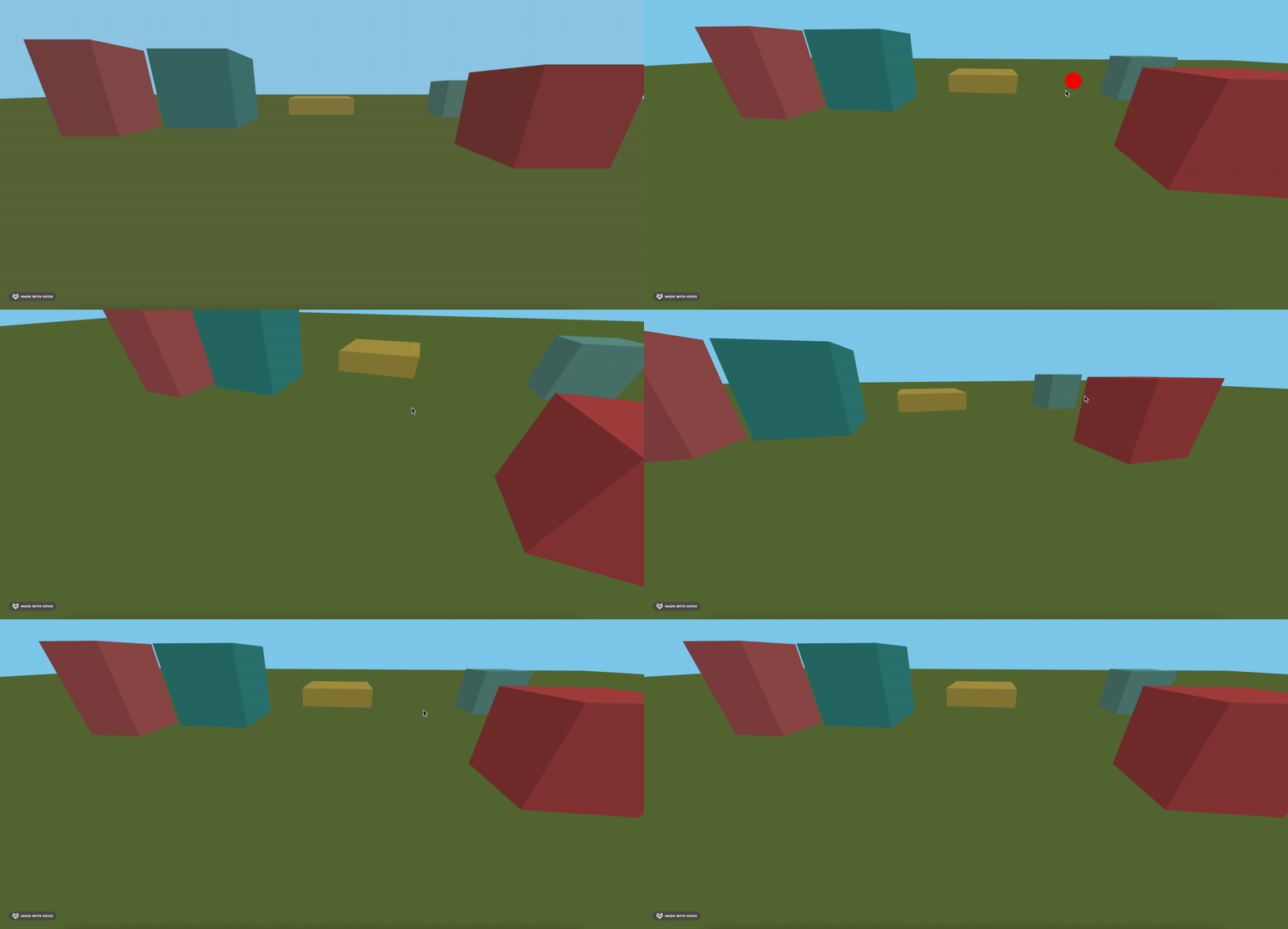
这个黄色的方块,玩家就可以跳上去。
然后画一圈围墙,把这个场景围起来,有点像进击的巨人里那种感觉,人走不出这个城墙。
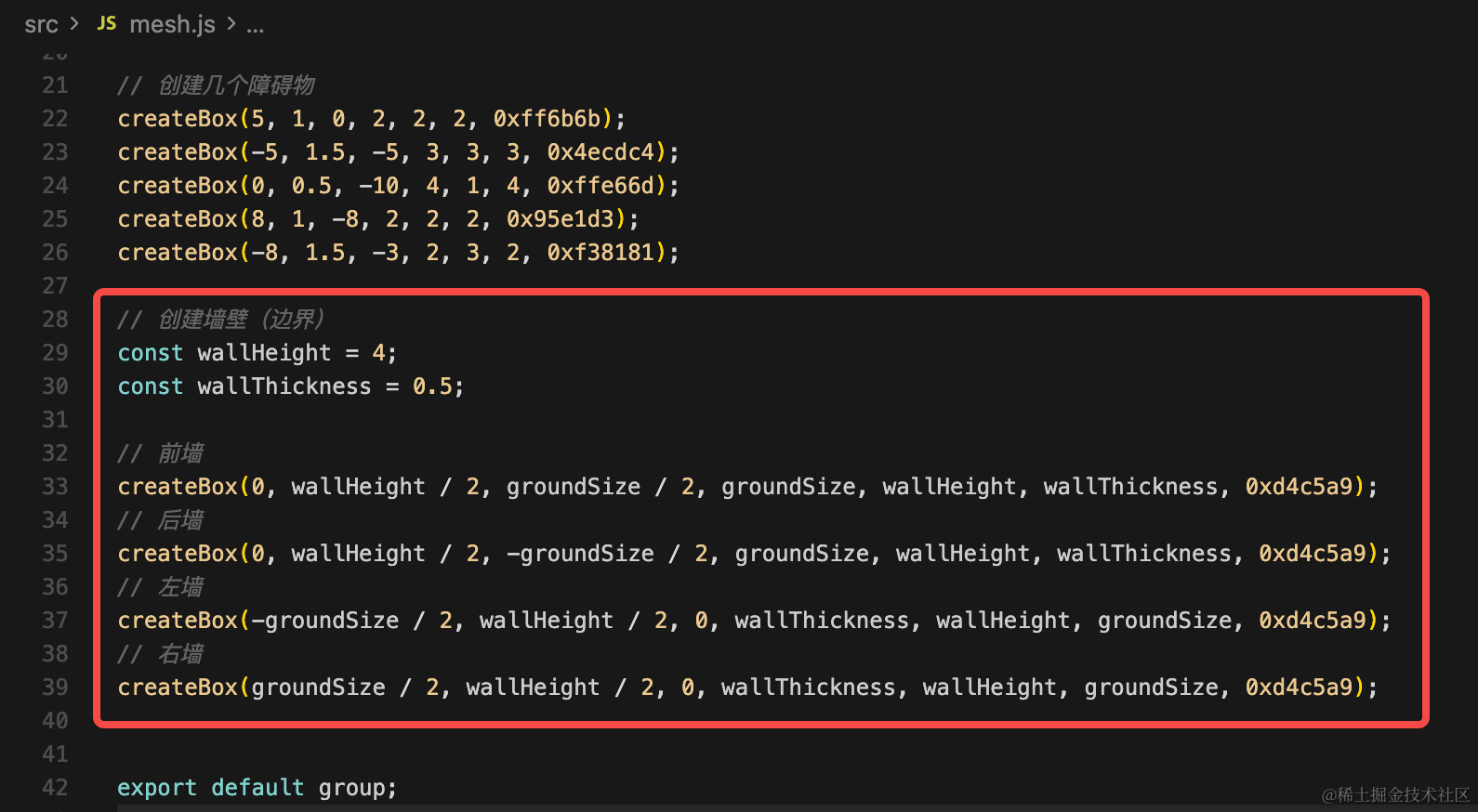
// 创建墙壁(边界)
const wallHeight = 4;
const wallThickness = 0.5;

// 前墙
createBox(0, wallHeight / 2, groundSize / 2, groundSize, wallHeight, wallThickness, 0xd4c5a9);
// 后墙
createBox(0, wallHeight / 2, -groundSize / 2, groundSize, wallHeight, wallThickness, 0xd4c5a9);
// 左墙
createBox(-groundSize / 2, wallHeight / 2, 0, wallThickness, wallHeight, groundSize, 0xd4c5a9);
// 右墙
createBox(groundSize / 2, wallHeight / 2, 0, wallThickness, wallHeight, groundSize, 0xd4c5a9);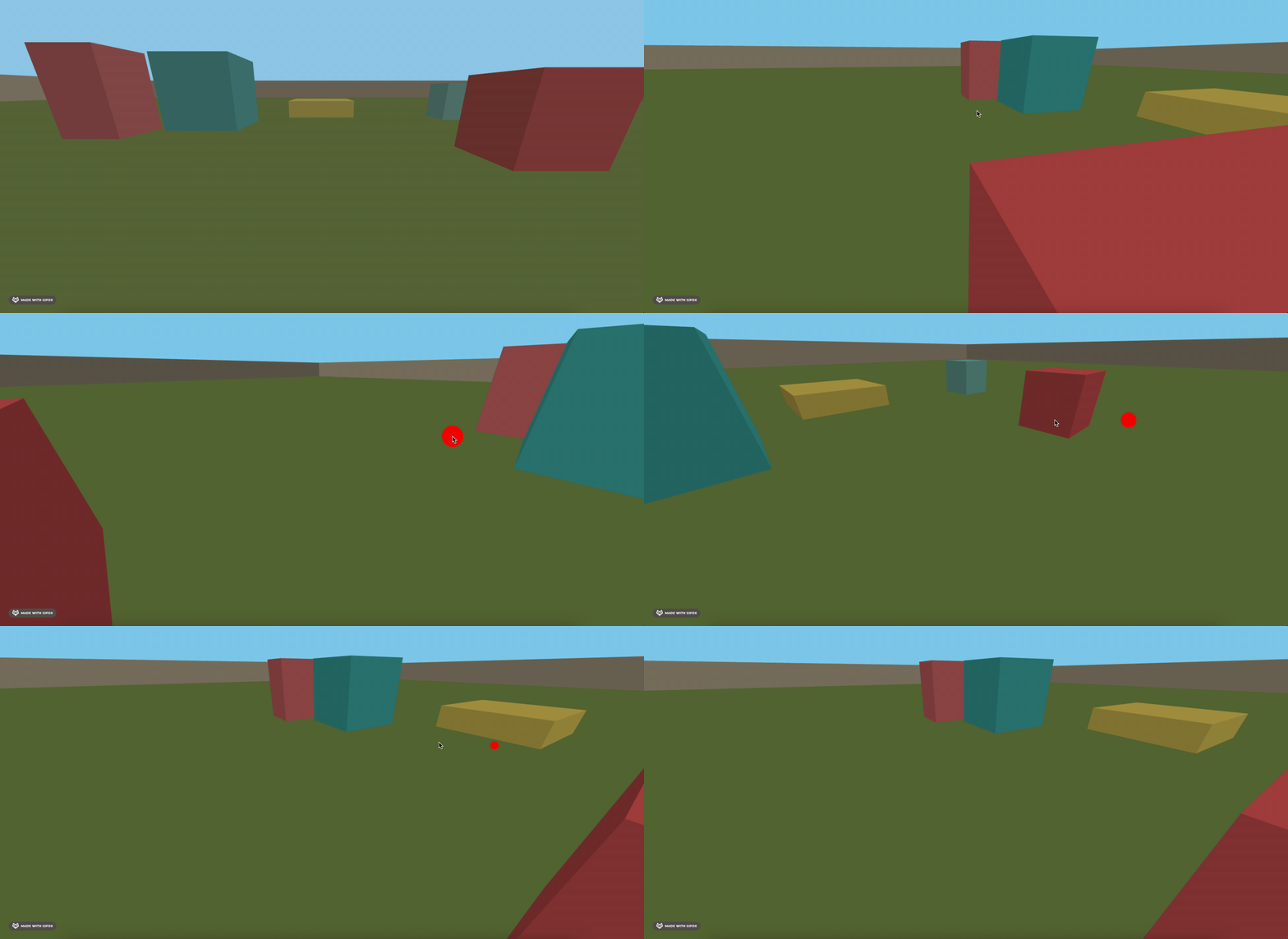
然后把玩家加载进来:
还是之前那个士兵模型:
https://github.com/mrdoob/three.js/blob/dev/examples/models/gltf/Soldier.glb
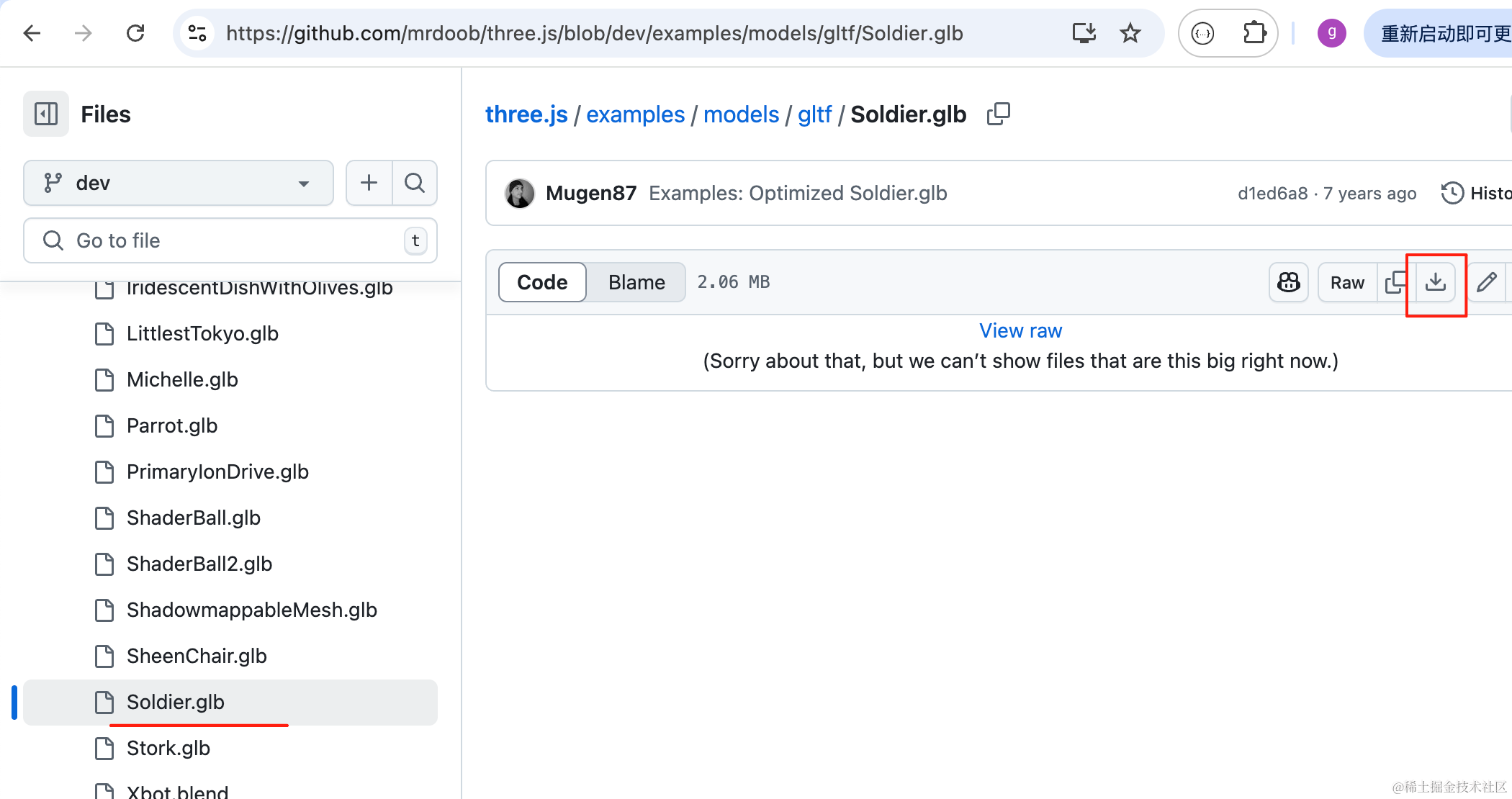
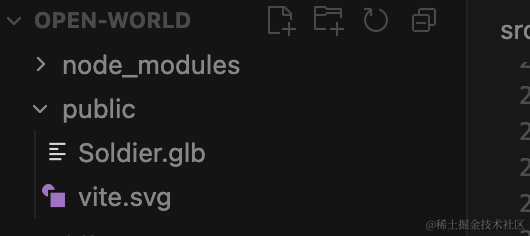
下载下来,放 public 目录:
然后加载进来播放 idle 动画:
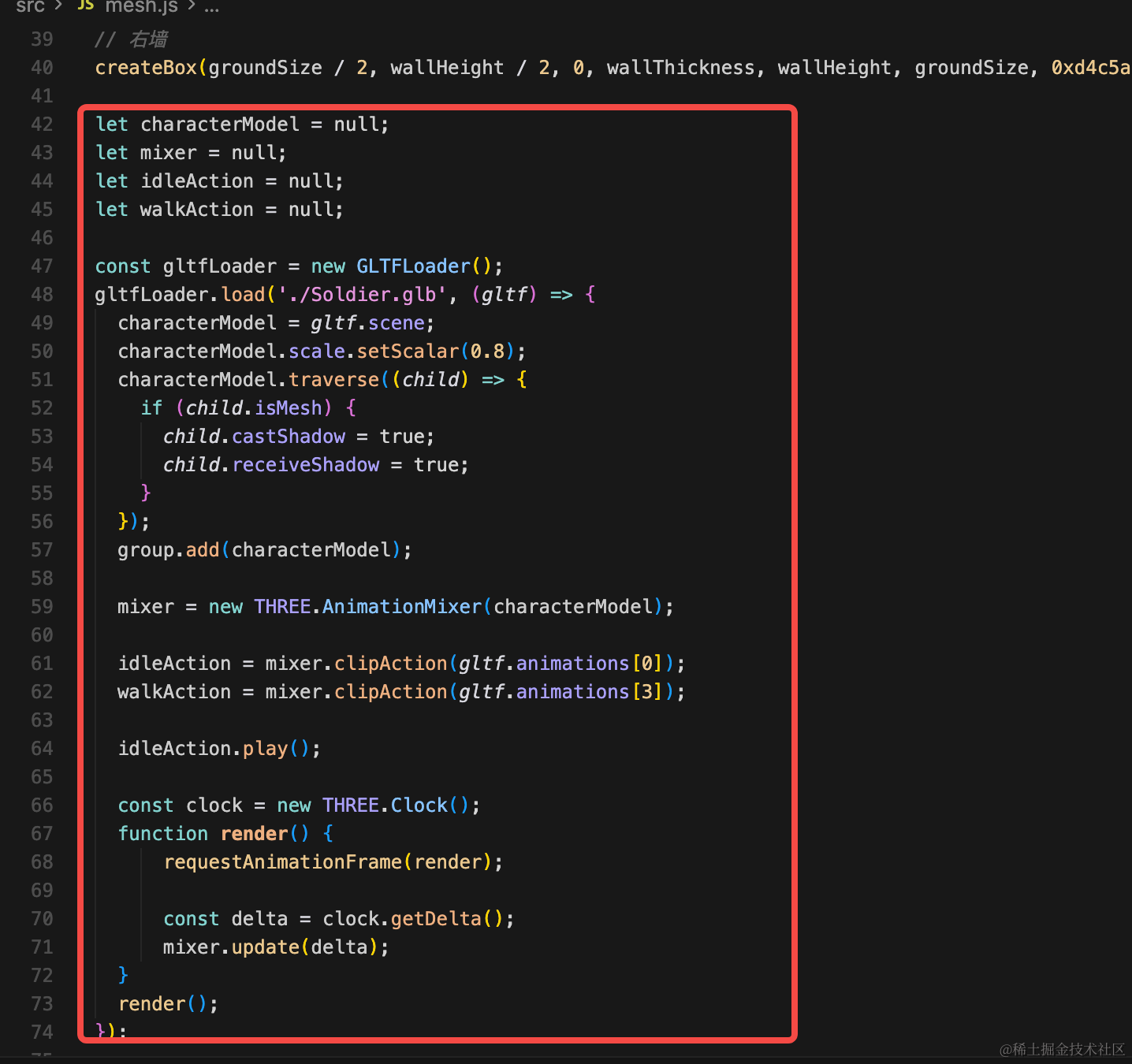
let characterModel = null;
let mixer = null;
let idleAction = null;
let walkAction = null;

const gltfLoader = new GLTFLoader();
gltfLoader.load('./Soldier.glb', (gltf) => {
  characterModel = gltf.scene;
  characterModel.scale.setScalar(0.8);
  group.add(characterModel);

  mixer = new THREE.AnimationMixer(characterModel);

  idleAction = mixer.clipAction(gltf.animations[0]);
  walkAction = mixer.clipAction(gltf.animations[3]);

  idleAction.play();

  const clock = new THREE.Clock();
  function render() {
      requestAnimationFrame(render);

      const delta = clock.getDelta();
      mixer.update(delta);
  }
  render();
});
这些前面写过很多次,就不赘述了。

这样,开放世界的基本场景就搭建完成了。
案例代码上传了小册仓库
总结
这节我们搭了下开放世界的场景,包括玩家、立方体、墙壁。
下节开始我们加上控制玩家在开放世界内行走、跳跃。