上节实现了上下飞机:
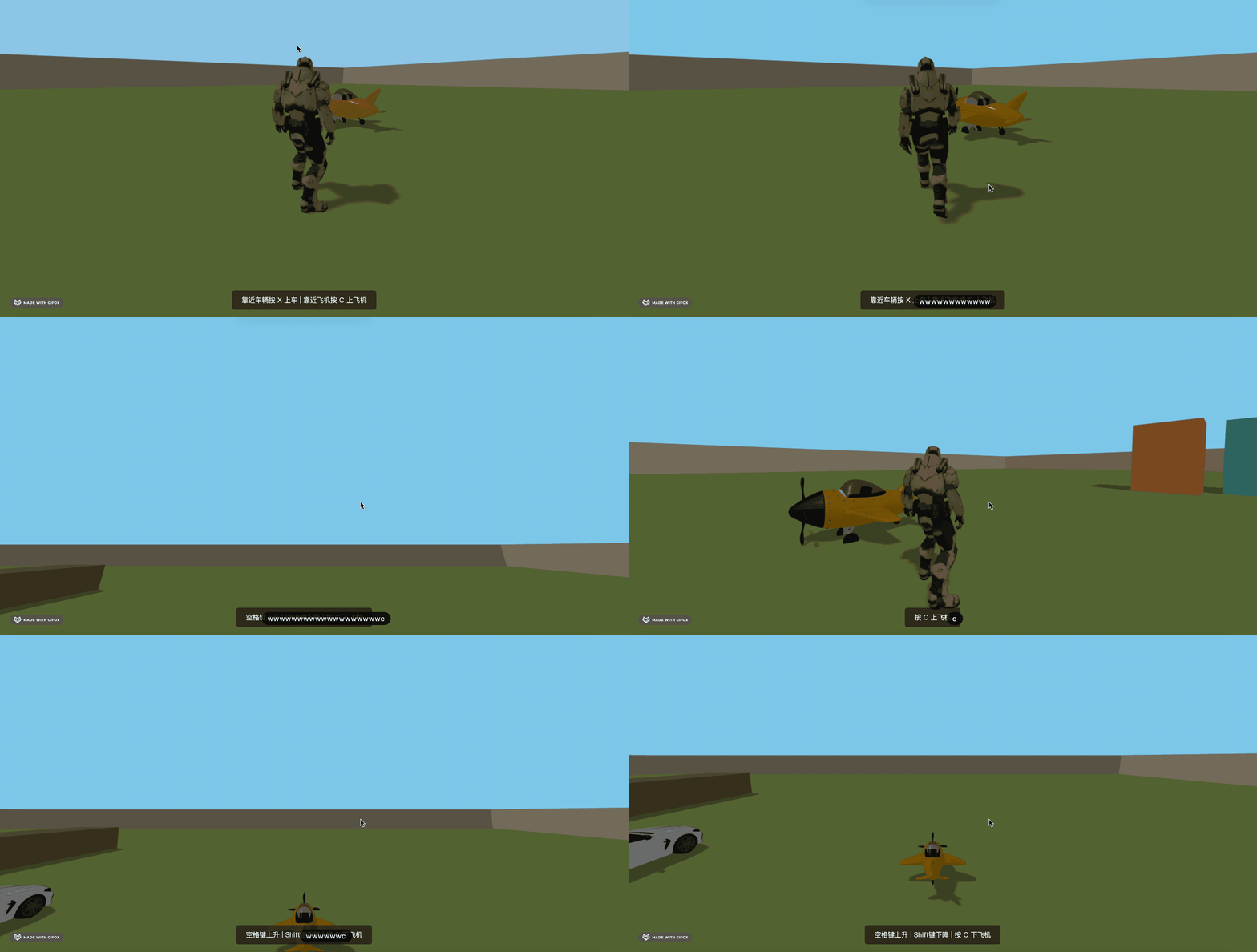
这节我们来做下上飞机之后开飞机的功能。
它和汽车的区别是除了前后移动之外,还可以上下的飞。
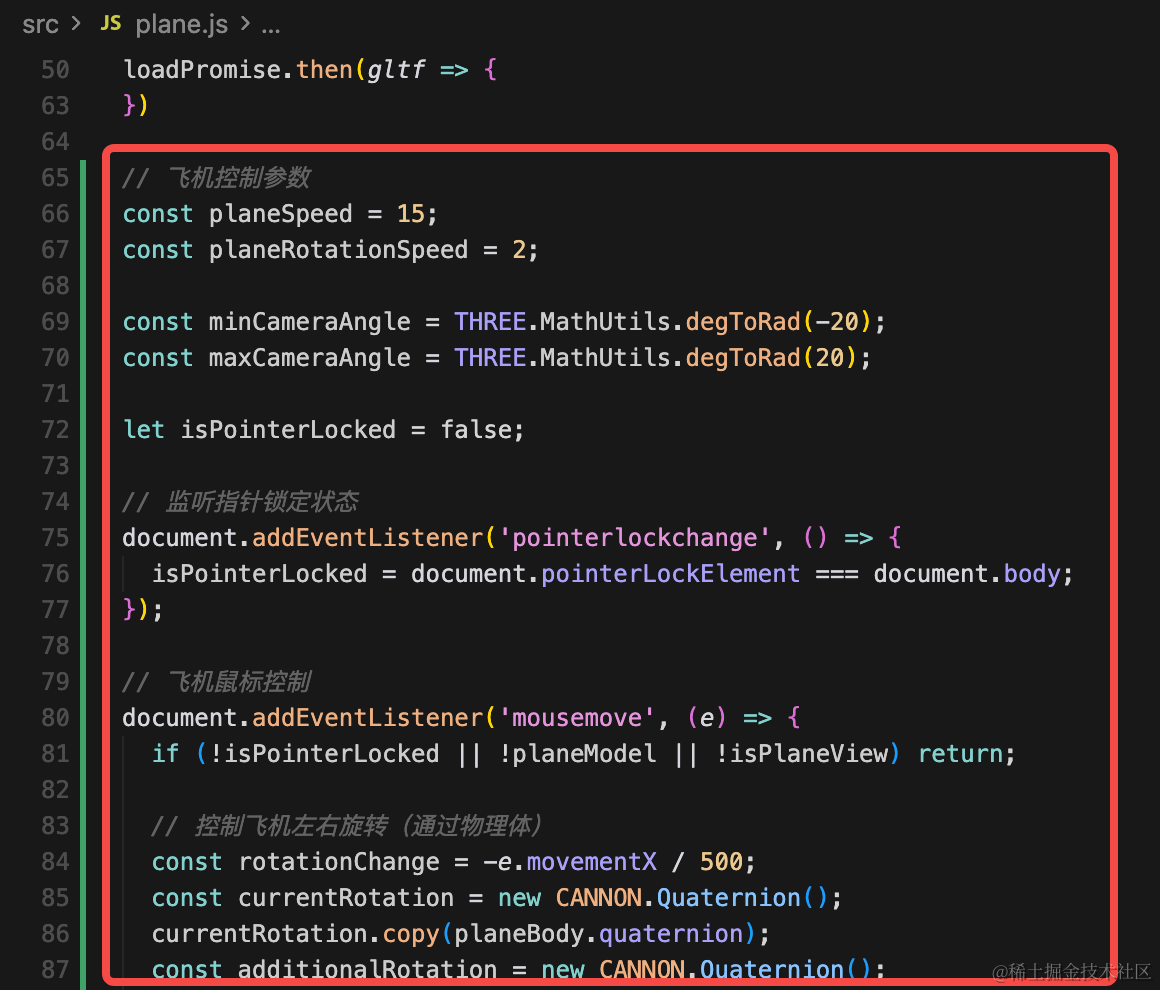
我们加一下飞机控制的代码:
import * as THREE from 'three';
import { GLTFLoader } from 'three/addons/loaders/GLTFLoader.js';
import * as CANNON from 'cannon-es';
import { world } from './mesh.js';
import { camera, isPlaneView } from './main.js';

const loader = new GLTFLoader();

const group = new THREE.Group();

// 飞机的位置和尺寸
const planeSize = { width: 2, height: 1, depth: 3 }; // 飞机的碰撞盒尺寸
const planePosition = { x: -10, y: 1.15, z: 10 };

// 创建飞机的物理碰撞体
const planeBody = new CANNON.Body({
    mass: 2000, // 飞机的质量(千克),可以移动
    position: new CANNON.Vec3(planePosition.x, planePosition.y, planePosition.z),
    linearDamping: 0.9, // 增加线性阻尼
    angularDamping: 0.9, // 增加角度阻尼
    fixedRotation: false, // 允许旋转
    linearFactor: new CANNON.Vec3(1, 1, 1), // 允许在XYZ三个方向移动
    angularFactor: new CANNON.Vec3(0, 1, 0), // 只允许绕Y轴旋转
    type: CANNON.Body.KINEMATIC // 使用运动学物体,不受重力影响
});
planeBody.addShape(new CANNON.Box(new CANNON.Vec3(
    planeSize.width / 2,
    planeSize.height / 2,
    planeSize.depth / 2
)));
world.addBody(planeBody);

export { planeBody };

// 可视化碰撞盒(调试用)
// const planeBoxGeo = new THREE.BoxGeometry(planeSize.width, planeSize.height, planeSize.depth);
// const planeBoxMat = new THREE.MeshPhongMaterial({
//     color: 0x00ff00,
//     transparent: true,
//     opacity: 0.3,
//     wireframe: true
// });
// const planeBoxMesh = new THREE.Mesh(planeBoxGeo, planeBoxMat);
// planeBoxMesh.position.set(planePosition.x, planePosition.y, planePosition.z);
// group.add(planeBoxMesh);

export const loadPromise = loader.loadAsync("./toy_plane.glb");

export let planeModel = null;

loadPromise.then(gltf => {
    planeModel = gltf.scene;
    group.add(planeModel);
    console.log(gltf);

    gltf.scene.traverse((child) => {
        if (child.isMesh) {
            child.castShadow = true;
            child.receiveShadow = true;
        }
    });

    gltf.scene.position.set(-10, 1.15, 10);
})

// 飞机控制参数
const planeSpeed = 15;
const planeRotationSpeed = 2;

const minCameraAngle = THREE.MathUtils.degToRad(-20);
const maxCameraAngle = THREE.MathUtils.degToRad(20);

let isPointerLocked = false;

// 监听指针锁定状态
document.addEventListener('pointerlockchange', () => {
  isPointerLocked = document.pointerLockElement === document.body;
});

// 飞机鼠标控制
document.addEventListener('mousemove', (e) => {
  if (!isPointerLocked || !planeModel || !isPlaneView) return;

  // 控制飞机左右旋转(通过物理体)
  const rotationChange = -e.movementX / 500;
  const currentRotation = new CANNON.Quaternion();
  currentRotation.copy(planeBody.quaternion);
  const additionalRotation = new CANNON.Quaternion();
  additionalRotation.setFromAxisAngle(new CANNON.Vec3(0, 1, 0), rotationChange);
  planeBody.quaternion = additionalRotation.mult(currentRotation);

  // 控制相机上下旋转
  camera.rotation.x -= e.movementY / 500;

  if (camera.rotation.x > maxCameraAngle) {
    camera.rotation.x = maxCameraAngle;
  }
  if (camera.rotation.x < minCameraAngle) {
    camera.rotation.x = minCameraAngle;
  }
});

// 飞机键盘控制
const keyPressed = {
  w: false,
  a: false,
  s: false,
  d: false,
  space: false,
  shift: false
};

window.addEventListener('keydown', (e) => {
  if (!isPlaneView) return;
  const key = e.key.toLowerCase();
  if (key === ' ') {
    keyPressed.space = true;
  } else if (key === 'shift') {
    keyPressed.shift = true;
  } else if (key in keyPressed) {
    keyPressed[key] = true;
  }
});

window.addEventListener('keyup', (e) => {
  if (!isPlaneView) return;
  const key = e.key.toLowerCase();
  if (key === ' ') {
    keyPressed.space = false;
  } else if (key === 'shift') {
    keyPressed.shift = false;
  } else if (key in keyPressed) {
    keyPressed[key] = false;
  }
});

// 飞机移动更新函数
function updatePlaneMovement(deltaTime) {
  if (!planeModel || !isPlaneView) return;

  // 获取飞机当前朝向
  const forward = new THREE.Vector3();
  planeModel.getWorldDirection(forward);
  forward.y = 0;
  forward.normalize();

  // 重置角速度
  planeBody.angularVelocity.set(0, 0, 0);

  // 初始化速度
  let velocityX = 0;
  let velocityY = planeBody.velocity.y;
  let velocityZ = 0;

  // W/S - 前进/后退
  if (keyPressed.w) {
    velocityX = forward.x * planeSpeed;
    velocityZ = forward.z * planeSpeed;

    // A/D - 左右转向(仅在前进时)
    if (keyPressed.a) {
      planeBody.angularVelocity.y = planeRotationSpeed;
    } else if (keyPressed.d) {
      planeBody.angularVelocity.y = -planeRotationSpeed;
    }
  } else if (keyPressed.s) {
    velocityX = -forward.x * planeSpeed;
    velocityZ = -forward.z * planeSpeed;

    // A/D - 左右转向(倒车时转向相反)
    if (keyPressed.a) {
      planeBody.angularVelocity.y = -planeRotationSpeed;
    } else if (keyPressed.d) {
      planeBody.angularVelocity.y = planeRotationSpeed;
    }
  }

  // 空格键 - 上升
  if (keyPressed.space) {
    velocityY = 8; // 上升速度
  }
  // Shift键 - 下降
  else if (keyPressed.shift) {
    velocityY = -8; // 下降速度
  }
  // 没有按升降键时,保持当前高度
  else {
    velocityY = 0;
  }

  // 设置飞机速度
  planeBody.velocity.set(velocityX, velocityY, velocityZ);
}

// 动画循环 - 同步物理体和模型
function animatePlane() {
    requestAnimationFrame(animatePlane);

    if (planeModel) {
        // 限制飞机最低高度(不能低于地面)
        const minHeight = planeSize.height / 2;
        if (planeBody.position.y < minHeight) {
          planeBody.position.y = minHeight;
          if (planeBody.velocity.y < 0) {
            planeBody.velocity.y = 0;
          }
        }

        // 同步飞机模型位置和旋转
        planeModel.position.copy(planeBody.position);
        planeModel.quaternion.copy(planeBody.quaternion);

        // 同步可视化盒子
        // planeBoxMesh.position.copy(planeBody.position);
        // planeBoxMesh.quaternion.copy(planeBody.quaternion);
    }

    updatePlaneMovement(0.016); // 约60fps
}

animatePlane();

export default group;
首先,飞机的控制同样是需要鼠标锁定状态:
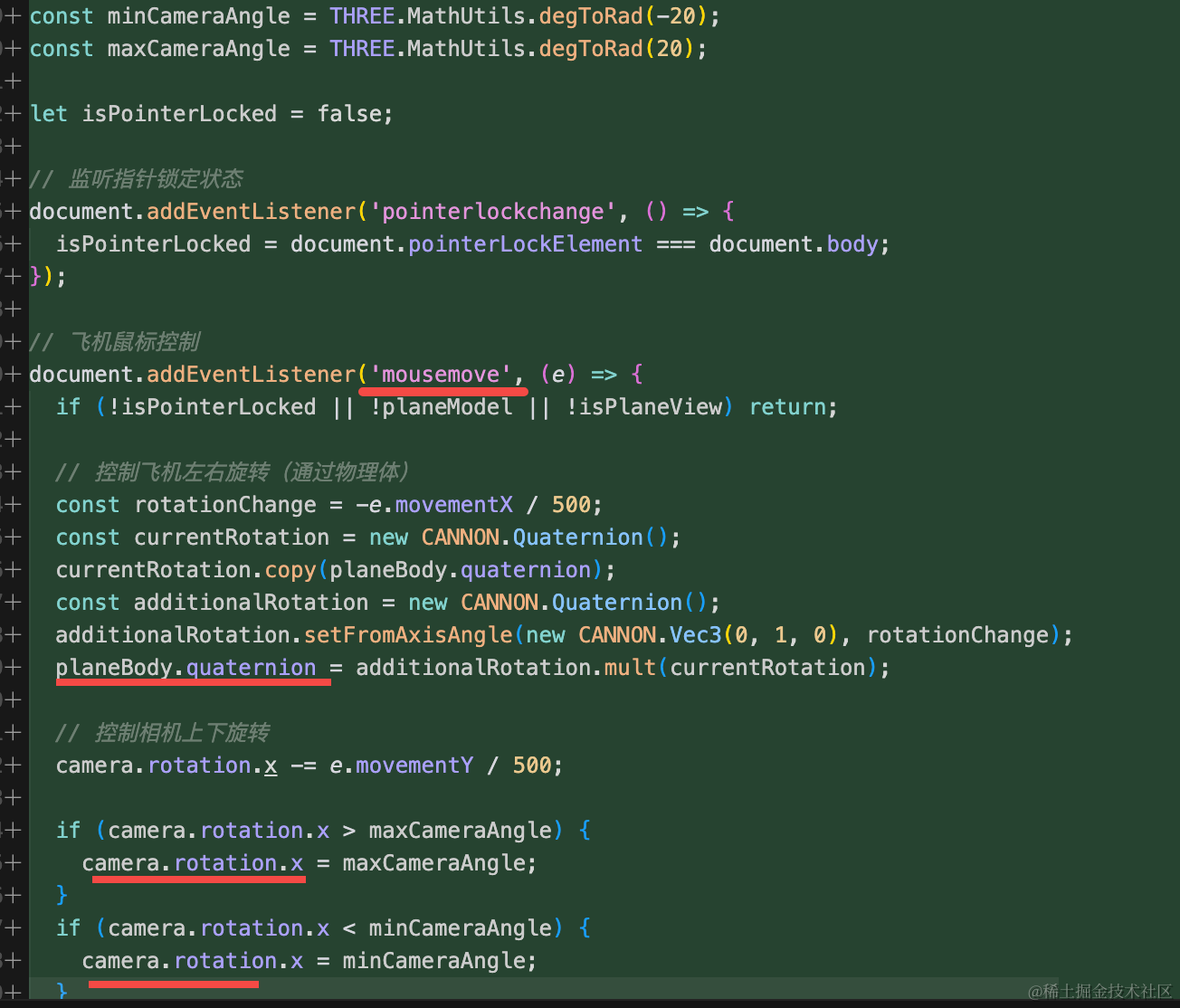
通过鼠标控制飞机的上下、左右旋转。
然后鼠标控制前后左右:
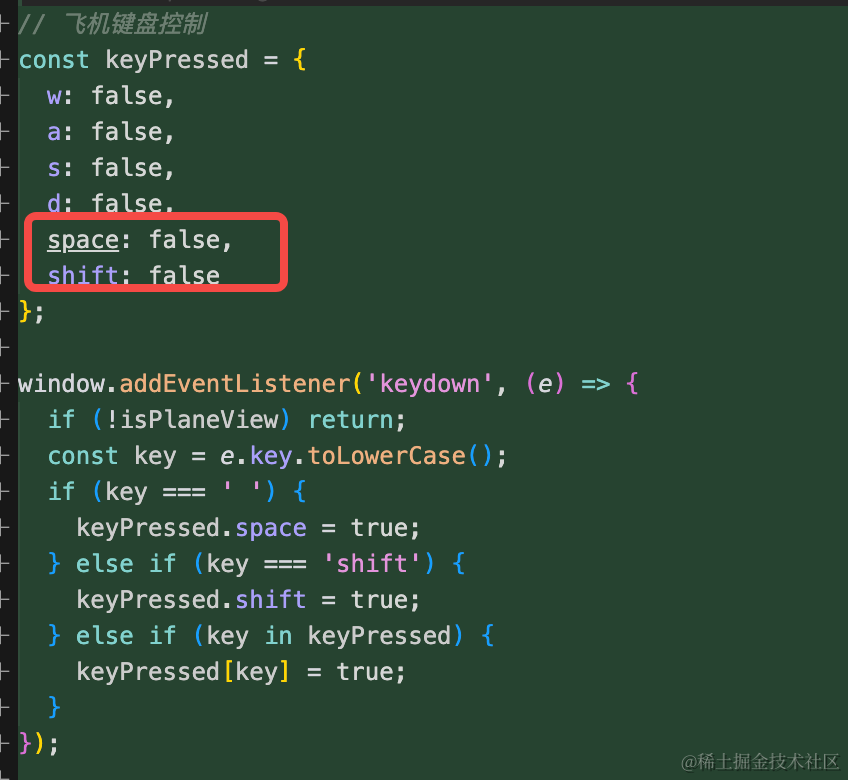
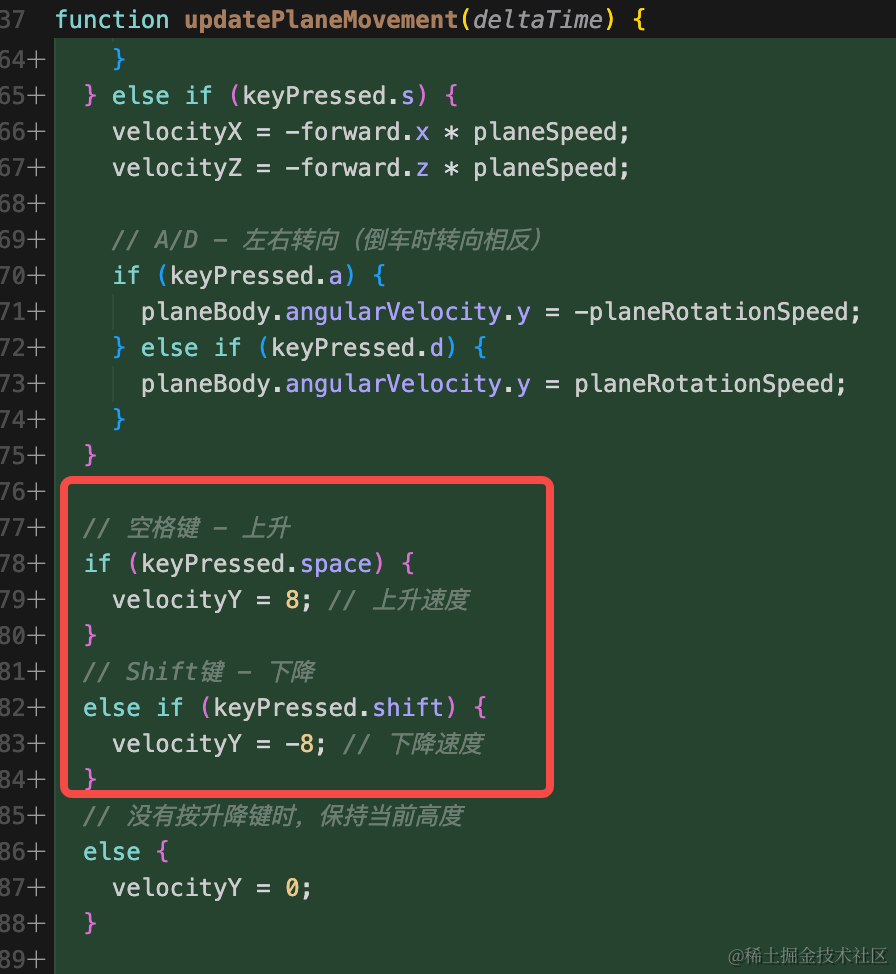
区别是多了 space 和 shift 来控制上下。
控制飞机移动依然是通过改变速度:
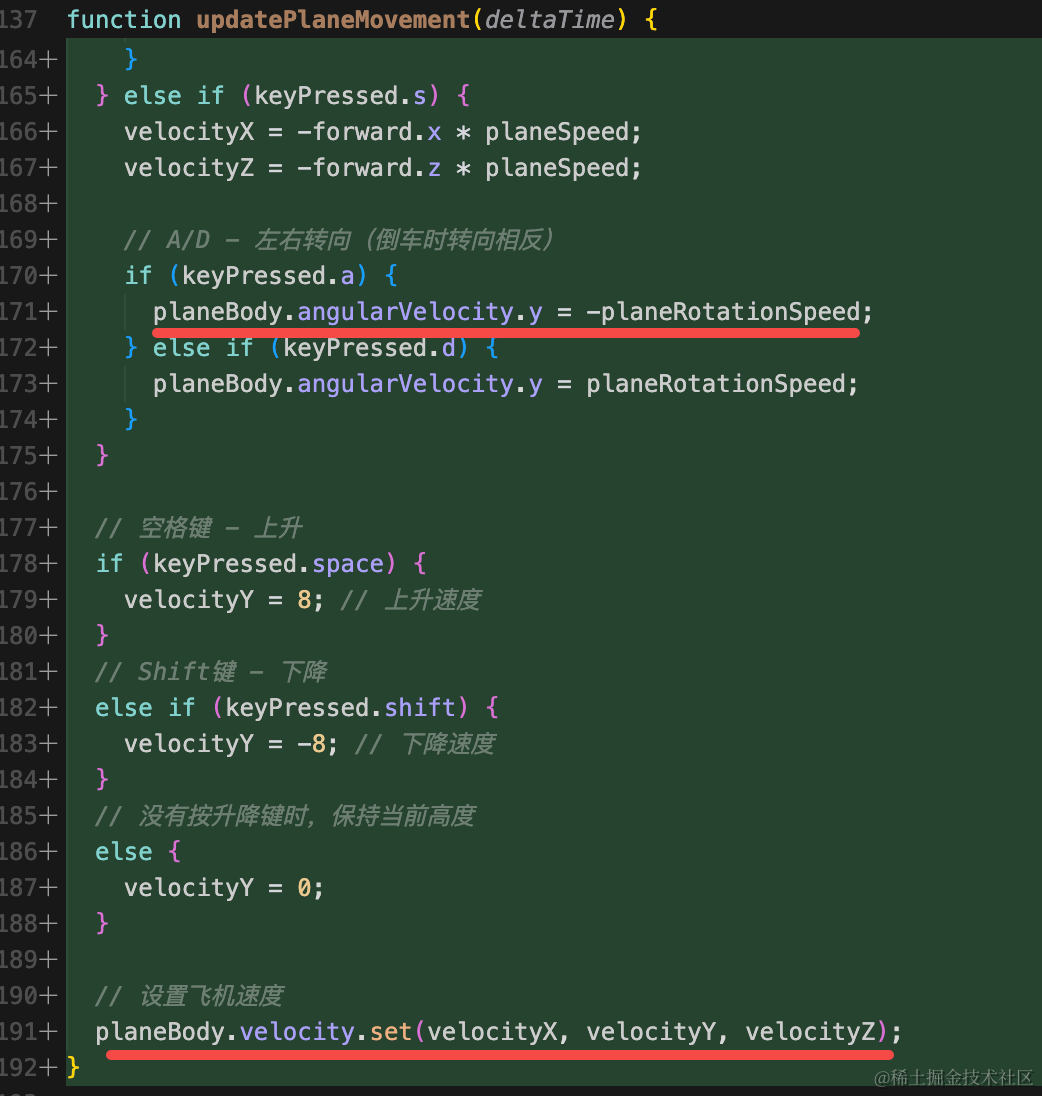
只不过多了竖直方向的速度的改变:
还有一点也很重要:
飞机有重量,当然会随着重力下降,我们希望它不要下降,停留在空中,所以要设置这个:
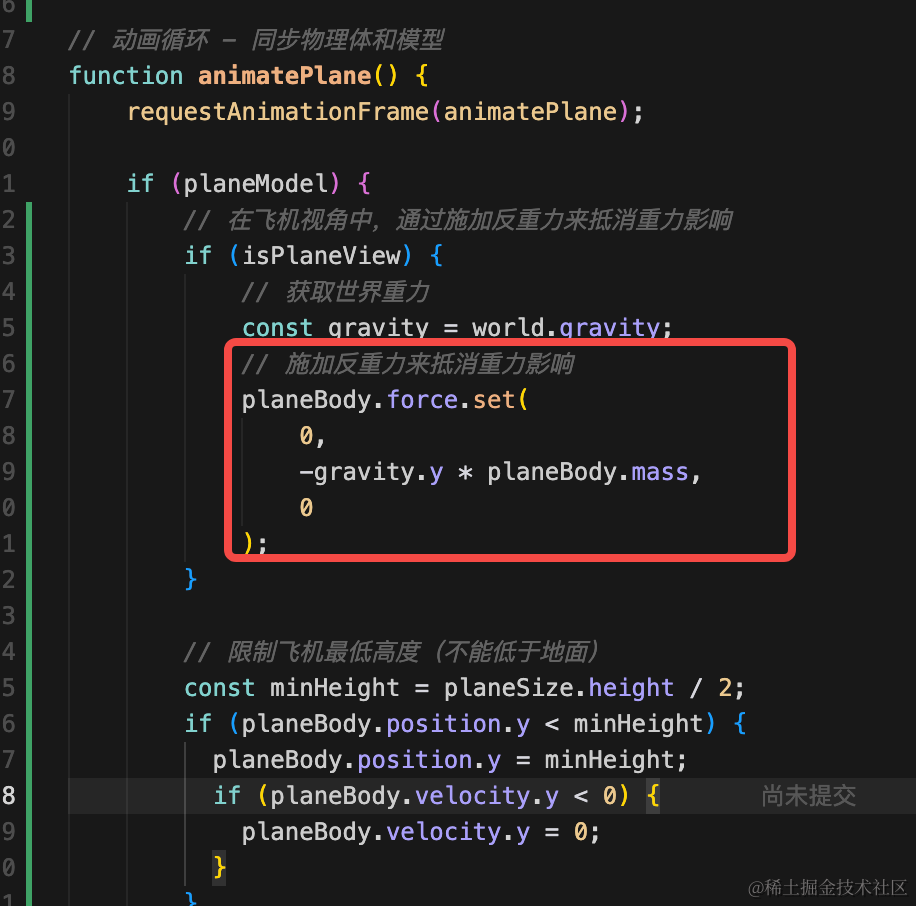
飞起来的时候,设置一个向上的浮力,刚好抵消重力就行。
试下效果:

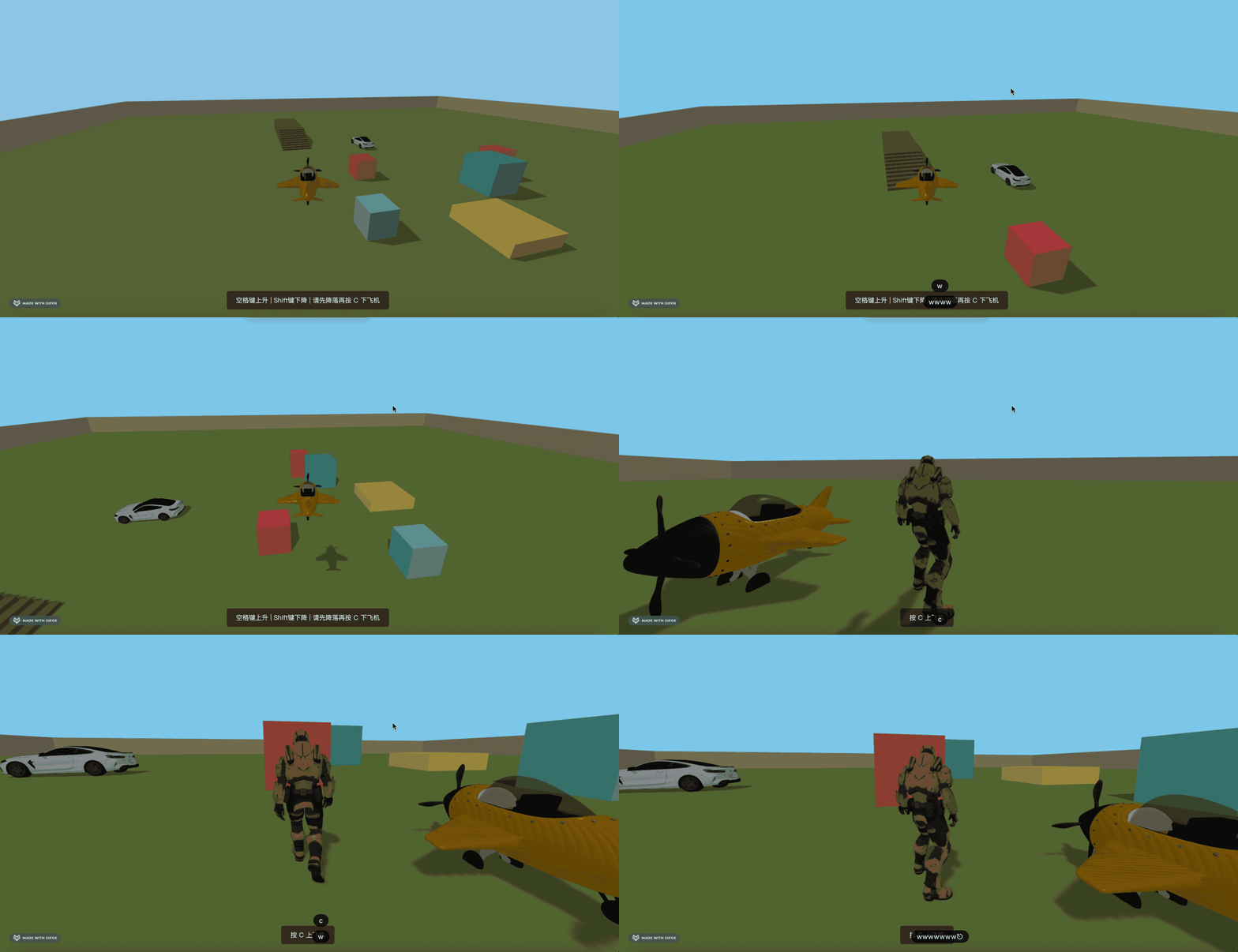
这样,飞机的飞行、起飞、降落、上下飞机就完成了。
案例代码上传了小册仓库
总结
这节我们实现了开飞机的功能。
前后左右和开车时一样,只不过加了上下移动的功能。
同时还要注意飞在空中的时候要加一个抵消重力的浮力。
这样,我们就能在这个开放世界开飞机了。