现在这个开放世界只有玩家一个人,我们加一点 npc 进去。
找几个人物模型:
https://sketchfab.com/3d-models/bryce-3d-bfdbb3069a9e496ea277c4b0f8ac255d
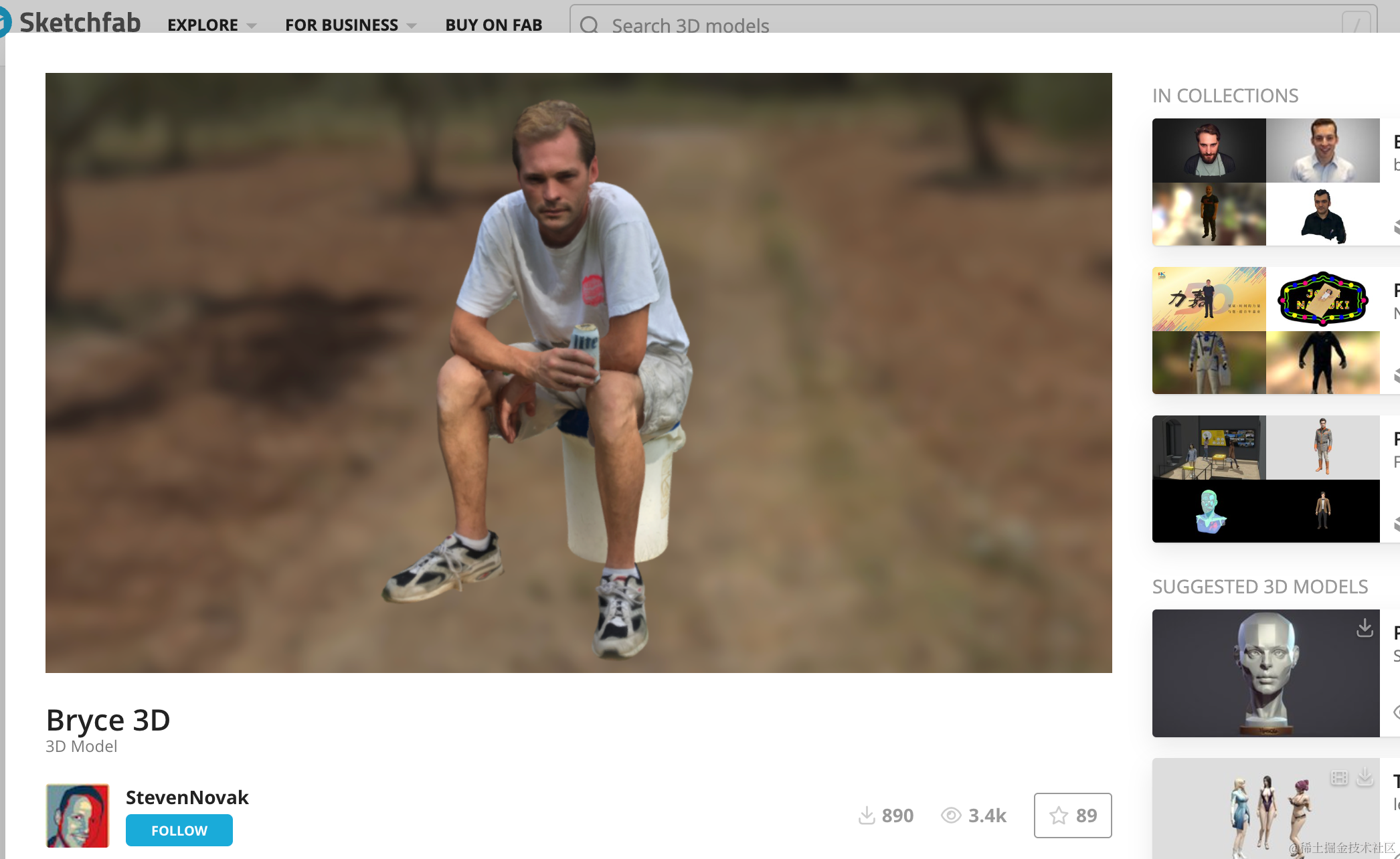
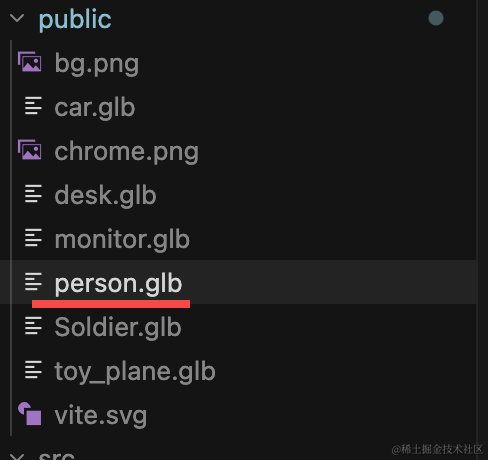
下载下来放 public 目录:
代码里加载下:
创建 src/person.js
import * as THREE from 'three';
import { GLTFLoader } from 'three/addons/loaders/GLTFLoader.js';

const loader = new GLTFLoader();

const group = new THREE.Group();

// 人物的位置
const personPosition = { x: 5, y: 0, z: 5 }; // 放置在场景中的位置

// 加载人物模型
export const loadPromise = loader.loadAsync("./person.glb");

loadPromise.then(gltf => {
    gltf.scene.traverse((child) => {
        if (child.isMesh) {
            child.castShadow = true;
            child.receiveShadow = true;
        }
    });

    gltf.scene.scale.setScalar(0.35);
    gltf.scene.position.set(personPosition.x, 0, personPosition.z);
});

export default group;
然后在 main.js 里加载下:
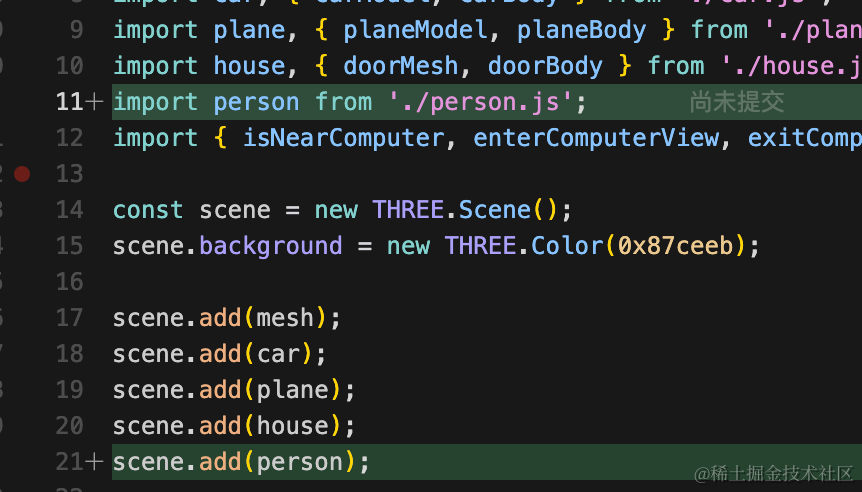
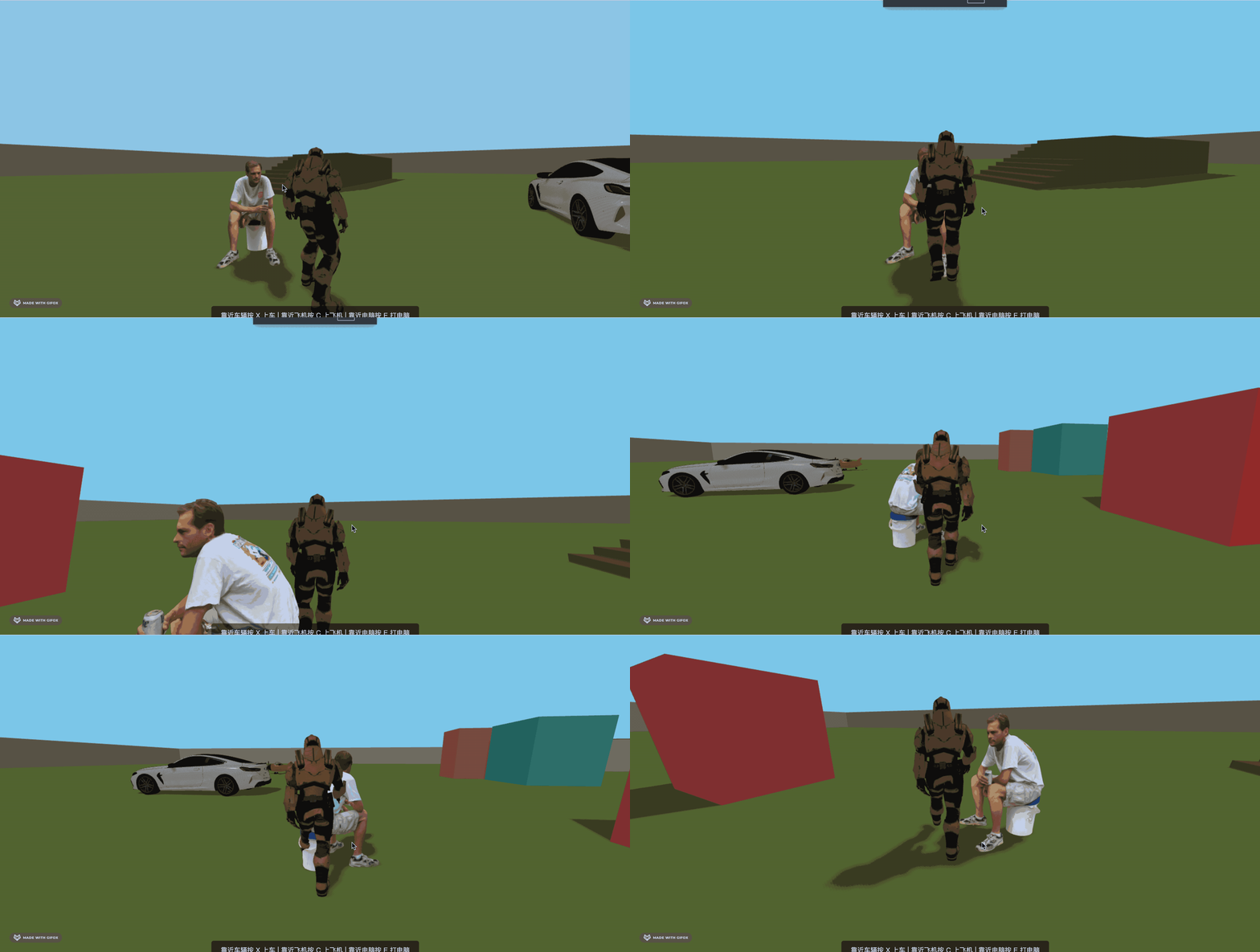
import person from './person.js';scene.add(person);看下效果:
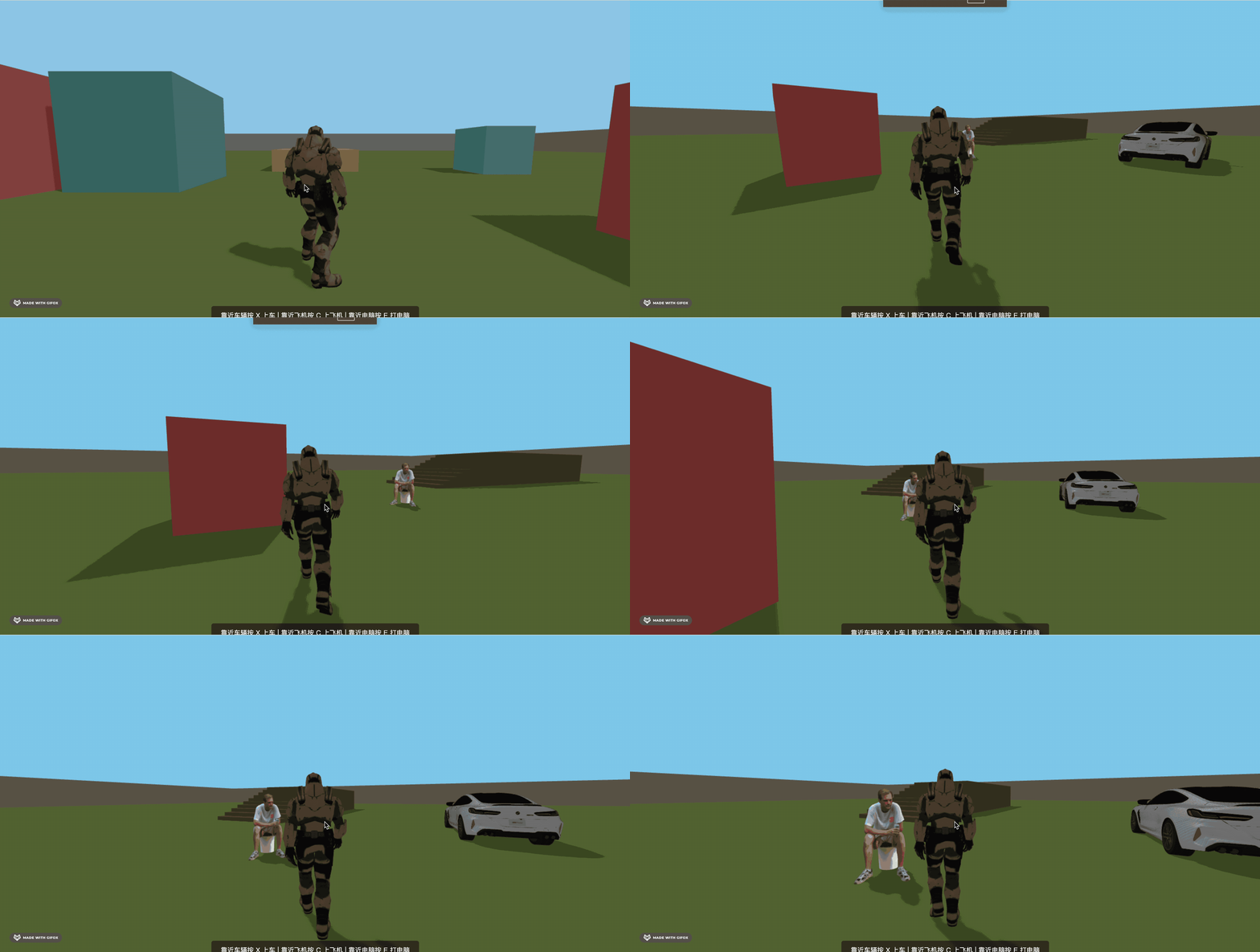
现在没有物理效果,可以穿过:
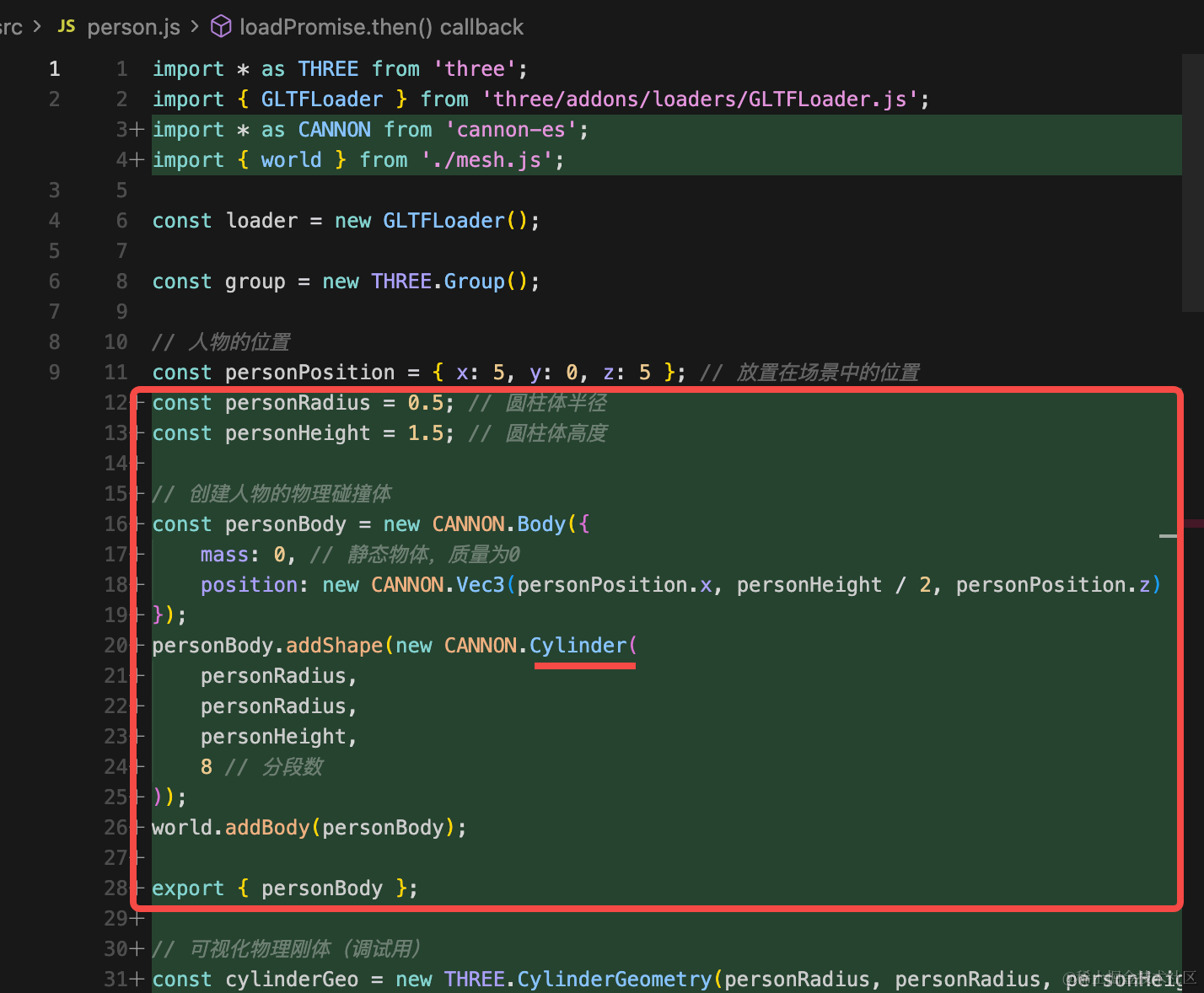
我们加一下 cannon 的物理刚体
这里直接用圆柱来做就行:
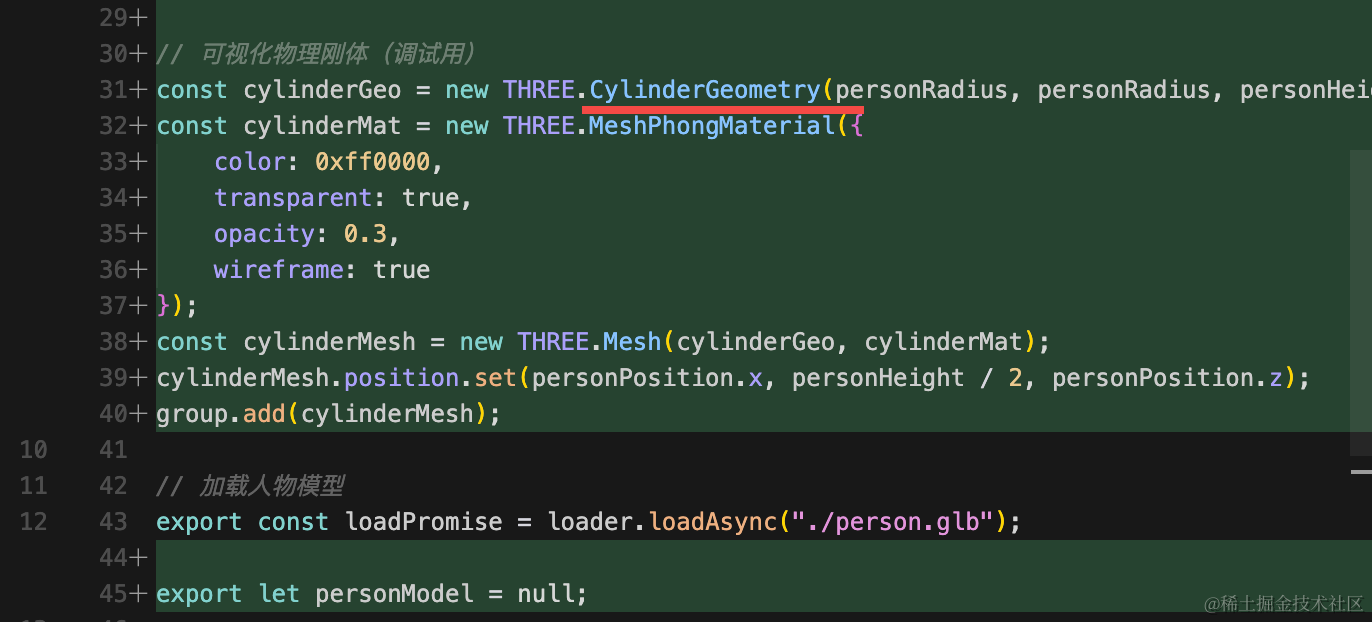
顺便加一个可视化用的 mesh:
import * as THREE from 'three';
import { GLTFLoader } from 'three/addons/loaders/GLTFLoader.js';
import * as CANNON from 'cannon-es';
import { world } from './mesh.js';

const loader = new GLTFLoader();

const group = new THREE.Group();

// 人物的位置
const personPosition = { x: 5, y: 0, z: 5 }; // 放置在场景中的位置
const personRadius = 0.5; // 圆柱体半径
const personHeight = 1.5; // 圆柱体高度

// 创建人物的物理碰撞体
const personBody = new CANNON.Body({
    mass: 0, // 静态物体,质量为0
    position: new CANNON.Vec3(personPosition.x, personHeight / 2, personPosition.z)
});
personBody.addShape(new CANNON.Cylinder(
    personRadius,
    personRadius,
    personHeight,
    8 // 分段数
));
world.addBody(personBody);

export { personBody };

// 可视化物理刚体(调试用)
const cylinderGeo = new THREE.CylinderGeometry(personRadius, personRadius, personHeight, 8);
const cylinderMat = new THREE.MeshPhongMaterial({
    color: 0xff0000,
    transparent: true,
    opacity: 0.3,
    wireframe: true
});
const cylinderMesh = new THREE.Mesh(cylinderGeo, cylinderMat);
cylinderMesh.position.set(personPosition.x, personHeight / 2, personPosition.z);
group.add(cylinderMesh);

// 加载人物模型
export const loadPromise = loader.loadAsync("./person.glb");

export let personModel = null;

loadPromise.then(gltf => {
    gltf.scene.traverse((child) => {
        if (child.isMesh) {
            child.castShadow = true;
            child.receiveShadow = true;
        }
    });

    gltf.scene.scale.setScalar(0.35);
    gltf.scene.position.set(personPosition.x, 0, personPosition.z);
    group.add(gltf.scene);
});;

export default group;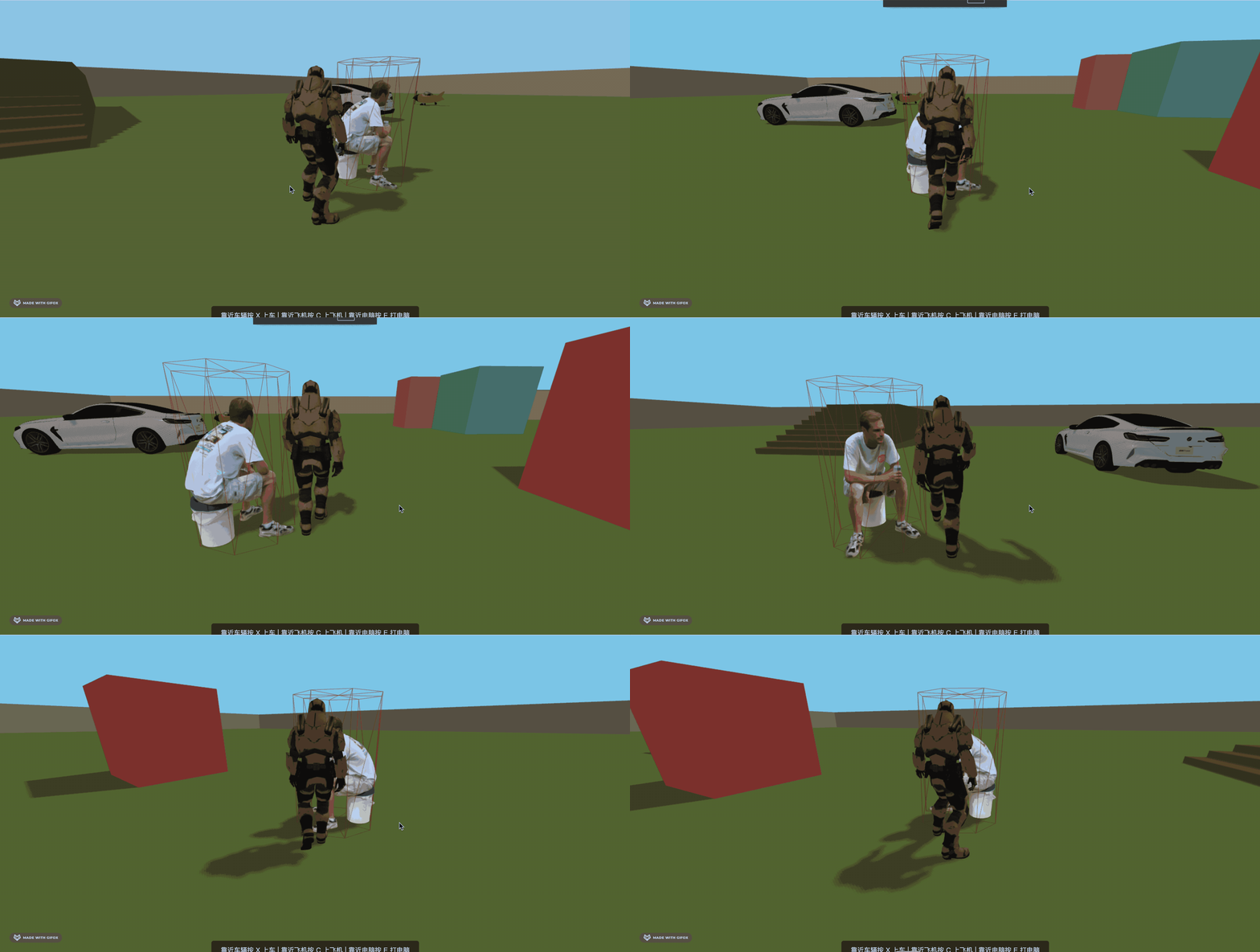
现在就有物理效果,不会穿过了。
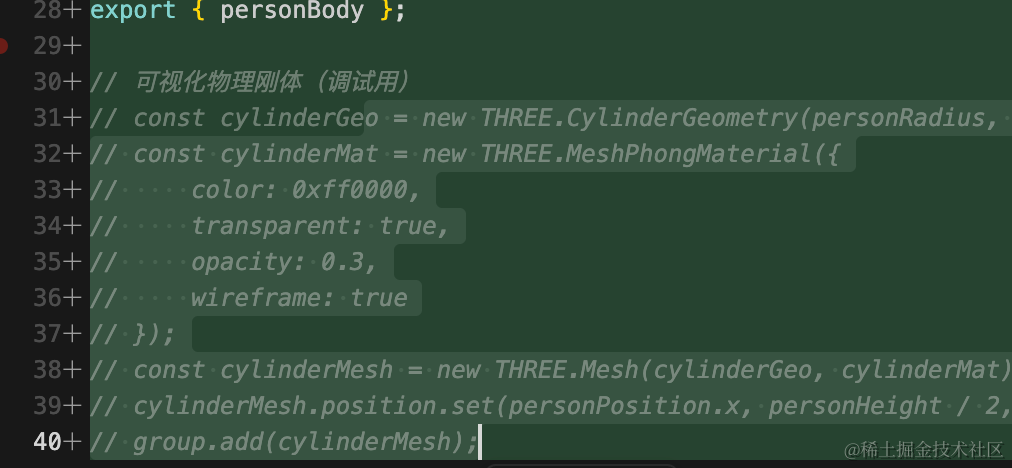
我们把可视化用的 mesh 注释掉:
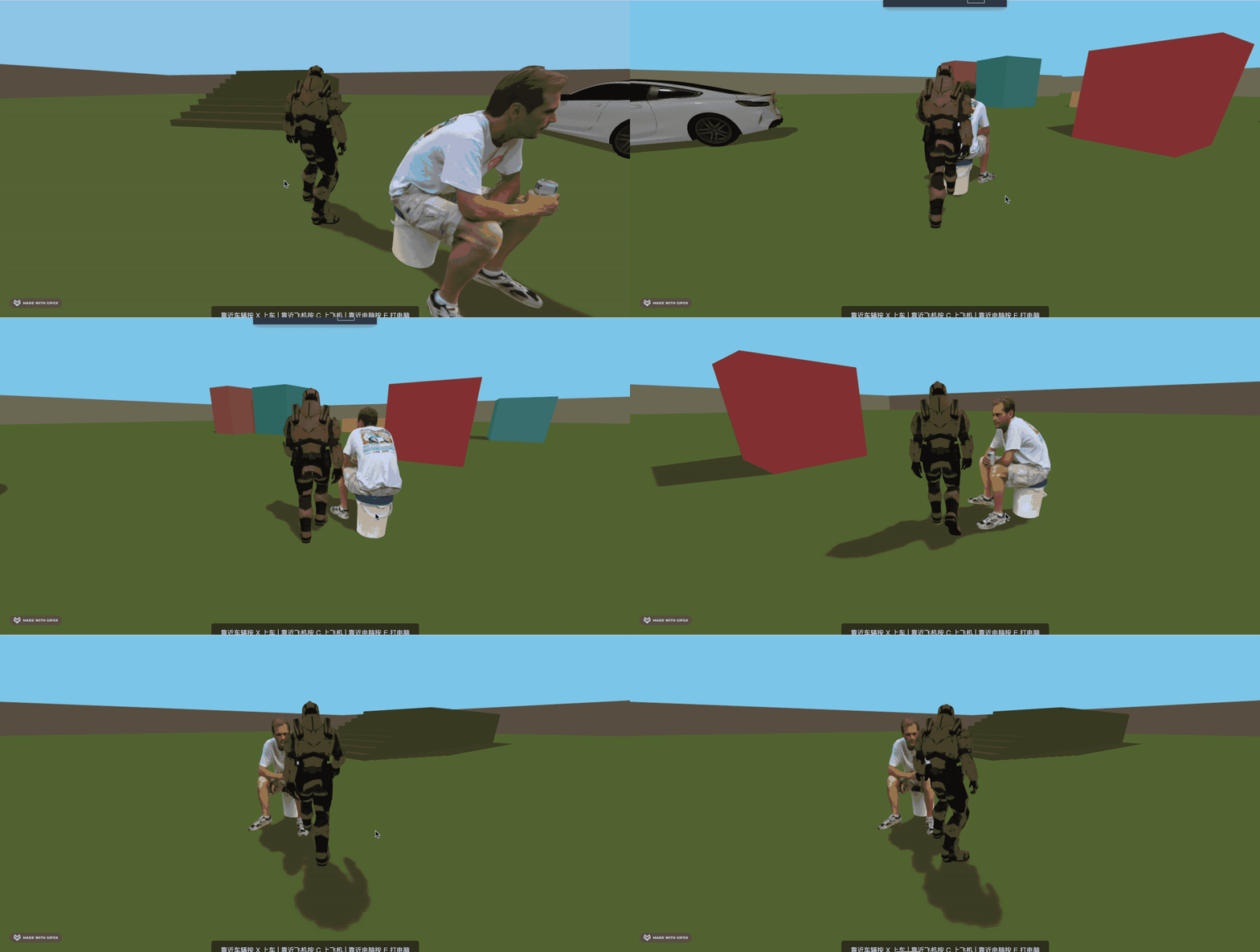
这样,npc 就添加成功了。
案例代码上传了小册仓库
总结
这节我们开始画 npc。
首先加载了人物的模型,然后加上了物理效果。
下节做一下对话功能。