这节我们来实现下天气系统。
包括晴天、雨天、雪天、雾天。
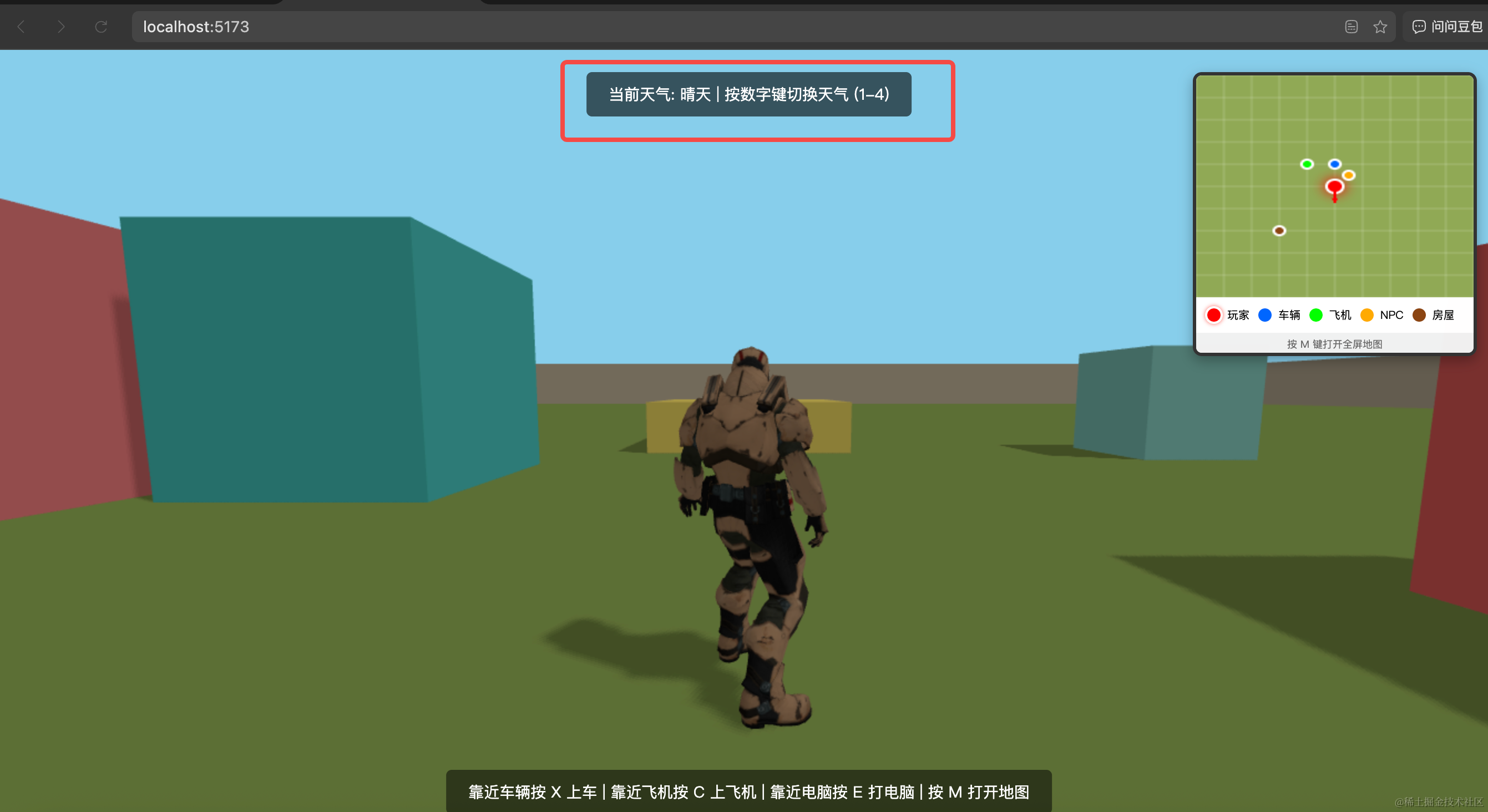
首先,我们在页面上面加一个提示文案:
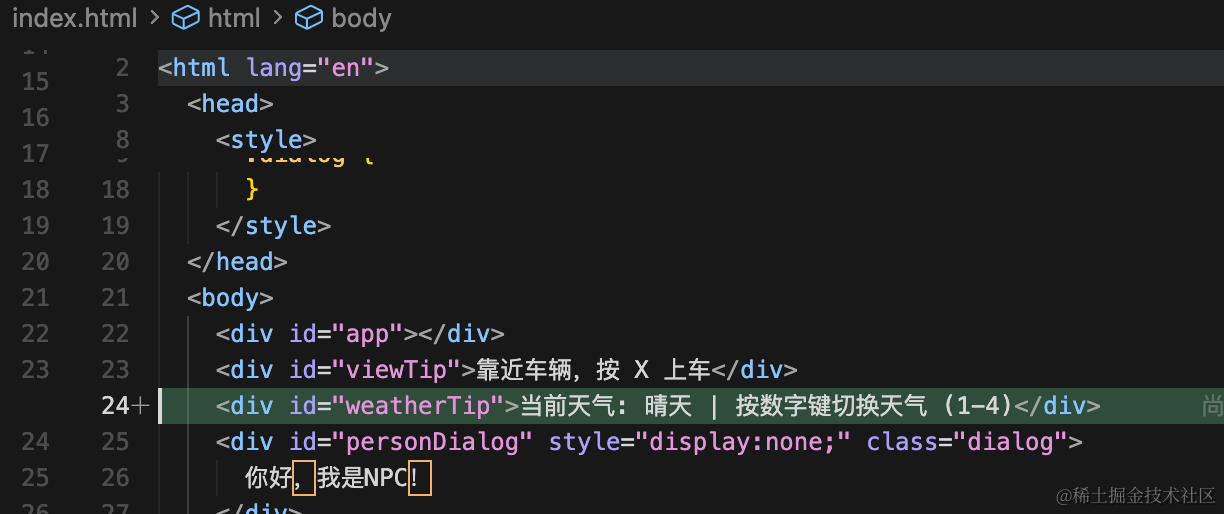
<div id="weatherTip">当前天气: 晴天 | 按数字键切换天气 (1-4)</div>加一下对应样式:
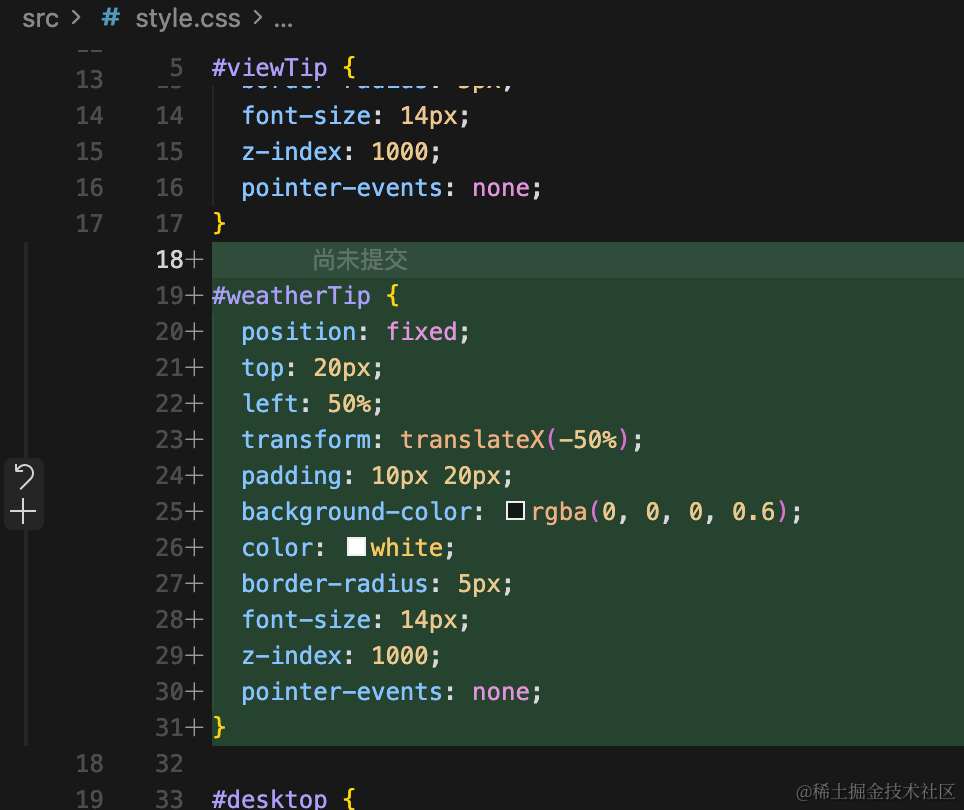
#weatherTip {
  position: fixed;
  top: 20px;
  left: 50%;
  transform: translateX(-50%);
  padding: 10px 20px;
  background-color: rgba(0, 0, 0, 0.6);
  color: white;
  border-radius: 5px;
  font-size: 14px;
  z-index: 1000;
  pointer-events: none;
}
然后我们来实现下天气切换的逻辑。
创建 weather.js
import * as THREE from 'three';

// 天气类型
export const WeatherType = {
  CLEAR: 'clear',      // 晴天
  RAIN: 'rain',        // 雨天
  SNOW: 'snow',        // 雪天
  FOG: 'fog'           // 雾天
};

// 天气系统类
class WeatherSystem {
  constructor(scene, camera, renderer) {
    this.scene = scene;
    this.camera = camera;
    this.renderer = renderer;
    this.currentWeather = WeatherType.CLEAR;

    // 天气粒子系统
    this.rainParticles = null;
    this.snowParticles = null;

    // 天气配置
    this.weatherConfig = {
      [WeatherType.CLEAR]: {
        skyColor: 0x87ceeb,
        fogColor: null,
        fogDensity: 0,
        ambientIntensity: 0.6,
        sunIntensity: 0.8,
        sunColor: 0xffffff
      },
      [WeatherType.RAIN]: {
        skyColor: 0x4a5568,
        fogColor: 0x4a5568,
        fogDensity: 0.015,
        ambientIntensity: 0.3,
        sunIntensity: 0.3,
        sunColor: 0x888888
      },
      [WeatherType.SNOW]: {
        skyColor: 0xb0c4de,
        fogColor: 0xe6e6fa,
        fogDensity: 0.02,
        ambientIntensity: 0.5,
        sunIntensity: 0.5,
        sunColor: 0xcccccc
      },
      [WeatherType.FOG]: {
        skyColor: 0x9e9e9e,
        fogColor: 0x9e9e9e,
        fogDensity: 0.05,
        ambientIntensity: 0.4,
        sunIntensity: 0.4,
        sunColor: 0xaaaaaa
      }
    };

    // 获取场景中的光照
    this.ambientLight = null;
    this.directionalLight = null;
    this.initLights();
  }

  // 初始化光照引用
  initLights() {
    this.scene.traverse((object) => {
      if (object instanceof THREE.AmbientLight) {
        this.ambientLight = object;
      }
      if (object instanceof THREE.DirectionalLight) {
        this.directionalLight = object;
      }
    });
  }

  // 创建雨粒子系统
  createRainParticles() {
    const rainGeometry = new THREE.BufferGeometry();
    const rainCount = 5000;
    const positions = new Float32Array(rainCount * 3);

    for (let i = 0; i < rainCount * 3; i += 3) {
      positions[i] = (Math.random() - 0.5) * 200;     // x
      positions[i + 1] = Math.random() * 100 + 50;   // y (从高处开始)
      positions[i + 2] = (Math.random() - 0.5) * 200; // z
    }

    rainGeometry.setAttribute('position', new THREE.BufferAttribute(positions, 3));

    const rainMaterial = new THREE.PointsMaterial({
      color: 0xaaaaaa,
      size: 0.1,
      transparent: true,
      opacity: 0.6
    });

    this.rainParticles = new THREE.Points(rainGeometry, rainMaterial);
    this.scene.add(this.rainParticles);
  }

  // 创建雪粒子系统
  createSnowParticles() {
    const snowGeometry = new THREE.BufferGeometry();
    const snowCount = 3000;
    const positions = new Float32Array(snowCount * 3);
    const velocities = new Float32Array(snowCount);

    for (let i = 0; i < snowCount * 3; i += 3) {
      positions[i] = (Math.random() - 0.5) * 200;     // x
      positions[i + 1] = Math.random() * 100 + 50;   // y
      positions[i + 2] = (Math.random() - 0.5) * 200; // z
      velocities[i / 3] = Math.random() * 0.5 + 0.5; // 下降速度
    }

    snowGeometry.setAttribute('position', new THREE.BufferAttribute(positions, 3));

    const snowMaterial = new THREE.PointsMaterial({
      color: 0xffffff,
      size: 0.3,
      transparent: true,
      opacity: 0.8
    });

    this.snowParticles = new THREE.Points(snowGeometry, snowMaterial);
    this.snowParticles.userData.velocities = velocities;
    this.scene.add(this.snowParticles);
  }

  // 移除雨粒子
  removeRainParticles() {
    if (this.rainParticles) {
      this.scene.remove(this.rainParticles);
      this.rainParticles.geometry.dispose();
      this.rainParticles.material.dispose();
      this.rainParticles = null;
    }
  }

  // 移除雪粒子
  removeSnowParticles() {
    if (this.snowParticles) {
      this.scene.remove(this.snowParticles);
      this.snowParticles.geometry.dispose();
      this.snowParticles.material.dispose();
      this.snowParticles = null;
    }
  }

  // 更新雨粒子
  updateRainParticles() {
    if (!this.rainParticles) return;

    const positions = this.rainParticles.geometry.attributes.position.array;
    const cameraPosition = this.camera.position;

    for (let i = 0; i < positions.length; i += 3) {
      // 雨滴下降
      positions[i + 1] -= 2; // 下降速度

      // 如果雨滴落到地面以下,重新从上方生成
      if (positions[i + 1] < -10) {
        positions[i] = (Math.random() - 0.5) * 200;
        positions[i + 1] = cameraPosition.y + 50 + Math.random() * 50;
        positions[i + 2] = (Math.random() - 0.5) * 200;
      }
    }

    this.rainParticles.geometry.attributes.position.needsUpdate = true;
  }

  // 更新雪粒子
  updateSnowParticles() {
    if (!this.snowParticles) return;

    const positions = this.snowParticles.geometry.attributes.position.array;
    const velocities = this.snowParticles.userData.velocities;
    const cameraPosition = this.camera.position;

    for (let i = 0; i < positions.length; i += 3) {
      const index = i / 3;
      // 雪花下降(速度较慢)
      positions[i + 1] -= velocities[index];

      // 雪花左右飘动
      positions[i] += Math.sin(Date.now() * 0.001 + index) * 0.1;
      positions[i + 2] += Math.cos(Date.now() * 0.001 + index) * 0.1;

      // 如果雪花落到地面以下,重新从上方生成
      if (positions[i + 1] < -10) {
        positions[i] = (Math.random() - 0.5) * 200;
        positions[i + 1] = cameraPosition.y + 50 + Math.random() * 50;
        positions[i + 2] = (Math.random() - 0.5) * 200;
      }
    }

    this.snowParticles.geometry.attributes.position.needsUpdate = true;
  }

  // 设置天气
  setWeather(weatherType) {
    if (this.currentWeather === weatherType) return;

    // 移除当前天气效果
    this.removeRainParticles();
    this.removeSnowParticles();

    this.currentWeather = weatherType;
    const config = this.weatherConfig[weatherType];

    // 更新天空颜色
    this.scene.background = new THREE.Color(config.skyColor);

    // 更新雾效果
    if (config.fogColor) {
      this.scene.fog = new THREE.FogExp2(config.fogColor, config.fogDensity);
    } else {
      this.scene.fog = null;
    }

    // 更新光照
    if (this.ambientLight) {
      this.ambientLight.intensity = config.ambientIntensity;
    }

    if (this.directionalLight) {
      this.directionalLight.intensity = config.sunIntensity;
      this.directionalLight.color.setHex(config.sunColor);
    }

    // 根据天气类型添加粒子效果
    if (weatherType === WeatherType.RAIN) {
      this.createRainParticles();
    } else if (weatherType === WeatherType.SNOW) {
      this.createSnowParticles();
    }

    // 更新提示文本
    this.updateWeatherTip();
  }

  // 更新天气提示
  updateWeatherTip() {
    const weatherNames = {
      [WeatherType.CLEAR]: '晴天',
      [WeatherType.RAIN]: '雨天',
      [WeatherType.SNOW]: '雪天',
      [WeatherType.FOG]: '雾天'
    };

    const tipElement = document.getElementById('weatherTip');
    if (tipElement) {
      tipElement.textContent = `当前天气: ${weatherNames[this.currentWeather]} | 按数字键切换天气 (1-4)`;
    }
  }

  // 更新天气系统(在渲染循环中调用)
  update() {
    if (this.currentWeather === WeatherType.RAIN) {
      this.updateRainParticles();
    } else if (this.currentWeather === WeatherType.SNOW) {
      this.updateSnowParticles();
    }
  }

  // 获取当前天气
  getCurrentWeather() {
    return this.currentWeather;
  }
}

// 创建并导出天气系统实例
let weatherSystemInstance = null;

export function initWeatherSystem(scene, camera, renderer) {
  weatherSystemInstance = new WeatherSystem(scene, camera, renderer);
  // 初始化时更新提示
  weatherSystemInstance.updateWeatherTip();
  return weatherSystemInstance;
}

export function getWeatherSystem() {
  return weatherSystemInstance;
}

export function setWeather(weatherType) {
  if (weatherSystemInstance) {
    weatherSystemInstance.setWeather(weatherType);
  }
}

export function updateWeather() {
  if (weatherSystemInstance) {
    weatherSystemInstance.update();
  }
}
我们从上到下看一下:
我们创建了一个 class 来管理天气切换逻辑。
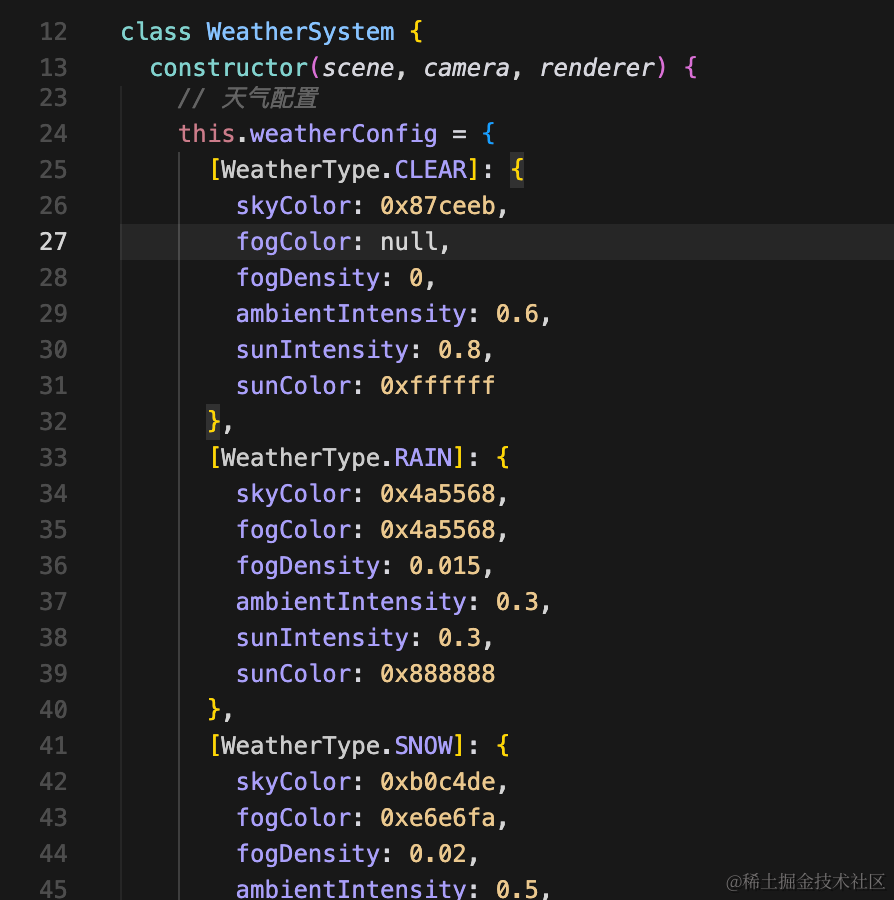
保存每种天气类型的配置:
雨的粒子效果我们用的 BufferGeometry + Points
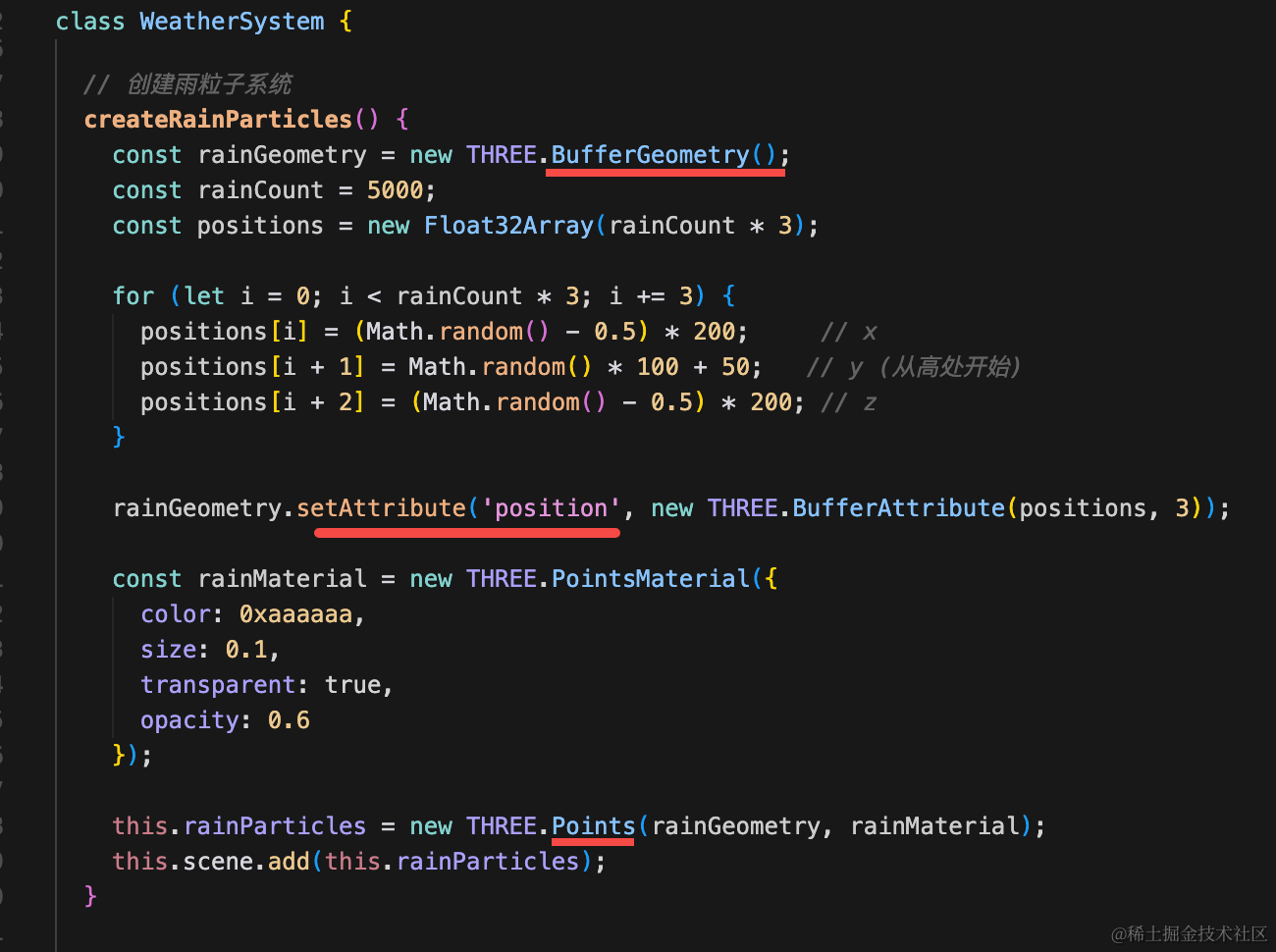
当然,这里用 three.quarks 也行,不过效果比较简单,不用也行。
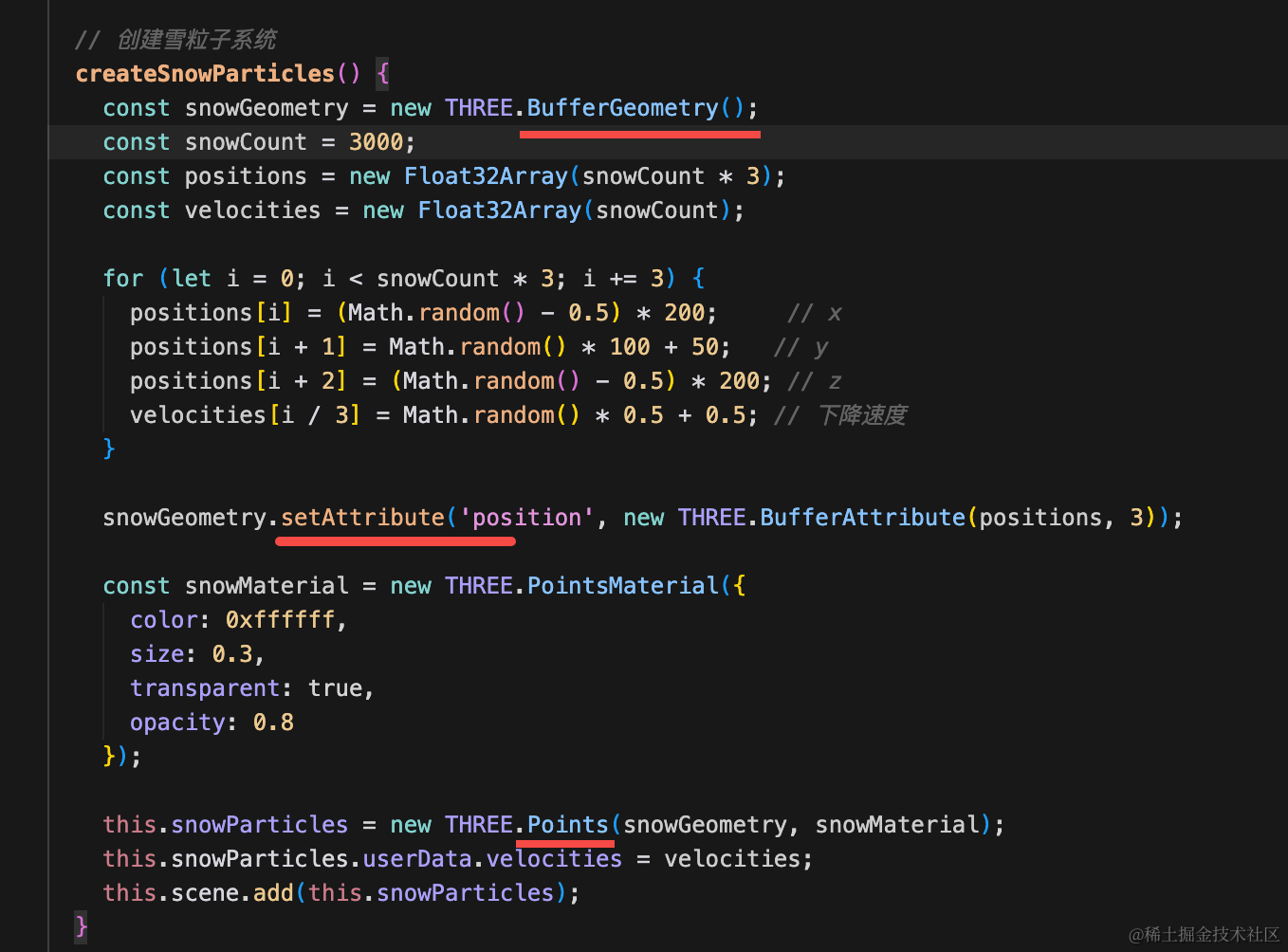
雪也是一样的。
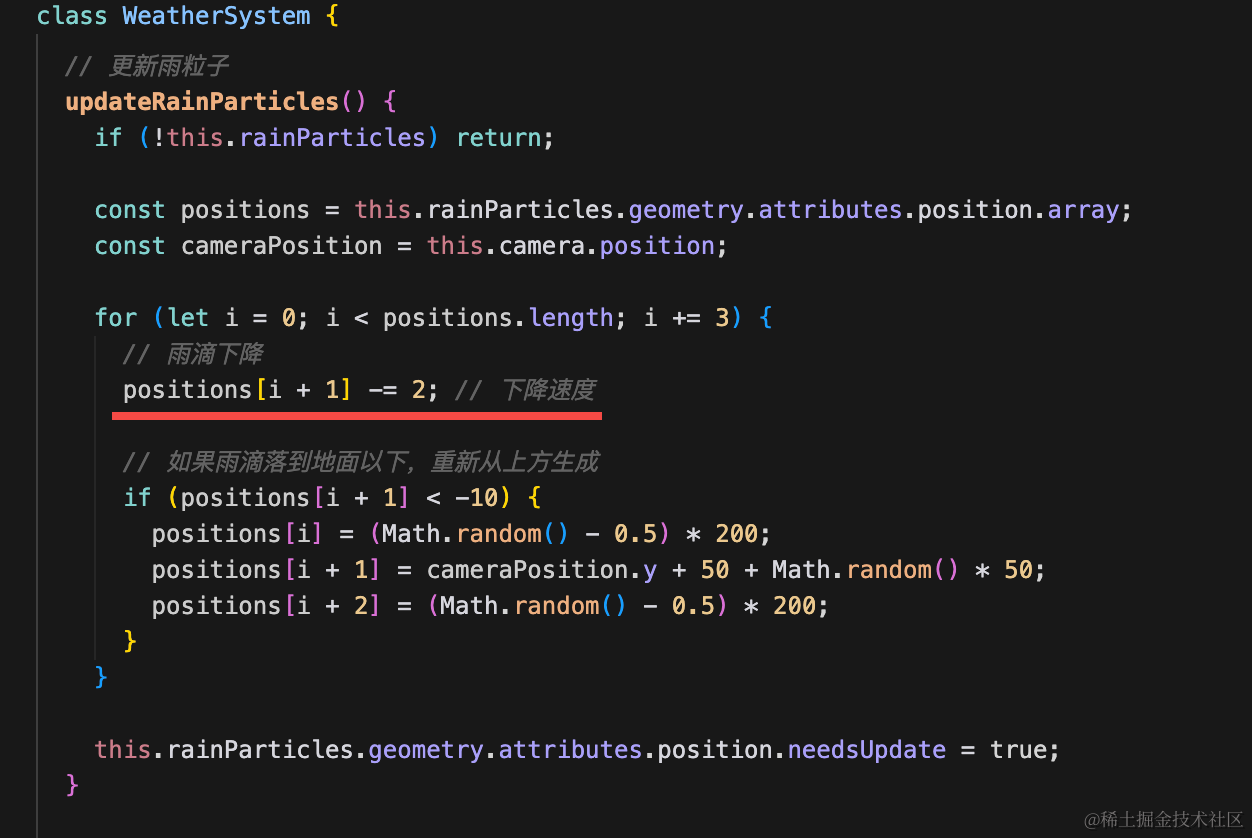
然后加一下更新逻辑,也就是位置向下移动:
雾天要设置下 Fog:
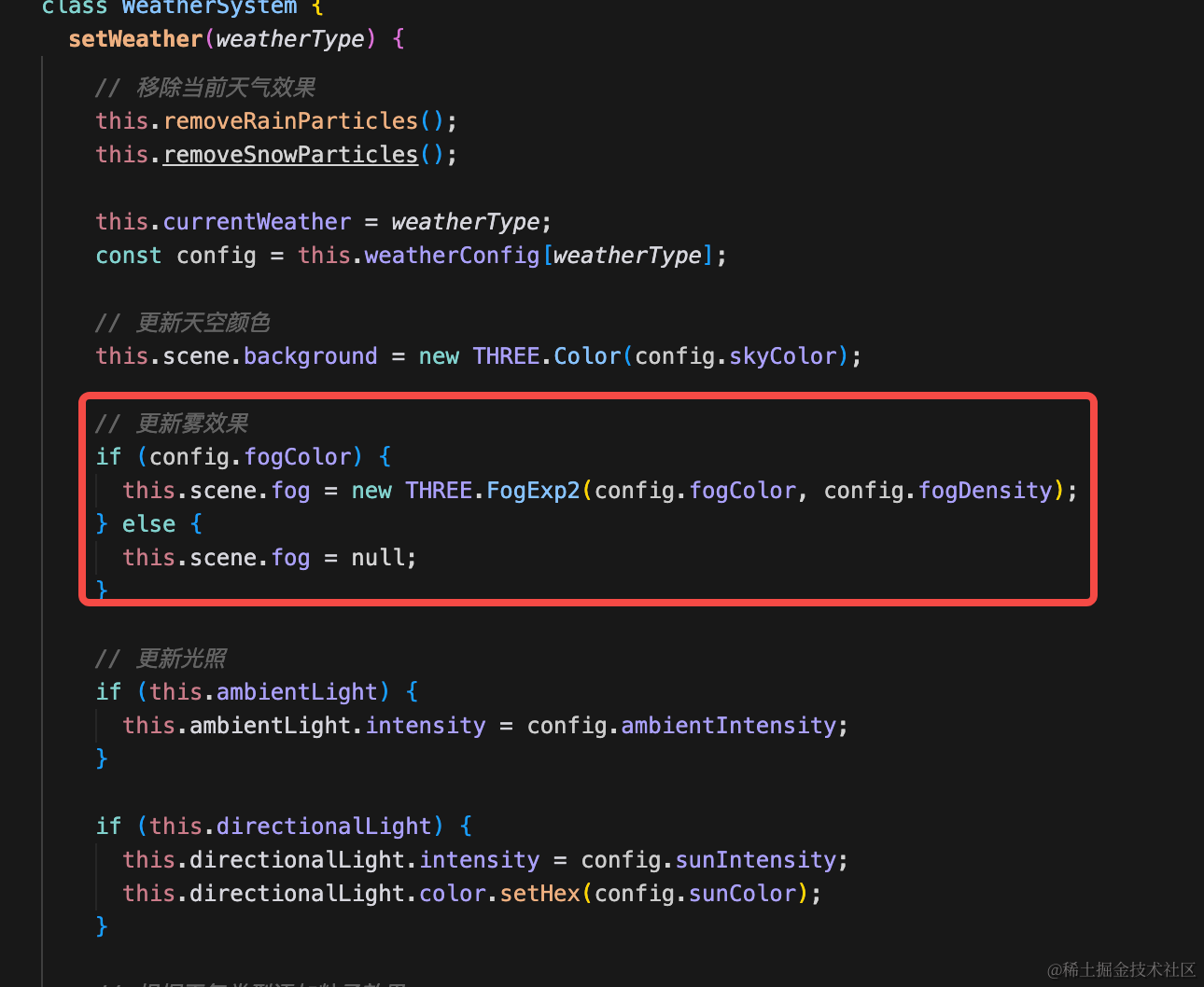
根据配置来更新天空颜色、雾、光照和粒子效果。
然后在 main.js 引用下:
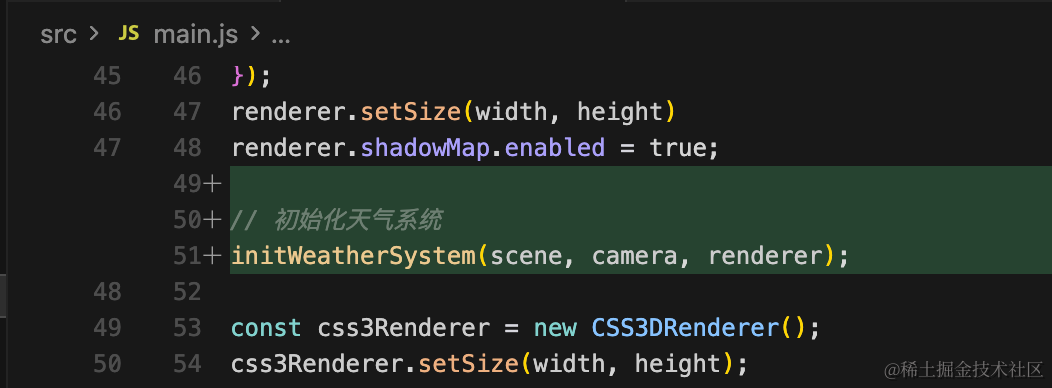
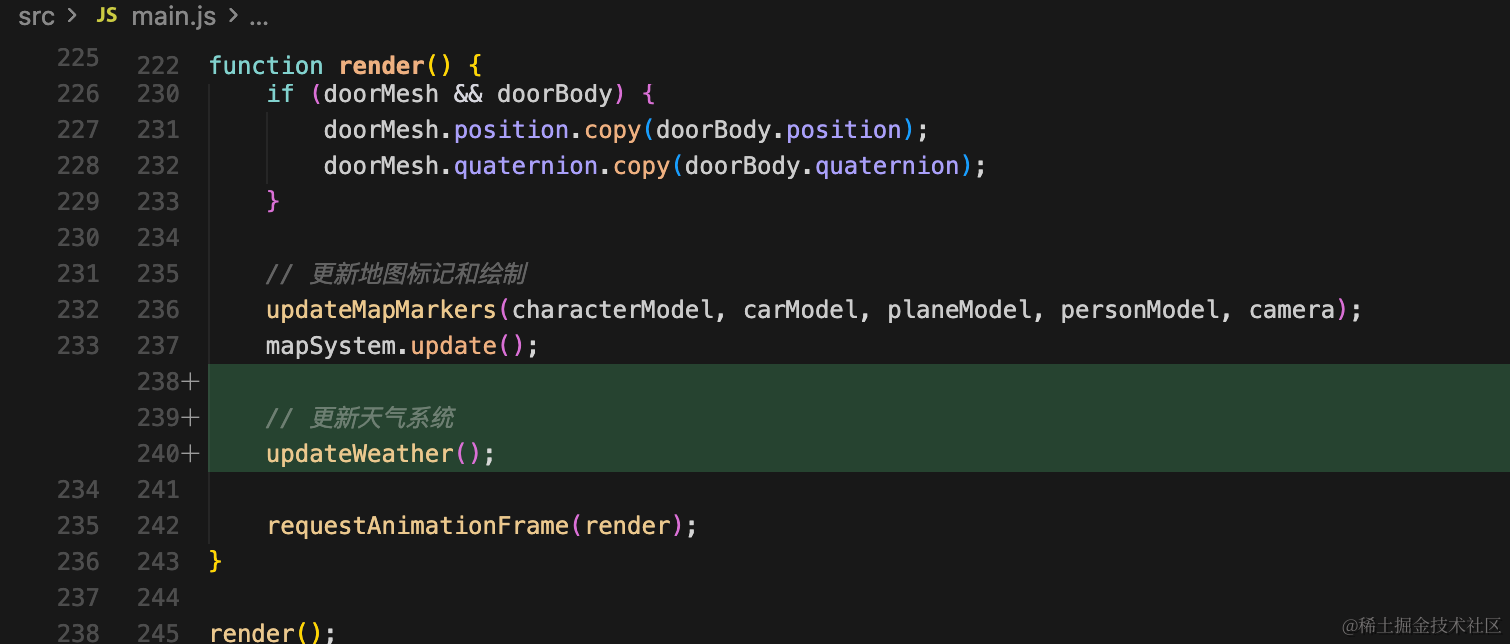
import { initWeatherSystem, updateWeather, setWeather, WeatherType } from './weather.js';// 初始化天气系统
initWeatherSystem(scene, camera, renderer);// 更新天气系统
updateWeather();试一下:
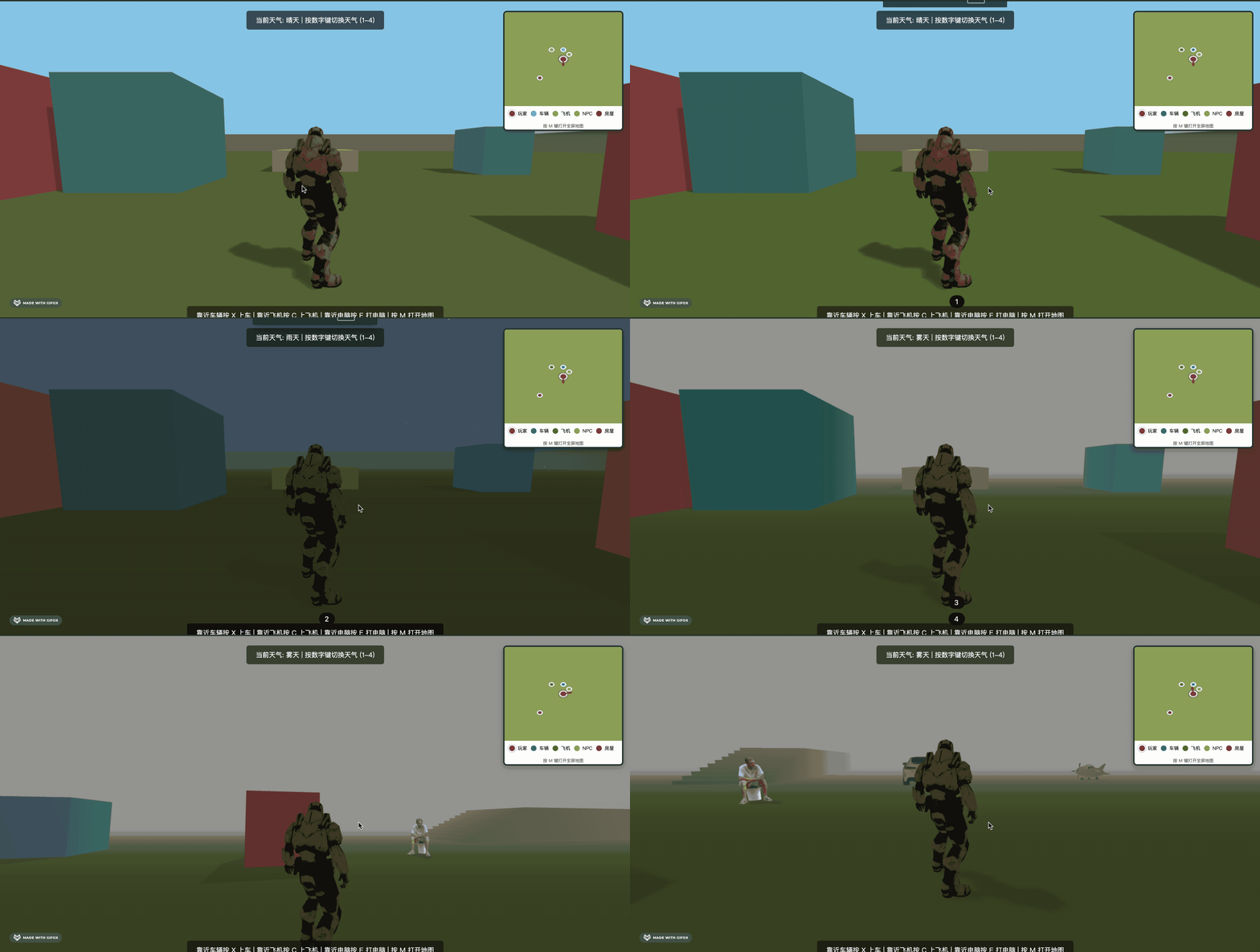
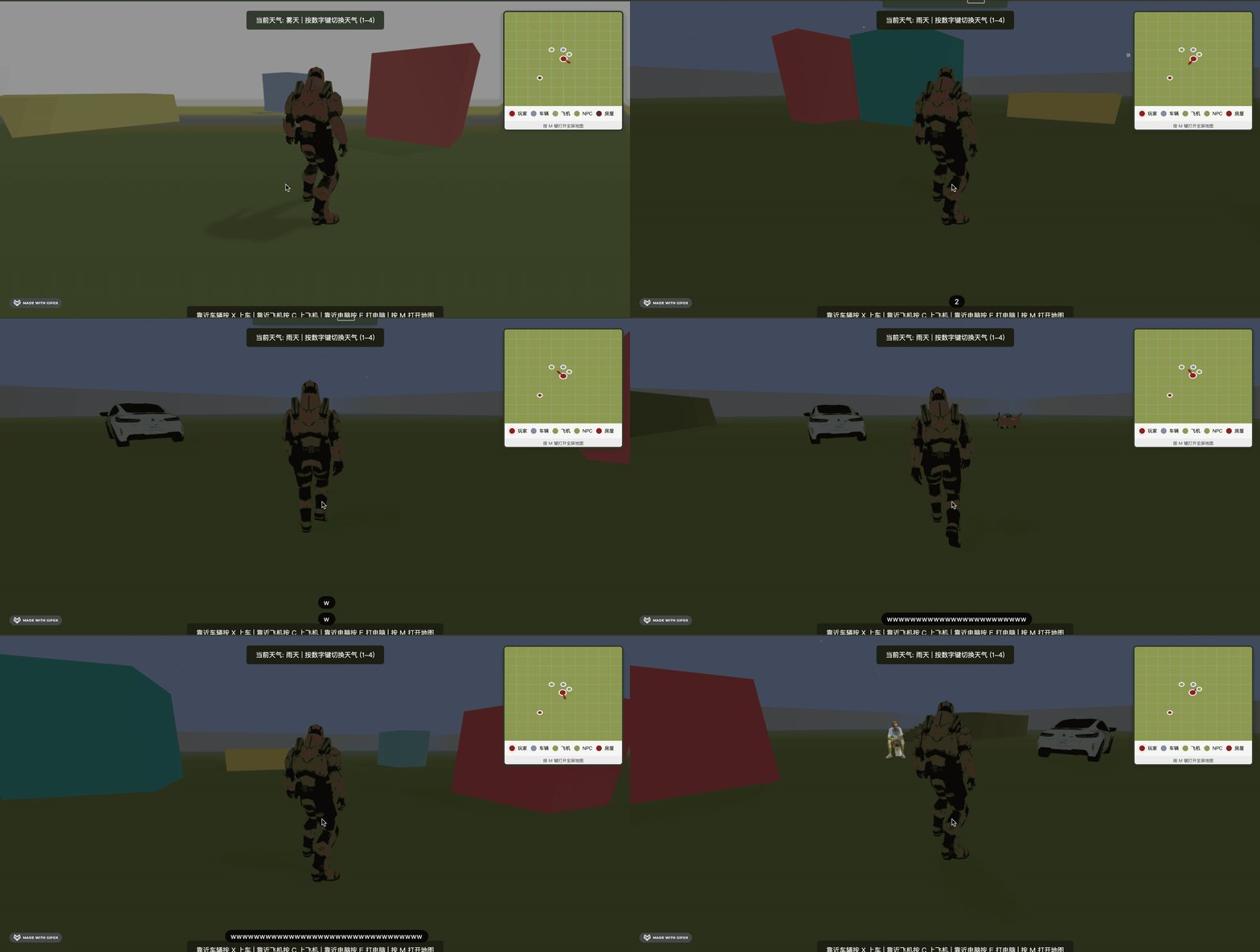
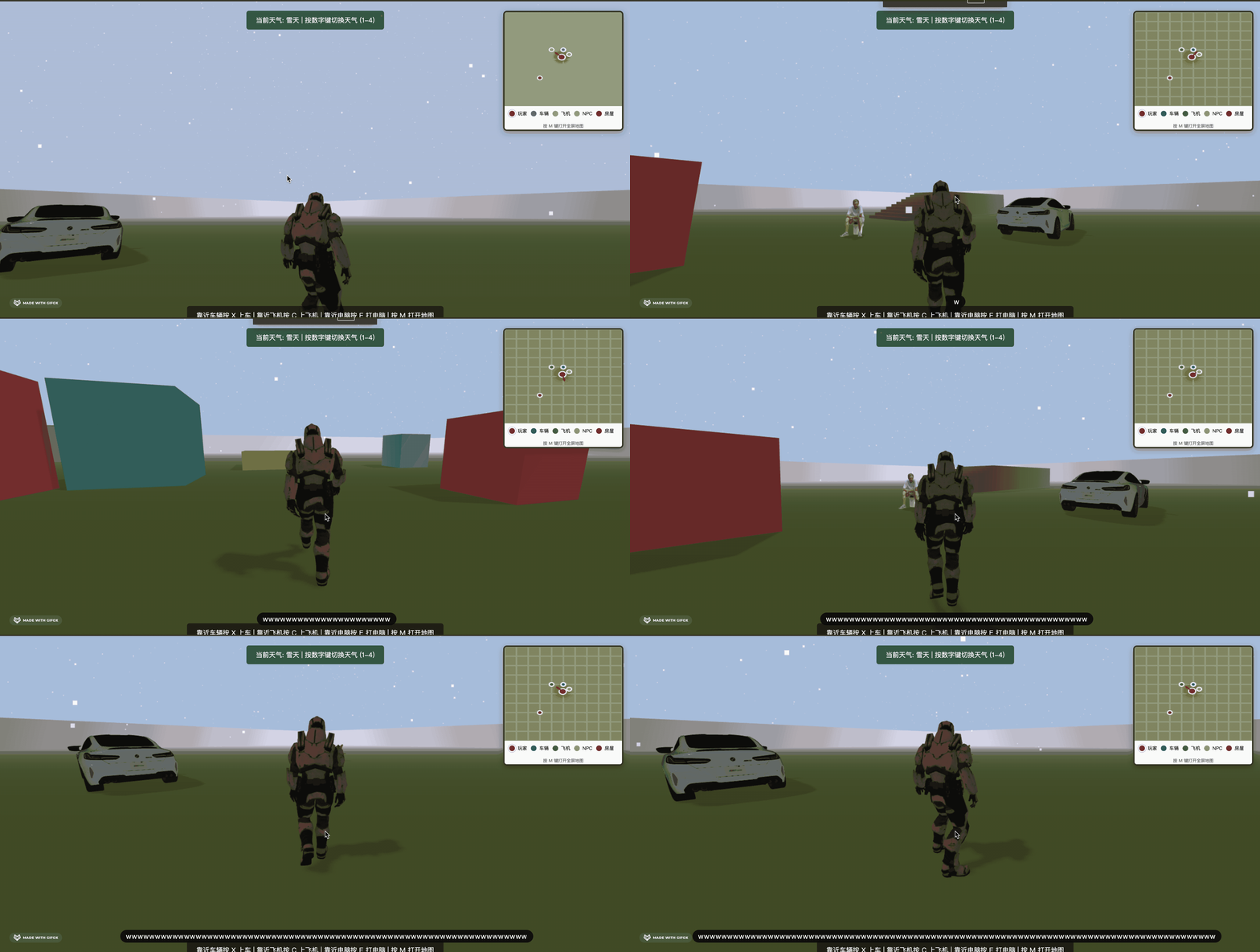
这样,四种天气的切换就完成了。
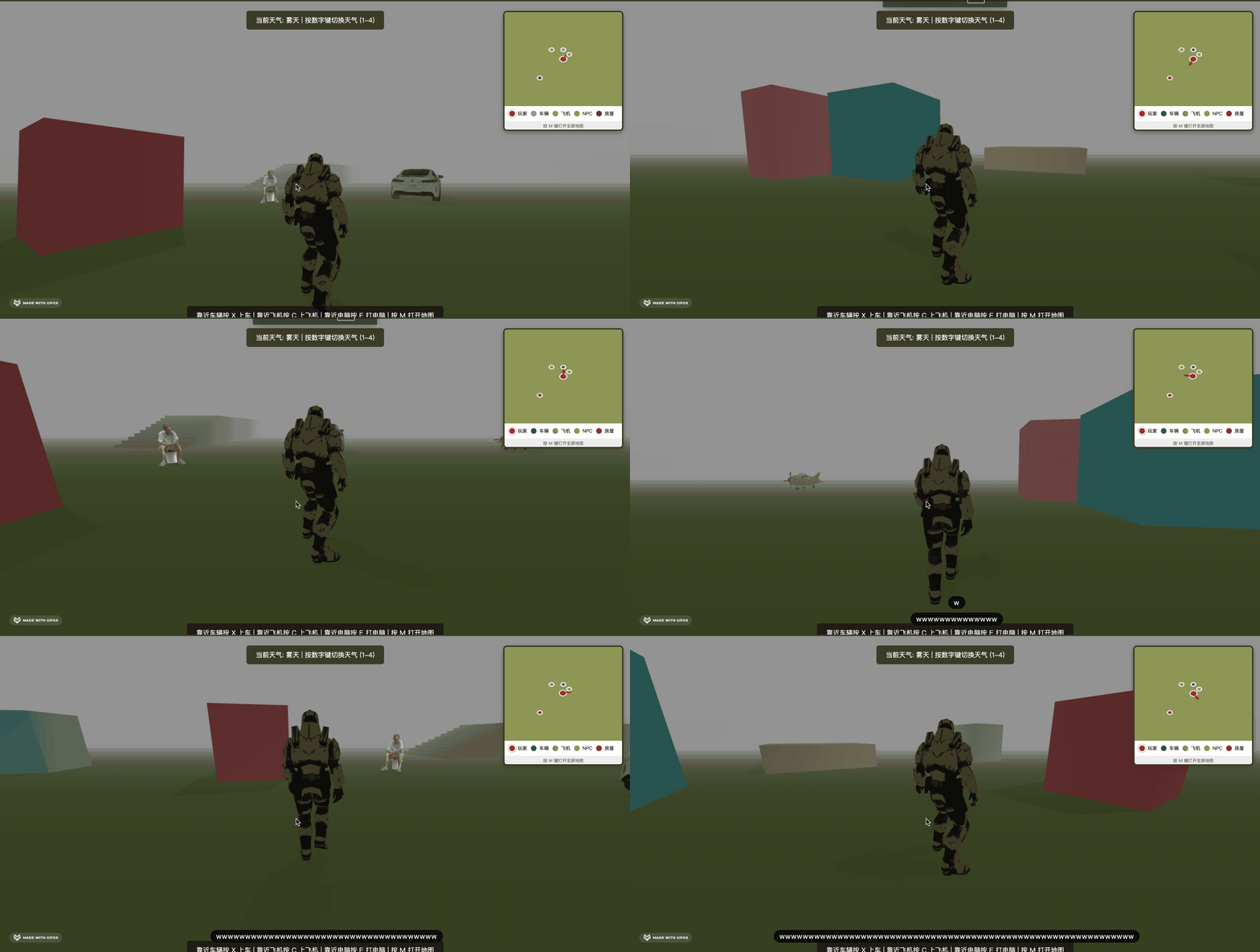
雾天:
雨天:
雪天:
案例代码上传了小册仓库
总结
这节我们加上了天气系统。
雨天、雪天、晴天、雾天。
雨天、雪天都是用 BufferGeometry + Points 做的粒子效果,这里用 three.quarks 也行。
然后雾天只是设置下 fog。
其余的天空颜色之类的也是一并切换。
这样,天气系统就完成了。