之前只做了走路的音效,但其实开飞机、开汽车,应该都有不同的音效。
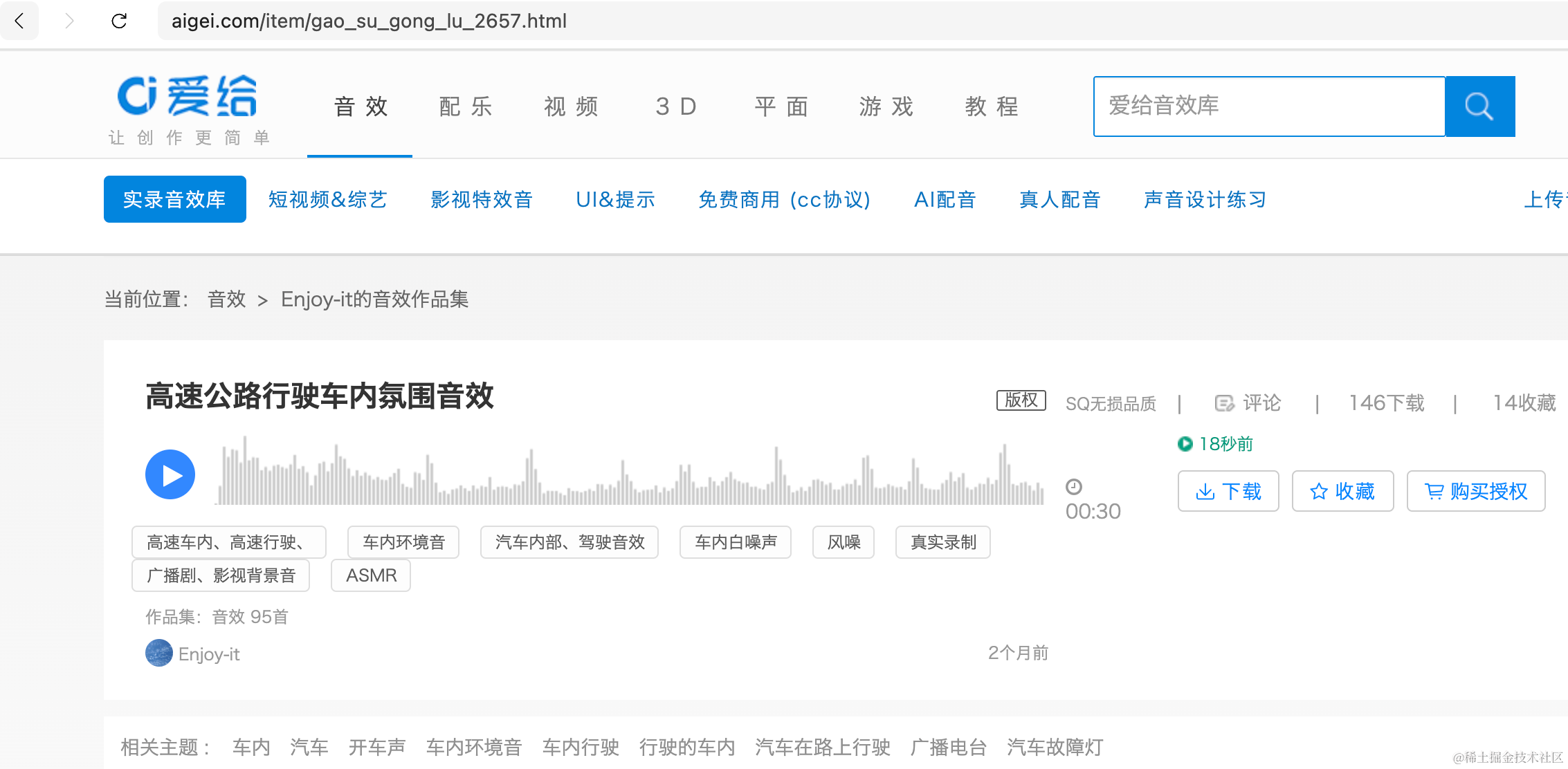
我们去找一下:
https://www.aigei.com/item/gao_su_gong_lu_2657.html
https://www.aigei.com/item/kai_fei_ji_3.html
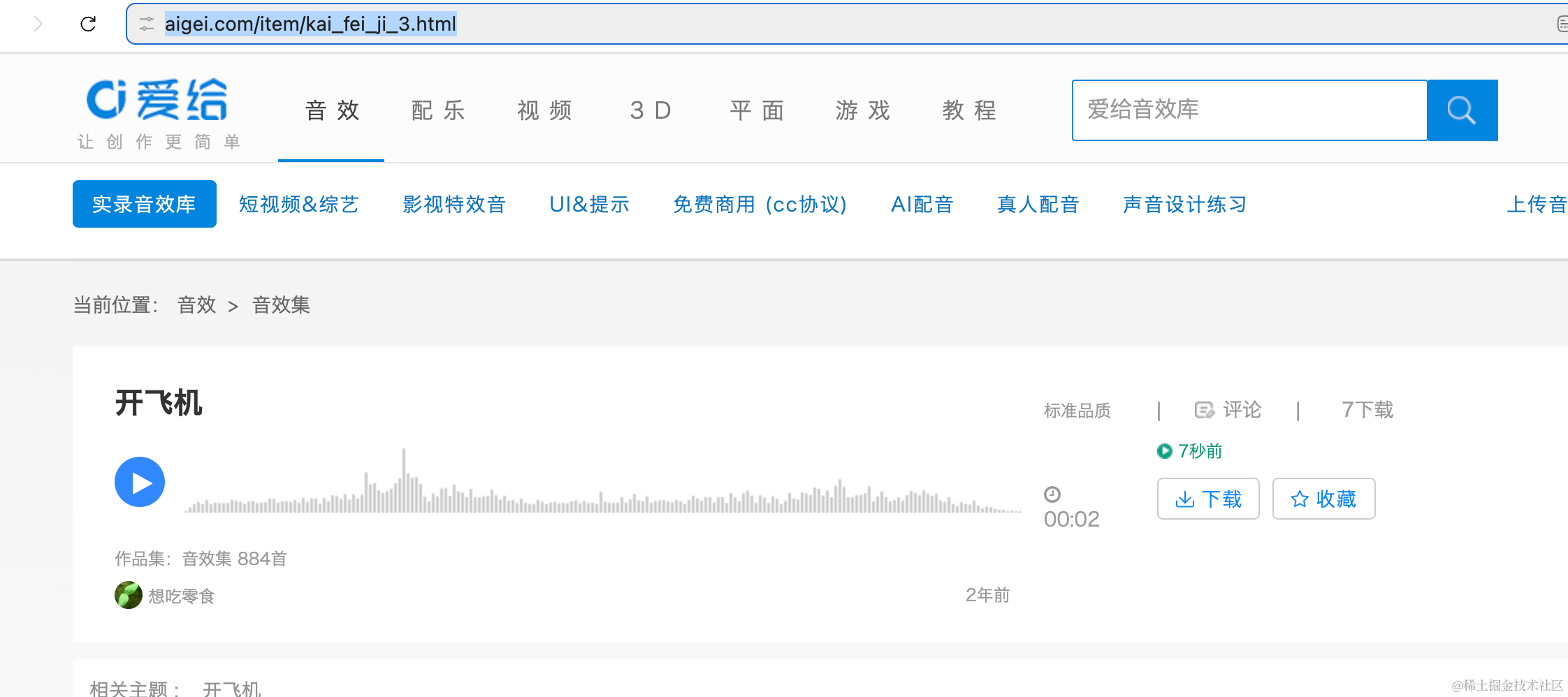
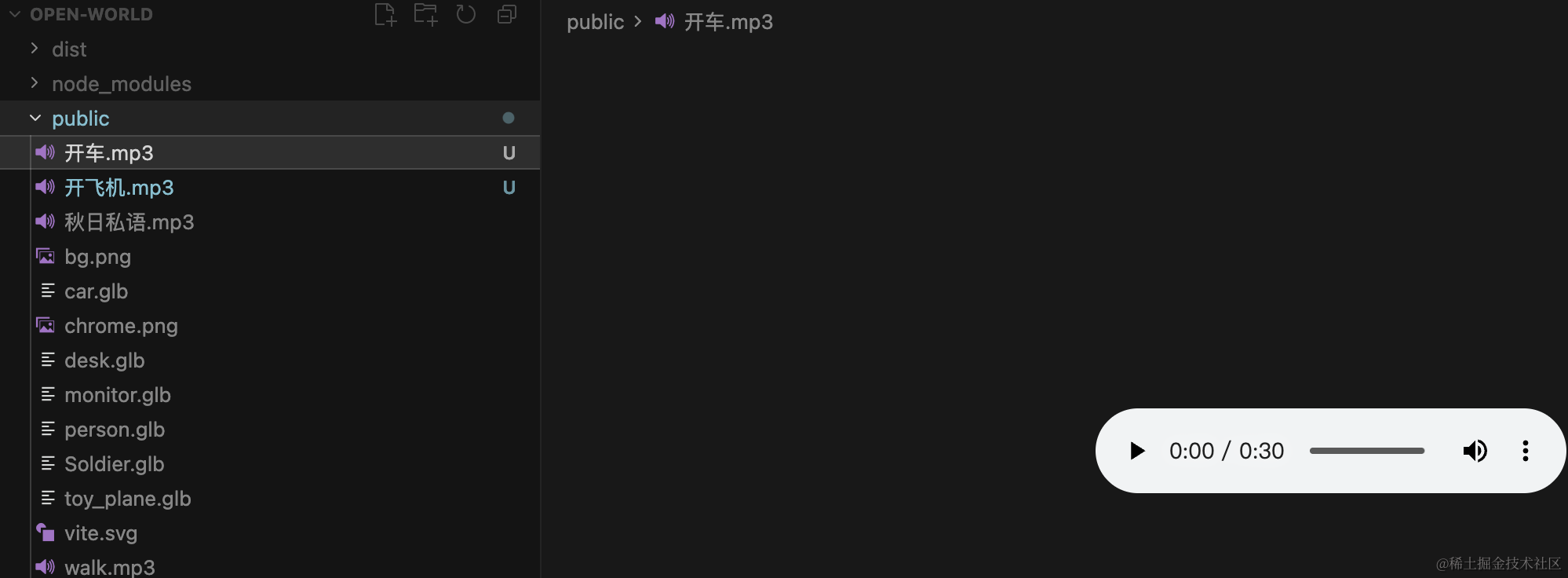
下载下来放到 public 目录:
因为我们加了设置面板,首先导出一个音效是否 enabled 的函数:
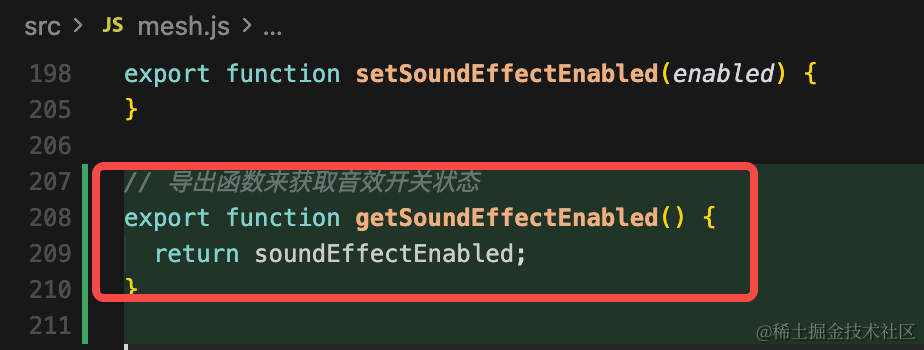
// 导出函数来获取音效开关状态
export function getSoundEffectEnabled() {
  return soundEffectEnabled;
}
飞机这里加载下音效:
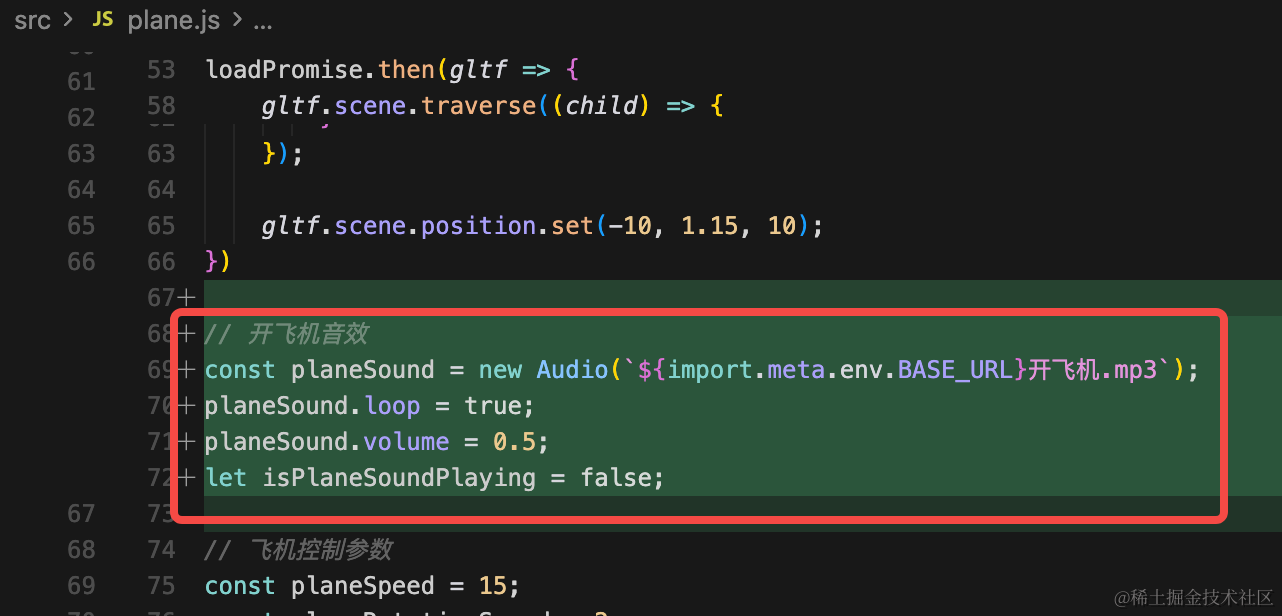
// 开飞机音效
const planeSound = new Audio(`${import.meta.env.BASE_URL}开飞机.mp3`);
planeSound.loop = true;
planeSound.volume = 0.5;
let isPlaneSoundPlaying = false;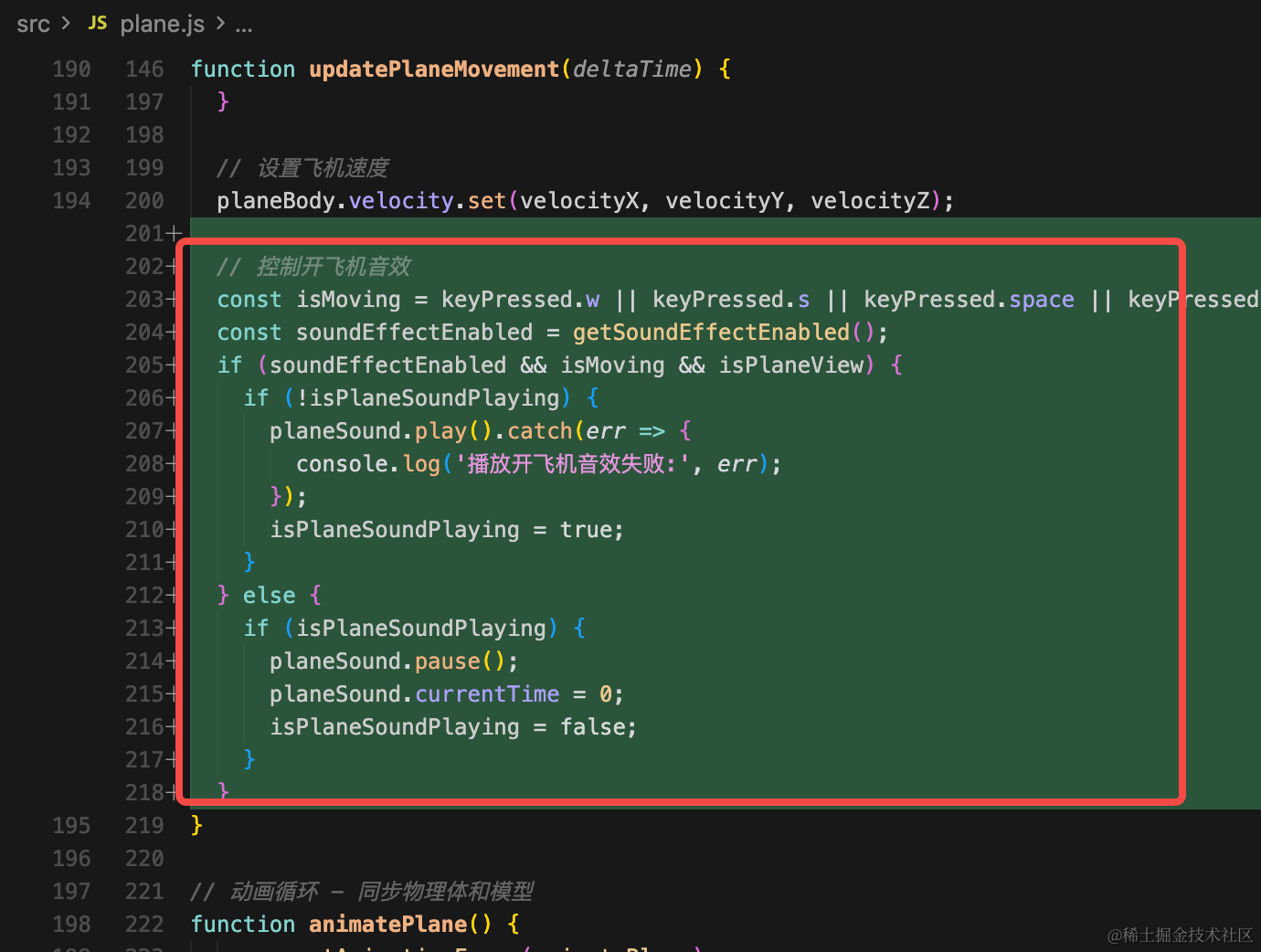
// 控制开飞机音效
const isMoving = keyPressed.w || keyPressed.s || keyPressed.space || keyPressed.shift;
    const soundEffectEnabled = getSoundEffectEnabled();
    if (soundEffectEnabled && isMoving && isPlaneView) {
    if (!isPlaneSoundPlaying) {
      planeSound.play().catch(err => {
        console.log('播放开飞机音效失败:', err);
      });
      isPlaneSoundPlaying = true;
    }
    } else {
    if (isPlaneSoundPlaying) {
      planeSound.pause();
      planeSound.currentTime = 0;
      isPlaneSoundPlaying = false;
    }
}
然后导出一个停止的函数:
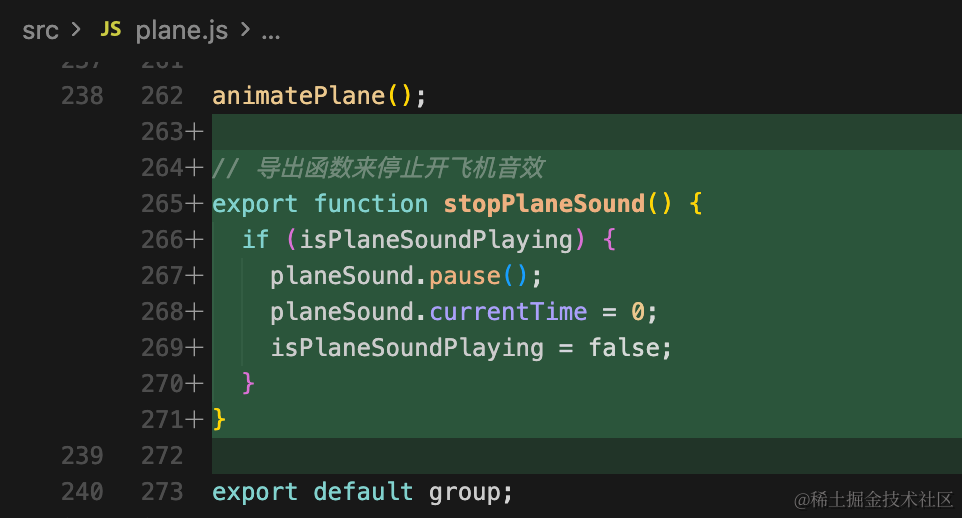
// 导出函数来停止开飞机音效
export function stopPlaneSound() {
  if (isPlaneSoundPlaying) {
    planeSound.pause();
    planeSound.currentTime = 0;
    isPlaneSoundPlaying = false;
  }
}
汽车这里也是一样的逻辑:
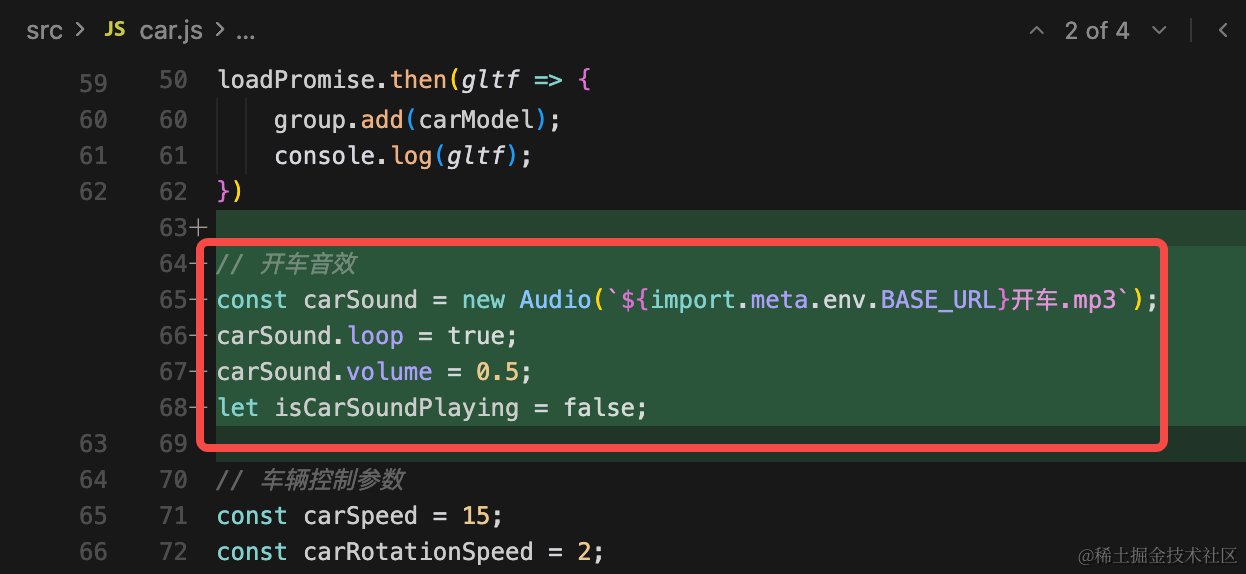
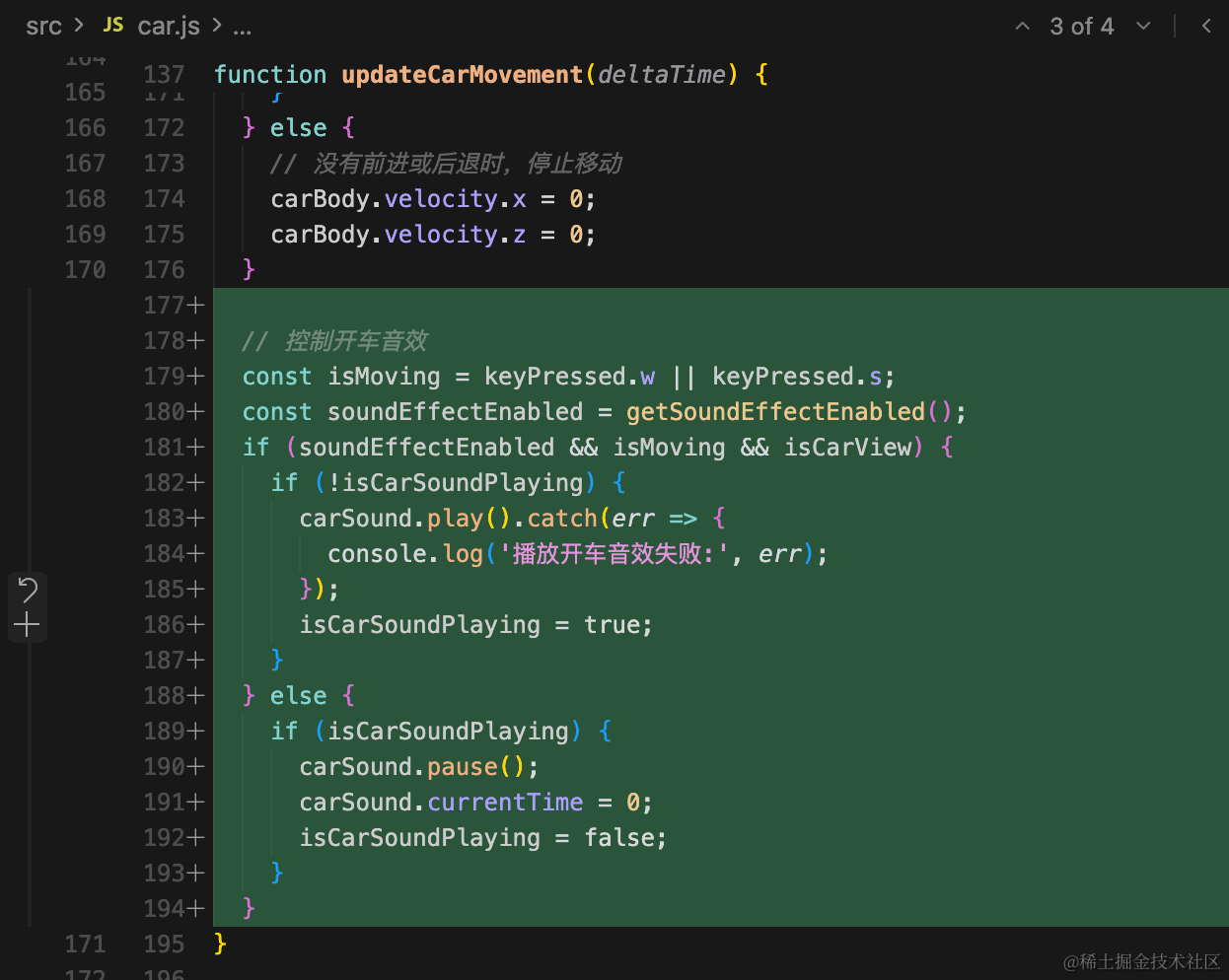
// 开车音效
const carSound = new Audio(`${import.meta.env.BASE_URL}开车.mp3`);
carSound.loop = true;
carSound.volume = 0.5;
let isCarSoundPlaying = false;
// 控制开车音效
const isMoving = keyPressed.w || keyPressed.s;
const soundEffectEnabled = getSoundEffectEnabled();
if (soundEffectEnabled && isMoving && isCarView) {
if (!isCarSoundPlaying) {
carSound.play().catch(err => {
console.log('播放开车音效失败:', err);
});
isCarSoundPlaying = true;
}
} else {
if (isCarSoundPlaying) {
carSound.pause();
carSound.currentTime = 0;
isCarSoundPlaying = false;
}
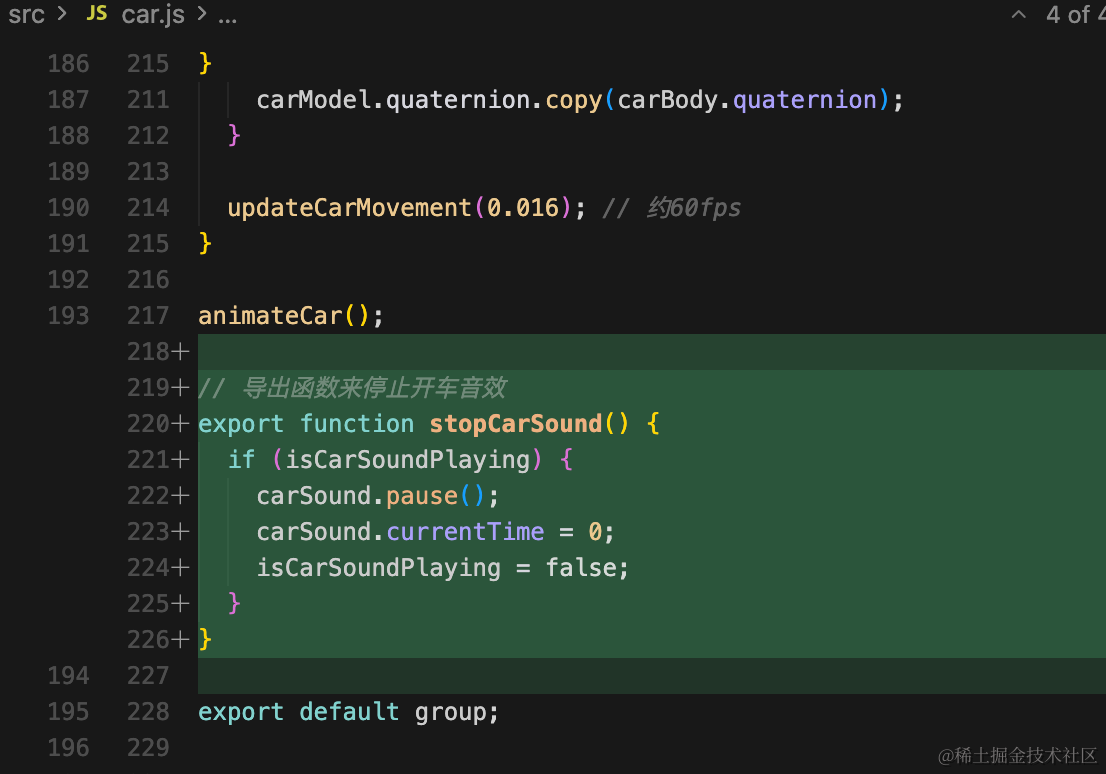
}// 导出函数来停止开车音效
export function stopCarSound() {
if (isCarSoundPlaying) {
carSound.pause();
carSound.currentTime = 0;
isCarSoundPlaying = false;
}
}之后在 main.js 里加一下停止逻辑:
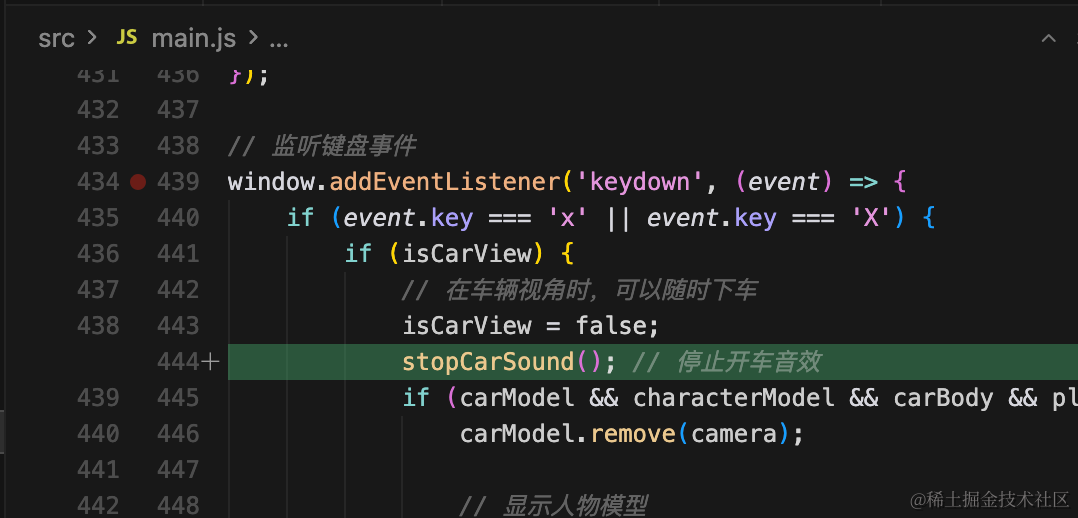
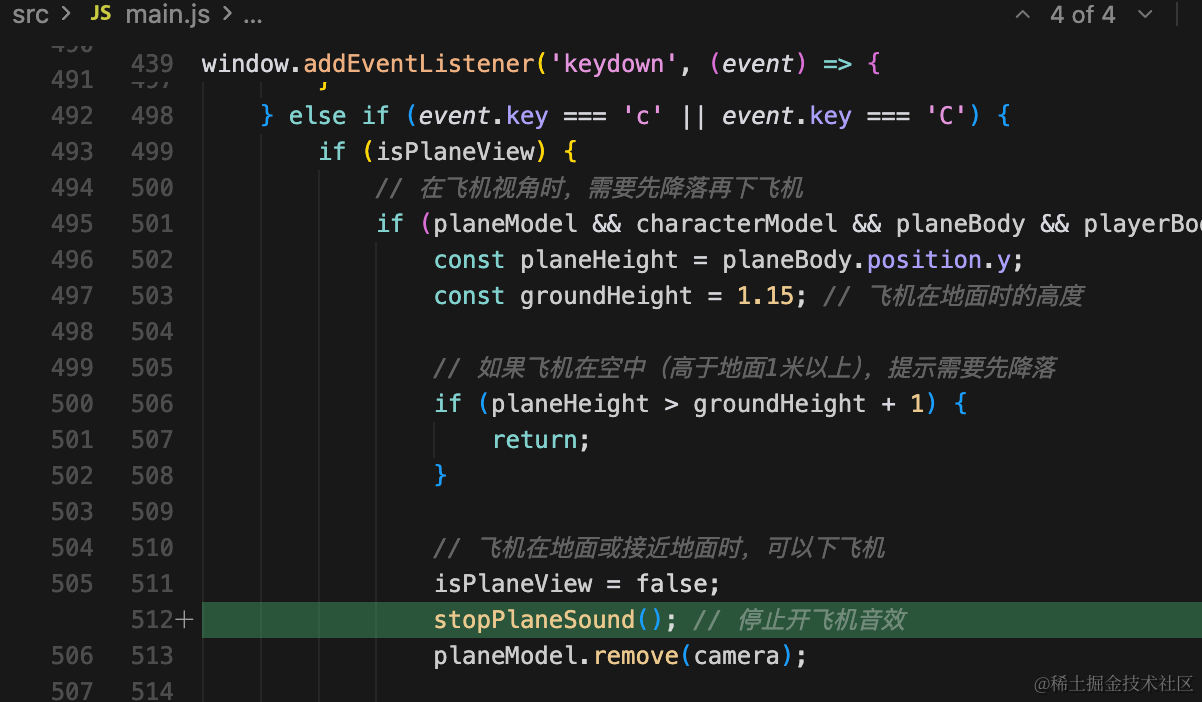
按 x 下车、按 c 下飞机的时候停止。
也就是飞机移动的时候播放音效,下飞机的时候停止。
试下整体效果:
https://quarkgluonplasma.github.io/threejs-open-world/
总结
这节我们给开车和开飞机加上了对应的音效。
车、飞机移动的时候播放音效,下车、下飞机的时候停止。
你可以点击上面的链接来试一下效果。