我们开放世界里还是有挺多物体的,我们加一下加载进度条,全部加载完再渲染。
不然有可能场景渲染出来了,但是人物、车等都还没有。
首先加一下 loading 页面样式:
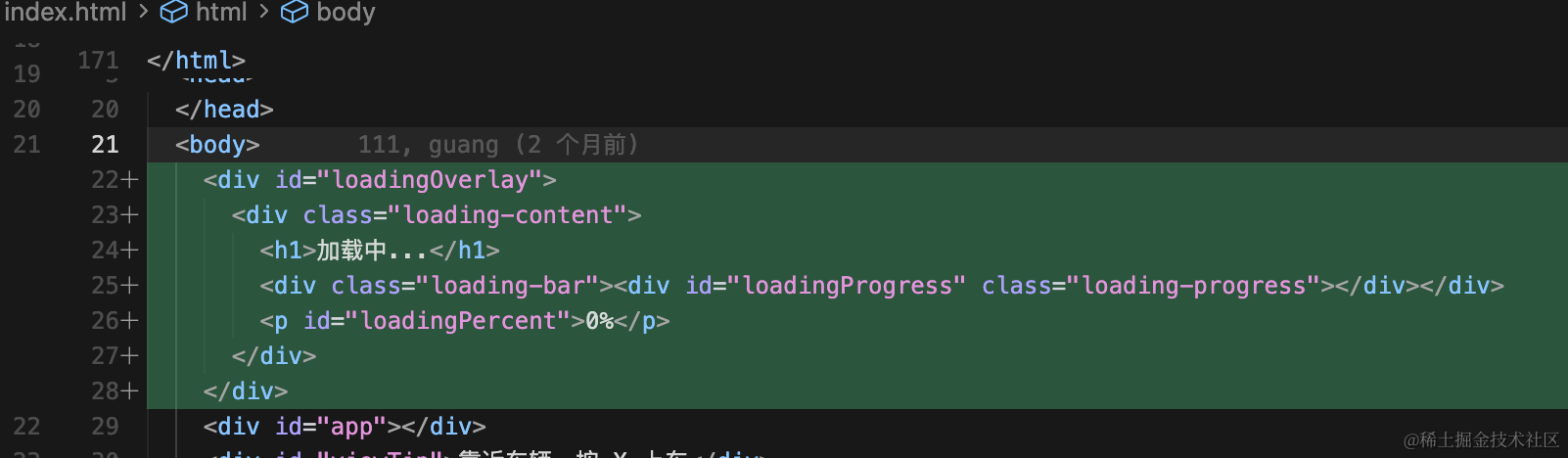
<div id="loadingOverlay">
  <div class="loading-content">
    <h1>加载中...</h1>
    <div class="loading-bar"><div id="loadingProgress" class="loading-progress"></div></div>
    <p id="loadingPercent">0%</p>
  </div>
</div>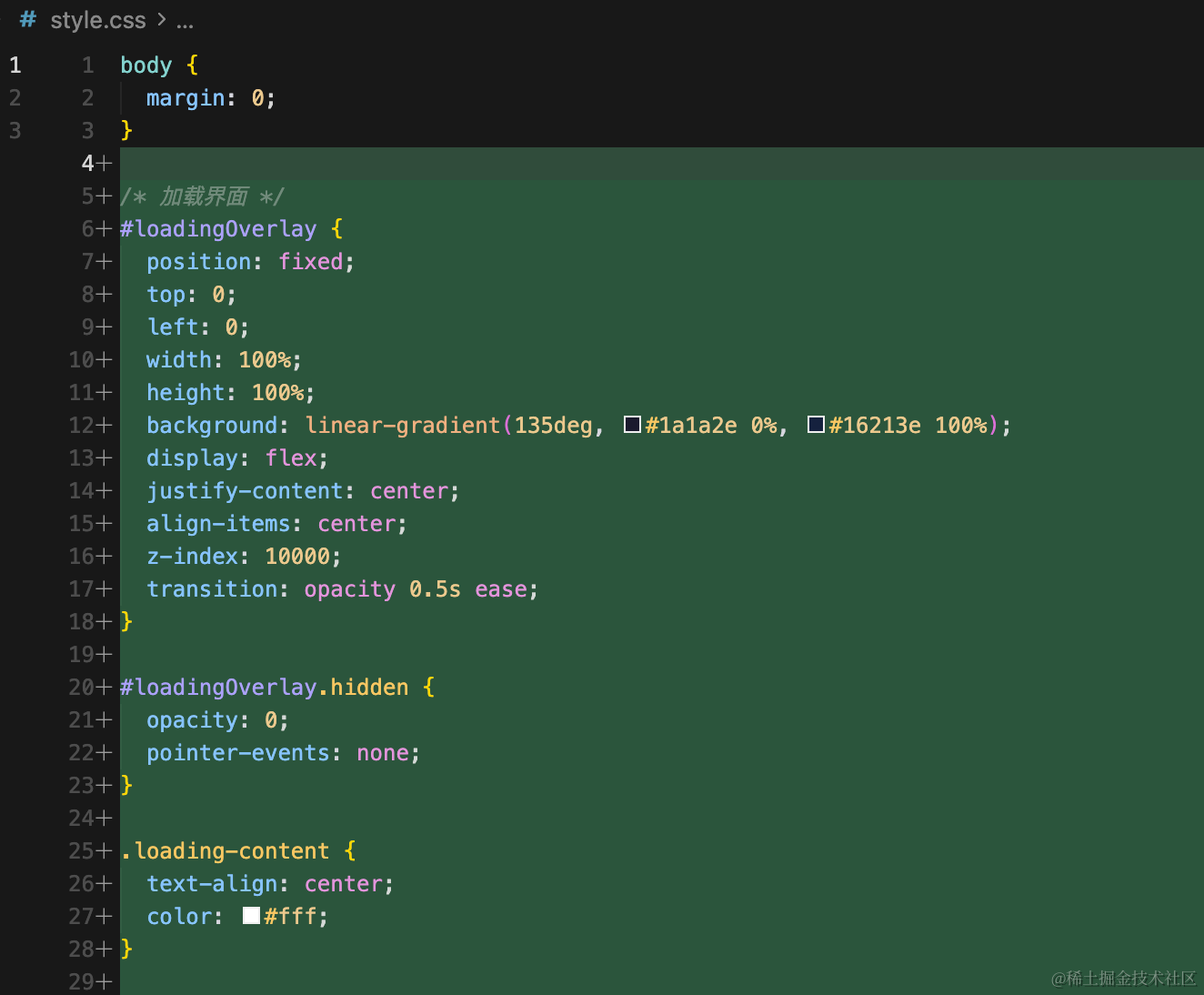
/* 加载界面 */
#loadingOverlay {
  position: fixed;
  top: 0;
  left: 0;
  width: 100%;
  height: 100%;
  background: linear-gradient(135deg, #1a1a2e 0%, #16213e 100%);
  display: flex;
  justify-content: center;
  align-items: center;
  z-index: 10000;
  transition: opacity 0.5s ease;
}

#loadingOverlay.hidden {
  opacity: 0;
  pointer-events: none;
}

.loading-content {
  text-align: center;
  color: #fff;
}

.loading-content h1 {
  font-size: 28px;
  margin-bottom: 24px;
  font-weight: 300;
}

.loading-bar {
  width: 320px;
  height: 8px;
  background: rgba(255, 255, 255, 0.2);
  border-radius: 4px;
  overflow: hidden;
  margin: 0 auto 12px;
}

.loading-progress {
  height: 100%;
  width: 0%;
  background: linear-gradient(90deg, #4ade80, #22c55e);
  border-radius: 4px;
  transition: width 0.2s ease;
}

.loading-content p {
  font-size: 14px;
  color: rgba(255, 255, 255, 0.7);
}
创建 loading.js
/**
 * 加载管理器 - 统一追踪所有资源加载进度
 */
import * as THREE from 'three';

let resolveLoadComplete;
export const loadCompletePromise = new Promise((resolve) => {
  resolveLoadComplete = resolve;
});

function updateProgressUI(loaded, total) {
  const pct = total > 0 ? Math.round((loaded / total) * 100) : 0;
  const progressEl = document.getElementById('loadingProgress');
  const percentEl = document.getElementById('loadingPercent');
  if (progressEl) progressEl.style.width = pct + '%';
  if (percentEl) percentEl.textContent = pct + '%';
}

export const loadingManager = new THREE.LoadingManager(
  () => {
    updateProgressUI(100, 100);
    resolveLoadComplete();
  },
  (url, loaded, total) => {
    updateProgressUI(loaded, total);
  },
  (url) => {
    console.error('加载失败:', url);
  }
);
用 LoaderManager 来管理所有模型的加载,它会自动计算进度,然后调用回调函数更新 ui
在每个模型加载的地方传入这个 loaderManager
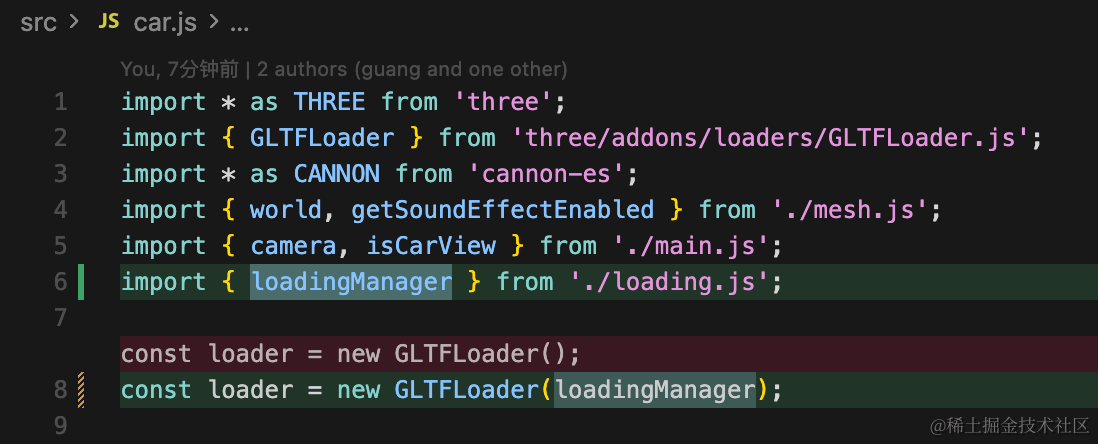
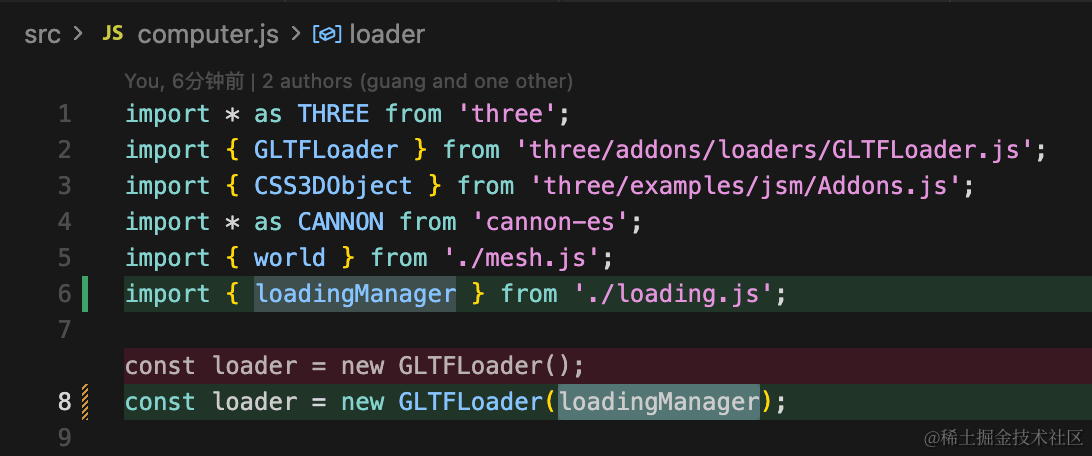
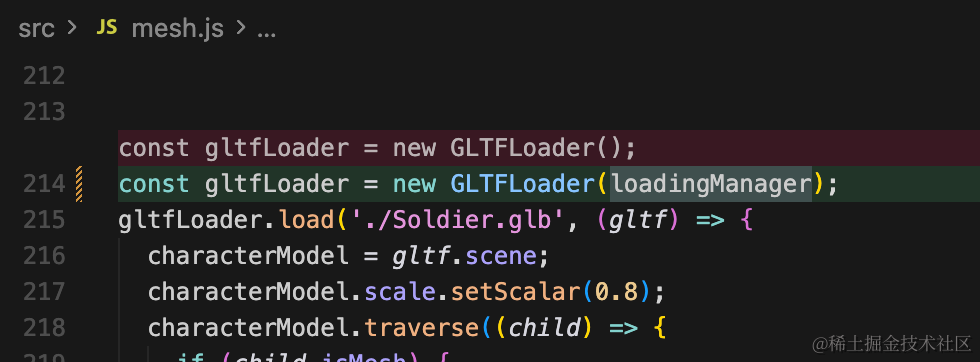
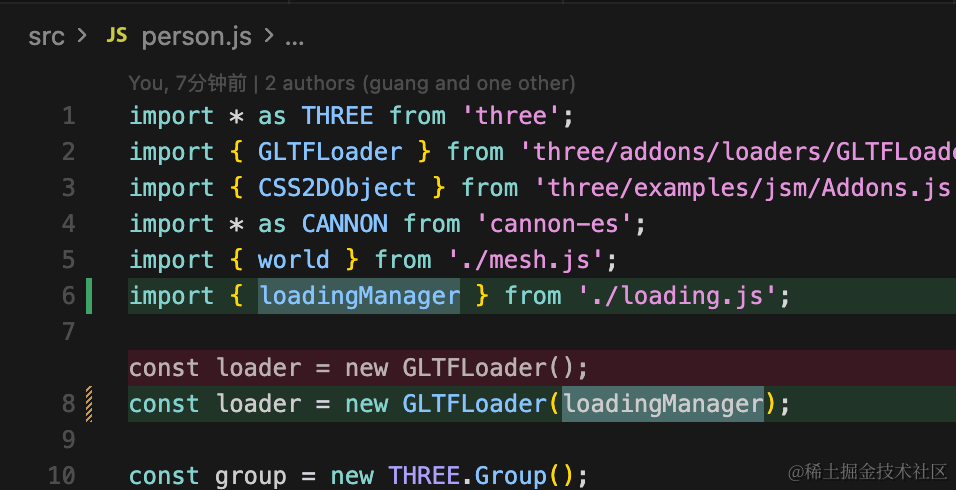
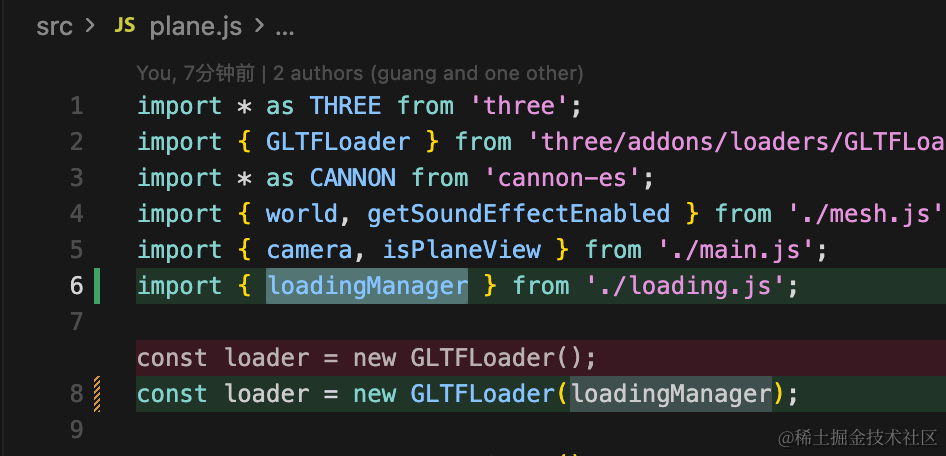
不用自己监听加载进度、计算总进度,LoaderManager 会自己计算。
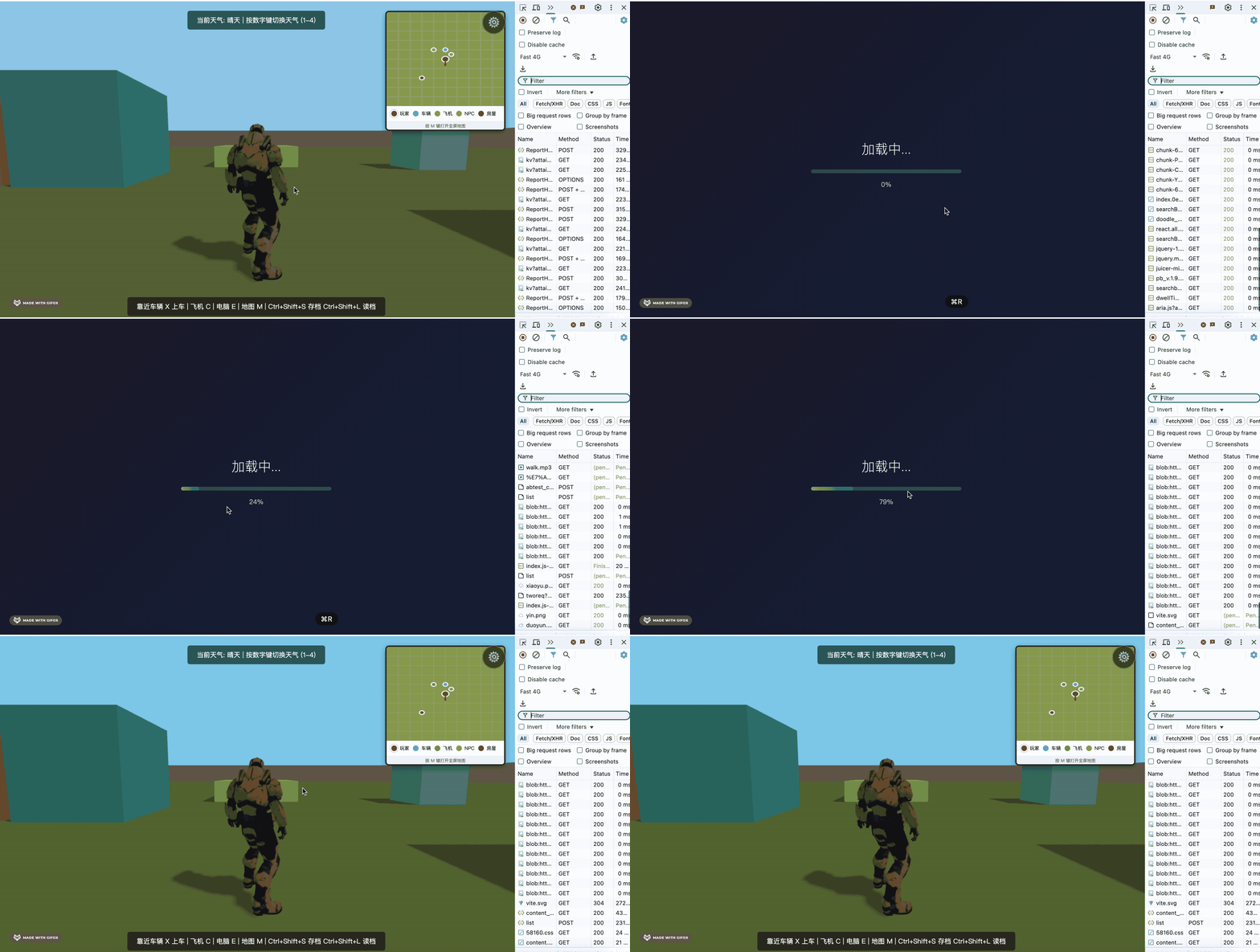
试一下:
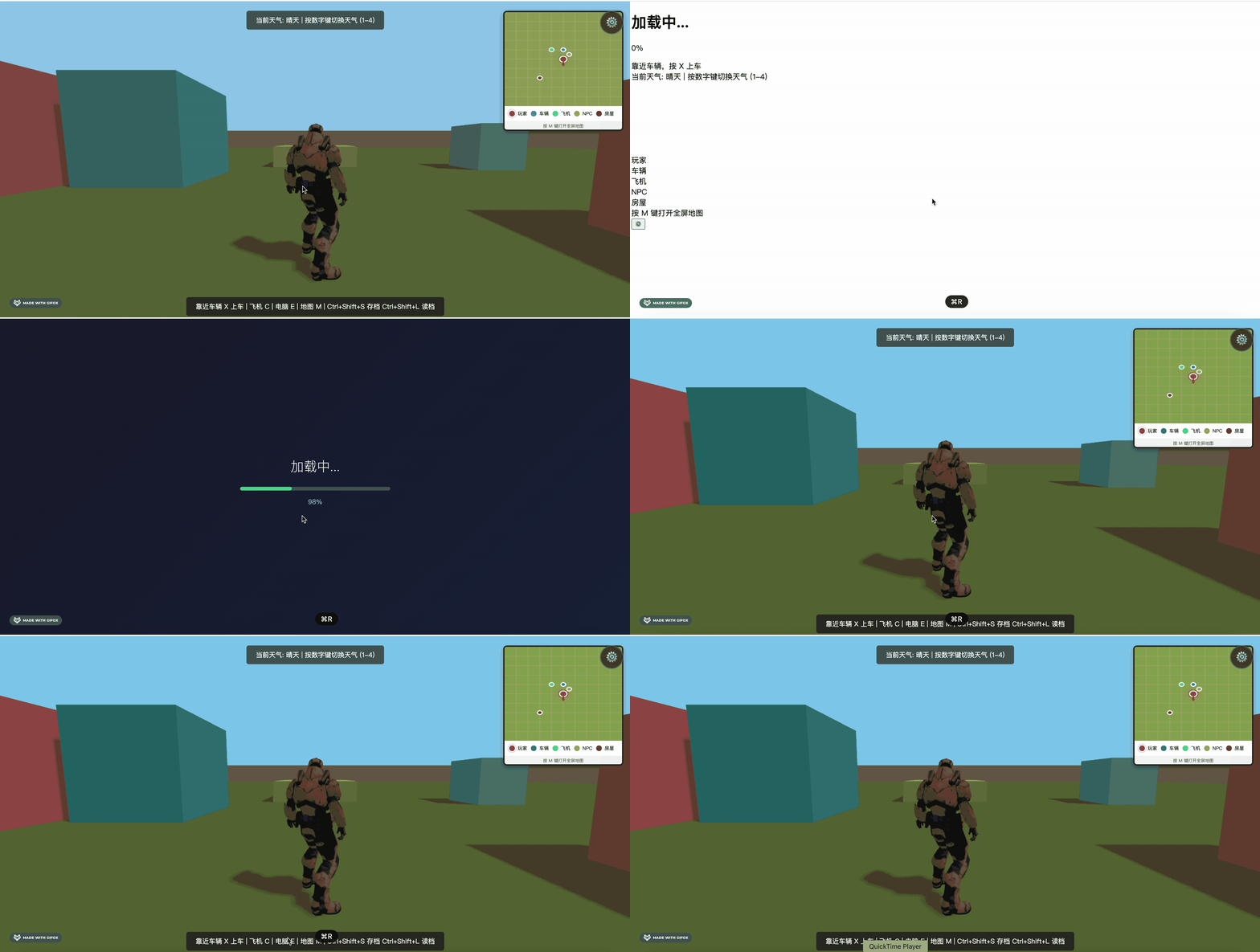
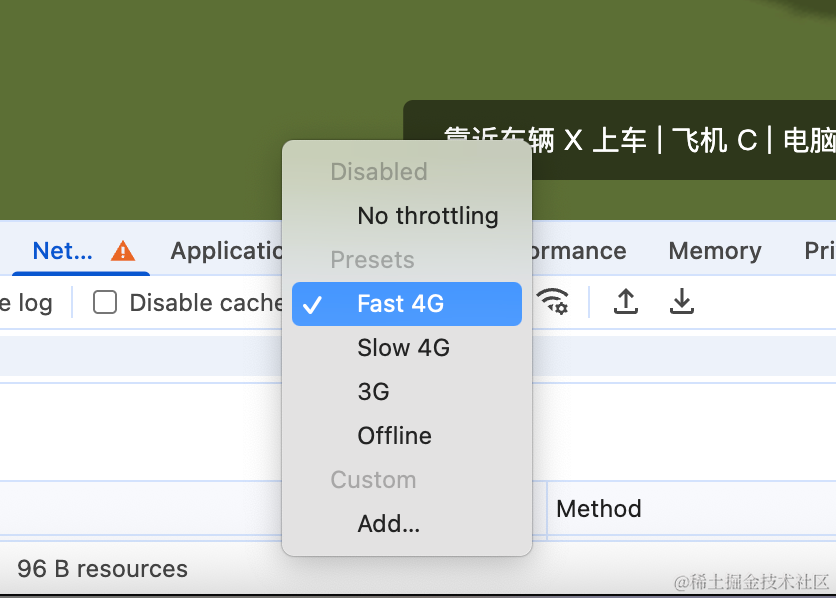
本地有点快,我们改一下网速:
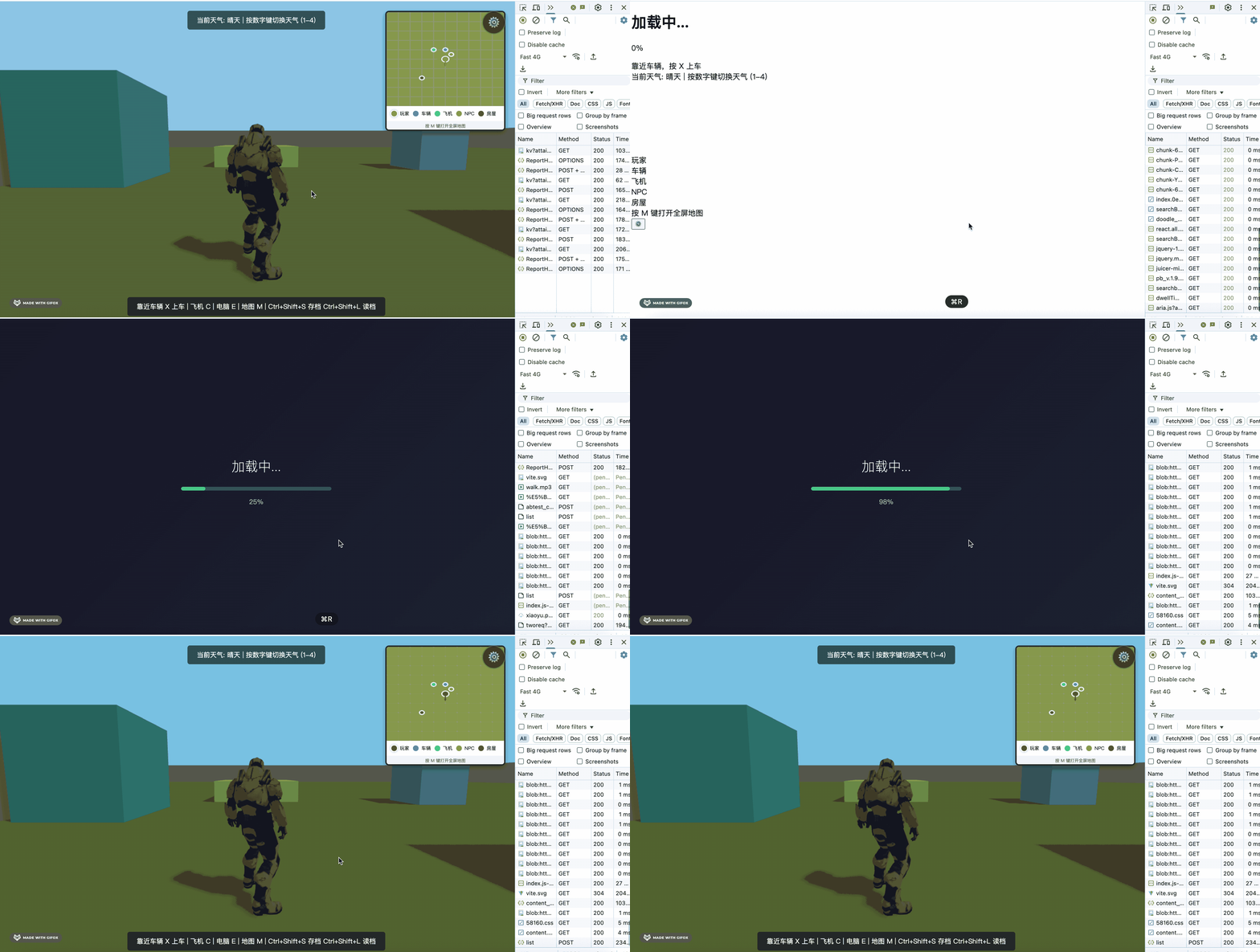
这样加载进度条就加上了。
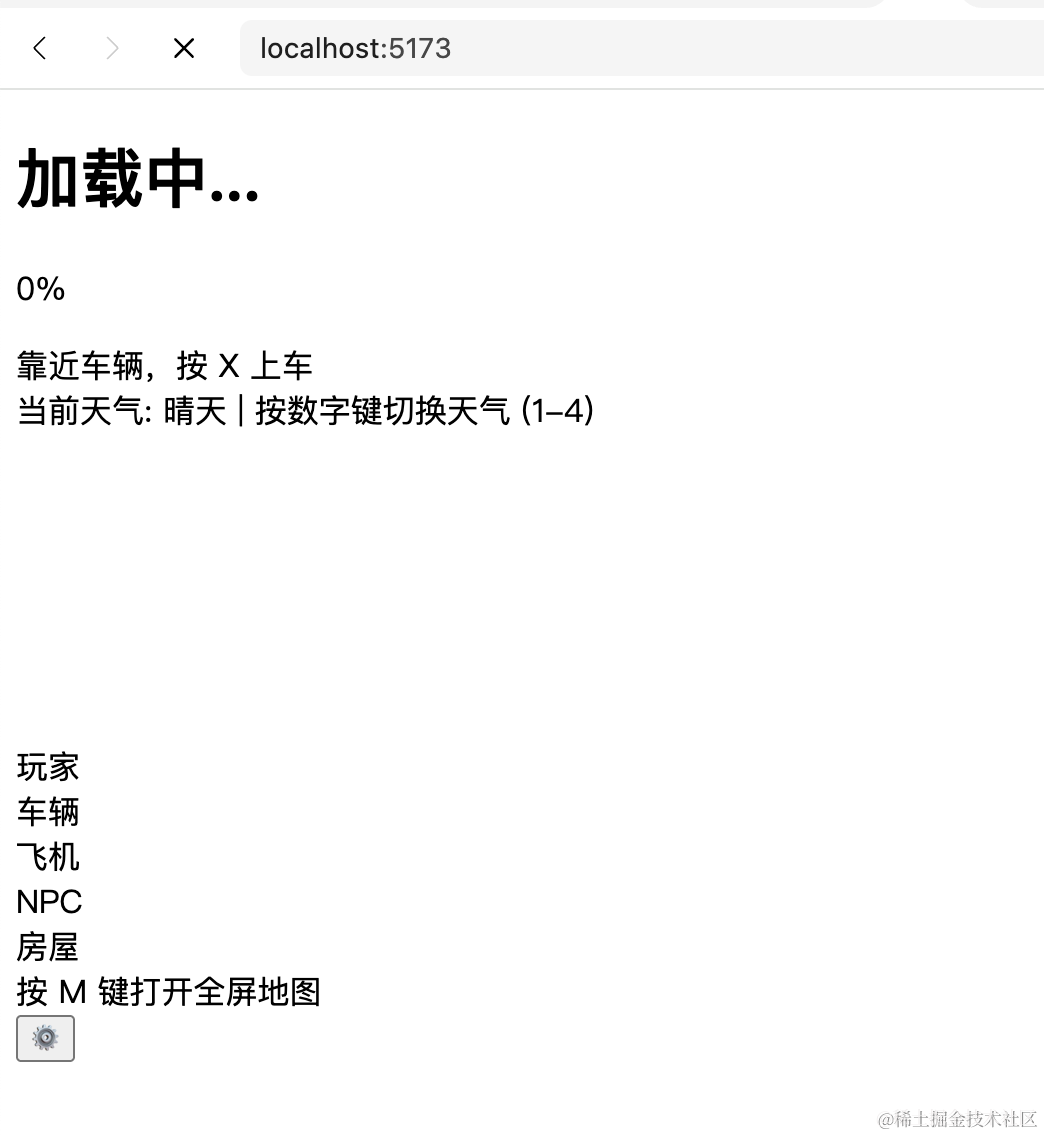
但是有一些 html 会在刚加载页面的时候,没有样式:
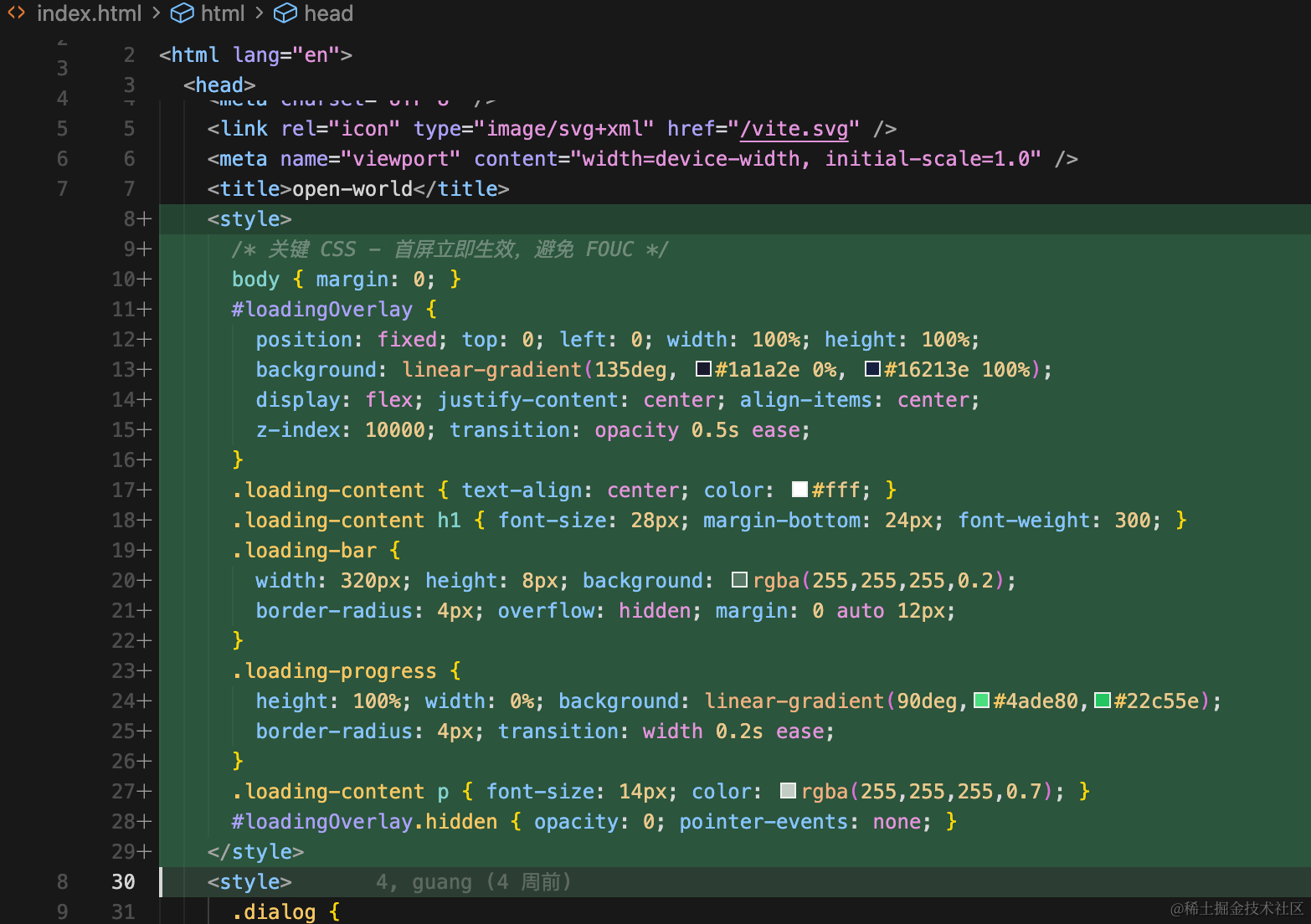
我们把一些关键样式提到上面就好了:
<style>
      /* 关键 CSS - 首屏立即生效,避免 FOUC */
      body { margin: 0; }
      #loadingOverlay {
        position: fixed; top: 0; left: 0; width: 100%; height: 100%;
        background: linear-gradient(135deg, #1a1a2e 0%, #16213e 100%);
        display: flex; justify-content: center; align-items: center;
        z-index: 10000; transition: opacity 0.5s ease;
      }
      .loading-content { text-align: center; color: #fff; }
      .loading-content h1 { font-size: 28px; margin-bottom: 24px; font-weight: 300; }
      .loading-bar {
        width: 320px; height: 8px; background: rgba(255,255,255,0.2);
        border-radius: 4px; overflow: hidden; margin: 0 auto 12px;
      }
      .loading-progress {
        height: 100%; width: 0%; background: linear-gradient(90deg,#4ade80,#22c55e);
        border-radius: 4px; transition: width 0.2s ease;
      }
      .loading-content p { font-size: 14px; color: rgba(255,255,255,0.7); }
      #loadingOverlay.hidden { opacity: 0; pointer-events: none; }
    </style>
先加载这些样式再渲染 html
案例代码上传了小册仓库
总结
这节我们加上了加载进度条。
用 LoaderManager 来管理进度,传入每一个 GLTFLoader 就可以了。
这样会等资源全部加载完再渲染场景,体验更好。