这节我们把之前的练舞房也放到 3D 世界里,并且让玩家也可以一起去跳舞。

首先添加一面镜子:
创建 dancingMirrorHut.js
/**
 * 镜屋 - 四面镜子
 */
import * as THREE from 'three';
import { Reflector } from 'three/addons/objects/Reflector.js';

const group = new THREE.Group();

const hutOffsetX = 20;
const hutOffsetY = 0;
const hutOffsetZ = -20;

const mirrorHeight = 2.5;
const roomSize = 6;
const mirrorWidth = roomSize; // 与边长一致,四面围合无空隙
const mirrorRadius = roomSize / 2;

function createMirror() {
  const geometry = new THREE.PlaneGeometry(mirrorWidth, mirrorHeight);
  const mirror = new Reflector(geometry, {
    textureWidth: 2048,
    textureHeight: 2048
  });

  mirror.position.set(hutOffsetX + mirrorRadius, hutOffsetY + mirrorHeight / 2, hutOffsetZ);
  mirror.rotateY(-Math.PI / 2);
  mirror.castShadow = false;
  mirror.receiveShadow = true;

  return mirror;
}

group.add(createMirror());

export const dancingMirrorHutPosition = { x: hutOffsetX, z: hutOffsetZ };
export { group as dancingMirrorHut };

export default group;
就是要用 Reflector 创建镜子,设置宽高、位置。
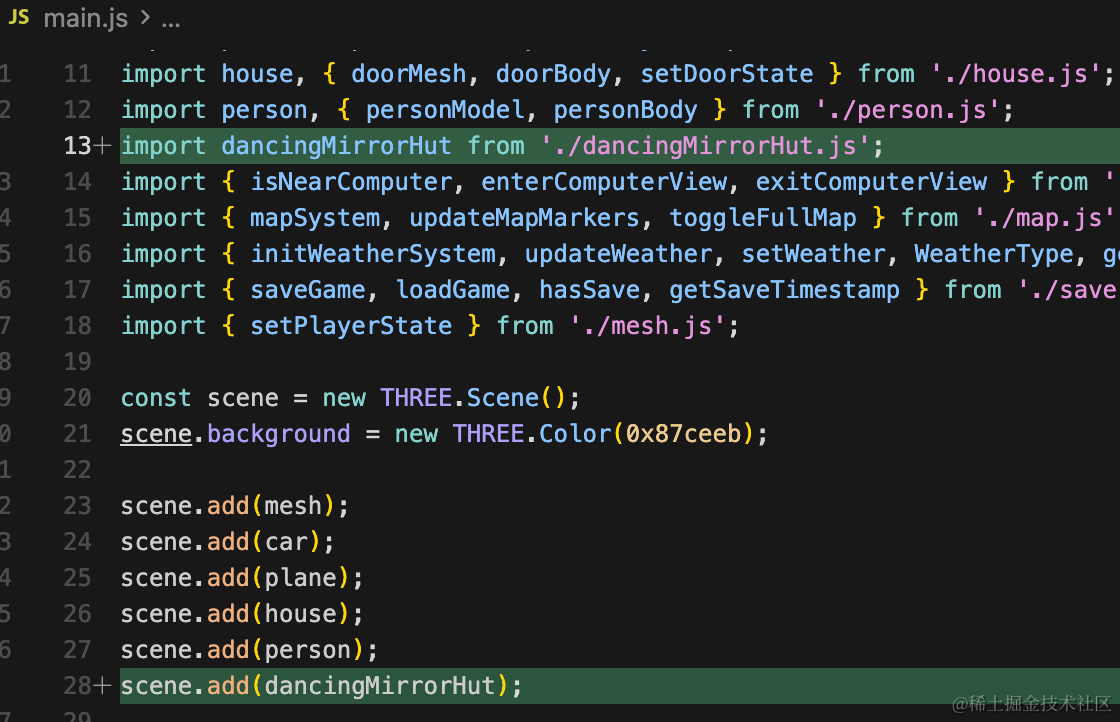
mian.js 引入:
顺便在地图上也标一下:
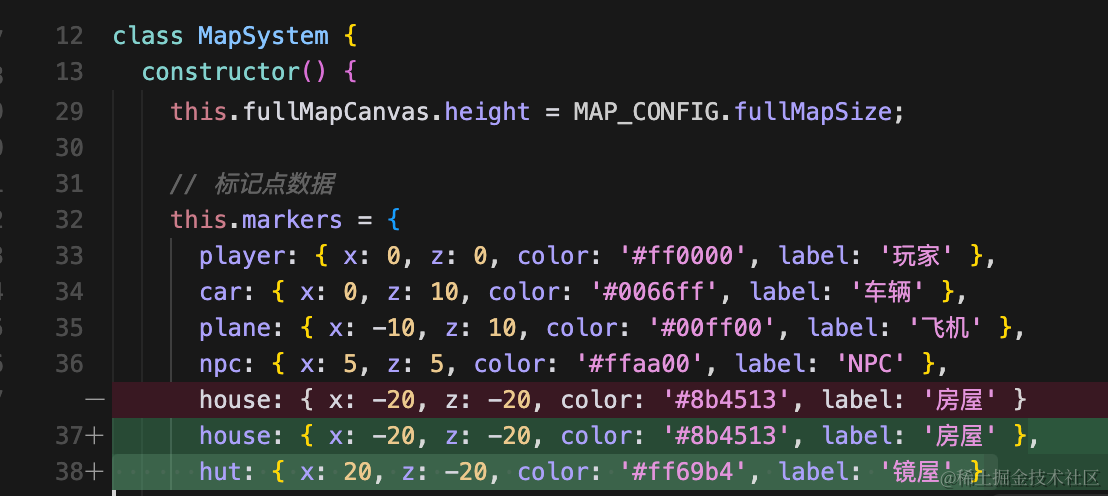
hut: { x: 20, z: -20, color: '#ff69b4', label: '镜屋' }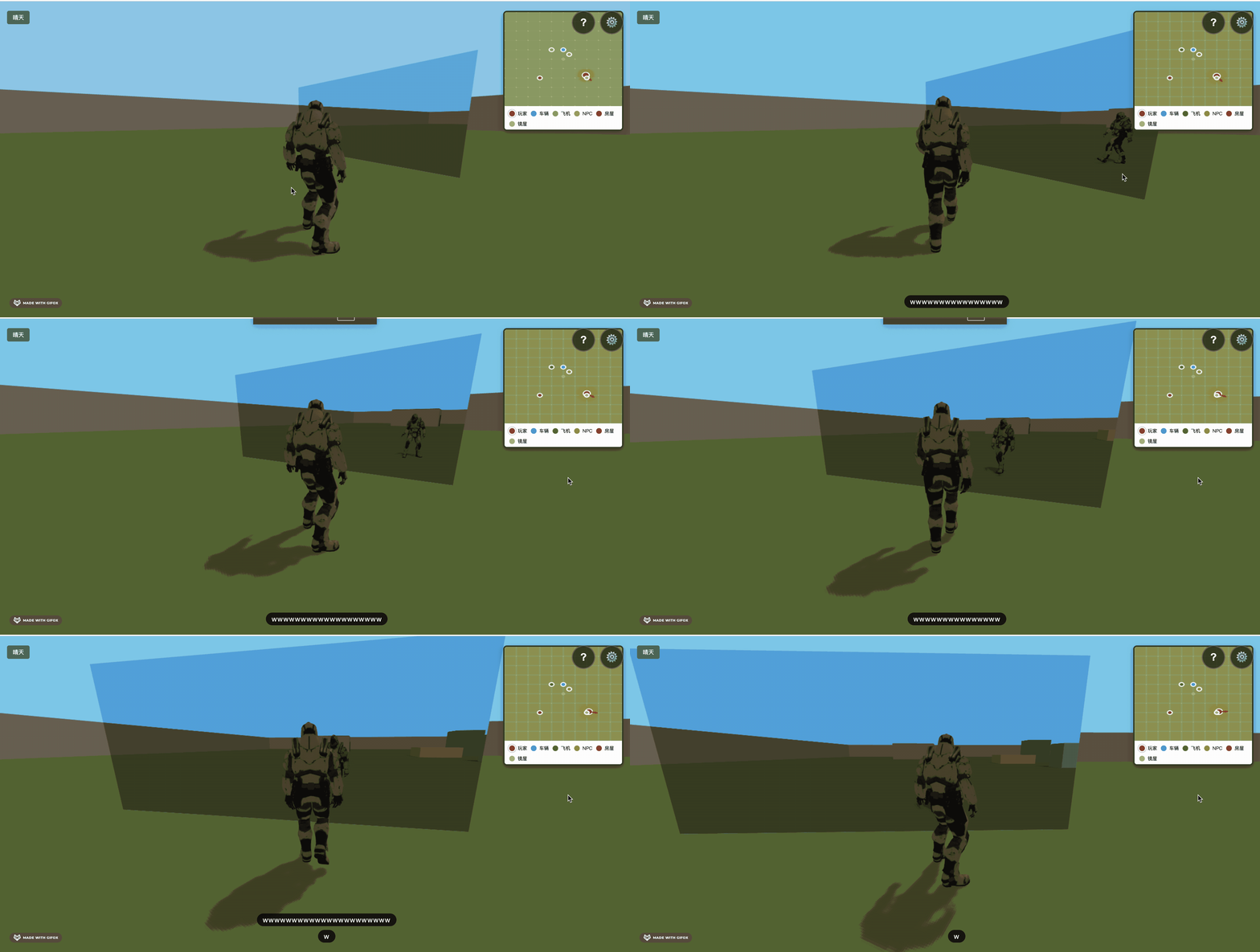
这样就有了一面镜子。
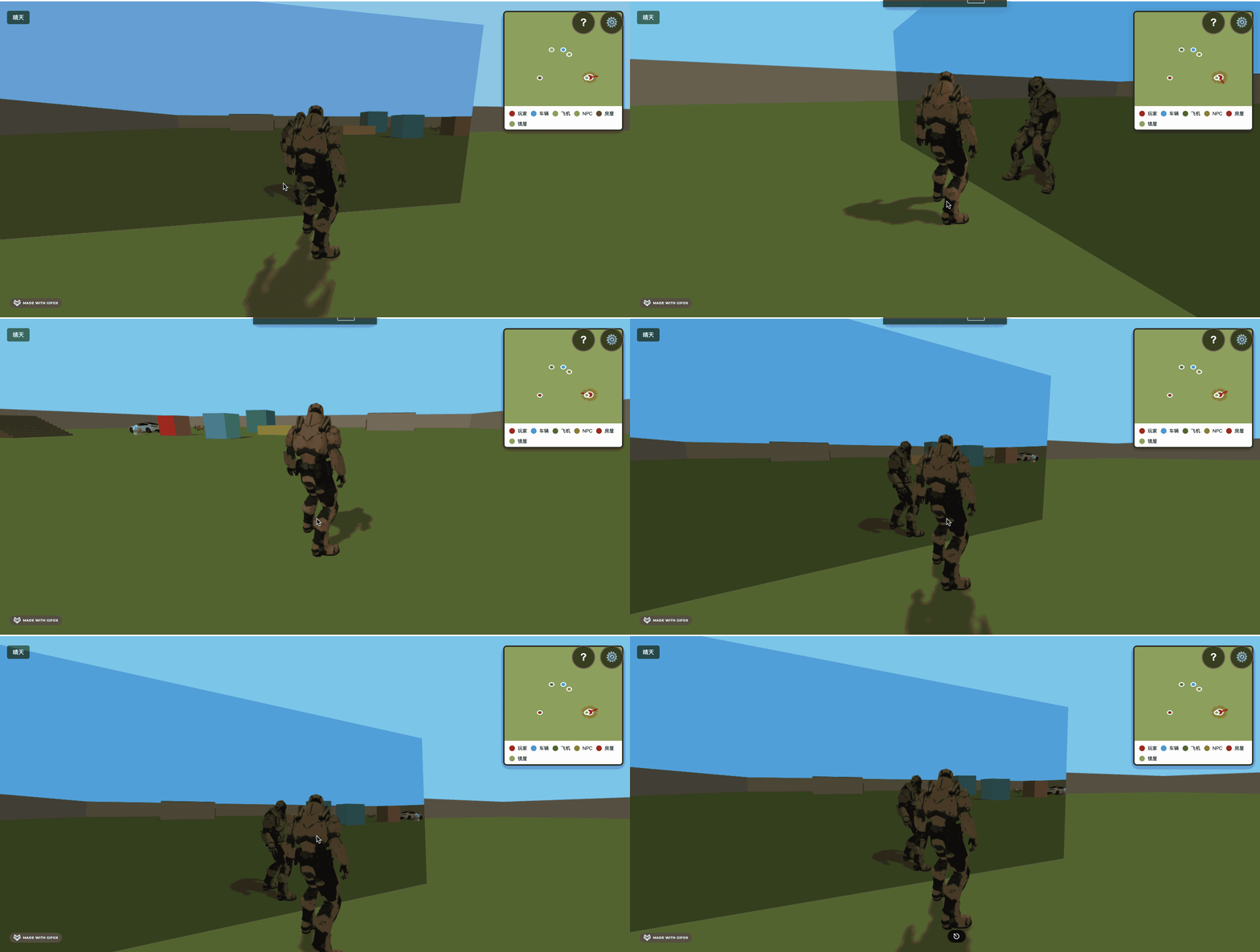
但是这面镜子背面是看不到的。
我们给他加一面墙。

/**
 * 镜屋 - 四面镜子
 */
import * as THREE from 'three';
import { Reflector } from 'three/addons/objects/Reflector.js';

const group = new THREE.Group();

const hutOffsetX = 20;
const hutOffsetY = 0;
const hutOffsetZ = -20;

const mirrorHeight = 2.5;
const roomSize = 6;
const mirrorWidth = roomSize; // 与边长一致,四面围合无空隙
const mirrorRadius = roomSize / 2;

const wallMaterial = new THREE.MeshPhongMaterial({ color: 0xd4c5a9, side: THREE.DoubleSide });

function createMirror() {
  const geometry = new THREE.PlaneGeometry(mirrorWidth, mirrorHeight);
  const mirror = new Reflector(geometry, {
    textureWidth: 2048,
    textureHeight: 2048
  });

  mirror.position.set(hutOffsetX + mirrorRadius, hutOffsetY + mirrorHeight / 2, hutOffsetZ);
  mirror.rotateY(-Math.PI / 2);
  mirror.castShadow = false;
  mirror.receiveShadow = true;

  return mirror;
}

const wallThickness = 0.3;
const mirrorWallGap = 0.02; // 避免镜子和墙重叠导致闪烁

function createBackWall() {
  const geometry = new THREE.BoxGeometry(mirrorWidth, mirrorHeight, wallThickness);
  const wall = new THREE.Mesh(geometry, wallMaterial);
  wall.position.set(hutOffsetX + mirrorRadius + mirrorWallGap + wallThickness / 2, hutOffsetY + mirrorHeight / 2, hutOffsetZ);
  wall.rotateY(-Math.PI / 2);
  wall.castShadow = true;
  wall.receiveShadow = true;
  return wall;
}

group.add(createMirror());
group.add(createBackWall());

export const dancingMirrorHutPosition = { x: hutOffsetX, z: hutOffsetZ };
export { group as dancingMirrorHut };

export default group;
然后现在是没有物理效果的:
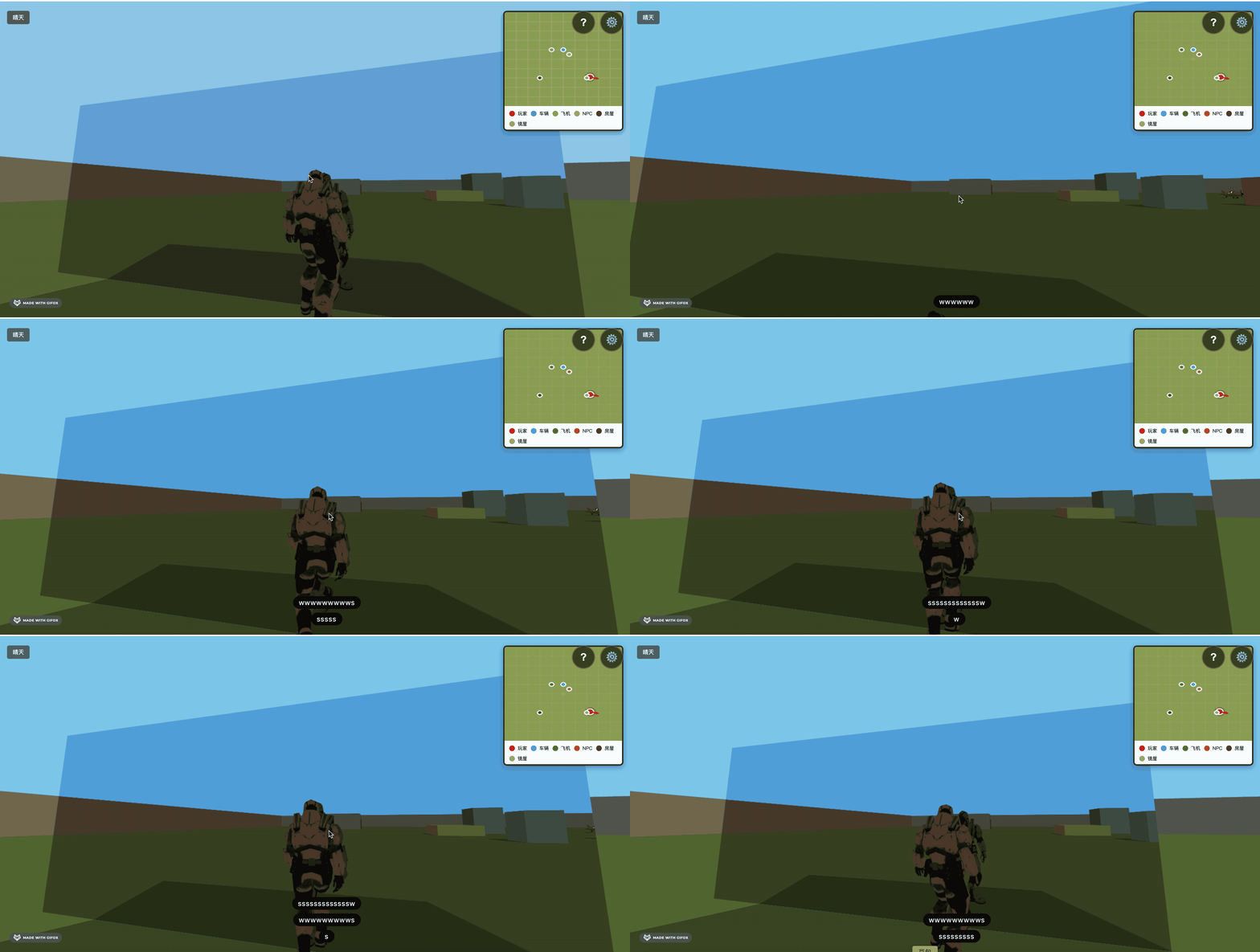
我们用 cannon 加一下物理效果:
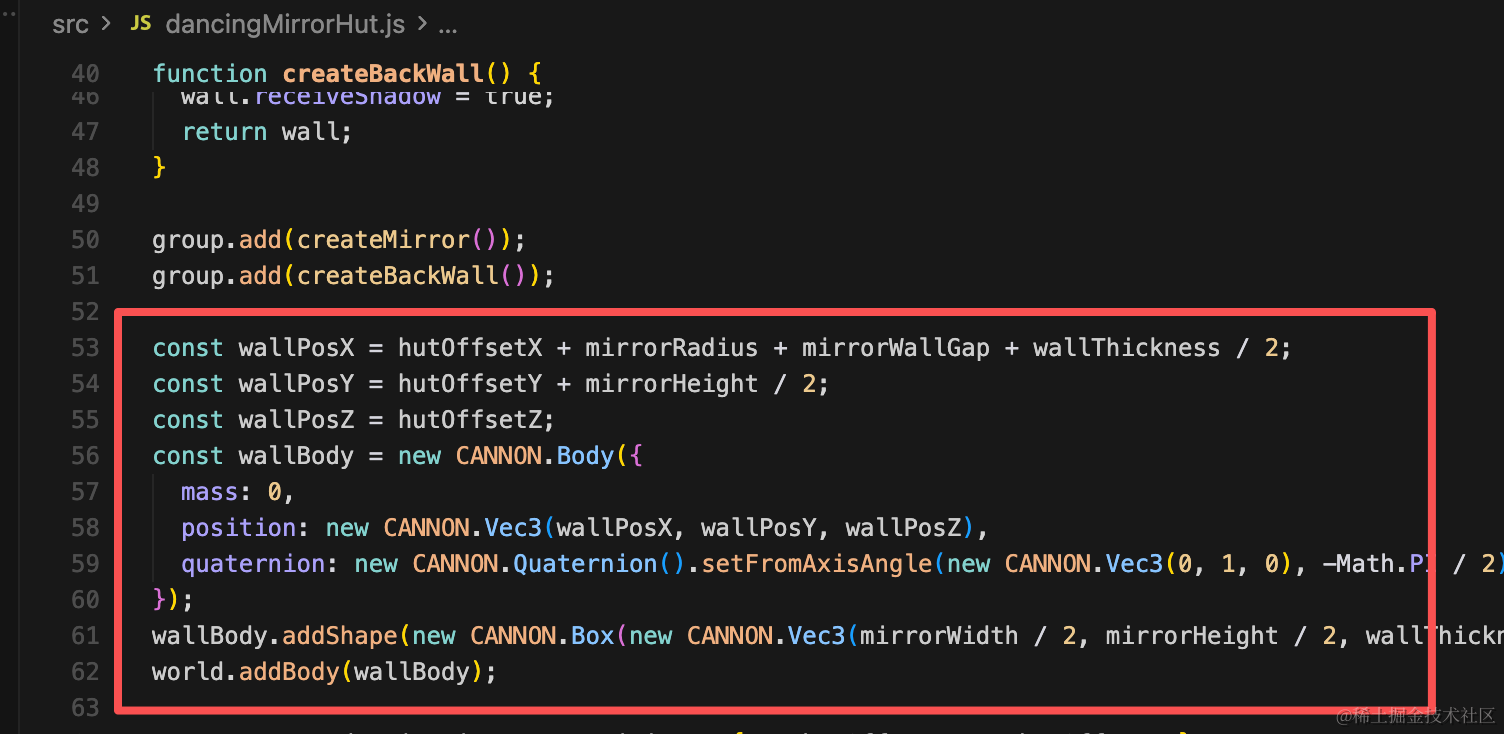
const wallPosX = hutOffsetX + mirrorRadius + mirrorWallGap + wallThickness / 2;
const wallPosY = hutOffsetY + mirrorHeight / 2;
const wallPosZ = hutOffsetZ;
const wallBody = new CANNON.Body({
  mass: 0,
  position: new CANNON.Vec3(wallPosX, wallPosY, wallPosZ),
  quaternion: new CANNON.Quaternion().setFromAxisAngle(new CANNON.Vec3(0, 1, 0), -Math.PI / 2)
});
wallBody.addShape(new CANNON.Box(new CANNON.Vec3(mirrorWidth / 2, mirrorHeight / 2, wallThickness / 2)));
world.addBody(wallBody);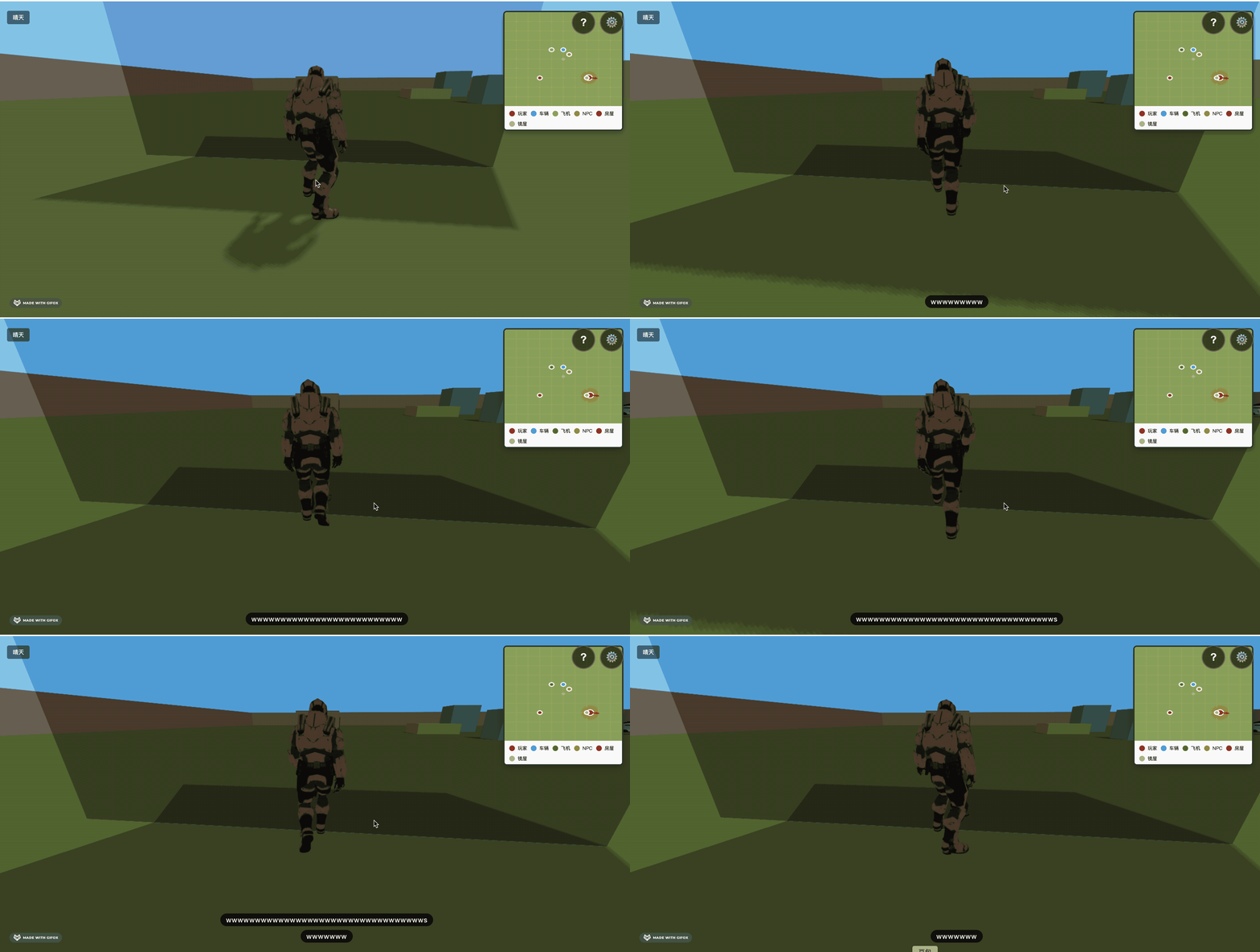
现在就不会穿过了。
案例代码上传了小册仓库
总结
这节我们加了一面镜子和一面墙。
镜子用 Relfector 实现,然后给墙加了物理效果。
镜子有了,下节把跳舞的人也加进来。