上节实现了对话:
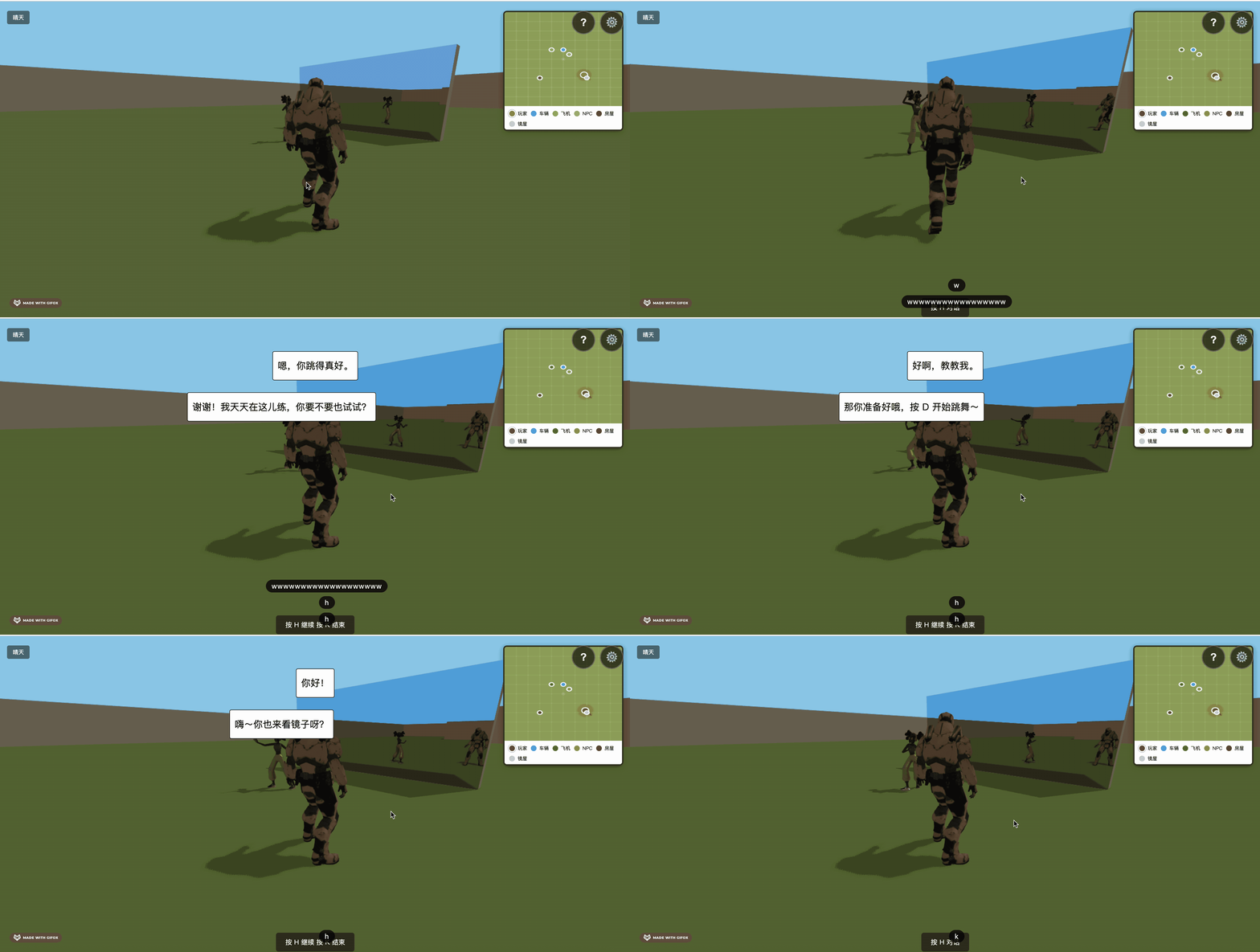
对话完成后提示按 D 开始跳舞。
我们实现下跳舞的逻辑。
有同学说,不对啊,士兵的模型好像没有跳舞的骨骼动画。
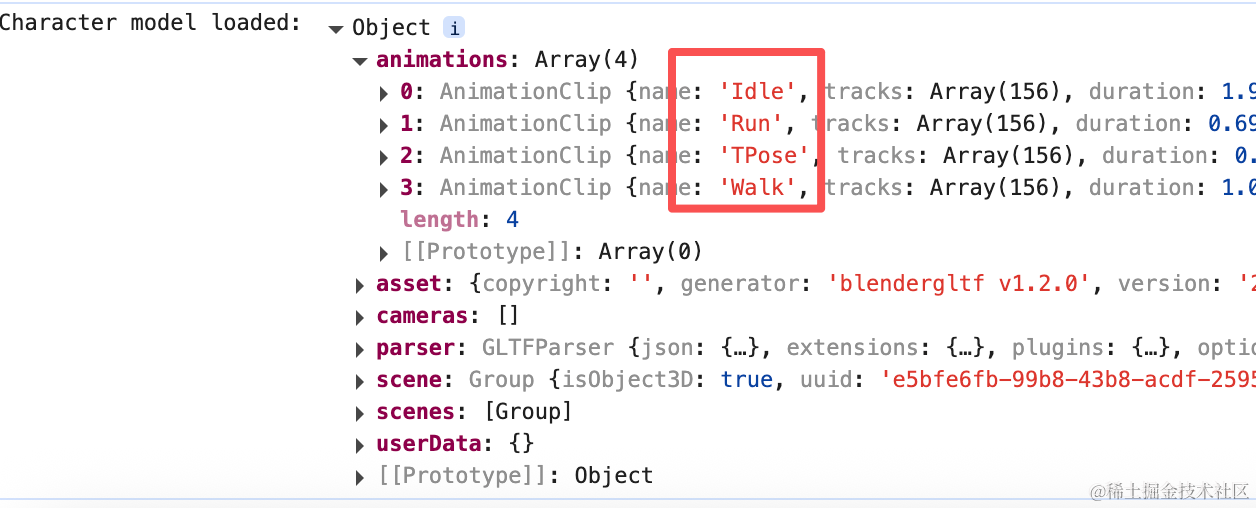
确实,但可以复制女孩的骨骼动画给他。
我们先封装两个工具方法:
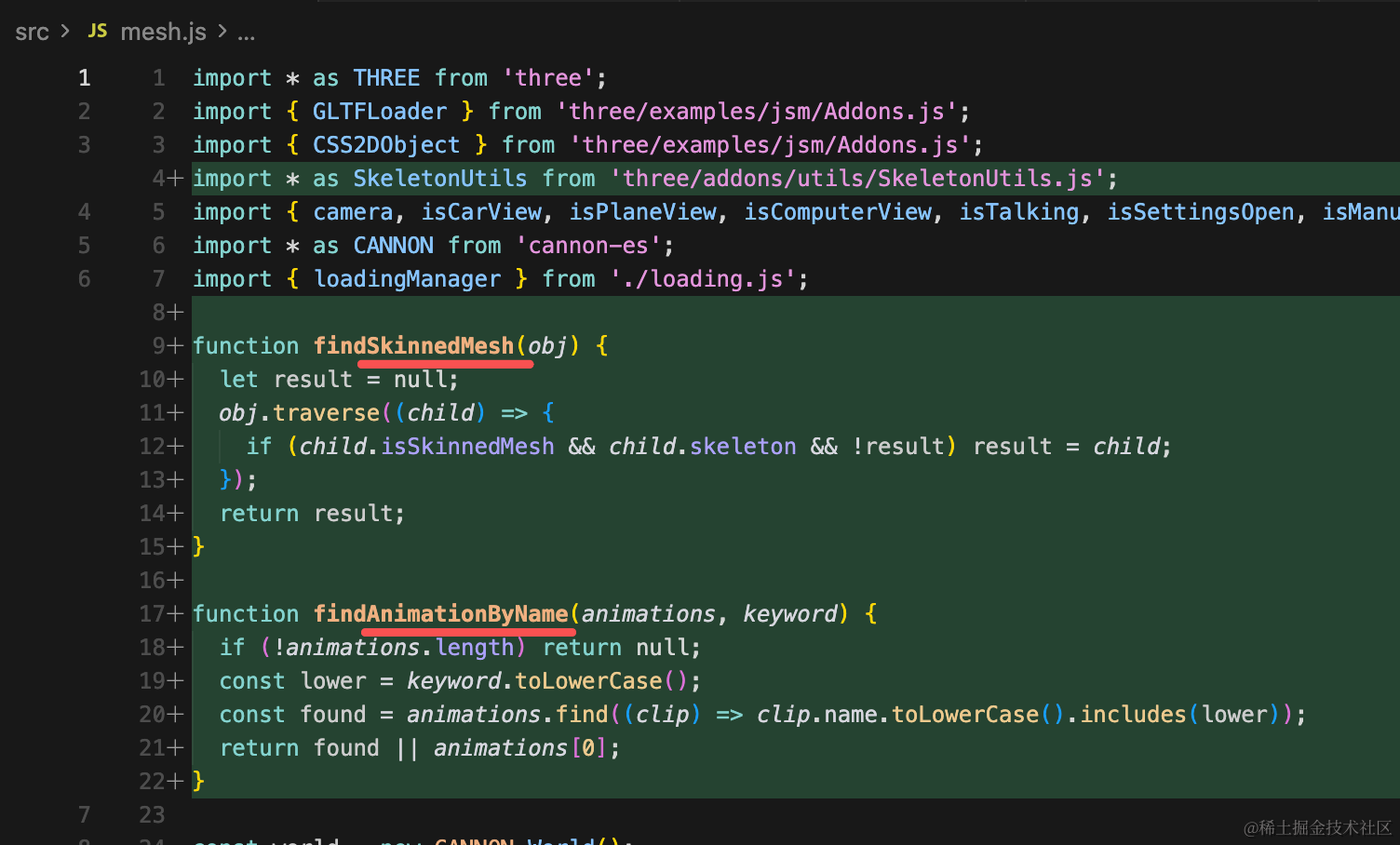
分别是查找骨骼的 Mesh 和按照名字查找动画的。
function findSkinnedMesh(obj) {
  let result = null;
  obj.traverse((child) => {
    if (child.isSkinnedMesh && child.skeleton && !result) result = child;
  });
  return result;
}

function findAnimationByName(animations, keyword) {
  if (!animations.length) return null;
  const lower = keyword.toLowerCase();
  const found = animations.find((clip) => clip.name.toLowerCase().includes(lower));
  return found || animations[0];
}
核心代码是这里:
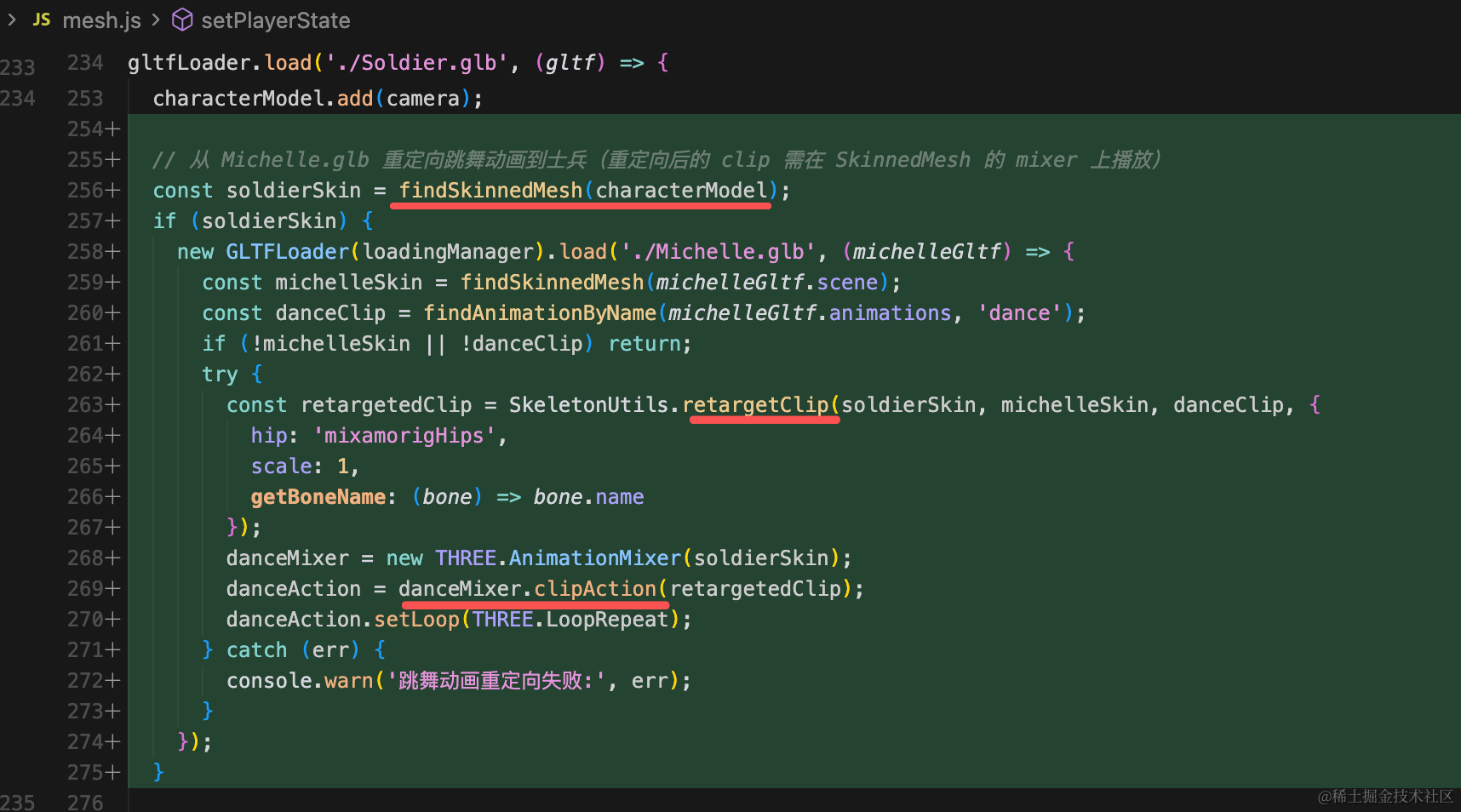
用 SkeletonUtils.retargetClip 把女孩的骨骼动画,重定向到士兵身上。
// 从 Michelle.glb 重定向跳舞动画到士兵(重定向后的 clip 需在 SkinnedMesh 的 mixer 上播放)
const soldierSkin = findSkinnedMesh(characterModel);
if (soldierSkin) {
new GLTFLoader(loadingManager).load('./Michelle.glb', (michelleGltf) => {
  const michelleSkin = findSkinnedMesh(michelleGltf.scene);
  const danceClip = findAnimationByName(michelleGltf.animations, 'dance');
  if (!michelleSkin || !danceClip) return;
  try {
    const retargetedClip = SkeletonUtils.retargetClip(soldierSkin, michelleSkin, danceClip, {
      hip: 'mixamorigHips',
      scale: 1,
      getBoneName: (bone) => bone.name
    });
    danceMixer = new THREE.AnimationMixer(soldierSkin);
    danceAction = danceMixer.clipAction(retargetedClip);
    danceAction.setLoop(THREE.LoopRepeat);
  } catch (err) {
    console.warn('跳舞动画重定向失败:', err);
  }
});
}
再分别定义两个开始和结束动画的方法:
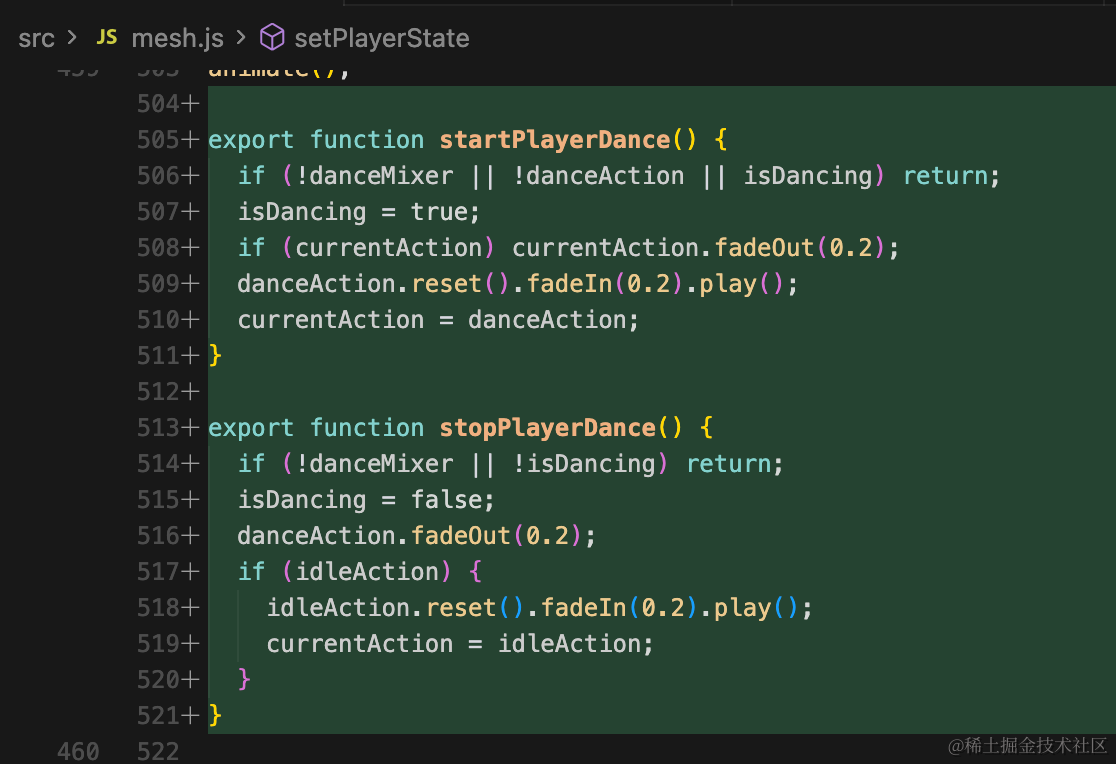
export function startPlayerDance() {
  if (!danceMixer || !danceAction || isDancing) return;
  isDancing = true;
  if (currentAction) currentAction.fadeOut(0.2);
  danceAction.reset().fadeIn(0.2).play();
  currentAction = danceAction;
}

export function stopPlayerDance() {
  if (!danceMixer || !isDancing) return;
  isDancing = false;
  danceAction.fadeOut(0.2);
  if (idleAction) {
    idleAction.reset().fadeIn(0.2).play();
    currentAction = idleAction;
  }
}
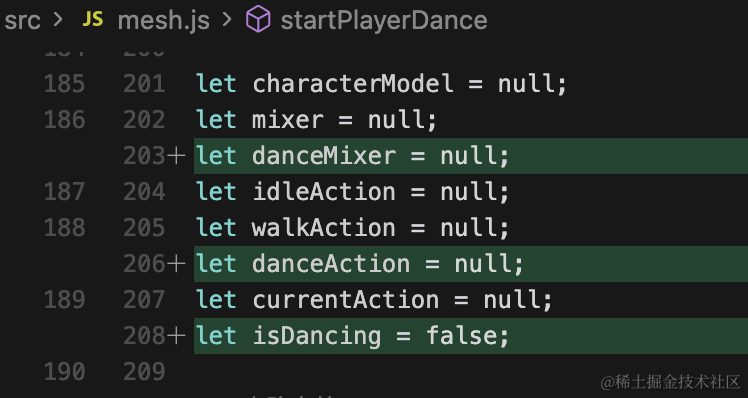
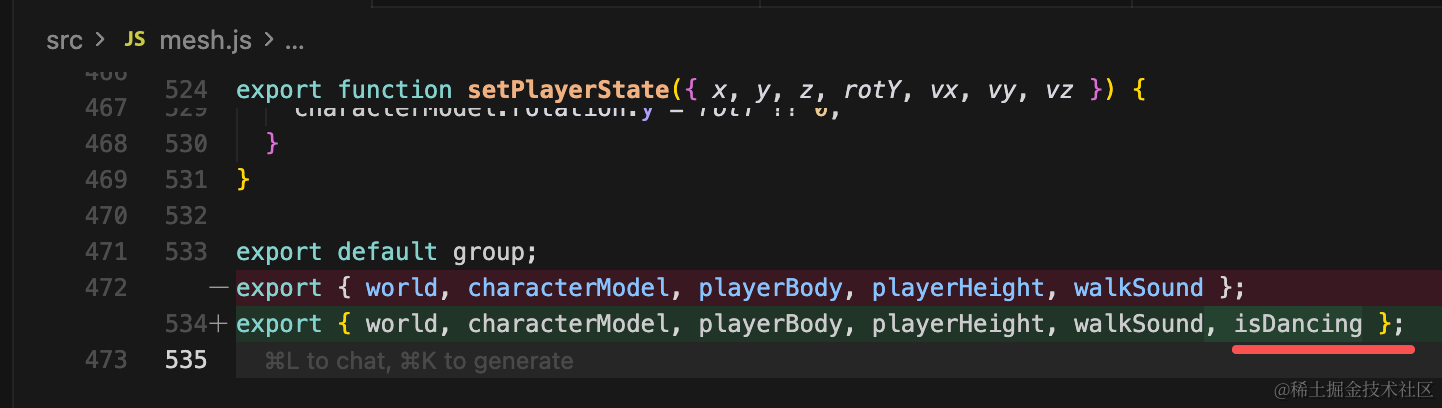
定义用到的变量:
因为 D 键和行走冲突了,我们换一个:
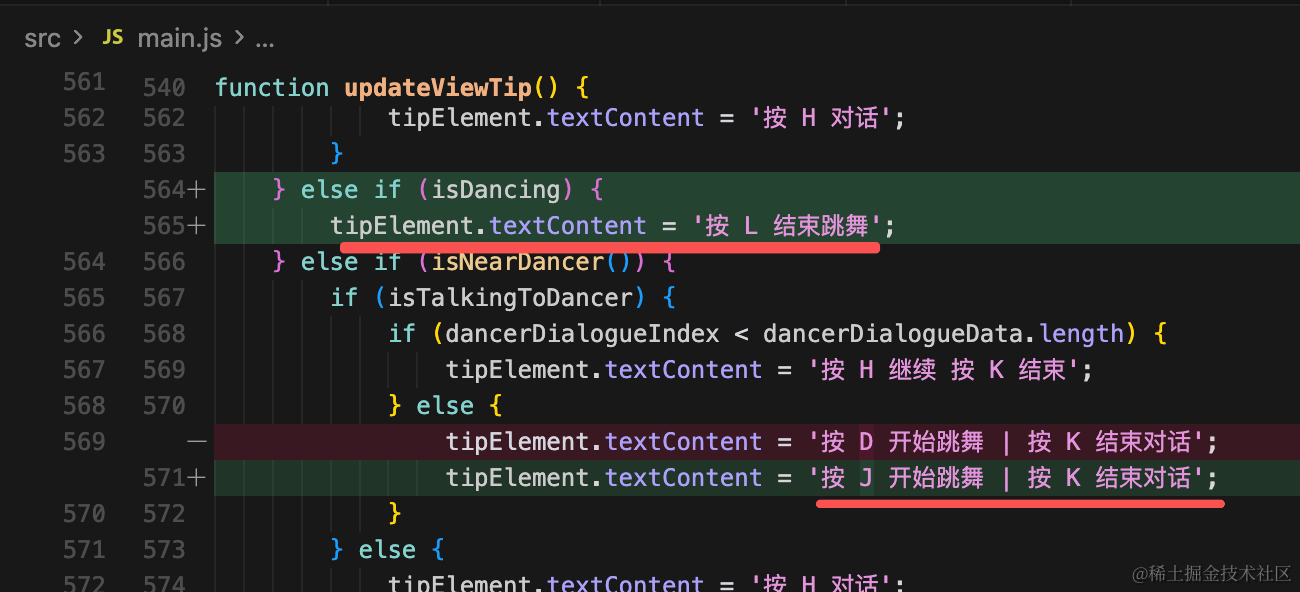
如果靠近了,并且对话完成了,就可以跳舞:
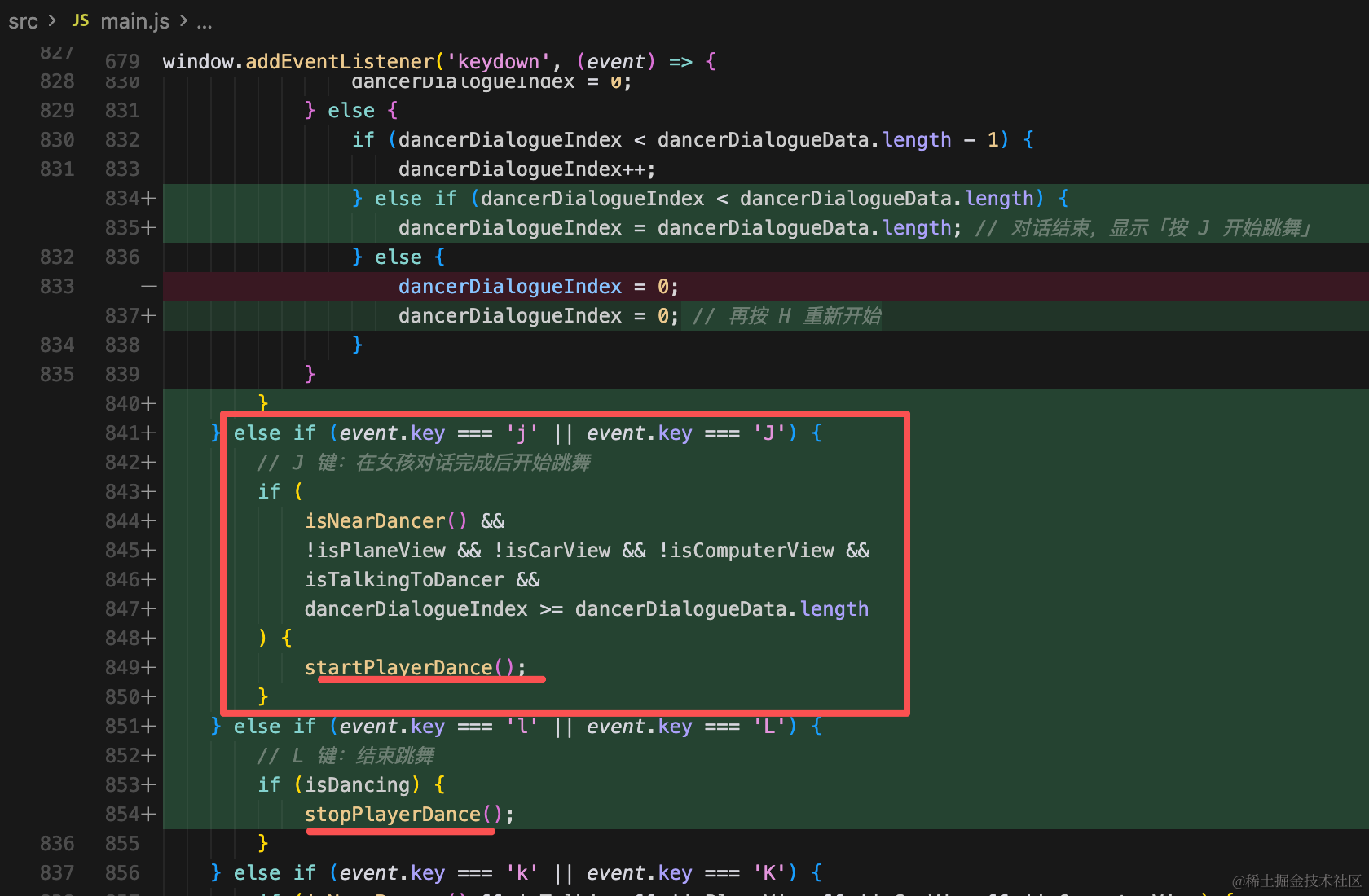
分别加上 J 和 L 的处理逻辑就好了。
我们试一下:
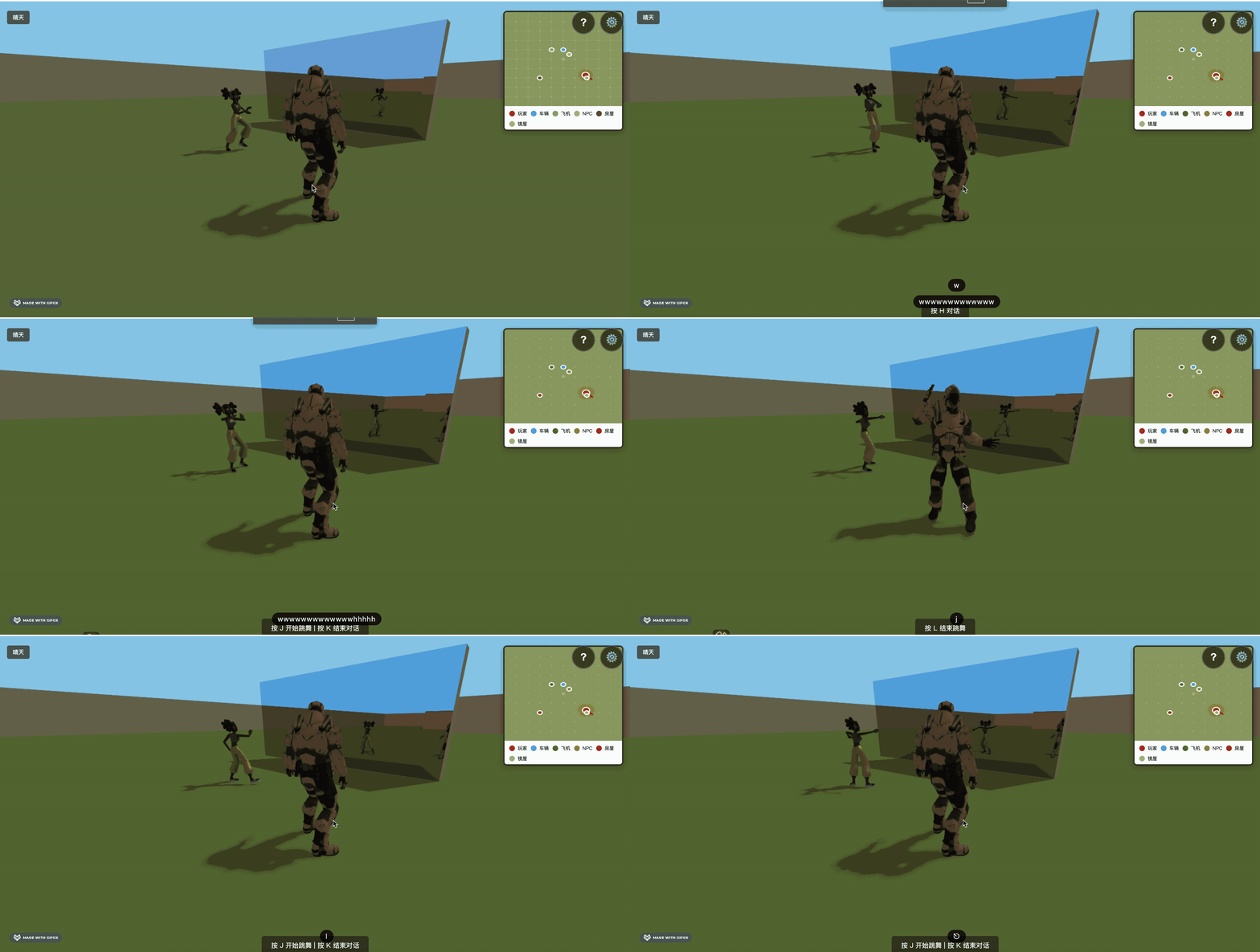
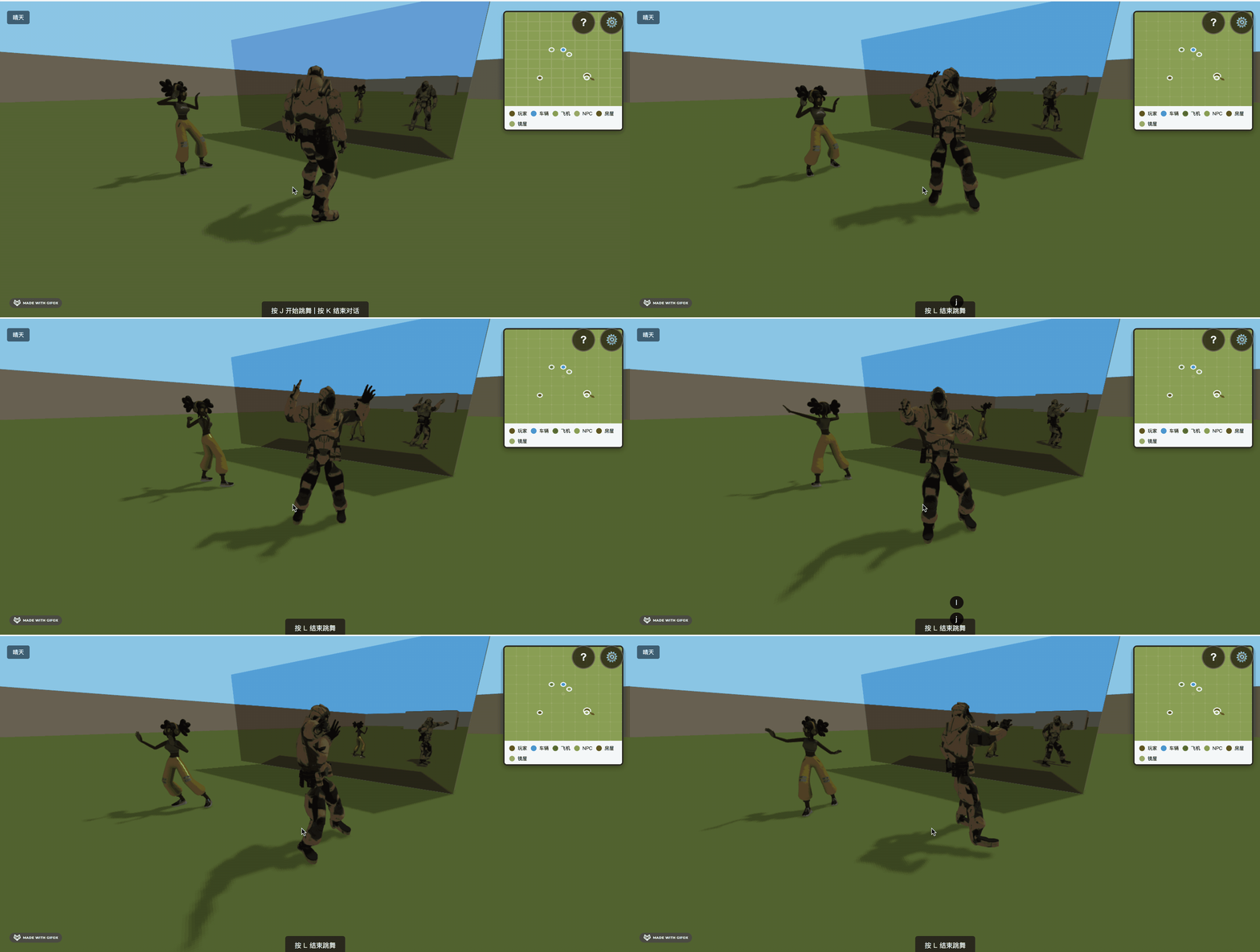
这样,就可以一起跳舞了。
我们把女孩的骨骼动画重定向到了士兵身上!
案例代码上传了小册仓库
总结
这节我们通过骨骼动画的重定向实现了士兵和女孩一起跳舞的功能。
核心的代码就是 SketchUtils.retargetClip,但是其他的比如快捷键的改动也很多,如果有漏掉的可以看仓库的代码。