你可以试下这个开放世界:
https://summer-afternoon.vlucendo.com/
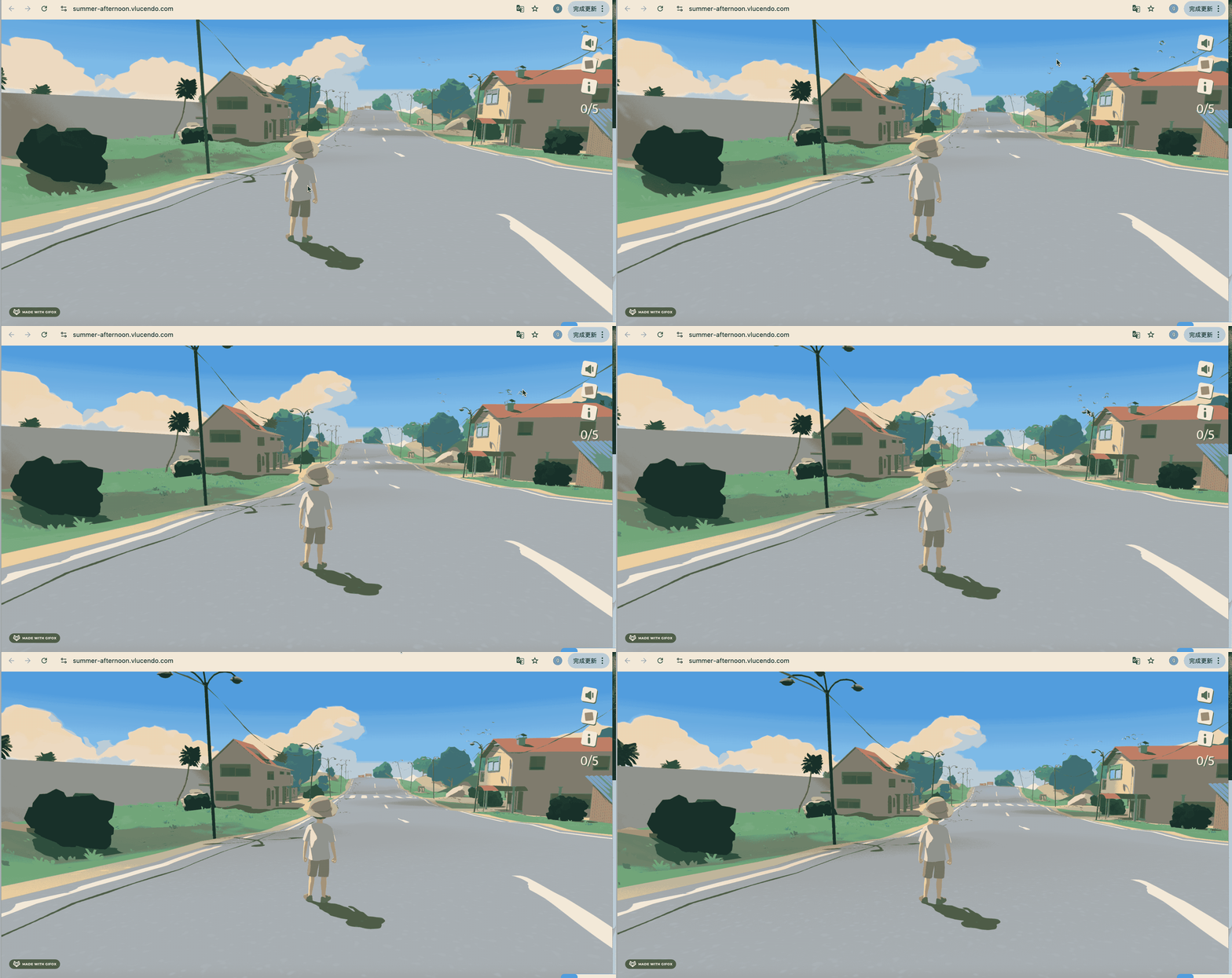
天空中有一些飞鸟,显得更真实。
我们也加一下这个。
https://sketchfab.com/3d-models/birds-3a9bb97be78944f9bffc23fb25c2154e
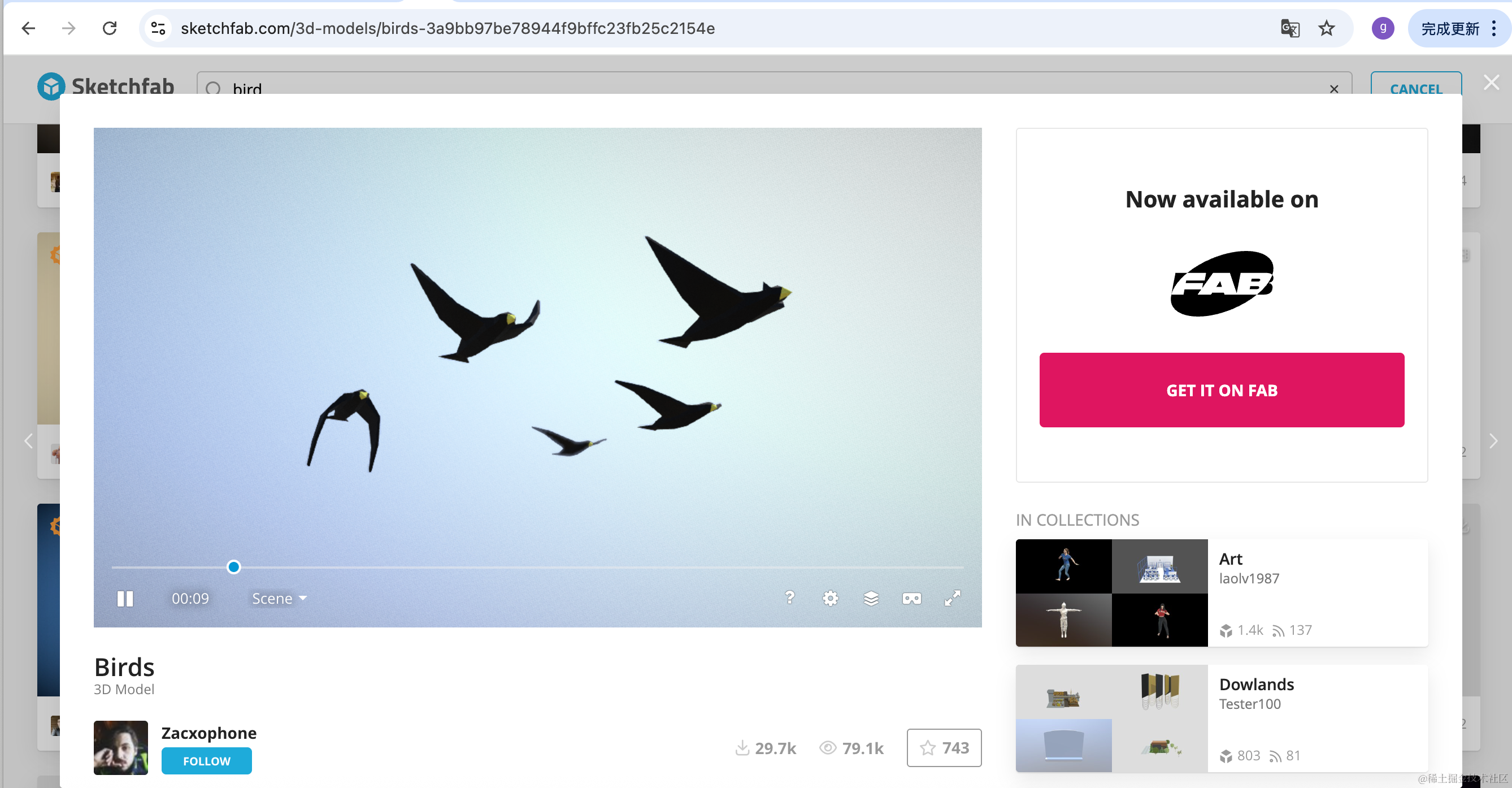
下载这个模型,放 public 目录:
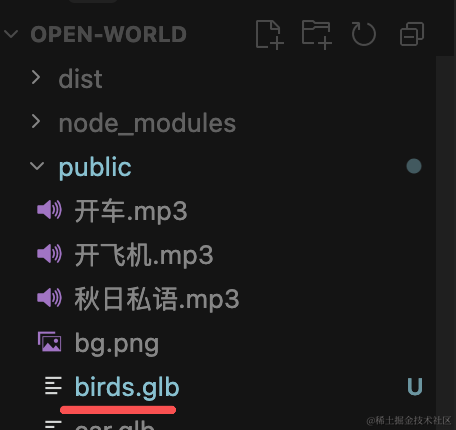
然后加载下:
创建 src/birds.js
import * as THREE from 'three';
import { GLTFLoader } from 'three/addons/loaders/GLTFLoader.js';
import { loadingManager } from './loading.js';

const loader = new GLTFLoader(loadingManager);

const group = new THREE.Group();

const birdsPosition = { x: -15, y: 6, z: -12 };

export const loadPromise = loader.loadAsync('./birds.glb');

export let birdsModel = null;

let mixer = null;
const clock = new THREE.Clock();

loadPromise.then((gltf) => {
  const root = gltf.scene;
  root.traverse((child) => {
    if (child.isMesh) {
      child.castShadow = true;
      child.receiveShadow = true;
    }
  });

  root.position.set(birdsPosition.x, birdsPosition.y, birdsPosition.z);
  group.add(root);
  birdsModel = root;

  if (gltf.animations && gltf.animations.length > 0) {
    mixer = new THREE.AnimationMixer(root);
    for (let i = 0; i < gltf.animations.length; i++) {
      mixer.clipAction(gltf.animations[i]).play();
    }
  }
});

export function updateBirds() {
  if (mixer) {
    mixer.update(clock.getDelta());
  }
}

export default group;
加载模型,播放骨骼动画。
在 main.js 里引入下:
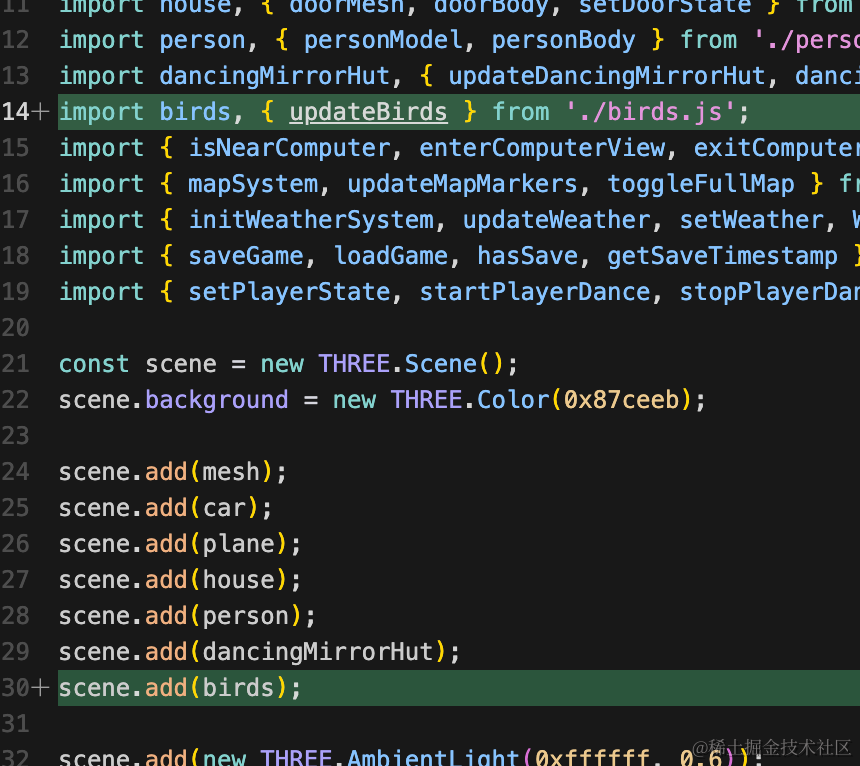
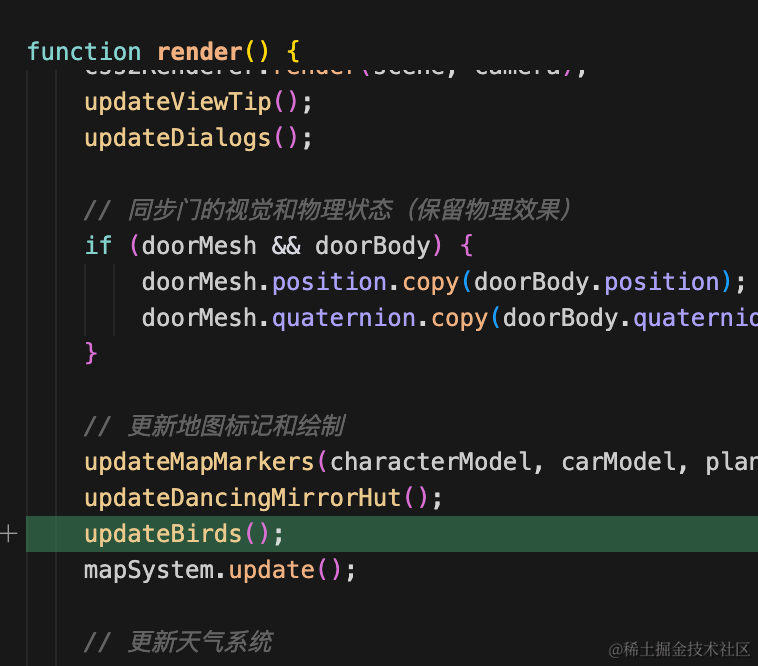
看下效果:
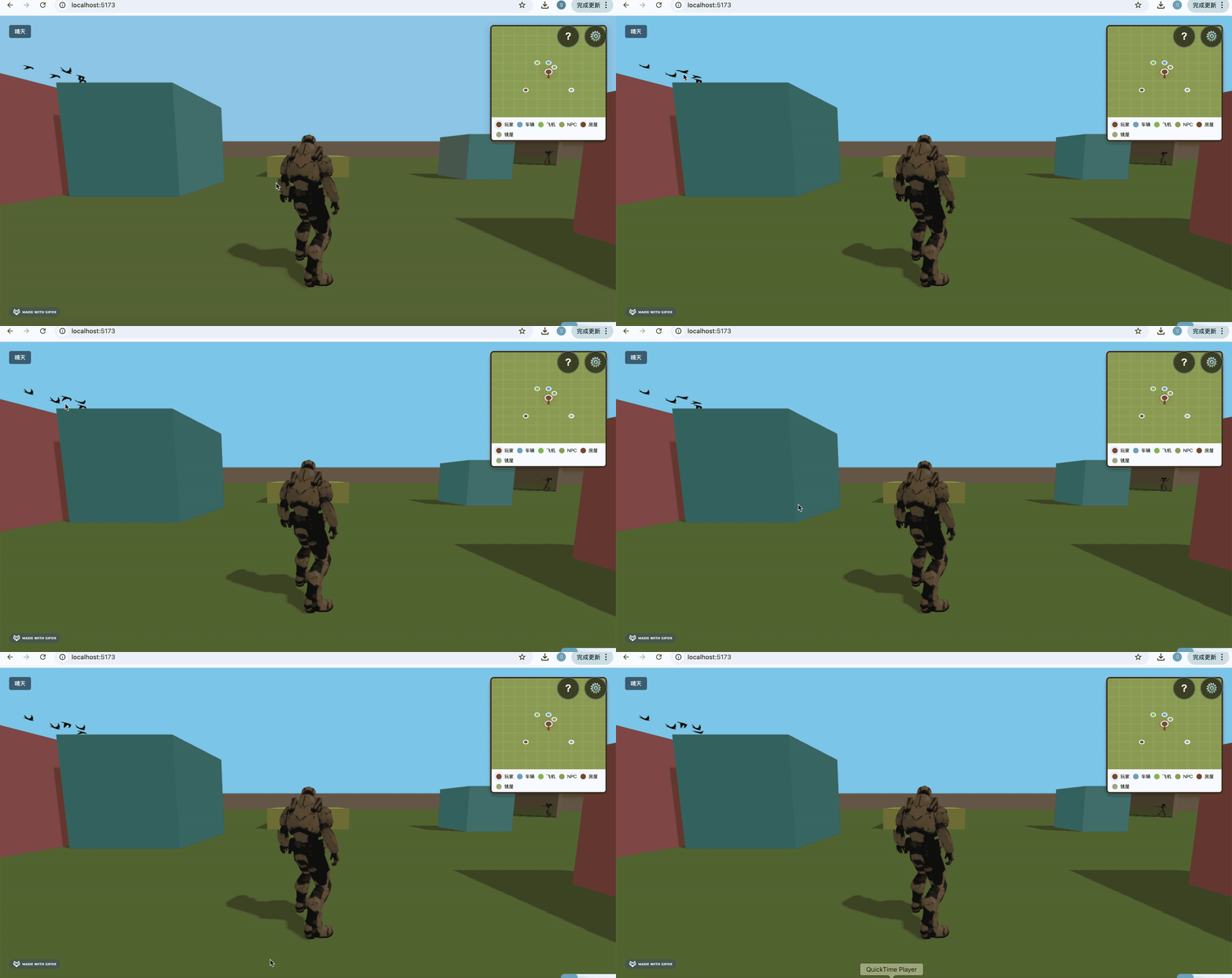
可以看到,鸟就已经渲染出来了,并且播放了飞行的骨骼动画。
然后我们做一下随机的位置移动效果。
原理也很简单:
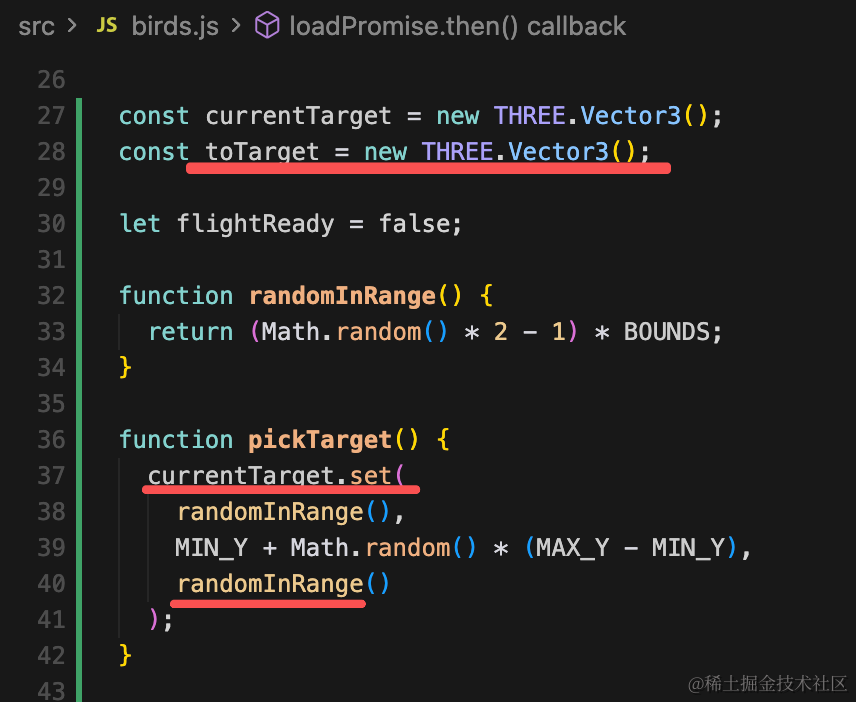
指定一个随机的目标点位置 Vector3
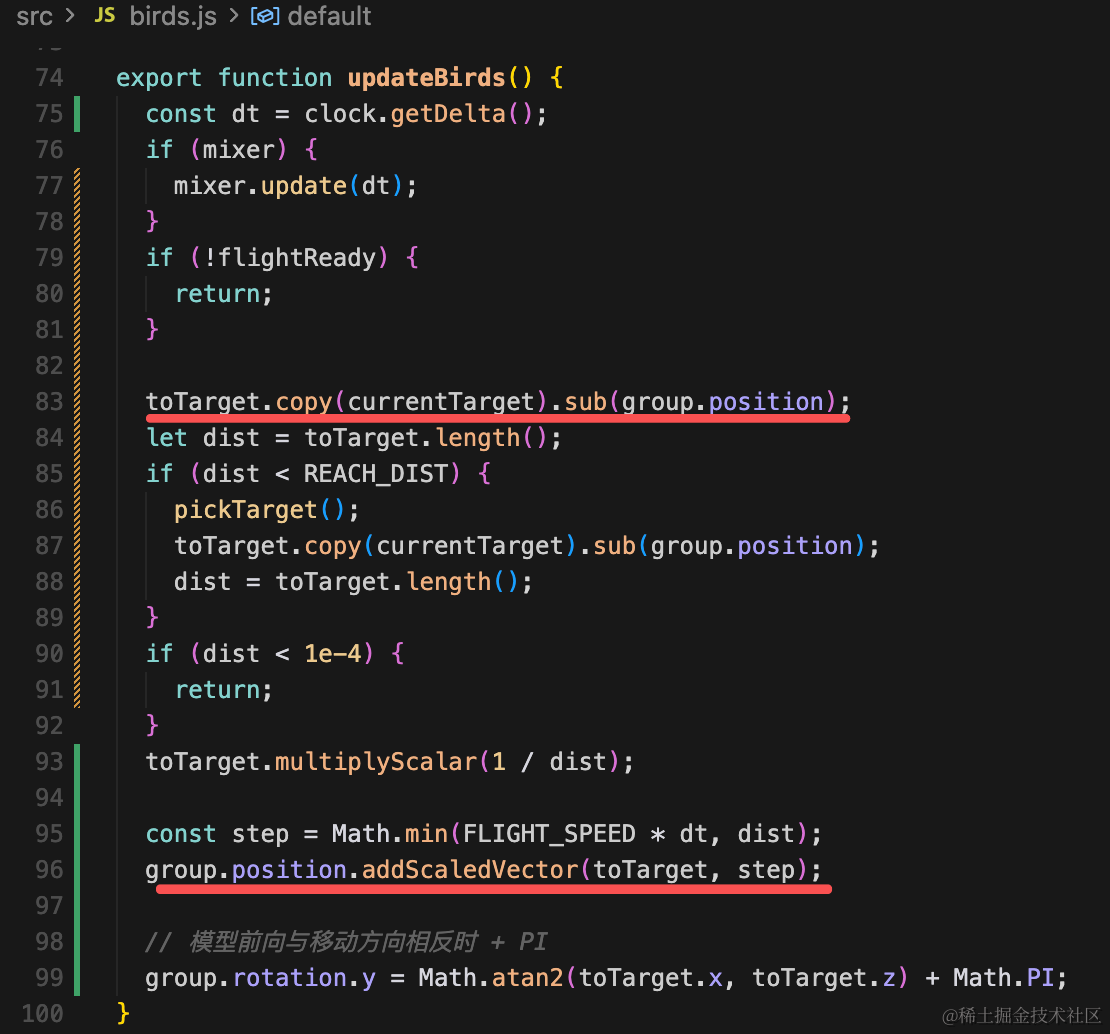
每帧在 updateBirds() 里:
toTarget = currentTarget - group.position,指向目标的方向。- 若
dist < REACH_DIST,认为到达,重新pickTarget(),并立刻用新目标重算toTarget。 - 把方向单位化,沿该方向移动:
就是随机目标位置,如果没有到达目标就分成几步来移动。
import * as THREE from 'three';
import { GLTFLoader } from 'three/addons/loaders/GLTFLoader.js';
import { loadingManager } from './loading.js';

// 与 mesh.js 中 groundSize=100 一致:可飞行范围约为 [-50,50] x [-50,50]
const WORLD_HALF = 50;
const EDGE_MARGIN = 5;
const BOUNDS = WORLD_HALF - EDGE_MARGIN;

// 贴地低空,避免飞太高跑出视野
const MIN_Y = 2;
const MAX_Y = 9;
const REACH_DIST = 3;
const FLIGHT_SPEED = 3;

const loader = new GLTFLoader(loadingManager);

const group = new THREE.Group();

export const loadPromise = loader.loadAsync('./birds.glb');

export let birdsModel = null;

let mixer = null;
const clock = new THREE.Clock();

const currentTarget = new THREE.Vector3();
const toTarget = new THREE.Vector3();

let flightReady = false;

function randomInRange() {
  return (Math.random() * 2 - 1) * BOUNDS;
}

function pickTarget() {
  currentTarget.set(
    randomInRange(),
    MIN_Y + Math.random() * (MAX_Y - MIN_Y),
    randomInRange()
  );
}

loadPromise.then((gltf) => {
  const root = gltf.scene;
  root.traverse((child) => {
    if (child.isMesh) {
      child.castShadow = true;
      child.receiveShadow = true;
    }
  });

  root.position.set(0, 0, 0);
  group.add(root);
  birdsModel = root;

  group.position.set(
    randomInRange(),
    MIN_Y + Math.random() * (MAX_Y - MIN_Y),
    randomInRange()
  );
  pickTarget();

  if (gltf.animations && gltf.animations.length > 0) {
    mixer = new THREE.AnimationMixer(root);
    for (let i = 0; i < gltf.animations.length; i++) {
      mixer.clipAction(gltf.animations[i]).play();
    }
  }

  flightReady = true;
});

export function updateBirds() {
  const dt = clock.getDelta();
  if (mixer) {
    mixer.update(dt);
  }
  if (!flightReady) {
    return;
  }

  toTarget.copy(currentTarget).sub(group.position);
  let dist = toTarget.length();
  if (dist < REACH_DIST) {
    pickTarget();
    toTarget.copy(currentTarget).sub(group.position);
    dist = toTarget.length();
  }
  if (dist < 1e-4) {
    return;
  }
  toTarget.multiplyScalar(1 / dist);

  const step = Math.min(FLIGHT_SPEED * dt, dist);
  group.position.addScaledVector(toTarget, step);

  // 模型前向与移动方向相反时 + PI
  group.rotation.y = Math.atan2(toTarget.x, toTarget.z) + Math.PI;
}

export default group;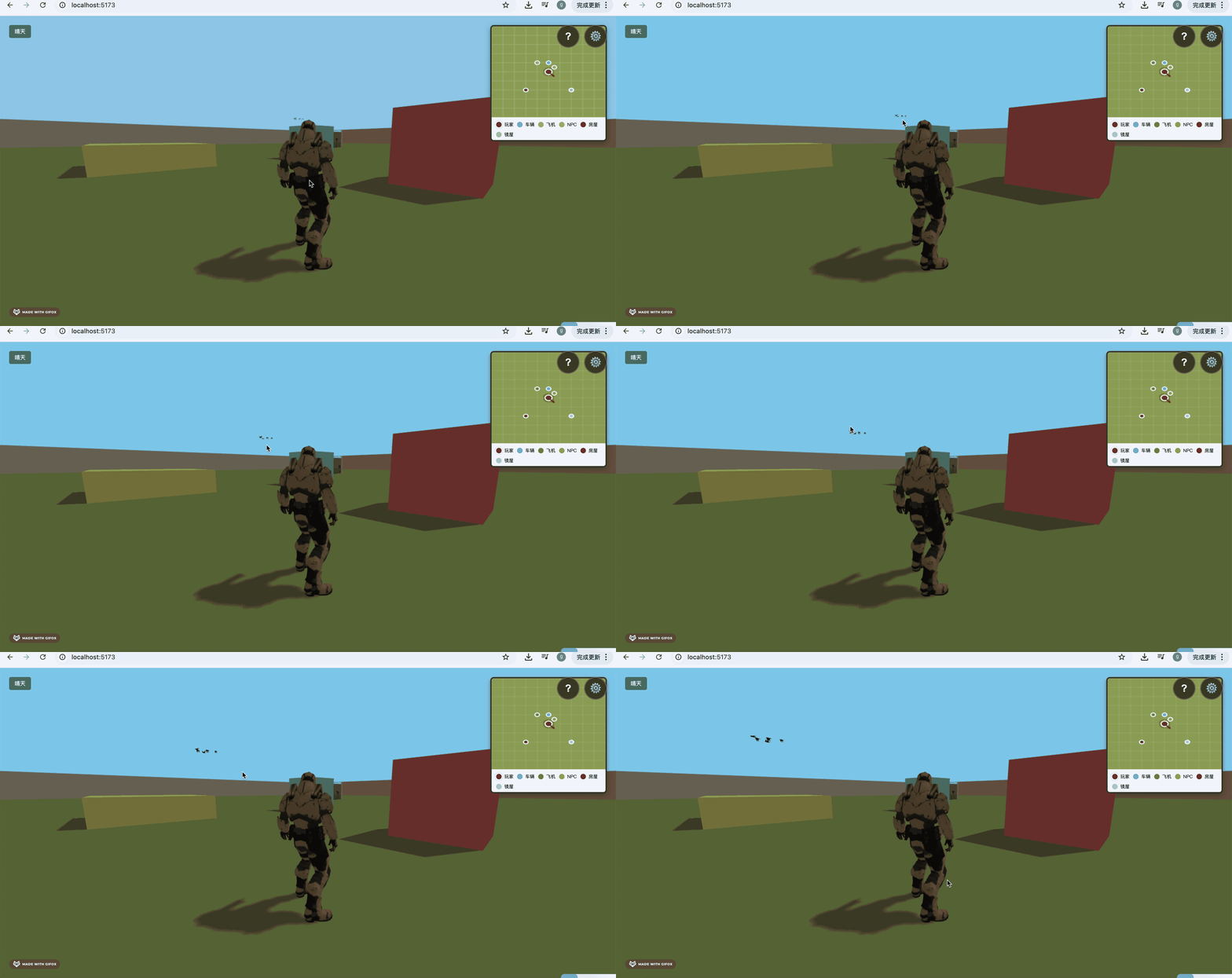
这样,我们就实现了同款鸟儿飞行的效果。
对比下:
https://summer-afternoon.vlucendo.com/
案例代码上传了小册仓库
总结
这节我们实现了鸟儿飞行的效果。
首先找了鸟的模型,带有飞行的骨骼动画。
然后通过随机确定目标位置,然后分步移动。
这样就可以实现鸟儿飞行的效果了,在 3D 场景内随机移动位置。