一个人物模型可能有很多骨骼动画,比如跑、跳、走、静止等动画。
如果想让一个奔跑中的人转为静止状态呢?如何切换动画?
有同学说,直接把之前的停止,然后播放新动画不就行了?
这样有个问题,就是人家还没跑完呢,直接就静止了,太突兀。
所以需要有一个过程。
比如奔跑中的人慢慢减速,直到静止。
这就用到了骨骼动画的权重 weight 的概念。
我们试一下:
npx create-vite bone-animation-switch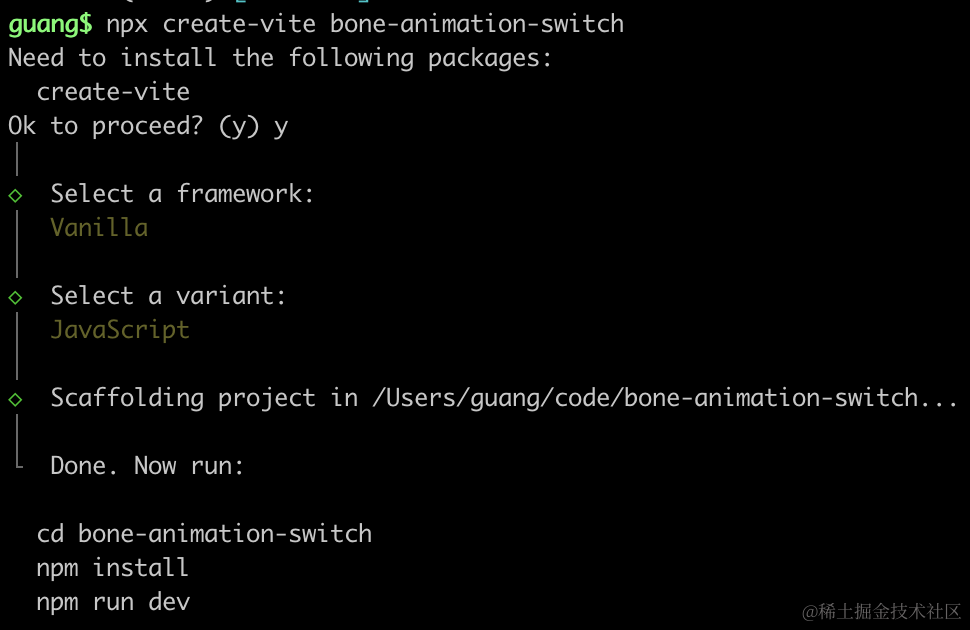
进入项目,安装依赖:
pnpm install
pnpm install --save three
pnpm install --save-dev @types/three
改下 src/main.js
import './style.css';
import * as THREE from 'three';
import {
    OrbitControls
} from 'three/addons/controls/OrbitControls.js';
import mesh from './mesh.js';

const scene = new THREE.Scene();

scene.add(mesh);

const directionLight = new THREE.DirectionalLight(0xffffff, 2);
directionLight.position.set(500, 400, 300);
scene.add(directionLight);

const ambientLight = new THREE.AmbientLight();
scene.add(ambientLight);

const width = window.innerWidth;
const height = window.innerHeight;

const helper = new THREE.AxesHelper(500);
scene.add(helper);

const camera = new THREE.PerspectiveCamera(60, width / height, 0.1, 1000);
camera.position.set(200, 300, 300);
camera.lookAt(0, 0, 0);

const renderer = new THREE.WebGLRenderer();
renderer.setSize(width, height)

function render() {
    renderer.render(scene, camera);
    requestAnimationFrame(render);
}

render();

document.body.append(renderer.domElement);

const controls = new OrbitControls(camera, renderer.domElement);
创建 Scene、Light、Camera、Renderer。
改下 style.css
body {
  margin: 0;
}
然后创建 mesh.js
import * as THREE from 'three';
import { GLTFLoader } from 'three/addons/loaders/GLTFLoader.js';

const loader = new GLTFLoader();

const mesh = new THREE.Group();

loader.load("./Soldier.glb", function (gltf) {
    console.log(gltf);
    mesh.add(gltf.scene);
    gltf.scene.scale.set(100, 100, 100);
})

export default mesh;
加载士兵模型。
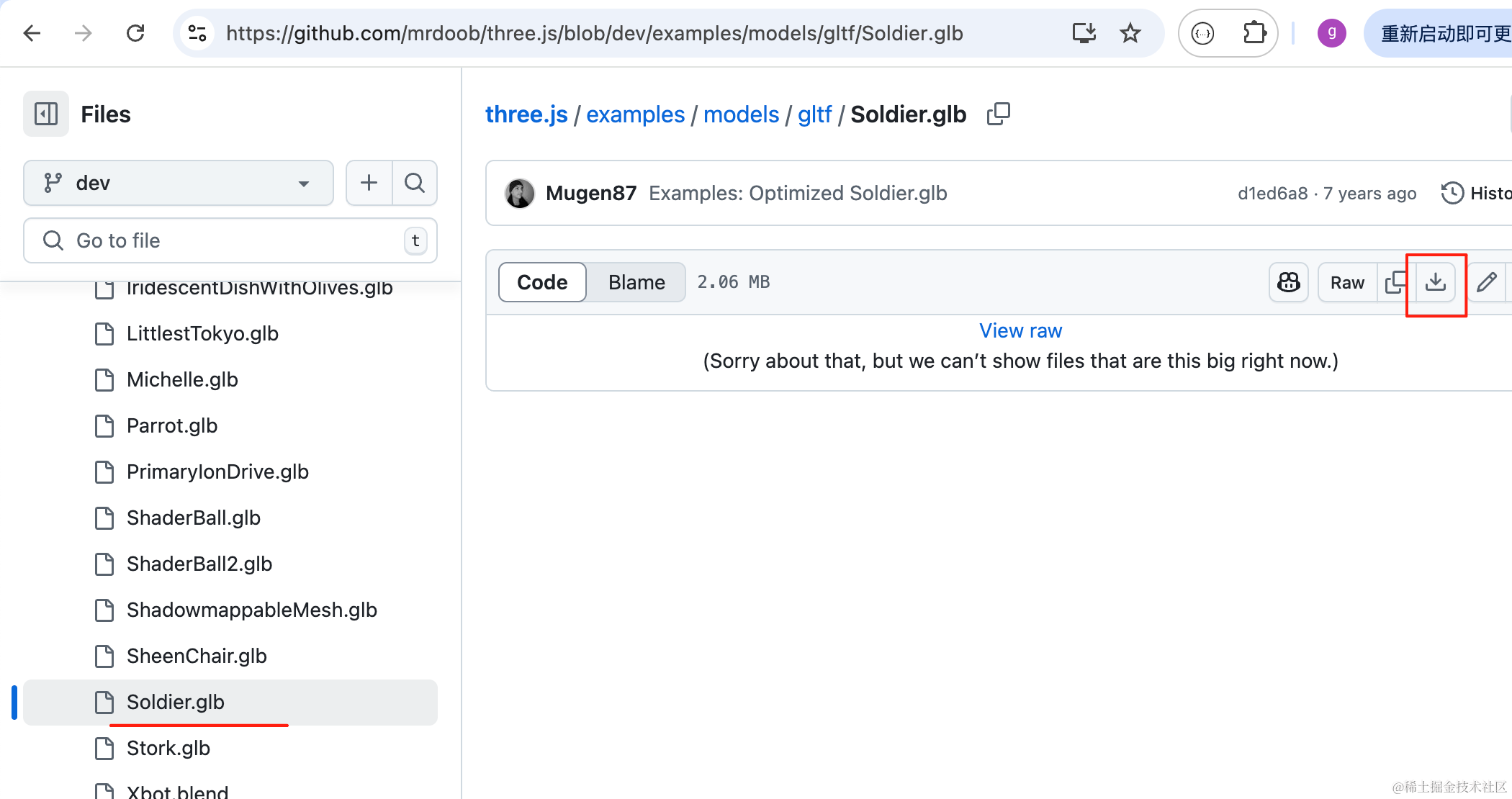
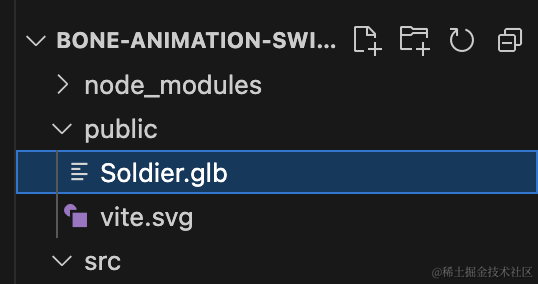
模型是 three.js 官方仓库里这个士兵的模型:
https://github.com/mrdoob/three.js/blob/dev/examples/models/gltf/Soldier.glb
跑一下:
npm run dev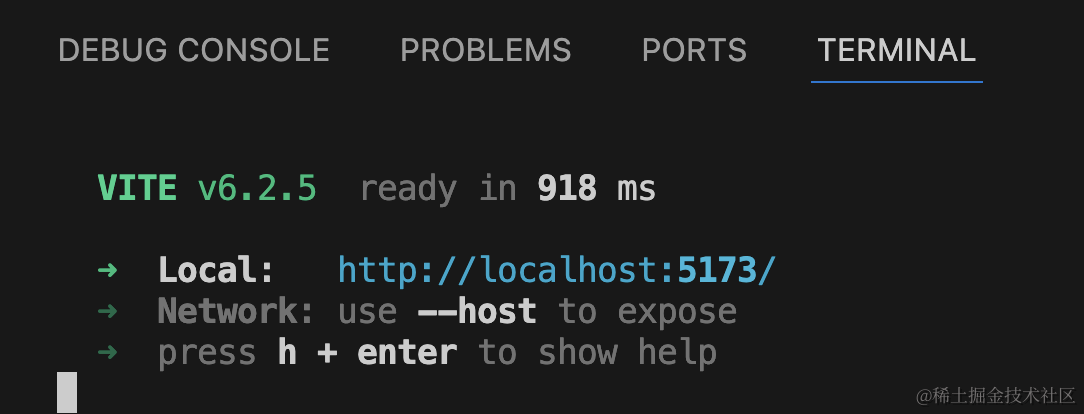
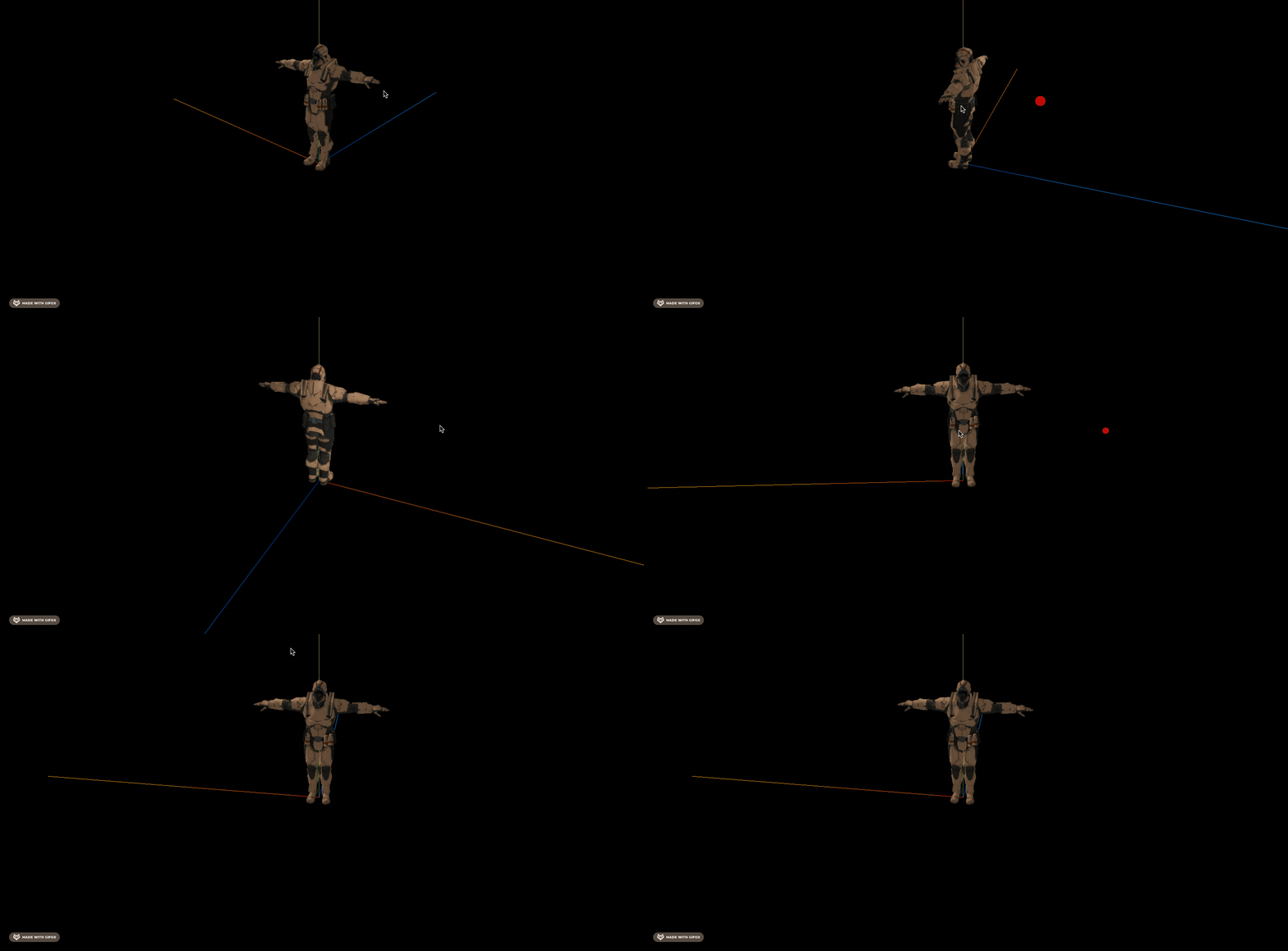
它有 4 个动画:
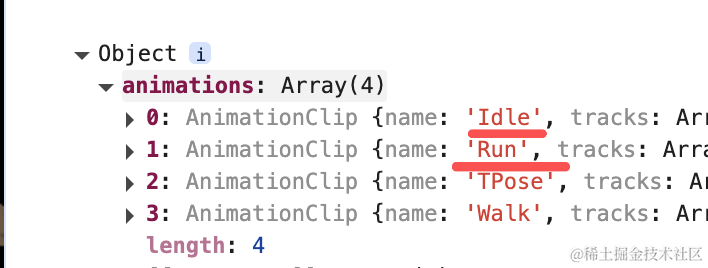
包括跑、静止、走
播放下跑的动画:
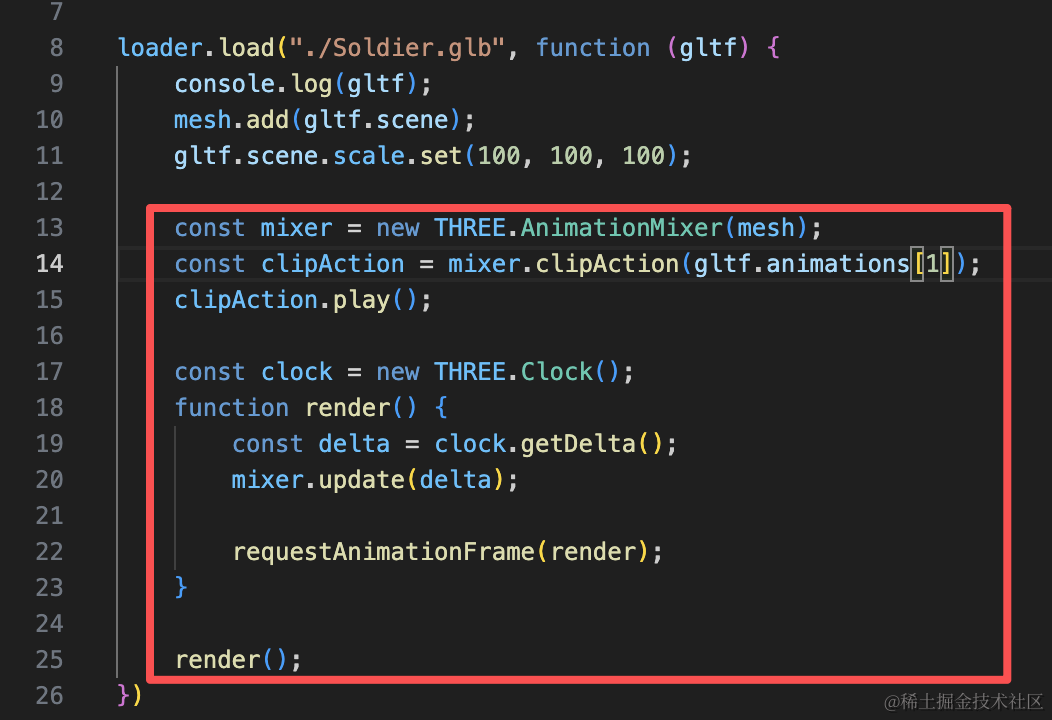
const mixer = new THREE.AnimationMixer(mesh);
const clipAction = mixer.clipAction(gltf.animations[1]);
clipAction.play();

const clock = new THREE.Clock();
function render() {
    const delta = clock.getDelta();
    mixer.update(delta);

    requestAnimationFrame(render);
}

render();
用 AnimationMixer 播放
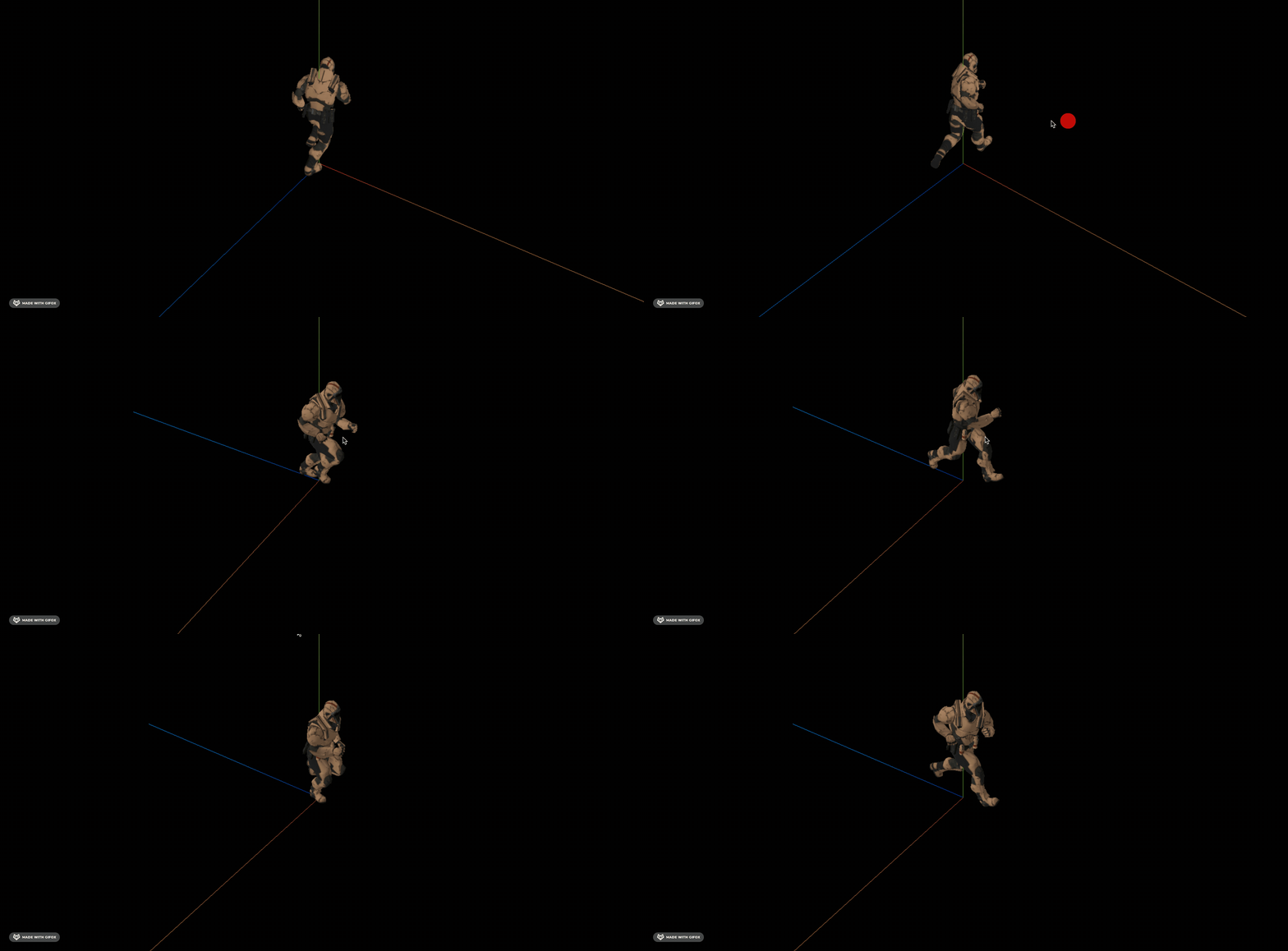
切换成静止的动画:
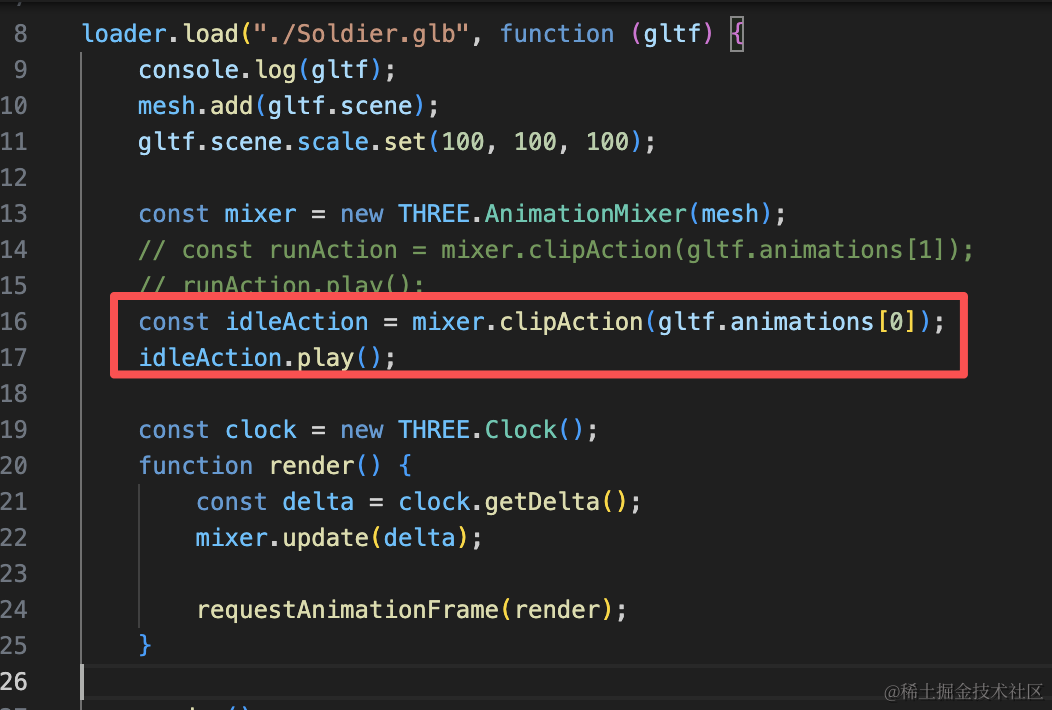
const idleAction = mixer.clipAction(gltf.animations[0]);
idleAction.play();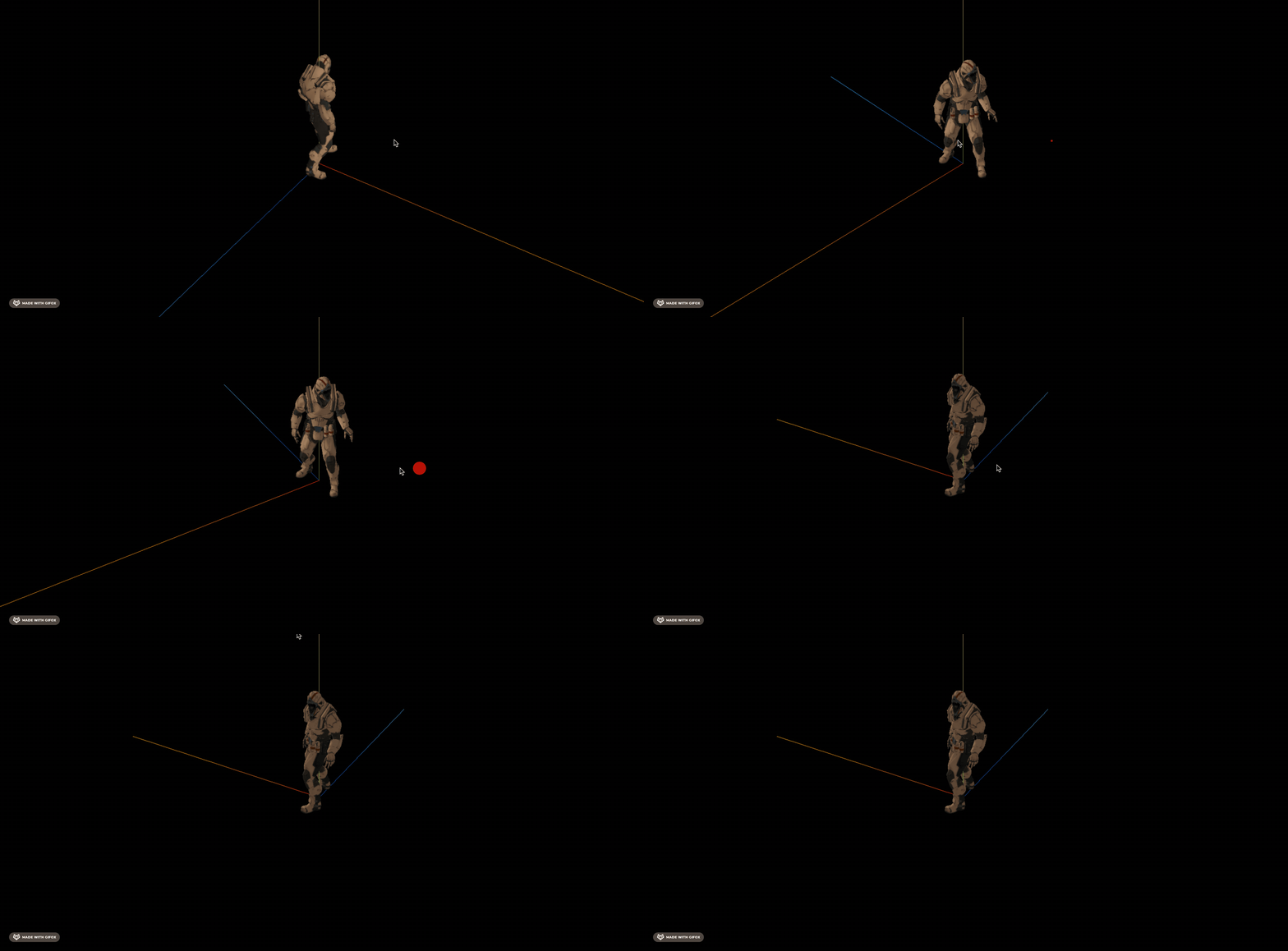
如果是从跑到静止呢?
可以这样:
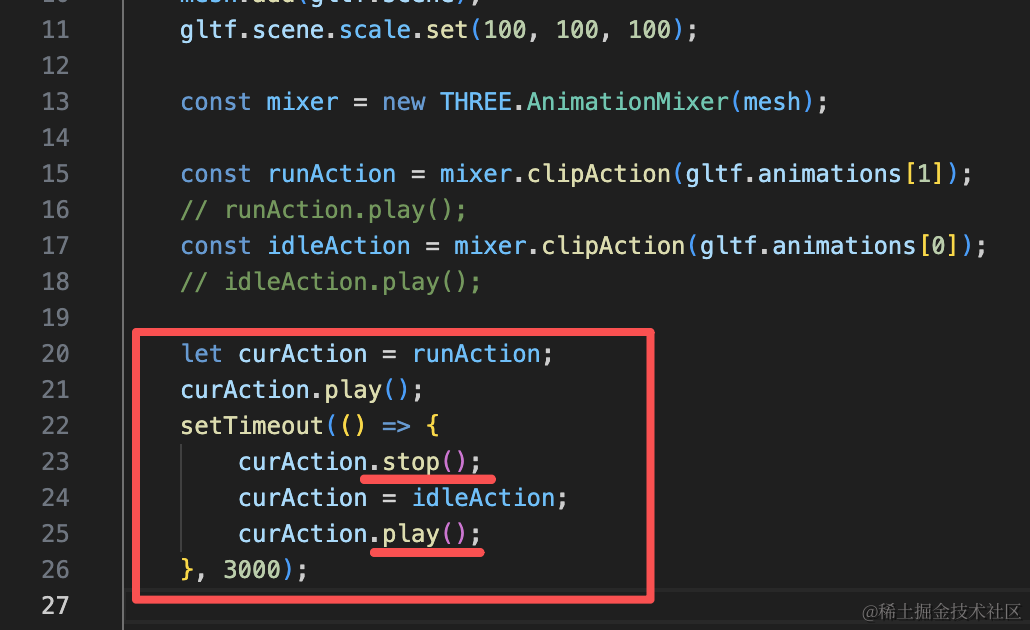
const runAction = mixer.clipAction(gltf.animations[1]);
// runAction.play();
const idleAction = mixer.clipAction(gltf.animations[0]);
// idleAction.play();

let curAction = runAction;
curAction.play();
setTimeout(() => {
    curAction.stop();
    curAction = idleAction;
    curAction.play();
}, 3000);
先播放跑的动画,然后 3s 后静止。
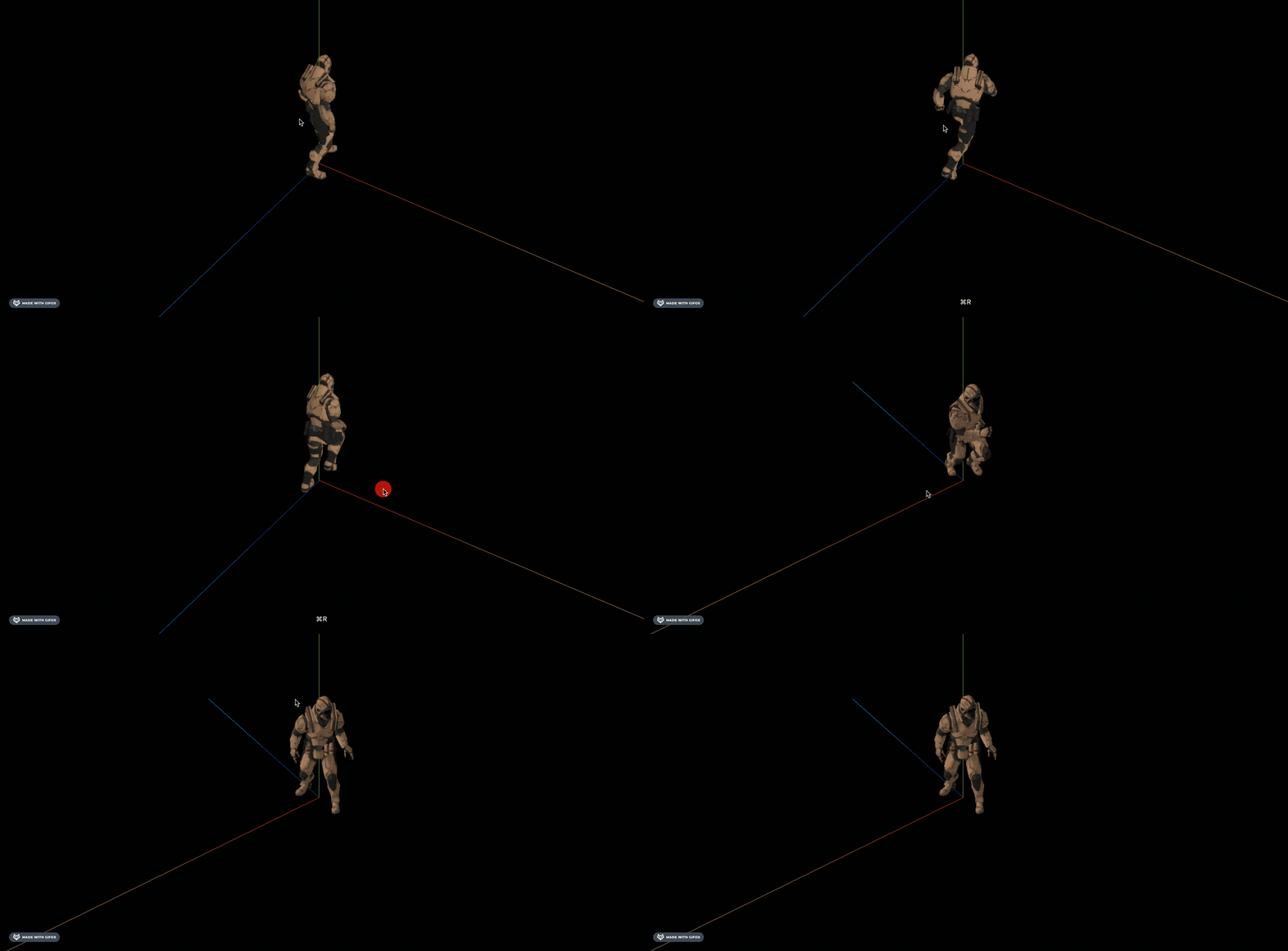
可以看到,会很突兀,突然就停了。
这种就可以用 weight 来切换:
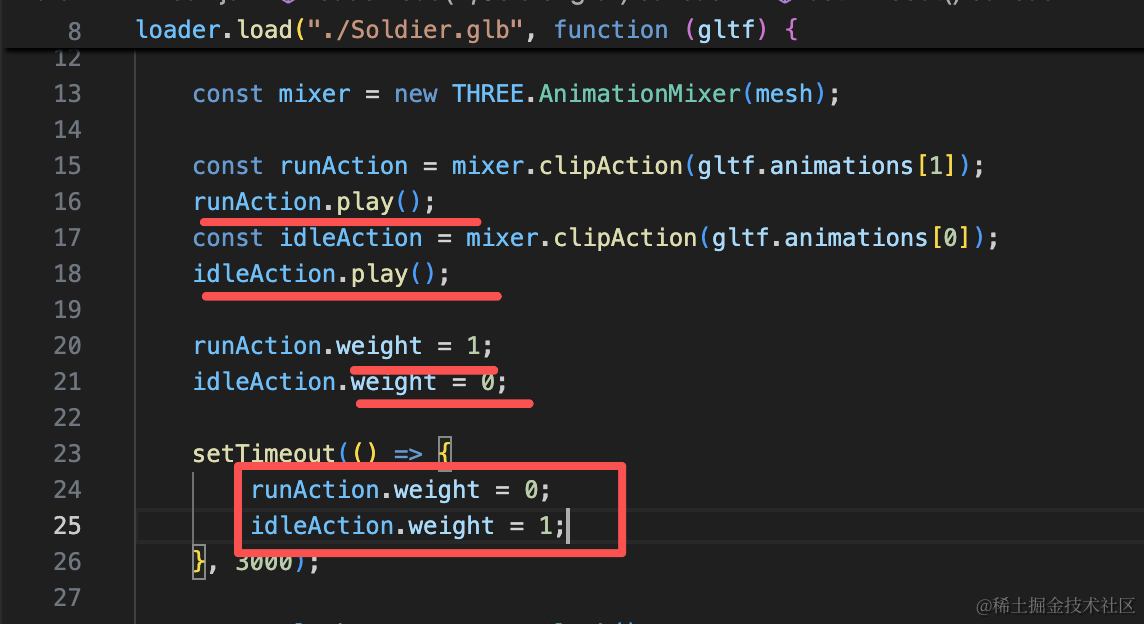
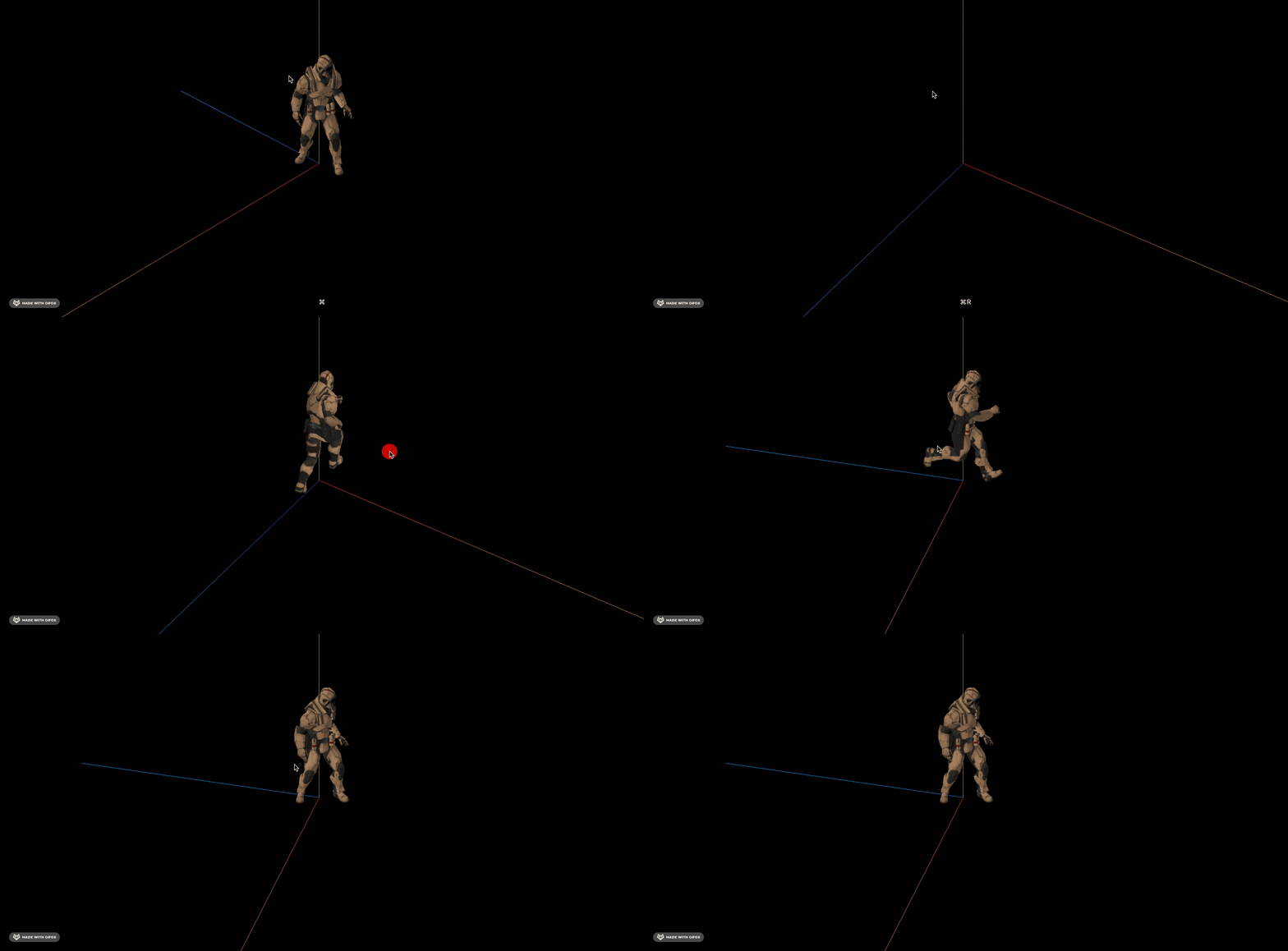
两个都播放,但是 weight 权重不同,刚开始 run 的权重是 1 所以是在跑。
3s 后 ide 的权重是 1 所以是静止
看下效果:
那我们用 gasp 让 weight 慢慢变化呢?
安装下:
pnpm install --save gsap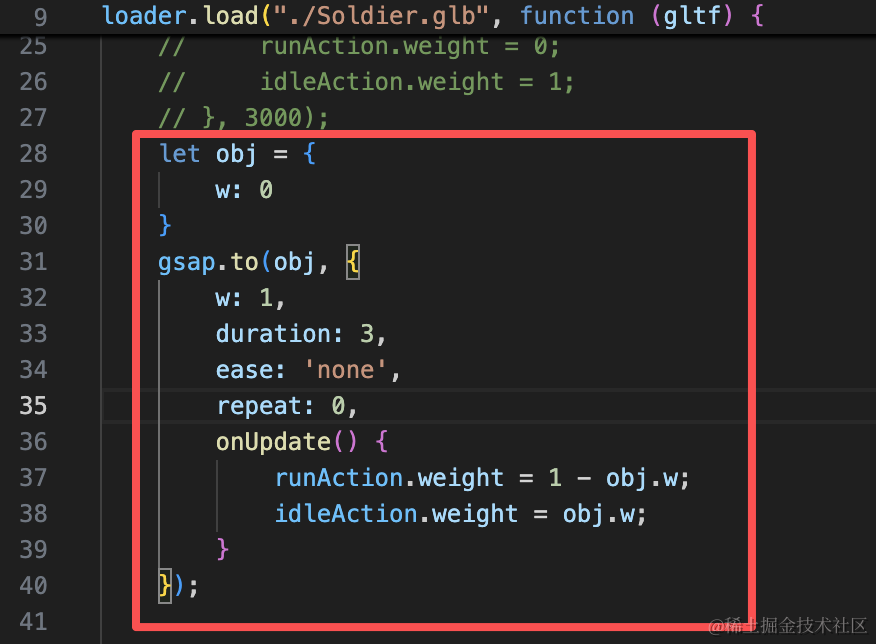
let obj = {
    w: 0
}
gsap.to(obj, {
    w: 1,
    duration: 3,
    ease: 'none',
    repeat: 0,
    onUpdate() {
        runAction.weight = 1 - obj.w;
        idleAction.weight = obj.w;
    }
});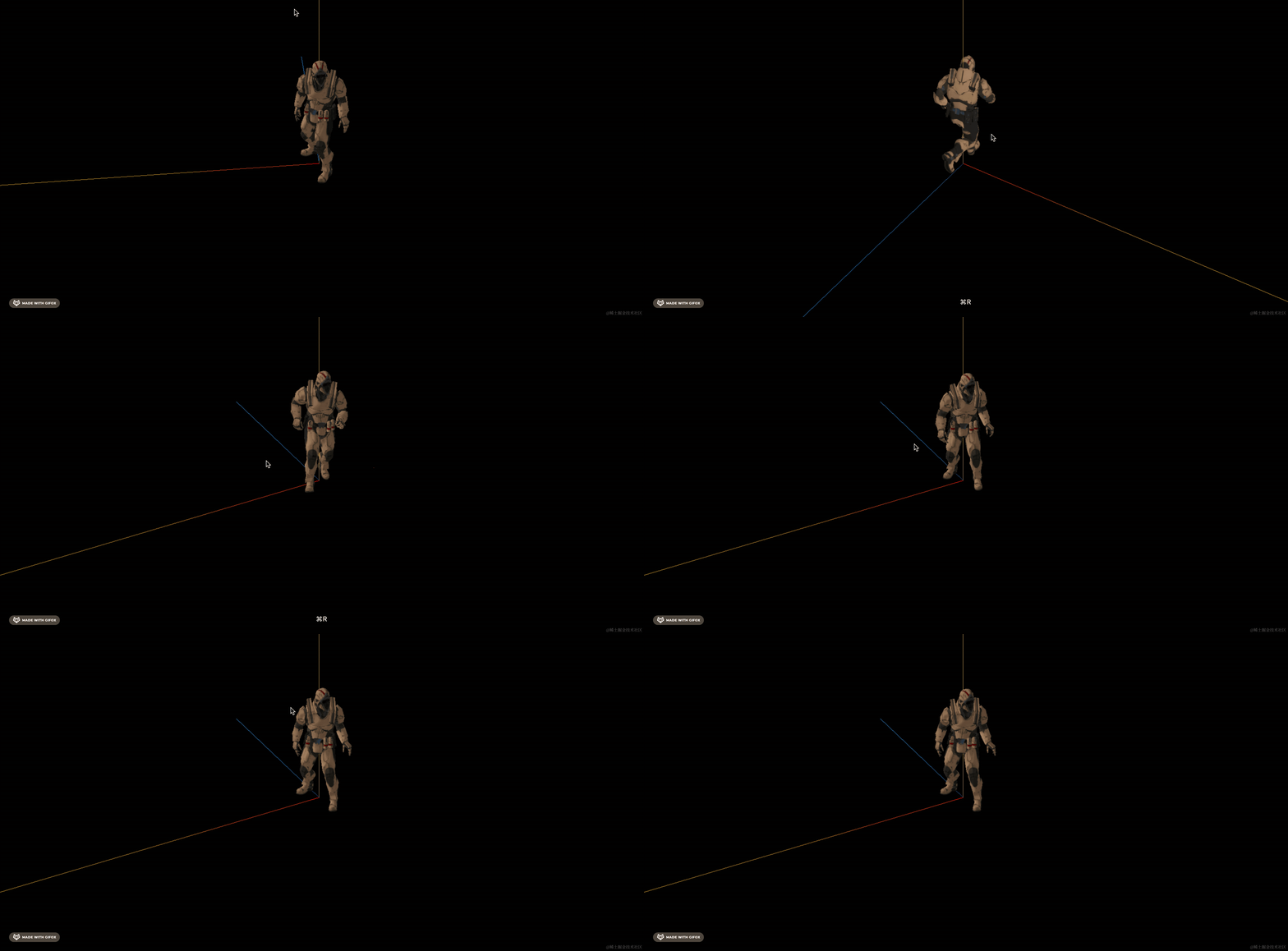
可以看到,他不再是直接从跑到静止了,而是有个慢慢减速的过程,更自然。
反过来,从静止到跑呢?
试一下:
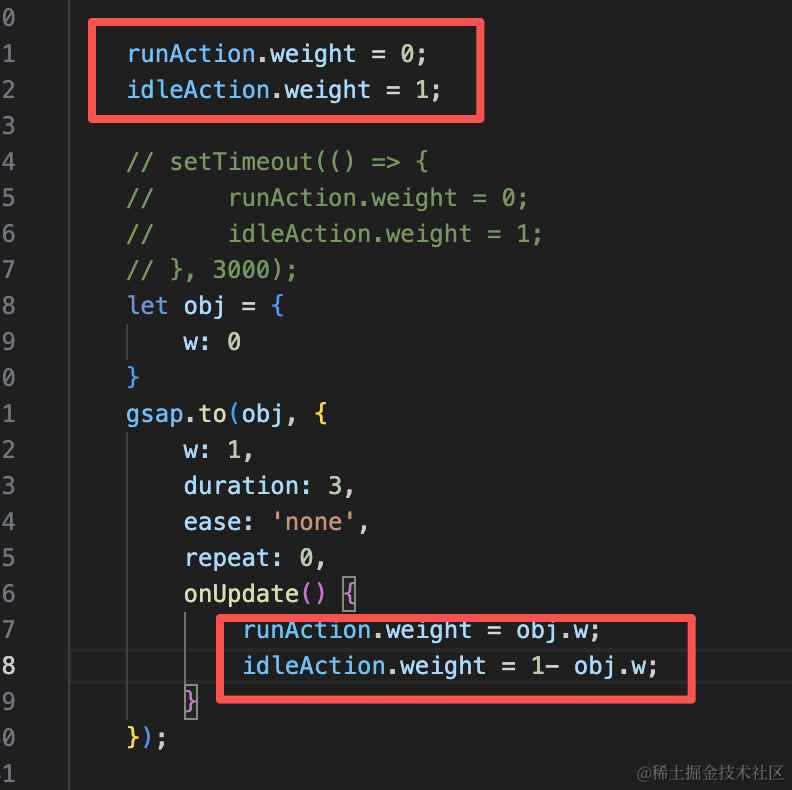
runAction.weight = 0;
idleAction.weight = 1;runAction.weight = obj.w;
idleAction.weight = 1- obj.w;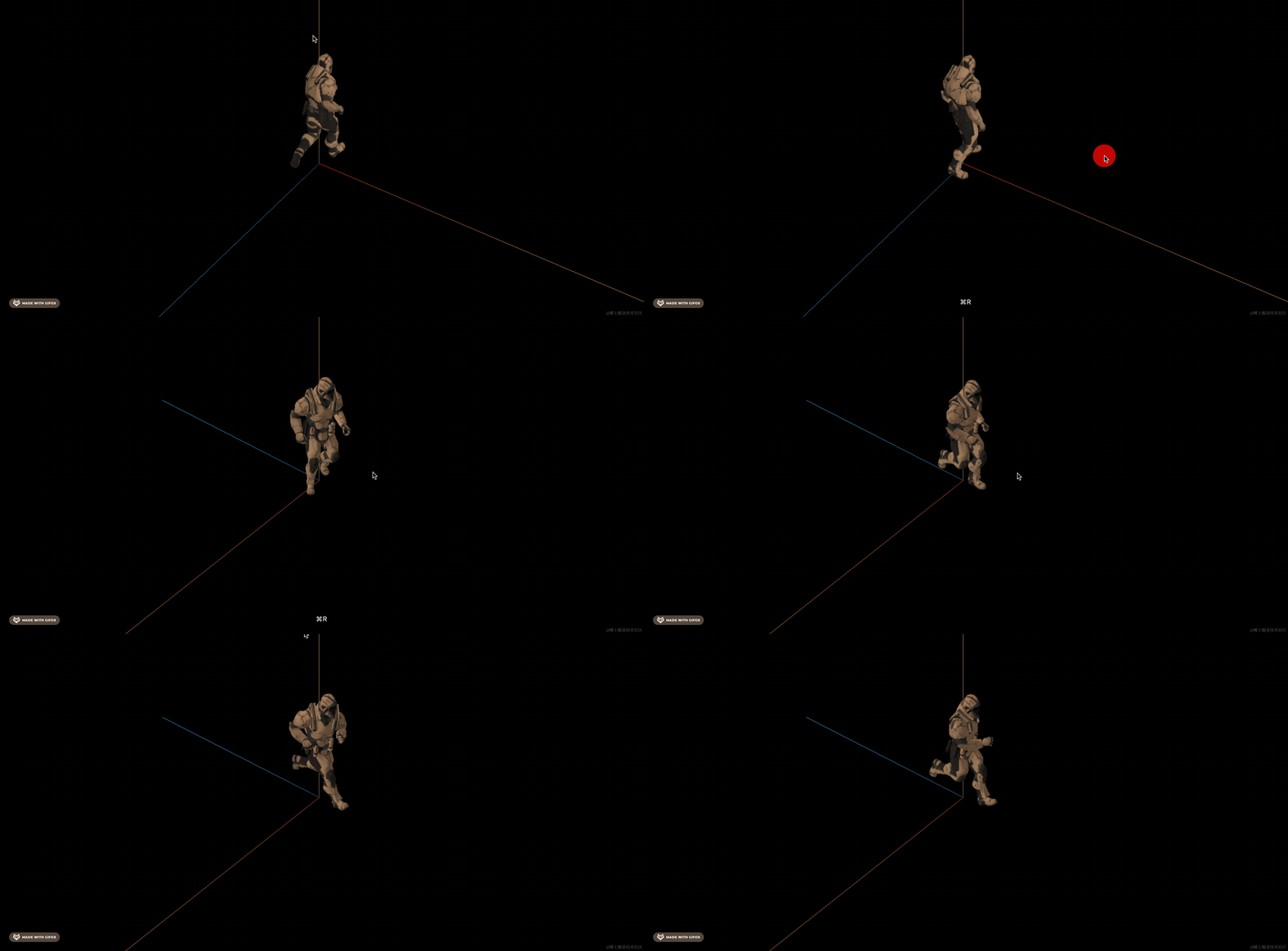
可以看到,也是有个从静止慢慢跑起来加速的过程。
案例代码上传了小册仓库。
总结
这节我们学了如何实现骨骼动画的丝滑切换。
比如从跑到静止,从静止到跑。
如果直接停止之前的动画来切换到新的骨骼动画,这样太过突兀。
一般我们使用 weight 来控制,比如让 跑的 weight 减小,静止的 weight 增加,那就是慢慢停下来。
用 gsap 来做这个 weight 变化的控制。
后面涉及到骨骼动画切换的时候,都是用这种方式来实现丝滑切换。