前面学了动画库 Tween.js,其实和它类似的还有一个常用的:GSAP
对于 3D 场景的缓动动画来说,这俩功能差不多,用哪个都行。
我们也来学下这个 gsap:
npx create-vite gsap-test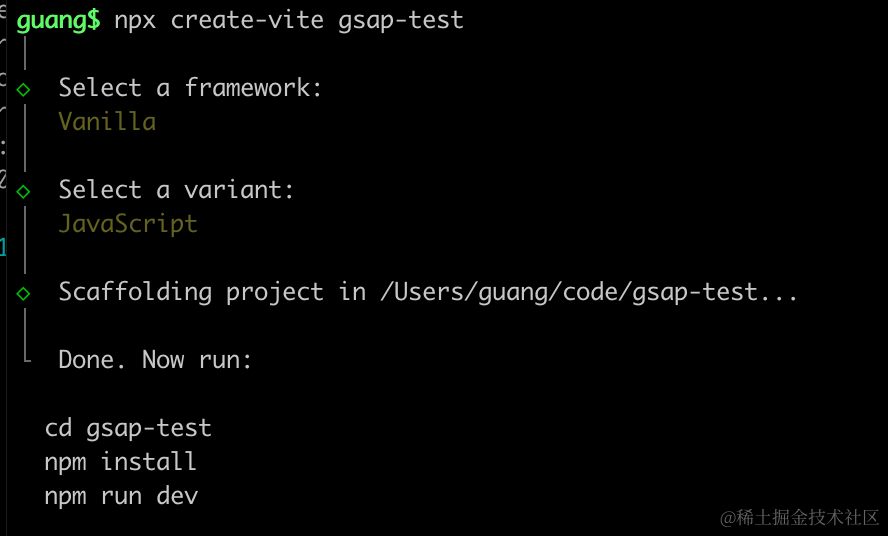
进入项目,安装依赖:
npm install
npm install --save three
npm install --save-dev @types/three
改下 src/main.js
import './style.css';
import * as THREE from 'three';
import {
    OrbitControls
} from 'three/addons/controls/OrbitControls.js';
import mesh from './mesh.js';

const scene = new THREE.Scene();

scene.add(mesh);

const directionLight = new THREE.DirectionalLight(0xffffff, 2);
directionLight.position.set(500, 400, 300);
scene.add(directionLight);

const ambientLight = new THREE.AmbientLight();
scene.add(ambientLight);

const width = window.innerWidth;
const height = window.innerHeight;

const helper = new THREE.AxesHelper(500);
scene.add(helper);

const camera = new THREE.PerspectiveCamera(60, width / height, 0.1, 1000);
camera.position.set(200, 300, 300);
camera.lookAt(0, 0, 0);

const renderer = new THREE.WebGLRenderer();
renderer.setSize(width, height)

function render() {
    renderer.render(scene, camera);
    requestAnimationFrame(render);
}

render();

document.body.append(renderer.domElement);

const controls = new OrbitControls(camera, renderer.domElement);
创建 Scene、Light、Camera、Renderer。
改下 style.css
body {
  margin: 0;
}
然后创建 mesh.js
import * as THREE from 'three';

const geometry = new THREE.BoxGeometry(30, 30, 30);
const material = new THREE.MeshPhongMaterial({
    color: 'orange'
});

const mesh = new THREE.Mesh(geometry, material);

export default mesh;
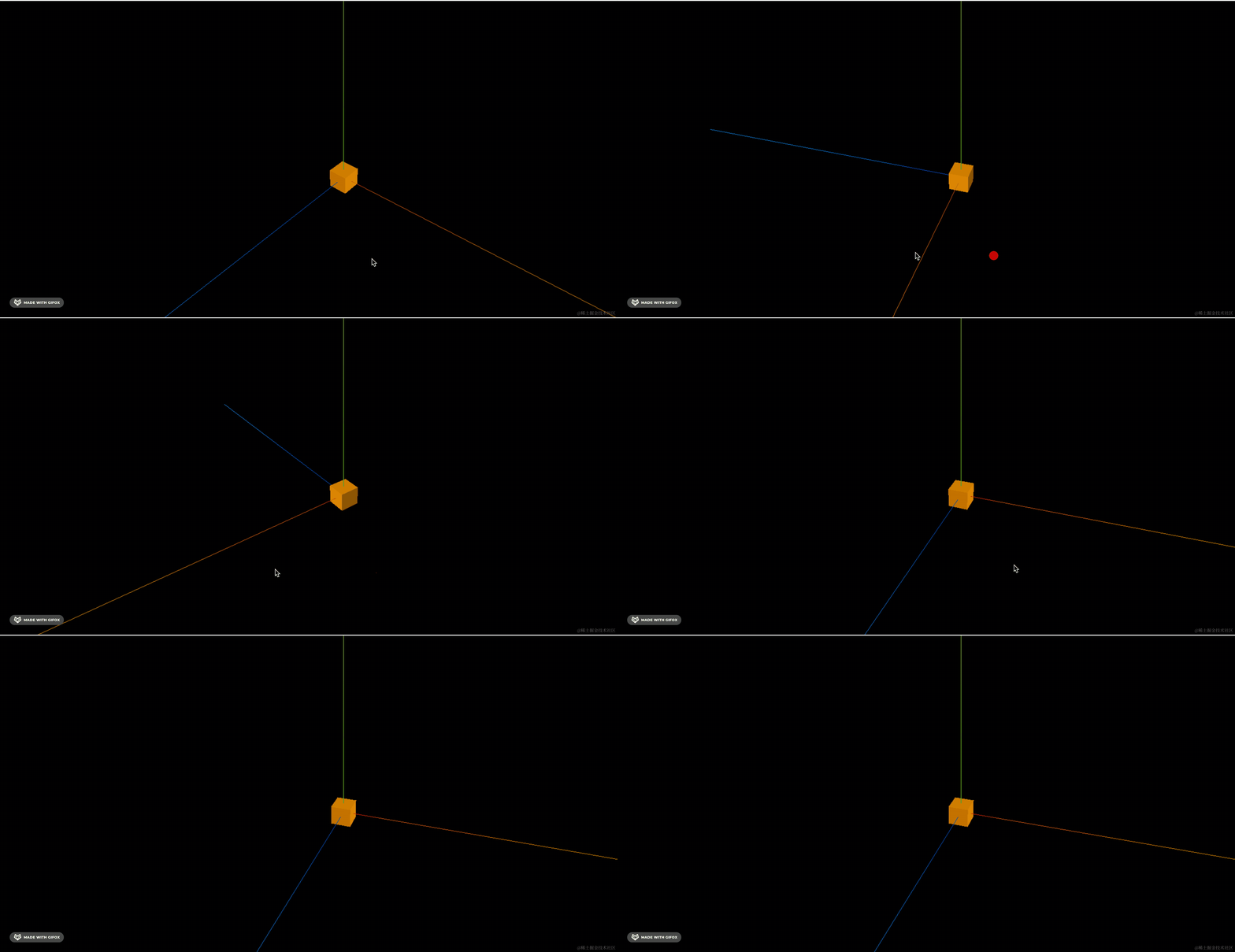
创建了一个立方体。
跑一下:
npm run dev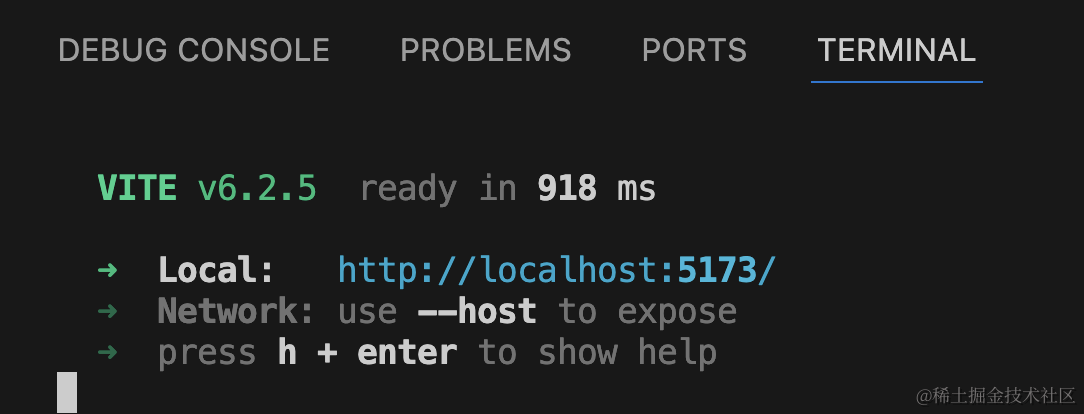
然后安装 gsap 来做动画:
npm install gsap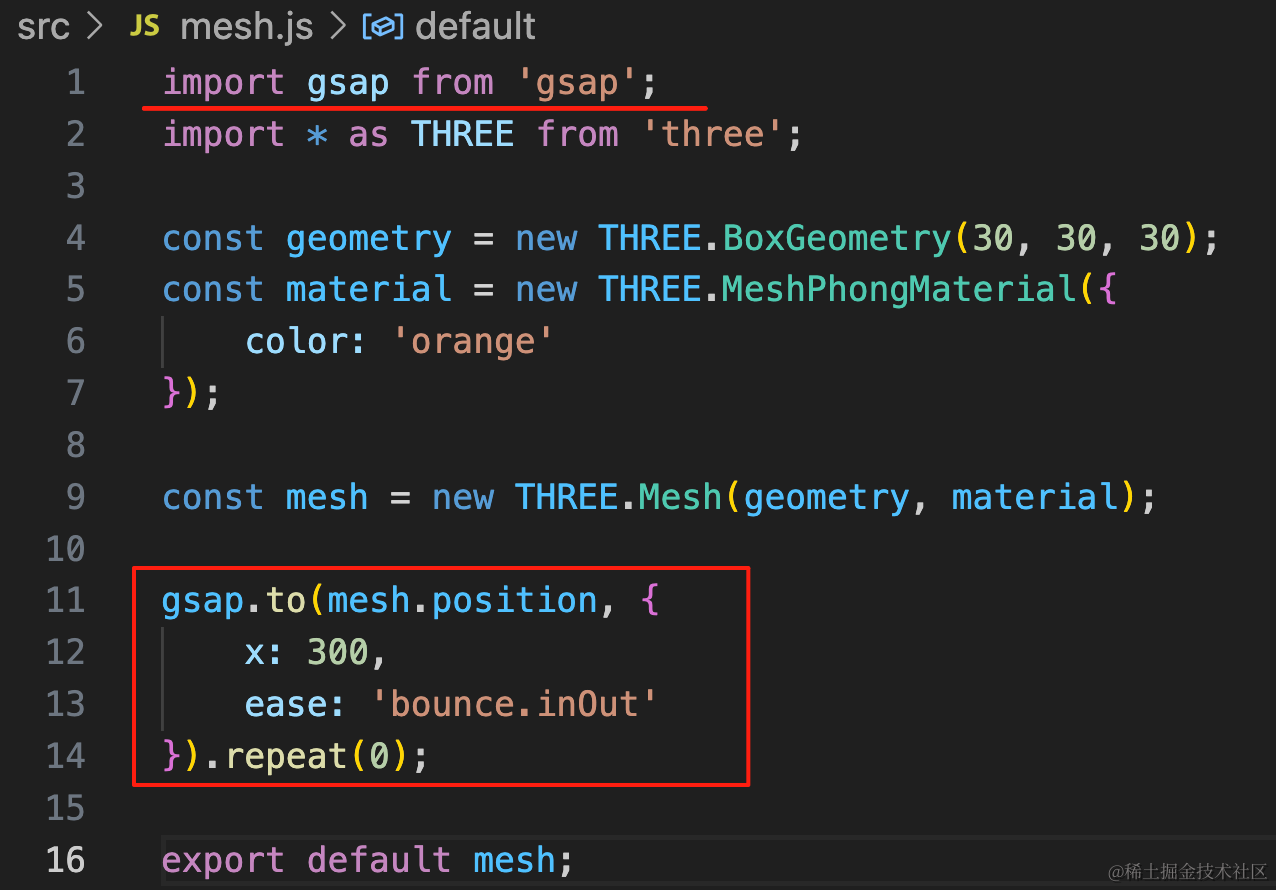
import gsap from 'gsap';

gsap.to(mesh.position, {
    x: 300,
    ease: 'bounce.inOut'
}).repeat(0);
x 运动到 300,指定缓动效果
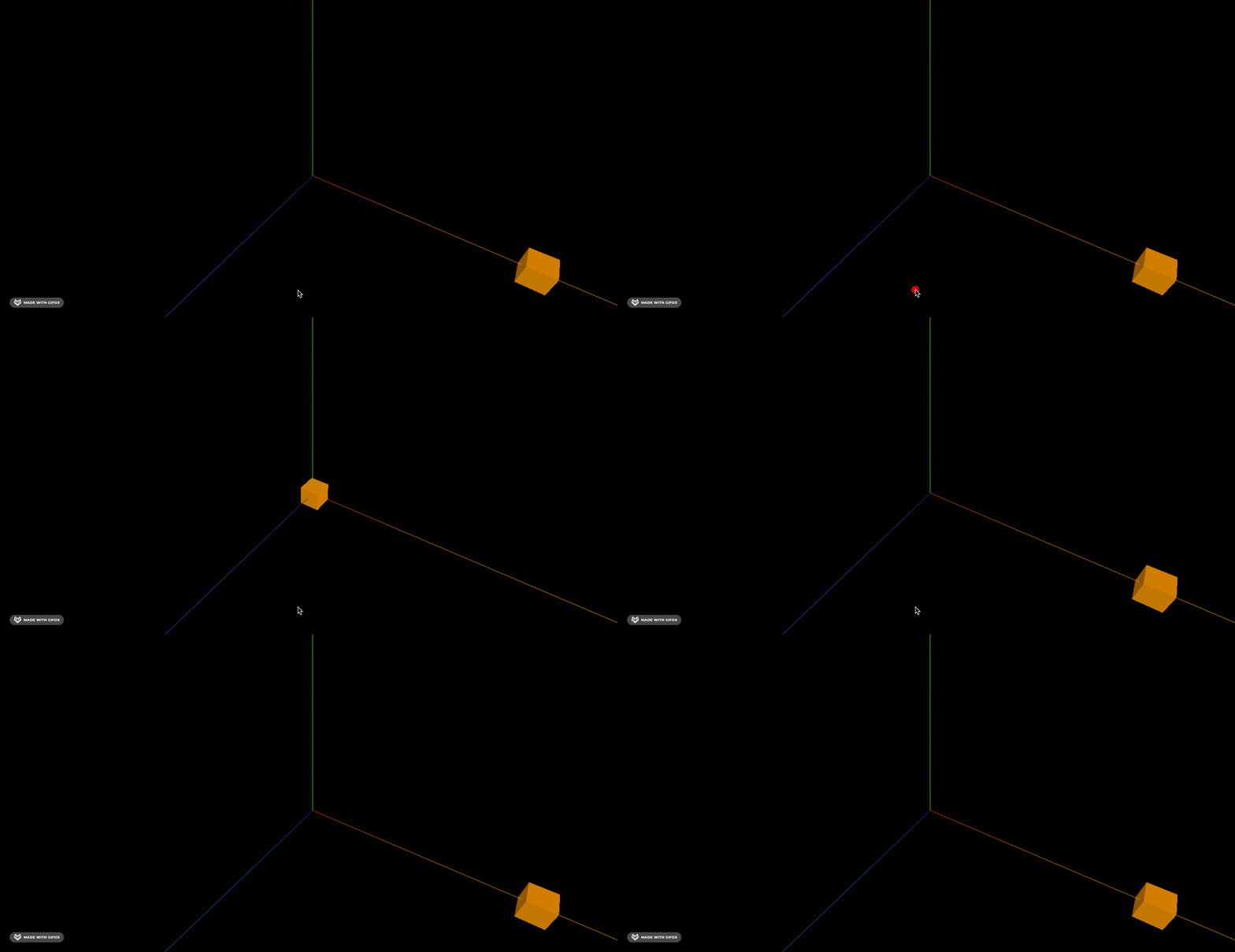
之前用 tweenjs 还要在渲染循环里调用 tween.update,而 gsap 不需要,它内部做了更新。
所以 gsap 用起来更简单一些。
然后来试下相机动画:
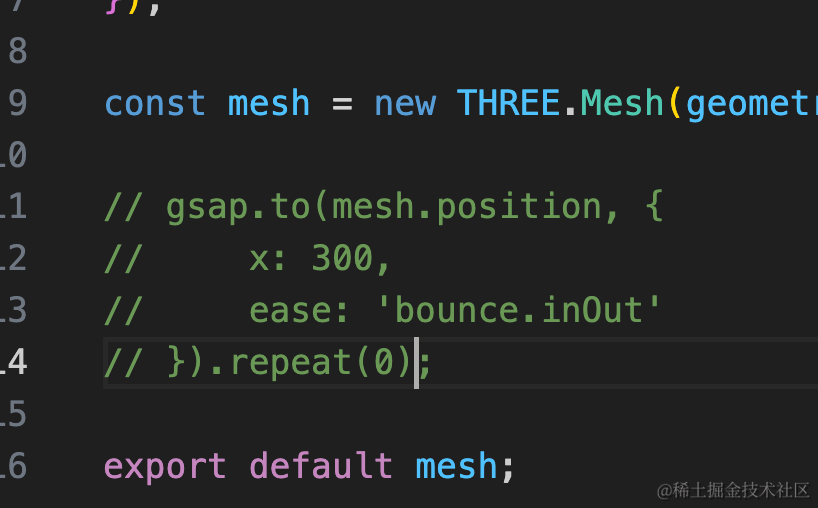
先注释掉立方体动画:
之前用 tween.js 实现过相机圆周运动,是这么写的:
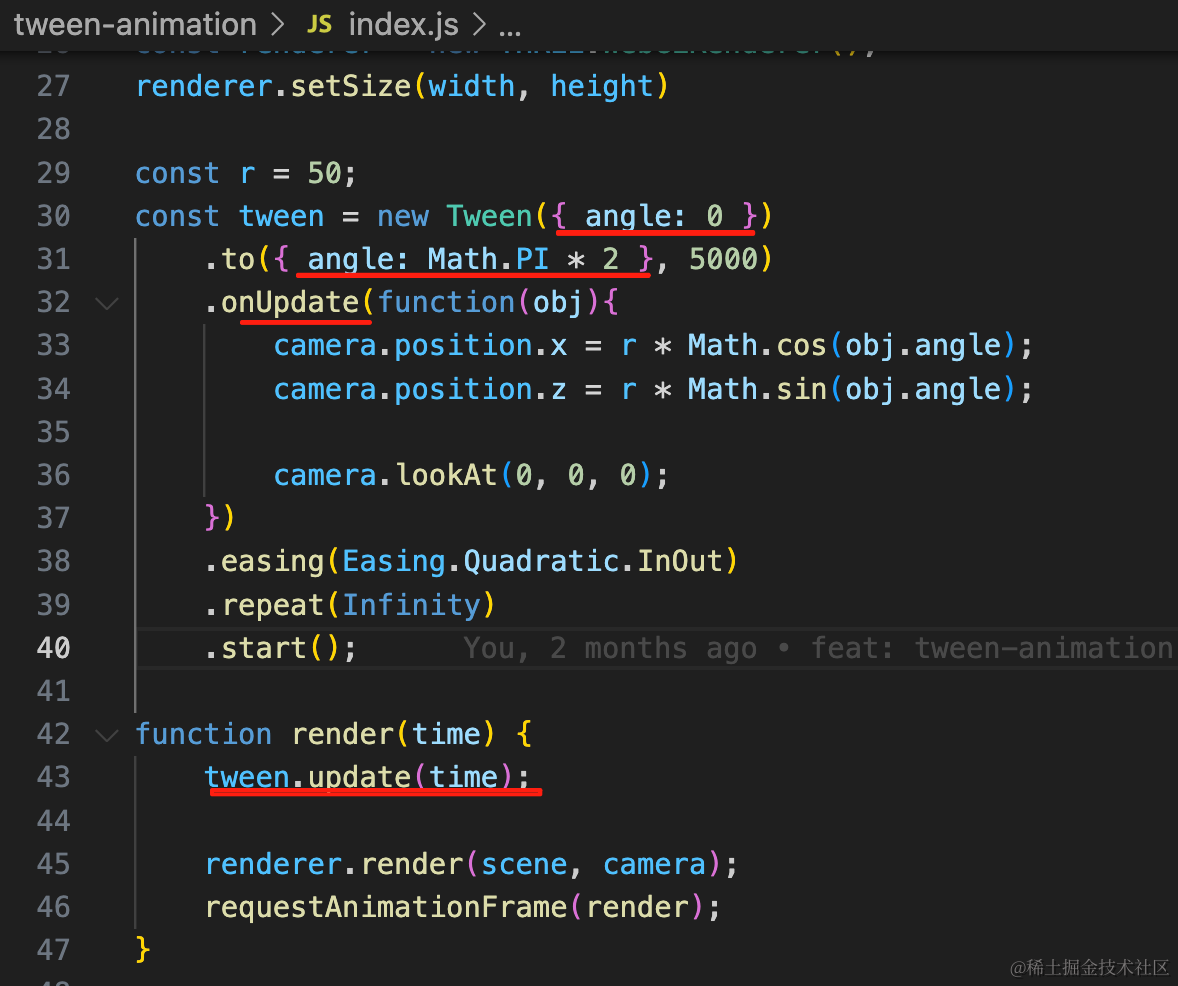
指定开始值、结束值、总时长,在 onUpdate 里更新 camera 的位置和 lookAt
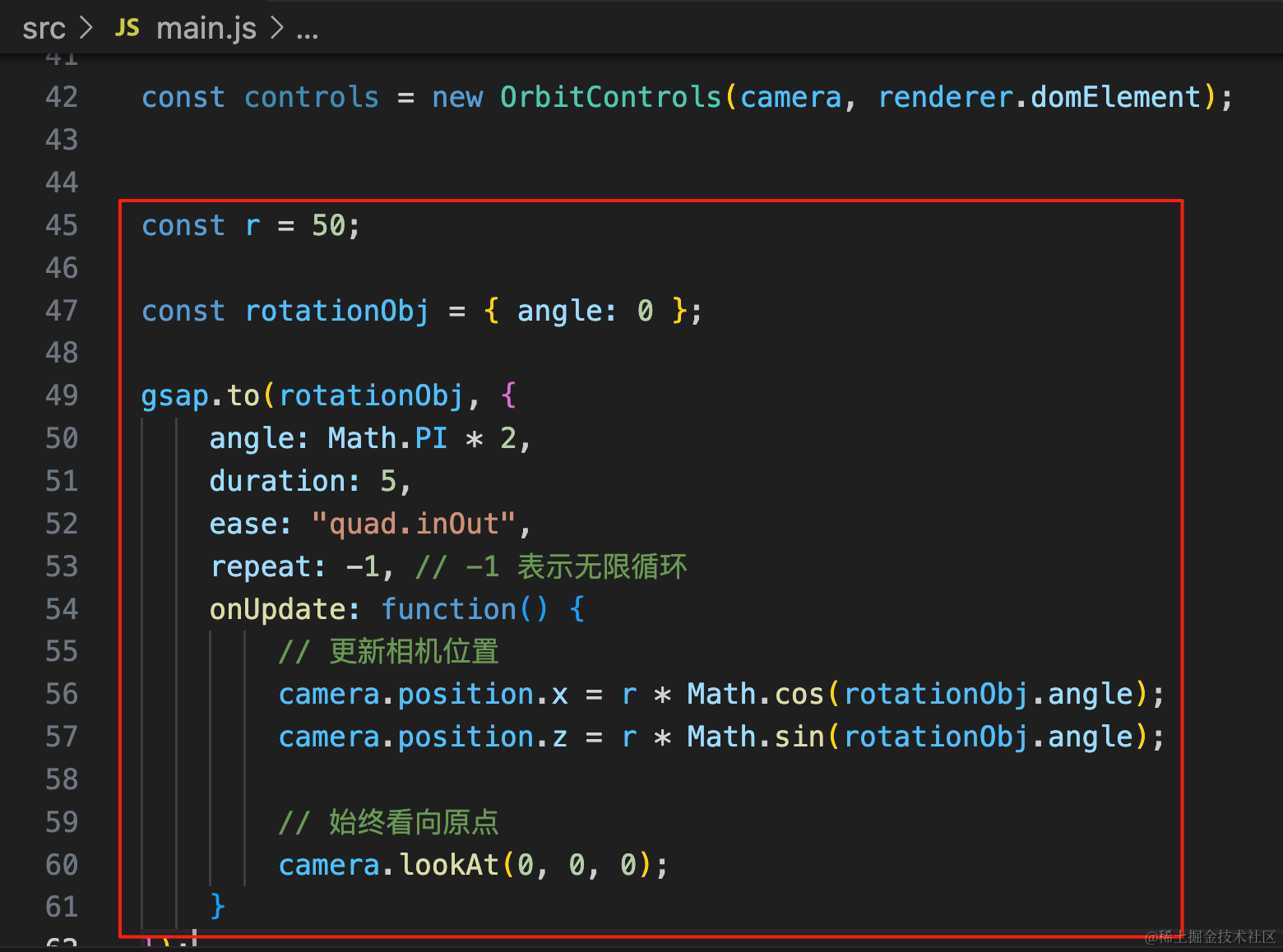
那用 gsap 怎么写呢?
也差不多:
const r = 50;

const rotationObj = { angle: 0 };

gsap.to(rotationObj, {
    angle: Math.PI * 2,
    duration: 5,
    ease: "quad.inOut",
    repeat: -1, // -1 表示无限循环
    onUpdate: function() {
        // 更新相机位置
        camera.position.x = r * Math.cos(rotationObj.angle);
        camera.position.z = r * Math.sin(rotationObj.angle);

        // 始终看向原点
        camera.lookAt(0, 0, 0);
    }
});
指定开始角度和结束角度,总时长,缓动函数。
onUpdate 里更新 camera 的位置和 lookAt
写法是几乎一样的,只不过 gsap 不需要手动在渲染循环里 update
注释掉这个动画,我们再来试一下串行动画。
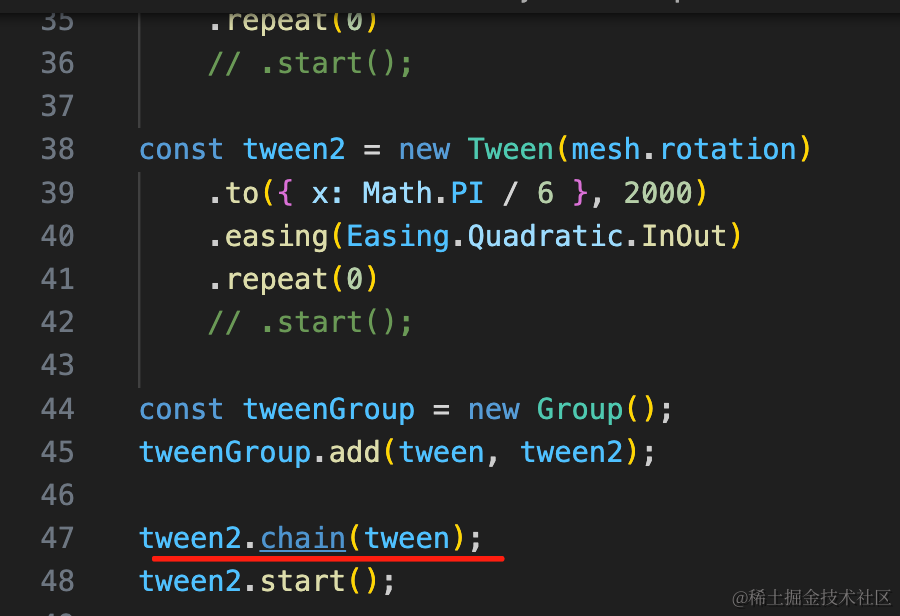
在 tweenjs 里是用 chain 来串联:
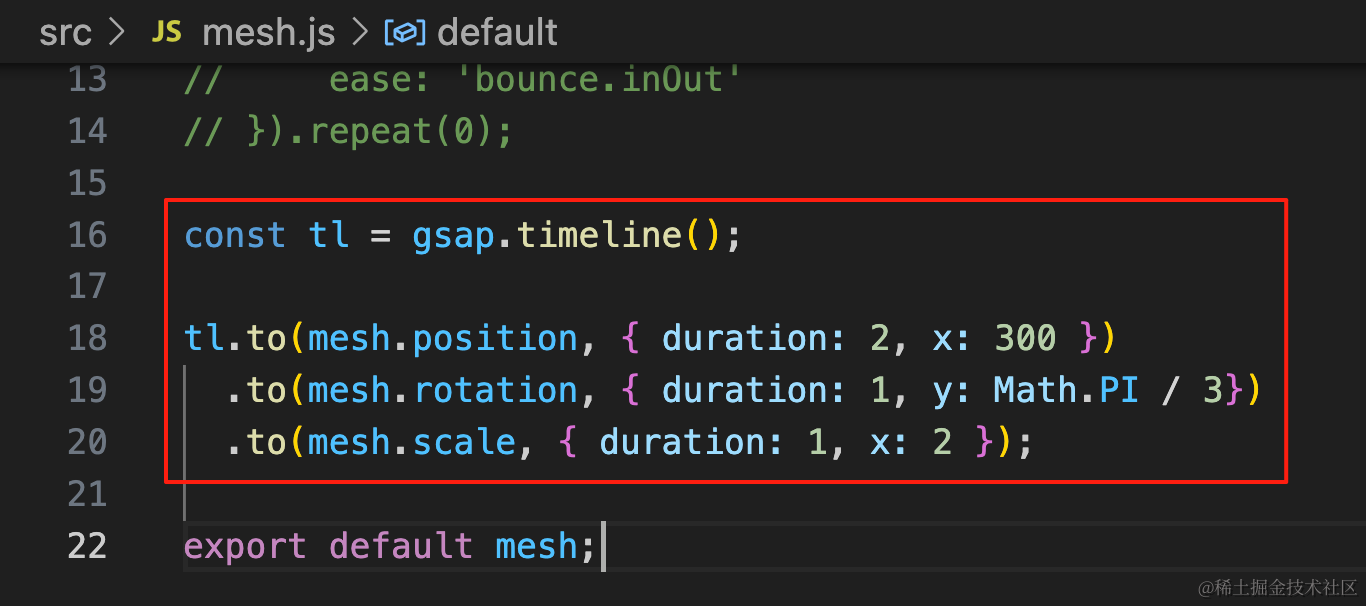
在 gsap 里是通过 timeline:
const tl = gsap.timeline();

tl.to(mesh.position, { duration: 2, x: 300 })
  .to(mesh.rotation, { duration: 1, y: Math.PI / 3})
  .to(mesh.scale, { duration: 1, x: 2 });
timeline 连续 3 个 to 来定义动画,默认就会串行。
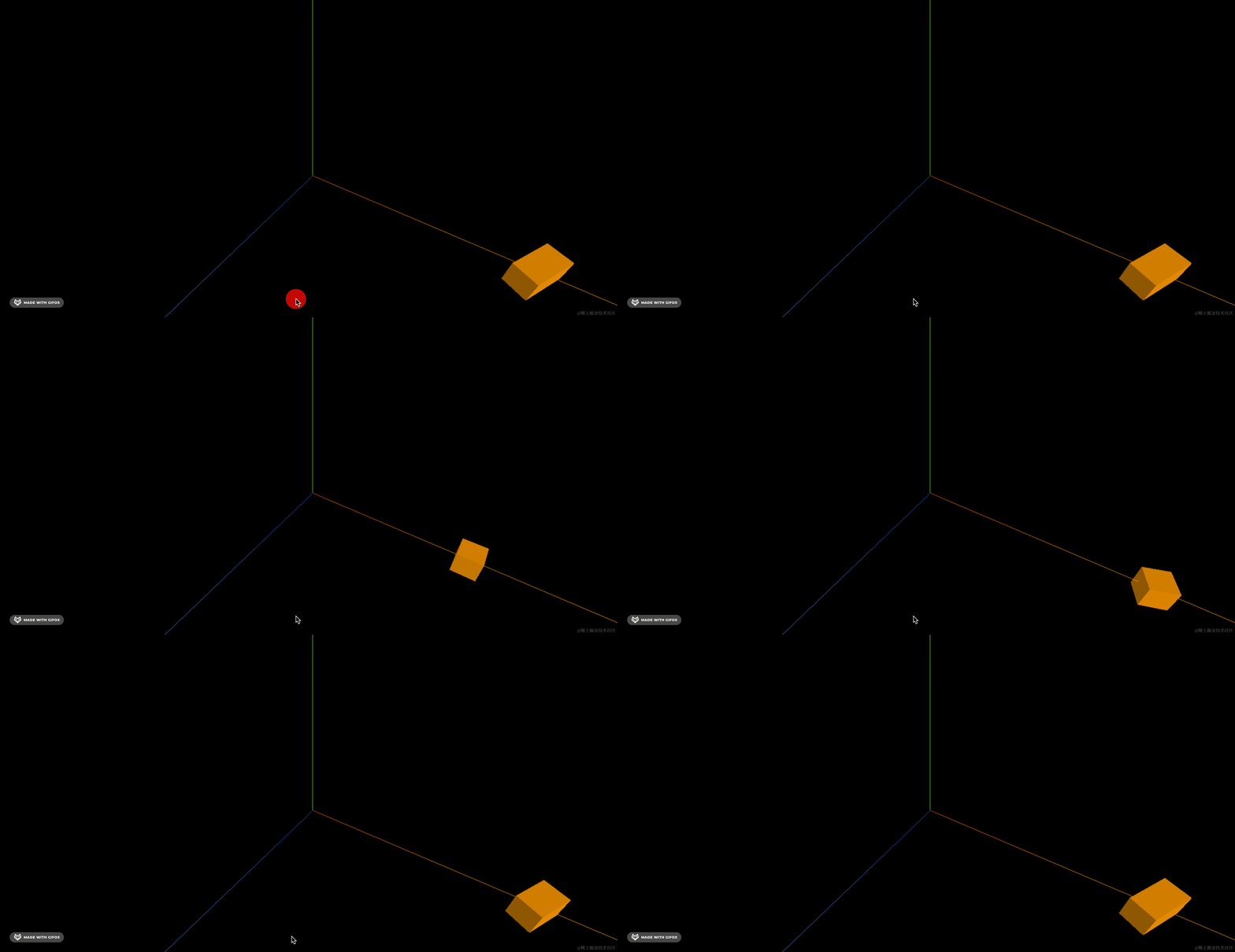
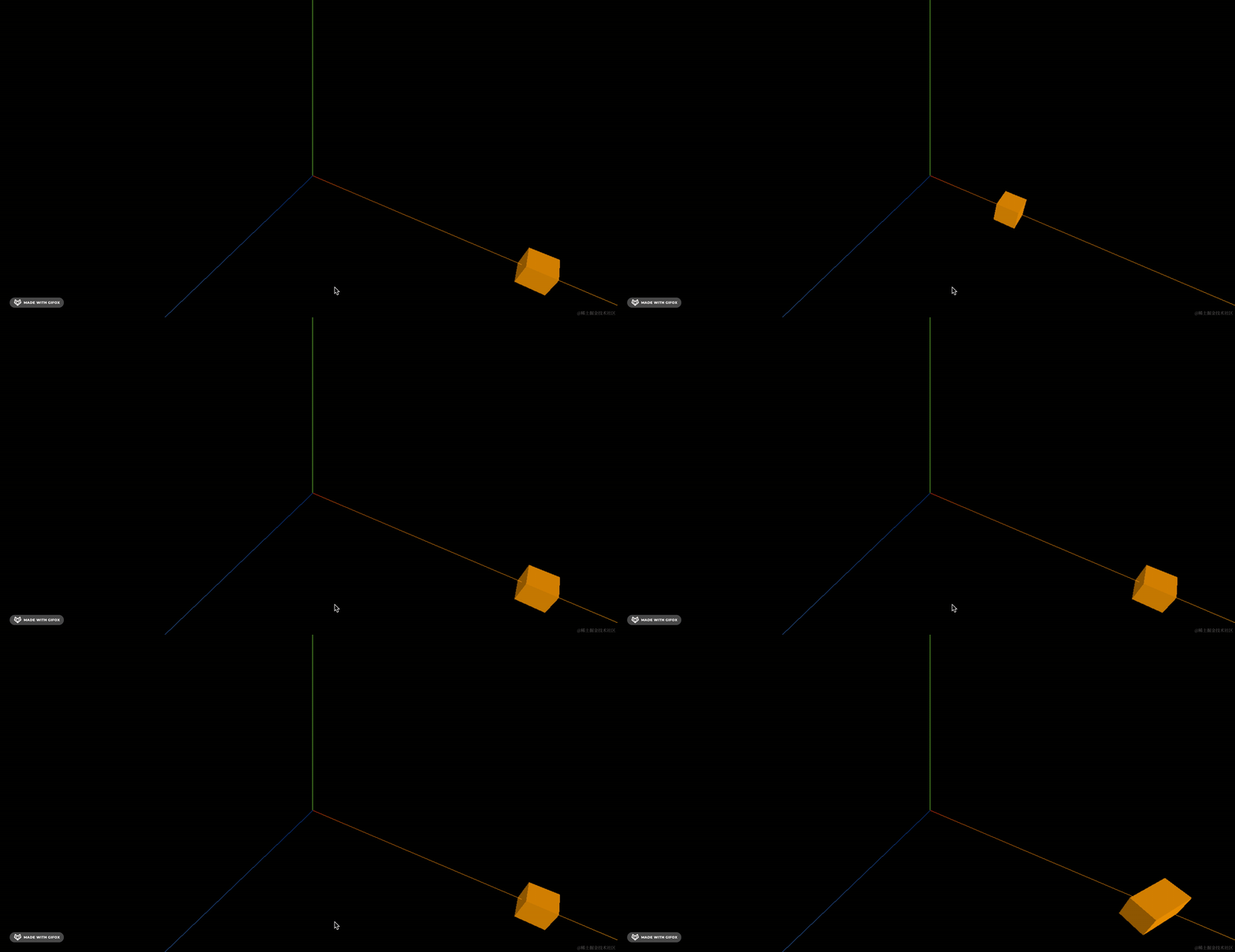
可以看到,显示 2s 的位移,然后是 1s 的旋转,然后是 1s 的放缩。
如果想让后两个动画并行呢?
加一个 < 就代表和前一个动画并行
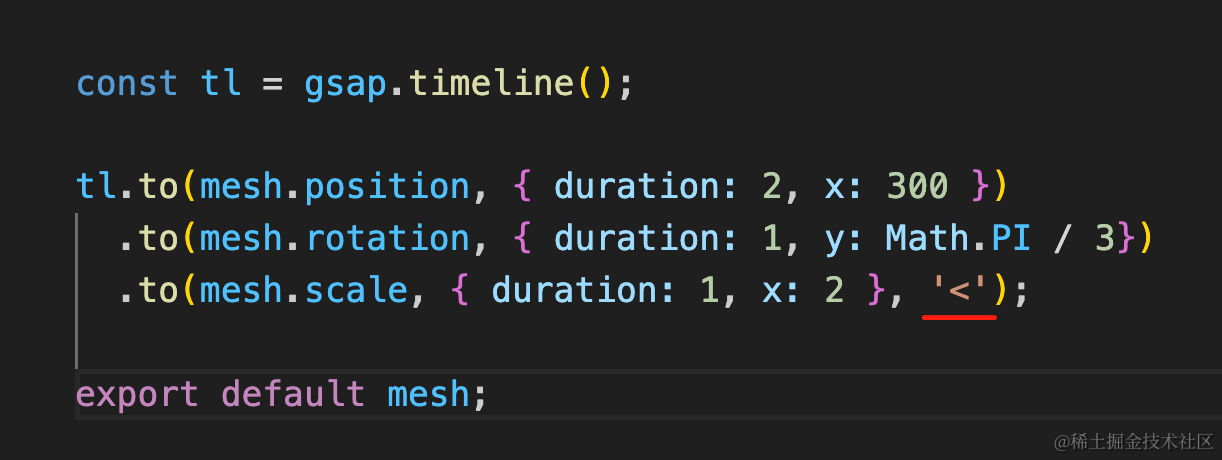
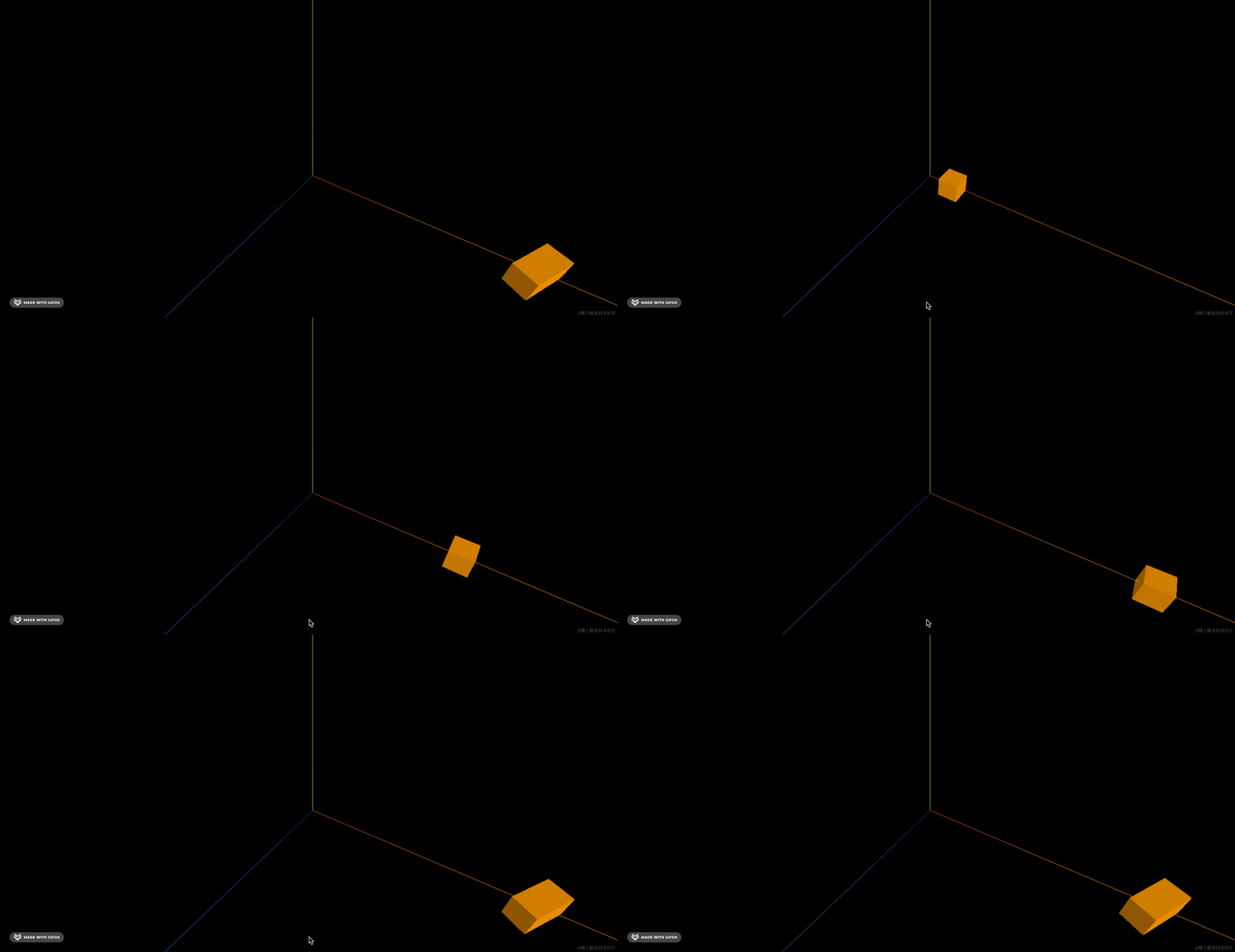
写起来也非常简单
你还可以通过 += 来指定间隔几秒执行:
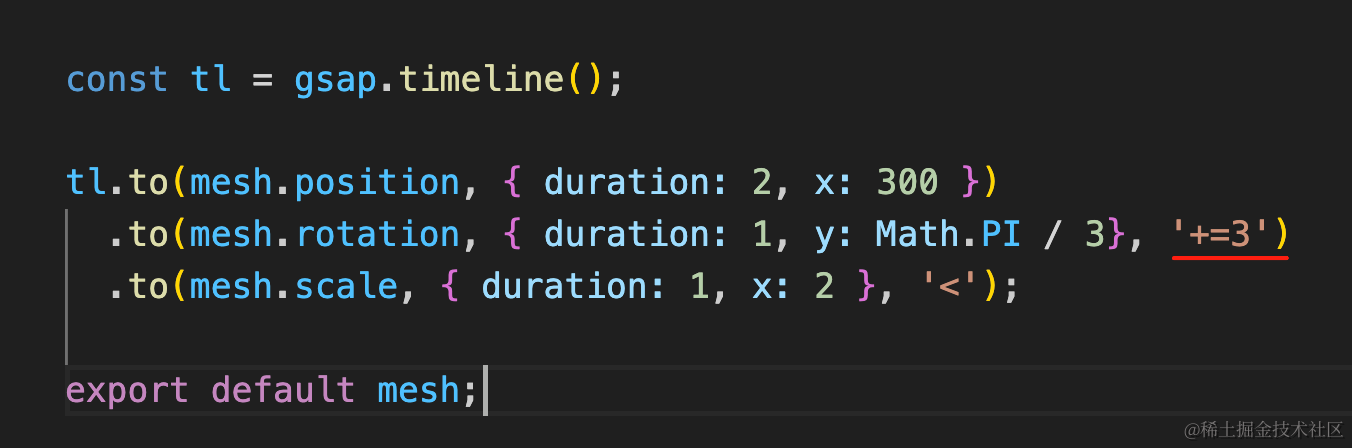
案例代码上传了小册仓库。
总结
gsap 和 tween.js 一样都是常用的动画库,功能差不多,但 gsap 用起来更简单:
它不用在渲染循环里手动 update,内部做了处理
它定义串行、并行动画更简单。
其余的功能,比如定义 duration、onUpdate、ease 函数等都差不多。
总之,这两个动画库用哪个都可以,个人觉得 gsap 更好用一点。