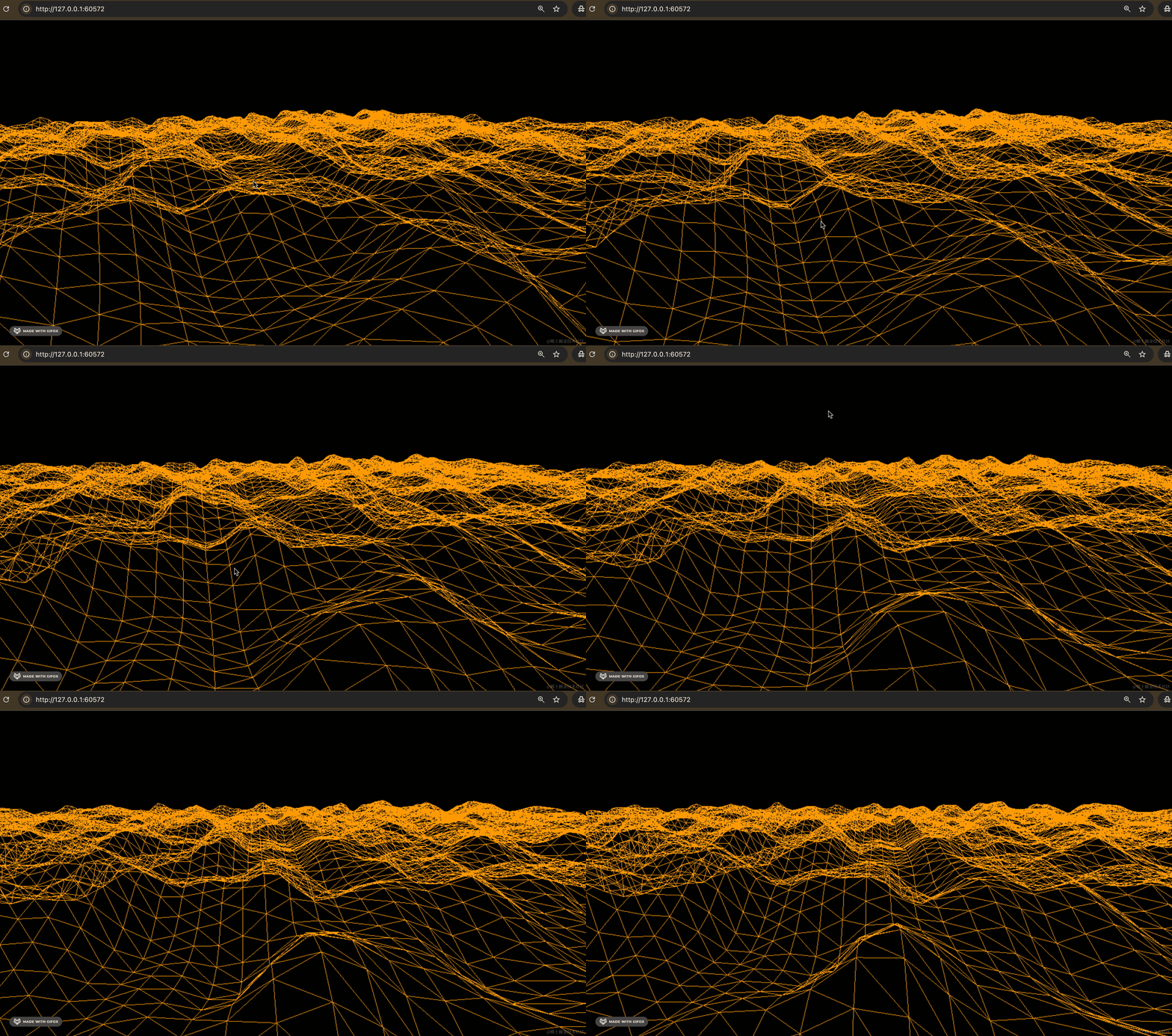
前面我们用噪声库生成过山脉地形:
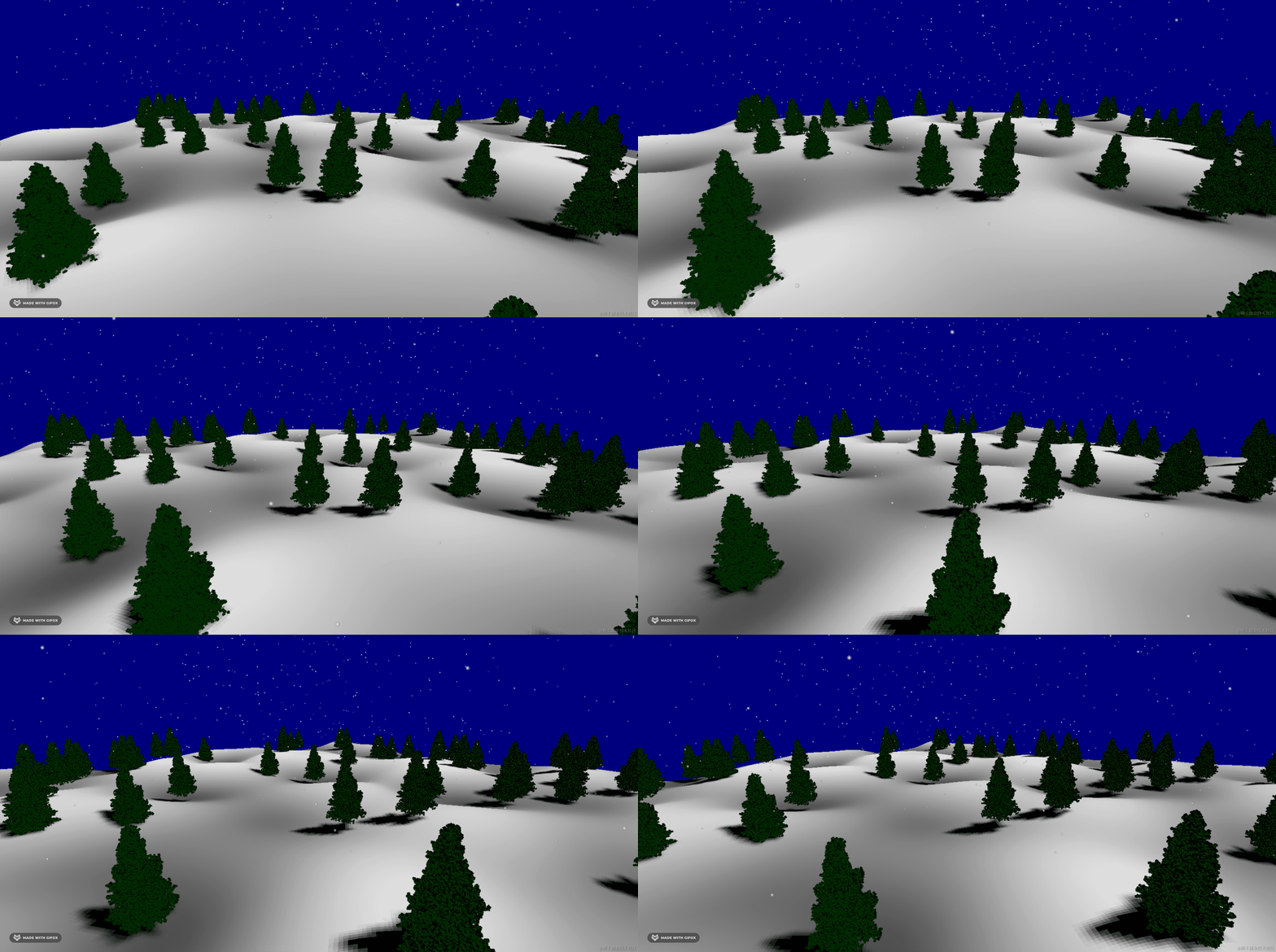
那它还有没有别的用法呢?
这节我们系统来过一下:
npx create-vite simplex-noise-test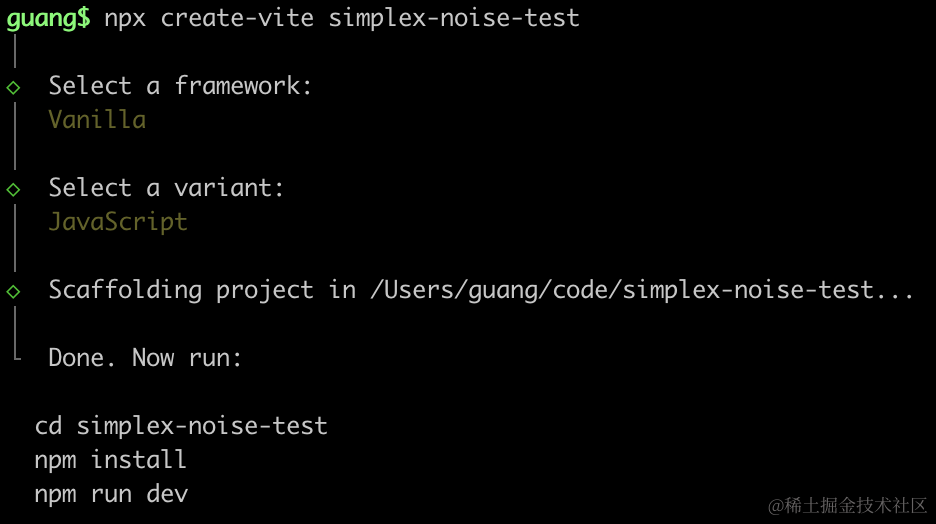
进入项目,安装依赖:
npm install
npm install --save three
npm install --save-dev @types/three
改下 src/main.js
import './style.css';
import * as THREE from 'three';
import {
    OrbitControls
} from 'three/addons/controls/OrbitControls.js';
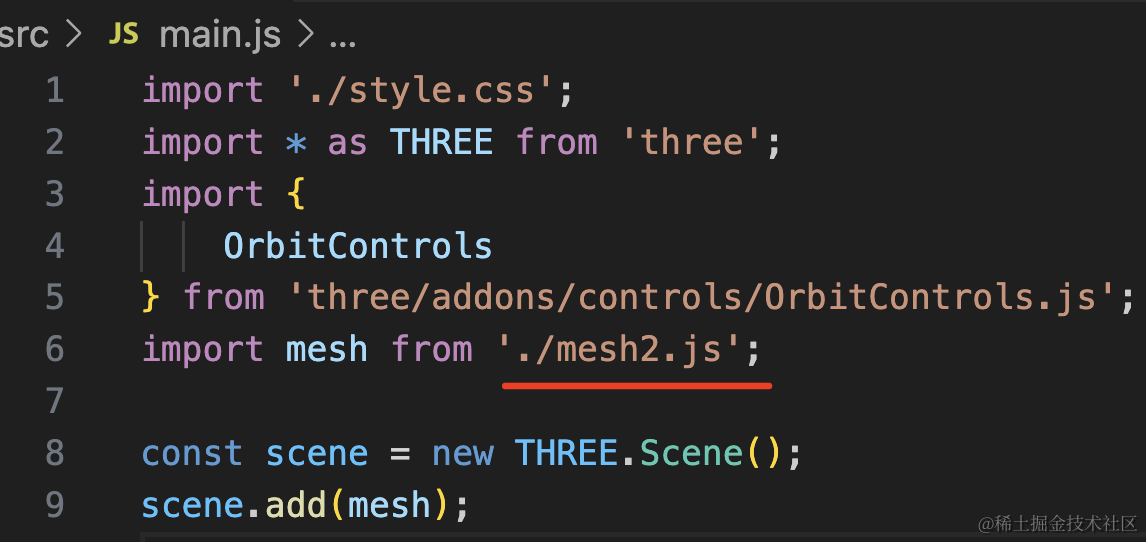
import mesh from './mesh.js';

const scene = new THREE.Scene();
scene.add(mesh);

const directionLight = new THREE.DirectionalLight(0xffffff, 2);
directionLight.position.set(500, 400, 300);
scene.add(directionLight);

const ambientLight = new THREE.AmbientLight();
scene.add(ambientLight);

const width = window.innerWidth;
const height = window.innerHeight;

const helper = new THREE.AxesHelper(500);
scene.add(helper);

const camera = new THREE.PerspectiveCamera(60, width / height, 0.1, 10000);
camera.position.set(800, 1000, 1500);
camera.lookAt(0, 0, 0);

const renderer = new THREE.WebGLRenderer();
renderer.setSize(width, height)

function render() {
    renderer.render(scene, camera);
    requestAnimationFrame(render);
}

render();

document.body.append(renderer.domElement);

const controls = new OrbitControls(camera, renderer.domElement);
创建 Scene、Light、Camera、Renderer。
改下 style.css
body {
  margin: 0;
}
然后创建 mesh.js
import * as THREE from 'three';
import { SimplexNoise } from 'three/examples/jsm/Addons.js';

const geometry = new THREE.PlaneGeometry(3000, 3000, 200, 200);

const simplex = new SimplexNoise();

const positions = geometry.attributes.position;

for (let i = 0 ; i < positions.count; i ++) {
    const x = positions.getX(i);
    const y = positions.getY(i);

    const z = simplex.noise(x / 1000, y / 1000) * 300;

    positions.setZ(i, z);
}

const material = new THREE.MeshBasicMaterial({
    color: new THREE.Color('orange'),
    wireframe: true
});

const mesh = new THREE.Mesh(geometry, material);
mesh.rotateX(- Math.PI / 2);
console.log(mesh);

export default mesh;
噪声库 SimplexNoise 其实 threejs 内置了,不用单独安装。
我们创建 BufferGeometry,然后用噪声库来改变 z,根据 x、y 来计算连续随机的 z。
跑下看下效果:
npm run dev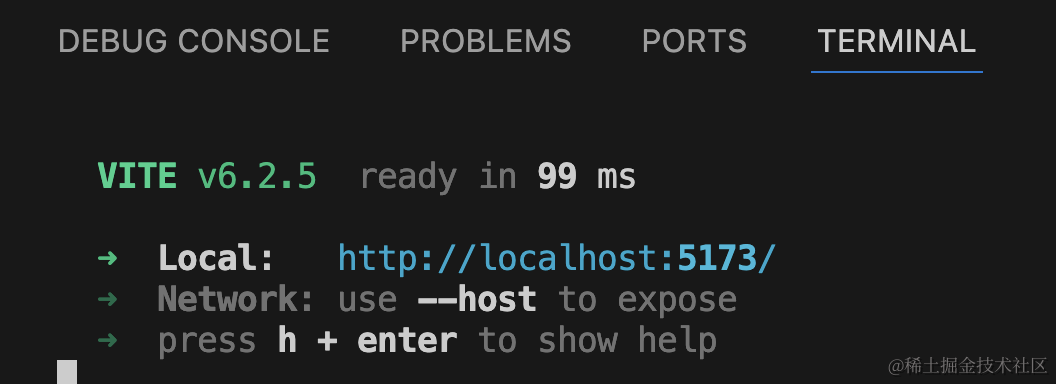
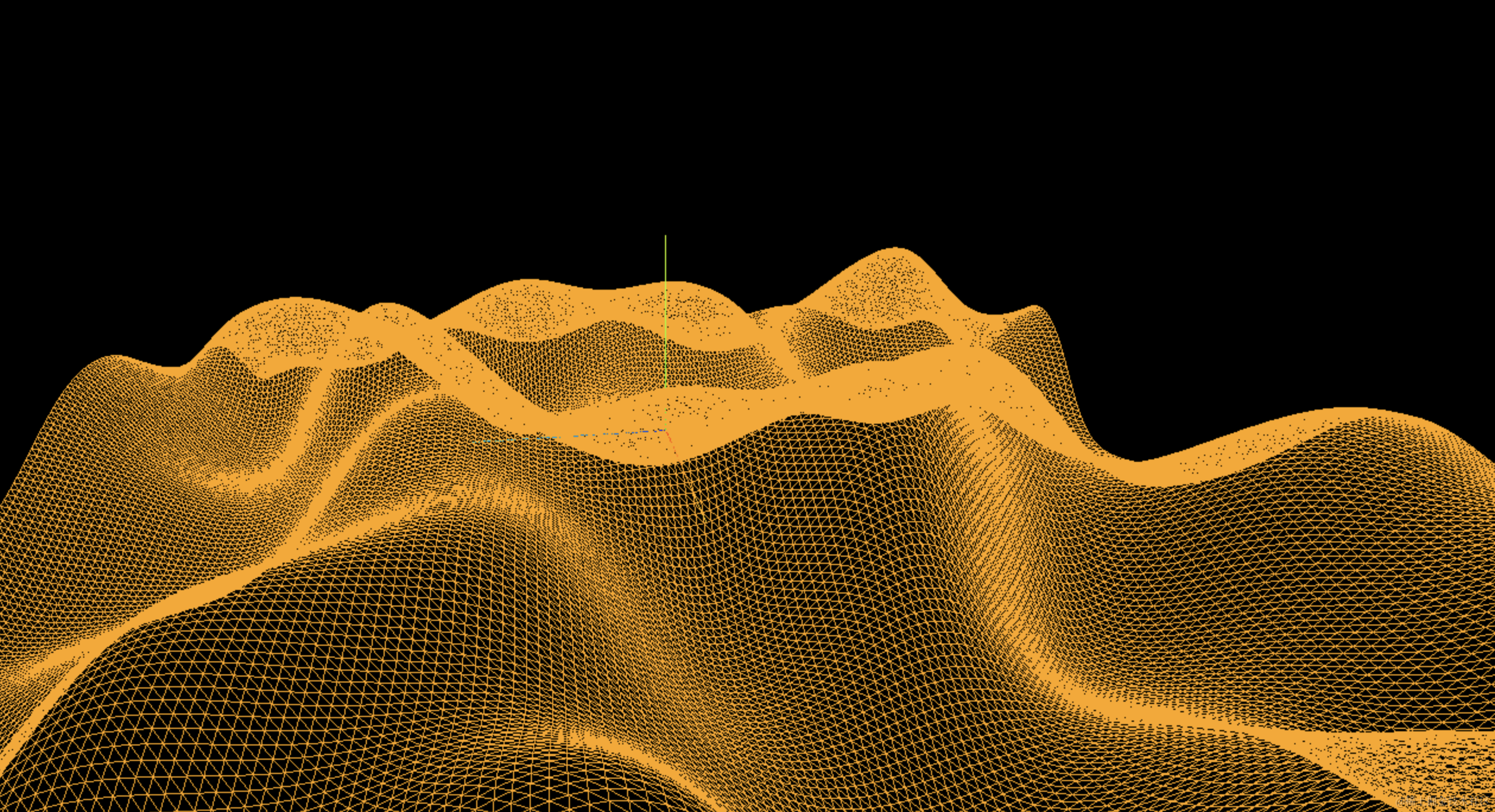
可以看到,生成了随机的山脉地形。
但还是太平缓了,如何让它更崎岖一些呢?
这种就可以用多重噪声来做到。
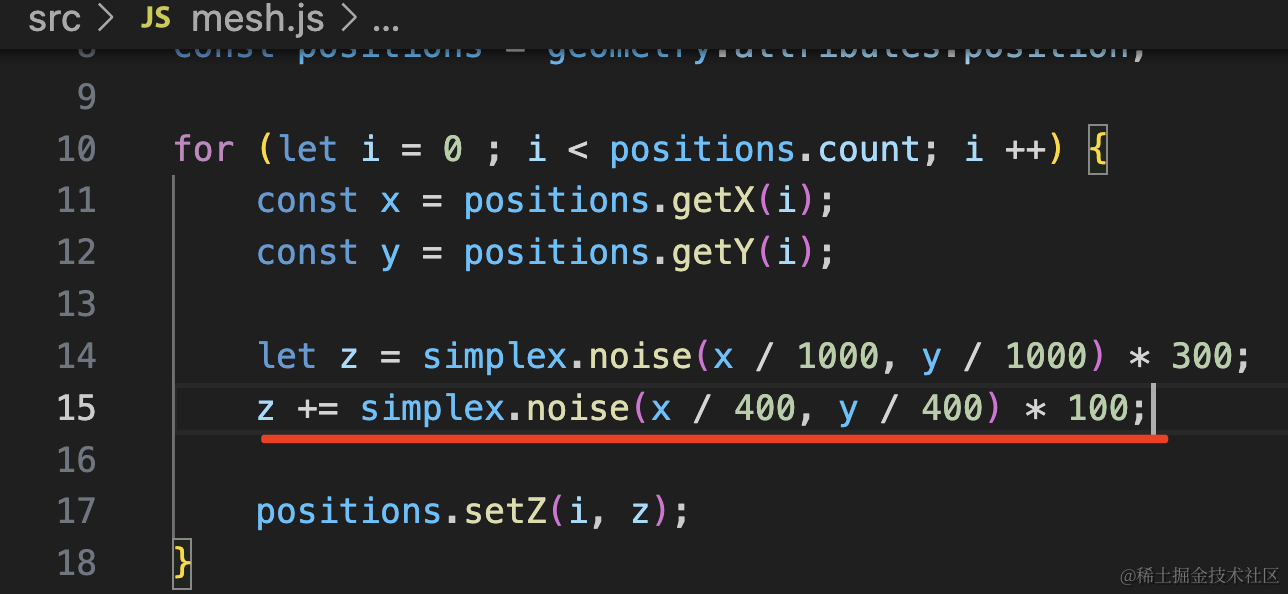
let z = simplex.noise(x / 1000, y / 1000) * 300;
z += simplex.noise(x / 400, y / 400) * 100;
比如我再加一层噪声,它的高度更小,但是起伏更大。
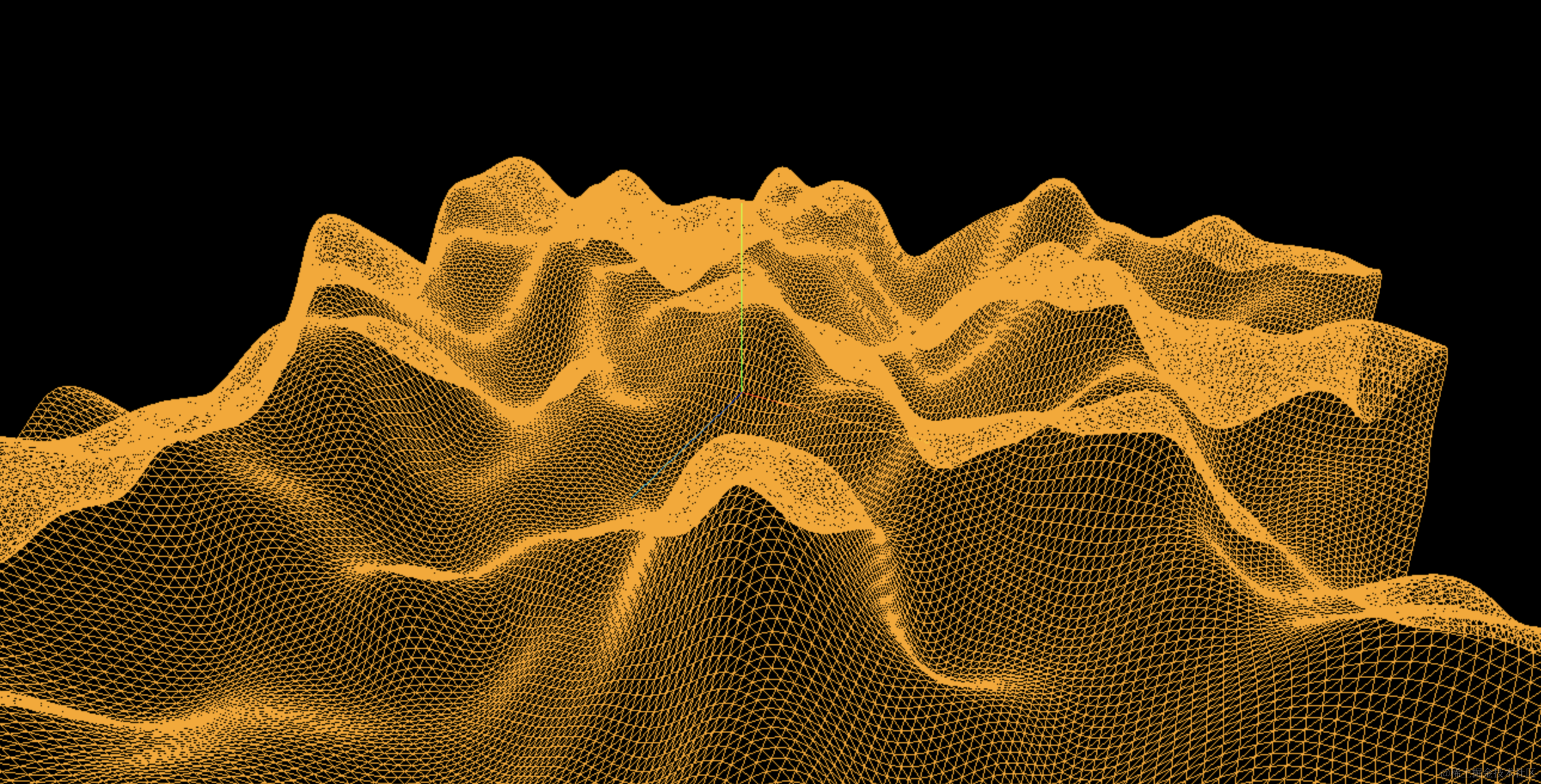
是不是明显多了一些小的凸起?
和刚才的对比下:
我们再加一层噪声:
let z = simplex.noise(x / 1000, y / 1000) * 300;
z += simplex.noise(x / 400, y / 400) * 100;
z += simplex.noise(x / 200, y / 200) * 50;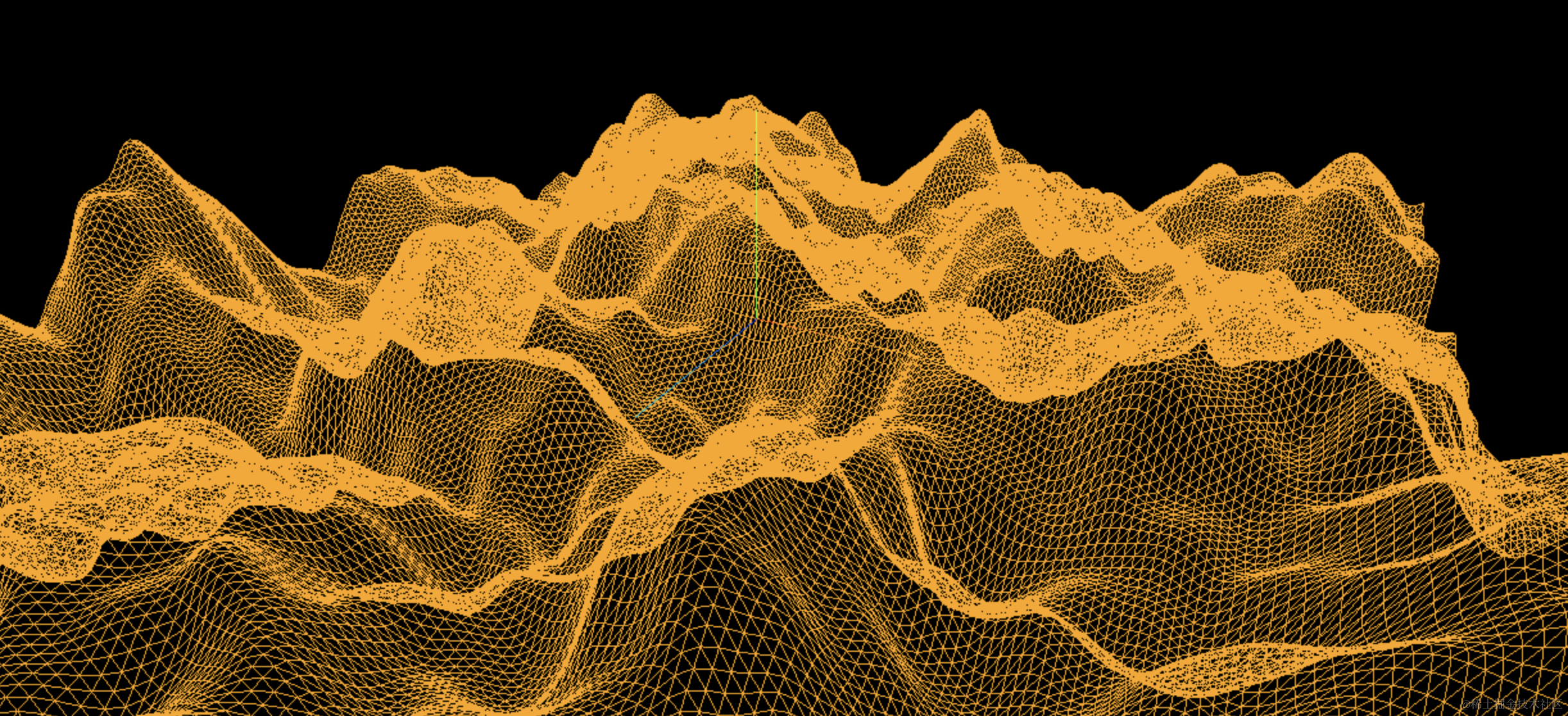
现在就是之前地形的基础上,更崎岖不平了。
总之,你可以先用第一重噪声生成基本地形,然后再用更多重噪声来增加崎岖不平的效果。
噪声除了用来生成地形外,还可以用来生成随机运动轨迹。
比如萤火虫的运动轨迹就是随机的:
创建 mesh2.js
import * as THREE from 'three';

const group = new THREE.Group();

for (let i = 0; i < 100; i ++) {
    const material = new THREE.SpriteMaterial({
        color: 'orange'
    });
    const sprite = new THREE.Sprite(material);
    sprite.scale.set(100,100);
    group.add(sprite);

    const x = -2000 + 4000 * Math.random();
    const y = -2000 + 4000 * Math.random();
    const z = -2000 + 4000 * Math.random();
    sprite.position.set(x, y, z);
}

export default group;
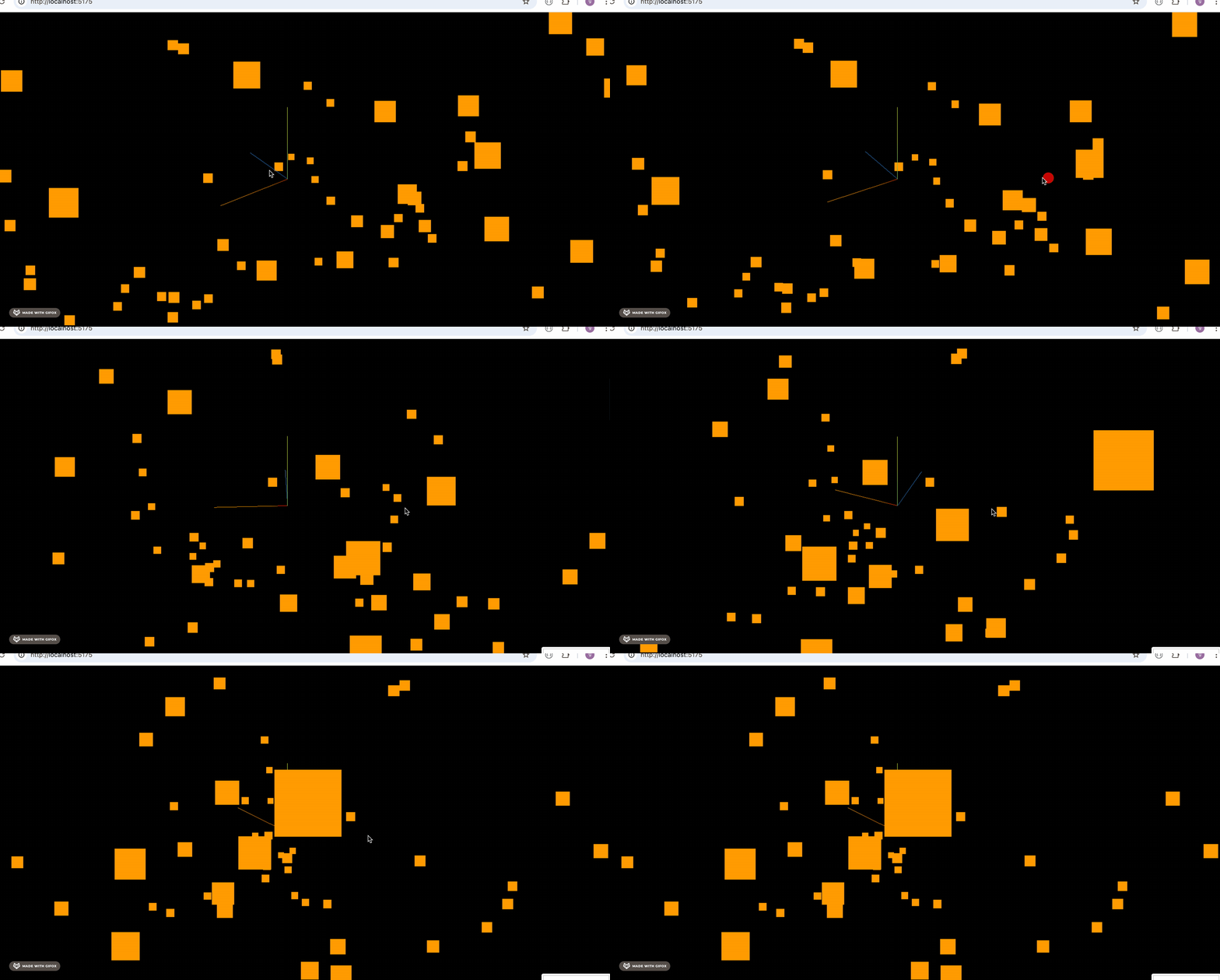
比如用 Sprite 创建了 100 个矩形,在 -2000 到 2000 的范围内随机分布。
引入看下效果:
如果他们要做萤火虫那种运动呢?
如果用随机值来设置的话,很明显不合适,这种随机运动也是要有一定的连续性。
这时候就可以用噪声算法了。
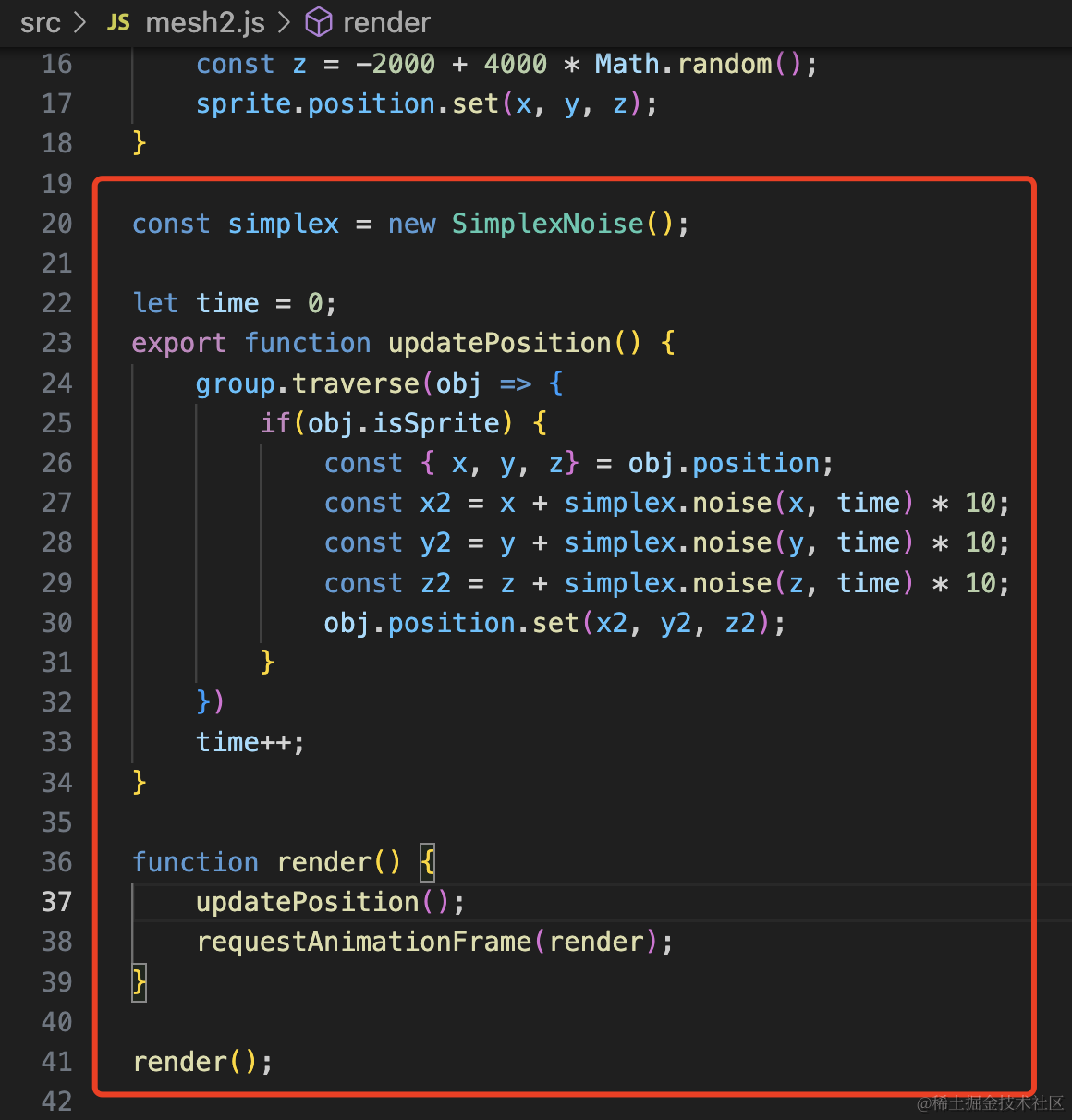
const simplex = new SimplexNoise();

let time = 0;
export function updatePosition() {
    group.traverse(obj => {
        if(obj.isSprite) {
            const { x, y, z} = obj.position;
            const x2 = x + simplex.noise(x, time) * 10;
            const y2 = y + simplex.noise(y, time) * 10;
            const z2 = z + simplex.noise(z, time) * 10;
            obj.position.set(x2, y2, z2);
        }
    })
    time++;
}

function render() {
    updatePosition();
    requestAnimationFrame(render);
}

render();
我们要对 x、y、z 做连续的变化,那得有一个线性增加的值,之前是 x、y,现在创建一个 time,每次渲染 +1
看下效果:
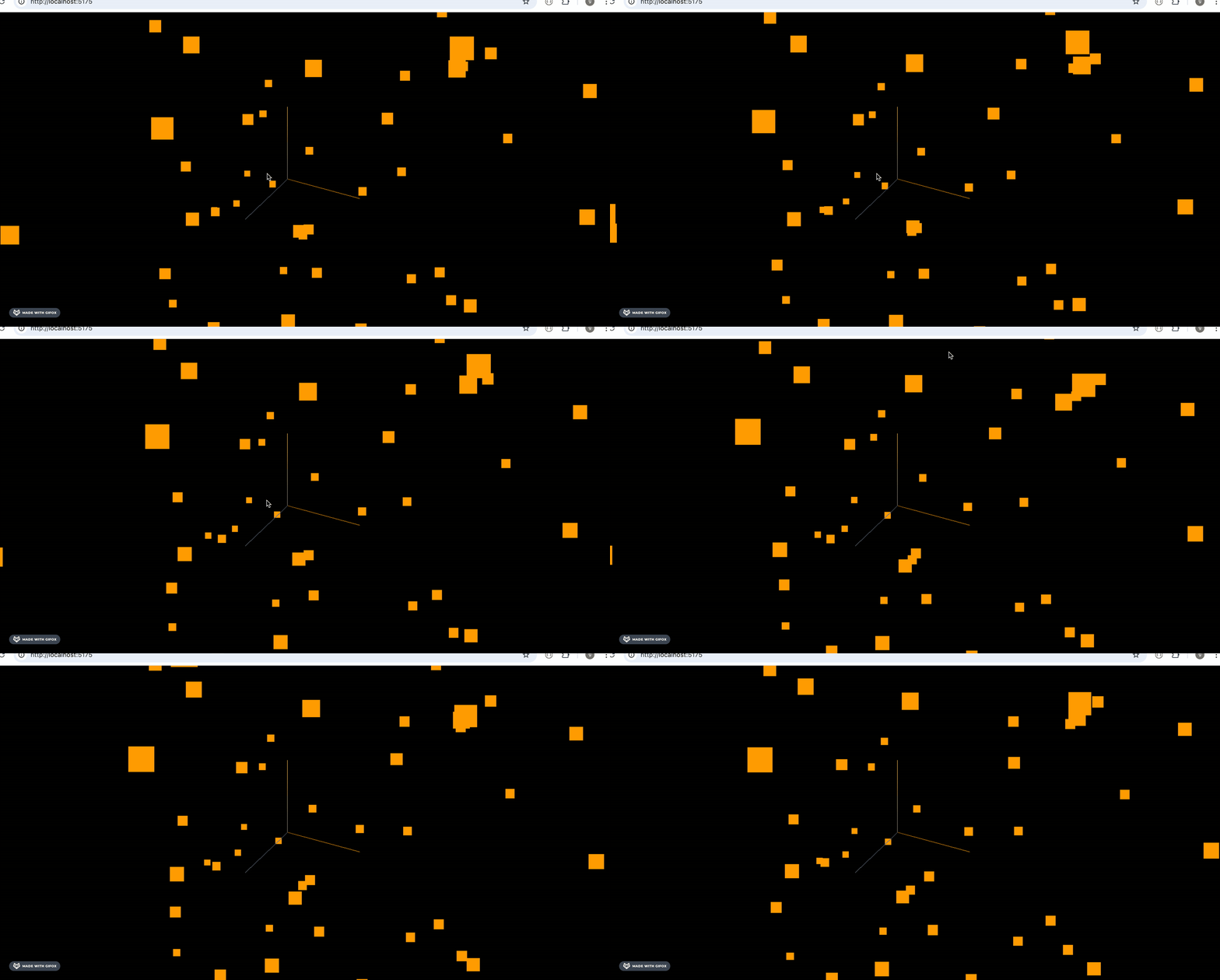
可以看到,方块在做随机的位置变化,但还是基于它原来的位置,有一定的连续性。
一段时间后,就会运动到新的随机位置,就像萤火虫的运动轨迹。
你也可以加上 tween.js 来做缓动动画:
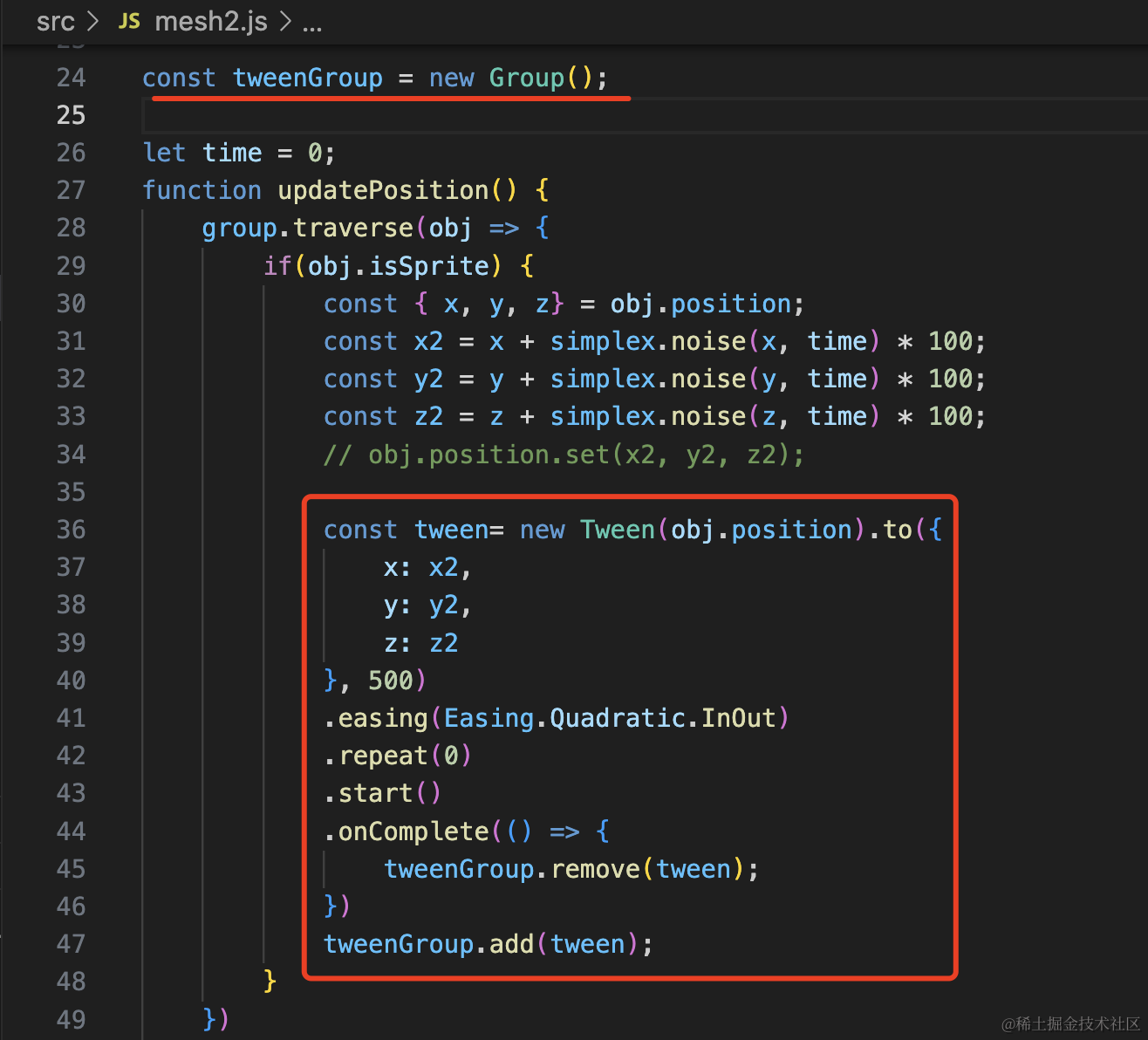
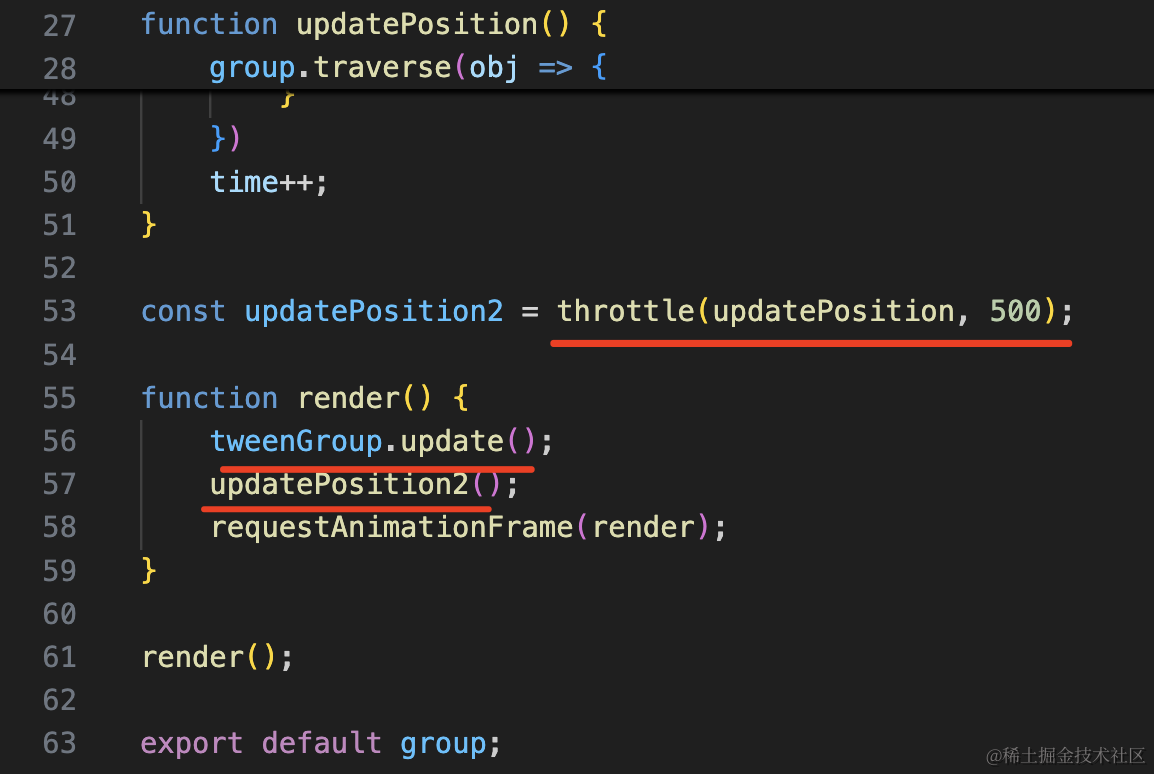
就是把之前直接改变 position 的方式改为用 tween.js 来做缓动动画。
每 500ms 运动一次。
这个 udpatePosition 的函数也需要 500ms 调一次,我们用 lodash 的 throttle 方法来节流。
安装下 lodash:
npm install --save lodash-esimport { Easing, Group, Tween } from 'three/examples/jsm/libs/tween.module.js';
import { throttle } from 'lodash-es';
const simplex = new SimplexNoise();

const tweenGroup = new Group();

let time = 0;
function updatePosition() {
    group.traverse(obj => {
        if(obj.isSprite) {
            const { x, y, z} = obj.position;
            const x2 = x + simplex.noise(x, time) * 100;
            const y2 = y + simplex.noise(y, time) * 100;
            const z2 = z + simplex.noise(z, time) * 100;
            // obj.position.set(x2, y2, z2);

            const tween= new Tween(obj.position).to({
                x: x2,
                y: y2,
                z: z2
            }, 500)
            .easing(Easing.Quadratic.InOut)
            .repeat(0)
            .start()
            .onComplete(() => {
                tweenGroup.remove(tween);
            })
            tweenGroup.add(tween);
        }
    })
    time++;
}

const updatePosition2 = throttle(updatePosition, 500);

function render() {
    tweenGroup.update();
    updatePosition2();
    requestAnimationFrame(render);
}

render();
跑下看看效果:
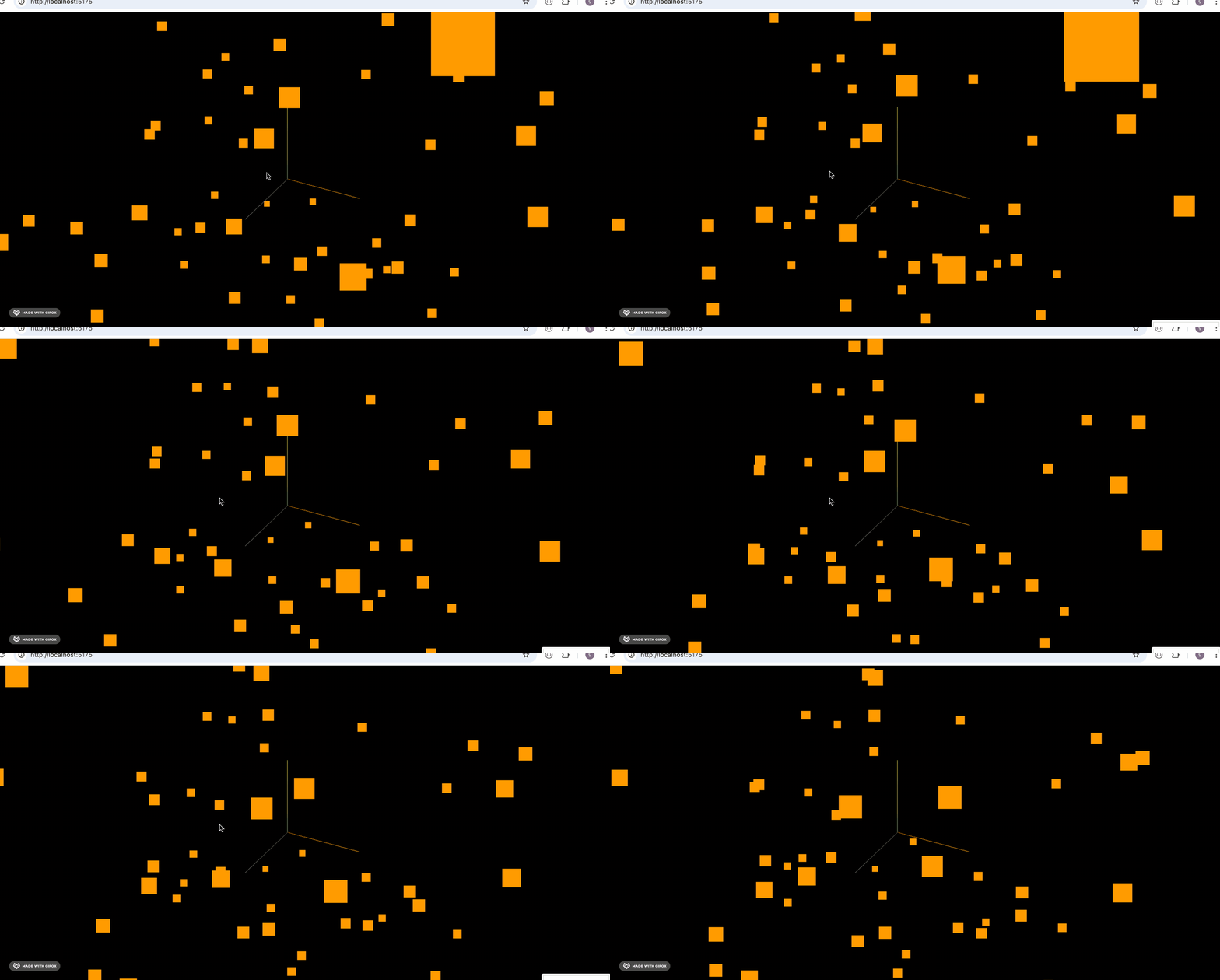
现在能明显看出来是一个随机但连续位置的运动。
案例代码上传了小册仓库。
总结
这节我们学了下噪声库 SimplexNoise 的更多用法。
可以用噪声生成山脉地形,但是一重噪声生成的不够崎岖,可以加更多重噪声来增加崎岖度。
可以用噪声生成随机的运动位置,比如萤火虫的运动,你还可以用 tween.js 加上缓动动画,但要做下节流处理。
当然,这俩是chang噪声库还有其他用法,后面用到我们再