前面我们用过立方体 BoxGeometry,其实 Three.js 还有很多别的几何体。
你在 Three.js 文档搜 Geometry 就可以看到:
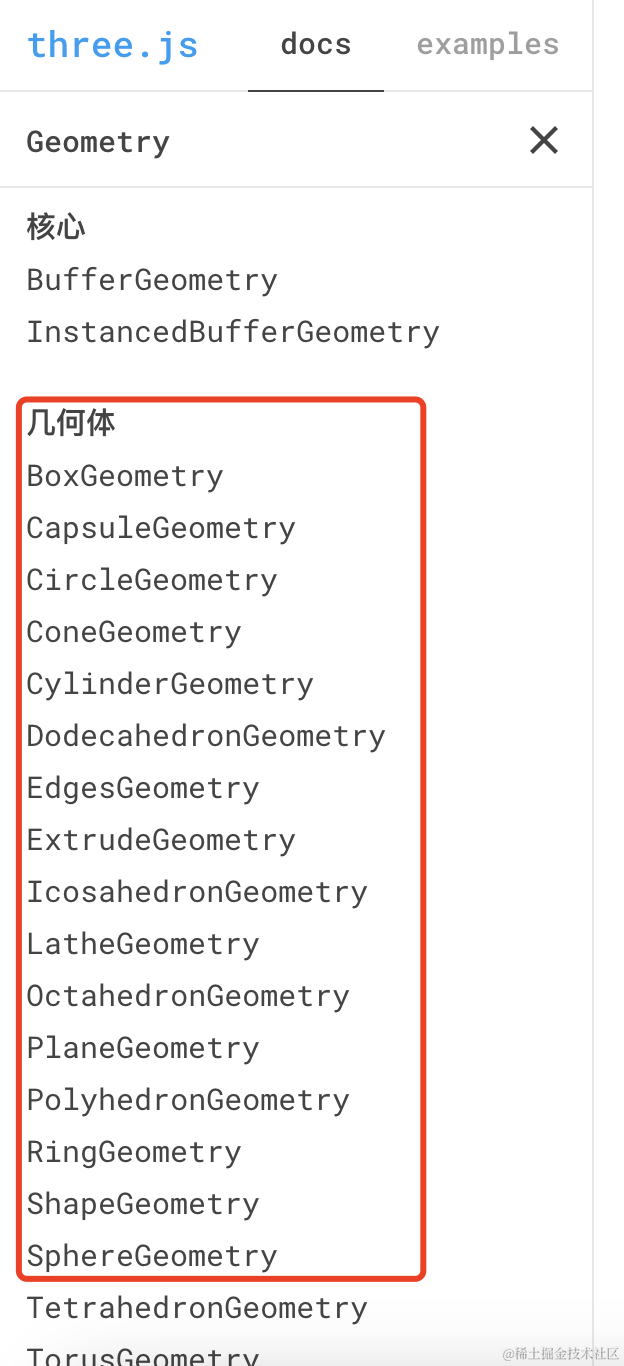
比如圆柱几何体 CylinderGeometry:
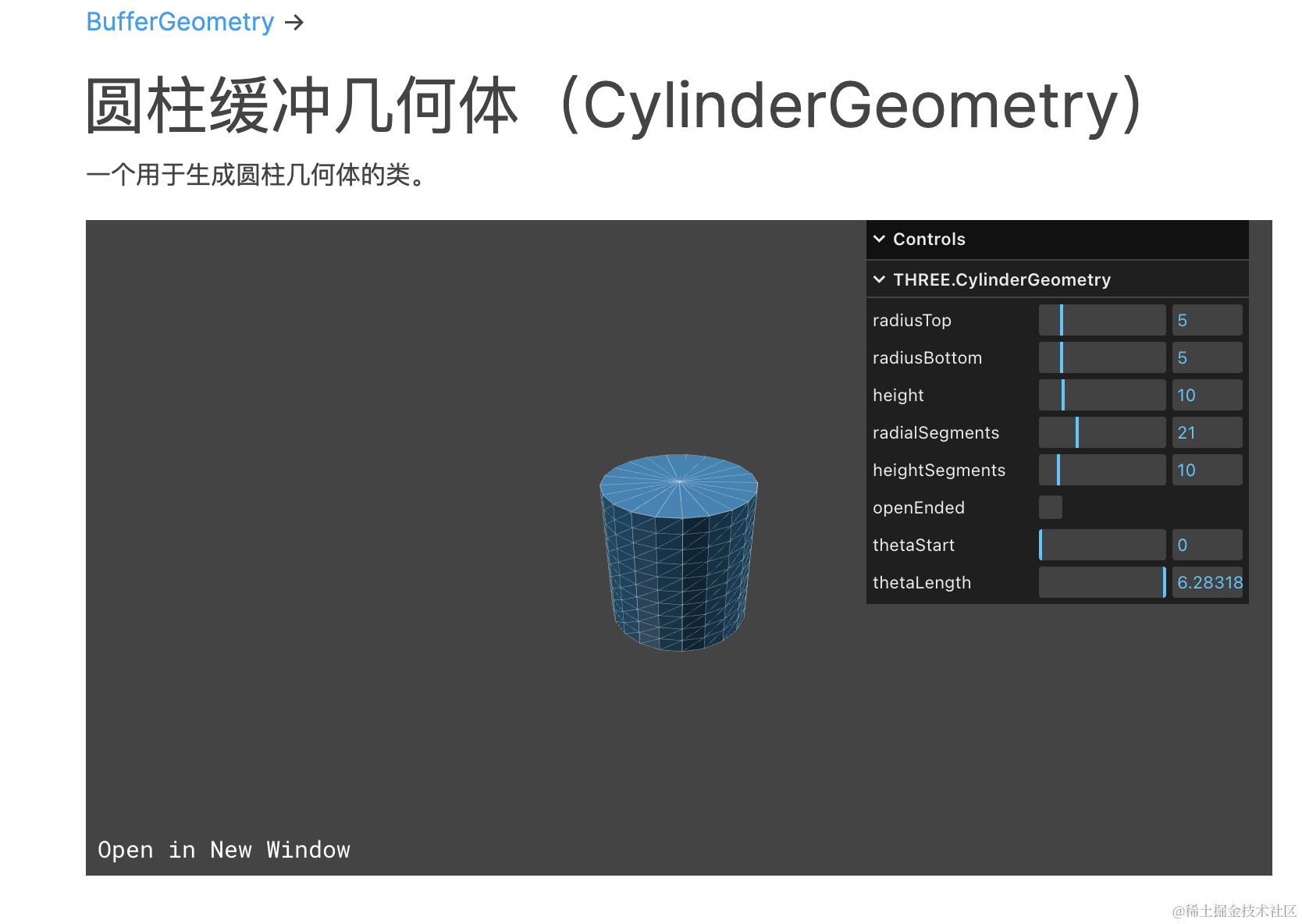
球几何体 SphereGeometry:
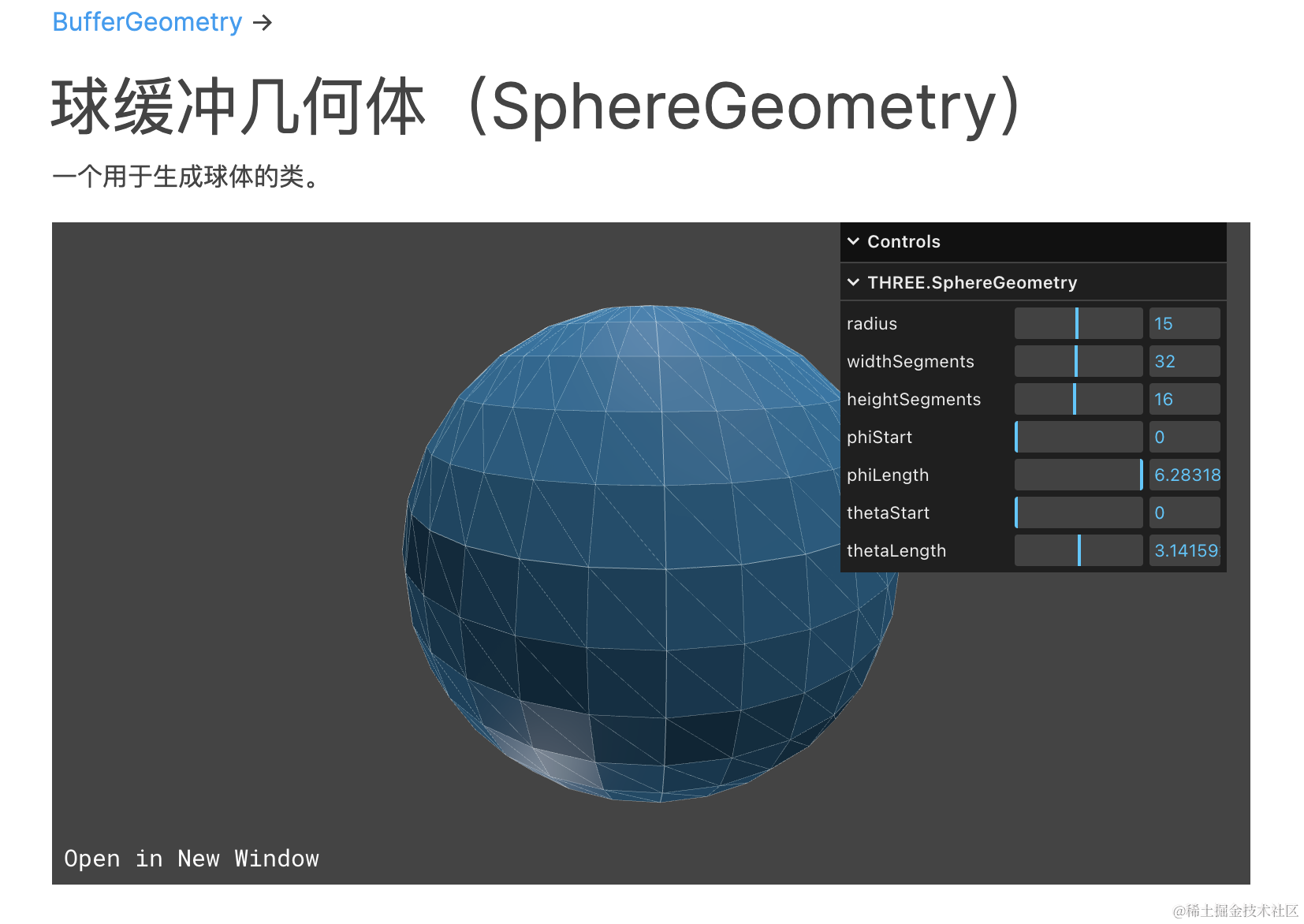
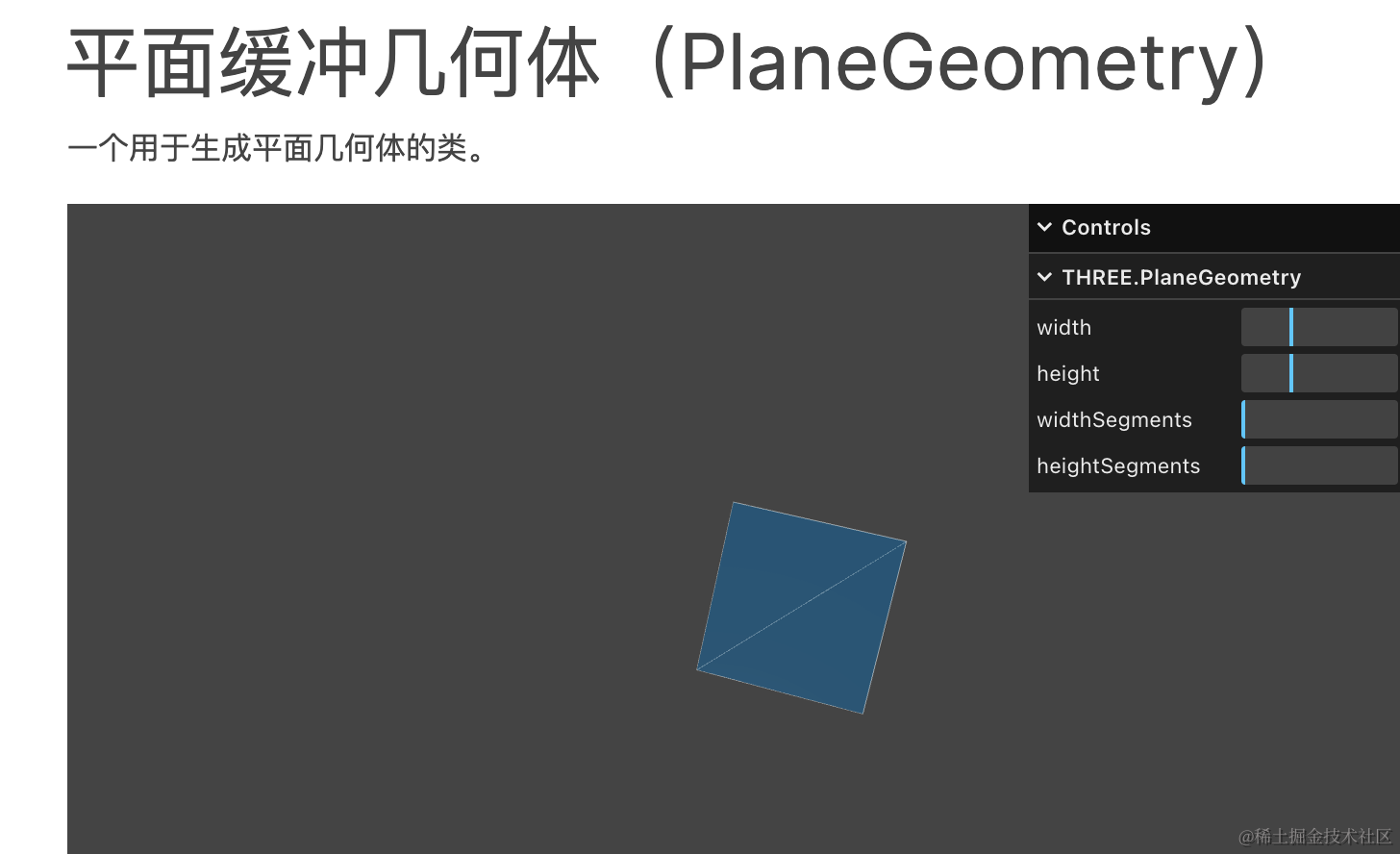
平面几何体 PlaneGeometry:
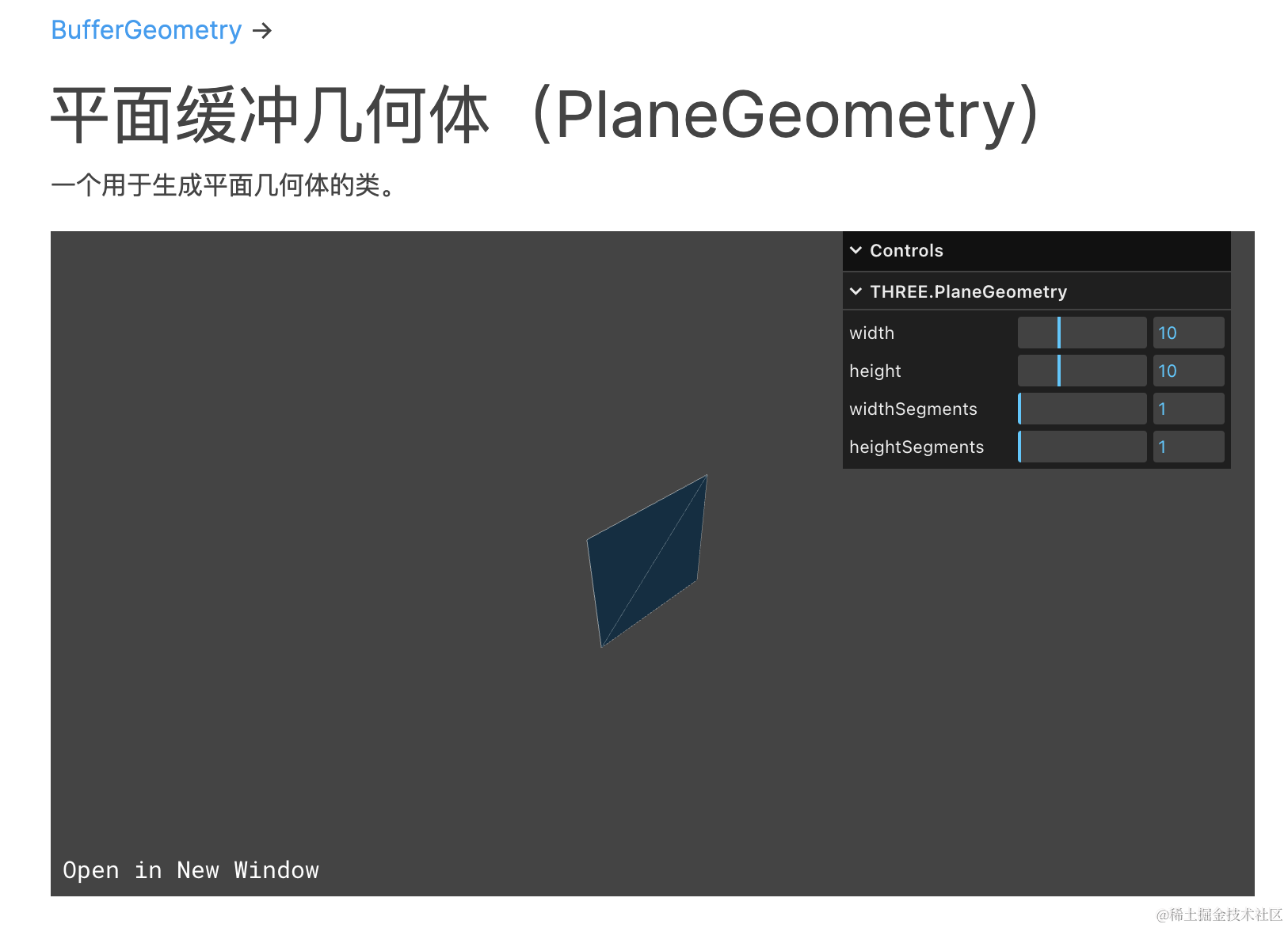
你在左上角都可以看到它们继承自 BufferGeometry:
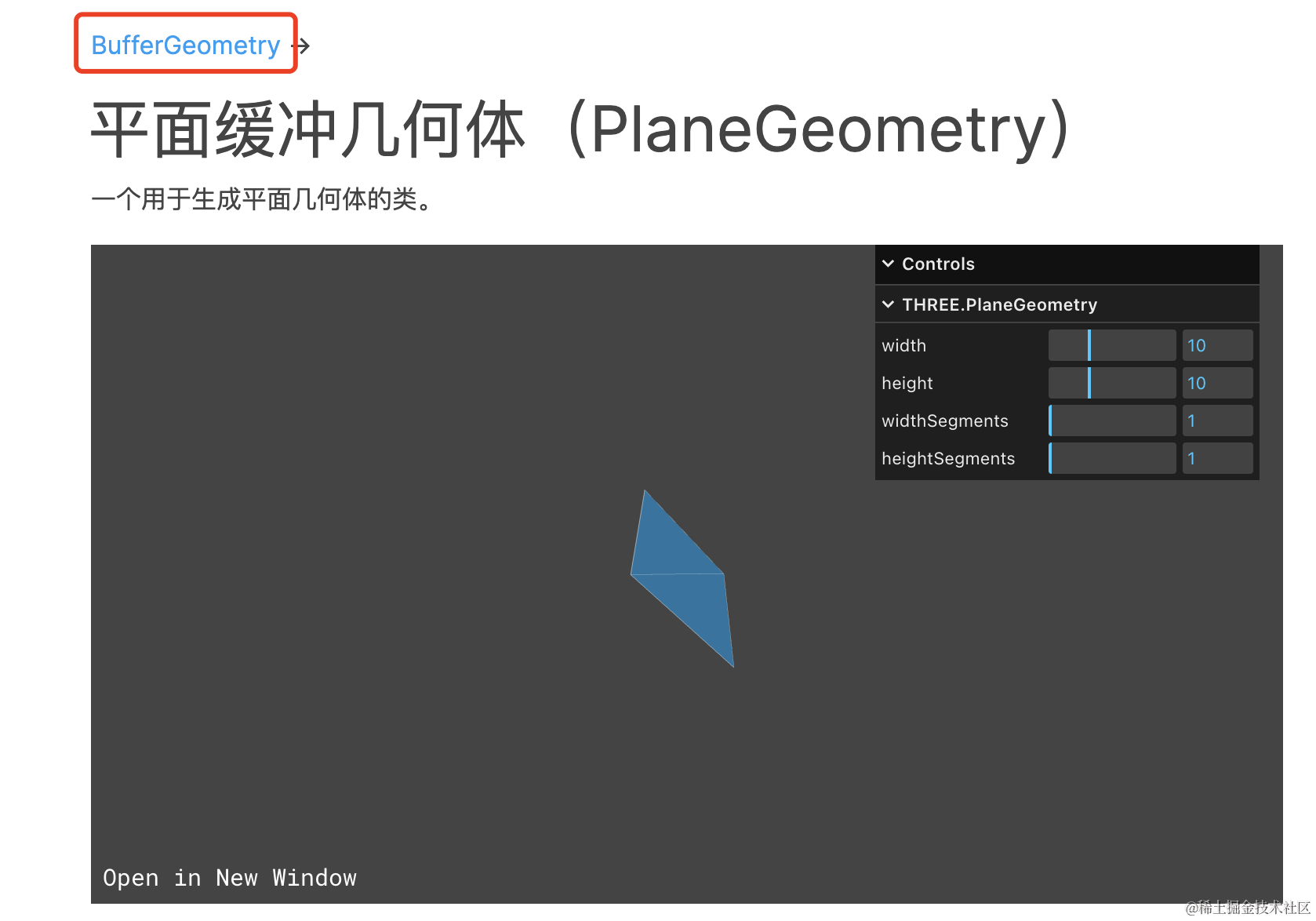
它是所有几何体的父类。
这节我们就来学下 BufferGeometry。
想一下,如果把所有的几何体抽象出来,那核心的是什么呢?
是顶点。
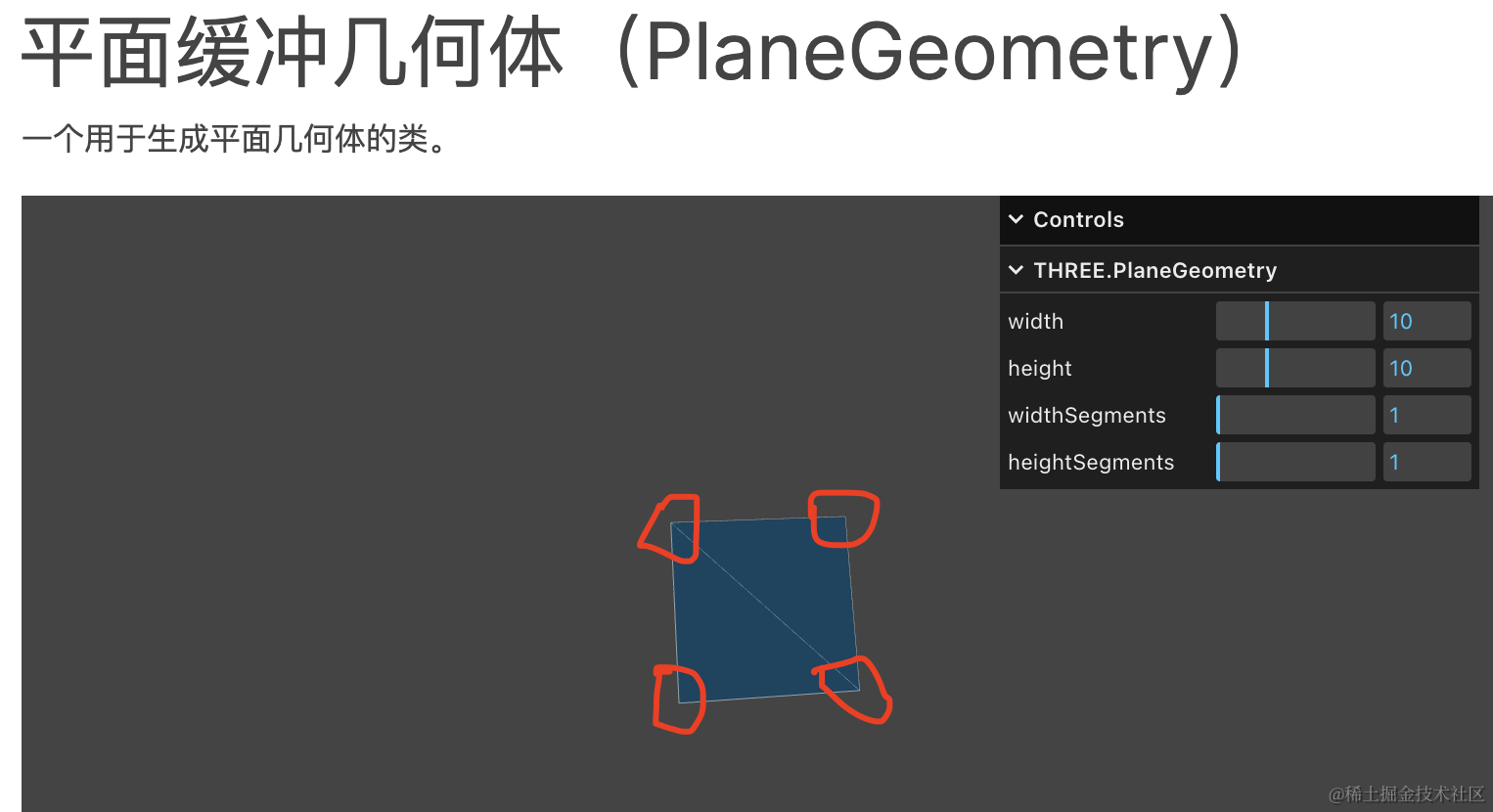
比如 PlaneGeometry 有 4 个顶点:
BoxGeometry 有 8 个顶点:
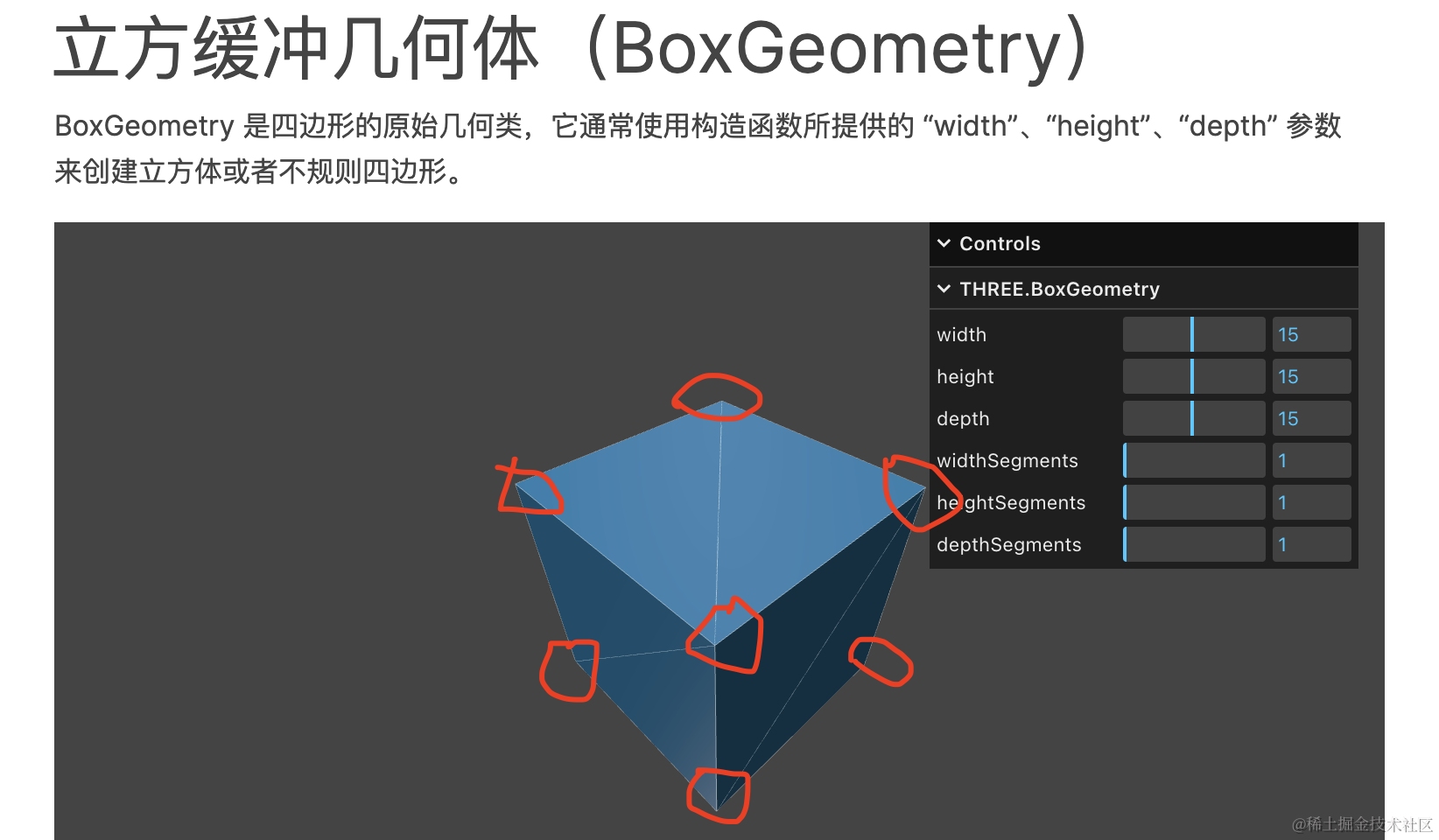
对,但不全对。
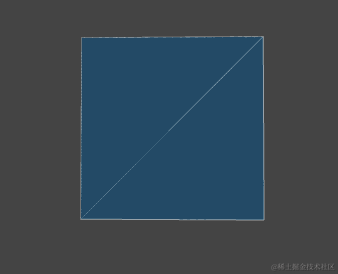
Mesh 是网格模型,网格是什么含义呢,就是三角形。
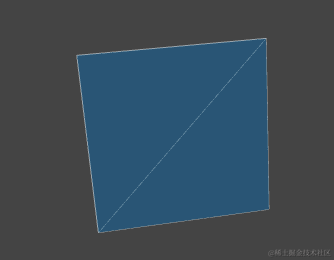
平面几何体有 2 个三角形,所以是 6 个顶点:
立方体有 6 个面,那就是 36 个顶点:
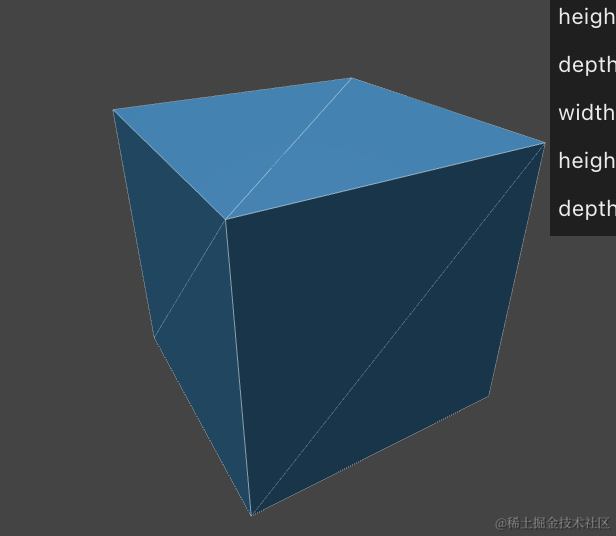
其实 3D 里所有的物体都是三角形组成的,也就是网格模型。
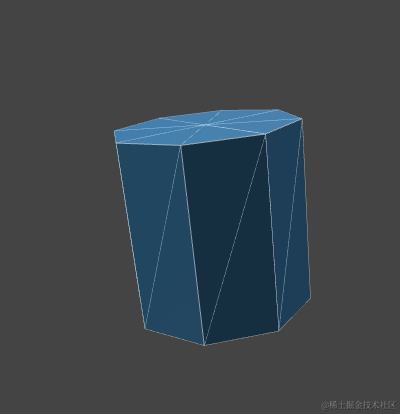
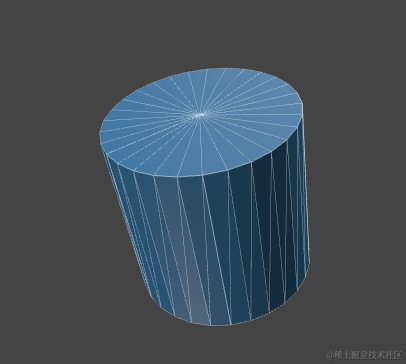
圆柱也是由多个三角形组成,当分段多了,看起来就比较圆了:
后面我们会导入外部模型:
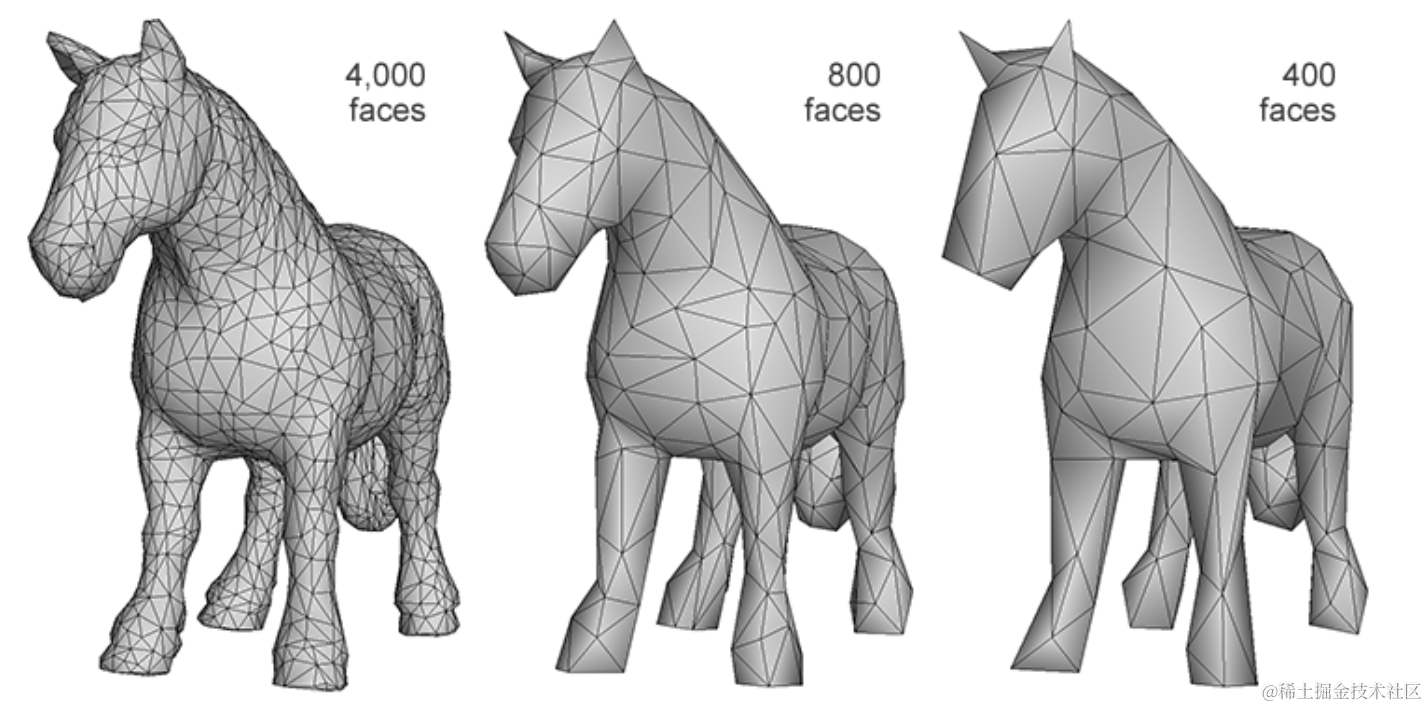
形状再复杂的网格模型也是由三角形构成。
也就是说:所有几何体都是一堆顶点数据,构成一堆三角形,三角形构成了任何几何体。
Three.js 内置的这些几何体都是顶点 ——> 三角形 ——> 几何体 这样构成的:
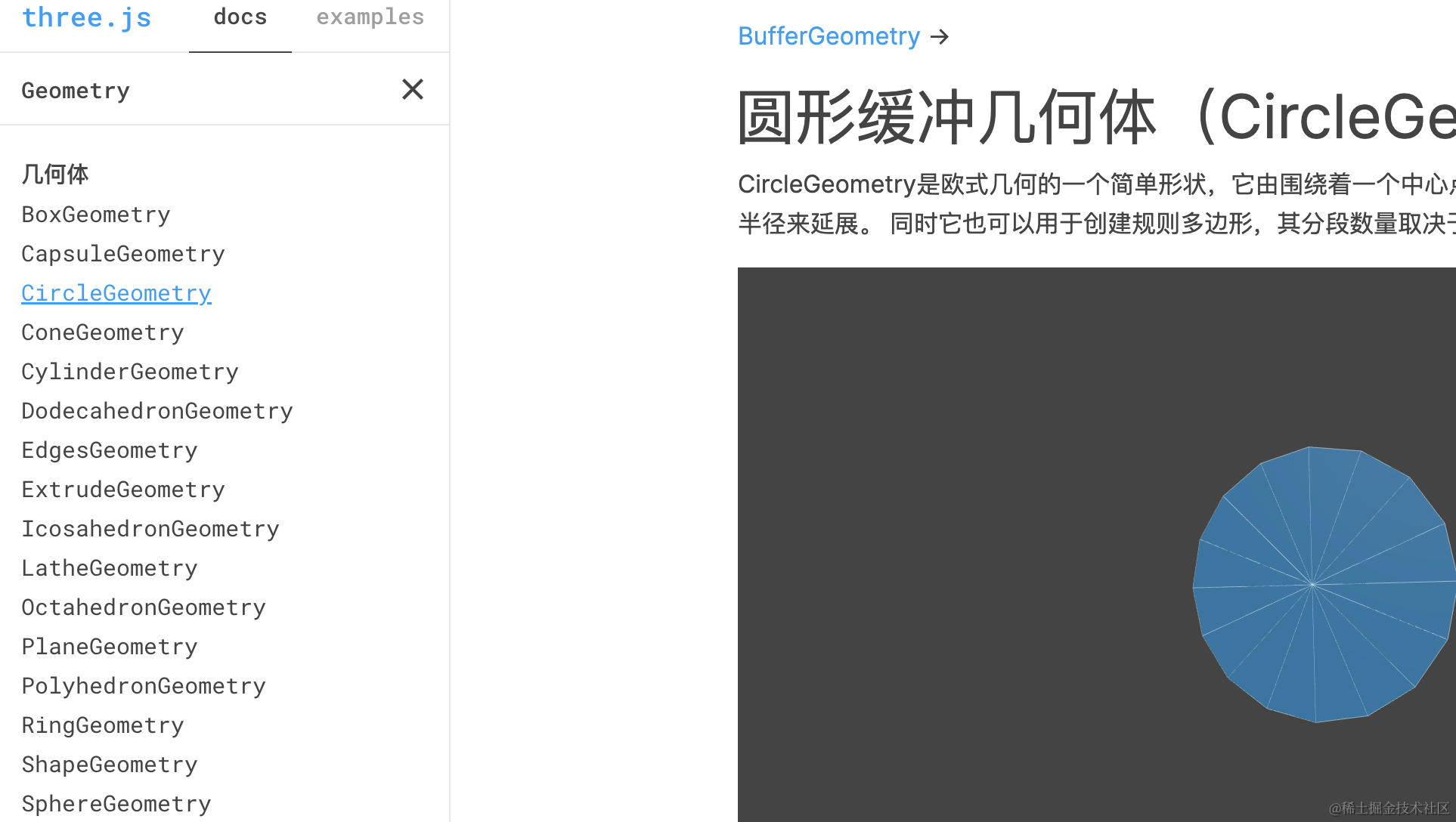
当你想自定义其他形状的几何体,就可以用 BufferGeometry 来自己通过顶点构造了。
我们来写一下:
mkdir buffer-geometry
cd buffer-geometry
npm init -y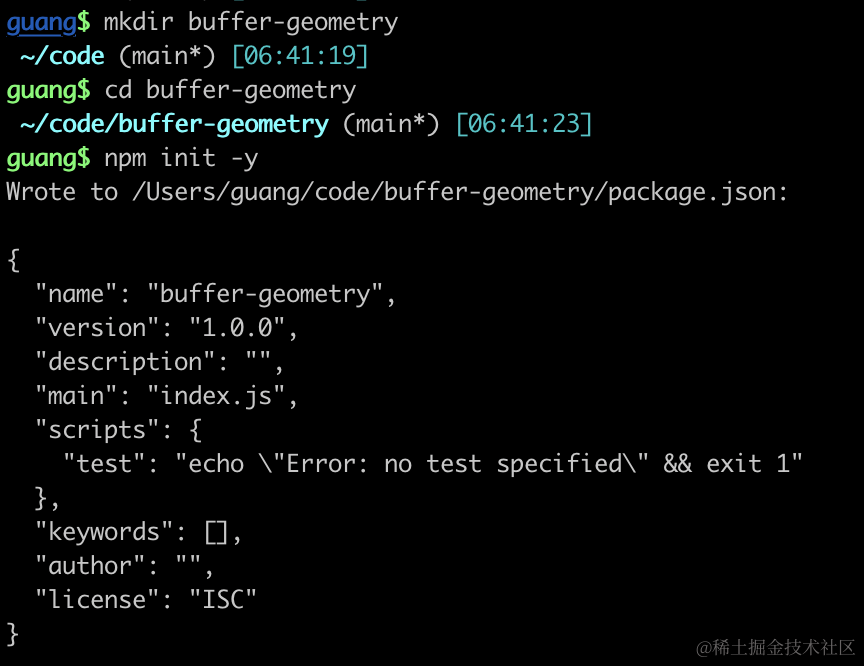
创建 index.html
<!DOCTYPE html>
<html lang="en">
<head>
    <meta charset="UTF-8">
    <meta name="viewport" content="width=device-width, initial-scale=1.0">
    <title>Document</title>
    <style>
        body {
            margin: 0;
        }
    </style>
</head>
<body>
    <script type="importmap">
    {
        "imports": {
            "three": "https://esm.sh/three@0.174.0/build/three.module.js",
            "three/addons/": "https://esm.sh/three@0.174.0/examples/jsm/"
        }
    }
    </script>
    <script type="module" src="./index.js"></script>
</body>
</html>
index.js
import * as THREE from 'three';
import {
    OrbitControls
} from 'three/addons/controls/OrbitControls.js';
import mesh from './mesh.js';

const scene = new THREE.Scene();

scene.add(mesh);

const pointLight = new THREE.PointLight(0xffffff, 10000);
pointLight.position.set(80, 80, 80);
scene.add(pointLight);

const axesHelper = new THREE.AxesHelper(200);
scene.add(axesHelper);

const width = window.innerWidth;
const height = window.innerHeight;

const camera = new THREE.PerspectiveCamera(60, width / height, 1, 1000);
camera.position.set(200, 200, 200);
camera.lookAt(0, 0, 0);

const renderer = new THREE.WebGLRenderer();
renderer.setSize(width, height)

function render() {
    renderer.render(scene, camera);
    requestAnimationFrame(render);
}

render();

document.body.append(renderer.domElement);

const controls = new OrbitControls(camera, renderer.domElement);
创建 Scene、Camera、Light、Renderer,添加 AxesHelper。
开启渲染循环,然后添加 OrbitControls 轨道控制器。
接下来我们创建 mesh.js,在里面实现自定义几何体:
mesh.js
import * as THREE from 'three';

const geometry = new THREE.BufferGeometry();

const vertices = new Float32Array([
    0, 0, 0,
    100, 0, 0,
    0, 100, 0,
    0, 0, 10,
    0, 0, 100,
    100, 0, 10
]);

const attribute = new THREE.BufferAttribute(vertices, 3);
geometry.attributes.position = attribute;

const material = new THREE.MeshBasicMaterial({
    color: new THREE.Color('orange')
});

const mesh = new THREE.Mesh(geometry, material);

export default mesh;
创建 BufferGeometry 几何体,gemotry.attributes.position 就是顶点数据。
创建 BufferAttribute 对象,参数是顶点数组,3 个元素为一组坐标。
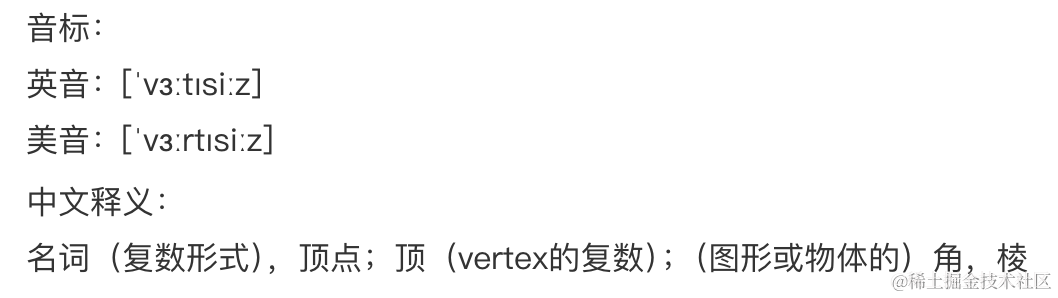
变量名 vertices 就是顶点的意思:
这里的 Float32Array 是 JS 提供的 TypedArray 相关 api 中的一个:
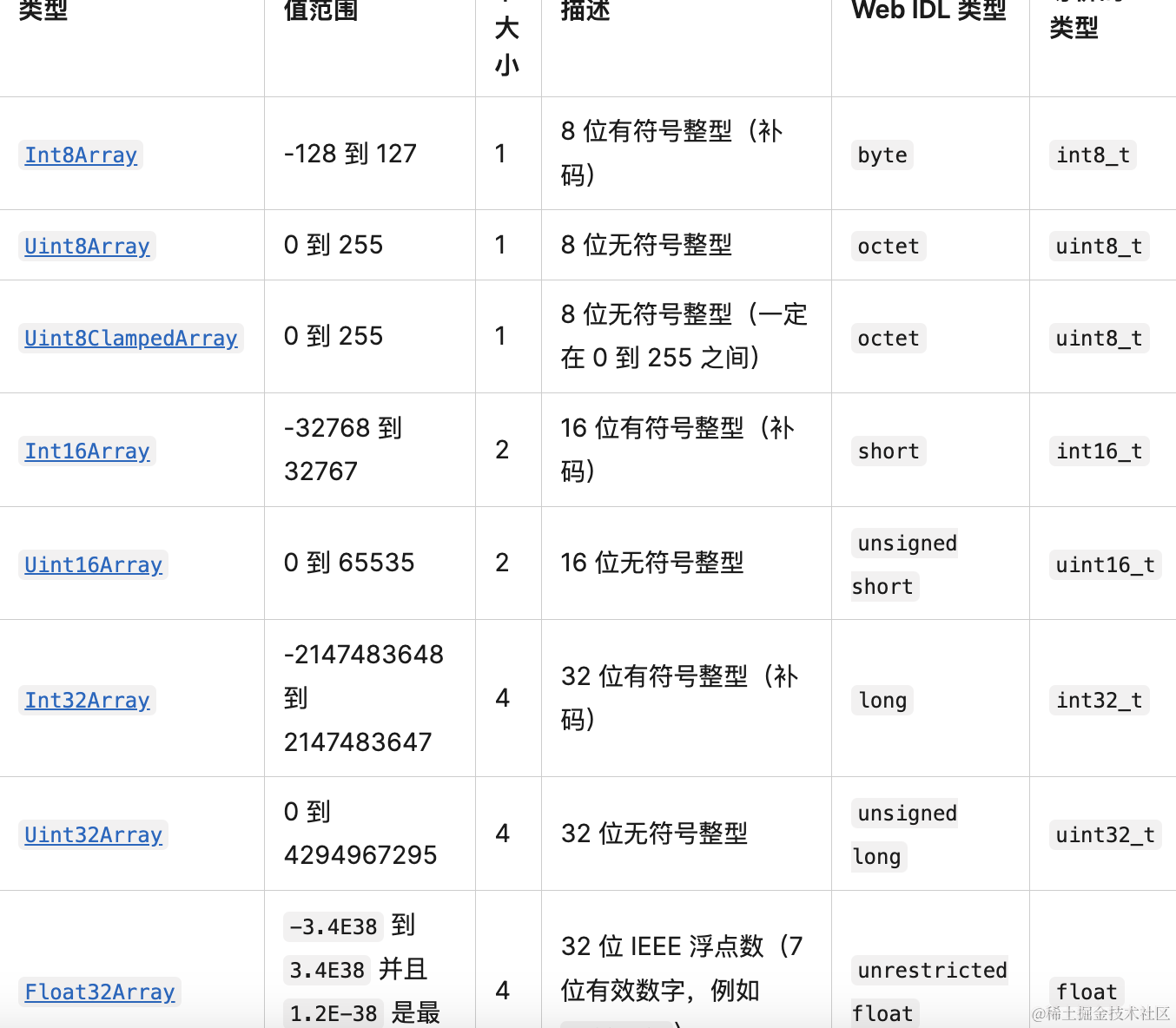
JS 提供了 ArrayBuffer 用来存储二进制数据,而 TypedArray 可以用不同的类型来读写这个 ArrayBuffer,比如 Uint8Arry 是无符号整数为单位读写。
而我们这里存储顶点数据,明显需要浮点数,所以用 Float32Array。
一共有 6 个顶点,也就是 2 个三角形。
材质是 MeshBasicMaterial,这个不受灯光影响,设置个颜色。
跑一下试试:
npx live-server
可以看到 6 个顶点构成了 2 个三角形。
Three.js 提供的各种 Geometry 就是设置不同的顶点数据来画出来的。
我们基于 BufferGeometry 也可以封装出各种几何体。
比如试试实现下平面几何体 PlaneGeometry:
平面几何体就是 2 个三角形,也就是 6 个顶点:
我们先画一个三角形:
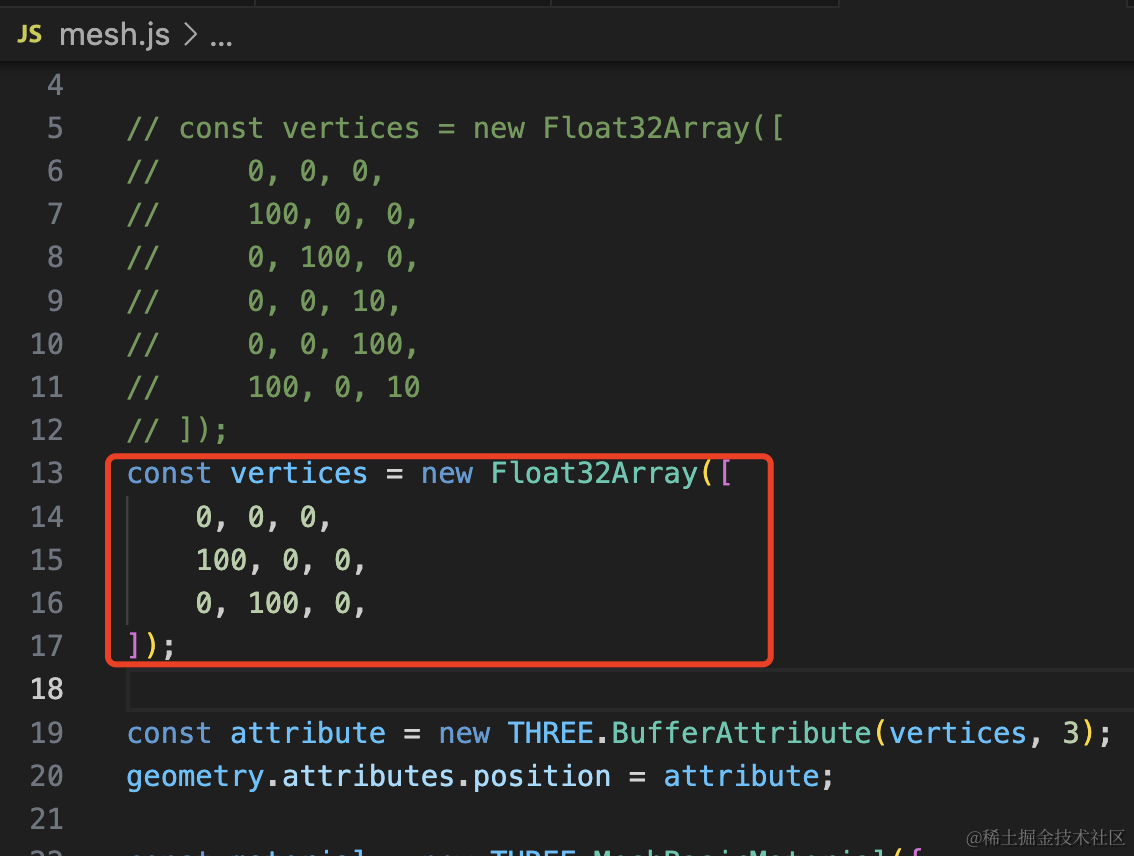
const vertices = new Float32Array([
    0, 0, 0,
    100, 0, 0,
    0, 100, 0,
]);
看下效果:

再来画一个三角形:
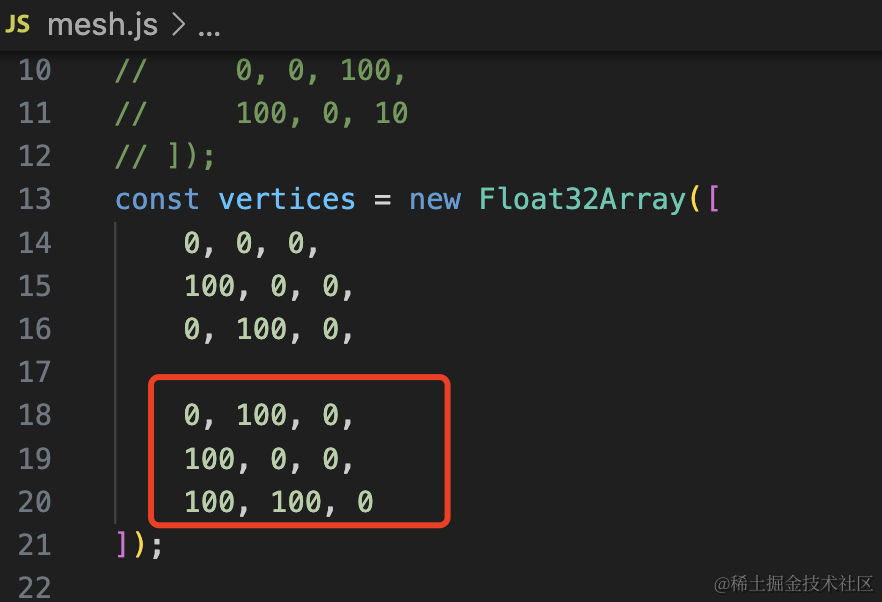
const vertices = new Float32Array([
    0, 0, 0,
    100, 0, 0,
    0, 100, 0,

    0, 100, 0,
    100, 0, 0,
    100, 100, 0
]);
看下效果:
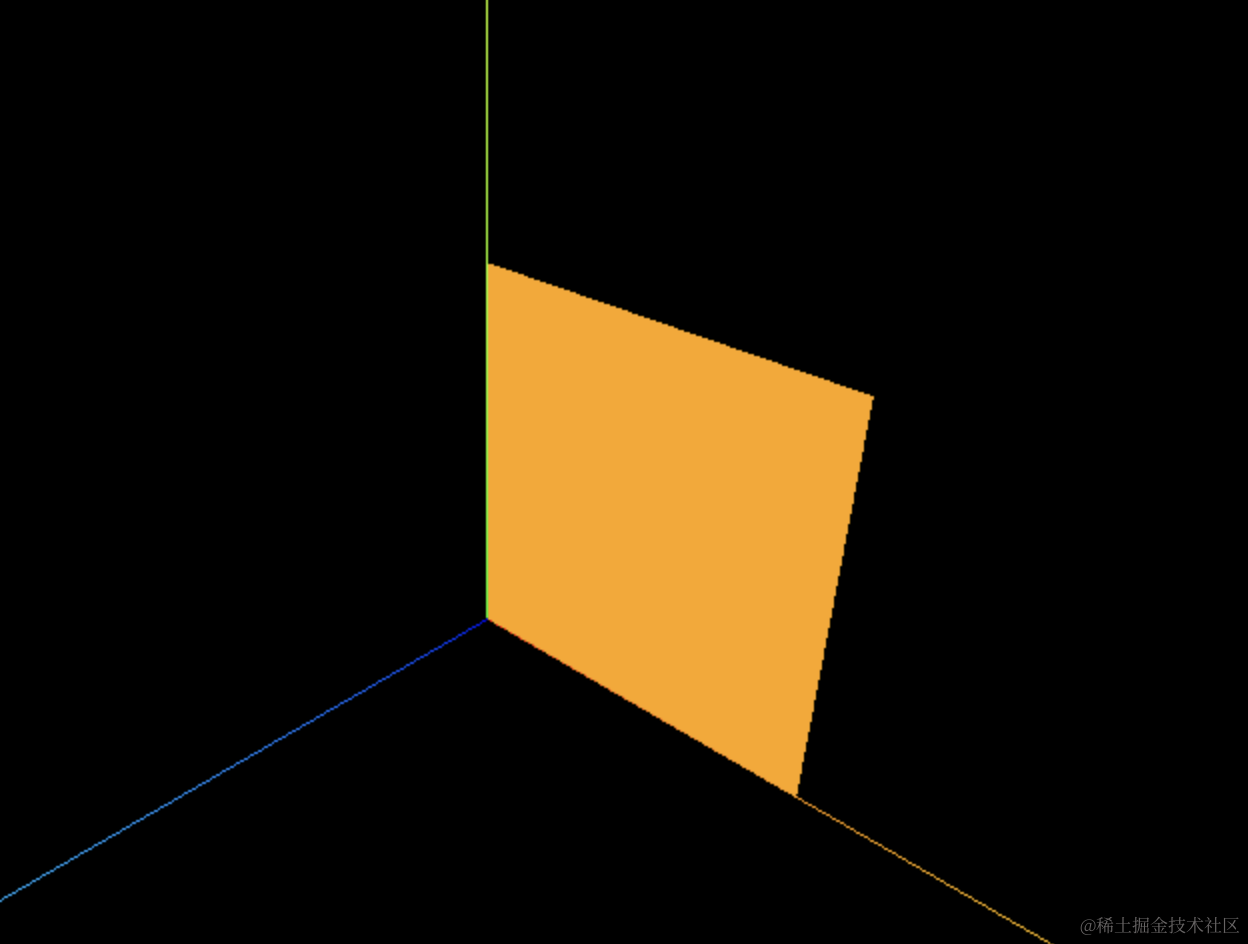
这样 PlaneGeometry 就实现了。
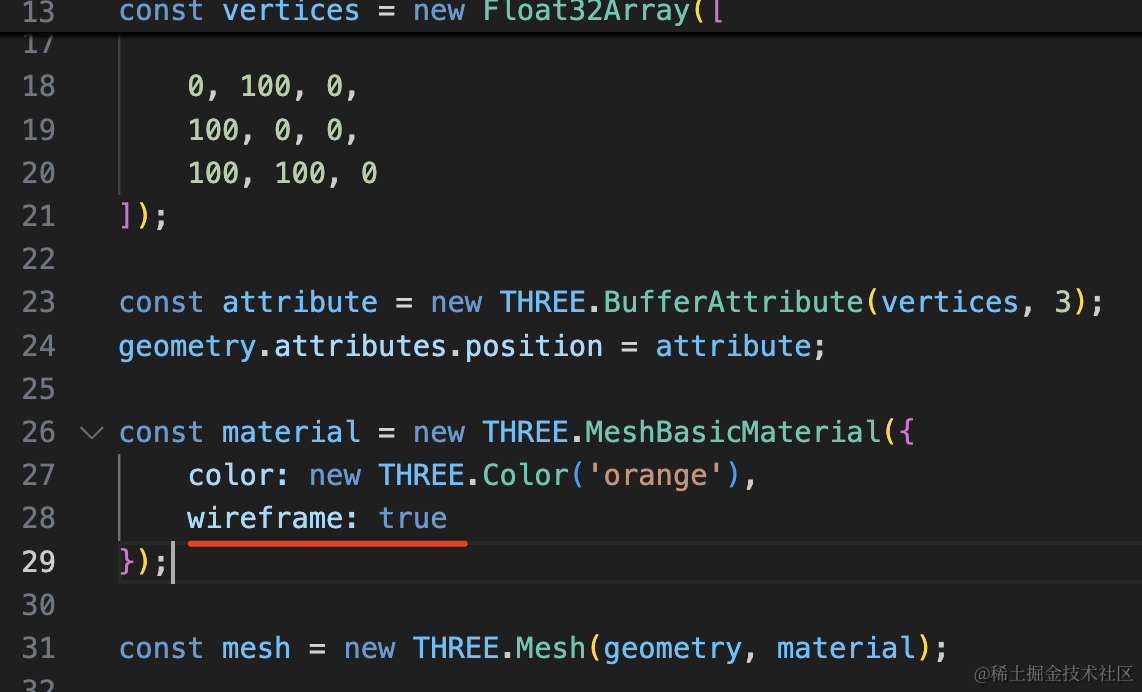
可以在材质里开启 wireframe,展示线框:
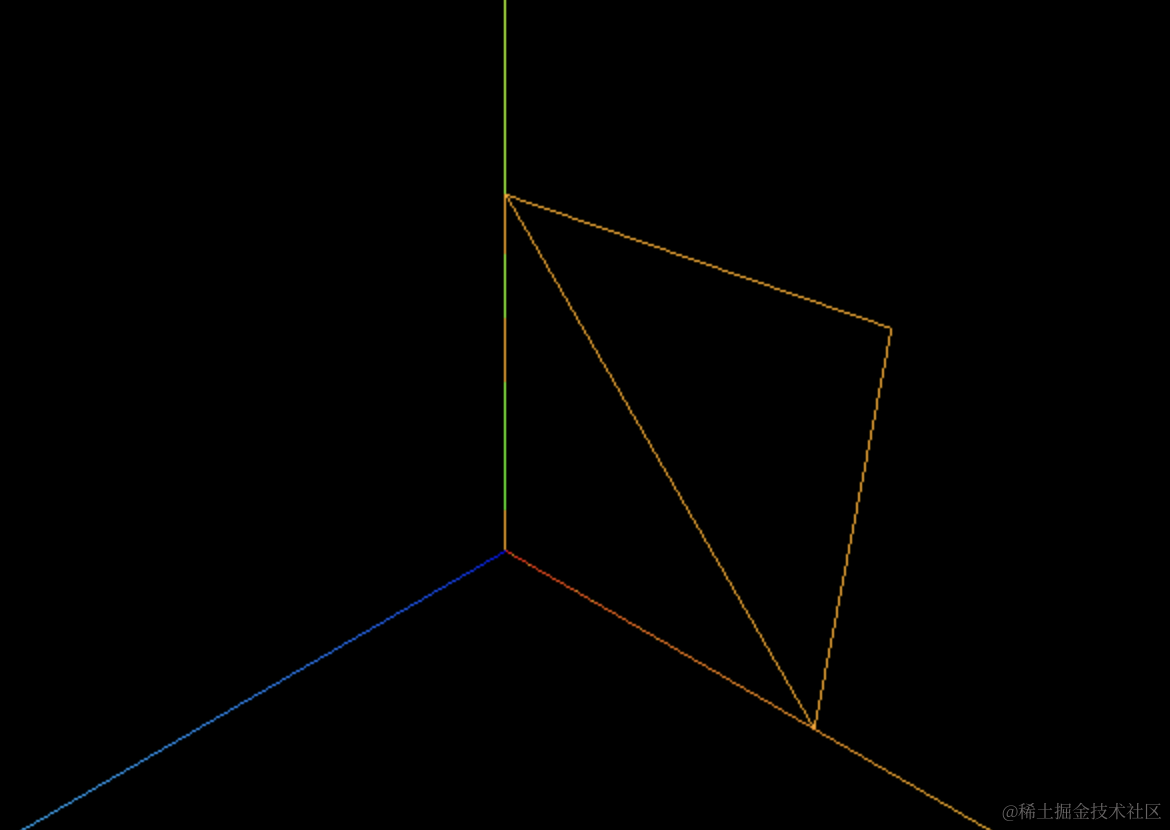
可以看到,确实是两个三角形构成的。
这两个三角形的 6 个顶点,有两个是重合的:
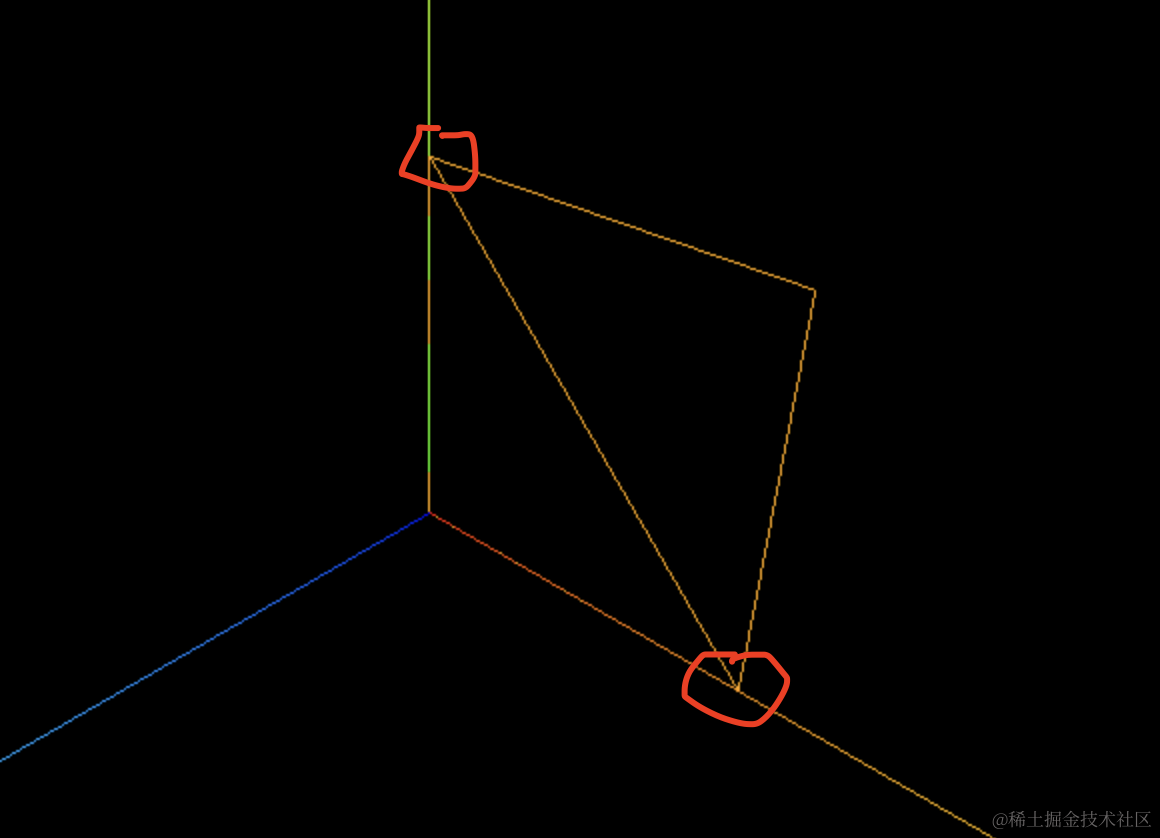
数据里也重复了两份:
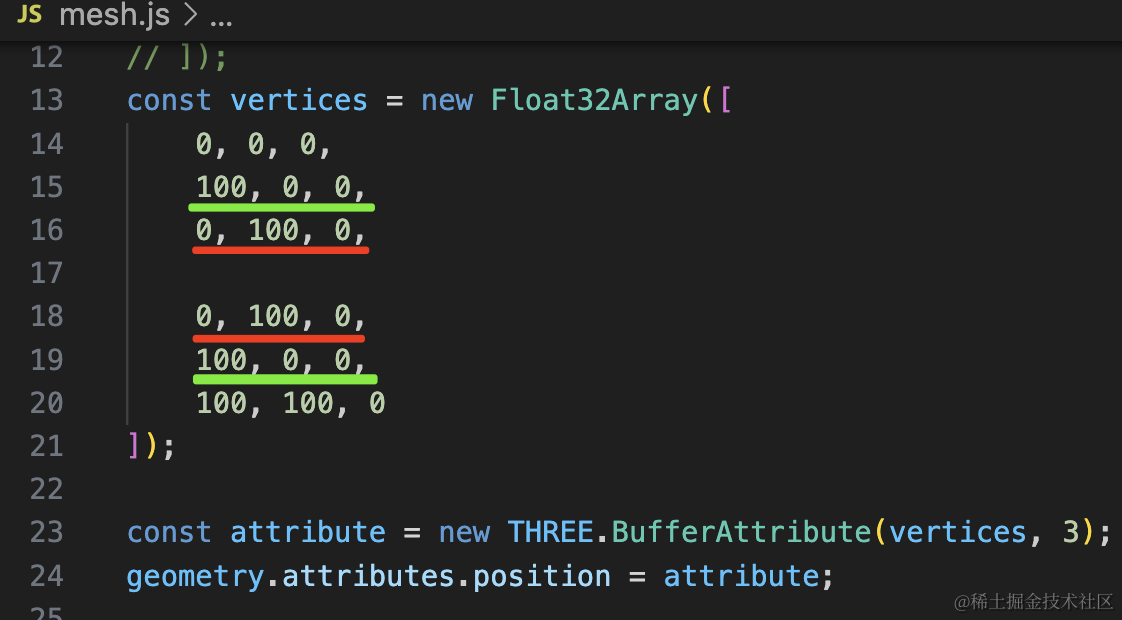
这样存的话,如果是一个很大的几何体,那是不是就重复存储了很多数据?
所以,Three.js 提供了一种优化顶点存储的方案:
存储一份不重复的顶点数据,然后存储一份顶点索引的顺序就可以了。
比如上面一共 4 个顶点,然后存一份顶点索引:0、1、2、2、1、3 就可以了
这样写:
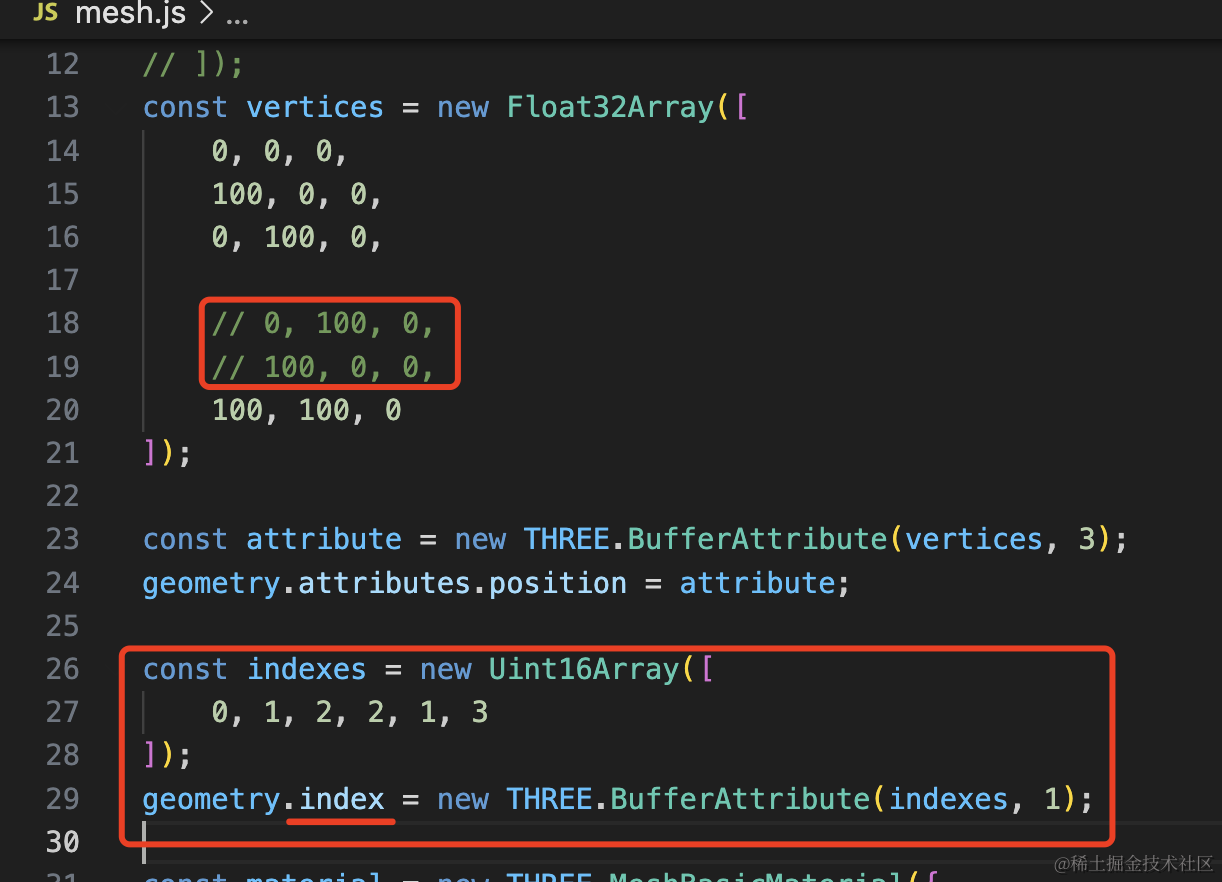
把 geometry.attributes.position 里重复的两个顶点删掉,然后加一份索引数据,设置到 geometry.index
这个 Uint16Array 也是 TypedArray,可以存无符号 16 位整数。
这个属性同样用 BufferArrtribute 封装,第二个参数是 1 ,也就是 1 个为一组。
const vertices = new Float32Array([
    0, 0, 0,
    100, 0, 0,
    0, 100, 0,

    // 0, 100, 0,
    // 100, 0, 0,
    100, 100, 0
]);

const attribute = new THREE.BufferAttribute(vertices, 3);
geometry.attributes.position = attribute;

const indexes = new Uint16Array([
    0, 1, 2, 2, 1, 3
]);
geometry.index = new THREE.BufferAttribute(indexes, 1);
看下效果:
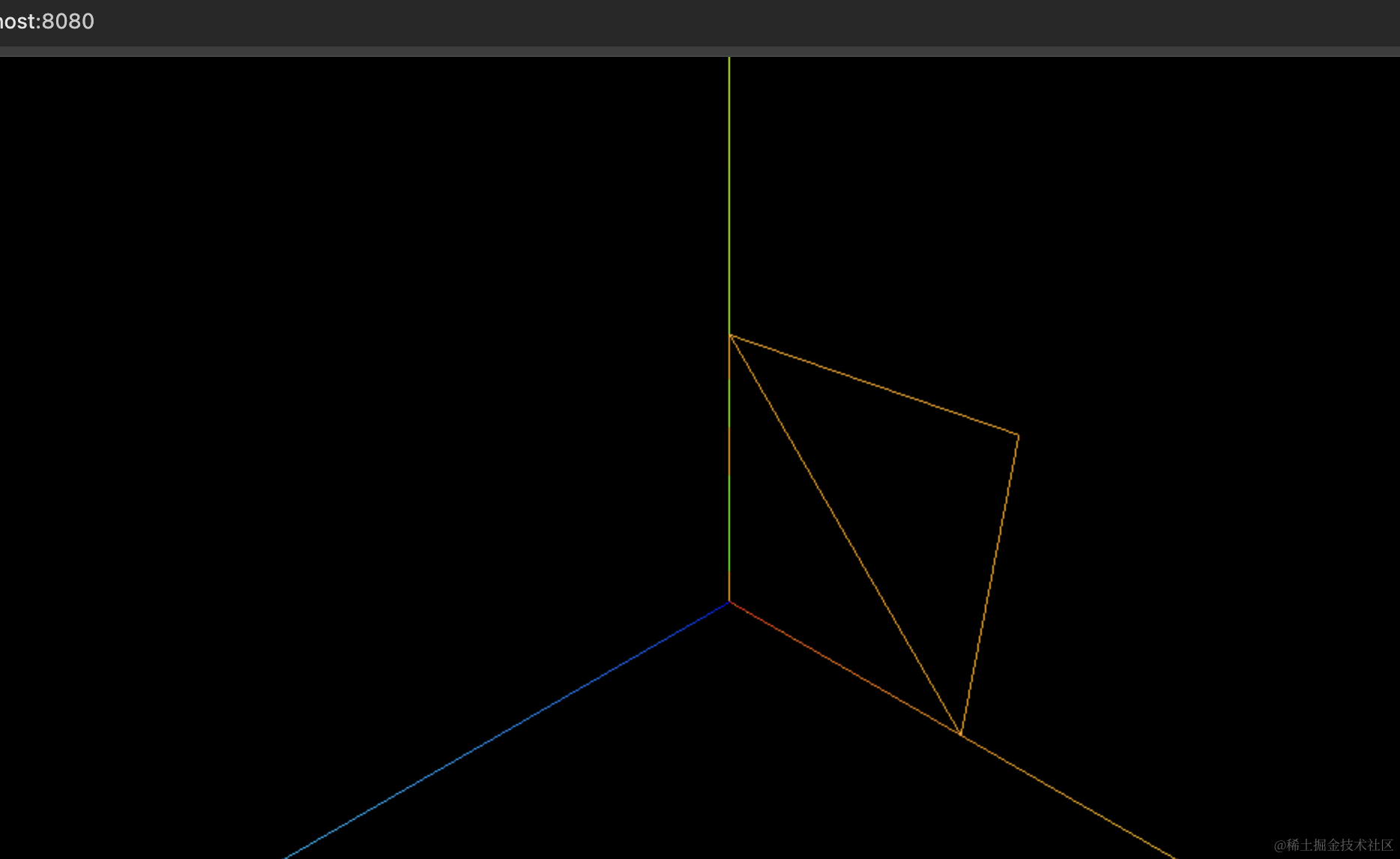
可以看到,渲染是对的。
其实所有几何体都是这样存储顶点数据的。
我们试一下:
创建 mesh2.js
import * as THREE from 'three';

const geometry = new THREE.PlaneGeometry(100, 100);
const material = new THREE.MeshBasicMaterial(({
    color: new THREE.Color('orange')
}));
const mesh = new THREE.Mesh(geometry, material);

console.log(mesh);

export default mesh;
画一个 PlaneGeometry,打印下这个网格模型。
在 index.js 里引入:
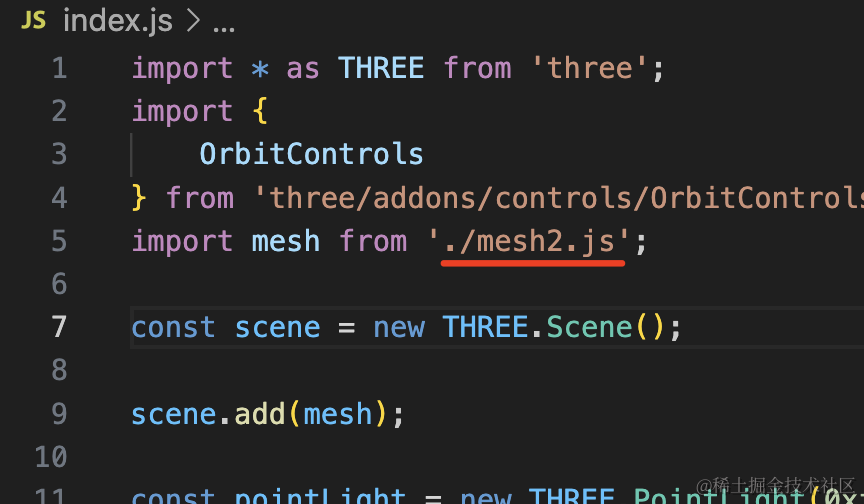
页面打开 devtools 看下:
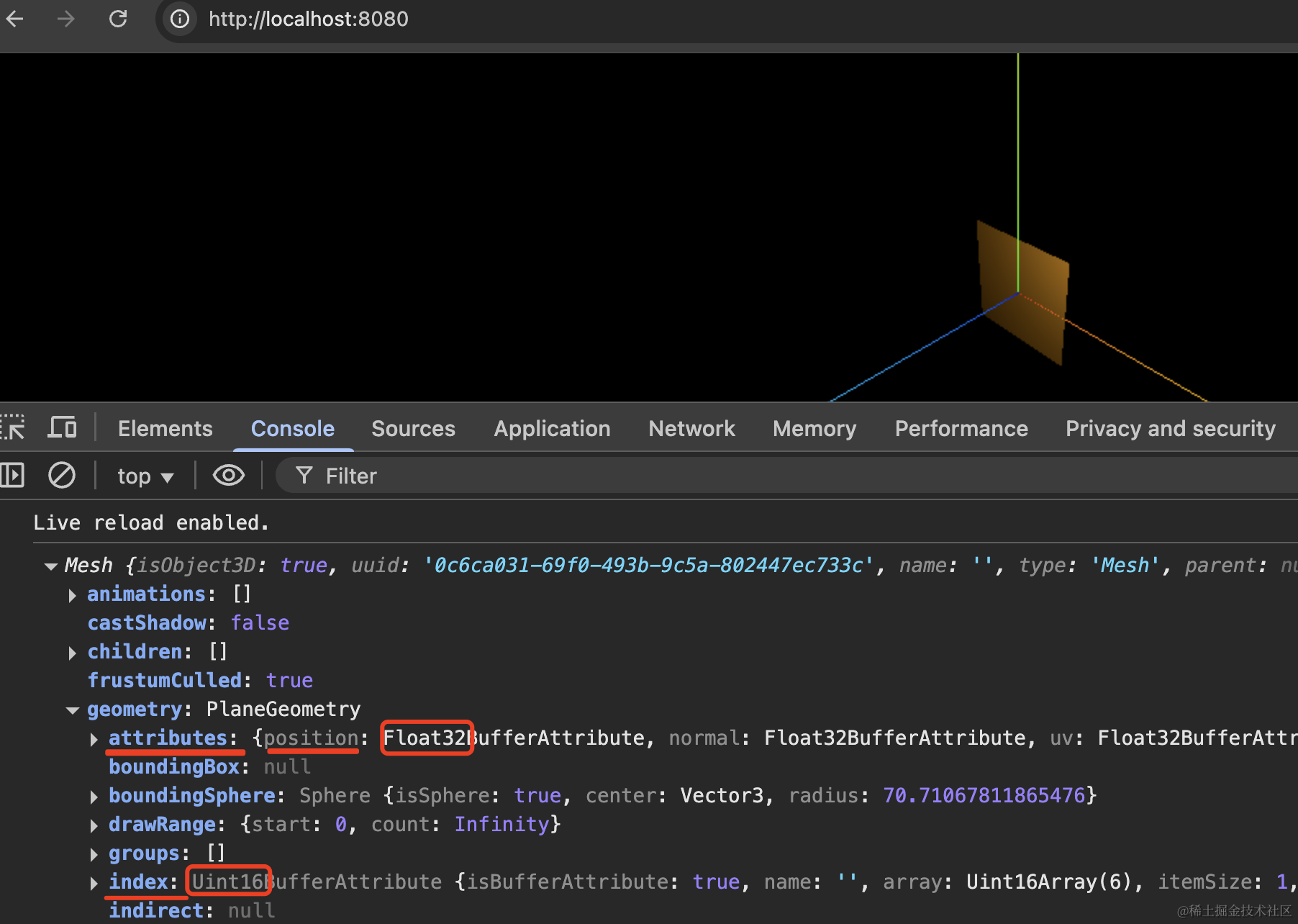
可以看到,网格模型的 geometry.attributes.position 存了顶点数据,geometry.index 存了顶点索引数据。
分别用的 Float32Array、Uint16Array,和我们刚才的一样。
然后展开看下:
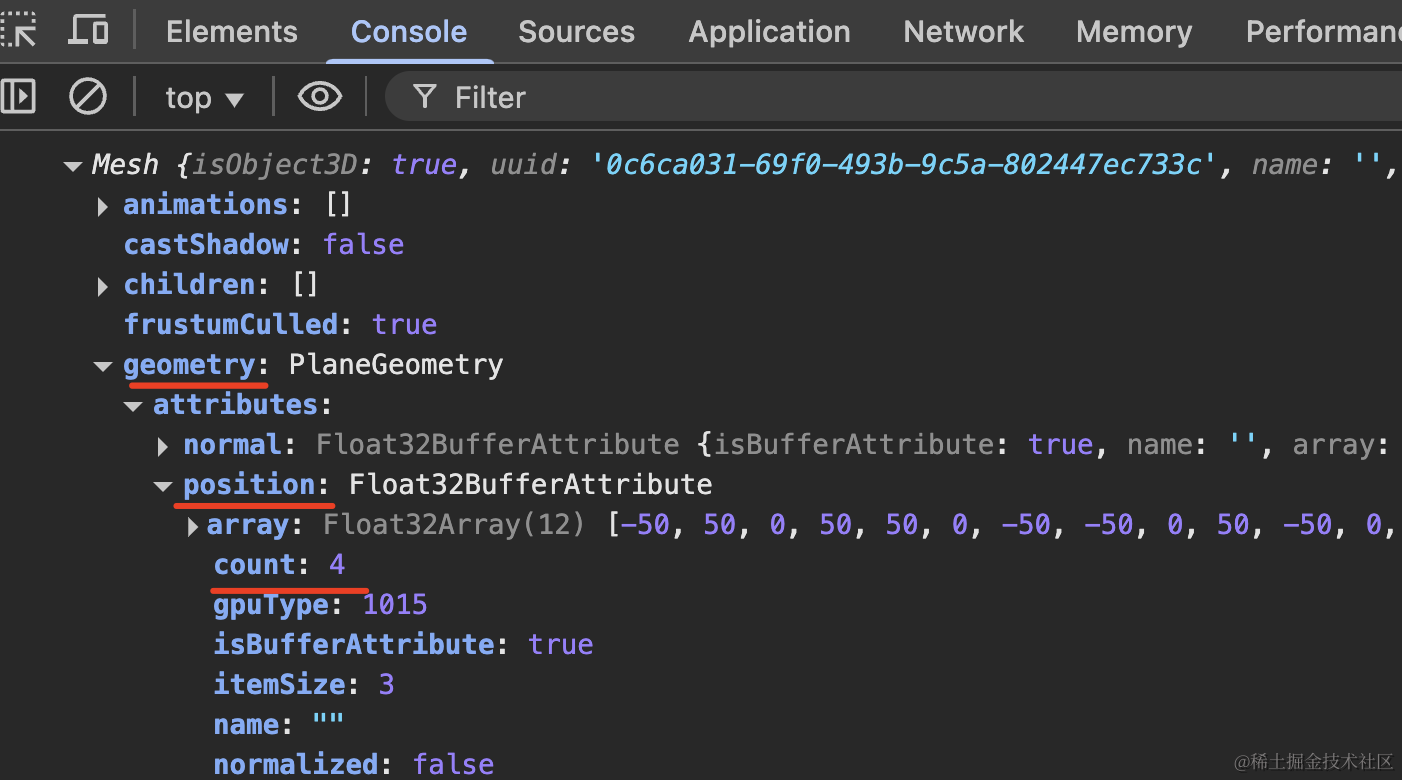
可以看到,geometry.attributes.position 存了 4 个顶点数据。
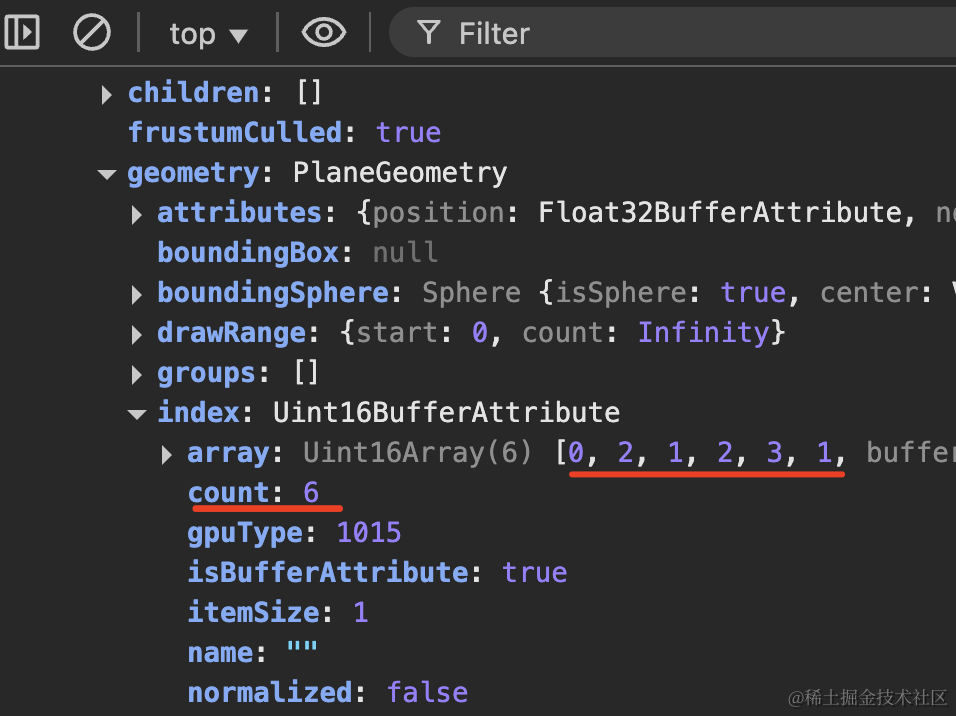
geometry.index 存了 6 个顶点索引,刚好构成 2 个三角形。
和我们自己实现的 PlaneGeometry 一模一样。
再来看下 BoxGeometry,大家觉得它有几个顶点?
盲猜下是 6 * 6 = 36 个顶点,6 个面嘛
试一下:
创建 mesh3.js
import * as THREE from 'three';

const geometry = new THREE.BoxGeometry(100, 100, 100);
const material = new THREE.MeshLambertMaterial(({
    color: new THREE.Color('orange')
}));
const mesh = new THREE.Mesh(geometry, material);

console.log(mesh);

export default mesh;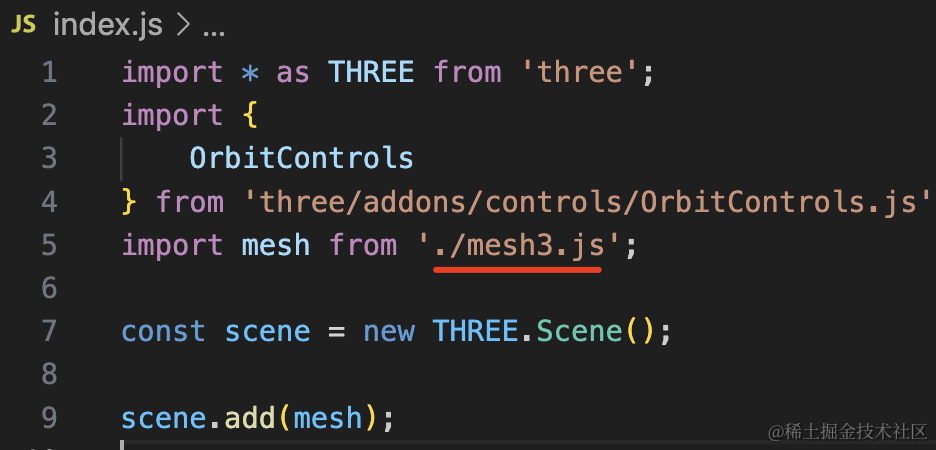
打开 devtools 看下:
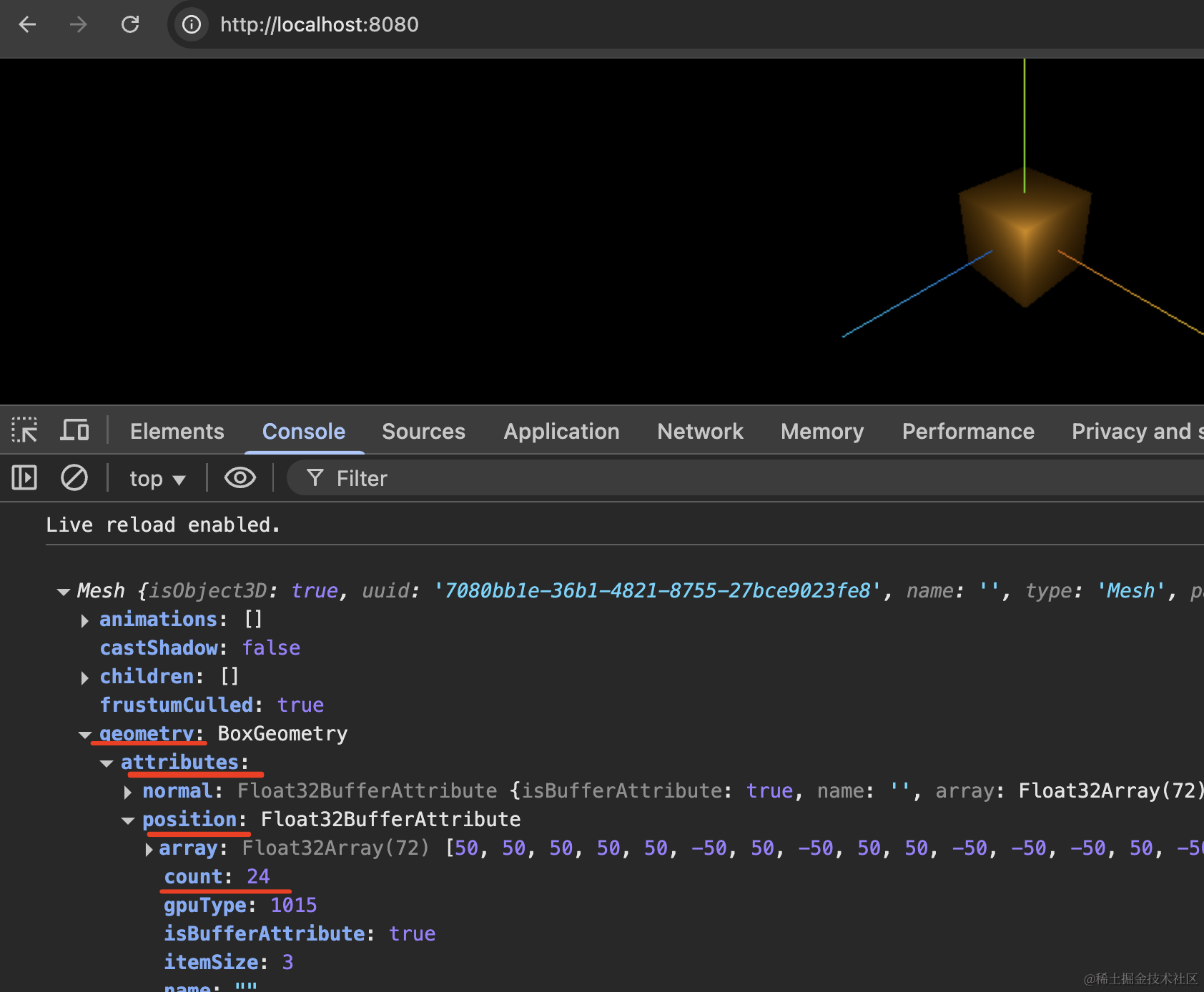
首先 geometry.attributes.position 存了 24 个顶点,因为一个面 4 个。
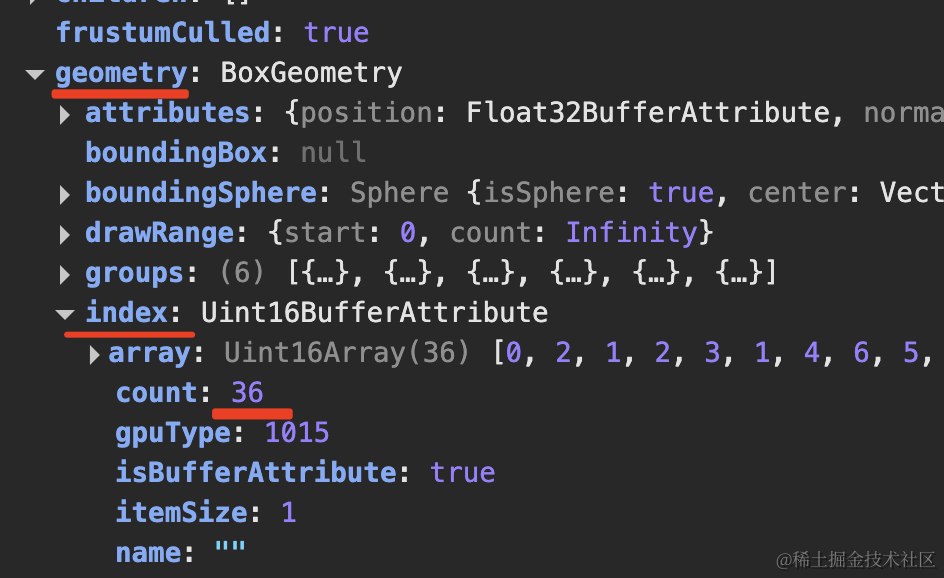
然后 geometry.index 存了 36 个顶点索引,刚好构成 12 个三角形,每个面 2 个三角形构成。
把材质改为不受光照影响的 MeshBasicMaterial,然后显示线框:
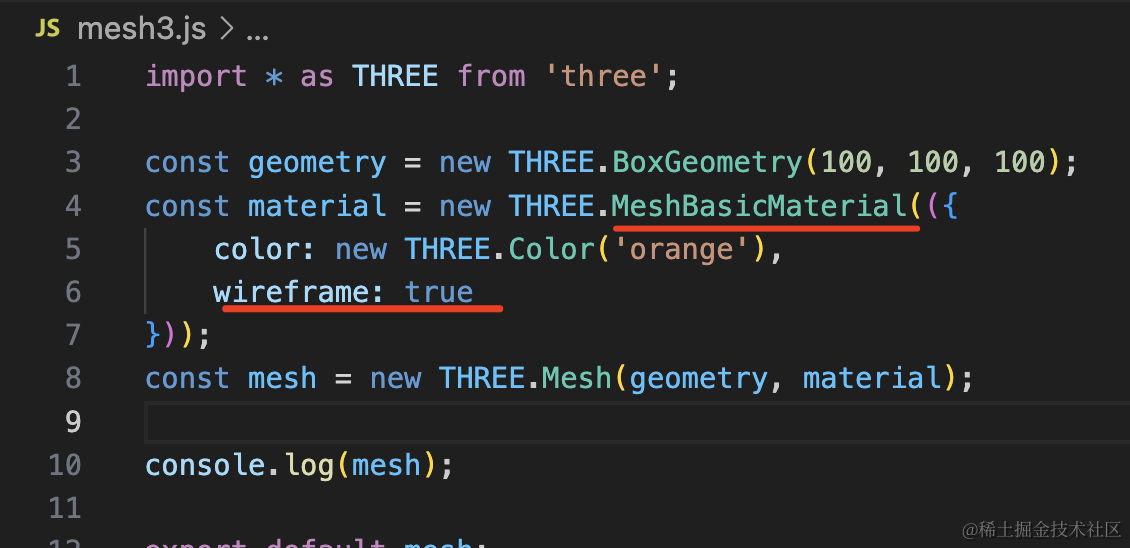
const material = new THREE.MeshBasicMaterial(({
    color: new THREE.Color('orange'),
    wireframe: true
}));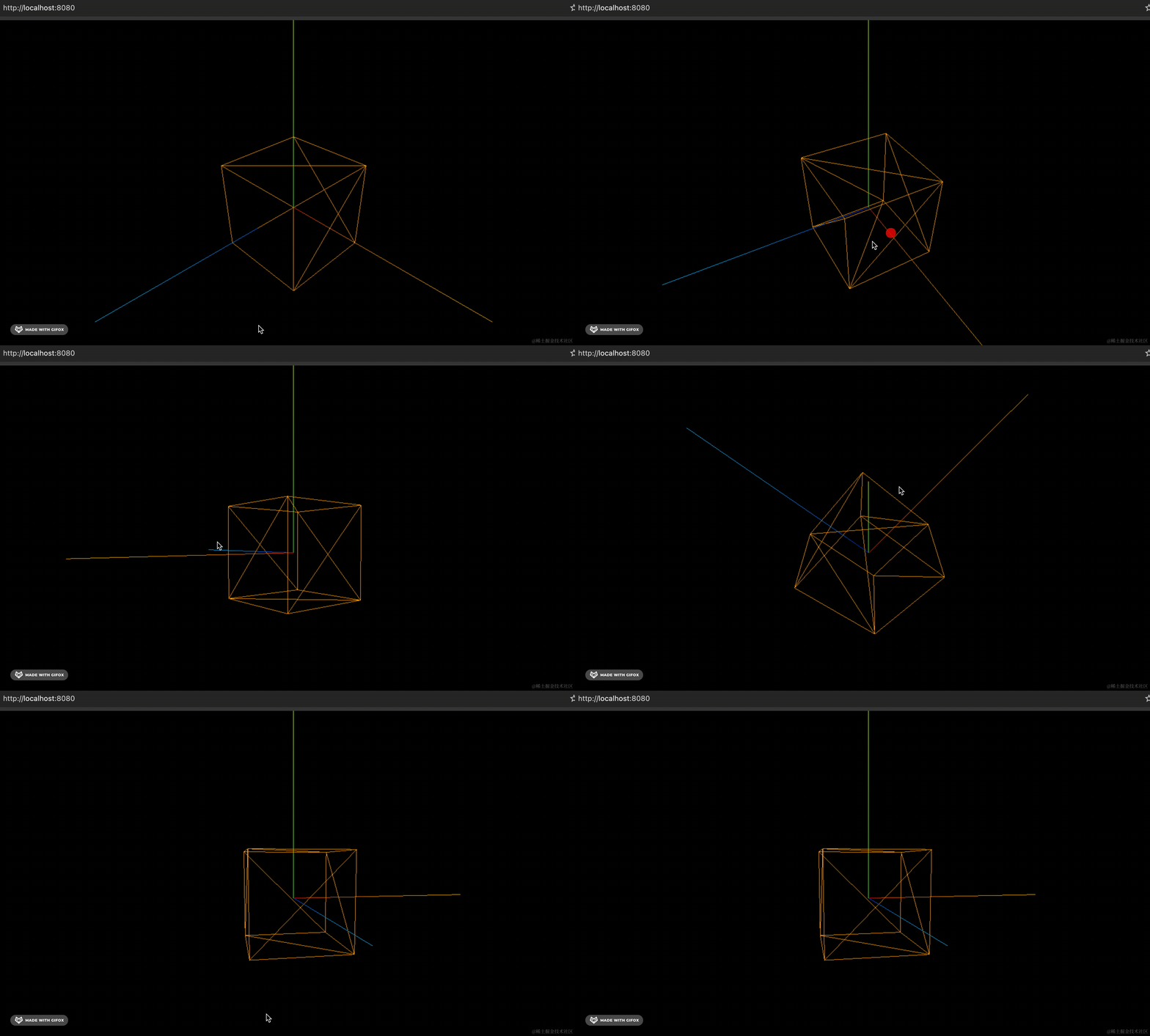
可以看到,确实是 12 个三角形,每个面 2 个。
这样,我们就可以通过 BufferGeometry 和顶点数据来创建任意几何体了。
案例代码上传了小册仓库。
总结
Three.js 提供了很多几何体,它们都是基于 BufferGeometry 封装出来的。
通过 geometry.attributes.position 存储顶点数据,通过 geometry.index 存储顶点索引,每三个顶点索引构成一个三角形,所有的三角形就构成了各种几何体。
网格模型 Mesh 就是由三角形构成的,不管是简单的几何体,还是加载的复杂的外部模型,都是三角形构成。
几何体的本质就是顶点和三角形,理解了这个就理解了各种 Geometry 和网格模型。