这节我们给音乐播放器加上一些跳动的音符:

这个图案我们也可以用 Canvas 画出来。
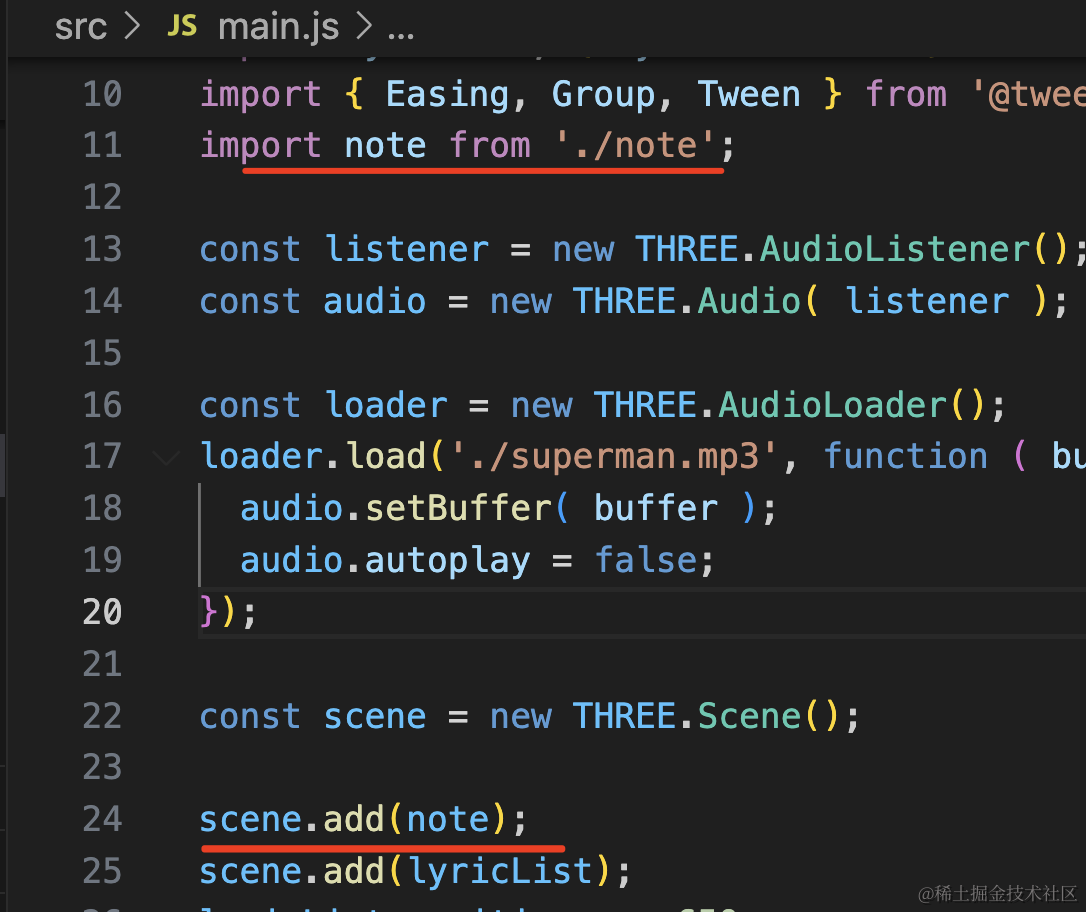
创建 note.js
import * as THREE from 'three';

function createCanvas() {
    const dpr = window.devicePixelRatio;
    const canvas = document.createElement("canvas");
    const w = canvas.width = 100 * dpr;
    const h = canvas.height = 100 * dpr;

    const ctx = canvas.getContext('2d');
    ctx.translate(w / 2, h / 2);

	ctx.moveTo(-50 * dpr, -10 * dpr);
	ctx.lineTo(50 * dpr, -10 * dpr);
	ctx.lineTo(-30 * dpr,50 * dpr);
	ctx.lineTo(0 * dpr, -50 * dpr);
	ctx.lineTo(30 * dpr,50 * dpr);
	ctx.lineTo(-50 * dpr,-10 * dpr);
    ctx.lineTo(-50 * dpr,-10 * dpr);
    ctx.fillStyle = "yellow";
    ctx.fill();
    return canvas;
}

function createNote() {
    const texture = new THREE.CanvasTexture(createCanvas());
    const material = new THREE.SpriteMaterial({
        map: texture
    });
    const note = new THREE.Sprite(material);
    note.scale.set(1000,1000);
    return note;
}

const note = createNote();

export default note;
这里先用我们之前画的星星。
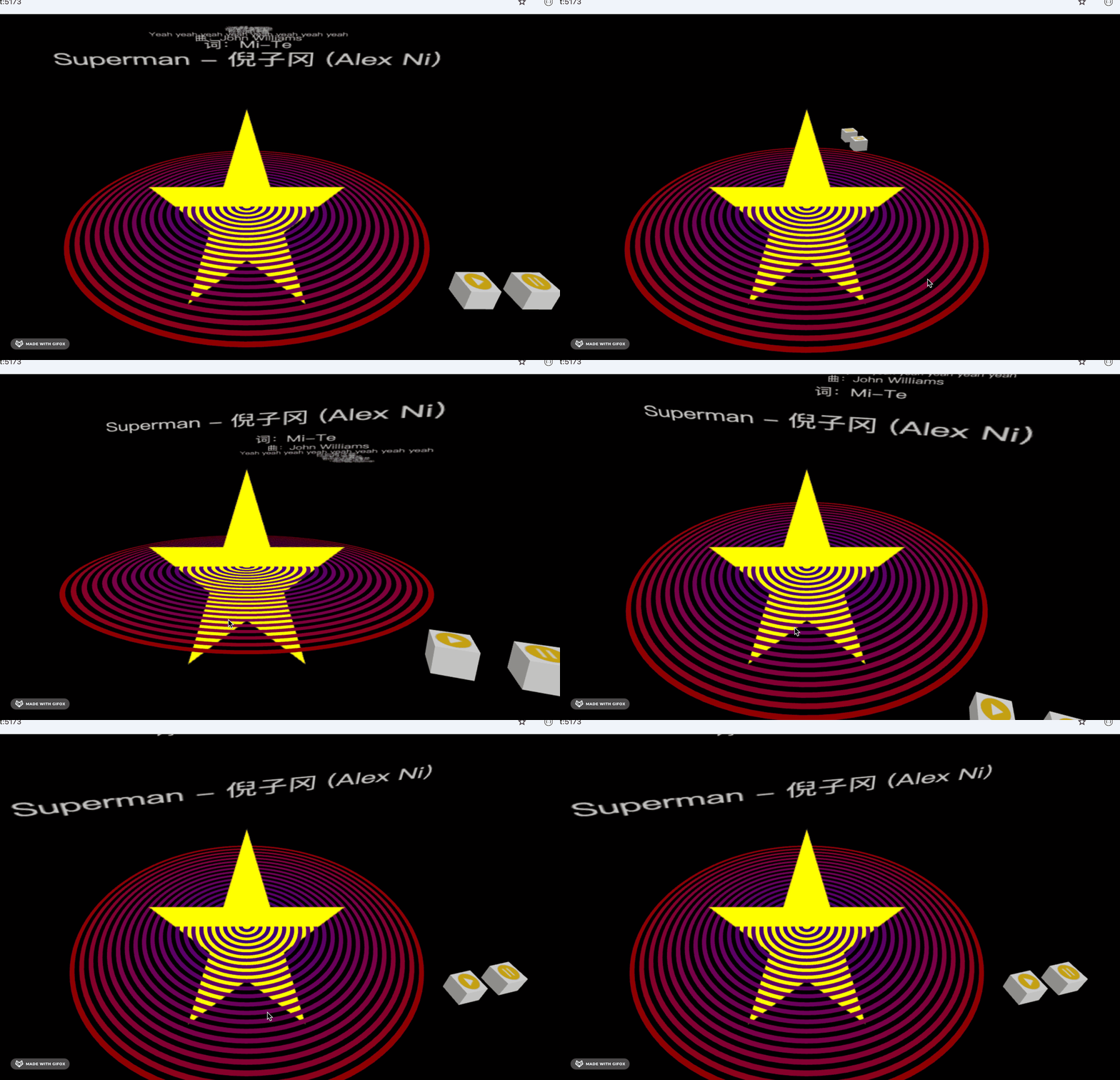
没啥问题,然后我们来画音符。
我们还是先把坐标原点移到中央,算下位置就开画:
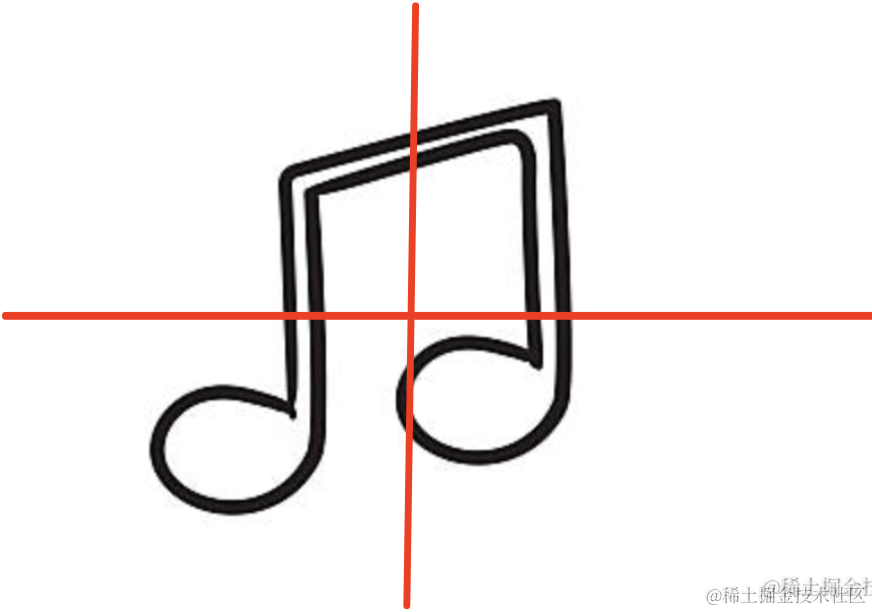
本来是 0,0 到 100,100,现在是 -50,-50 到 50,50
向下是 y 的正方向
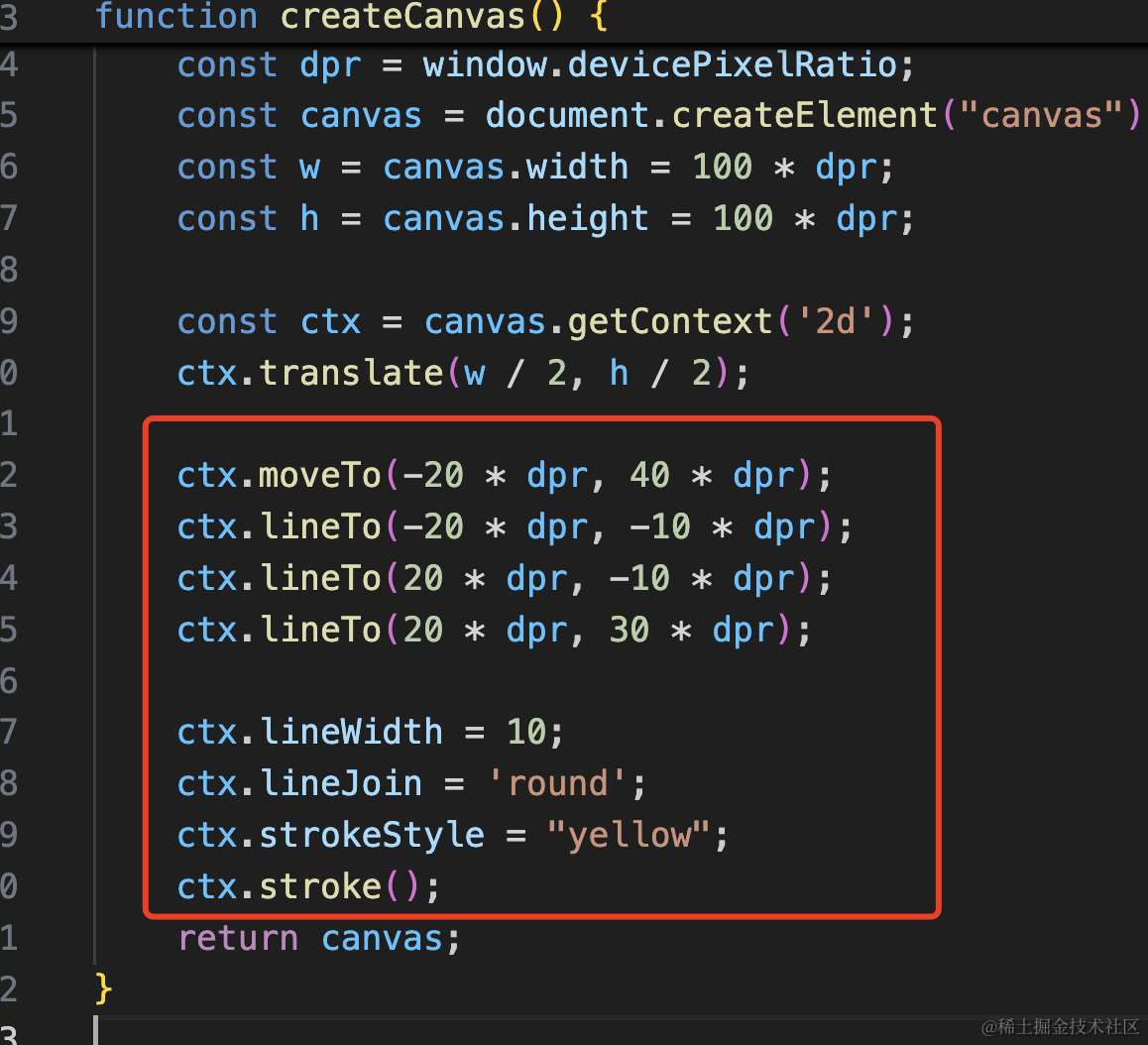
ctx.moveTo(-20 * dpr, 40 * dpr);
ctx.lineTo(-20 * dpr, -10 * dpr);
ctx.lineTo(20 * dpr, -10 * dpr);
ctx.lineTo(20 * dpr, 30 * dpr);

ctx.lineWidth = 10;
ctx.lineJoin = 'round';
ctx.strokeStyle = "yellow";
ctx.stroke();
先把三条线画出来。
注意要一笔画完,不然连接处没法改圆角。
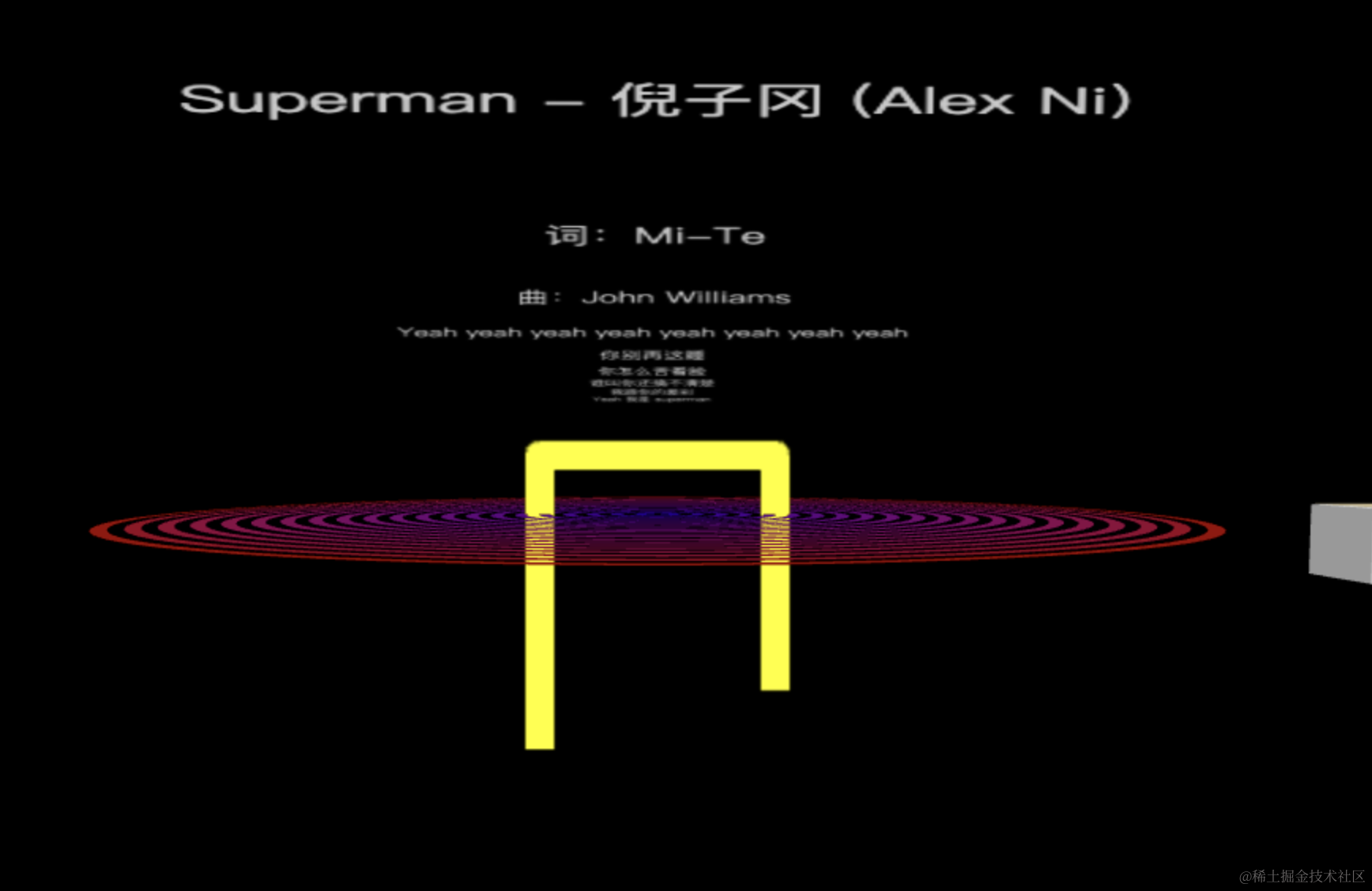
然后画俩椭圆:
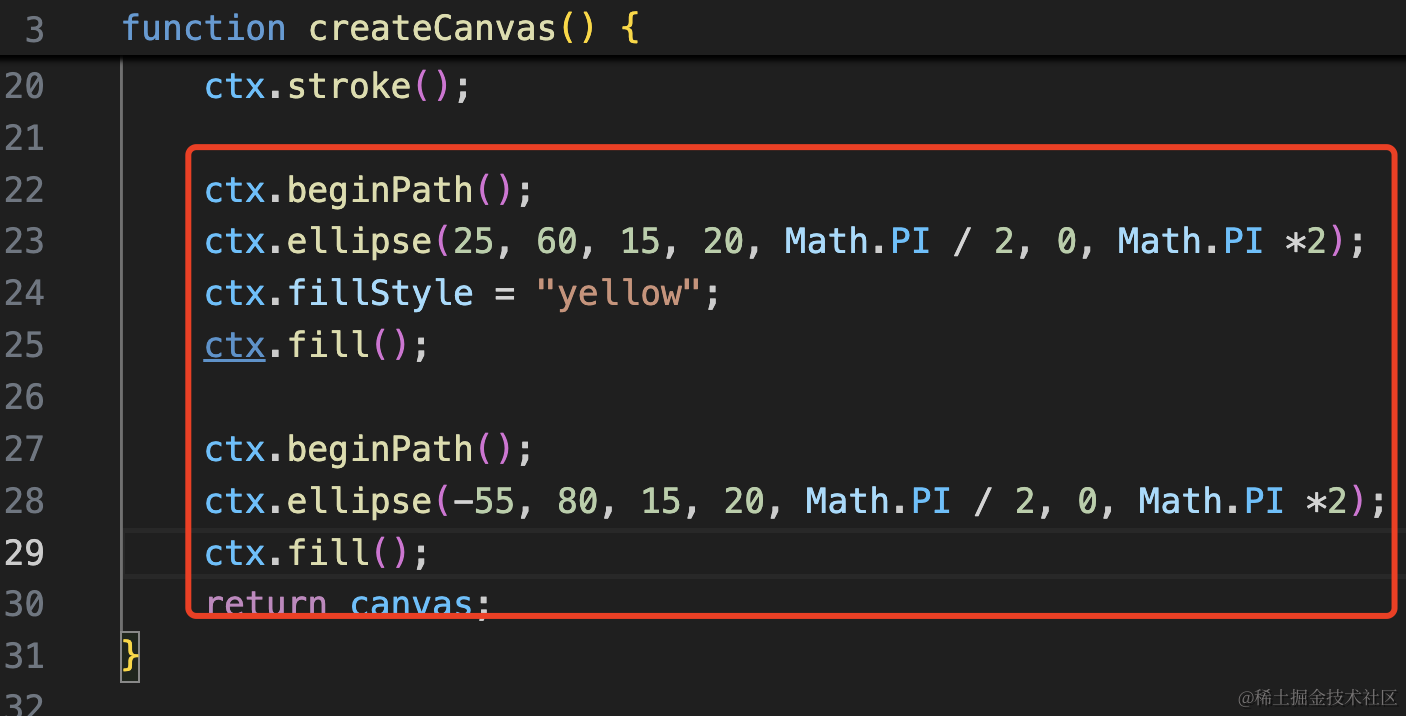
ctx.beginPath();
ctx.ellipse(25, 60, 15, 20, Math.PI / 2, 0, Math.PI *2);
ctx.fillStyle = "yellow";
ctx.fill();

ctx.beginPath();
ctx.ellipse(-55, 80, 15, 20, Math.PI / 2, 0, Math.PI *2);
ctx.fill();
这几个参数分别是:
x、y,长短半轴长,旋转角度,开始结束角度

每次都要 beginPath 重新画,不然会把之前的路径一起画了。
这个参数可视化的调就行。
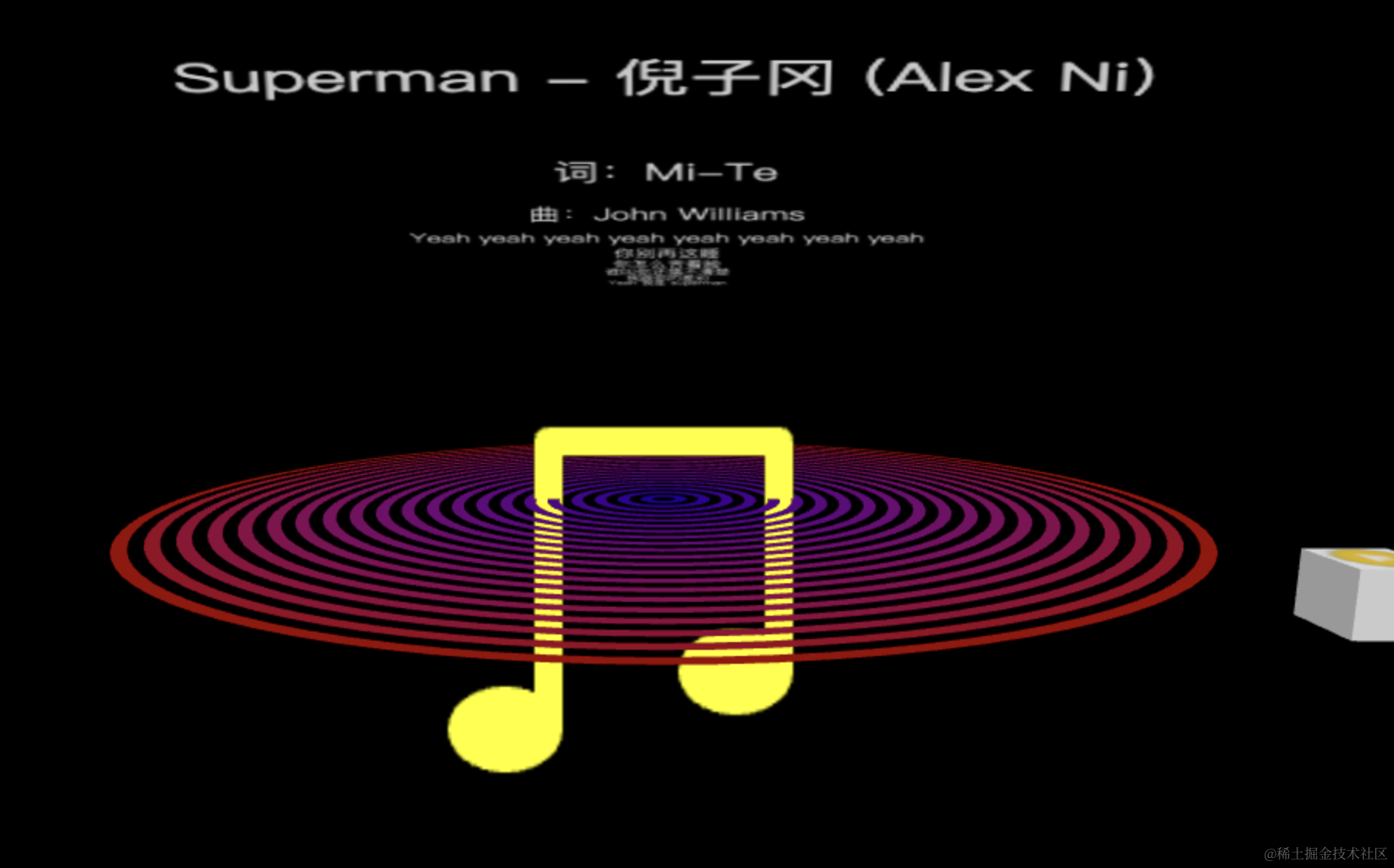
调好是这样的:
然后我们随机多创建一些:
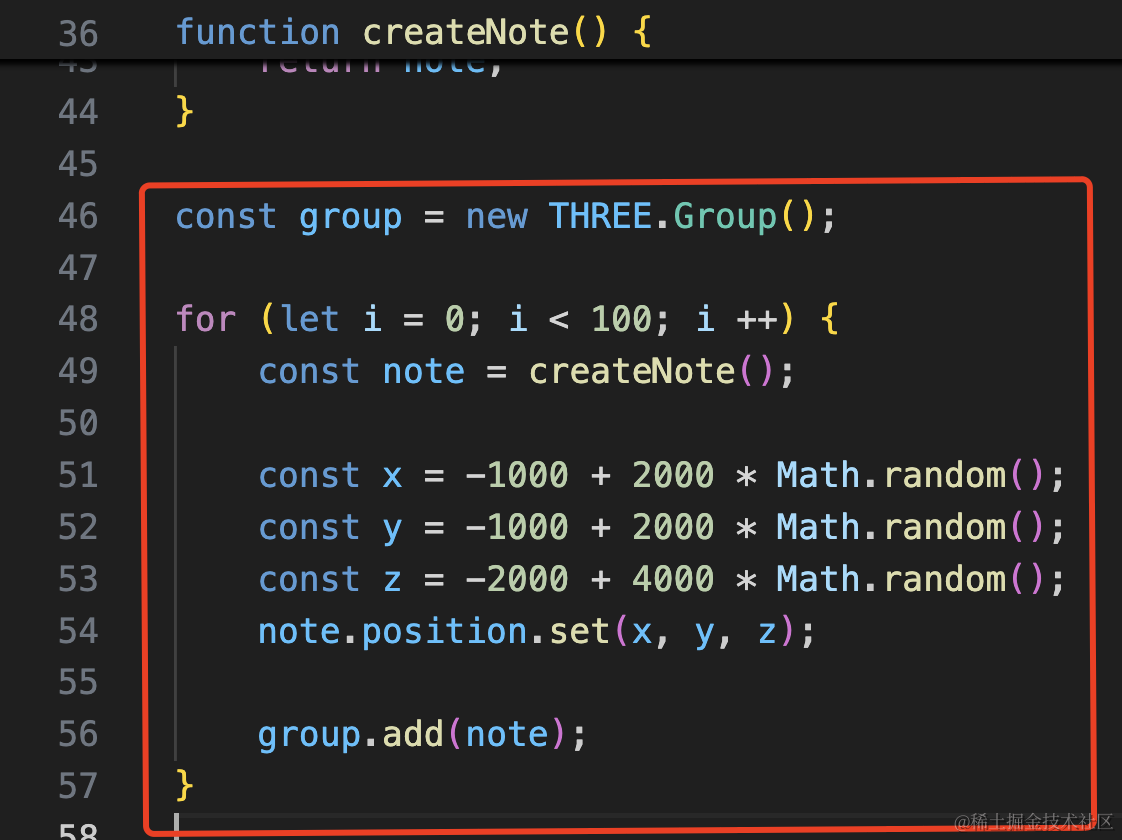
const group = new THREE.Group();

for (let i = 0; i < 100; i ++) {
    const note = createNote();

    const x = -1000 + 2000 * Math.random();
    const y = -1000 + 2000 * Math.random();
    const z = -2000 + 4000 * Math.random();
    note.position.set(x, y, z);

    group.add(note);
}

export default group;
x、y 在 -1000 到 100,z 在 -2000 到 2000
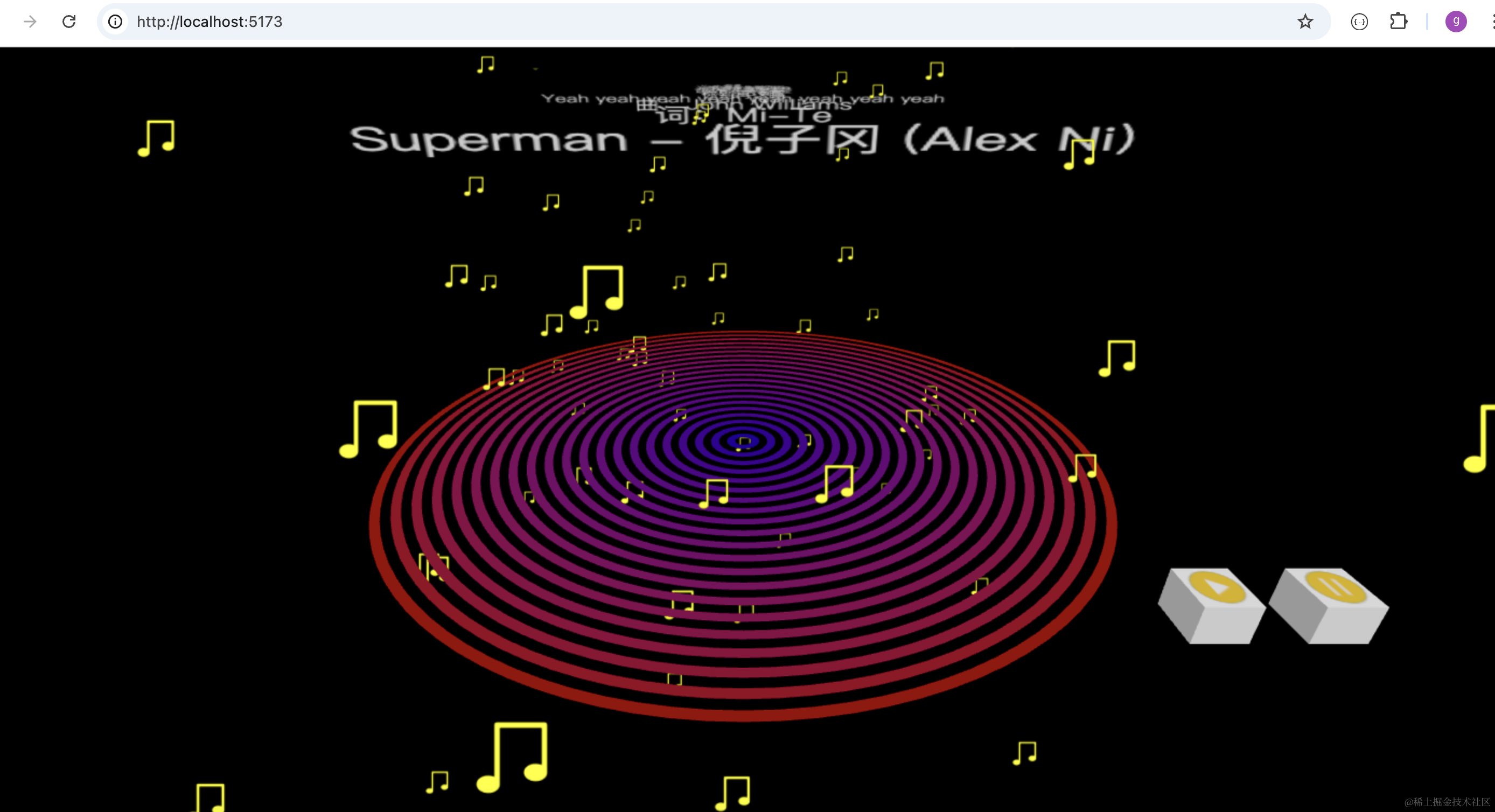
然后让它动起来。
这里并不是随机的运动,而是随机且连续的位置改变。
这种就要用噪声库了。
这里要在 x、y、z 之外加入一个时间维度,来实现连续的随机值
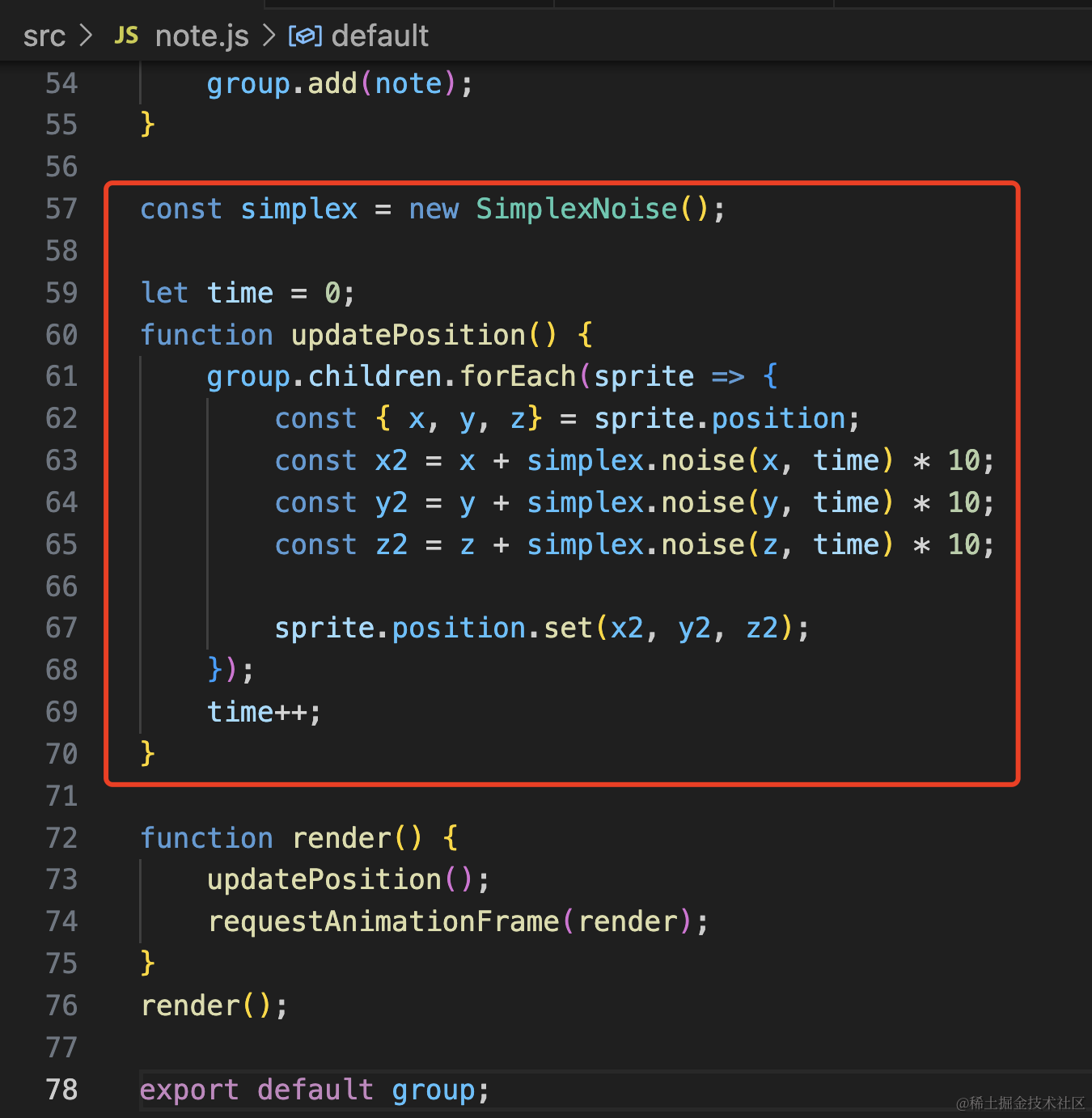
const simplex = new SimplexNoise();

let time = 0;
function updatePosition() {
    group.children.forEach(sprite => {
        const { x, y, z} = sprite.position;
        const x2 = x + simplex.noise(x, time) * 10;
        const y2 = y + simplex.noise(y, time) * 10;
        const z2 = z + simplex.noise(z, time) * 10;

        sprite.position.set(x2, y2, z2);
    });
        time++;
}

function render() {

    updatePosition();
    requestAnimationFrame(render);
}
render();
其实 threejs 现在已经内置了这个噪声库,直接用就行:

看下效果:
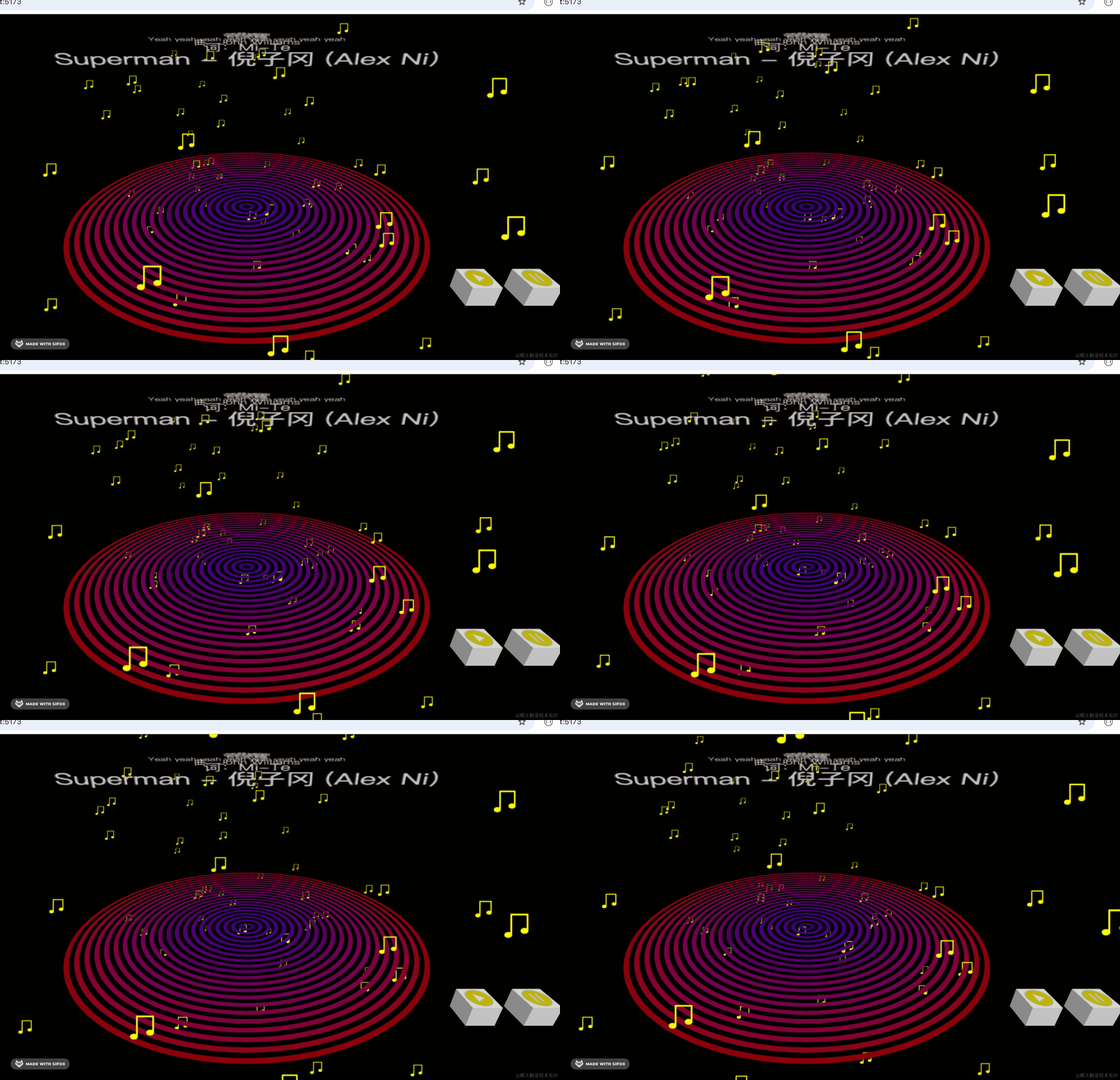
直接改变位置太突兀了,我们可以用 tween.js 来做缓动动画:
npm install --save @tweenjs/tween.js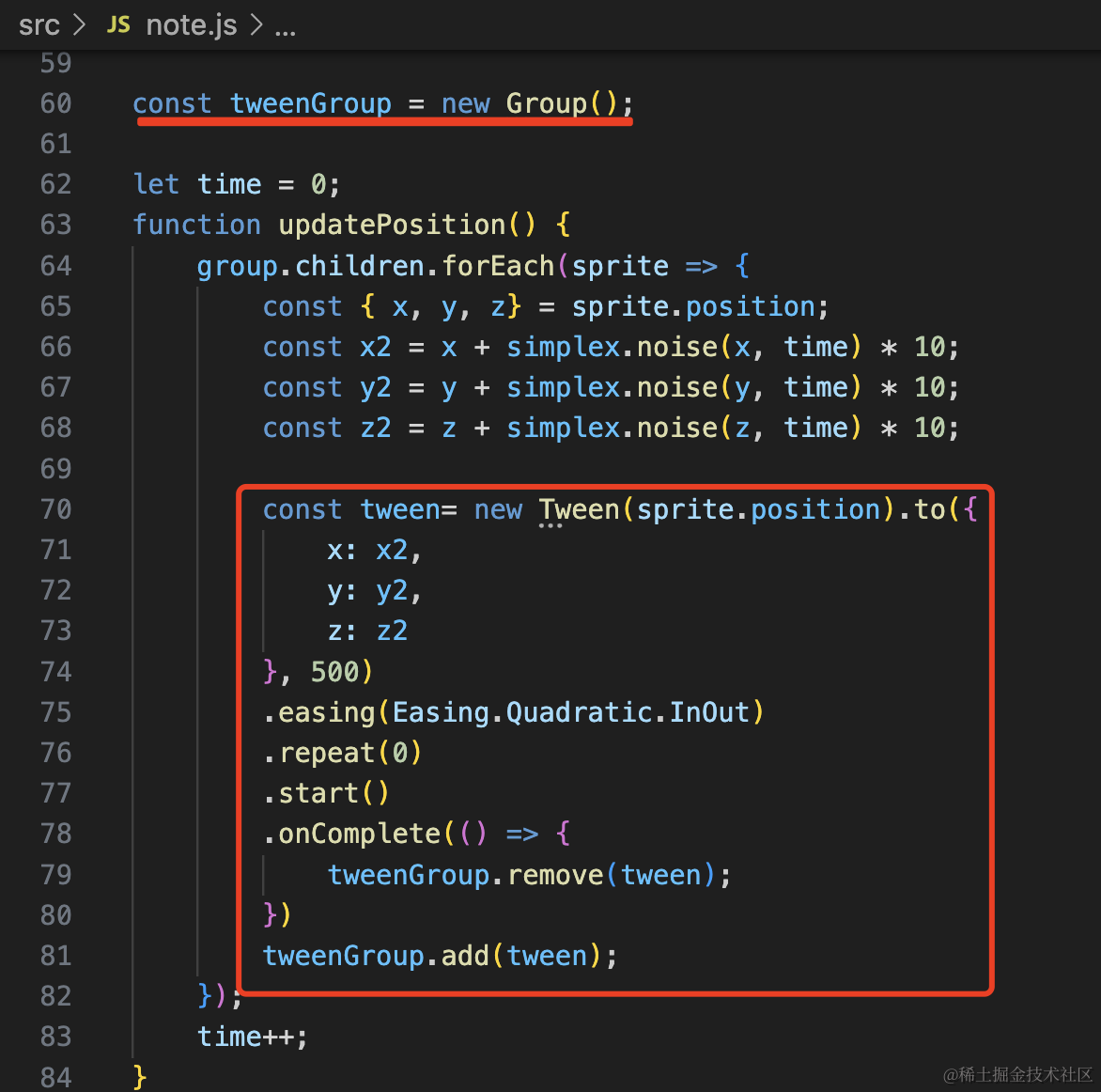
创建一个 tweenjs 的 Group 来管理所有 tween 实例。
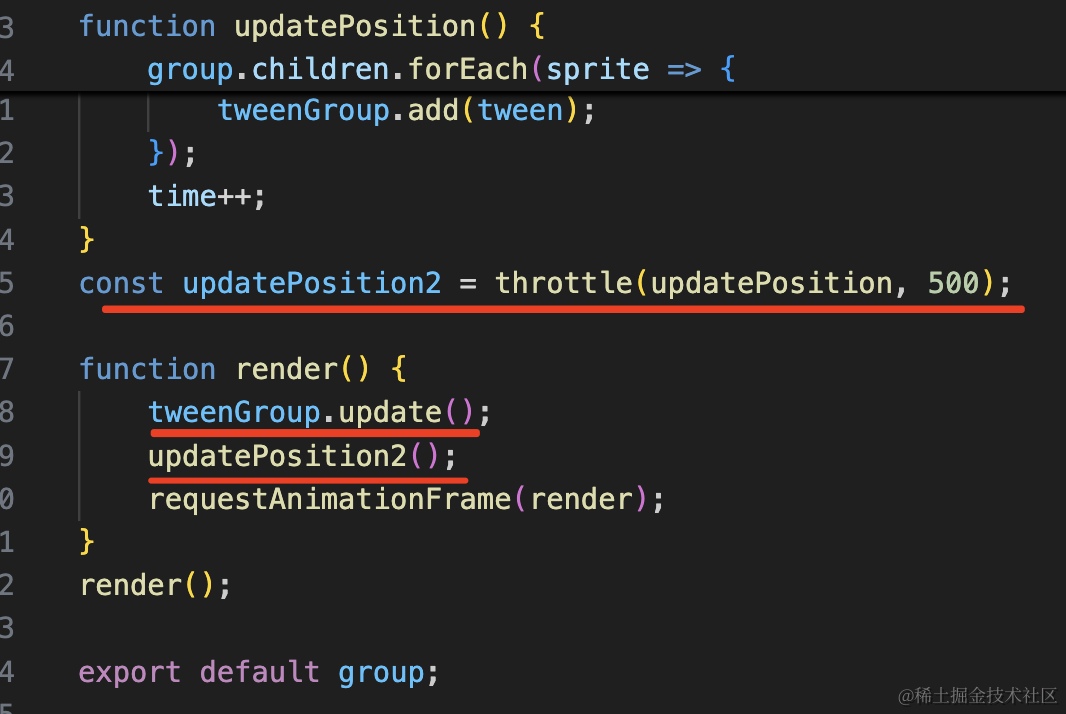
改变位置不再是直接修改了,而是 500 ms 运动到目标位置,运动完就删掉这个 tween。
但现在不能再每帧调用 udpate 了,需要做节流,每 500 ms 一次。
import { Easing, Group, Tween } from '@tweenjs/tween.js';
import { throttle } from 'lodash-es';
const tweenGroup = new Group();

let time = 0;
function updatePosition() {
    group.children.forEach(sprite => {
        const { x, y, z} = sprite.position;
        const x2 = x + simplex.noise(x, time) * 10;
        const y2 = y + simplex.noise(y, time) * 10;
        const z2 = z + simplex.noise(z, time) * 10;

        const tween= new Tween(sprite.position).to({
            x: x2,
            y: y2,
            z: z2
        }, 500)
        .easing(Easing.Quadratic.InOut)
        .repeat(0)
        .start()
        .onComplete(() => {
            tweenGroup.remove(tween);
        })
        tweenGroup.add(tween);
    });
    time++;
}
const updatePosition2 = throttle(updatePosition, 500);

function render() {
    tweenGroup.update();
    updatePosition2();
    requestAnimationFrame(render);
}
render();
用 lodash 的 throttle 来做节流。
安装下:
npm install --save lodash-es看下效果:
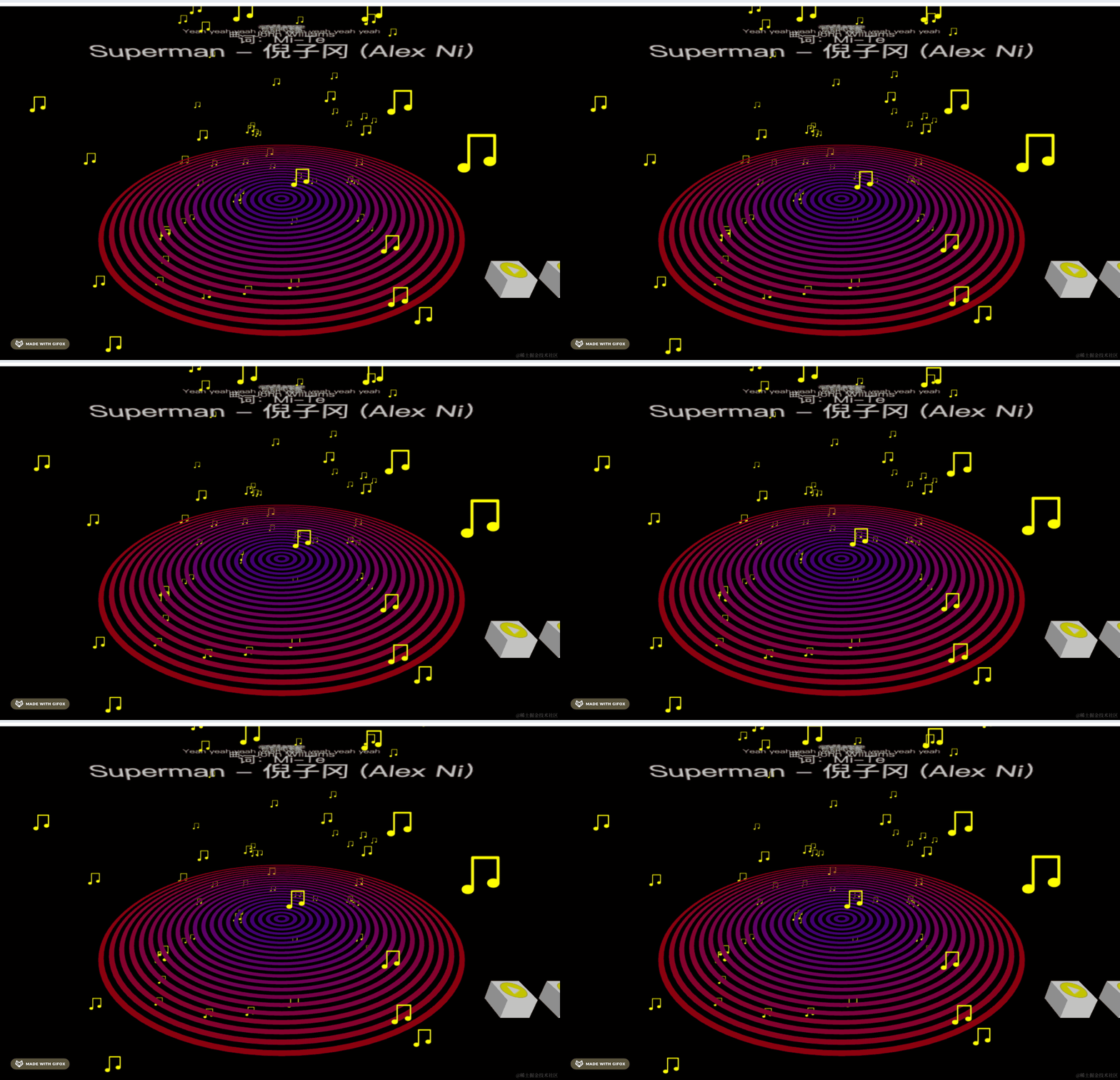
运动幅度太小了,我们乘以 10:
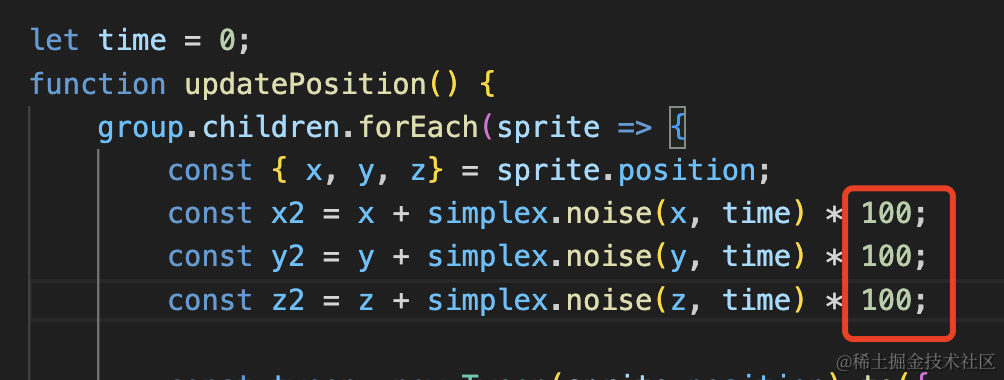
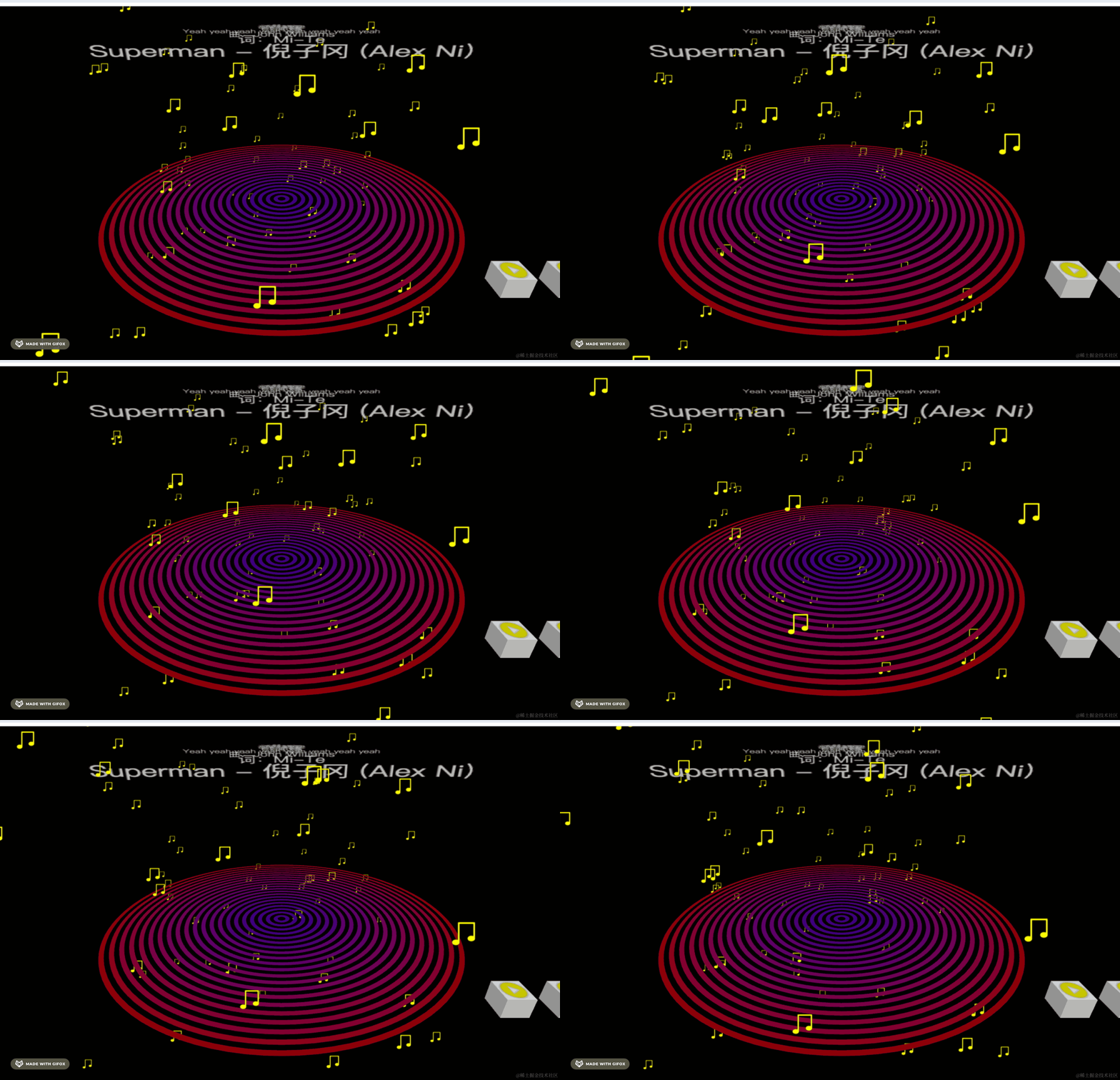
可以看到,现在就是连续且随机的位移了,而且有缓动效果。
最后我们来整体优化一下:
有同学说现在频谱可视化的效果不好看:
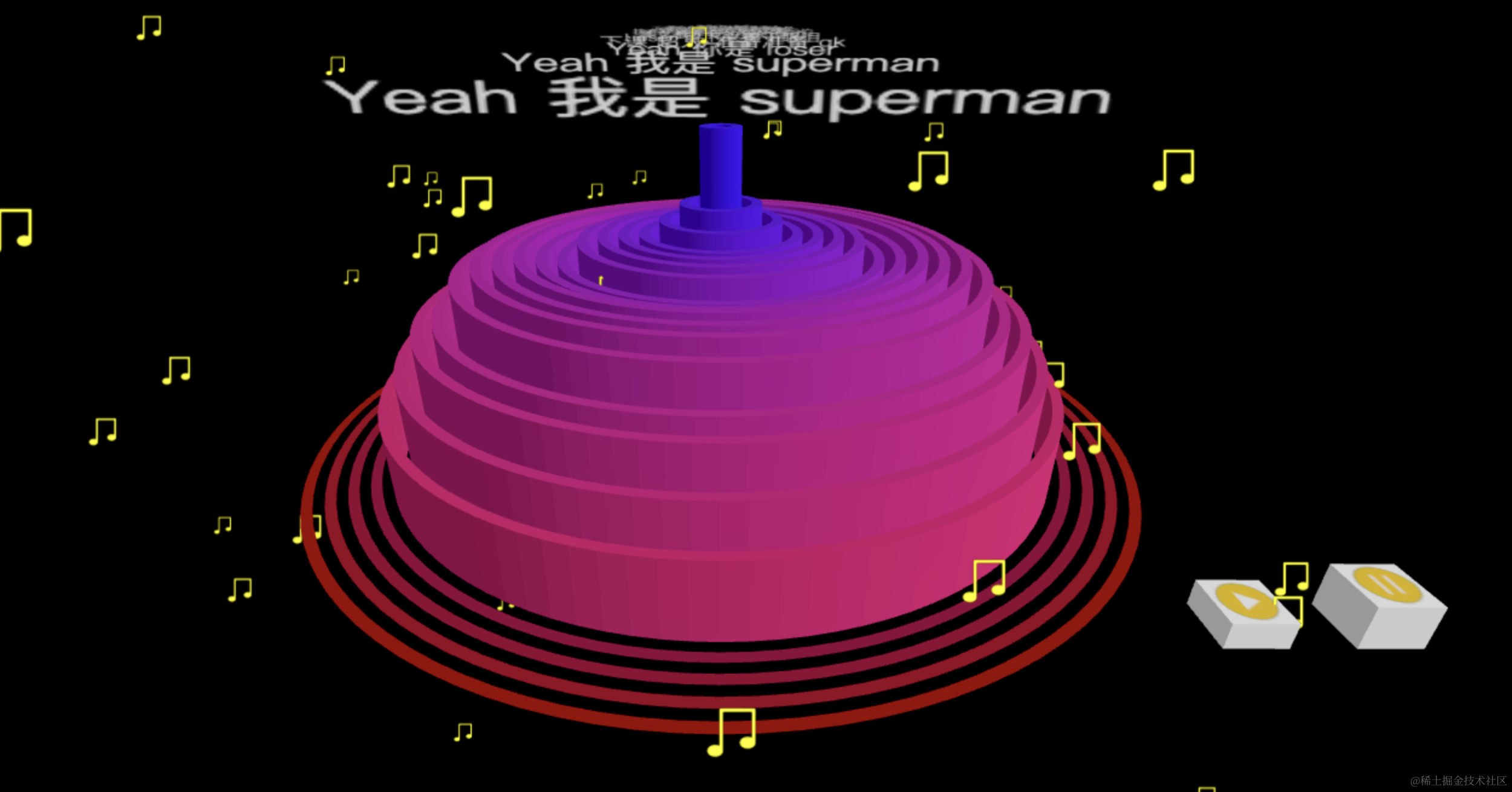
我们可以把它反过来:
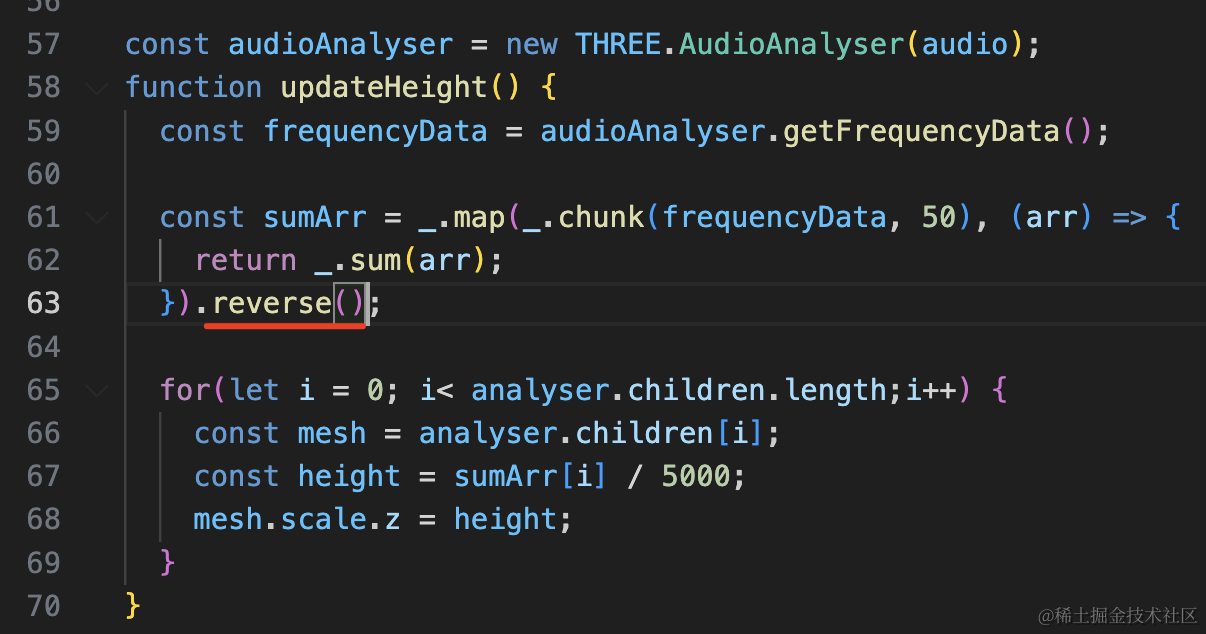
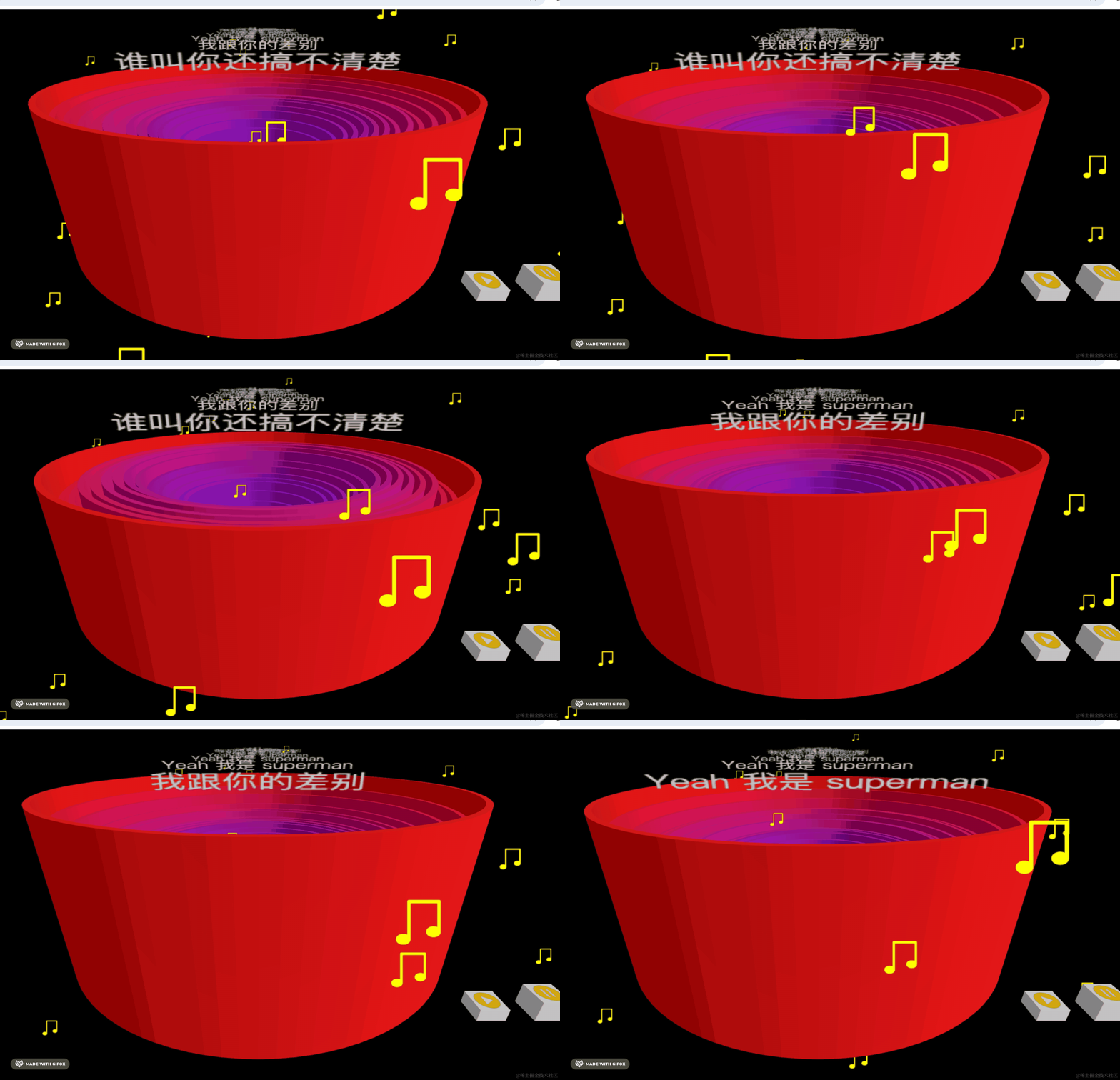
调下位置、scale 和旋转角度:
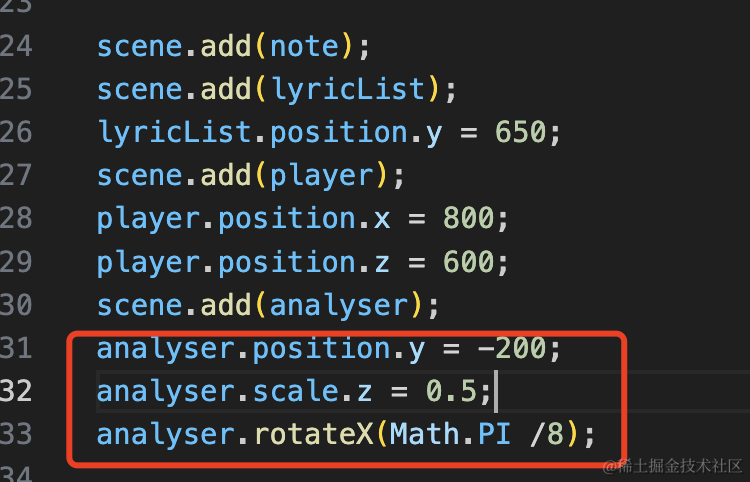
analyser.position.y = -200;
analyser.scale.z = 0.5;
analyser.rotateX(Math.PI /8);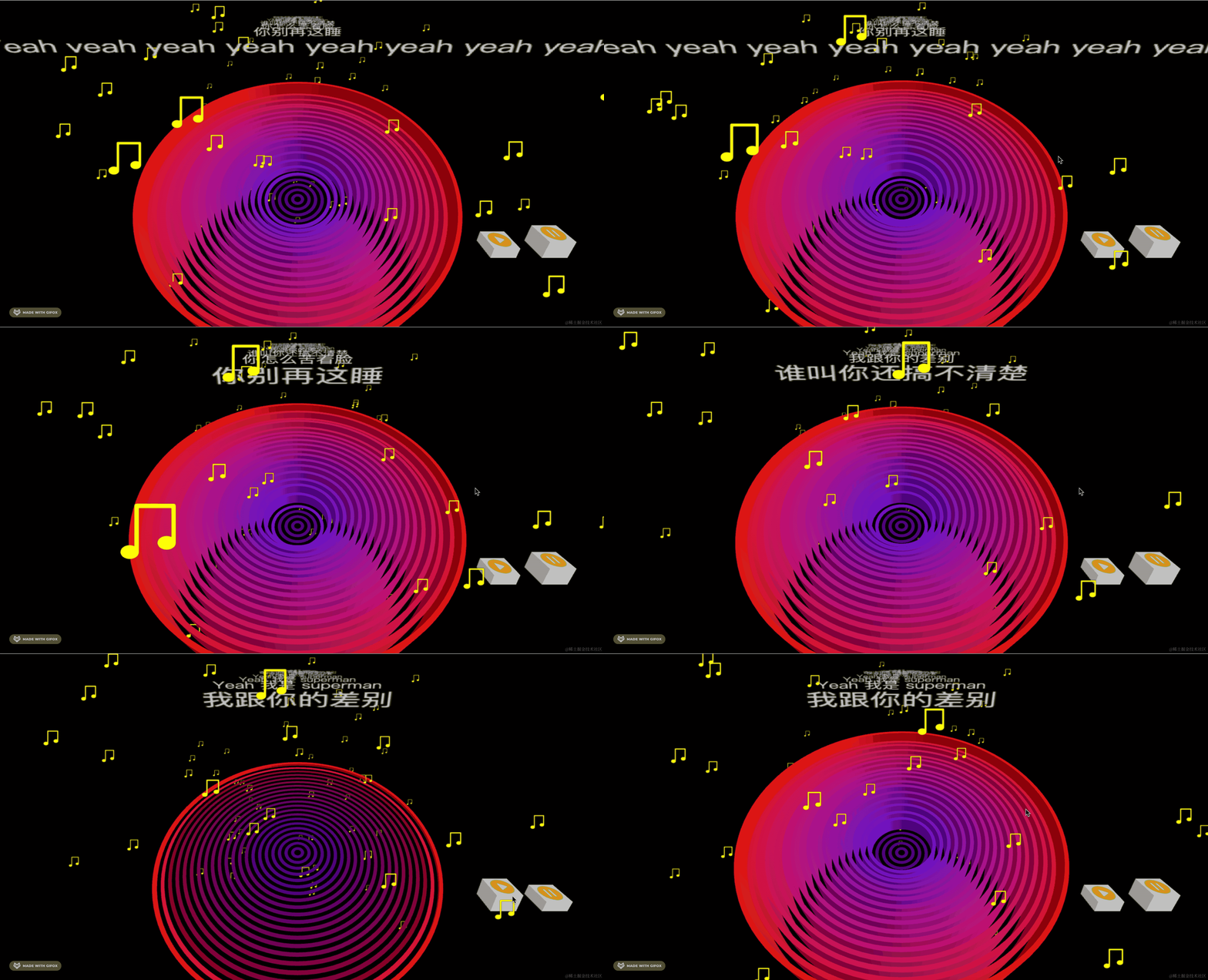
这样就好多了。
案例代码上传了小册仓库。
总结
这节我们加上了跳动的音符的效果。
首先用 canvas 绘制了音符的图案,然后用 Sprite 画了 100 个随机位置的音符,用噪声算法来计算随机连续的目标位置,之后用缓动动画来运动过去。
加上跳动的音符之后,整体节奏感好多了。