功能做完后,这节我们来优化一下细节。
首先,现在页面一刷新编辑的场景就没了:
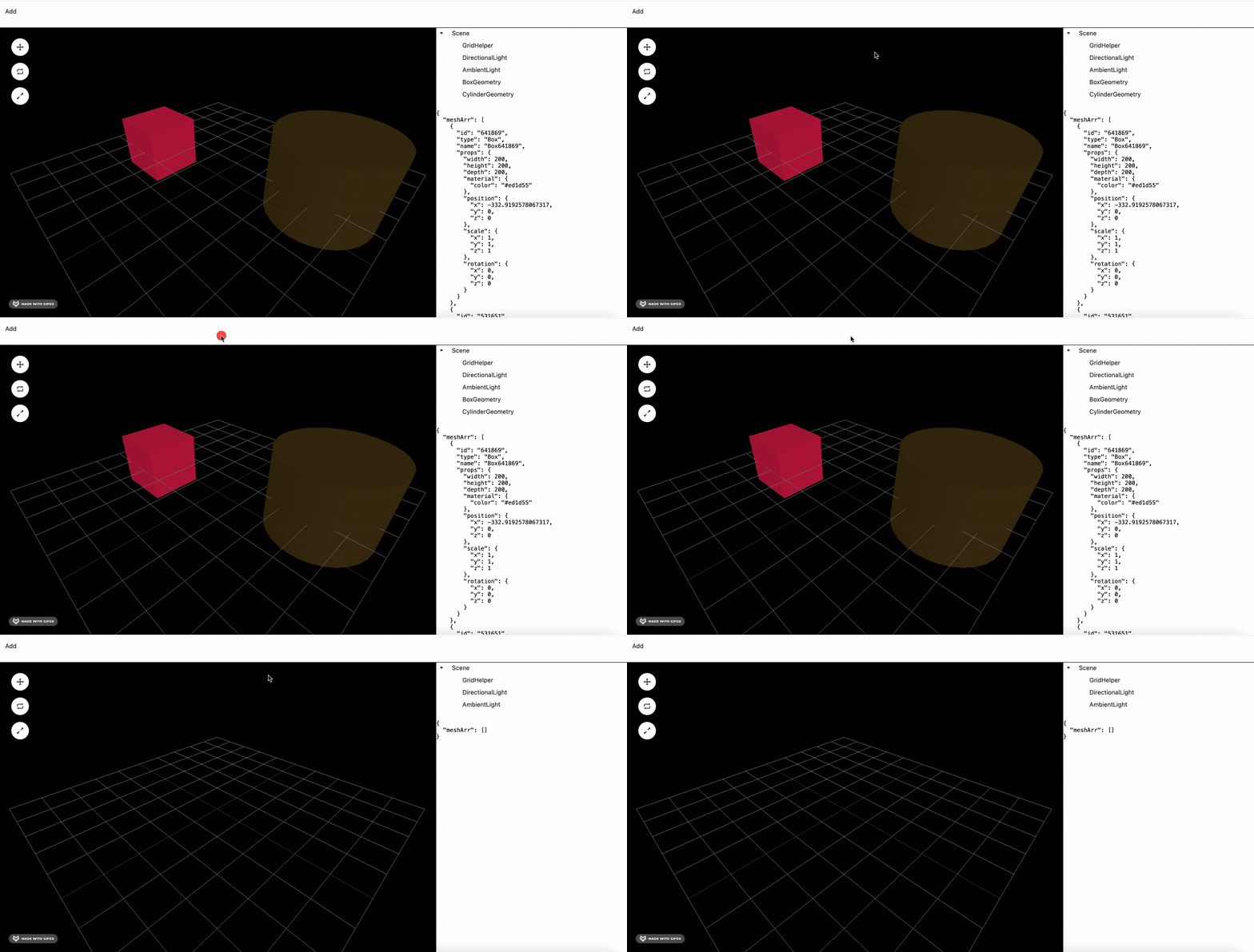
这样肯定不行。
zustand 内置了持久化的功能:
这是之前的 store:
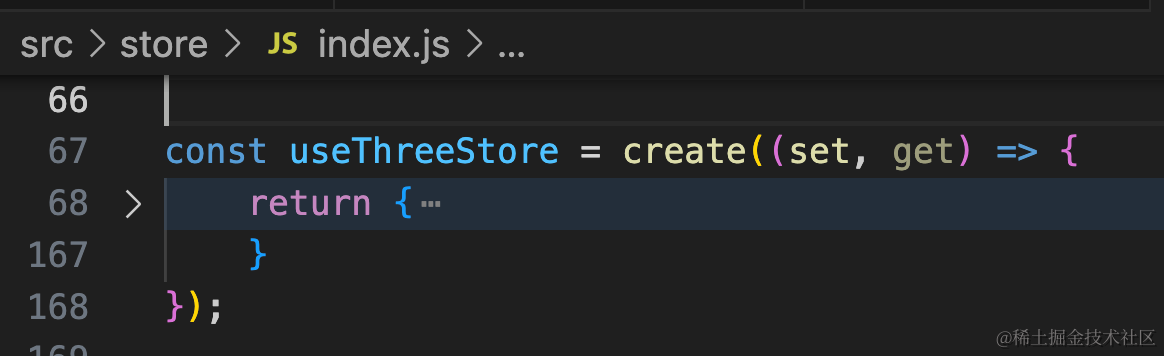
我们用 persist 中间件包裹一层,加上持久化功能:
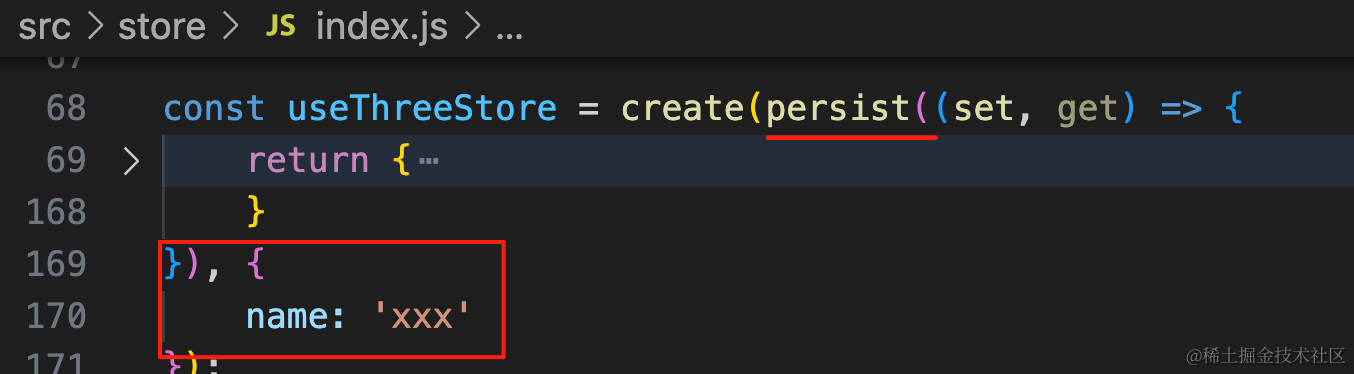
import { persist } from "zustand/middleware";const useThreeStore = create(persist((set, get) => {
return {
}
}, {
name: 'xxx'
});这个 name 是 localStorage 里的 key。
试一下:
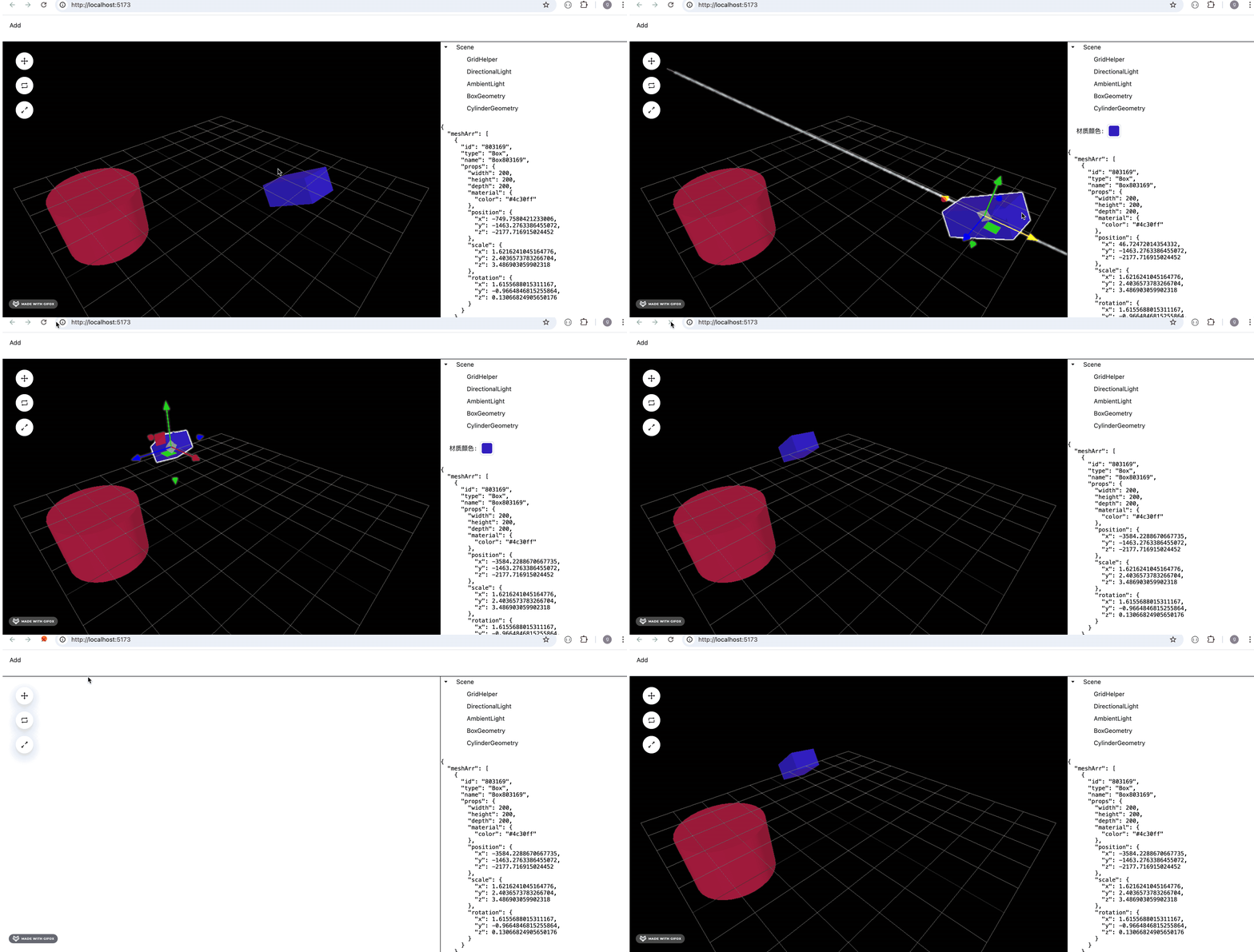
这样,刷新之后,编辑的 3D 场景依然能恢复(甚至你还可以把它保存到服务端)。
在 localStorage 看下:
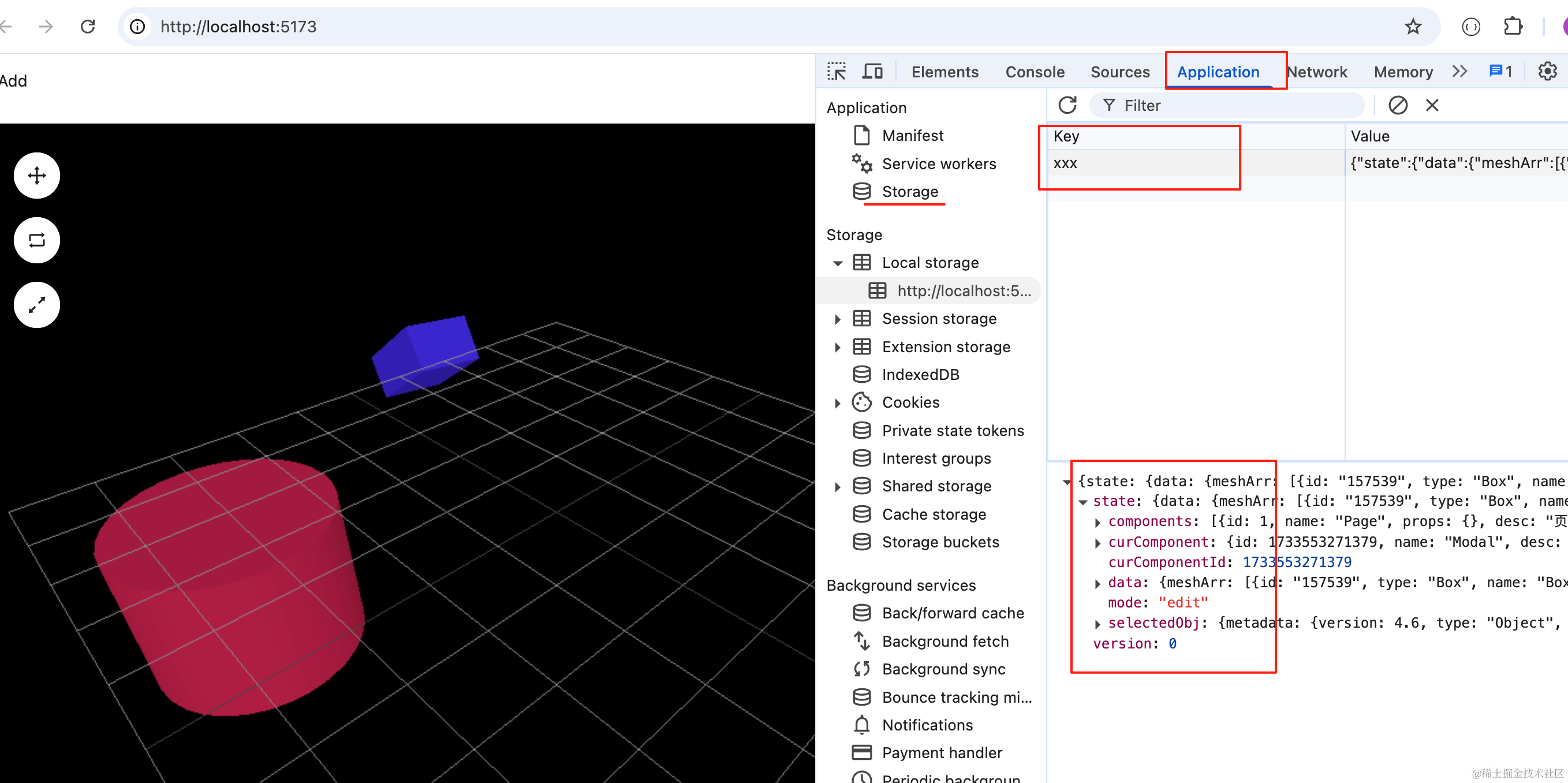
可以看到,json 被持久化到了 localStorage 里,key 就是我们指定的 xxx。
然后我们把右边的布局改一下:
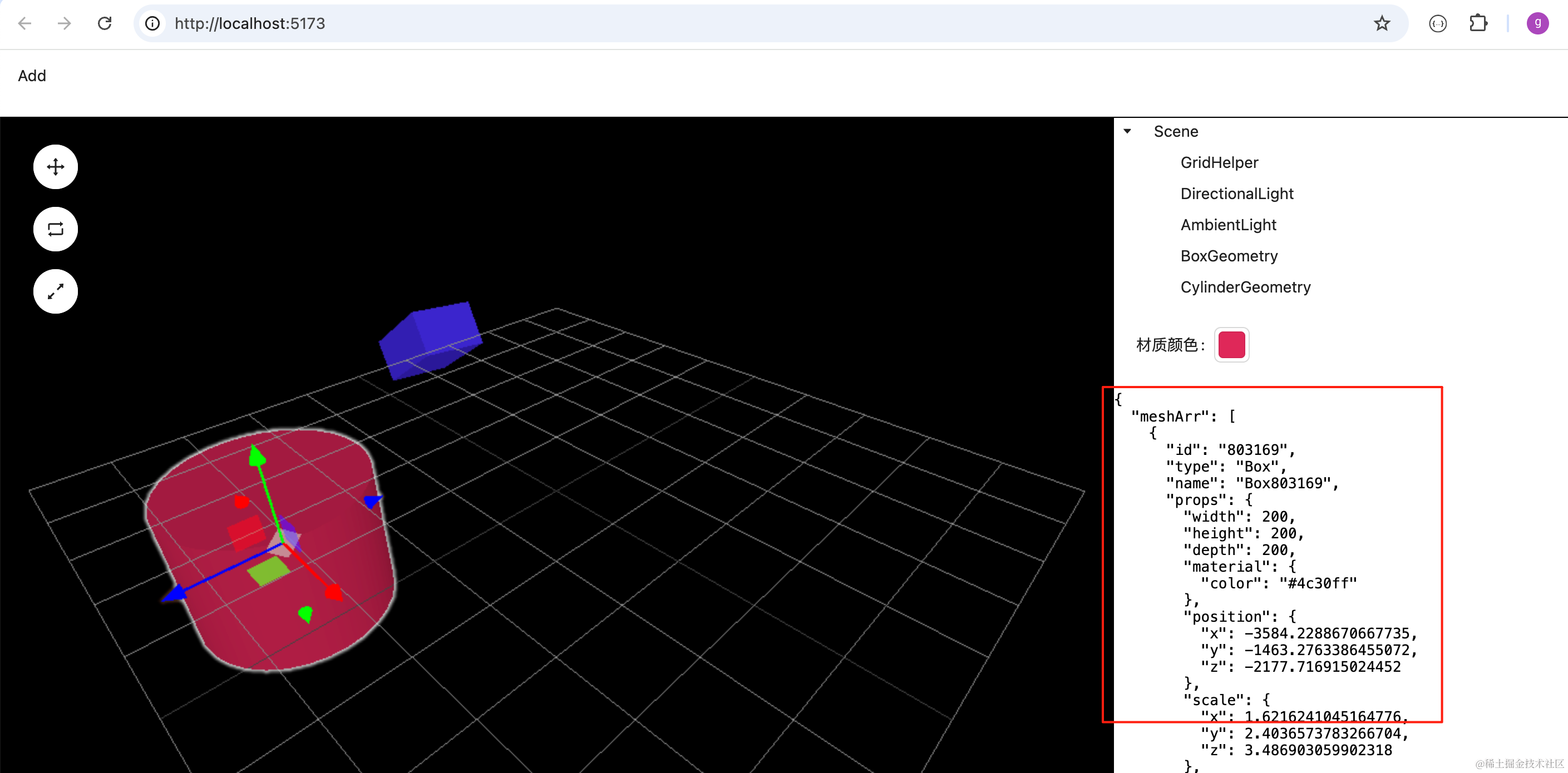
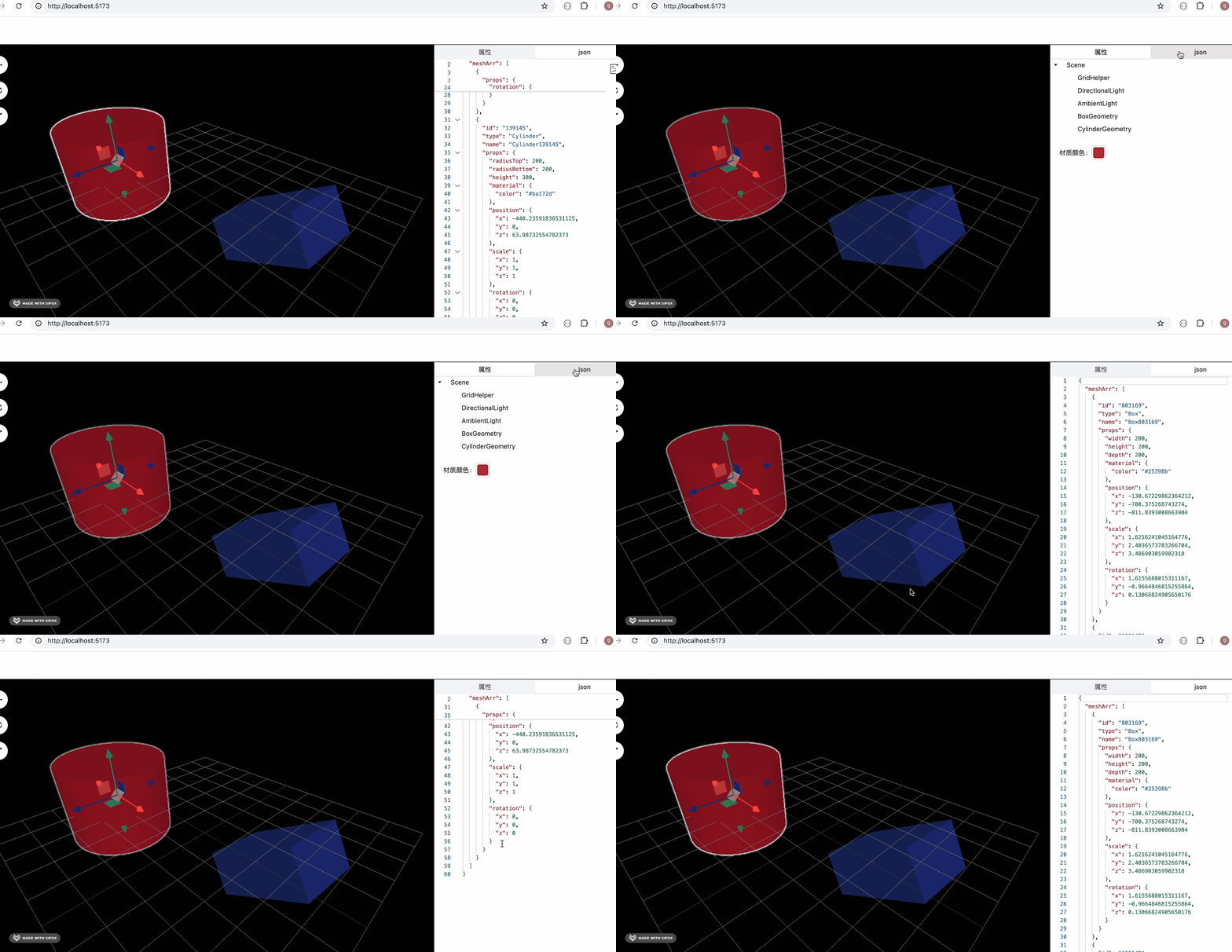
把右边的 json 单独用一个 tab 来展示,并且可以用 monaco editor 来做代码高亮。
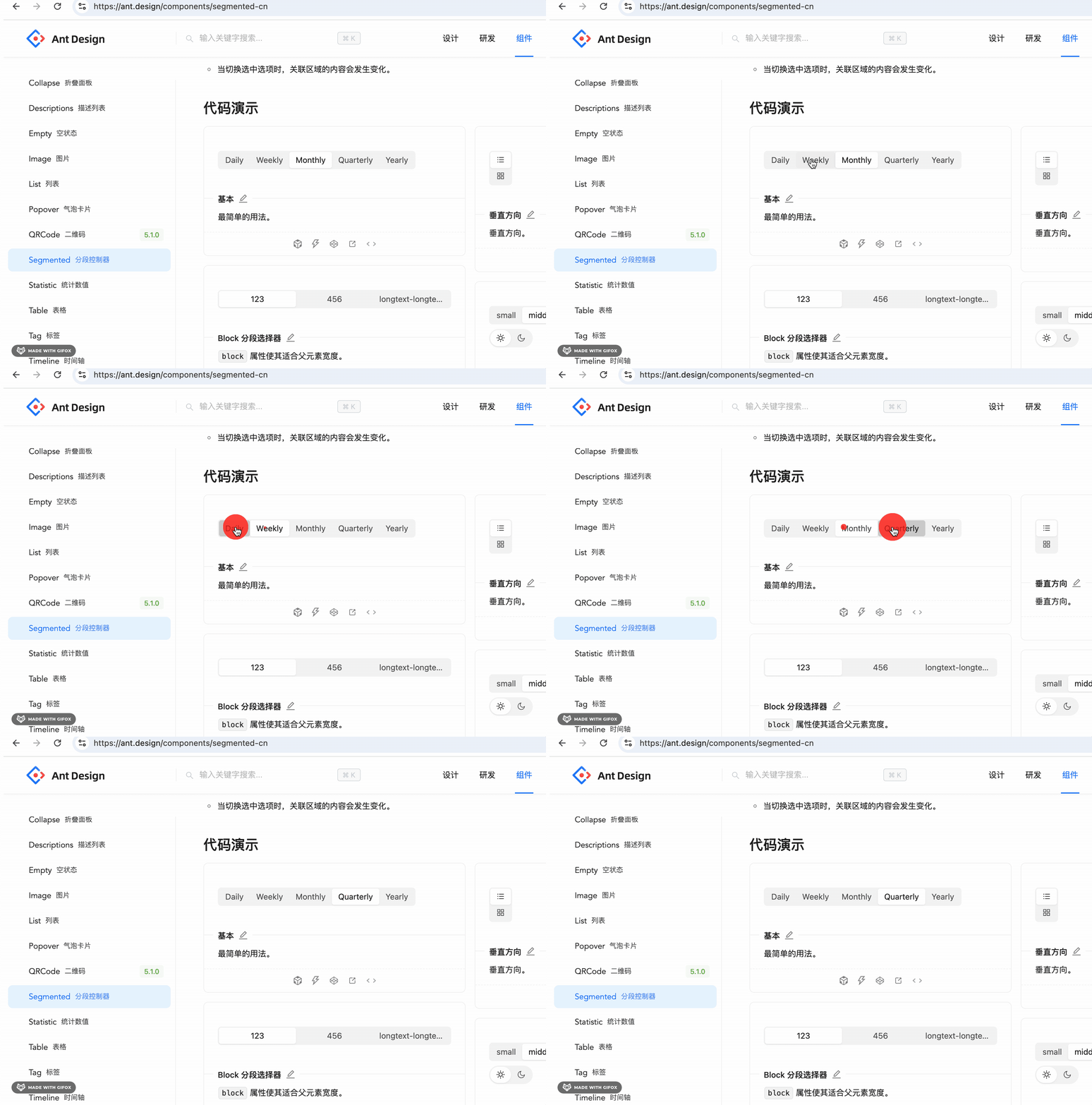
tab 我们用 antd 的这个 Segmented 组件来做:
改下 Properties/index.jsx
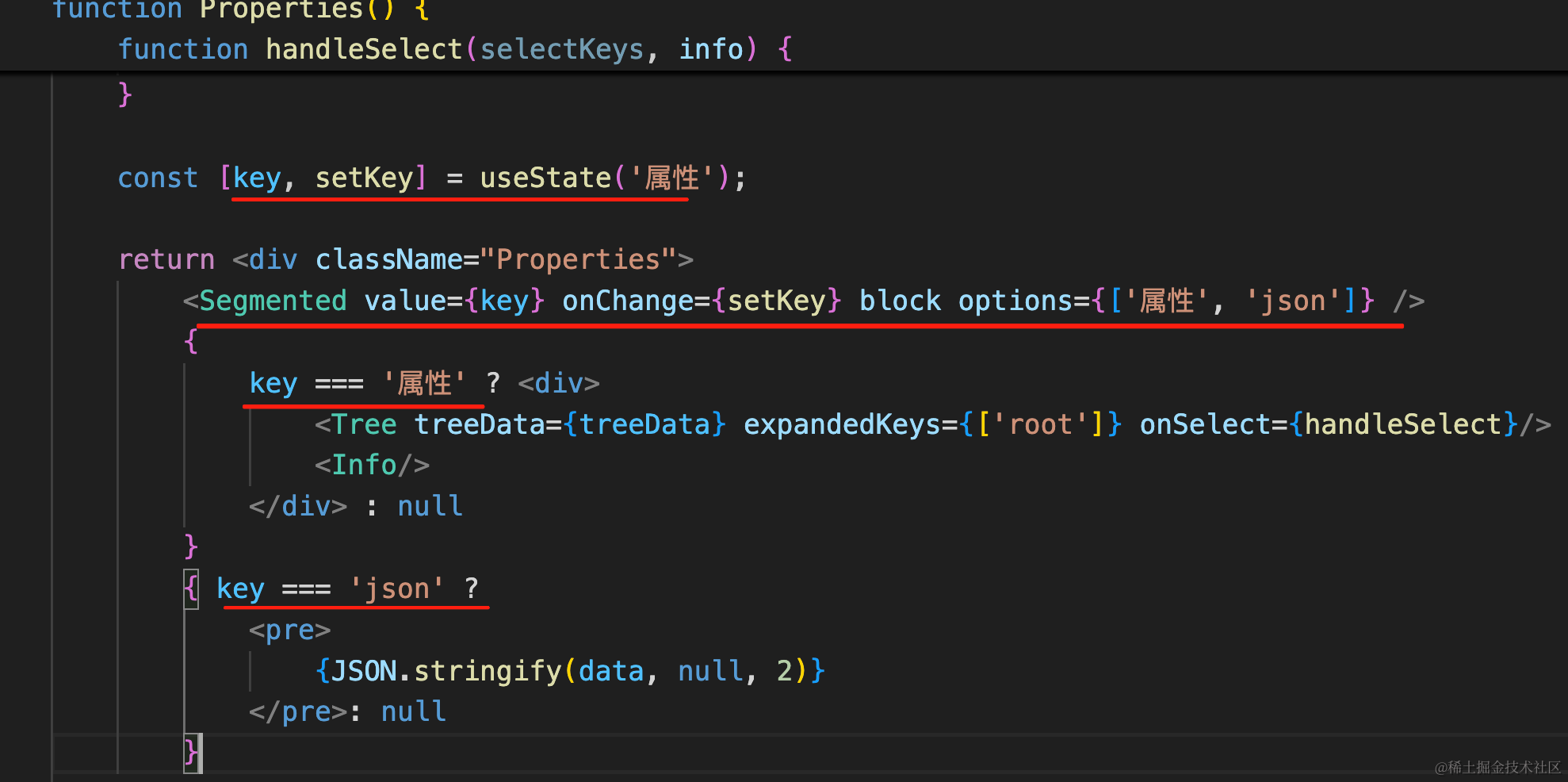
key 为 json 和属性的时候,分别渲染不同的内容。
import { useEffect, useState } from "react";
import { useThreeStore } from "../../store";
import { Segmented, Tree } from "antd";
import Info from "./Info";

function Properties() {
    const { setSelectedObjName, selectedObj, data, scene } = useThreeStore();

    const [treeData, setTreeData] = useState();
    useEffect(() => {
        if(scene?.children) {
            const tree = scene.children.map(item => {
                if(item.isTransformControlsRoot) {
                    return null;
                }

                return {
                    title: item.isMesh ?  item.geometry.type : item.type,
                    key: item.type + item.name + item.id,
                    name: item.name
                }
            }).filter(item => item !== null);

            setTreeData([
                {
                    title: 'Scene',
                    key: 'root',
                    children: tree
                }
            ]);
        }
    }, [scene]);

    function handleSelect(selectKeys, info) {
        const name = info.node.name;

        setSelectedObjName(name);
    }

    const [key, setKey] = useState('属性');

    return <div className="Properties">
        <Segmented value={key} onChange={setKey} block options={['属性', 'json']} />
        {
            key === '属性' ? <div>
                <Tree treeData={treeData} expandedKeys={['root']} onSelect={handleSelect}/>
                <Info/>
            </div> : null
        }
        { key === 'json' ?
            <pre>
                {JSON.stringify(data, null, 2)}
            </pre>: null
        }
    </div>
}

export default Properties;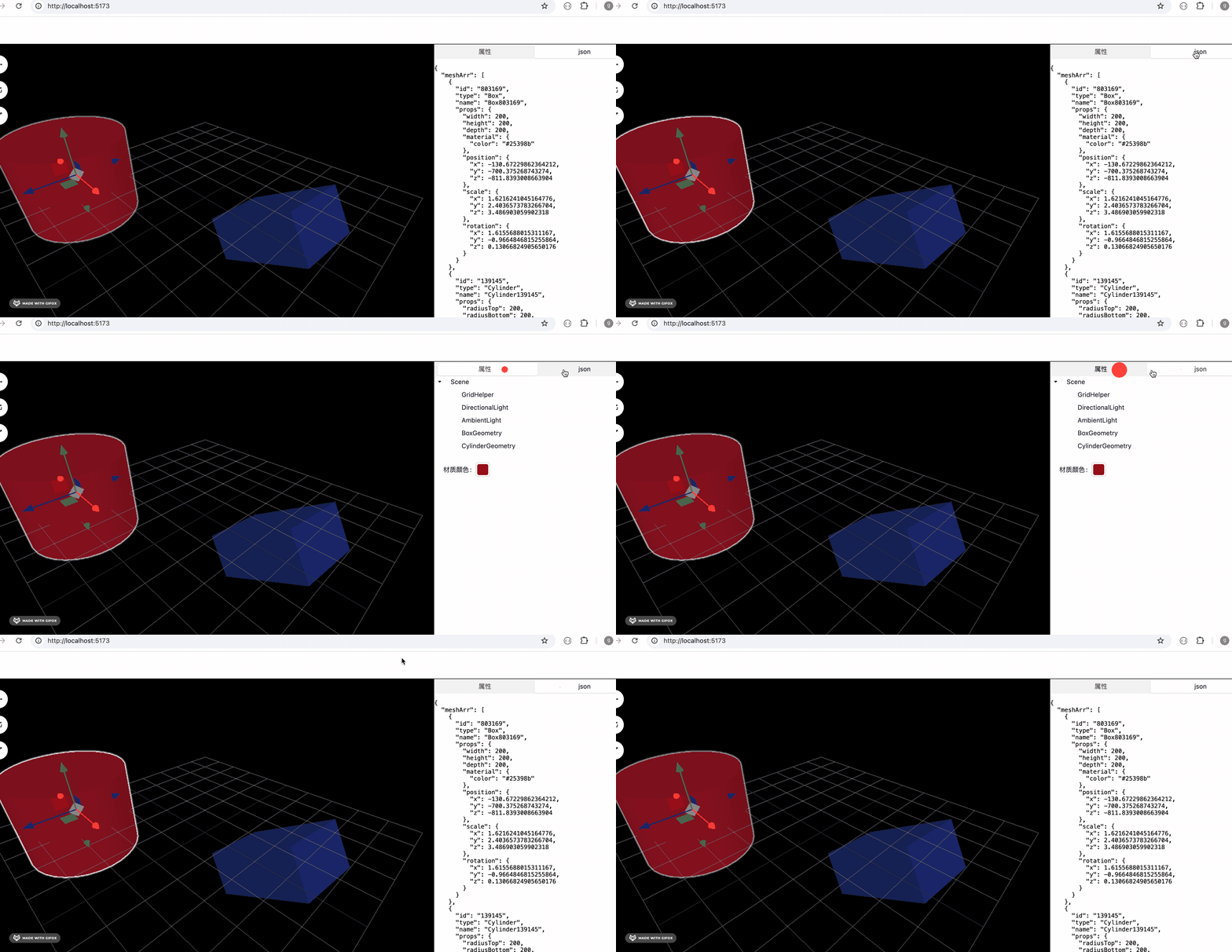
然后用 monaco editor 来高亮下 json
安装下:
npm install --save @monaco-editor/react代码里替换 pre 为 MonacoEditor
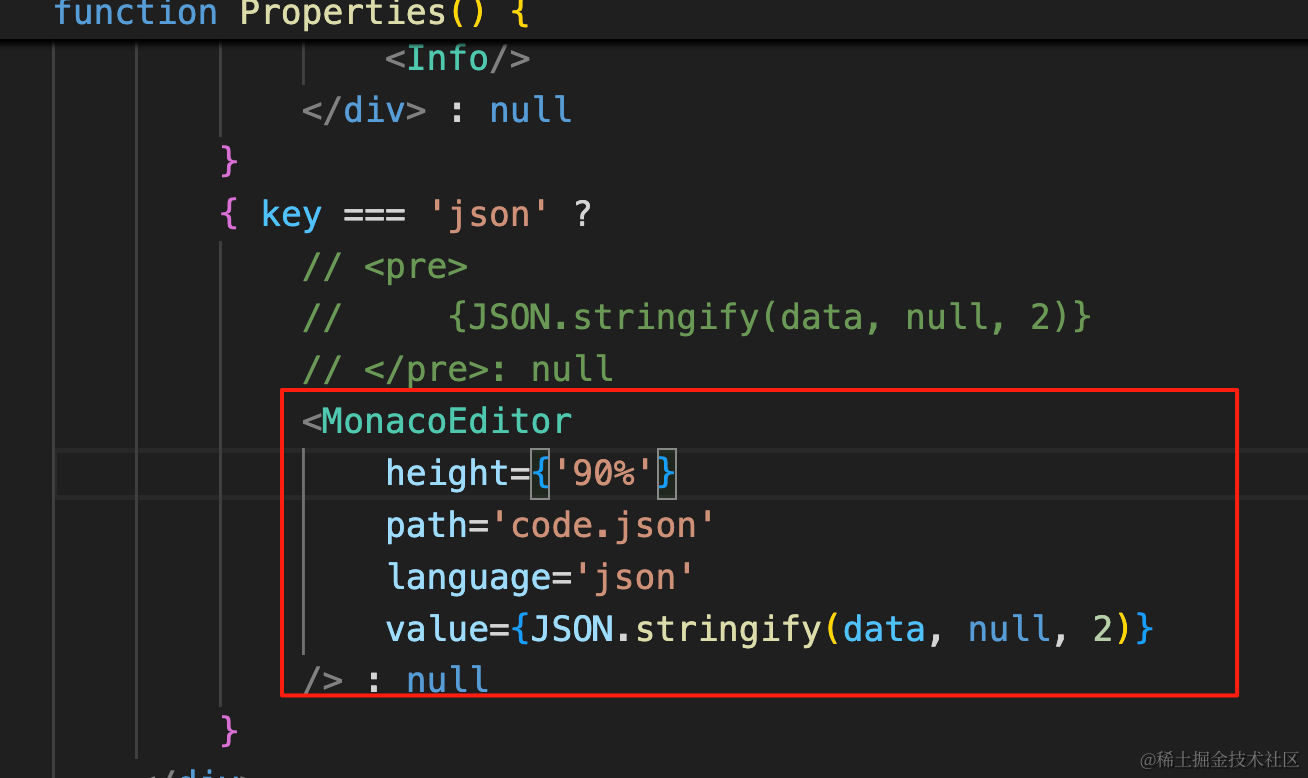
import MonacoEditor from '@monaco-editor/react'{ key === 'json' ?
// <pre>
// {JSON.stringify(data, null, 2)}
// </pre>: null
<MonacoEditor
height={'90%'}
path='code.json'
language='json'
value={JSON.stringify(data, null, 2)}
/> : null
}看下效果:
还有一点,为了展示这个场景树,我们把 scene clone 了一份放到 store:
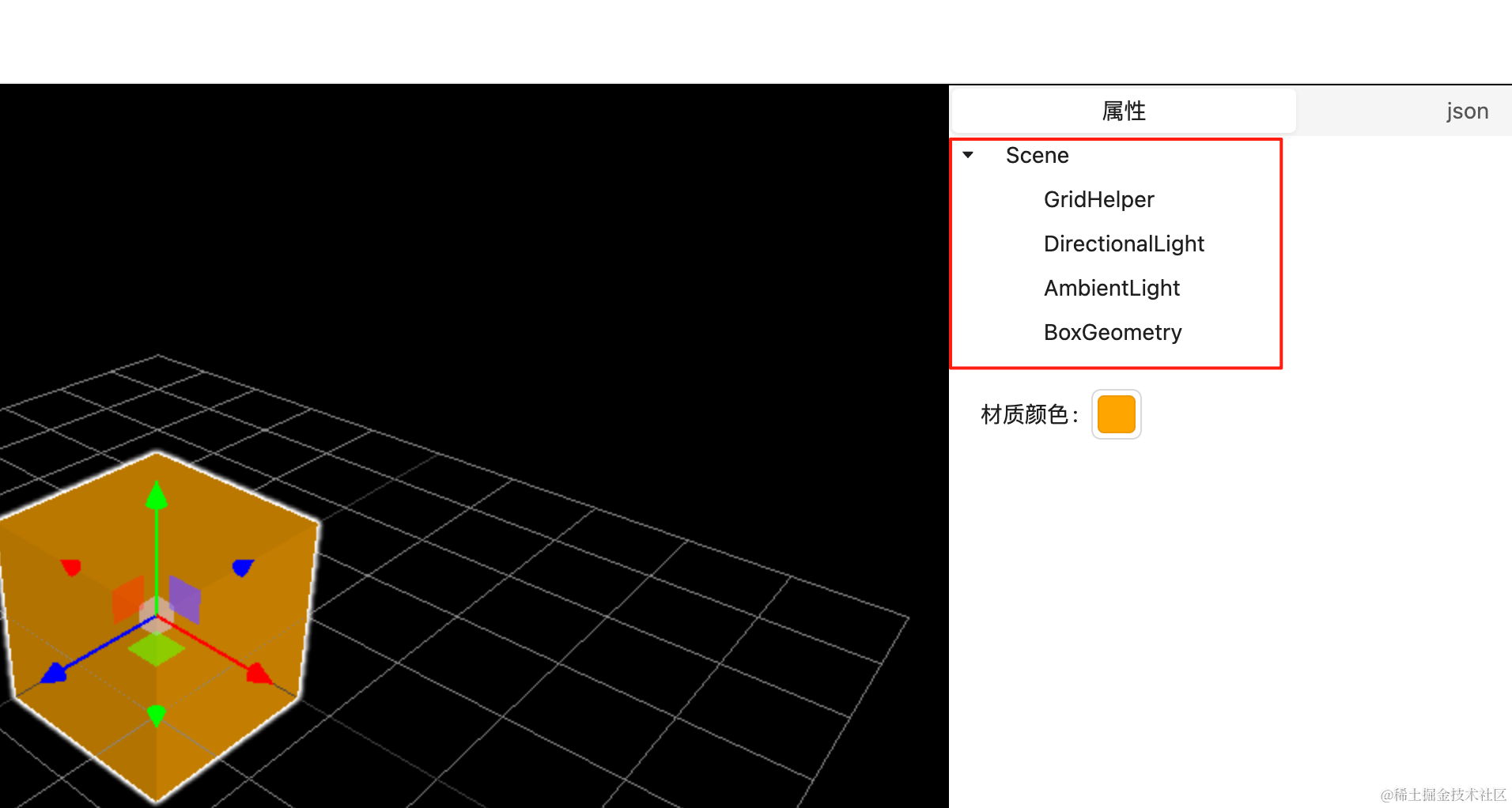
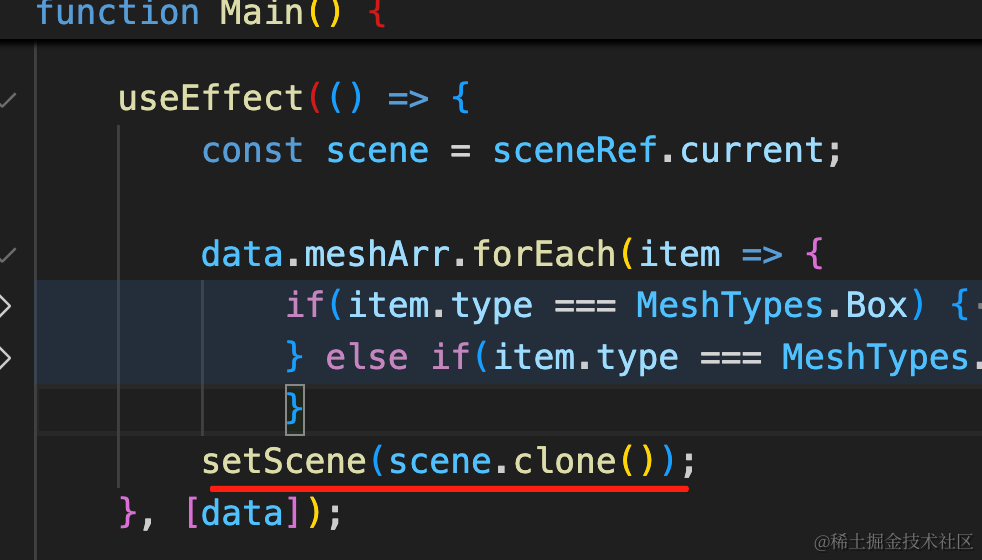 其实这是没必要的,性能消耗很高。
其实我们只要遍历一下,把场景树摘出来再放到 store 就可以了。
把 Properties 组件里的遍历逻辑拿过来:
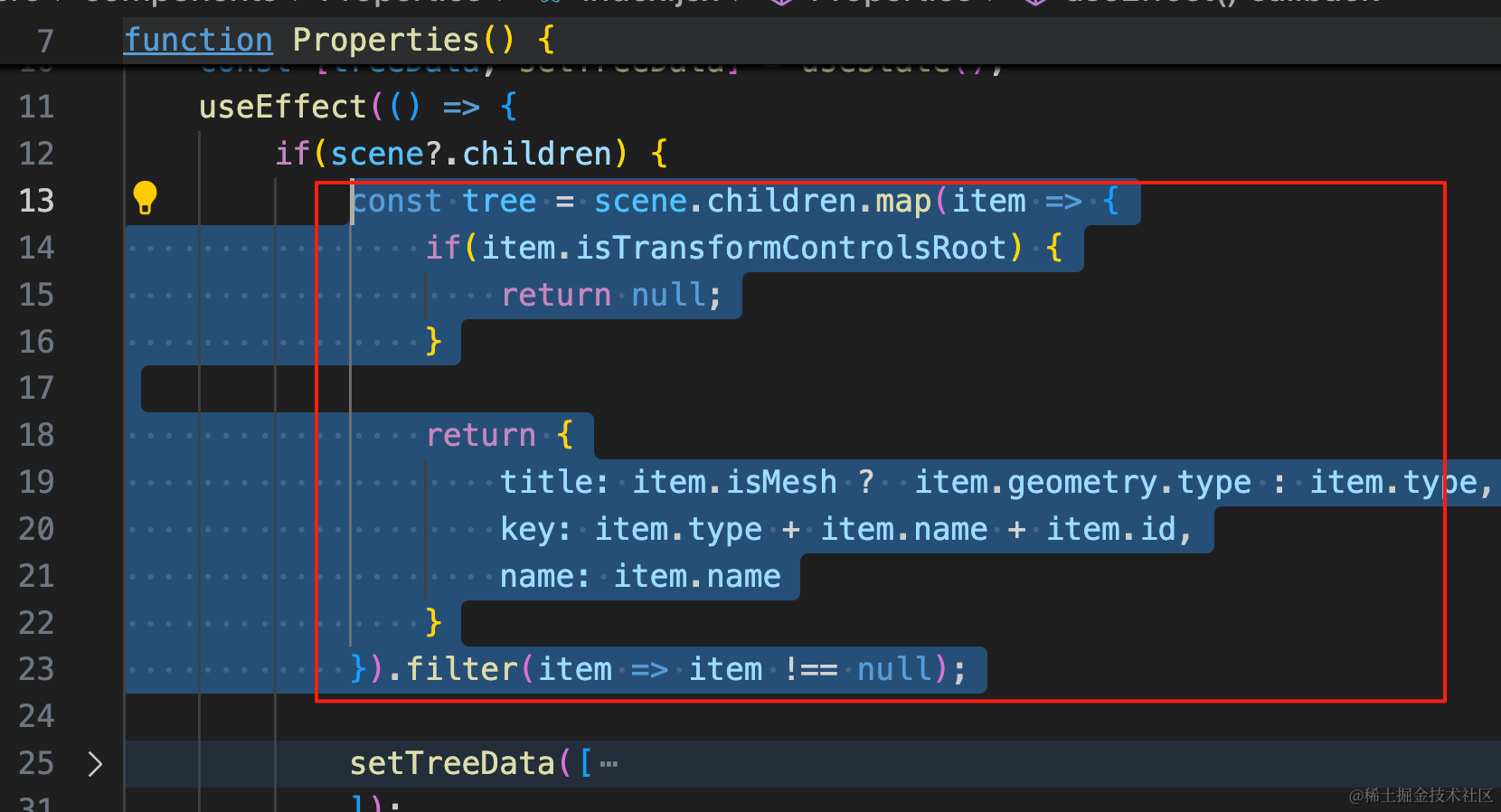
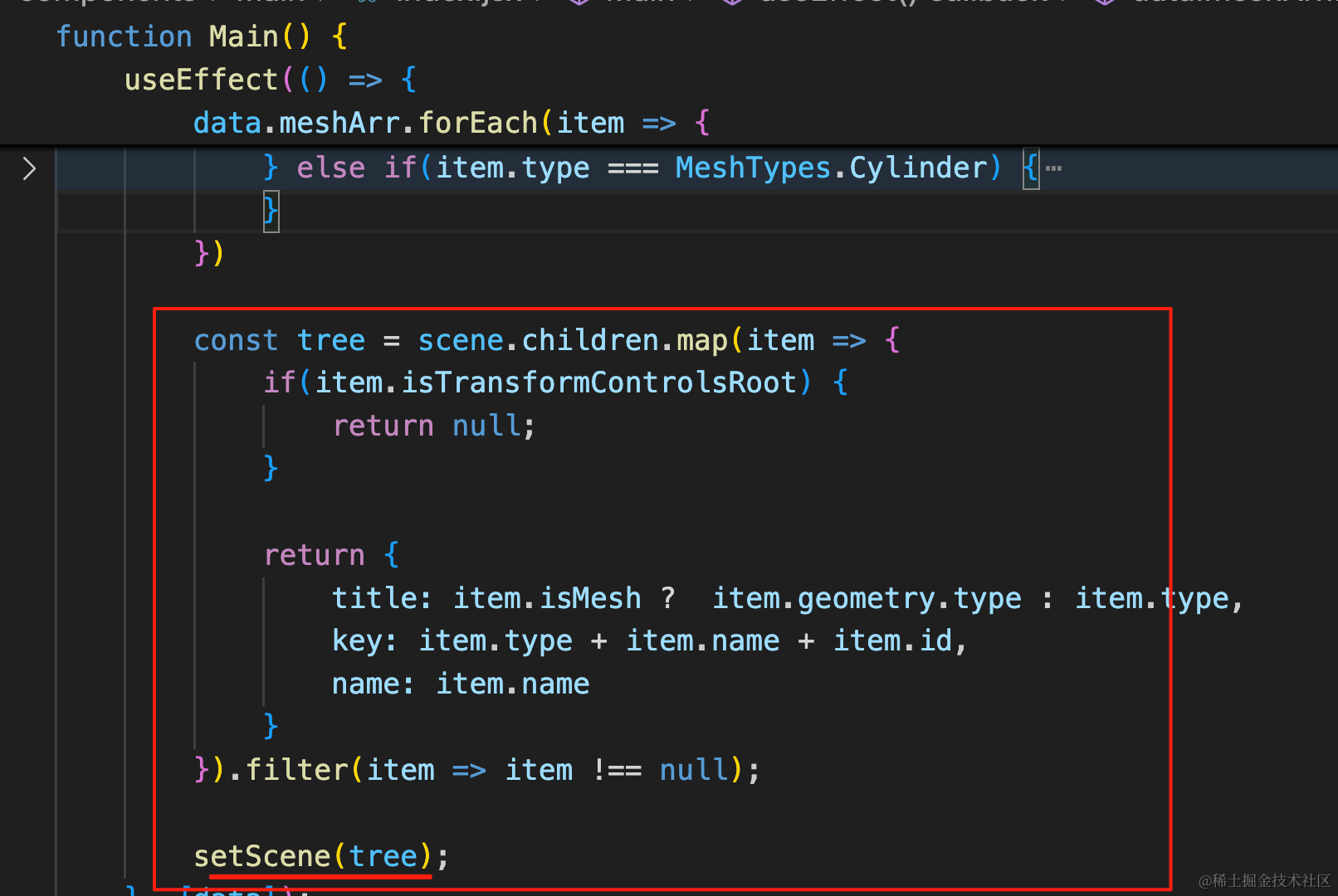
const tree = scene.children.map(item => {
if(item.isTransformControlsRoot) {
    return null;
}

return {
    title: item.isMesh ?  item.geometry.type : item.type,
    key: item.type + item.name + item.id,
    name: item.name
}
}).filter(item => item !== null);

setScene(tree);
遍历结果放到 store 里。
初次渲染这里也要改下:
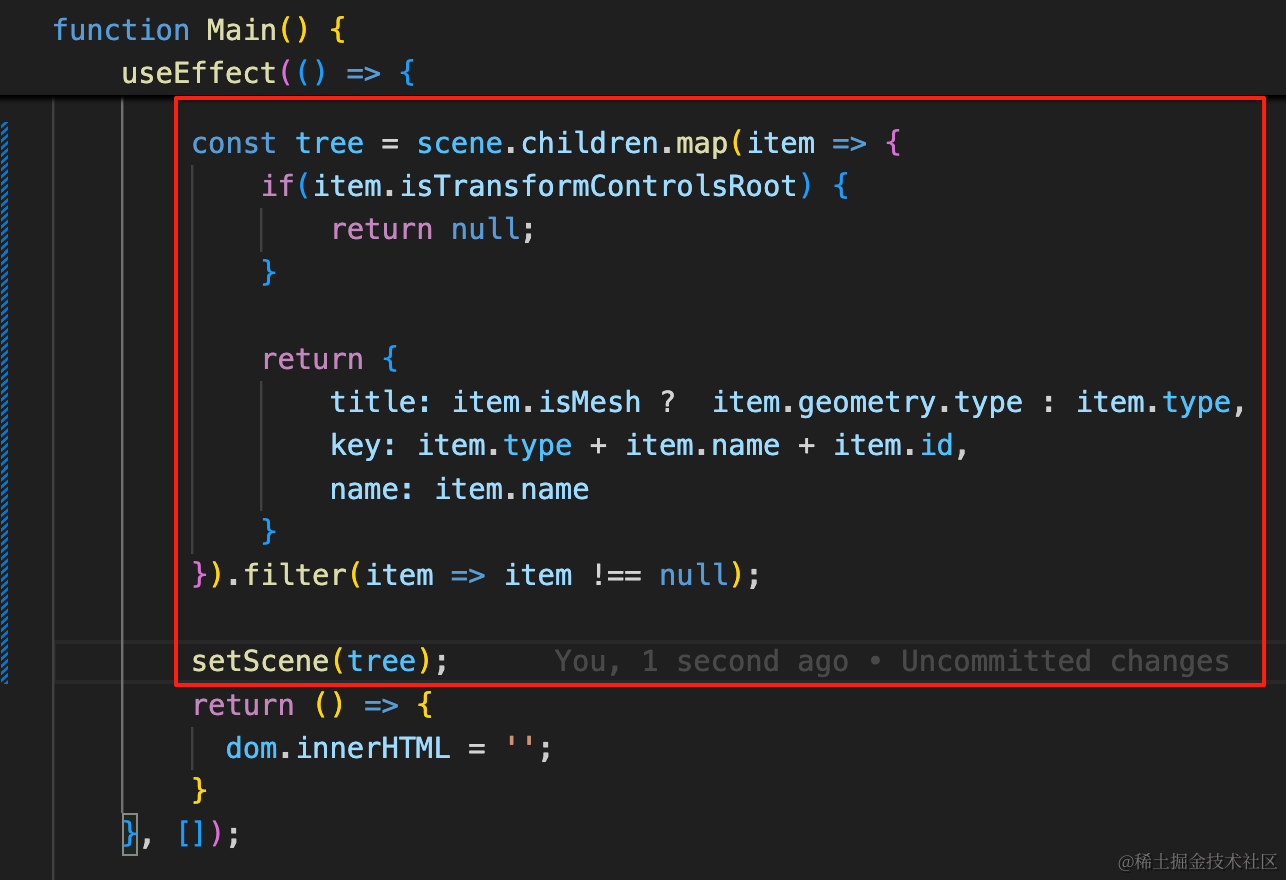
然后取的地方取出来直接用就可以了:
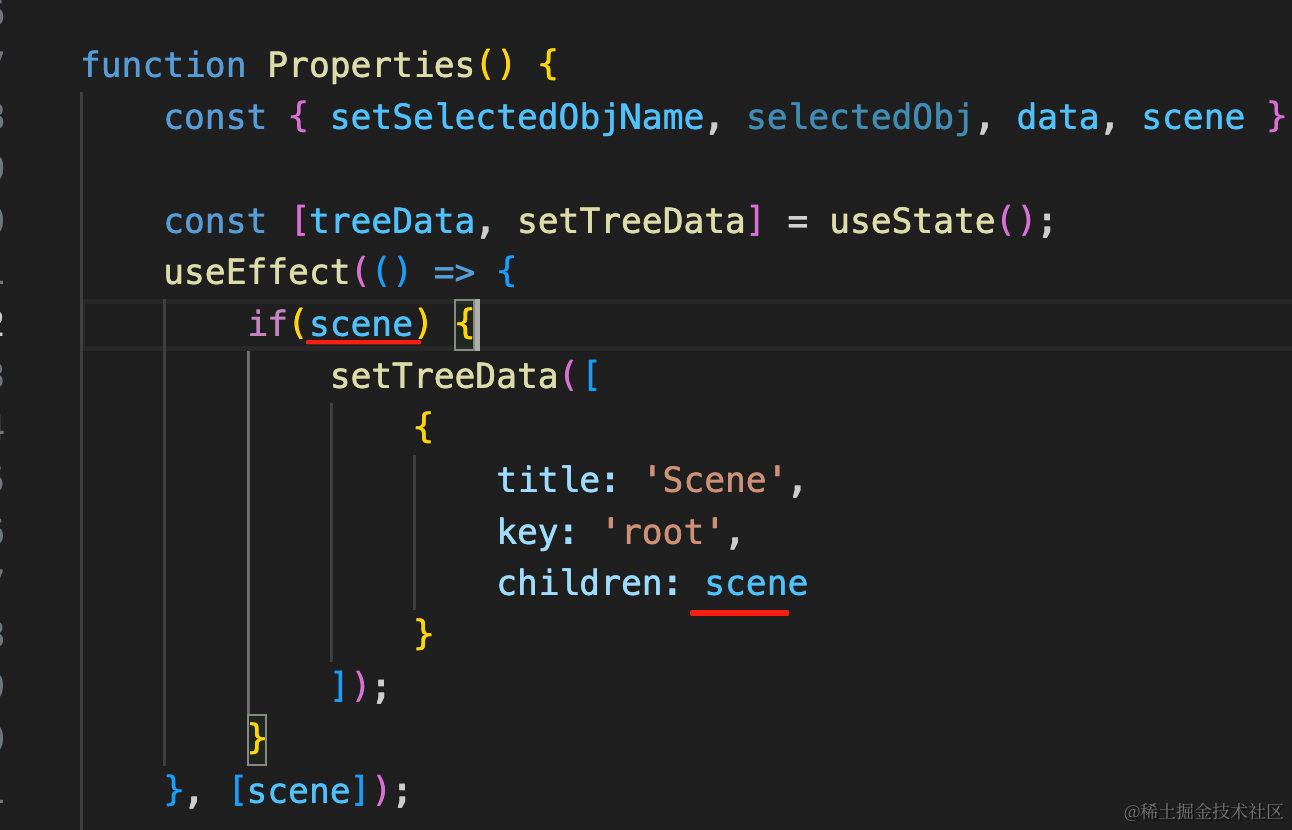
useEffect(() => {
    if(scene) {
        setTreeData([
            {
                title: 'Scene',
                key: 'root',
                children: scene
            }
        ]);
    }
}, [scene]);
因为都计算好了,取出来直接用就好了。
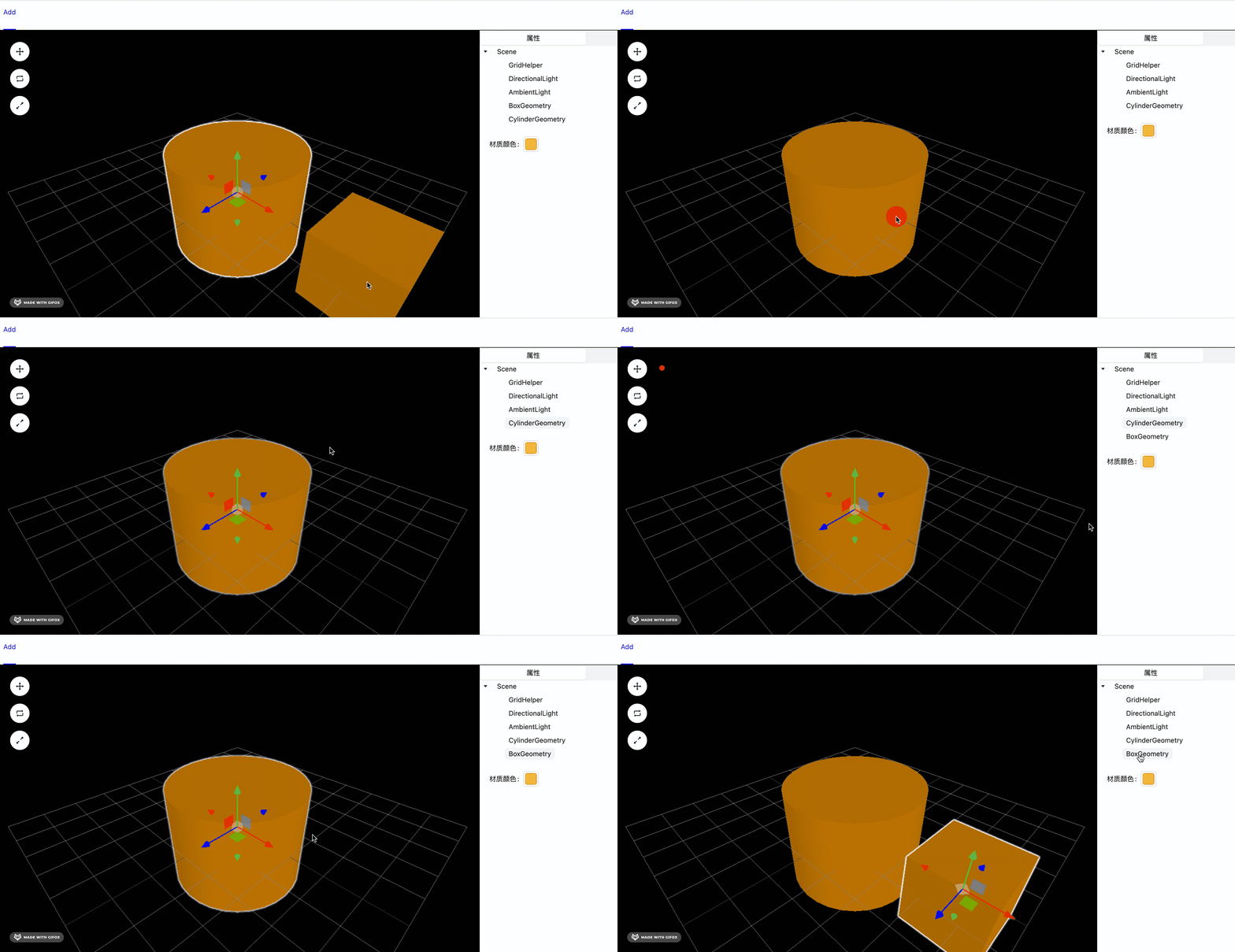
功能正常,但性能提升了很多。
案例代码上传了小册仓库
总结
这节我们优化了下细节的功能。
首先,用 zustand 的 persist 中间件实现了持久化,这样刷新页面,编辑后的场景依然在,它会把 json 保存到 localStorage 里。
然后用 antd 的 Segmented 组件来做了 tab,并且用 MonacoEditor 做了 json 的高亮。
这样,react 结合 Three.js 的 3D 编辑器就完成了。