学到这里,其实 Three.js 的各种 api 就都差不多都用过了。
但还有一些 api 没用过,这节开始我们查缺补漏一下。
这节来过一下 MathUtils 的 api
我们先创建一个项目来测试:
npx create-vite others-api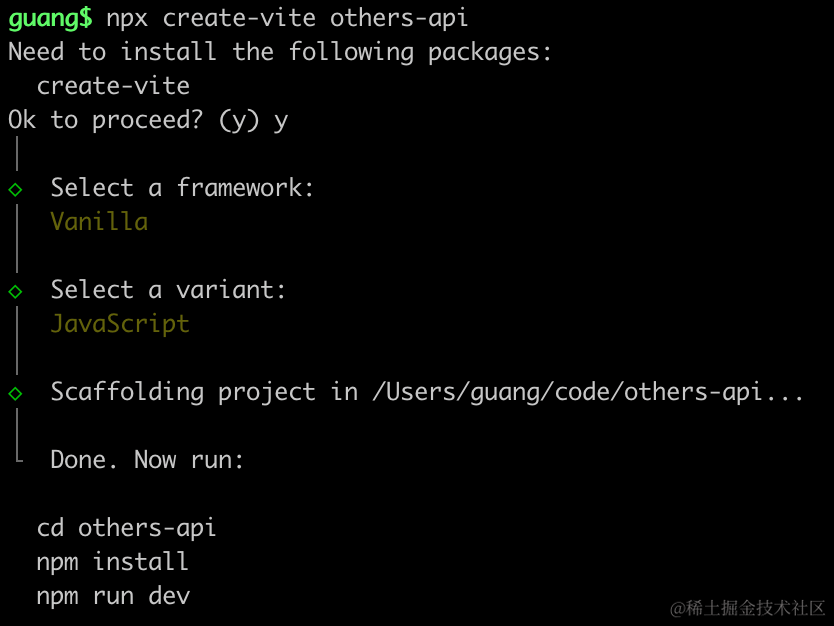
进入项目,安装依赖:
pnpm install
pnpm install --save three
pnpm install --save-dev @types/three
先写下基础代码:
改下 src/main.js
import './style.css';
import * as THREE from 'three';
import {
    OrbitControls
} from 'three/addons/controls/OrbitControls.js';
import mesh from './mesh.js';

const scene = new THREE.Scene();

scene.add(mesh);

const light = new THREE.DirectionalLight(0xffffff);
light.position.set(500, 300, 600);
scene.add(light);

const light2 = new THREE.AmbientLight();
scene.add(light2);

const axesHelper = new THREE.AxesHelper(1000);
scene.add(axesHelper);

const width = window.innerWidth;
const height = window.innerHeight;

const camera = new THREE.PerspectiveCamera(60, width / height, 1, 10000);
camera.position.set(0, 500, 500);
camera.lookAt(0, 0, 0);

const renderer = new THREE.WebGLRenderer({
  antialias: true
});
renderer.setSize(width, height)

function render() {
    renderer.render(scene, camera);
    requestAnimationFrame(render);
}

render();

document.body.append(renderer.domElement);

const controls = new OrbitControls(camera, renderer.domElement);
创建 Scene、Light、Camera、Renderer
改下 style.css
body {
    margin: 0;
}
然后创建 mesh.js
import * as THREE from 'three';

const geometry = new THREE.BoxGeometry(100, 100, 100);
const material = new THREE.MeshPhongMaterial({
    color: 'orange'
})
const mesh = new THREE.Mesh(geometry, material);

export default mesh;
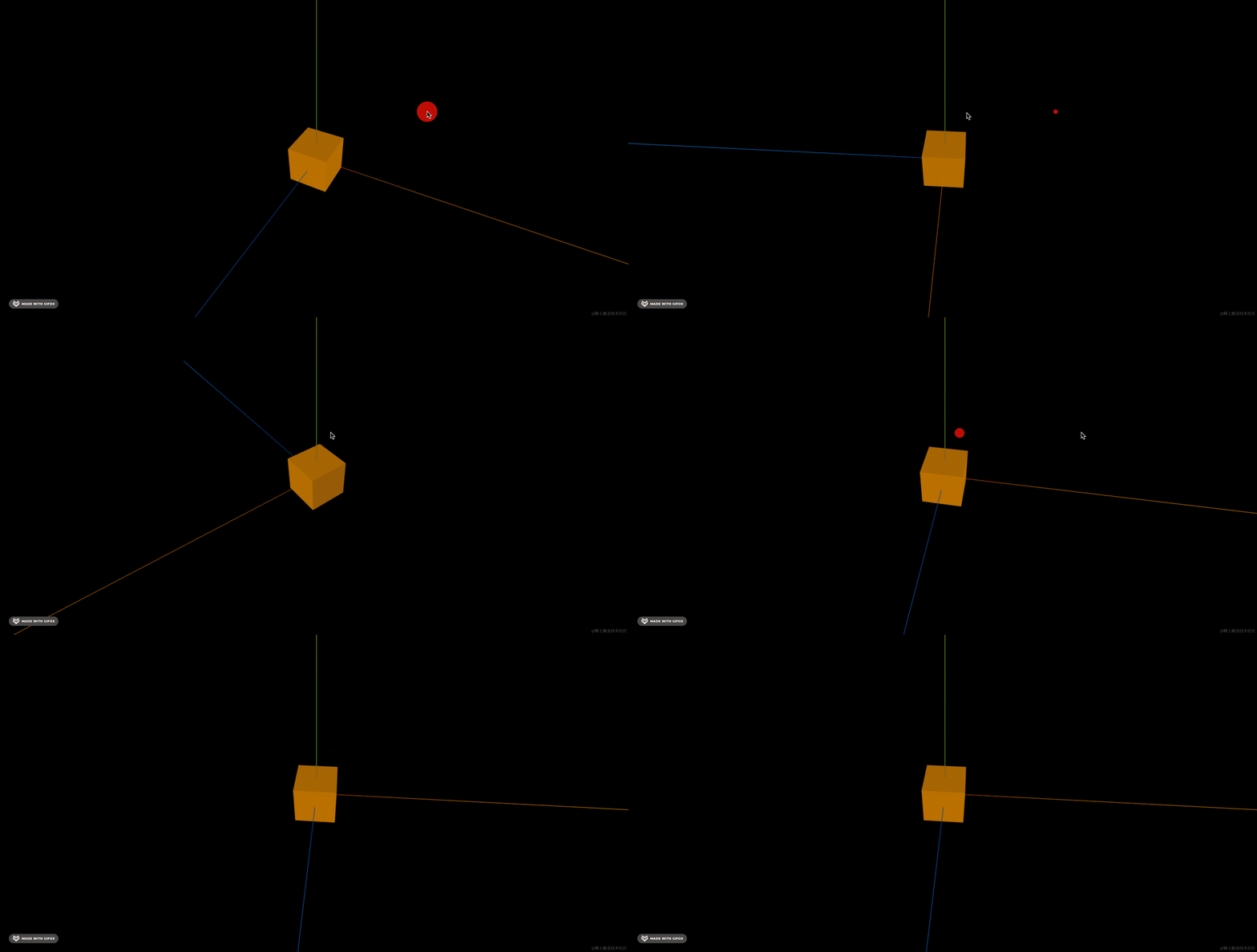
先画个立方体
跑一下:
npm run dev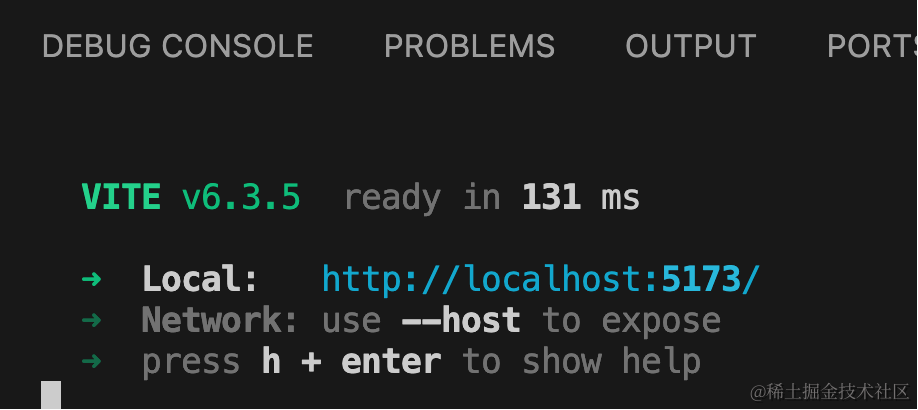
角度弧度互转
角度弧度转换是经常用到的,可以用 MathUtils 的 degToRad 和 radToDeg 的 api:
console.log(THREE.MathUtils.degToRad(180));
console.log(THREE.MathUtils.radToDeg(Math.PI));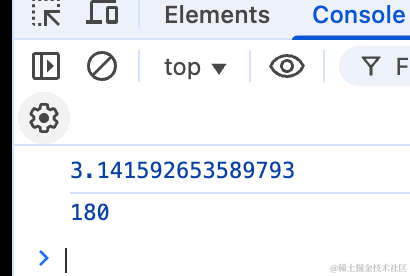
可以看到,180 度转成了弧度就是 π,也就是 3.1415926
π 也可以用 radToDeg 转为角度 180
数值插值
插值就是在一个区间内根据比例生成一些值
首先看插值:
console.log(THREE.MathUtils.lerp(0, 100, 0.5));
console.log(THREE.MathUtils.lerp(0, 150, 0.5));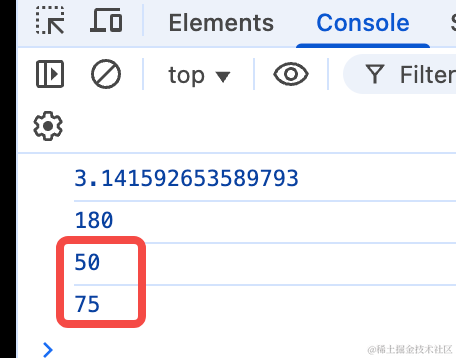
在 0 到 100 的区间内,按照 0.5 的比例来插值,是 50。在 0 到 150 的区间内插值就是 75。
这个是线性插值,也就是均匀地。
当然也可以不均匀的差值,比如平滑插值:
// 平滑插值(三次 Hermite 插值)
console.log(THREE.MathUtils.smoothstep(0.8, 0, 1));
console.log(THREE.MathUtils.smoothstep(0.3, 0, 1));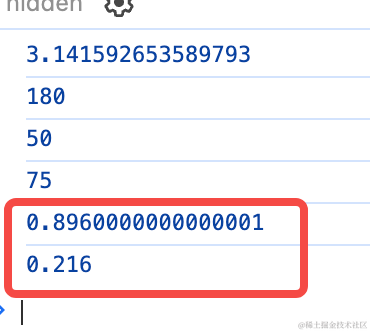
可以看到,比例在 0.8 和 0.3 的位置生成的值并不是均匀变化的,这种变化趋势更平滑。
它还有一个更平滑的 api:
// 改进的平滑插值(五次 Hermite 插值)
console.log(THREE.MathUtils.smootherstep(0.8, 0, 1));
console.log(THREE.MathUtils.smootherstep(0.3, 0, 1));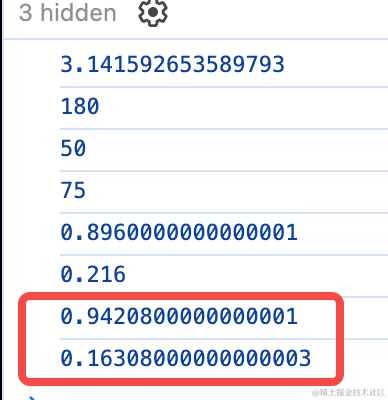
当你需要在一个区间内按照比例生成一些均匀或者平滑的值的时候,就可以用插值 api。
数值映射
映射是把一个区间内的数值映射到另一个区间。
比如线性映射 mapLinear
// 映射值到指定范围 [min, max]
console.log(THREE.MathUtils.mapLinear(0.6, 0, 1, 0, 100));
console.log(THREE.MathUtils.mapLinear(0.6, 0, 1, 0, 150));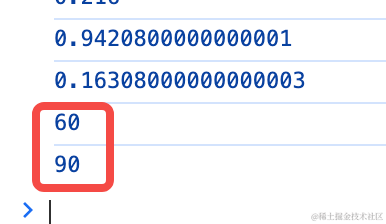
0.6 在 0 到 1 区间的位置,可以映射到 0 到 100 区间的 60,可以映射到 0 到 150 区间的 90
数值范围限制
当你要把数值限制在某个区间的时候,是不是要判断数值和 min,数值和 max的关系,小于 min 就取 min,大于 max 就取 max
不用这么麻烦,直接用 clamp 的 api
// 夹紧值到指定范围 [min, max]
console.log(THREE.MathUtils.clamp(150, 0, 100));
console.log(THREE.MathUtils.clamp(-50, 0, 100));
console.log(THREE.MathUtils.clamp(30, 0, 100));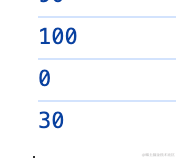
可以看到,超出范围的值会调整到 min、max 的值。
随机数生成
3D 场景中,我们经常需要生成一些随机数,但都是直接用 Math.random
其实有更好用的 api:
// 生成随机浮点数 [min, max]
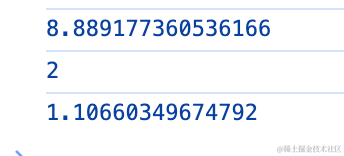
console.log(THREE.MathUtils.randFloat(0, 10));
// 生成随机整数 [min, max]
console.log(THREE.MathUtils.randInt(0, 10));
// 生成随机浮点数 [min, max]
console.log(THREE.MathUtils.randFloatSpread(10));
randFloat 是生成某个区间内的随机浮点数。
randFloat 是生成 -x 到 x 的区间内的随机浮点数。
randInt 是生成某个区间的随机整数(用 Math.random 的话还要自己 Math.floor 取整)
2 的幂的数值取整
一般的数值取整都是 10、100、1000 这样,但有时候我们需要往 1024、512、2048 这样的 2 的幂的数值上靠
这时候就可以用 floorPowerOfTwo、ceilPowerOfTwo 的 api
// 向下取整到最近的 2 的幂
console.log(THREE.MathUtils.floorPowerOfTwo(500));
// 向上取整到最近的 2 的幂
console.log(THREE.MathUtils.ceilPowerOfTwo(1000)); 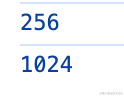
比如这里小于 500的 2 的幂就是 256
大于 1000 的 2 的幂就是 1024
生成唯一 id
很多时候我们要给 3D 场景中的物体加 id,这时候直接用 uuid 就行:
console.log(THREE.MathUtils.generateUUID());
console.log(THREE.MathUtils.generateUUID());
console.log(THREE.MathUtils.generateUUID());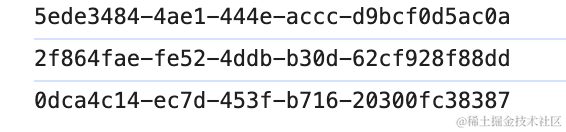
它生成的就是全局唯一的 id
案例代码上传了小册仓库
总结
这节我们过了一遍 MathUtils 的 api,这些 api 在 3D 场景中都很常用
degToRad(degrees)- 角度转弧度radToDeg(radians)- 弧度转角度lerp(x, y, t)- 线性插值smoothstep(x, min, max)- 平滑插值(三次 Hermite)smootherstep(x, min, max)- 改进的平滑插值(五次 Hermite)mapLinear(x, inMin, inMax, outMin, outMax)- 线性映射clamp(value, min, max)- 夹紧值到范围randFloat(min, max)- 生成随机浮点数randInt(min, max)- 生成随机整数randFloatSpread(range)- 生成 [-range/2, range/2] 的随机数floorPowerOfTwo(value)- 向下取整到最近的 2 的幂ceilPowerOfTwo(value)- 向上取整到最近的 2 的幂isPowerOfTwo(value)- 判断是否为 2 的幂generateUUID()- 生成唯一 ID
不用记,大概知道有这个 api,用到的时候再查就行。