上节我们用 cannon 实现了立方体下落反弹的物理效果:
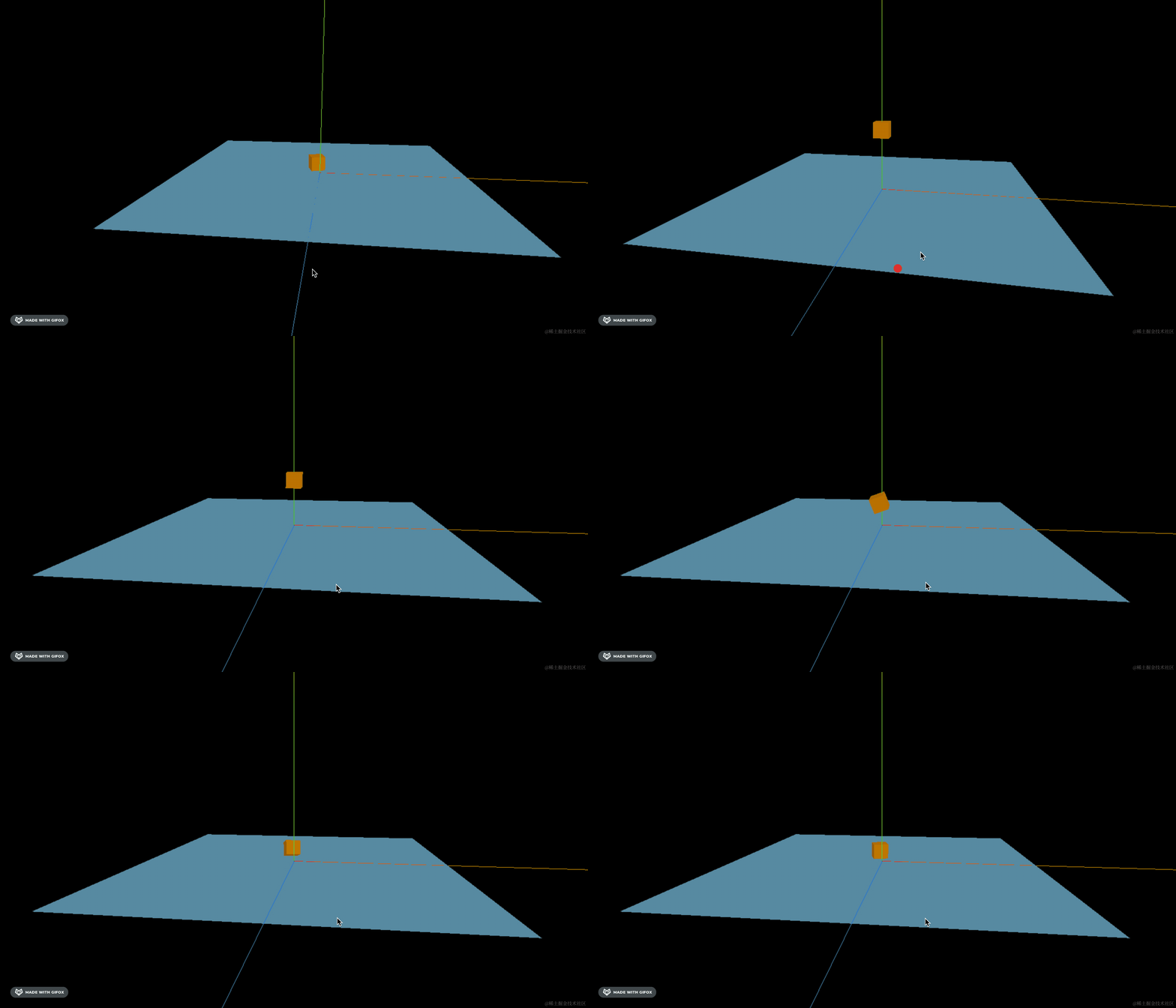
对于立方体、球体这种常见形状,都有现成的类。
但对于一些不规则形状呢?
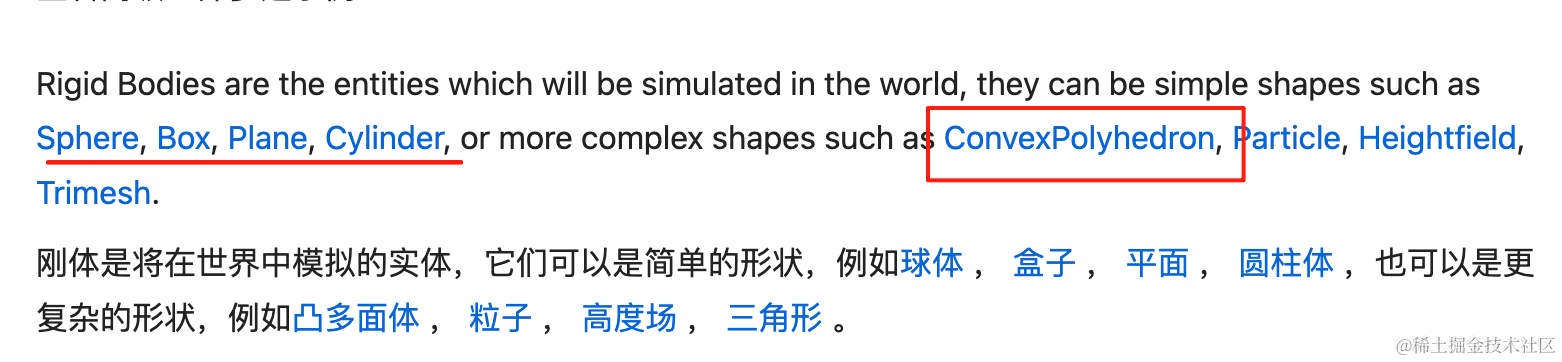
cannon 提供了 ConvexPolyhedron 这个类:
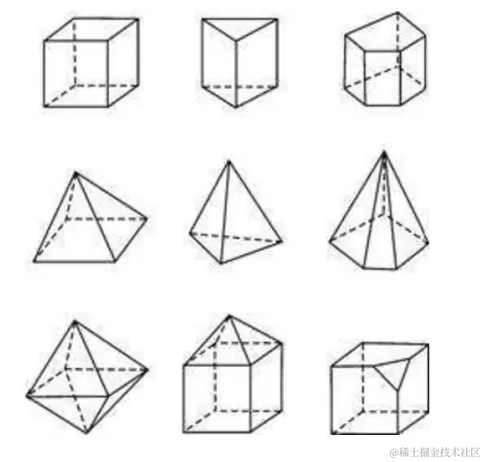
就像我们可以用 BufferGeometry 通过顶点数据来定义各种形状的几何体一样。
凸多面体 ConvexPolyhedron 就是通过顶点、三角形来构造各种形状。
我们来试一下:
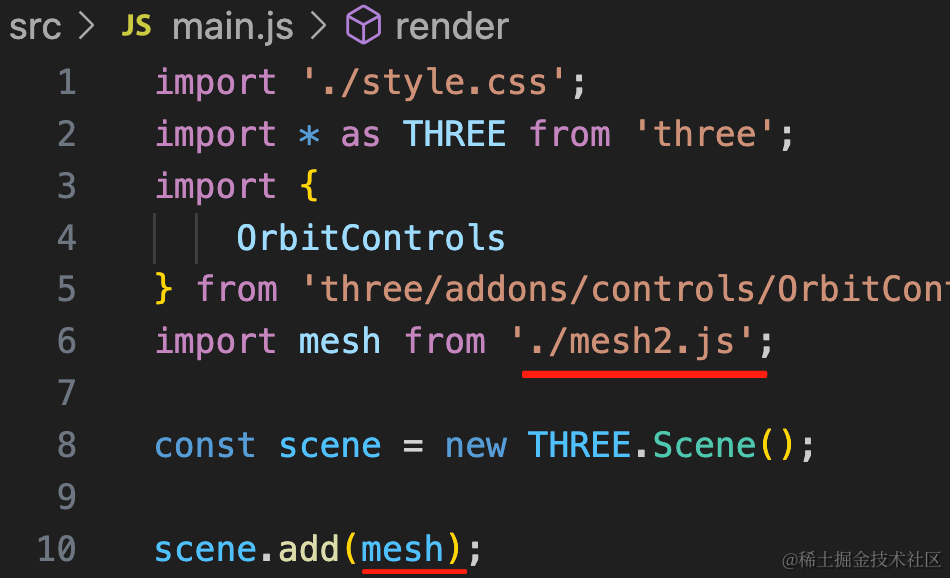
在上节的项目里创建 mesh2.js
import * as THREE from 'three';
import * as CANNON from 'cannon-es';

const planeGeometry = new THREE.PlaneGeometry(1000, 1000);
const planeMaterial = new THREE.MeshLambertMaterial({
    color: new THREE.Color('skyblue')
});

const plane = new THREE.Mesh(planeGeometry, planeMaterial);
plane.rotateX(- Math.PI / 2);

const xxxGeometry = new THREE.SphereGeometry(50);
const xxxMaterial = new THREE.MeshLambertMaterial({
    color: new THREE.Color('orange')
});
const xxx = new THREE.Mesh(xxxGeometry, xxxMaterial);
xxx.position.y = 300;

const mesh = new THREE.Group();
mesh.add(plane);
mesh.add(xxx);

const world = new CANNON.World();
world.gravity.set(0, -300, 0);

const xxxShape = new CANNON.Sphere(50);
const xxxCannonMaterial = new CANNON.Material();
const xxxBody = new CANNON.Body({
    shape: xxxShape,
    mass: 1,
    material: xxxCannonMaterial
});
xxxBody.position.set(0, 300, 0)
world.addBody(xxxBody);

const planeShape = new CANNON.Plane();
const planeCannonMaterial = new CANNON.Material();
const planeBody = new CANNON.Body({
    shape: planeShape,
    mass: 0,
    material: planeCannonMaterial
});
planeBody.position.set(0, 0, 0);
planeBody.quaternion.setFromAxisAngle(new CANNON.Vec3(1, 0, 0), -Math.PI / 2);
world.addBody(planeBody);

const contactMaterial = new CANNON.ContactMaterial(
    xxxCannonMaterial,
    planeCannonMaterial,
    {
        friction: 0.2, // 摩擦力
        restitution: 0.6 // 弹性
    }
);
world.addContactMaterial(contactMaterial);

function render() {
    world.fixedStep();

    xxx.position.copy(xxxBody.position);
    xxx.quaternion.copy(xxxBody.quaternion);

    requestAnimationFrame(render);
}
render();

export default mesh;
和上节一样,只不过这次是球体。
在 3D 场景创建平面、球体的网格模型,然后在物理世界创建对应的刚体。
设置下重力、弹性等,然后每帧渲染的时候把物体的位置、旋转角度设置为物理世界物体的位置、旋转角度。
看下效果:
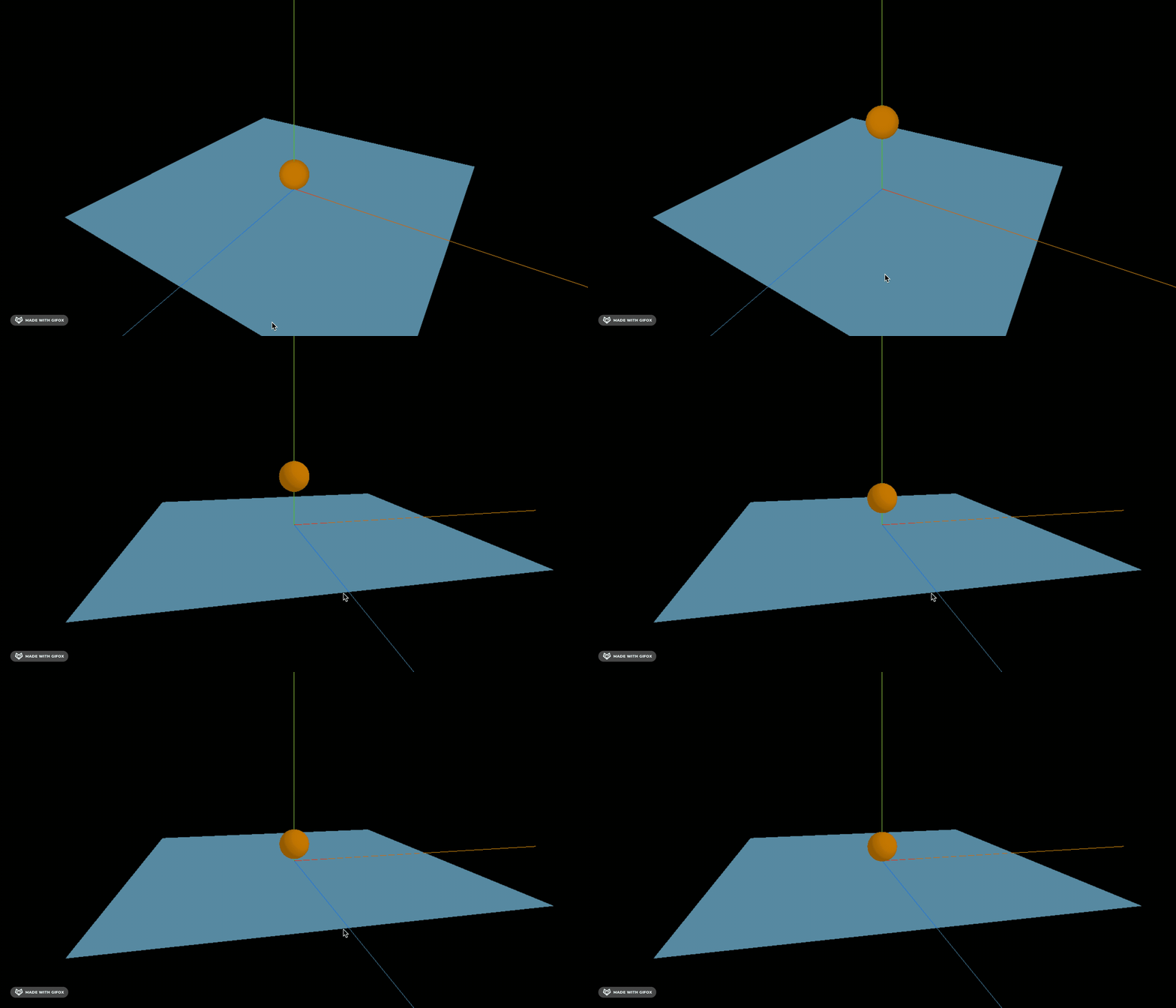
这样就是真实的球体碰撞效果。
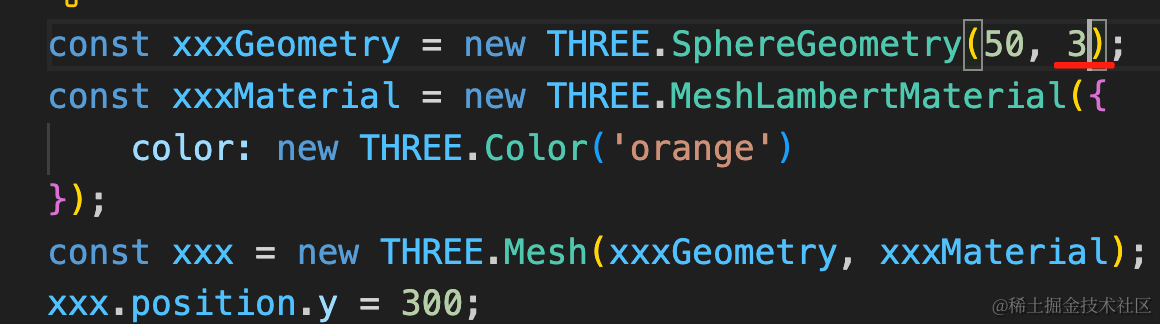
我们给球体的宽方向的分段设置为 3 ,默认是 32
它就是一个这样的形状:
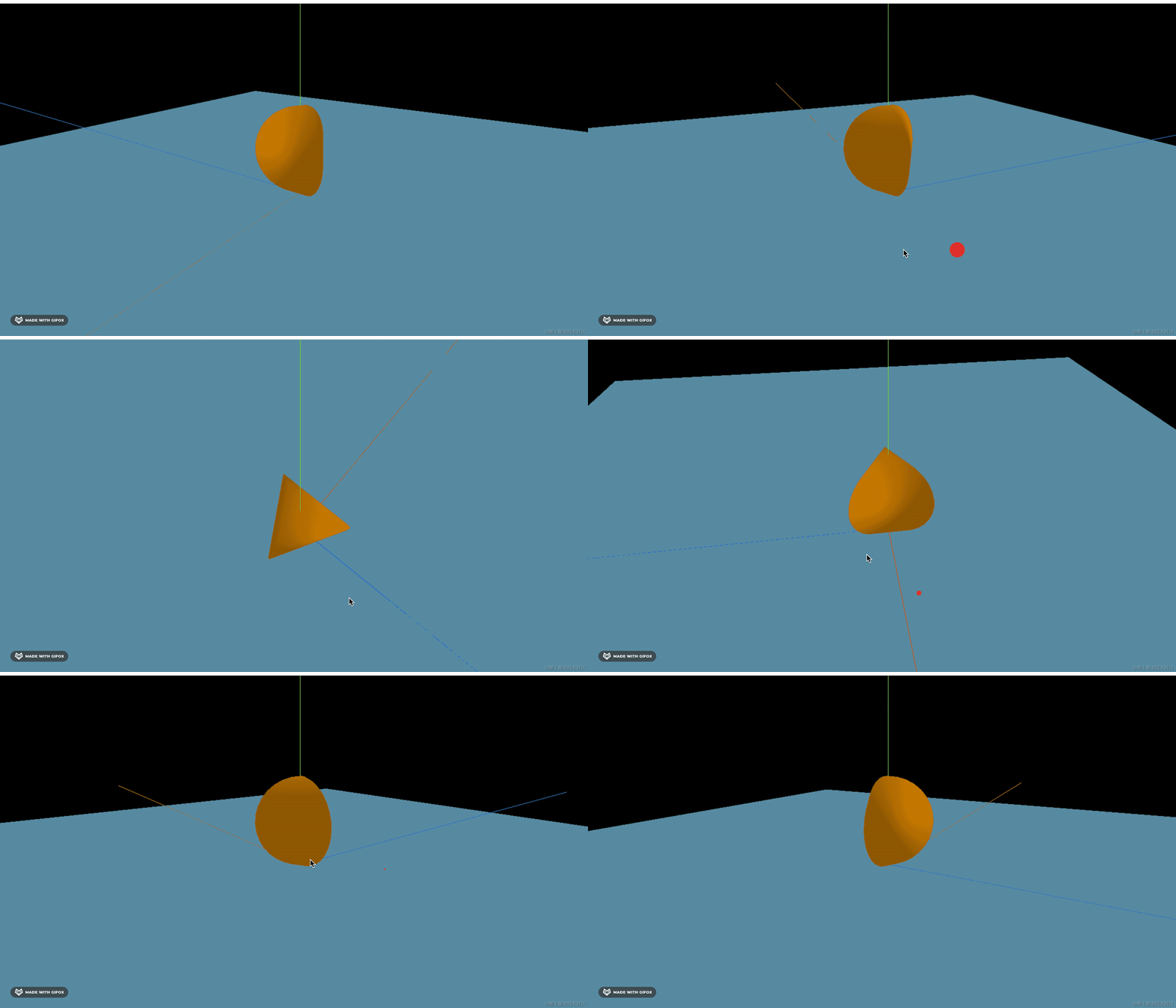
现在物理现象就不对了:

现在 3D 场景的物体和物理世界的物体形状不一致,效果明显不符合物理规律了。
尖的那一头不可能立住。
我们得把物理世界里的物体也改为对应的形状。
但内置的没有这种形状,这种就得自定义了,用凸多面体 ConvexPolyhedron,就像 Three.js 里的 BufferGeometry 一样。
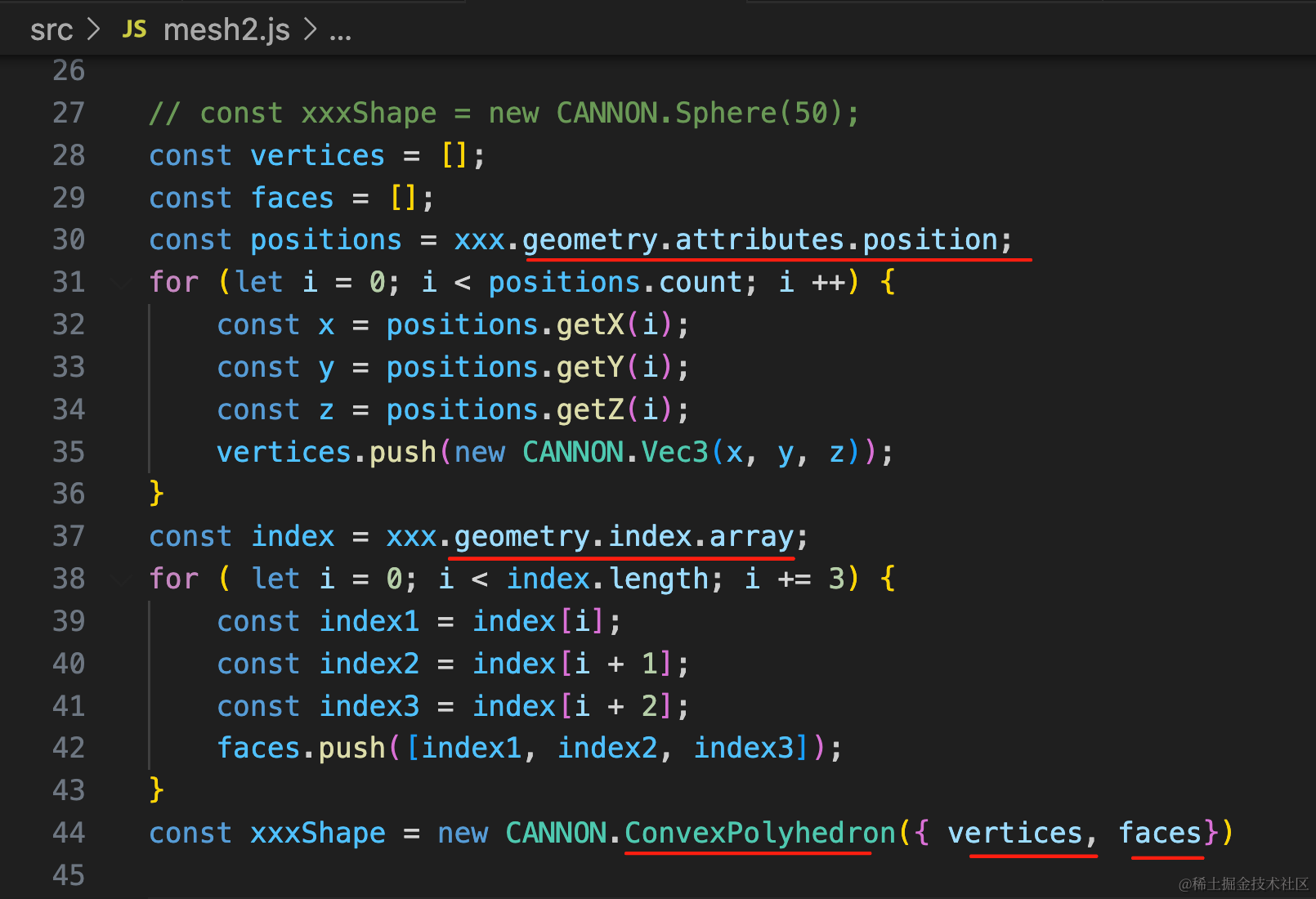
我们把几何体的顶点和顶点索引数据取出来,组织成 ConvexPlyhedron 需要的顶点、三角形数据。
替换之前的 Shape。
关于 BufferGeometry 的顶点和顶点索引,我们前面学过:
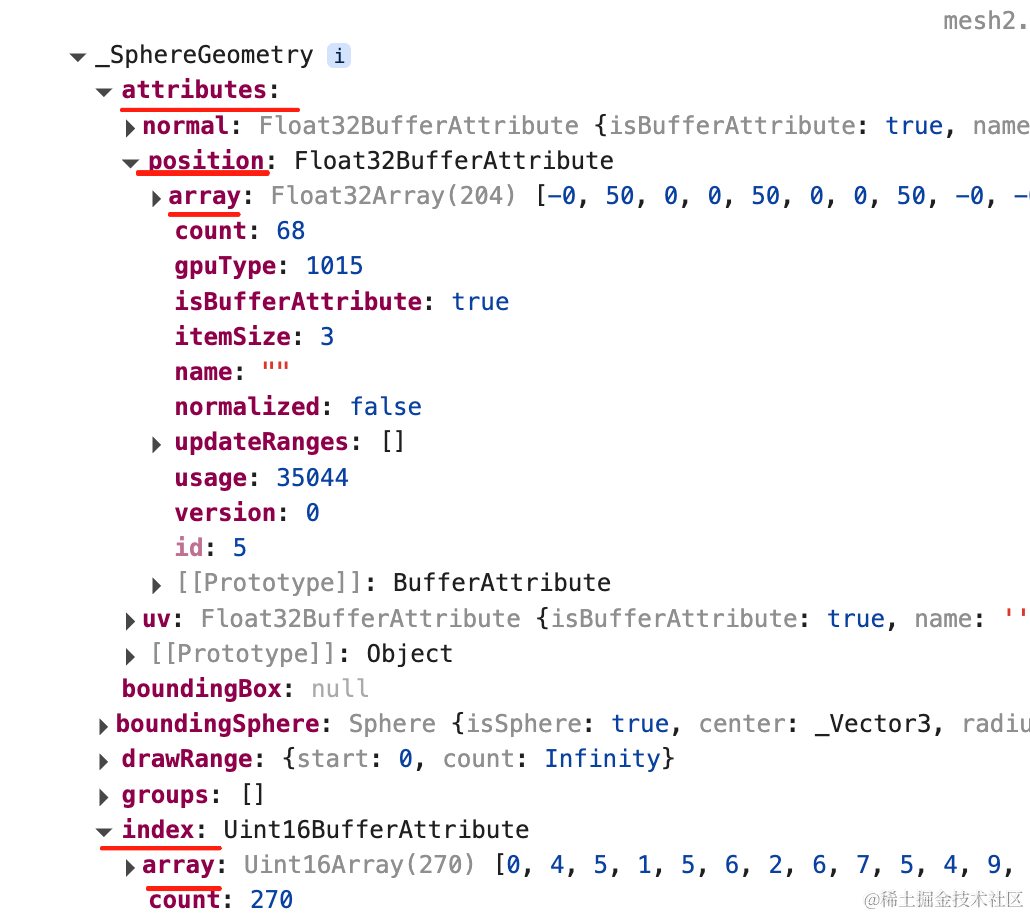
const vertices = [];
const faces = [];
const positions = xxx.geometry.attributes.position;
for (let i = 0; i < positions.count; i ++) {
    const x = positions.getX(i);
    const y = positions.getY(i);
    const z = positions.getZ(i);
    vertices.push(new CANNON.Vec3(x, y, z));
}
const index = xxx.geometry.index;
for ( let i = 0; i < index.length; i += 3) {
    const index1 = index[i];
    const index2 = index[i + 1];
    const index3 = index[i + 2];
    faces.push([index1, index2, index3]);
}
const xxxShape = new CANNON.ConvexPolyhedron({ vertices, faces})
看下效果:
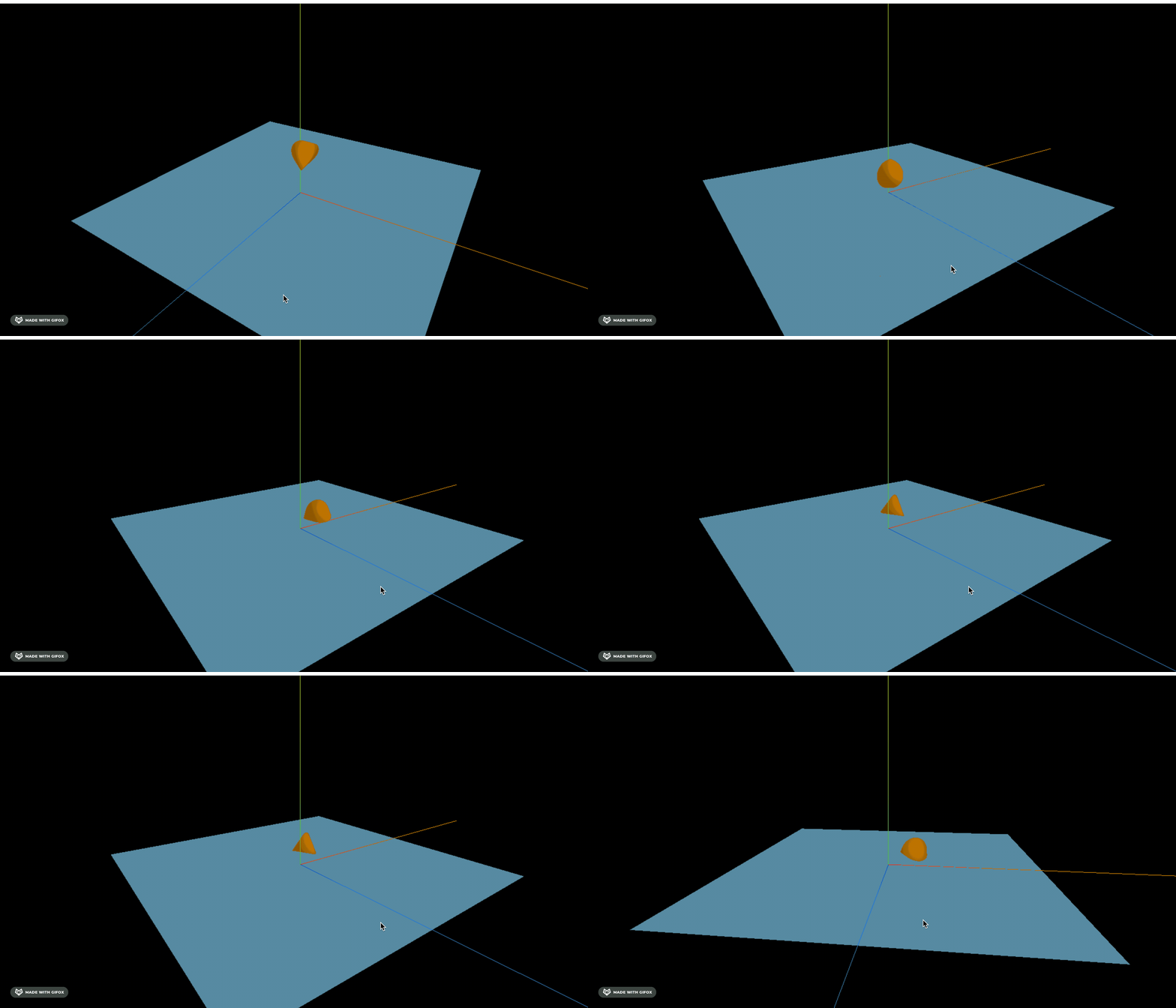
现在就符合物理规律了。
对于形状不规则的物体,我们都可以这样通过顶点定义形状。
案例代码上传了小册仓库
总结
这节我们实现了凸多面体的形状定义。
Cannon 定义了一些形状,比如 Box、Sphere、Cylinder 等,但总有一些不规则形状,这种就可以通过凸多面体 ConvexPolyhedron 来定义。
它是通过定义顶点 vertices、面 faces 来实现的。
从几何体 geometry 中取出顶点和顶点索引,设置到凸多面体就好了。
这样,我们就能实现各种形状物体的真实物理现象。