上节把场景画了出来:
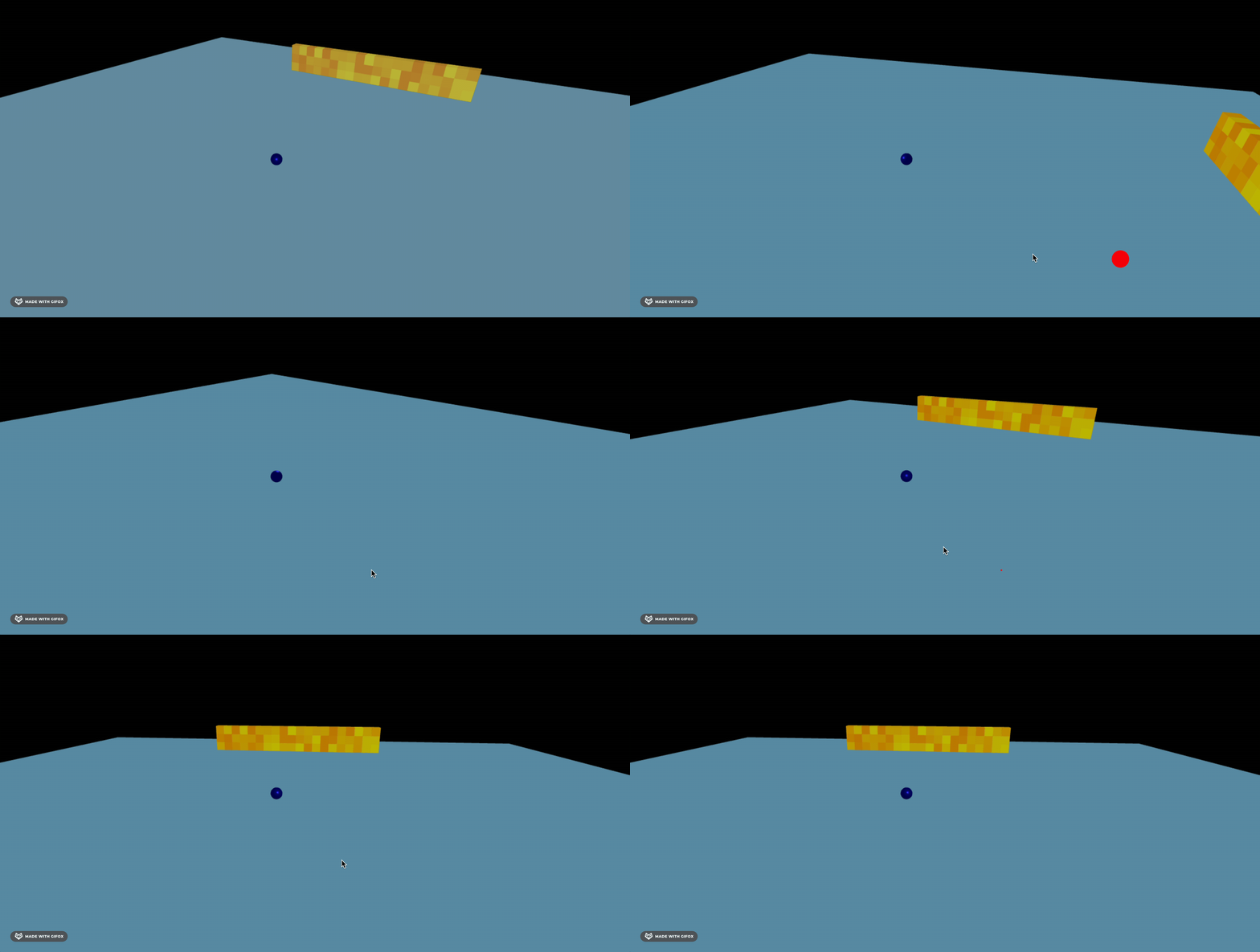
这节实现物理效果。
引入 cannon-es:
pnpm install --save cannon-es创建物理世界,并且把平面、每个立方体、小球在物理世界里定义下:
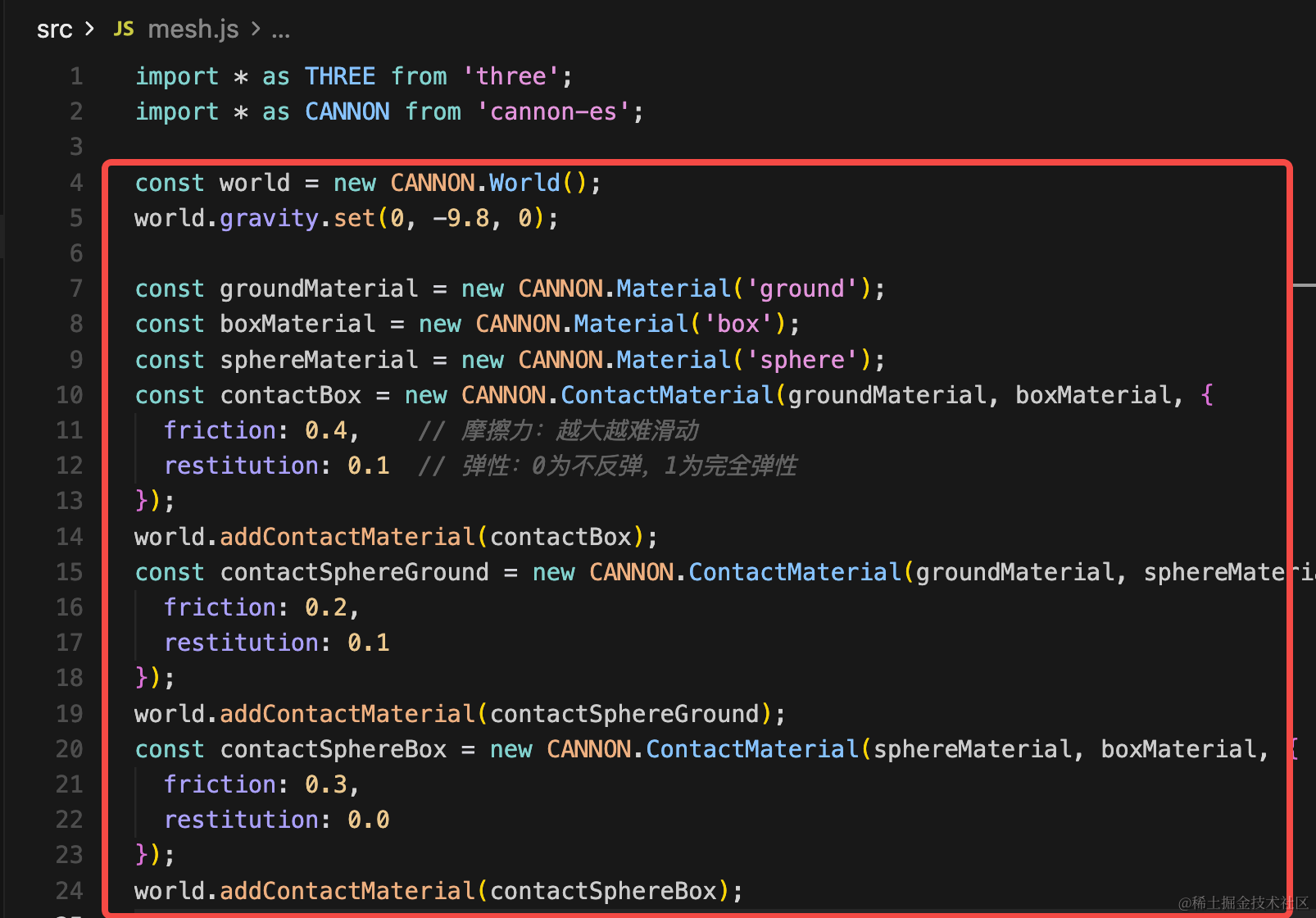
首先创建物理世界:
import * as CANNON from 'cannon-es';

const world = new CANNON.World();
world.gravity.set(0, -9.8, 0);

const groundMaterial = new CANNON.Material('ground');
const boxMaterial = new CANNON.Material('box');
const sphereMaterial = new CANNON.Material('sphere');
const contactBox = new CANNON.ContactMaterial(groundMaterial, boxMaterial, {
  friction: 0.4,    // 摩擦力:越大越难滑动
  restitution: 0.1  // 弹性:0为不反弹,1为完全弹性
});
world.addContactMaterial(contactBox);
const contactSphereGround = new CANNON.ContactMaterial(groundMaterial, sphereMaterial, {
  friction: 0.2,
  restitution: 0.1
});
world.addContactMaterial(contactSphereGround);
const contactSphereBox = new CANNON.ContactMaterial(sphereMaterial, boxMaterial, {
  friction: 0.3,
  restitution: 0.0
});
world.addContactMaterial(contactSphereBox);
我们创建了物理世界,定义了 y 方向的重力加速度。
然后创建了地面、盒子、球的材质,定义了两两的碰撞效果:
球和地面、球和盒子、盒子和地面的碰撞时的摩擦力、弹力。
这个可以看效果再调也行。
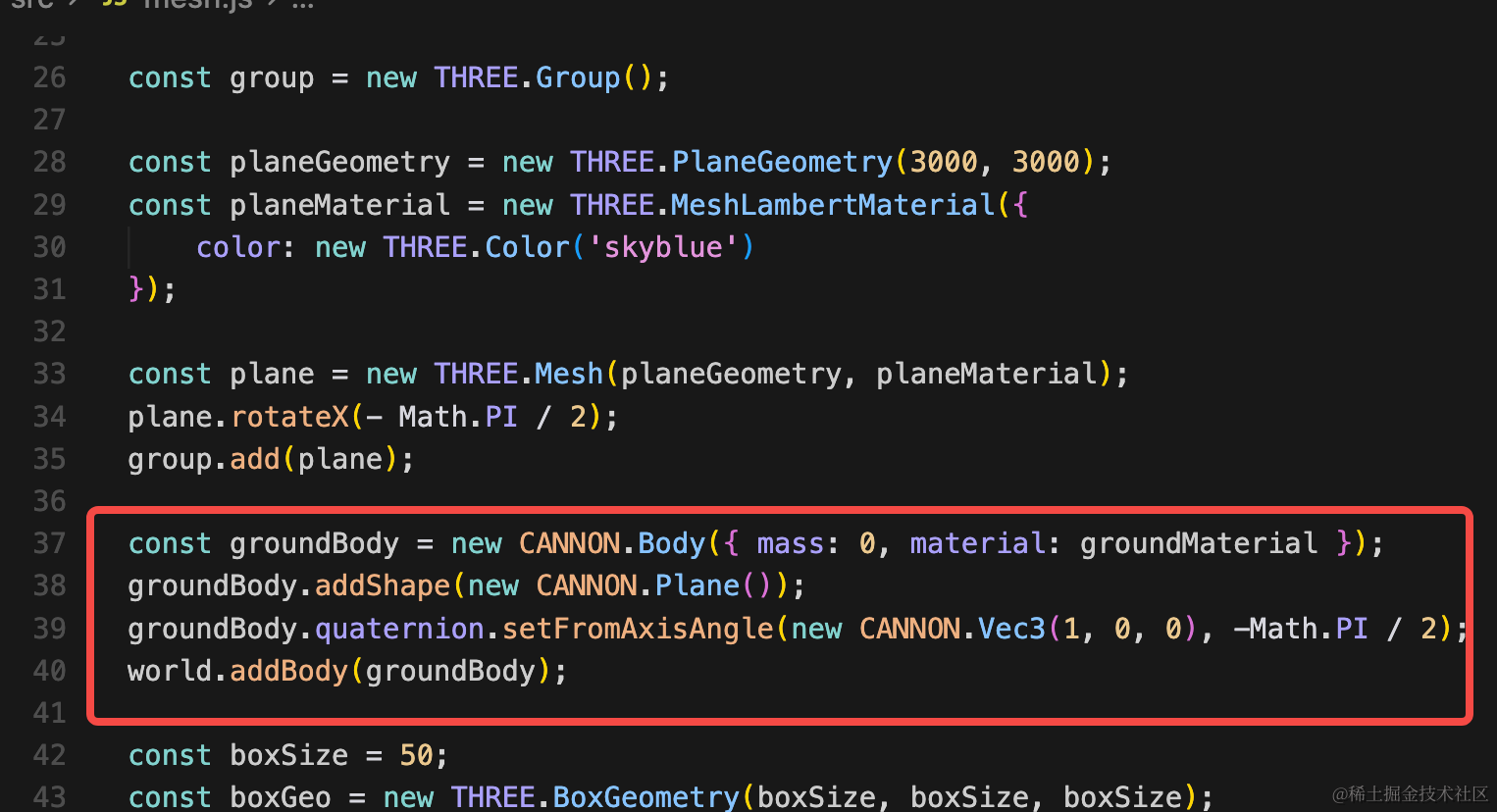
先加下地面的刚体:
const groundBody = new CANNON.Body({ mass: 0, material: groundMaterial });
groundBody.addShape(new CANNON.Plane());
groundBody.quaternion.setFromAxisAngle(new CANNON.Vec3(1, 0, 0), -Math.PI / 2);
world.addBody(groundBody);
地面质量为 0,也就是不会移动。
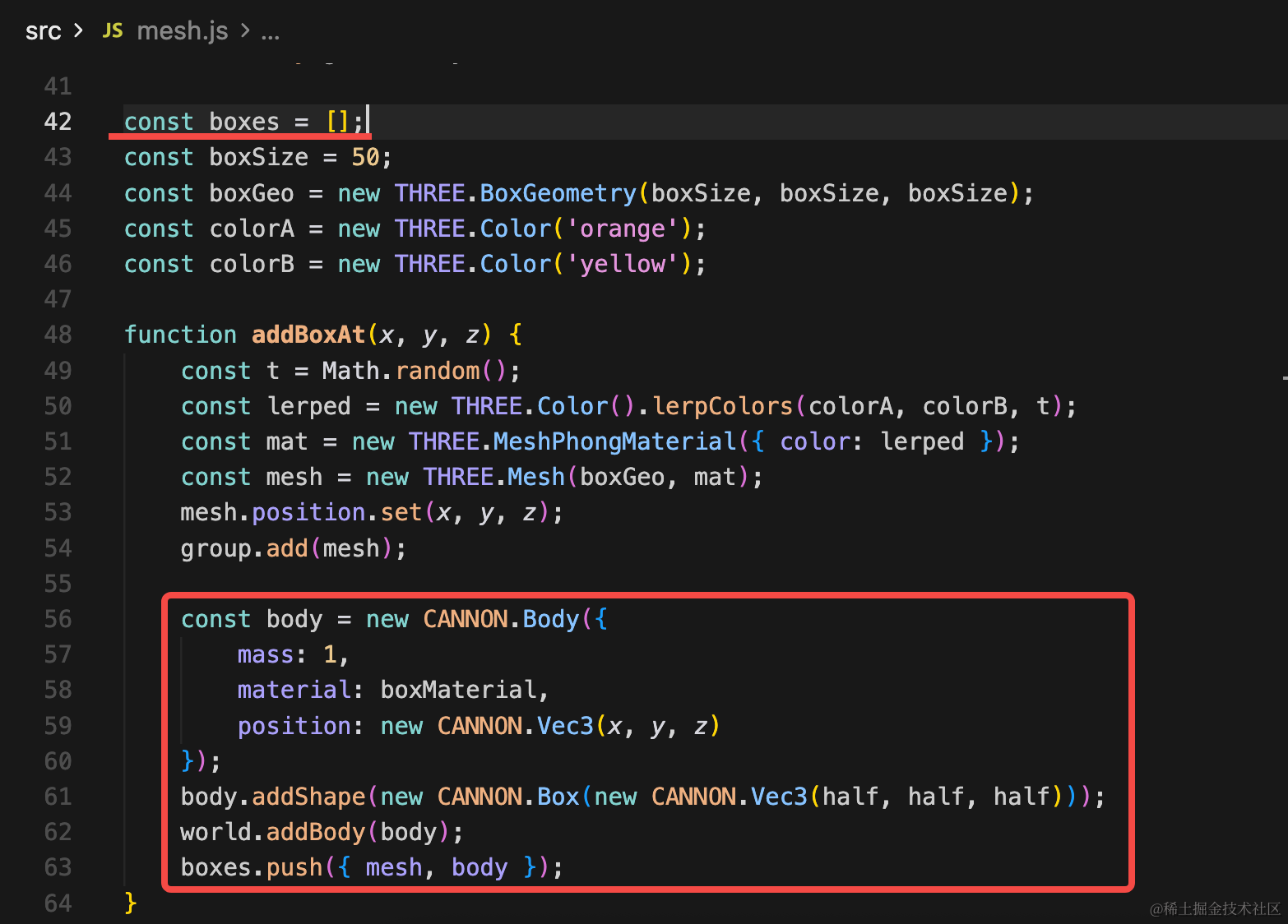
然后加一下各种立方体的刚体:
const boxes = [];const body = new CANNON.Body({
mass: 1,
material: boxMaterial,
position: new CANNON.Vec3(x, y, z)
});
body.addShape(new CANNON.Box(new CANNON.Vec3(half, half, half)));
world.addBody(body);
boxes.push({ mesh, body });给每个立方体加一个物理世界的刚体,这里注意宽高要按照一半设置。
最后,再给球加一个物理世界的刚体:
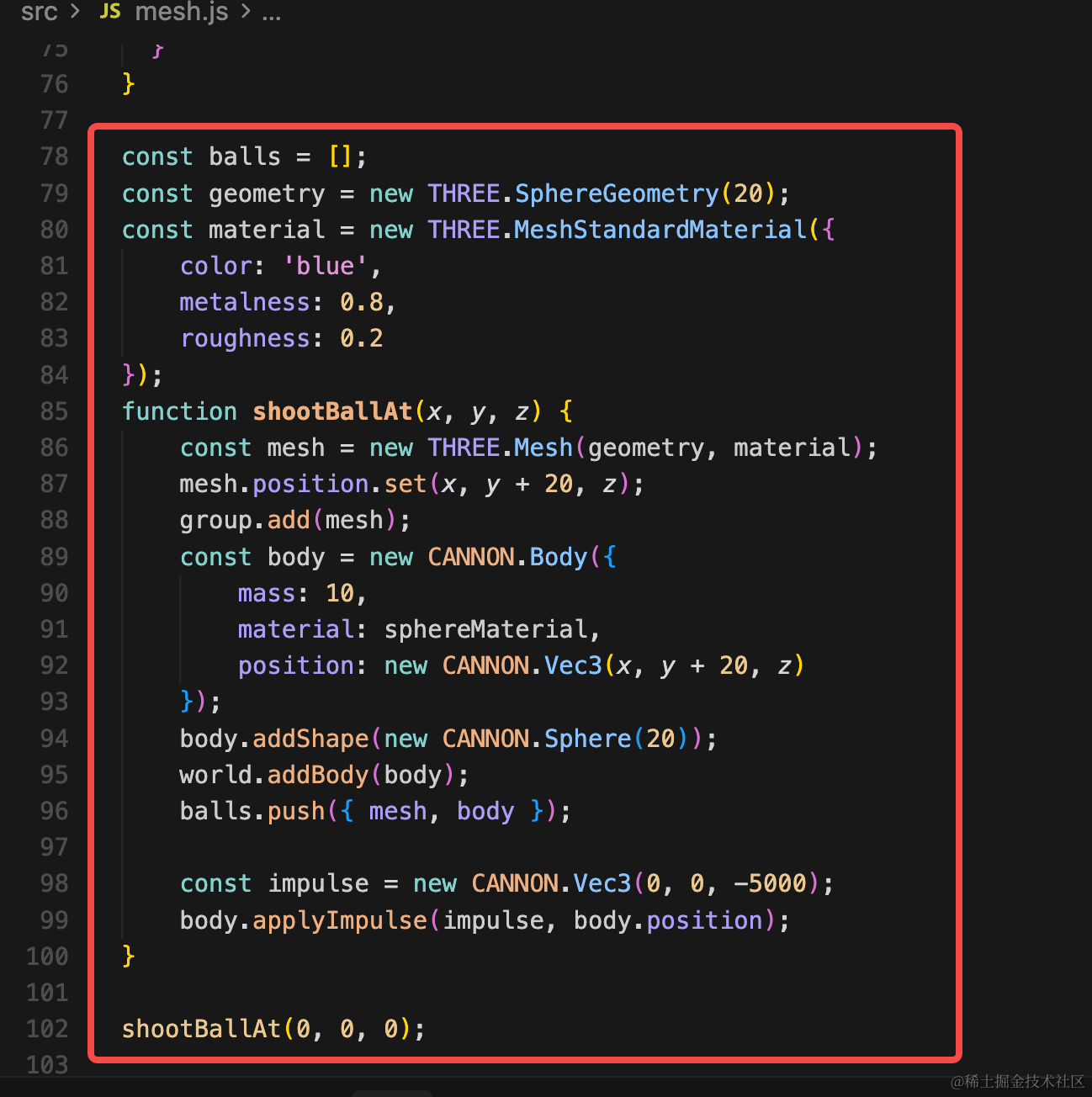
const balls = [];
const geometry = new THREE.SphereGeometry(20);
const material = new THREE.MeshStandardMaterial({
    color: 'blue',
    metalness: 0.8,
    roughness: 0.2
});
function shootBallAt(x, y, z) {
    const mesh = new THREE.Mesh(geometry, material);
    mesh.position.set(x, y + 20, z);
    group.add(mesh);
    const body = new CANNON.Body({
        mass: 10,
        material: sphereMaterial,
        position: new CANNON.Vec3(x, y + 20, z)
    });
    body.addShape(new CANNON.Sphere(20));
    world.addBody(body);
    balls.push({ mesh, body });

    const impulse = new CANNON.Vec3(0, 0, -5000);
    body.applyImpulse(impulse, body.position);
}

shootBallAt(0, 0, 0);
这里用到 body.applyImpulse 给物体加了一个 z 轴方向的推力。
最后,让物理世界的位置、角度变化同步到 Three.js 场景:
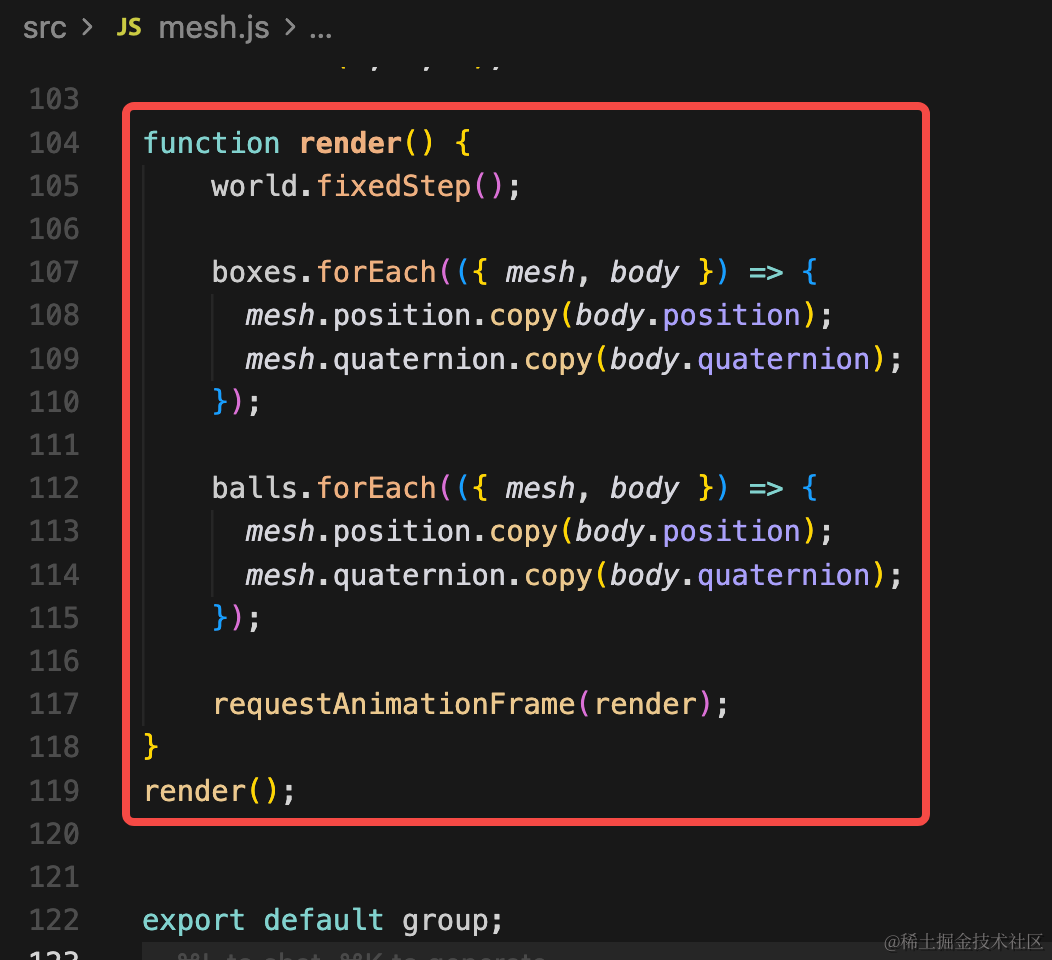
function render() {
    world.fixedStep();

    boxes.forEach(({ mesh, body }) => {
      mesh.position.copy(body.position);
      mesh.quaternion.copy(body.quaternion);
    });

    balls.forEach(({ mesh, body }) => {
      mesh.position.copy(body.position);
      mesh.quaternion.copy(body.quaternion);
    });

    requestAnimationFrame(render);
}
render();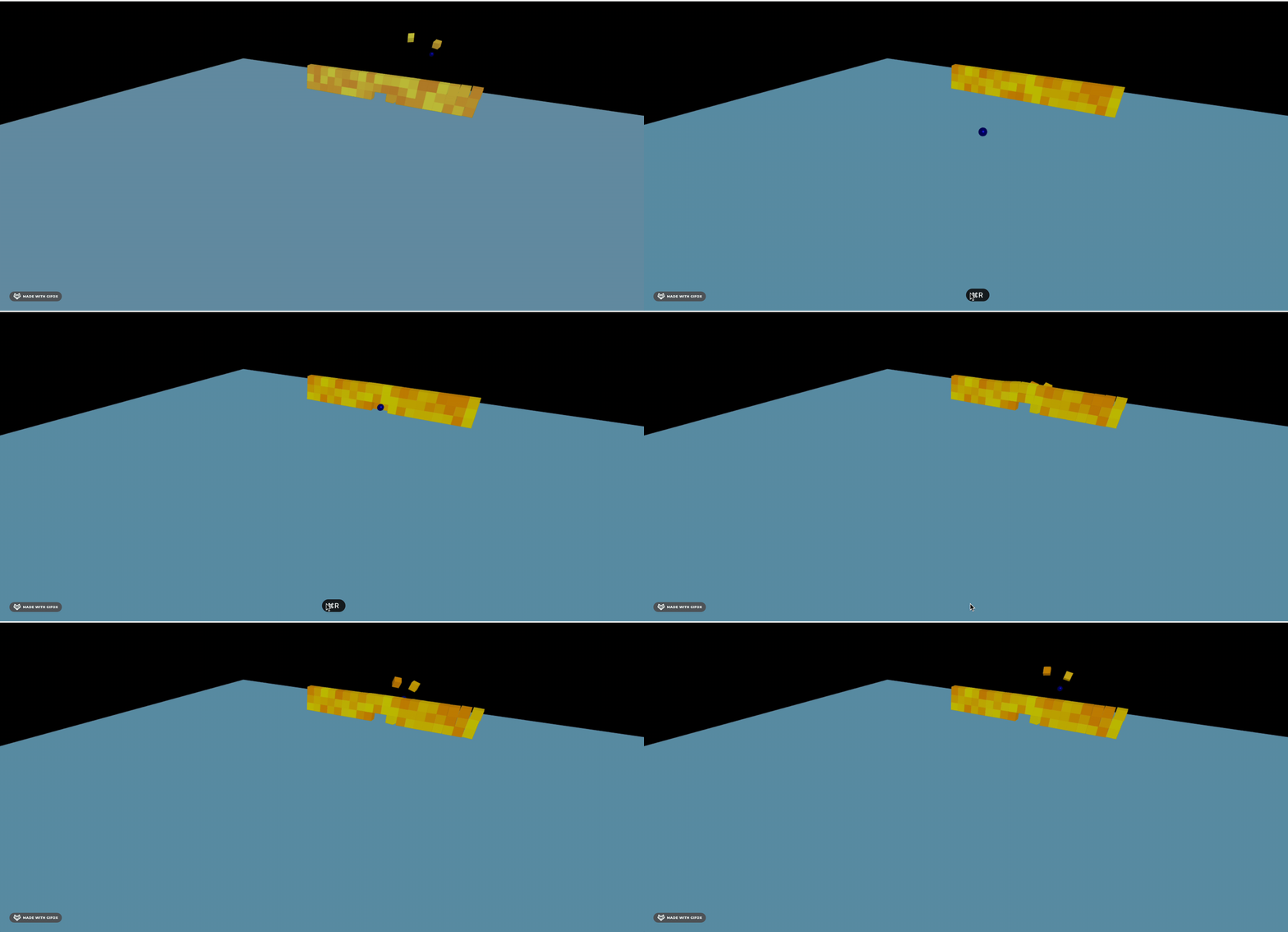
这样,球初始收到一个推力,就会滚动起来,撞飞立方体。
案例代码上传了小册仓库
总结
这节我们实现了 cannon 物理世界,定义了立方体、平面、球在物理世界的刚体。
然后给球加了一个推力,让它滚动起来撞击立方体堆。
当然,现在的效果还不是很好,下节我们继续优化,并且加上点击发射小球的功能。