我们知道,用基础材质 MeshBasicMaterial 是不受光照影响的,而漫反射材质 MeshLambertMaterial 或者镜面反射材质 MeshPhongMaterial 都可以反光。
那它们是怎么反光的呢?原理是什么?
其实这个就是物理上的原理:
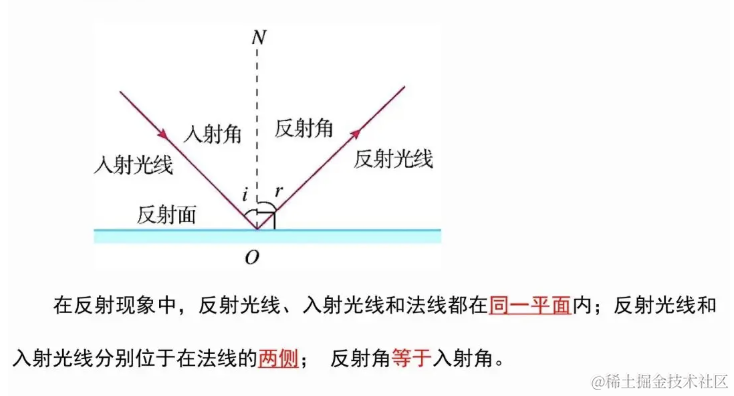
与平面垂直的那条线叫做法线,入射光线和法线形成的角叫做入射角,它和反射角是一样的。
所有的反射都是这样。
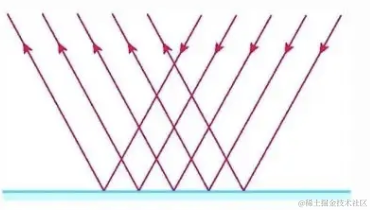
但镜面反射的面是平整的,法线朝着一个方向,反射的光线也朝着一个方向:
而漫反射的面是不平整的,法线也不朝着一个方向,所以反射光线也不朝着同一个方向
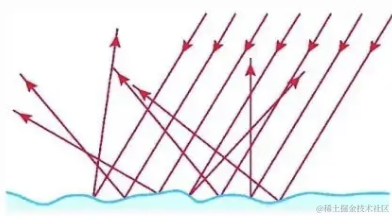
所以说不管是漫反射还是镜面反射,都是基于法线来判断平面方向的,然后算出不同的反射角度。
这个法线定义在几何体上。
之前我们学过 geometry.attributes.position 定义顶点位置,geometry.attributes.uv 定义顶点的 uv 坐标。
其实它还有一个属性 geometry.attributes.normal 来定义法线方向。
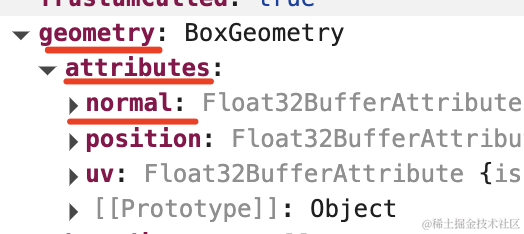
比如立方体 BoxGeometry 有 24 个顶点:
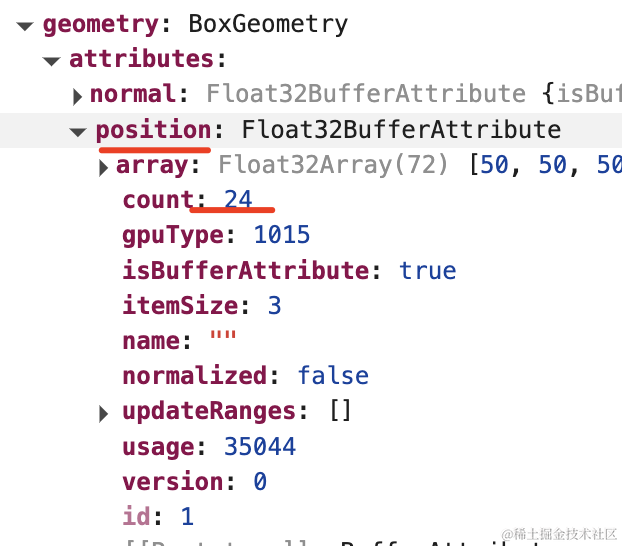
那就有 24 个顶点法线方向:
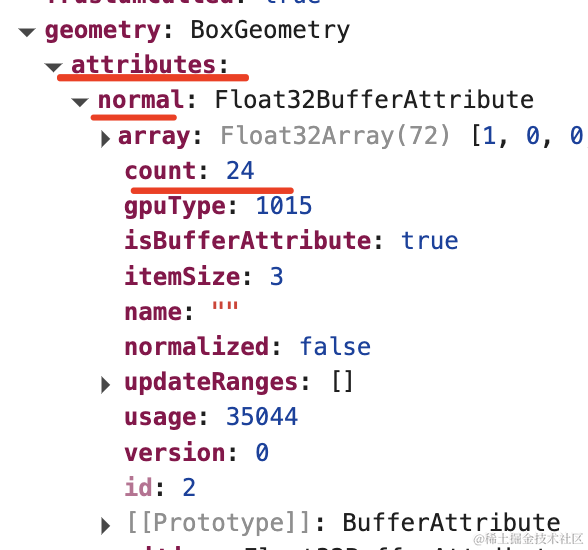
因为几何体可能是任何方向,所以每个顶点都有自己的法线方向。
前面自定义过顶点坐标,这节我们来自定义下顶点法线。
创建项目:
mkdir vertex-normal
cd vertex-normal
npm init -y
安装 ts 类型,不然没提示:
npm install --save-dev @types/three创建 index.html 和 index.js
<!DOCTYPE html>
<html lang="en">
<head>
    <meta charset="UTF-8">
    <meta name="viewport" content="width=device-width, initial-scale=1.0">
    <title>Document</title>
    <style>
        body {
            margin: 0;
        }
    </style>
</head>
<body>
    <script type="importmap">
    {
        "imports": {
            "three": "https://esm.sh/three@0.174.0/build/three.module.js",
            "three/addons/": "https://esm.sh/three@0.174.0/examples/jsm/"
        }
    }
    </script>
    <script type="module" src="./index.js"></script>
</body>
</html>
index.js
import * as THREE from 'three';
import {
    OrbitControls
} from 'three/addons/controls/OrbitControls.js';
import mesh from './mesh.js';

const scene = new THREE.Scene();

scene.add(mesh);

const light = new THREE.DirectionalLight(0xffffff, 2);
light.position.set(500, 500, 500);
scene.add(light);

const axesHelper = new THREE.AxesHelper(1000);
scene.add(axesHelper);

const width = window.innerWidth;
const height = window.innerHeight;

const camera = new THREE.PerspectiveCamera(60, width / height, 1, 10000);
camera.position.set(200, 200, 200);
camera.lookAt(0, 0, 0);

const renderer = new THREE.WebGLRenderer();
renderer.setSize(width, height)

function render() {
    renderer.render(scene, camera);
    requestAnimationFrame(render);
}

render();

document.body.append(renderer.domElement);

const controls = new OrbitControls(camera, renderer.domElement);
然后我们先画一个管道:
mesh.js
import * as THREE from 'three';

const p1 = new THREE.Vector3(-100, 0, 0);
const p2 = new THREE.Vector3(50, 100, 0);
const p3 = new THREE.Vector3(100, 0, 100);
const p4 = new THREE.Vector3(100, 0, 0);

const curve = new THREE.CubicBezierCurve3(p1, p2, p3, p4);

const geometry = new THREE.TubeGeometry(curve, 50, 10, 20);

const material = new THREE.MeshLambertMaterial({
    color: new THREE.Color('white')
});

const mesh = new THREE.Mesh(geometry, material);

export default mesh;
用三次贝塞尔曲线 CubicBezierCurve3 结合管道几何体 TubeGeometry 来画了一个弯曲的管道。
先用漫反射材质 MeshLambertMaterial。
看下效果:
npx live-server
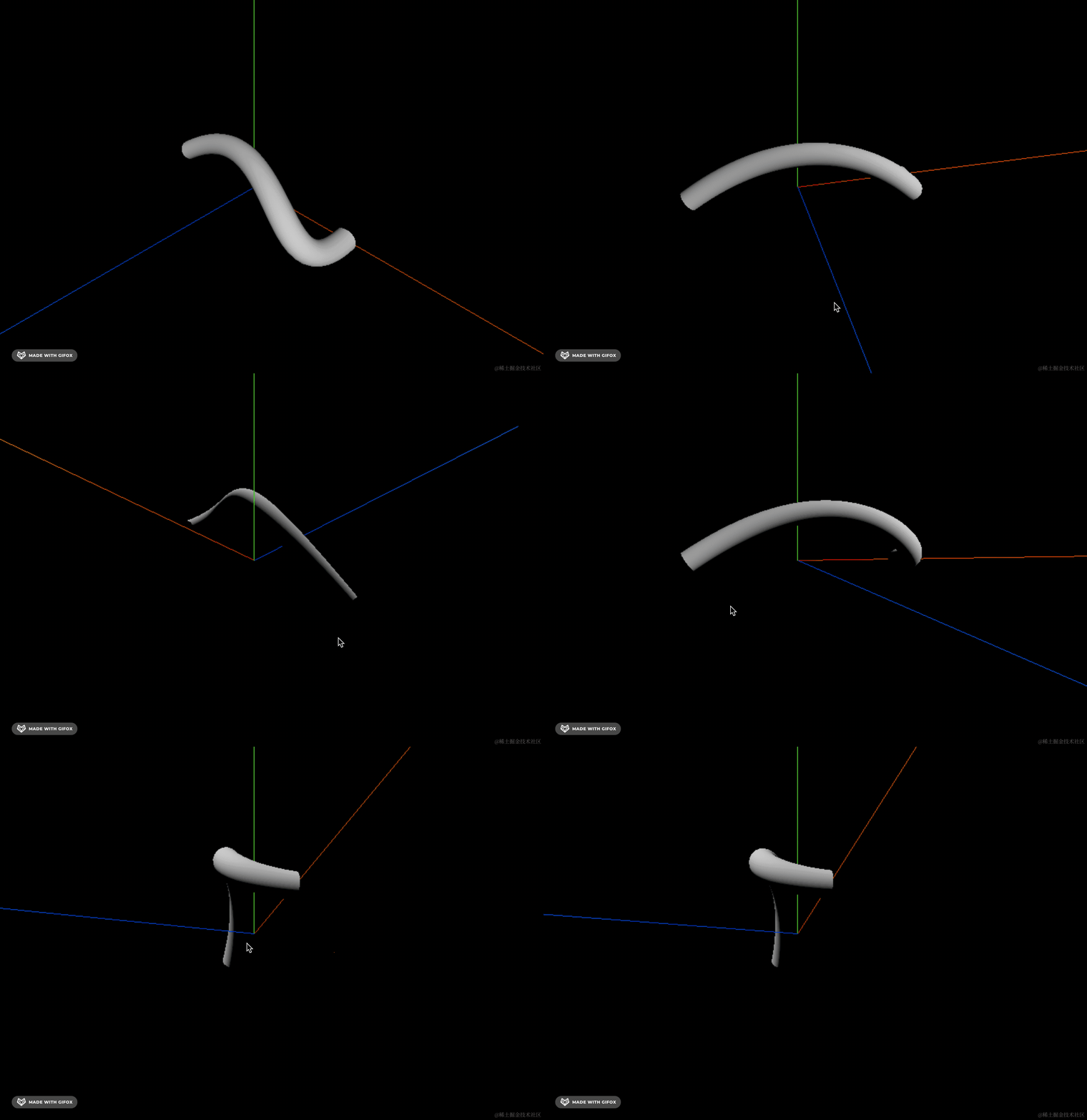
漫反射材质有种磨砂感,没有高光。
我们换成 MeshPhongMaterial 试一下:
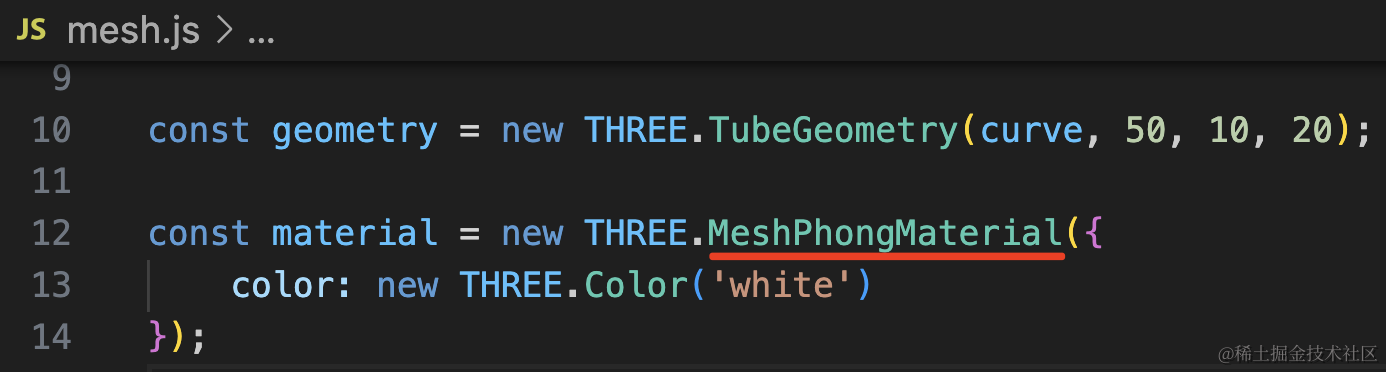
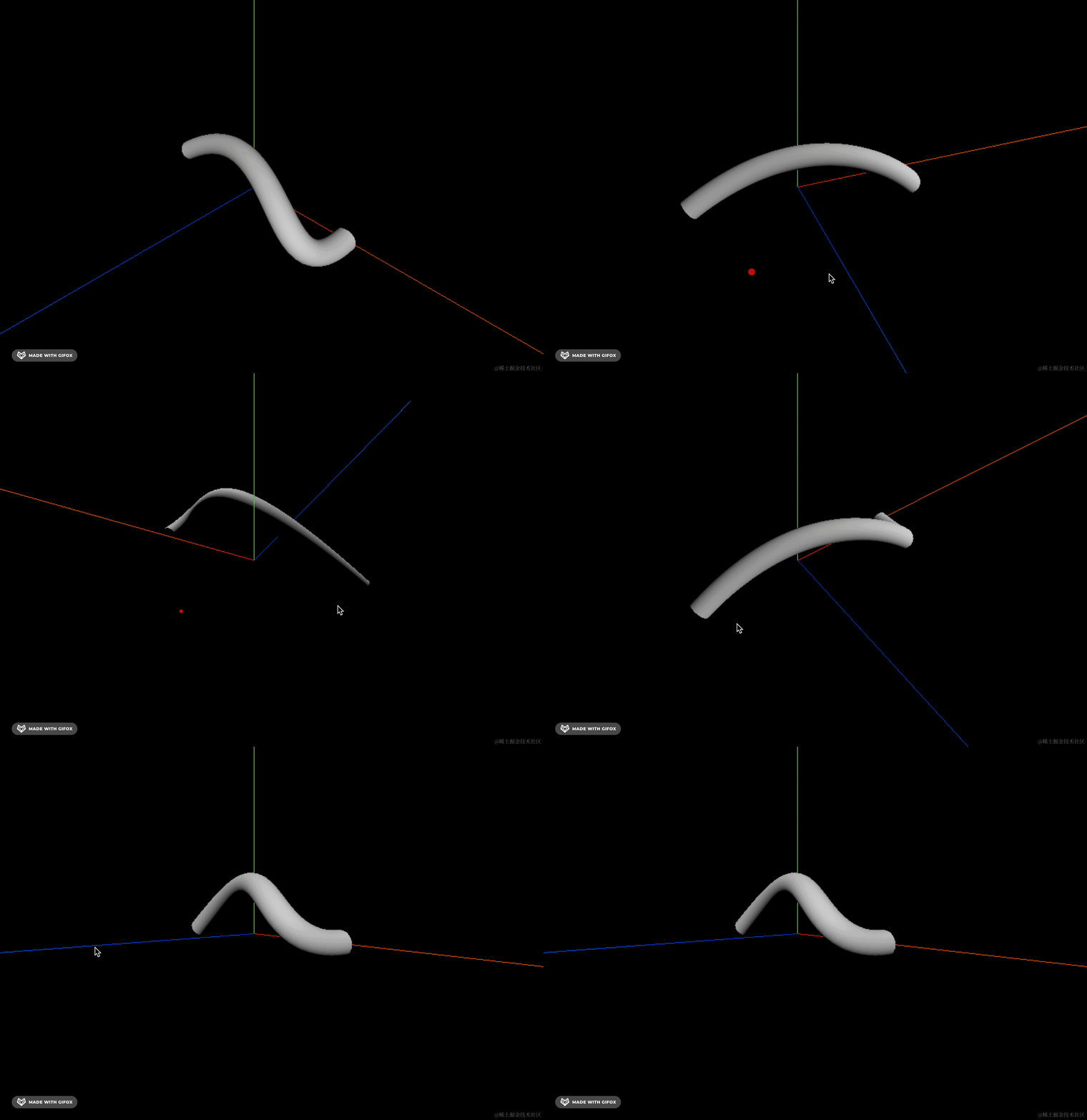
好像差不多啊。
MeshPhongMaterial 是可以调节光泽度的,我们设置下:
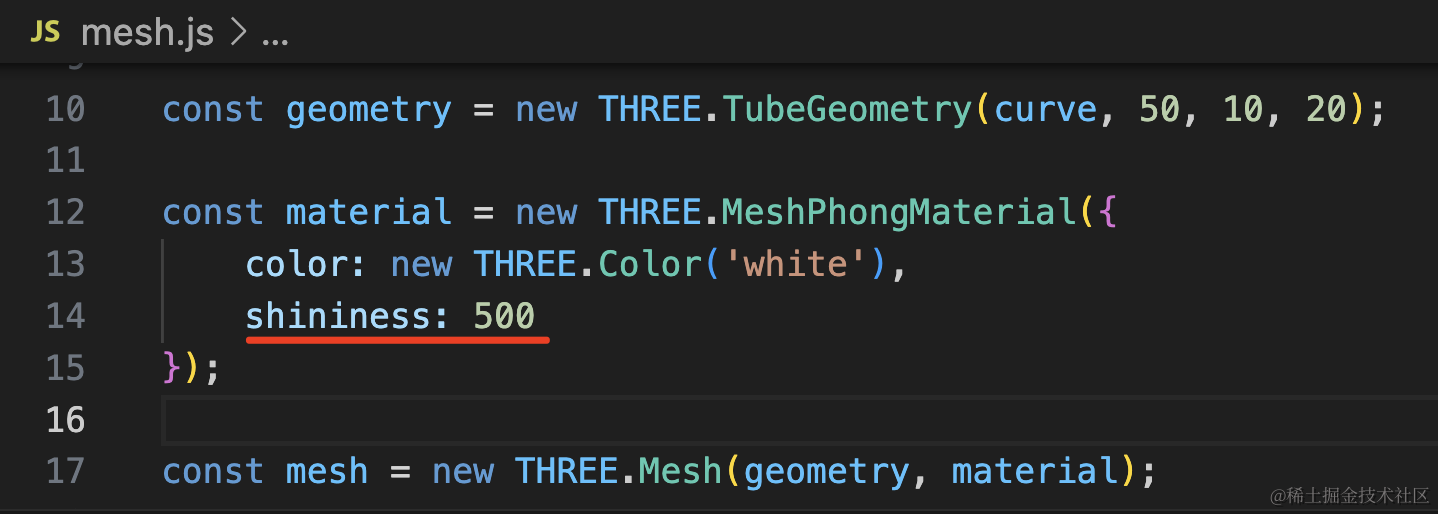
const material = new THREE.MeshPhongMaterial({
    color: new THREE.Color('white'),
    shininess: 500
});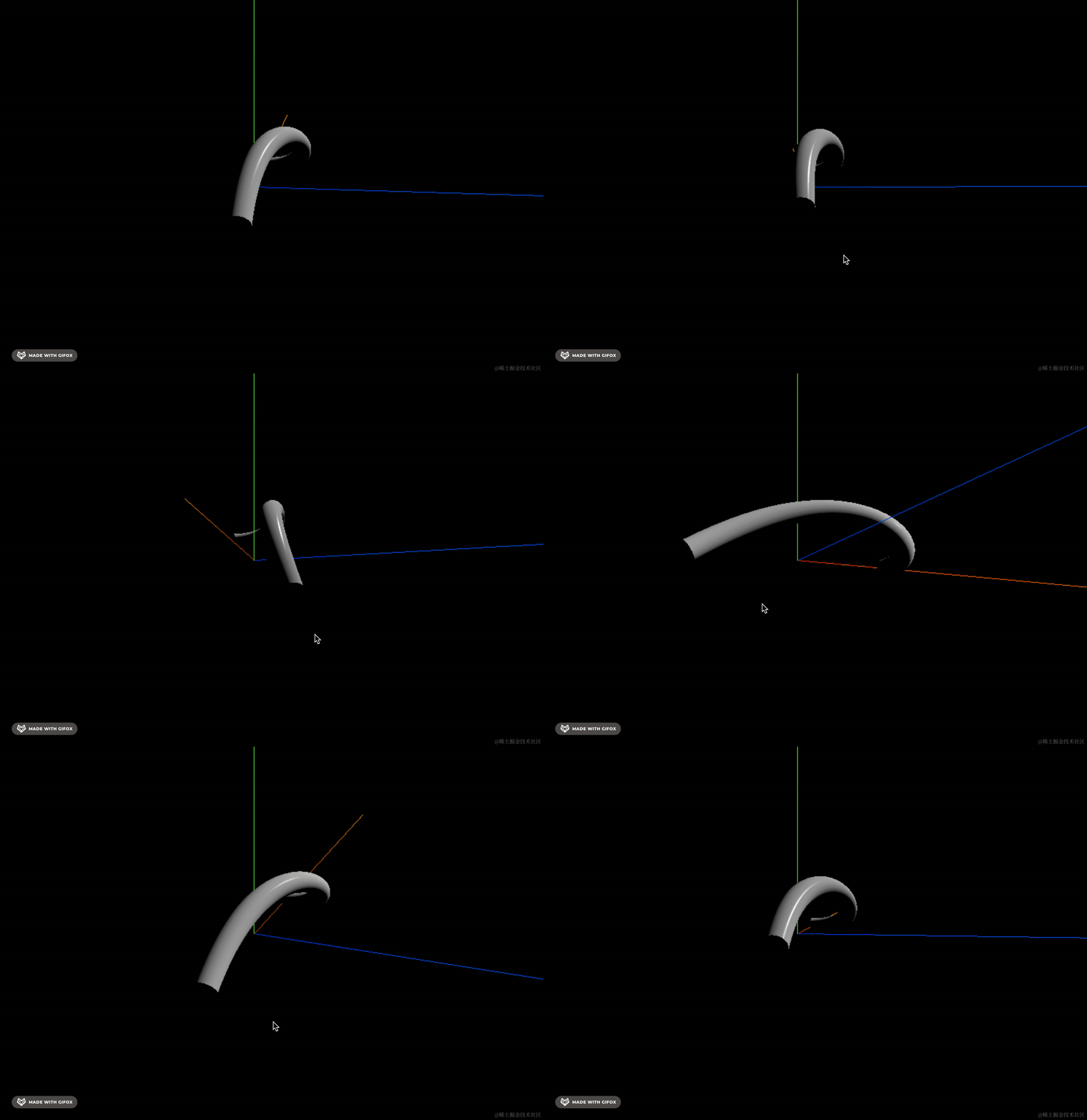
这样就有高光了,那种光滑的塑料管道的感觉。
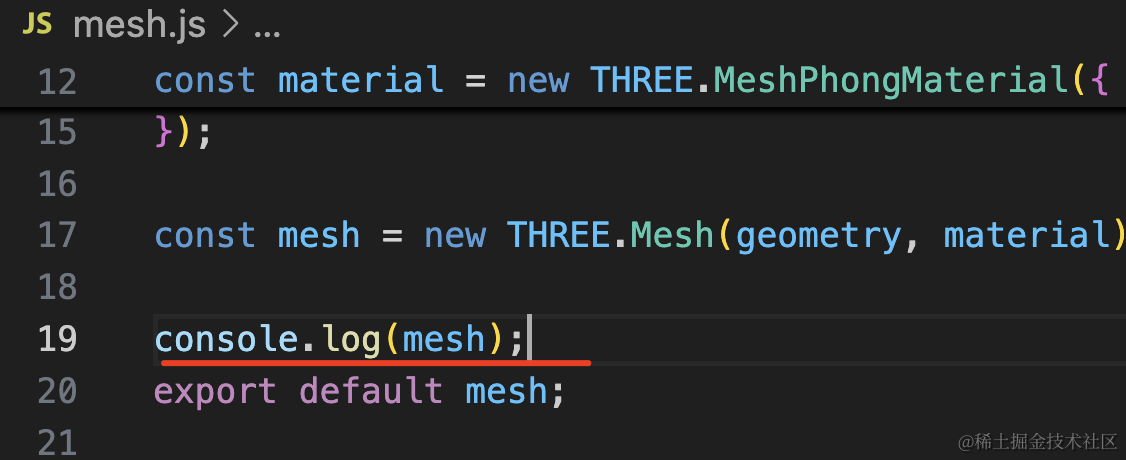
不管是哪种材质,它们的反射都是基于顶点的法线的,打印下法线看看:
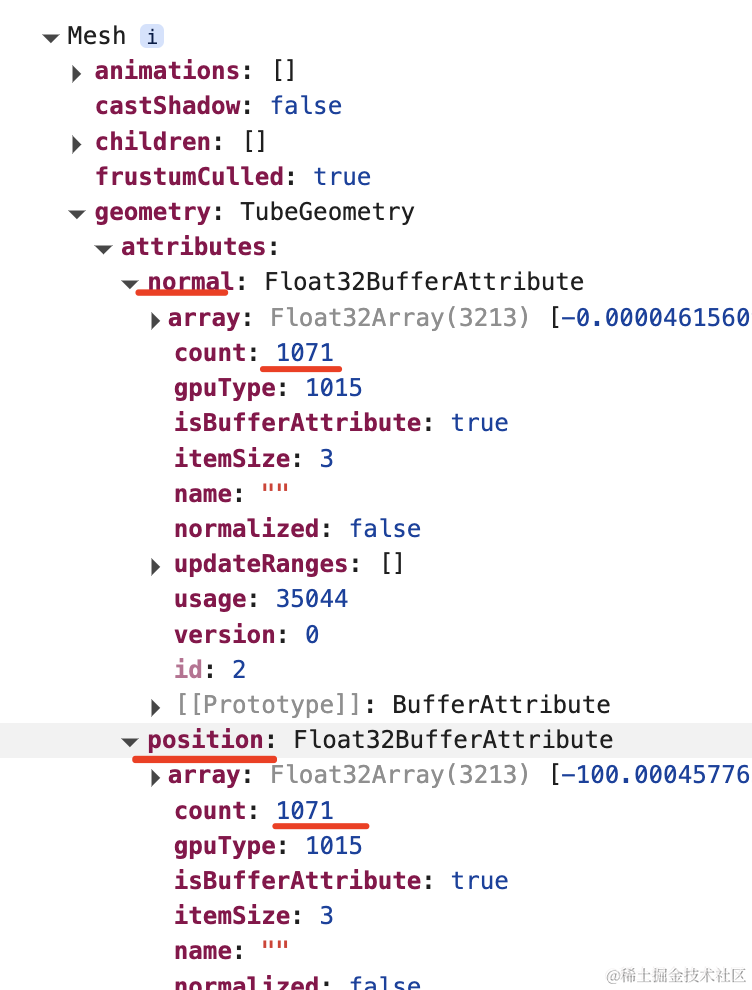
这个管道几何体有 1071 个顶点,也就有 1071 条顶点法线。
每个顶点怎么反射光线就是基于这个法线来算出来的。
前面我们用 BufferGeometry 自定义过顶点,接下来我们试下自定义法线:
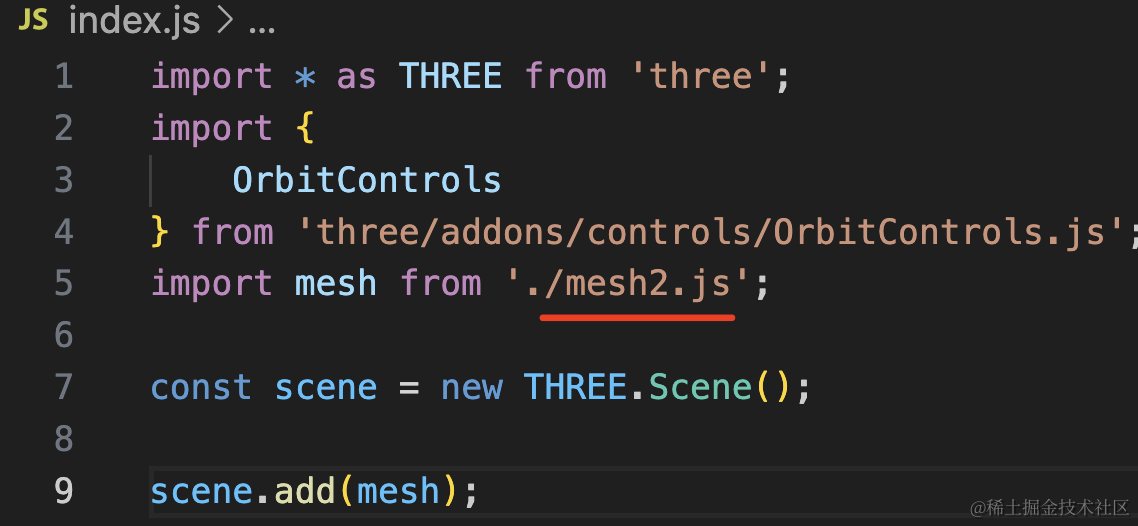
创建 mesh2.js
import * as THREE from 'three';

const geometry = new THREE.BufferGeometry();

const vertices = new Float32Array([
    0, 0, 0,
    100, 0, 0,
    0, 100, 0,
    100, 100, -100
]);

const attribute = new THREE.BufferAttribute(vertices, 3);
geometry.attributes.position = attribute;

const indexes = new Uint16Array([
    0, 1, 2, 2, 1, 3
]);
geometry.index = new THREE.BufferAttribute(indexes, 1);

const material = new THREE.MeshBasicMaterial({
    color: new THREE.Color('orange')
});

const mesh = new THREE.Mesh(geometry, material);

export default mesh;
这是我们前面写过的通过顶点坐标和顶点索引来创建自定义几何体的代码。
我改了下顶点坐标。
跑下看看:
是这样的一个几何体:
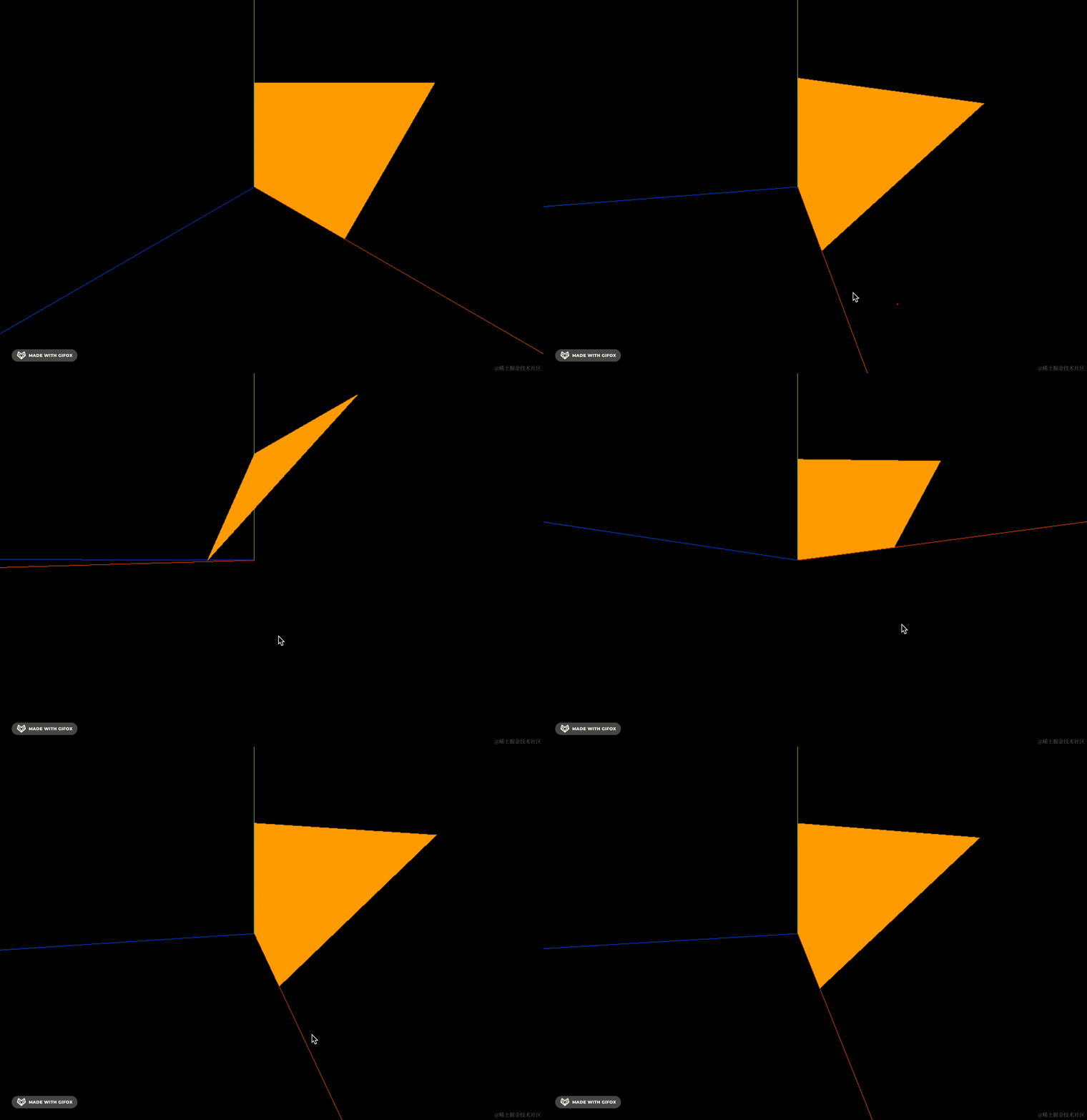
因为我们用的是 MeshBasicMaterial,它并不处理光照。
换成 MeshPhongMaterial 试试:
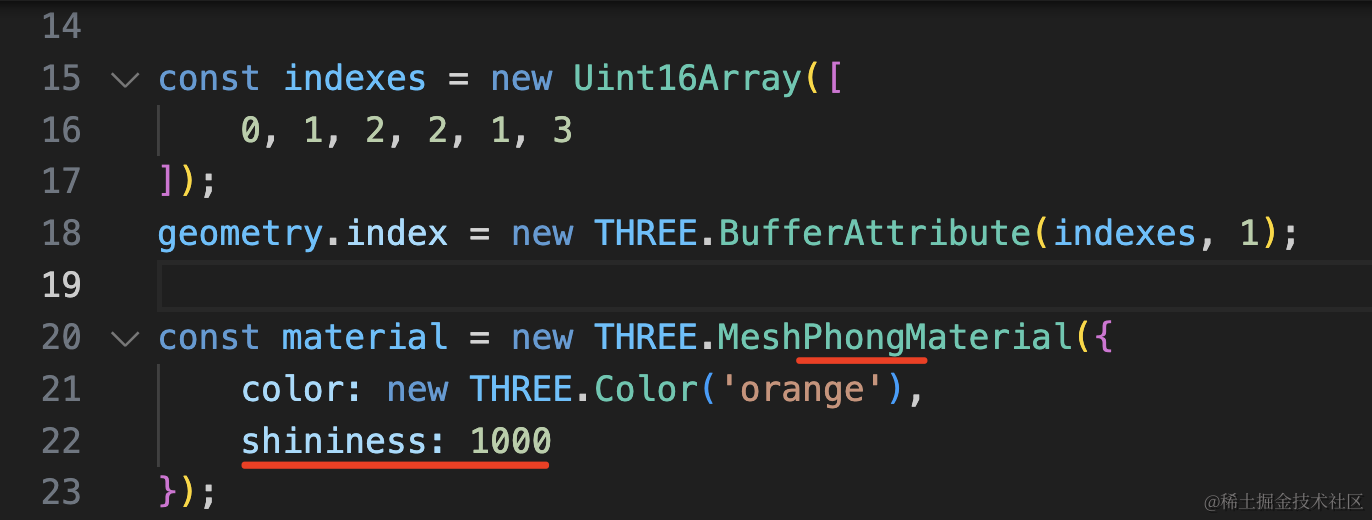
const material = new THREE.MeshPhongMaterial({
    color: new THREE.Color('orange'),
    shininess: 1000
});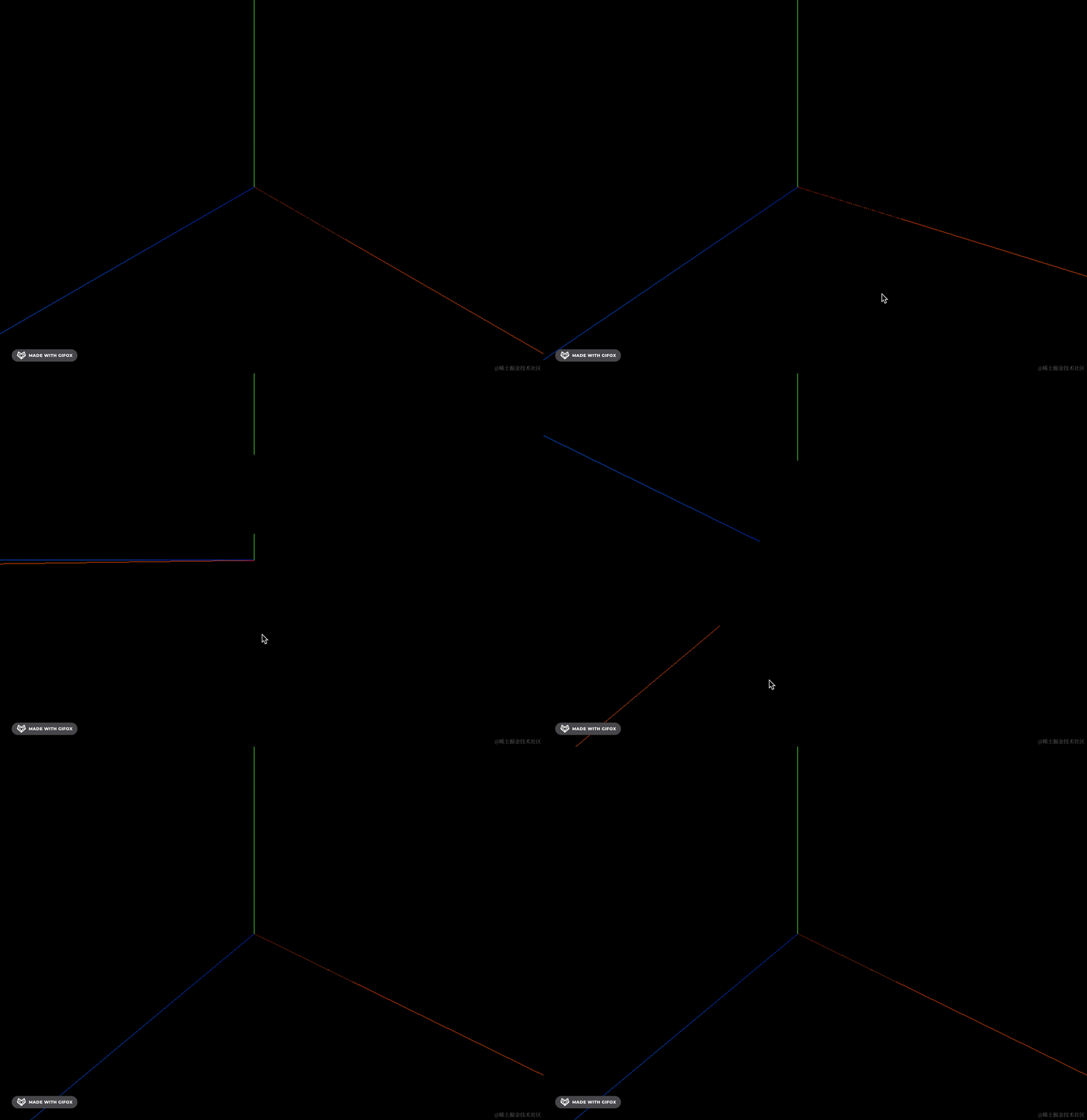
它并没有按照我们的预期来反射光线。
为什么呢?
因为没有法线,它不知道每个顶点是什么方向的。
我们来定义下法线:
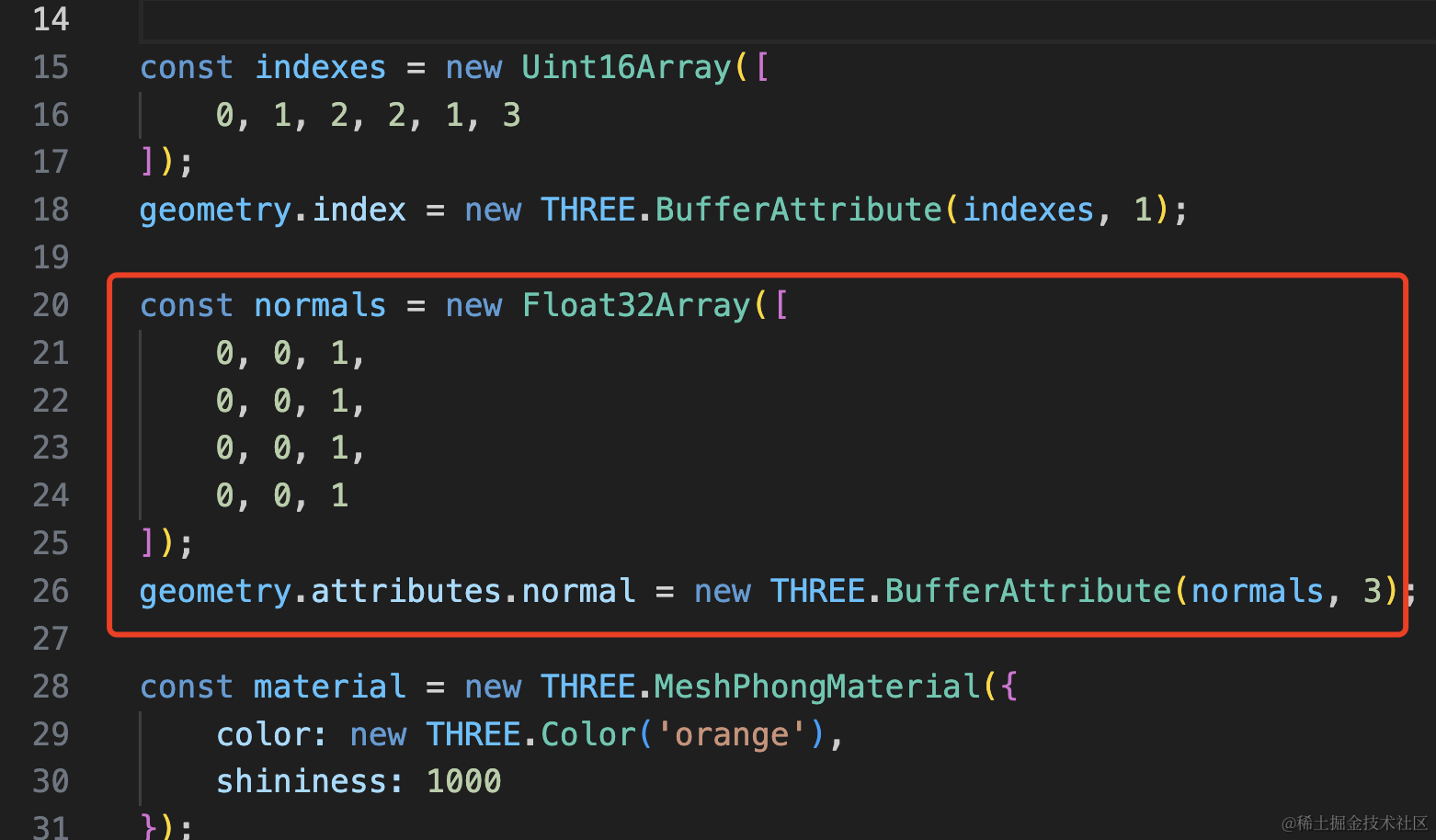
虽然有 6 个顶点索引,但只有 4 个不重复的顶点,所以我们定义和 position 一一对应的 4 条法线就好。
发现的方向是沿着 z 轴正方向,和 XY 平面垂直,所以是 0,0,1
const normals = new Float32Array([
    0, 0, 1,
    0, 0, 1,
    0, 0, 1,
    0, 0, 1
]);
geometry.attributes.normal = new THREE.BufferAttribute(normals, 3);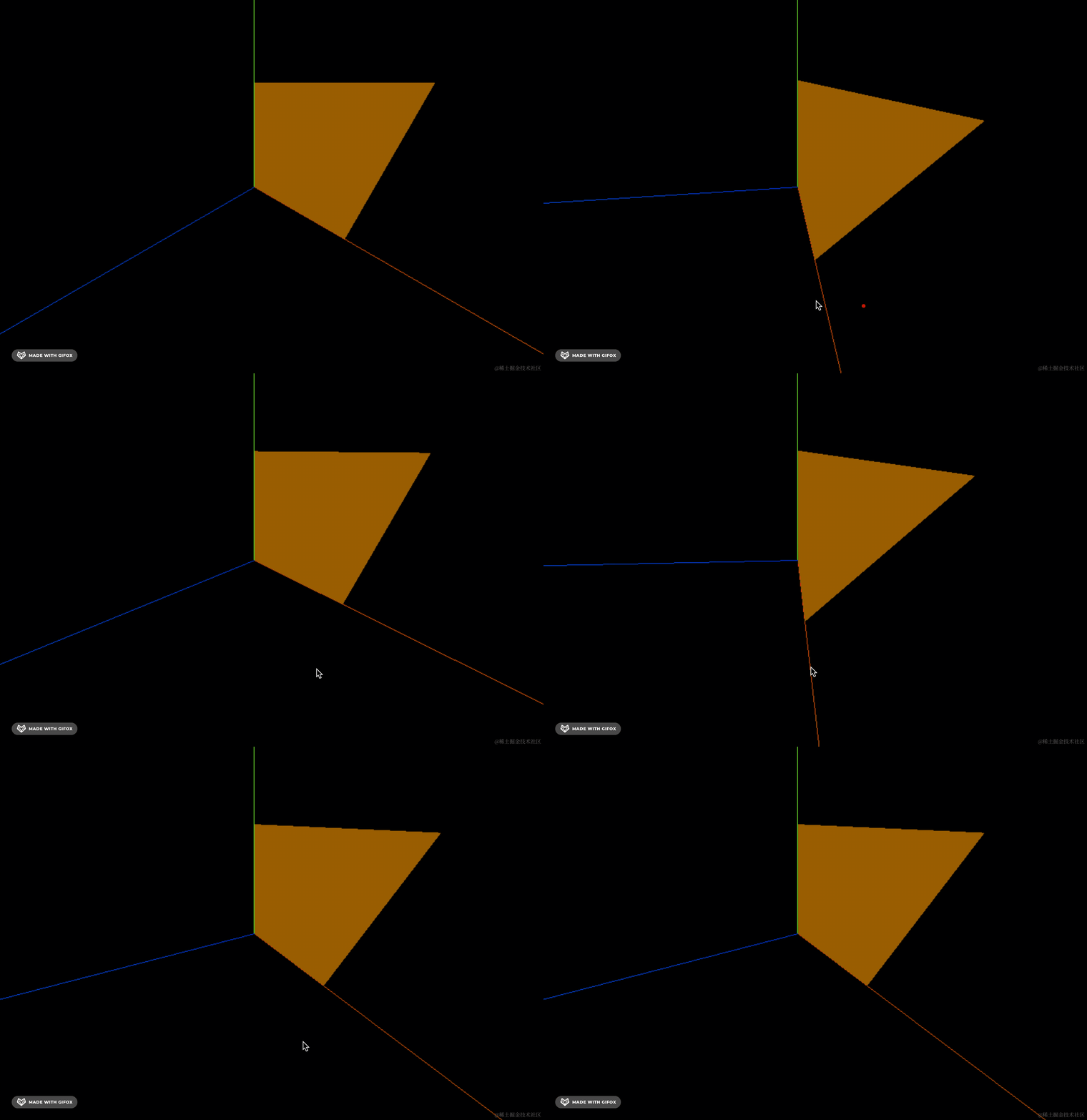
可以看到,现在能看到了,但反射的光线不大对。
因为现在的法线定义的不大对。
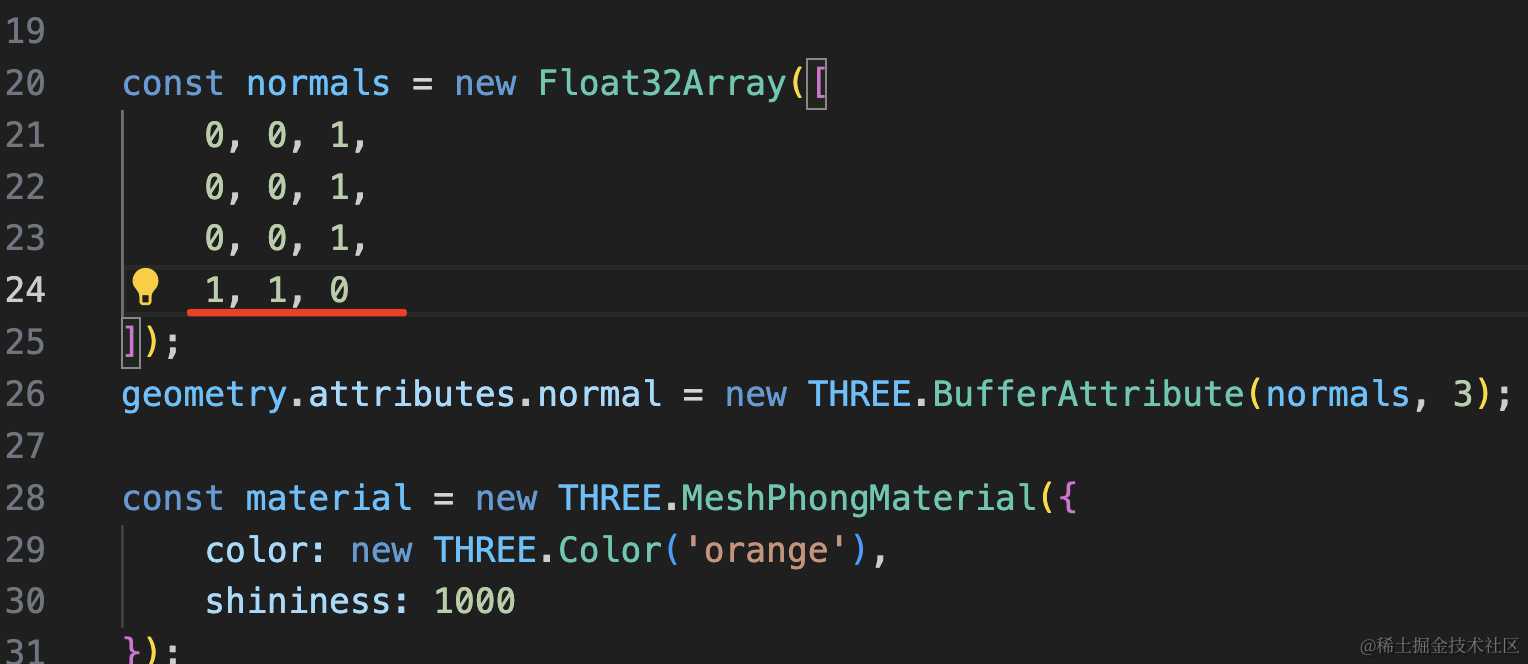
改下最后一个顶点的法线方向试试:
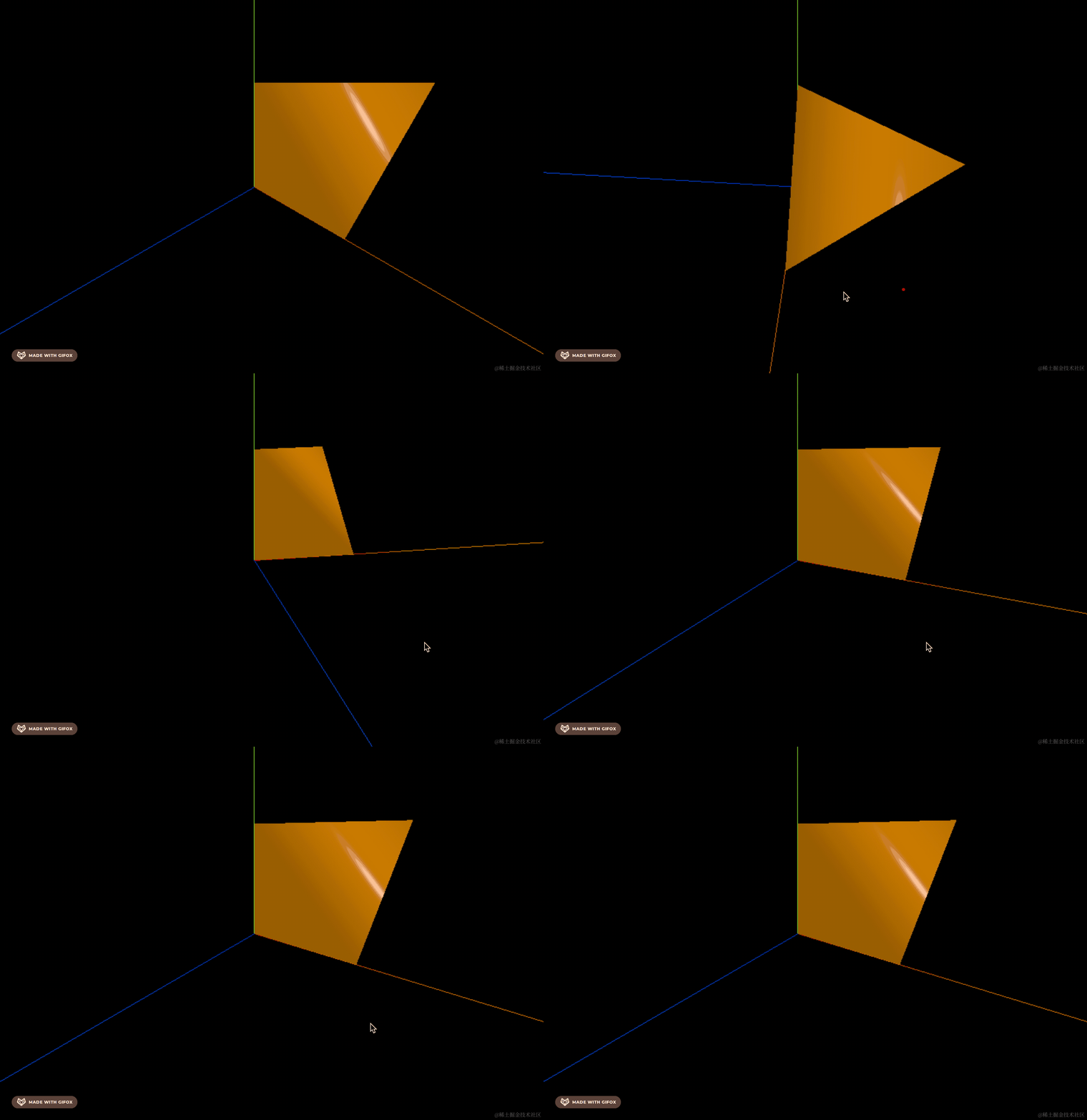
方向是从 0,0,0 到 1,1,0 的射线的方向,所以法线就是 1,1,0
这样就有金属、皮革的反光了。
换成漫反射材质:
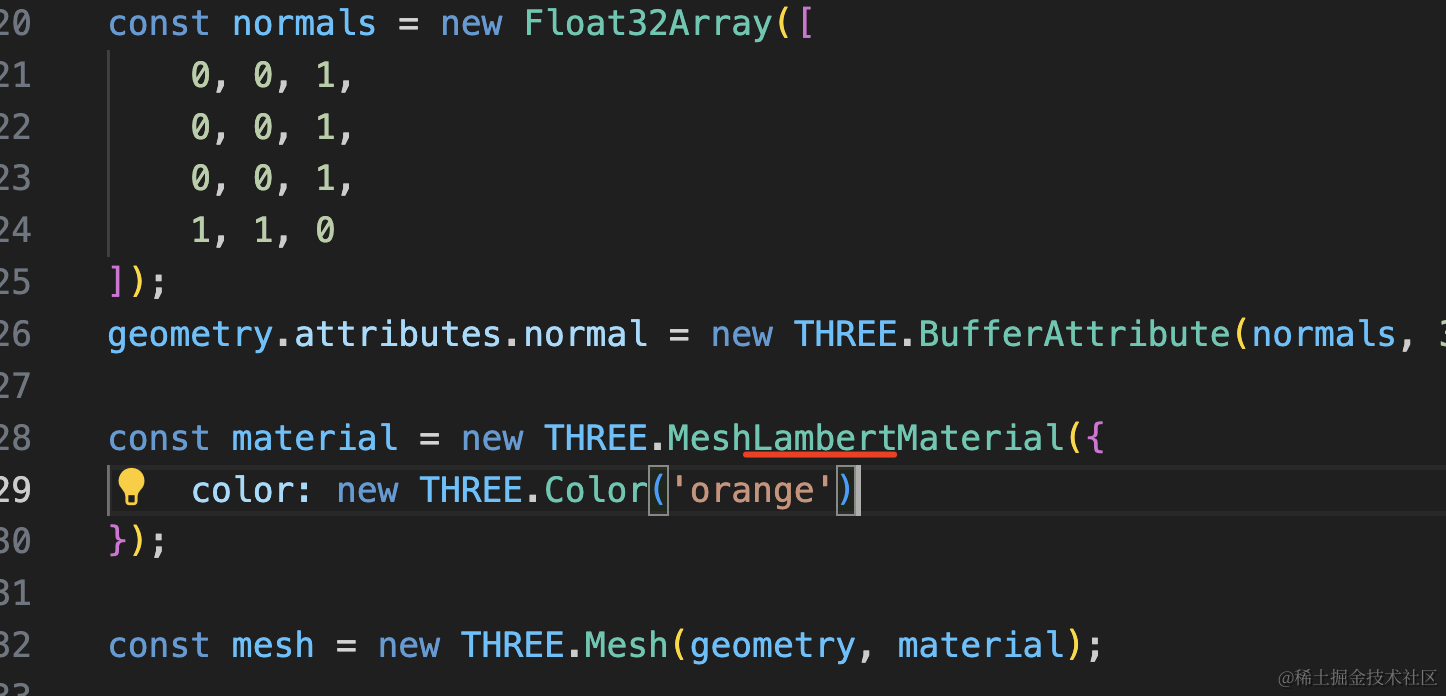
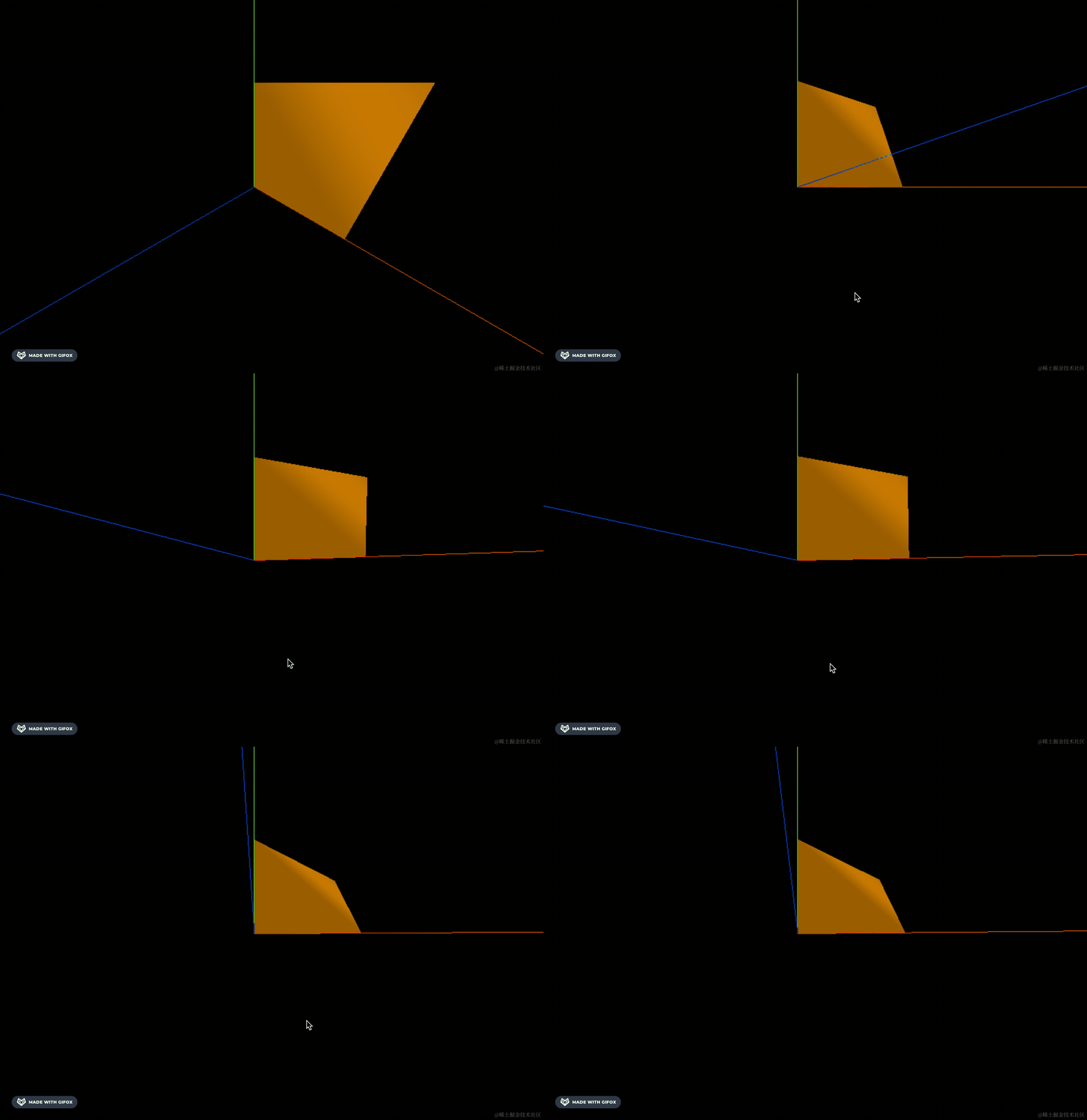
这样有种磨砂的粗糙感。
总之,不管是镜面反射还是漫反射材质,都是基于顶点的法线来计算出反光的。
案例代码上传了小册仓库。
总结
这节我们深入了下光线反射的原理。
每个顶点都有一个法线方向,光线的入射角就是光和法线形成的夹角,入射角和出射角一致。
每三个顶点构成一个三角形,漫反射材质和镜面反射材质会在这个三角形上用凹凸不平或者是镜面的方式来计算光线反射的角度。
MeshPhongMaterial 可以通过 shininess 来调节反光度。
geomety.attributes.positon 记录了顶点坐标,而 geometry.attributes.normal 记录了和顶点一一对应的法线方向。
我们通过 BufferGeometry 自定义的几何体就要定义和顶点坐标一一对应的法线方向,这样就可以用漫反射或者镜面反射材质来计算反光效果了。
各种材质对光线的反射都是基于法线算出来的,法线是一个需要掌握的底层概念。