上节加上了小地图:
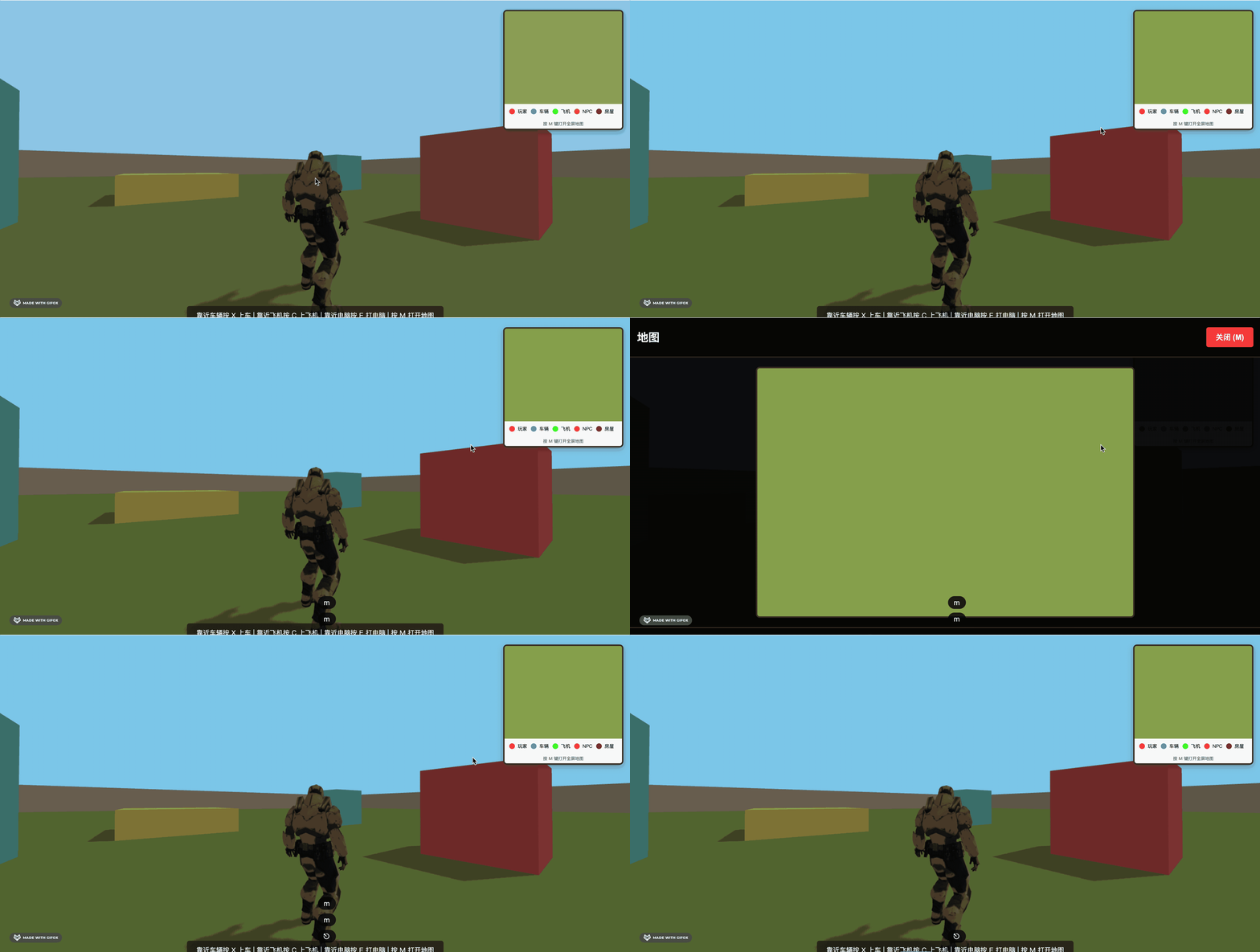
但其中的 canvas 还没有内容。
我们这节加一下位置绘制逻辑。
改一下 map.js
import * as THREE from 'three';

// 地图配置
const MAP_CONFIG = {
  worldSize: 100, // 世界大小(从mesh.js中的groundSize)
  miniMapSize: 200, // 小地图画布大小(像素)
  fullMapSize: 800, // 全屏地图画布大小(像素)
  updateInterval: 100 // 更新间隔(毫秒)
};

// 地图系统类
class MapSystem {
  constructor() {
    this.miniMapCanvas = document.getElementById('miniMapCanvas');
    this.fullMapCanvas = document.getElementById('fullMapCanvas');
    this.fullMap = document.getElementById('fullMap');
    this.isFullMapOpen = false;

    // 创建Canvas上下文
    this.miniCtx = this.miniMapCanvas.getContext('2d');
    this.fullCtx = this.fullMapCanvas.getContext('2d');

    // 设置Canvas尺寸
    this.miniMapCanvas.width = MAP_CONFIG.miniMapSize;
    this.miniMapCanvas.height = MAP_CONFIG.miniMapSize;
    this.fullMapCanvas.width = MAP_CONFIG.fullMapSize;
    this.fullMapCanvas.height = MAP_CONFIG.fullMapSize;

    // 标记点数据
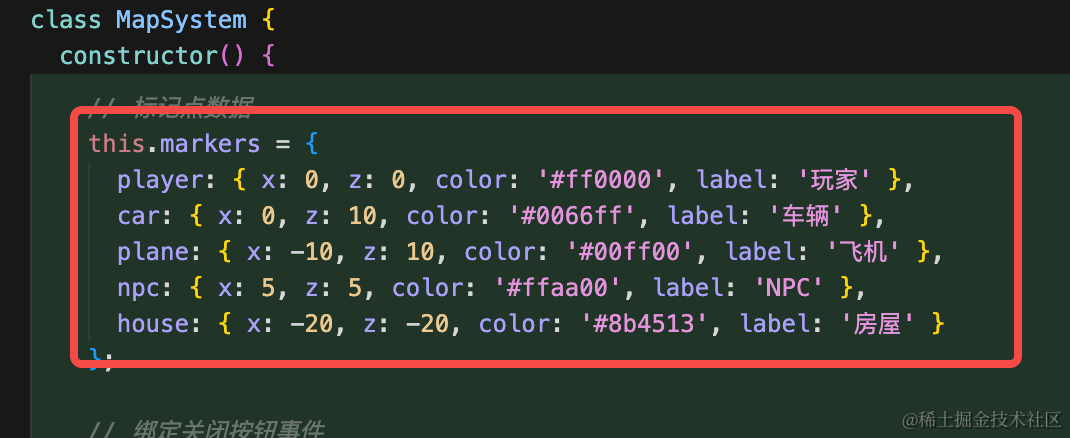
    this.markers = {
      player: { x: 0, z: 0, color: '#ff0000', label: '玩家' },
      car: { x: 0, z: 10, color: '#0066ff', label: '车辆' },
      plane: { x: -10, z: 10, color: '#00ff00', label: '飞机' },
      npc: { x: 5, z: 5, color: '#ffaa00', label: 'NPC' },
      house: { x: -20, z: -20, color: '#8b4513', label: '房屋' }
    };

    // 绑定关闭按钮事件
    const closeBtn = document.getElementById('closeMapBtn');
    if (closeBtn) {
      closeBtn.addEventListener('click', () => this.toggleFullMap());
    }

    // 监听窗口大小变化,调整全屏地图尺寸
    window.addEventListener('resize', () => this.updateFullMapSize());
  }

  // 将世界坐标转换为地图坐标
  worldToMap(worldX, worldZ, canvasSize) {
    // 世界坐标范围:-50 到 50(groundSize / 2)
    const worldMin = -MAP_CONFIG.worldSize / 2;
    const worldMax = MAP_CONFIG.worldSize / 2;
    const worldRange = worldMax - worldMin;

    // 归一化到 0-1
    const normalizedX = (worldX - worldMin) / worldRange;
    const normalizedZ = (worldZ - worldMin) / worldRange;

    // 转换为画布坐标(注意Z轴需要翻转,因为画布的Y轴向下)
    const mapX = normalizedX * canvasSize;
    const mapZ = (1 - normalizedZ) * canvasSize; // 翻转Z轴

    return { x: mapX, z: mapZ };
  }

  // 绘制地图背景
  drawBackground(ctx, size) {
    // 绘制地面
    ctx.fillStyle = '#90a955';
    ctx.fillRect(0, 0, size, size);

    // 绘制网格线
    ctx.strokeStyle = 'rgba(255, 255, 255, 0.2)';
    ctx.lineWidth = 1;
    const gridCount = 10;
    const gridStep = size / gridCount;

    for (let i = 0; i <= gridCount; i++) {
      const pos = i * gridStep;
      // 垂直线
      ctx.beginPath();
      ctx.moveTo(pos, 0);
      ctx.lineTo(pos, size);
      ctx.stroke();
      // 水平线
      ctx.beginPath();
      ctx.moveTo(0, pos);
      ctx.lineTo(size, pos);
      ctx.stroke();
    }

    // 绘制中心点
    ctx.fillStyle = 'rgba(255, 255, 255, 0.3)';
    ctx.beginPath();
    ctx.arc(size / 2, size / 2, 3, 0, Math.PI * 2);
    ctx.fill();
  }

  // 绘制标记点
  drawMarker(ctx, mapX, mapZ, color, label, isPlayer = false) {
    const radius = isPlayer ? 6 : 4;

    // 绘制外圈(发光效果)
    if (isPlayer) {
      ctx.shadowBlur = 10;
      ctx.shadowColor = color;
    }

    // 绘制标记点
    ctx.fillStyle = color;
    ctx.beginPath();
    ctx.arc(mapX, mapZ, radius, 0, Math.PI * 2);
    ctx.fill();

    // 绘制白色边框
    ctx.strokeStyle = '#ffffff';
    ctx.lineWidth = 2;
    ctx.stroke();

    // 重置阴影
    ctx.shadowBlur = 0;

    // 在全屏地图上绘制标签
    if (this.isFullMapOpen && label) {
      ctx.fillStyle = '#ffffff';
      ctx.font = '12px Arial';
      ctx.textAlign = 'center';
      ctx.fillText(label, mapX, mapZ - radius - 5);
    }
  }

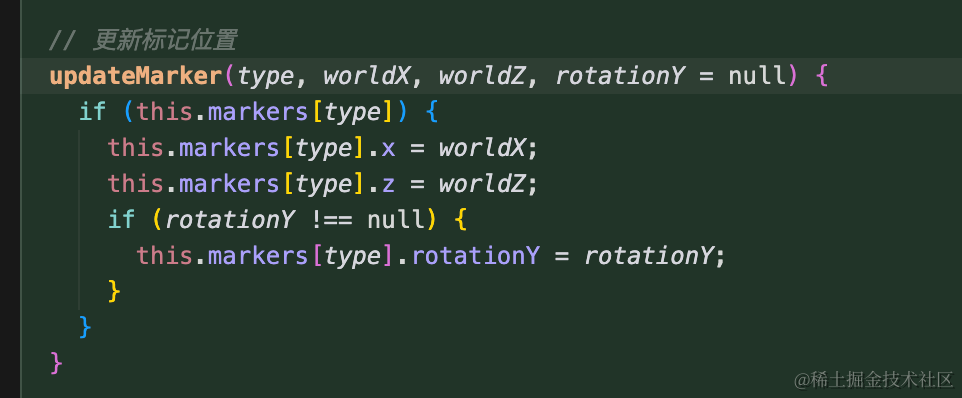
  // 更新标记位置
  updateMarker(type, worldX, worldZ, rotationY = null) {
    if (this.markers[type]) {
      this.markers[type].x = worldX;
      this.markers[type].z = worldZ;
      if (rotationY !== null) {
        this.markers[type].rotationY = rotationY;
      }
    }
  }

  // 绘制小地图
  drawMiniMap() {
    const ctx = this.miniCtx;
    const size = MAP_CONFIG.miniMapSize;

    // 清空画布
    ctx.clearRect(0, 0, size, size);

    // 绘制背景
    this.drawBackground(ctx, size);

    // 绘制所有标记点
    Object.keys(this.markers).forEach(key => {
      const marker = this.markers[key];
      const { x, z } = this.worldToMap(marker.x, marker.z, size);
      const isPlayer = key === 'player';
      this.drawMarker(ctx, x, z, marker.color, null, isPlayer);

      // 如果是玩家,绘制方向指示(暂时禁用)
      // if (isPlayer && marker.rotationY !== undefined) {
      //   this.drawPlayerDirection(ctx, x, z, marker.rotationY);
      // }
    });
  }

  // 绘制全屏地图
  drawFullMap() {
    const ctx = this.fullCtx;
    const size = MAP_CONFIG.fullMapSize;

    // 清空画布
    ctx.clearRect(0, 0, size, size);

    // 绘制背景
    this.drawBackground(ctx, size);

    // 绘制所有标记点
    Object.keys(this.markers).forEach(key => {
      const marker = this.markers[key];
      const { x, z } = this.worldToMap(marker.x, marker.z, size);
      const isPlayer = key === 'player';
      this.drawMarker(ctx, x, z, marker.color, marker.label, isPlayer);

      // 如果是玩家,绘制方向指示(暂时禁用)
      // if (isPlayer && marker.rotationY !== undefined) {
      //   this.drawPlayerDirection(ctx, x, z, marker.rotationY);
      // }
    });
  }

  // 切换全屏地图
  toggleFullMap() {
    this.isFullMapOpen = !this.isFullMapOpen;
    if (this.isFullMapOpen) {
      this.fullMap.style.display = 'flex';
      this.updateFullMapSize();
      this.drawFullMap();
    } else {
      this.fullMap.style.display = 'none';
    }
  }

  // 更新全屏地图尺寸
  updateFullMapSize() {
    if (!this.isFullMapOpen) return;

    const container = this.fullMapCanvas.parentElement;
    if (!container) return;

    const containerRect = container.getBoundingClientRect();
    const headerHeight = 80; // 头部高度
    const legendHeight = 60; // 图例高度
    const margin = 40; // 边距

    const availableHeight = containerRect.height - headerHeight - legendHeight - margin;
    const availableWidth = containerRect.width - margin;

    // 保持正方形,取较小的尺寸,但不超过配置的最大尺寸
    const newSize = Math.min(availableHeight, availableWidth, MAP_CONFIG.fullMapSize);

    this.fullMapCanvas.width = newSize;
    this.fullMapCanvas.height = newSize;

    // 更新CSS样式以保持正方形
    this.fullMapCanvas.style.width = newSize + 'px';
    this.fullMapCanvas.style.height = newSize + 'px';

    this.drawFullMap();
  }

  // 更新地图(在渲染循环中调用)
  update() {
    this.drawMiniMap();
    if (this.isFullMapOpen) {
      this.drawFullMap();
    }
  }
}

// 创建并导出地图系统实例
export const mapSystem = new MapSystem();

// 导出更新标记的函数
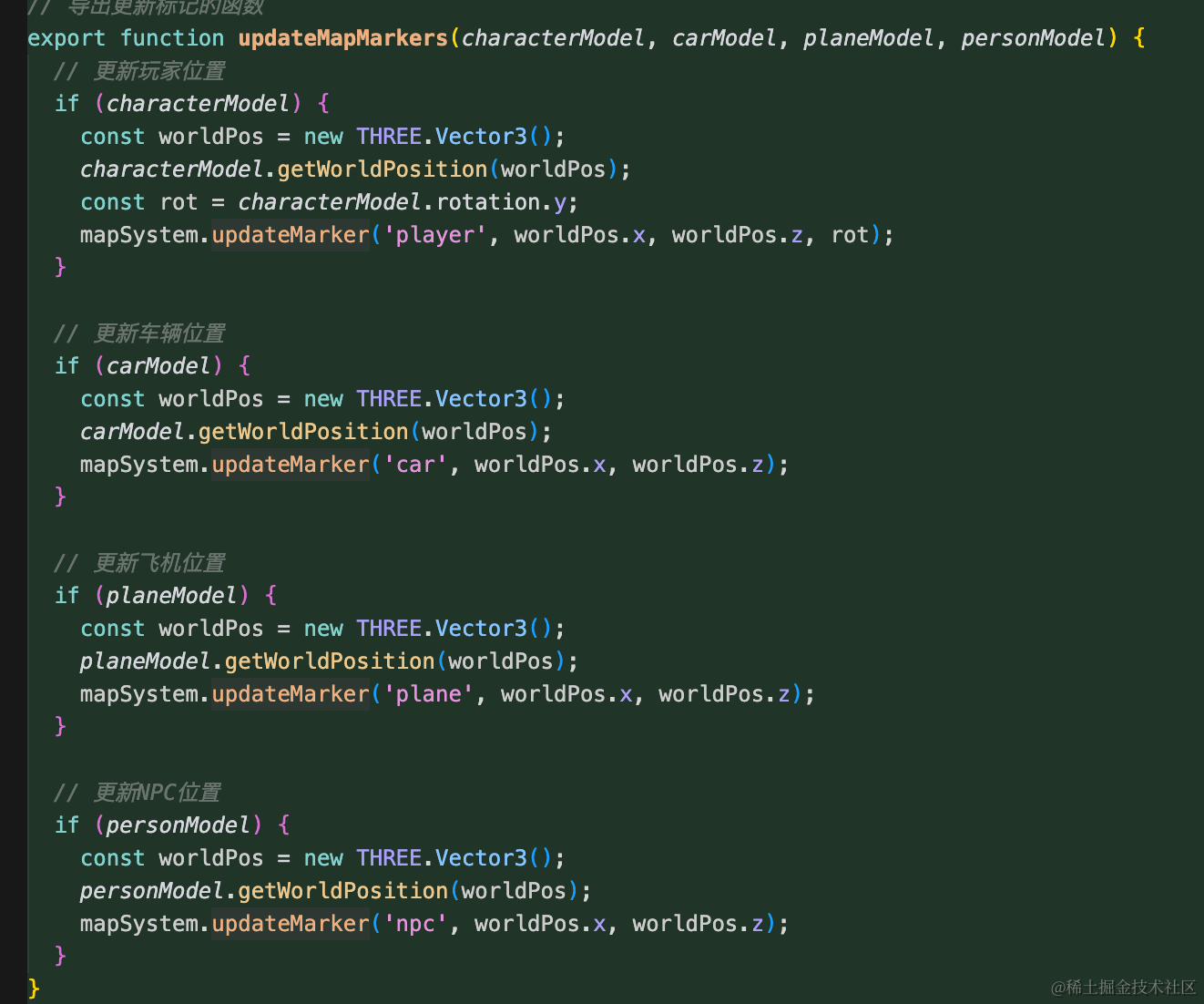
export function updateMapMarkers(characterModel, carModel, planeModel, personModel) {
  // 更新玩家位置
  if (characterModel) {
    const worldPos = new THREE.Vector3();
    characterModel.getWorldPosition(worldPos);
    const rot = characterModel.rotation.y;
    mapSystem.updateMarker('player', worldPos.x, worldPos.z, rot);
  }

  // 更新车辆位置
  if (carModel) {
    const worldPos = new THREE.Vector3();
    carModel.getWorldPosition(worldPos);
    mapSystem.updateMarker('car', worldPos.x, worldPos.z);
  }

  // 更新飞机位置
  if (planeModel) {
    const worldPos = new THREE.Vector3();
    planeModel.getWorldPosition(worldPos);
    mapSystem.updateMarker('plane', worldPos.x, worldPos.z);
  }

  // 更新NPC位置
  if (personModel) {
    const worldPos = new THREE.Vector3();
    personModel.getWorldPosition(worldPos);
    mapSystem.updateMarker('npc', worldPos.x, worldPos.z);
  }
}

// 导出切换全屏地图的函数
export function toggleFullMap() {
  mapSystem.toggleFullMap();
}
代码比较多,我们从上到下来看。
我们有 4 个标记点:
加一个更新位置的方法:
然后参数传入这 4 个元素,更新信息:
如何把这些 3D 场景的位置在平面绘制出来呢?
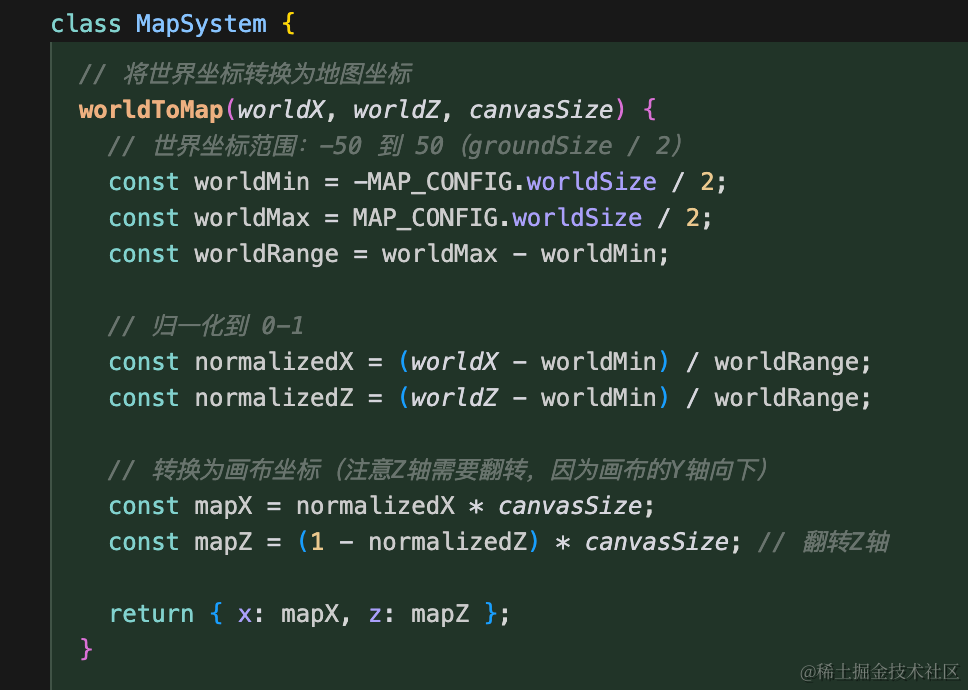
其实也很容易理解,因为地面是 100 的宽度,那这里 x、z 位置带入进去就可以算出一个比例,也就是 0 到 1
然后比例再乘以 canvasSize 就是在 canvas 里的位置了。
z 的方向和我们绘制的相反,所以要反转下。
然后来绘制:
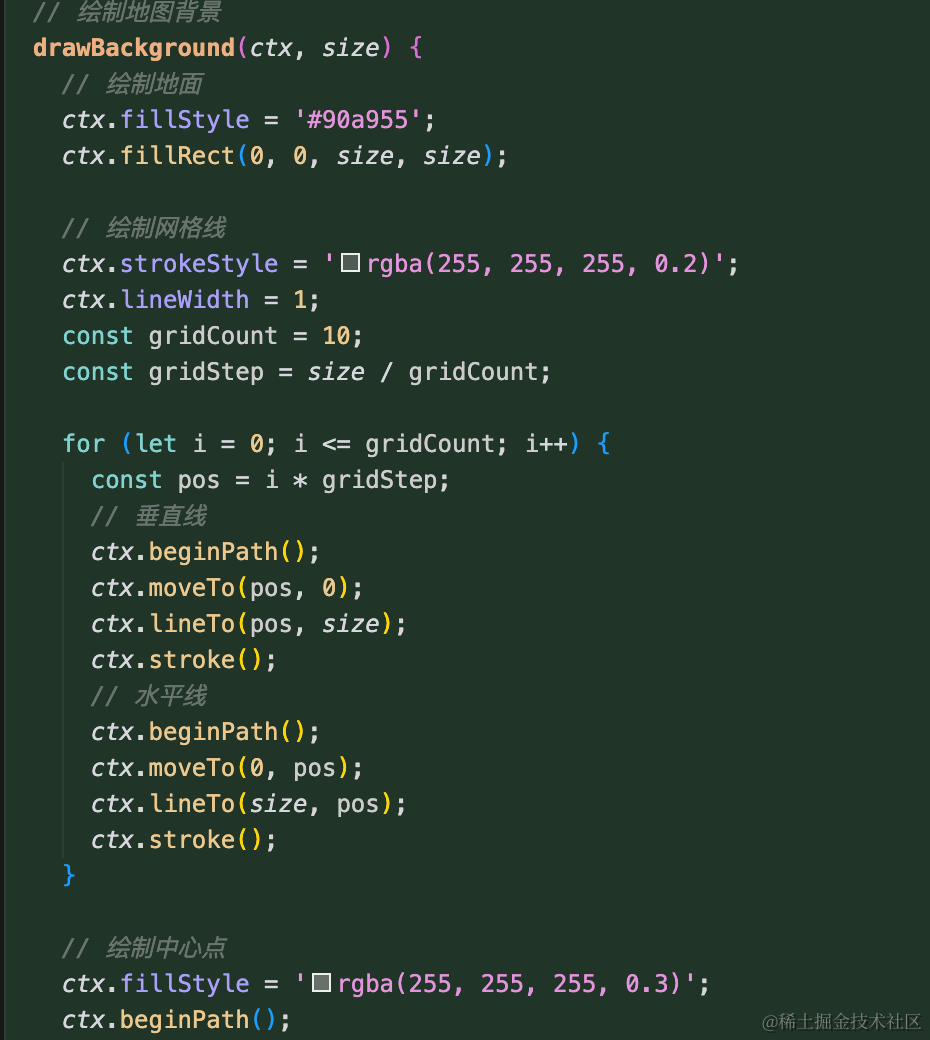
首先绘制网格线,这个很简单就是 lineTo
之后绘制标记点:
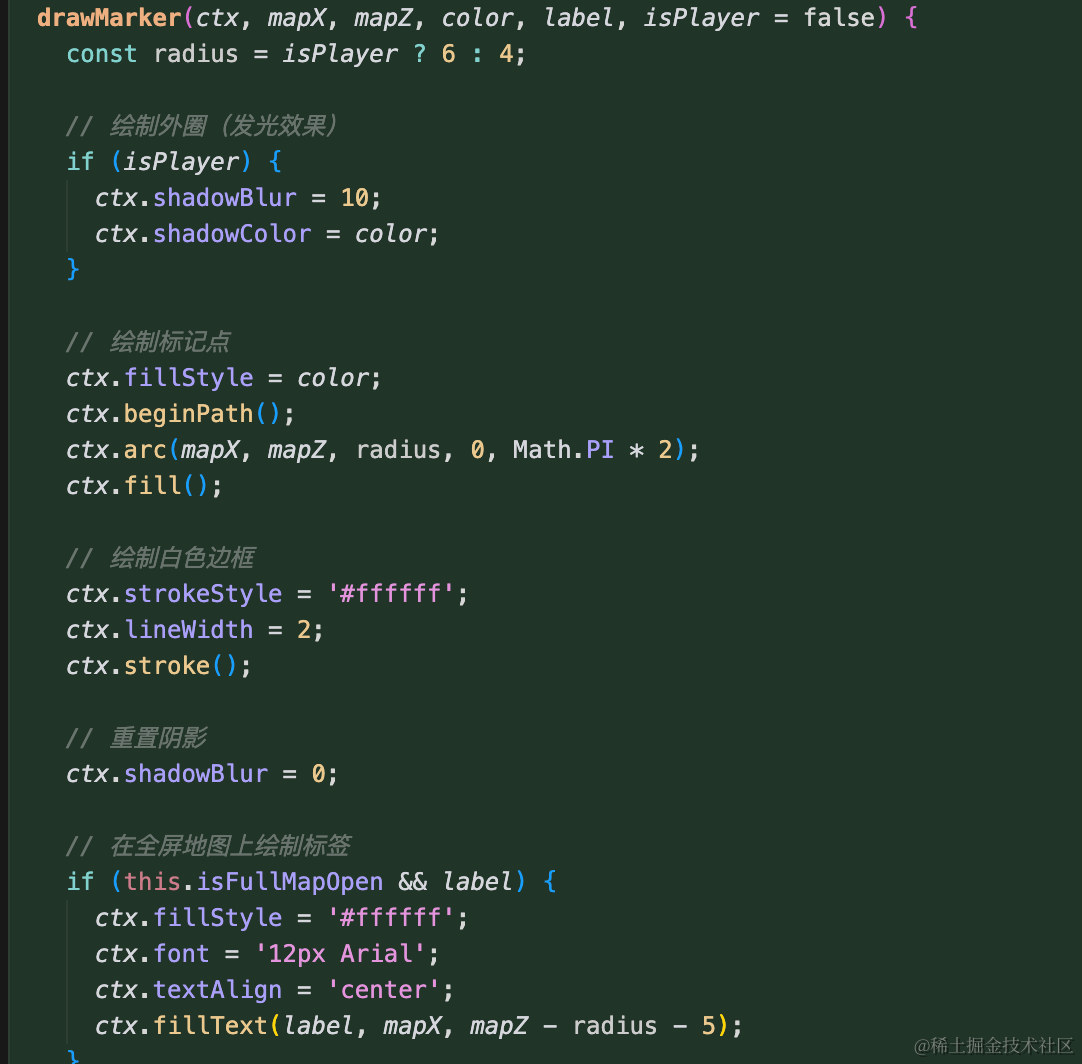
这里用 arc 来绘制圆形。
在 main.js 引入下:
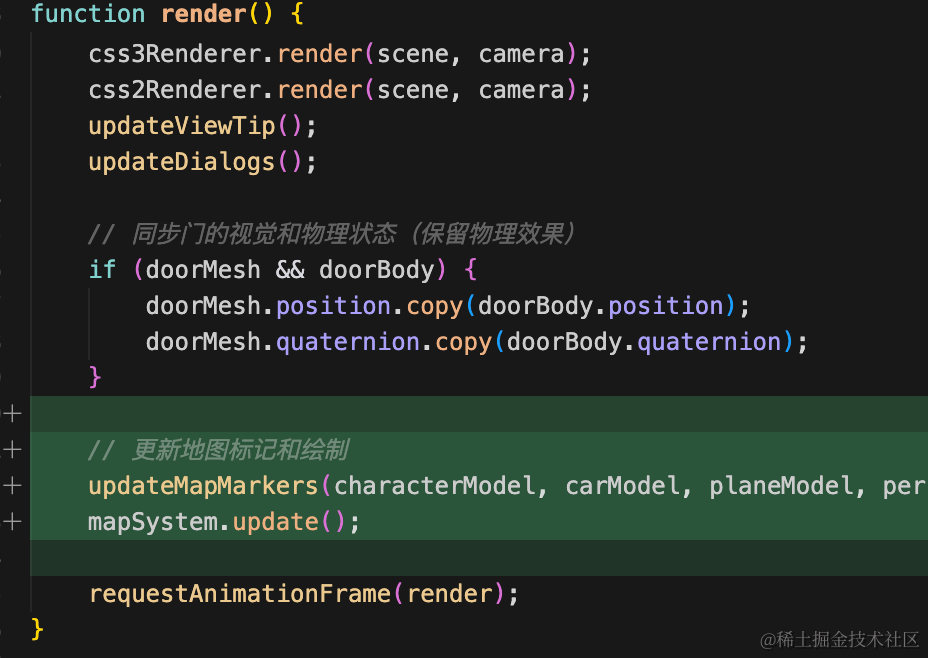
// 更新地图标记和绘制
updateMapMarkers(characterModel, carModel, planeModel, personModel);
mapSystem.update();
这里就是不断传入位置重新绘制就可以了。
试下效果:
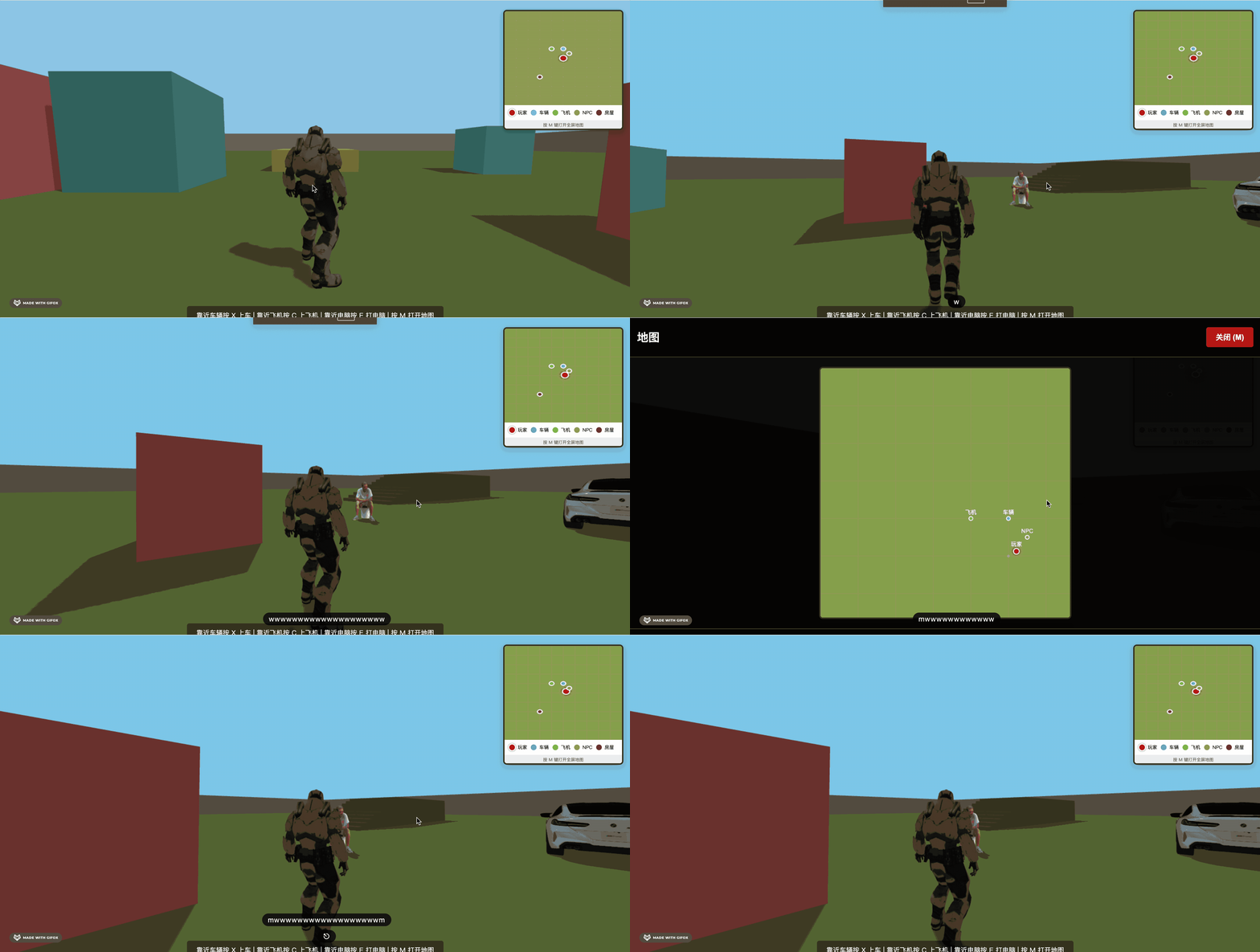
这样,小地图功能就完成了。
案例代码上传了小册仓库
总结
这节加上了小地图的绘制逻辑。
首先位置都是 3D 的位置 x、z,转换为二维坐标后在 canvas 绘制出来。
包括箭头也根据 rotationY 来绘制。
之后位置和方向变化的时候传入新的数据重新绘制就好了。