现在这些提示不是很友好:
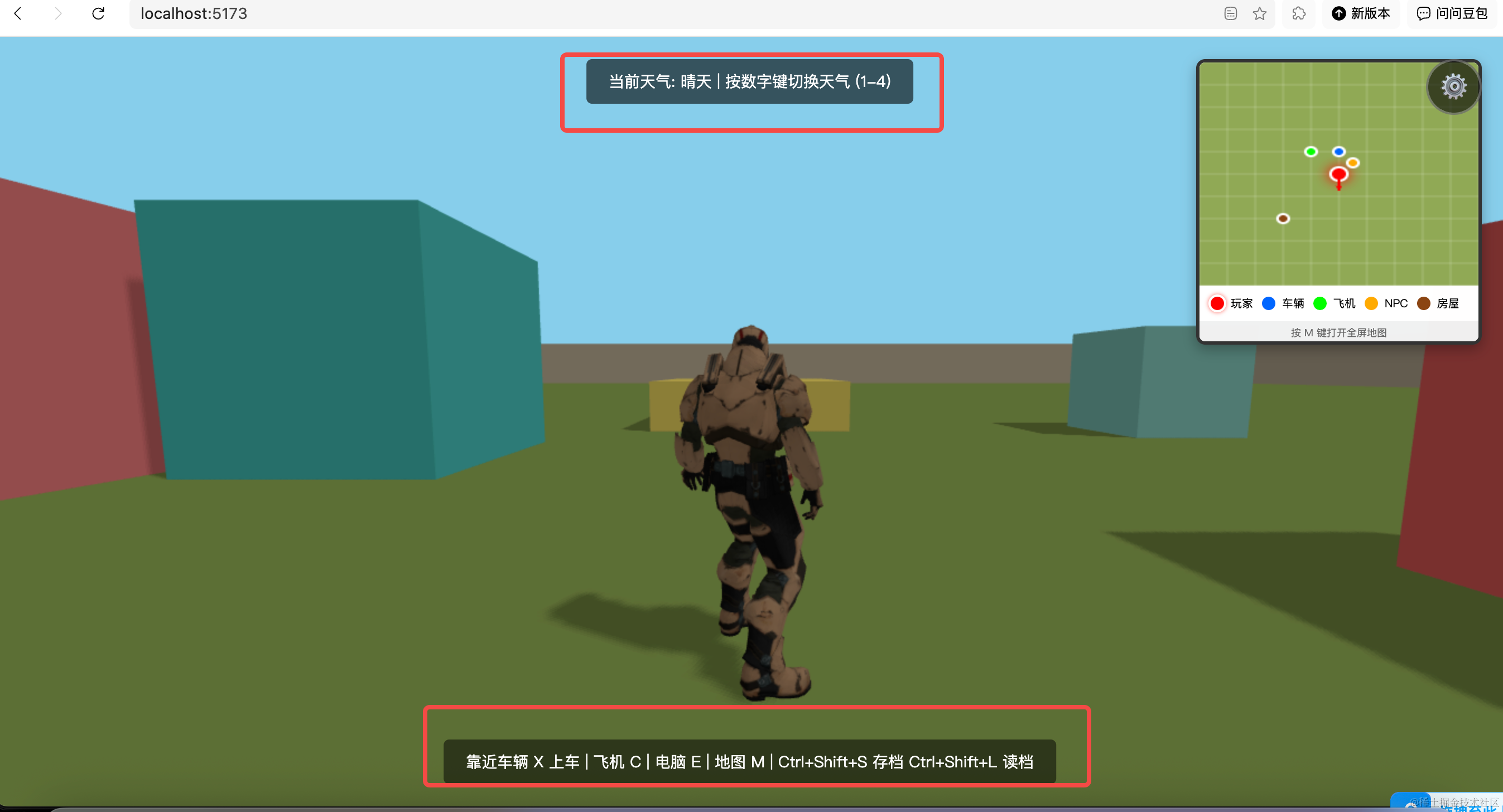
内容太多了。
我们优化下显示逻辑。
首先之前的提示内容清空:
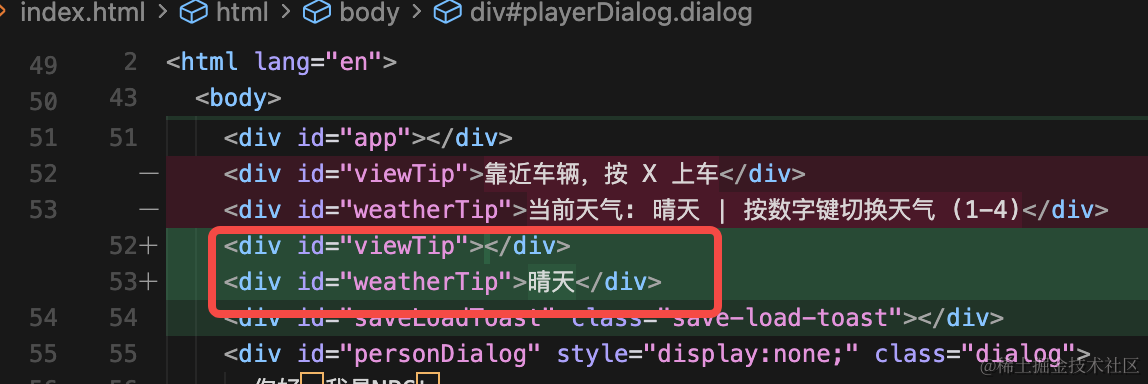
<div id="viewTip"></div>
<div id="weatherTip">晴天</div>
后面需要的时候才展示,比如靠近车的时候。
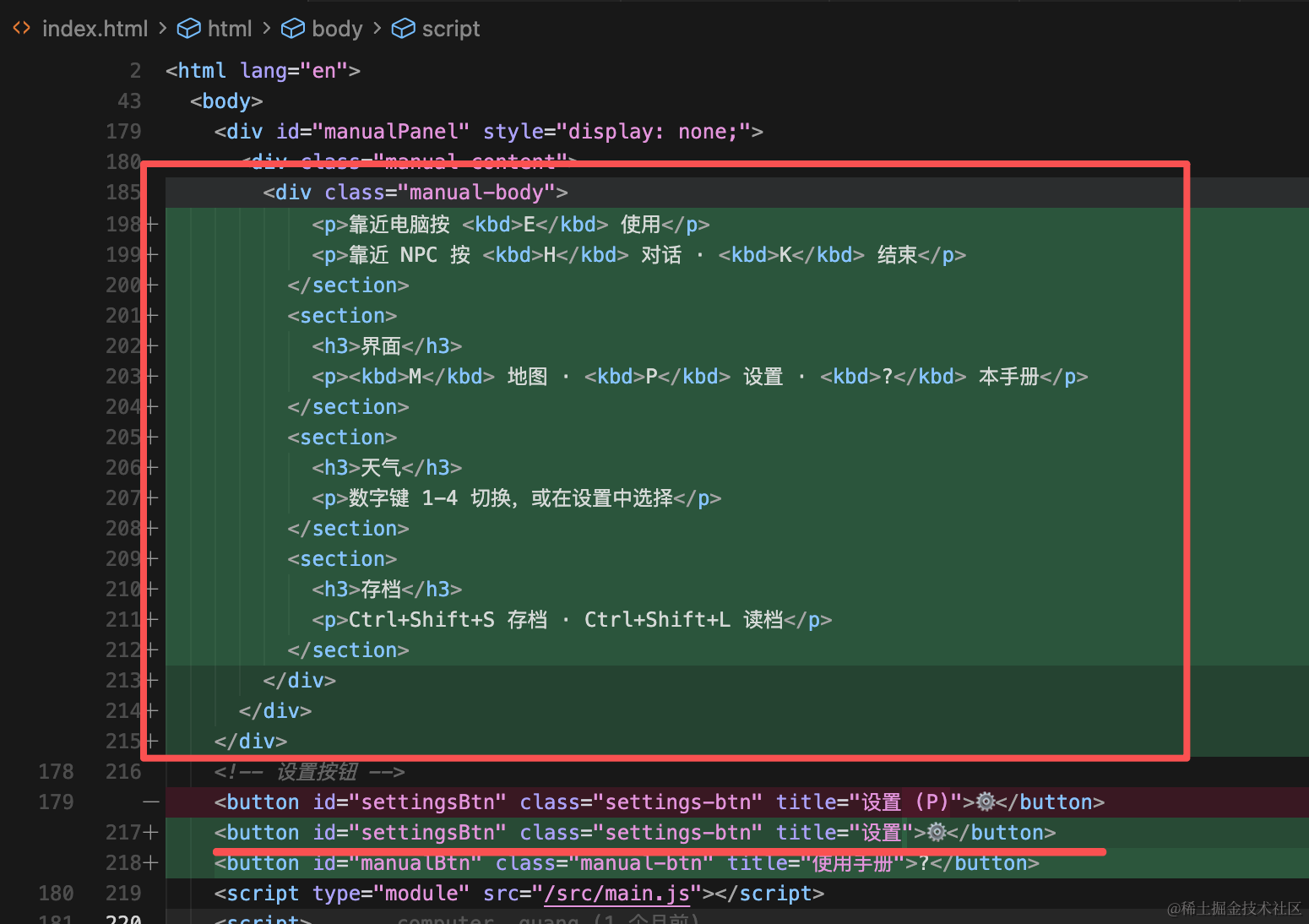
设置面板左边加一个使用手册的按钮和对应的弹窗 html
<!doctype html>
<html lang="en">
  <head>
    <meta charset="UTF-8" />
    <link rel="icon" type="image/svg+xml" href="/vite.svg" />
    <meta name="viewport" content="width=device-width, initial-scale=1.0" />
    <title>open-world</title>
    <style>
      /* 关键 CSS - 首屏立即生效,避免 FOUC */
      body { margin: 0; }
      #loadingOverlay {
        position: fixed; top: 0; left: 0; width: 100%; height: 100%;
        background: linear-gradient(135deg, #1a1a2e 0%, #16213e 100%);
        display: flex; justify-content: center; align-items: center;
        z-index: 10000; transition: opacity 0.5s ease;
      }
      .loading-content { text-align: center; color: #fff; }
      .loading-content h1 { font-size: 28px; margin-bottom: 24px; font-weight: 300; }
      .loading-bar {
        width: 320px; height: 8px; background: rgba(255,255,255,0.2);
        border-radius: 4px; overflow: hidden; margin: 0 auto 12px;
      }
      .loading-progress {
        height: 100%; width: 0%; background: linear-gradient(90deg,#4ade80,#22c55e);
        border-radius: 4px; transition: width 0.2s ease;
      }
      .loading-content p { font-size: 14px; color: rgba(255,255,255,0.7); }
      #loadingOverlay.hidden { opacity: 0; pointer-events: none; }
    </style>
    <style>
      .dialog {
        line-height: 40px;
        text-align: center;
        font-size: 20px;
        padding: 10px;
        border: 1px solid #000;
        background: #fff;
        border-radius: 4px;
        white-space: nowrap;
      }
    </style>
  </head>
  <body>
    <div id="loadingOverlay">
      <div class="loading-content">
        <h1>加载中...</h1>
        <div class="loading-bar"><div id="loadingProgress" class="loading-progress"></div></div>
        <p id="loadingPercent">0%</p>
      </div>
    </div>
    <div id="app"></div>
    <div id="viewTip"></div>
    <div id="weatherTip">晴天</div>
    <div id="saveLoadToast" class="save-load-toast"></div>
    <div id="personDialog" style="display:none;" class="dialog">
      你好,我是NPC!
    </div>
    <div id="playerDialog" style="display:none;" class="dialog">
      你好!
    </div>
    <div id="desktop" style="display: none;">
      <img class="bg" src="./bg.png"/>
      <div class="app">
        <div class="logo"></div>
        <div class="name">浏览器</div>
      </div>
      <iframe class="browser" style="display: none;" src="/assets/threejs/b5c7c27c462211378dfee368618551a67209cb7c.image"></iframe>
    </div>
    <!-- 小地图 -->
    <div id="miniMap">
      <canvas class="map-canvas" id="miniMapCanvas"></canvas>
      <div class="map-legend">
        <div class="legend-item">
          <span class="legend-icon player-icon"></span>
          <span>玩家</span>
        </div>
        <div class="legend-item">
          <span class="legend-icon car-icon"></span>
          <span>车辆</span>
        </div>
        <div class="legend-item">
          <span class="legend-icon plane-icon"></span>
          <span>飞机</span>
        </div>
        <div class="legend-item">
          <span class="legend-icon npc-icon"></span>
          <span>NPC</span>
        </div>
        <div class="legend-item">
          <span class="legend-icon house-icon"></span>
          <span>房屋</span>
        </div>
      </div>
      <div class="map-hint">按 ? 查看帮助</div>
    </div>
    <!-- 全屏地图 -->
    <div id="fullMap" style="display: none;">
      <div class="map-header">
        <h2>地图</h2>
        <button id="closeMapBtn" class="close-btn">关闭 (M)</button>
      </div>
      <canvas class="map-canvas-full" id="fullMapCanvas"></canvas>
      <div class="map-legend-full">
        <div class="legend-item">
          <span class="legend-icon player-icon"></span>
          <span>玩家</span>
        </div>
        <div class="legend-item">
          <span class="legend-icon car-icon"></span>
          <span>车辆</span>
        </div>
        <div class="legend-item">
          <span class="legend-icon plane-icon"></span>
          <span>飞机</span>
        </div>
        <div class="legend-item">
          <span class="legend-icon npc-icon"></span>
          <span>NPC</span>
        </div>
        <div class="legend-item">
          <span class="legend-icon house-icon"></span>
          <span>房屋</span>
        </div>
      </div>
    </div>
    <!-- 设置面板 -->
    <div id="settingsPanel" style="display: none;">
      <div class="settings-content">
        <div class="settings-header">
          <h2>设置</h2>
          <button id="closeSettingsBtn" class="close-btn">关闭 (ESC)</button>
        </div>
        <div class="settings-body">
          <div class="settings-section">
            <h3>音频设置</h3>
            <div class="settings-item">
              <label>
                <input type="checkbox" id="bgMusicToggle" checked>
                <span>背景音乐</span>
              </label>
            </div>
            <div class="settings-item">
              <label>
                <input type="checkbox" id="soundEffectToggle" checked>
                <span>音效</span>
              </label>
            </div>
          </div>
          <div class="settings-section">
            <h3>界面设置</h3>
            <div class="settings-item">
              <label>
                <input type="checkbox" id="miniMapToggle" checked>
                <span>小地图</span>
              </label>
            </div>
          </div>
          <div class="settings-section">
            <h3>天气设置</h3>
            <div class="weather-buttons">
              <button class="weather-btn" data-weather="clear">晴天</button>
              <button class="weather-btn" data-weather="rain">雨天</button>
              <button class="weather-btn" data-weather="snow">雪天</button>
              <button class="weather-btn" data-weather="fog">雾天</button>
            </div>
          </div>
          <div class="settings-section">
            <h3>存档</h3>
            <div class="save-load-buttons">
              <button id="saveGameBtn" class="save-btn">存档</button>
              <button id="loadGameBtn" class="load-btn">读档</button>
            </div>
            <div id="saveStatus" class="save-status"></div>
          </div>
        </div>
      </div>
    </div>
    <!-- 使用手册 -->
    <div id="manualPanel" style="display: none;">
      <div class="manual-content">
        <div class="manual-header">
          <h2>使用手册</h2>
          <button id="closeManualBtn" class="close-btn">关闭 (?)</button>
        </div>
        <div class="manual-body">
          <section>
            <h3>移动</h3>
            <p>WASD 移动 · 空格 跳跃 · 鼠标 转动视角</p>
          </section>
          <section>
            <h3>载具</h3>
            <p>靠近车辆按 <kbd>X</kbd> 上车/下车</p>
            <p>靠近飞机按 <kbd>C</kbd> 上飞机/下飞机(需先降落)</p>
            <p>飞行时:空格上升 · Shift 下降</p>
          </section>
          <section>
            <h3>交互</h3>
            <p>靠近电脑按 <kbd>E</kbd> 使用</p>
            <p>靠近 NPC 按 <kbd>H</kbd> 对话 · <kbd>K</kbd> 结束</p>
          </section>
          <section>
            <h3>界面</h3>
            <p><kbd>M</kbd> 地图 · <kbd>P</kbd> 设置 · <kbd>?</kbd> 本手册</p>
          </section>
          <section>
            <h3>天气</h3>
            <p>数字键 1-4 切换,或在设置中选择</p>
          </section>
          <section>
            <h3>存档</h3>
            <p>Ctrl+Shift+S 存档 · Ctrl+Shift+L 读档</p>
          </section>
        </div>
      </div>
    </div>
    <!-- 设置按钮 -->
    <button id="settingsBtn" class="settings-btn" title="设置">⚙️</button>
    <button id="manualBtn" class="manual-btn" title="使用手册">?</button>
    <script type="module" src="/src/main.js"></script>
    <script>
      document.addEventListener('DOMContentLoaded', function() {
        const appElement = document.querySelector('#desktop .app');
        const browserElement = document.querySelector('#desktop .browser');
        if (appElement && browserElement) {
          appElement.addEventListener('dblclick', function() {
            browserElement.style.display = browserElement.style.display === 'none' ? 'block' : 'none';
          });
        }
      });
    </script>
  </body>
</html>
同样在 main.js 里加一下打开关闭弹窗的逻辑。
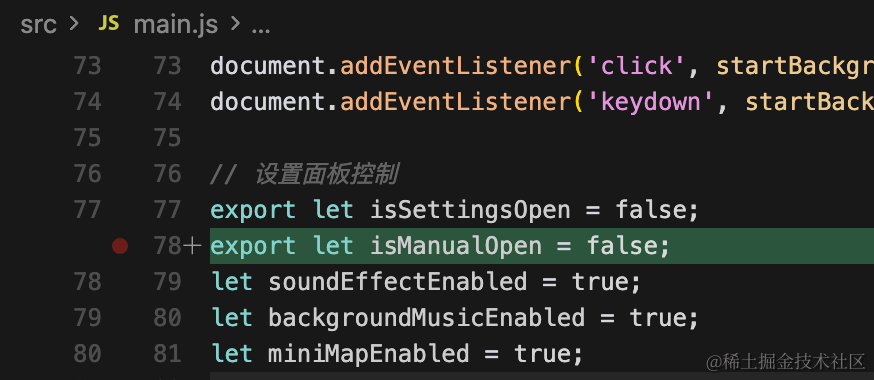
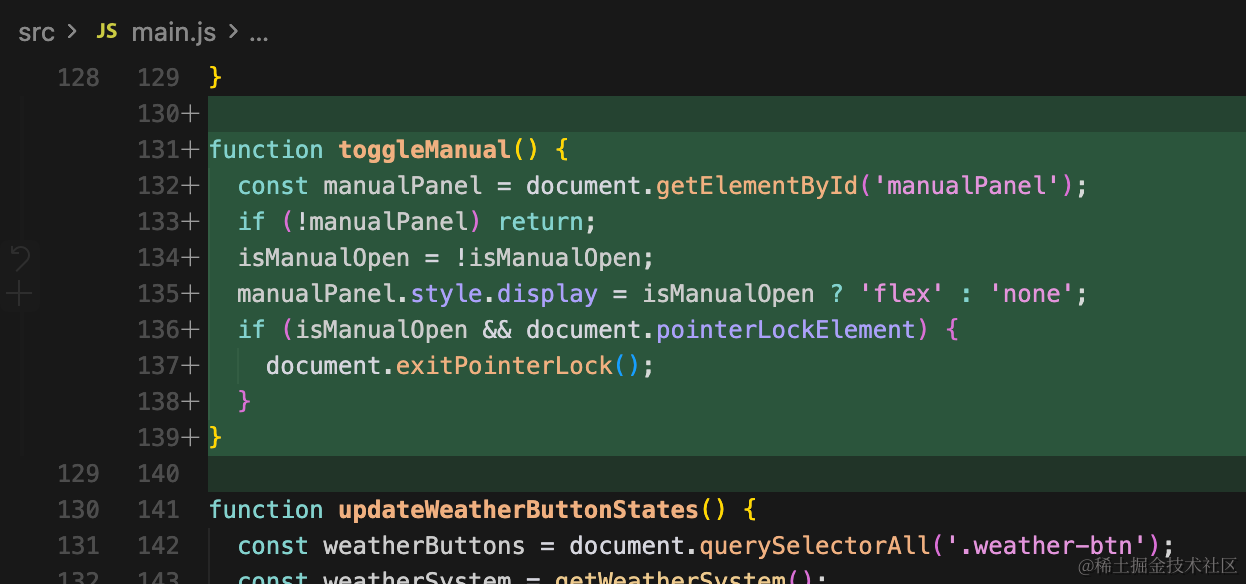
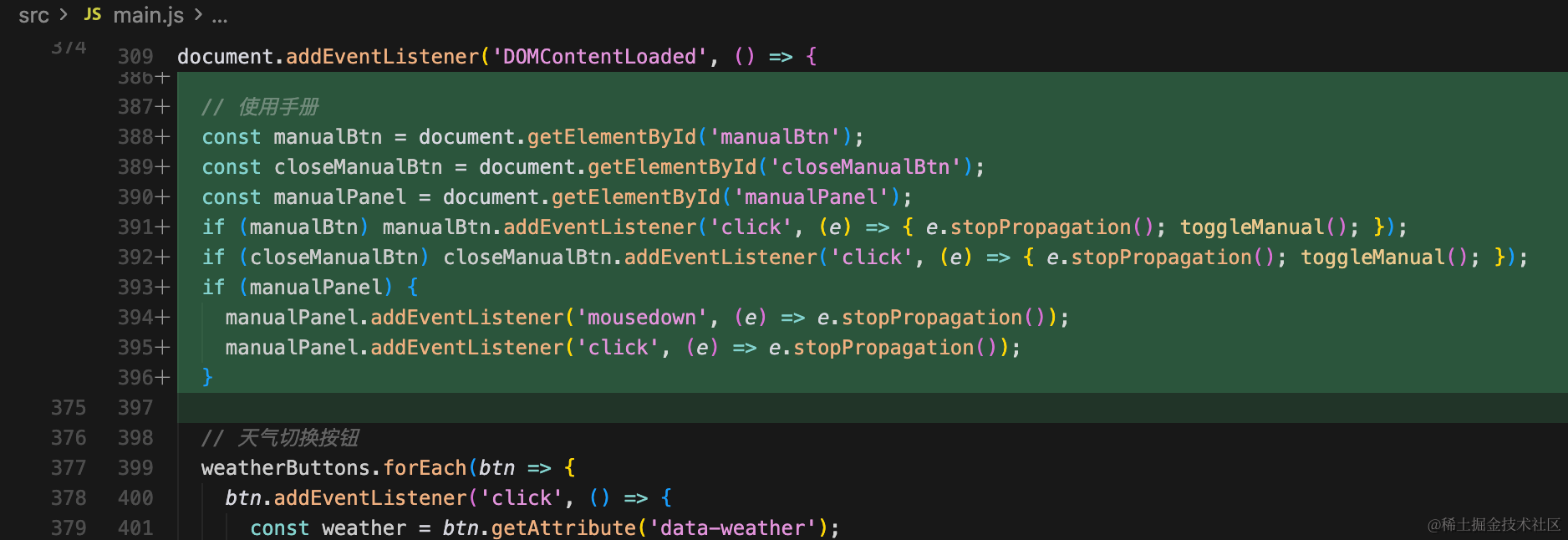
export let isManualOpen = false;function toggleManual() {
const manualPanel = document.getElementById('manualPanel');
if (!manualPanel) return;
isManualOpen = !isManualOpen;
manualPanel.style.display = isManualOpen ? 'flex' : 'none';
if (isManualOpen && document.pointerLockElement) {
document.exitPointerLock();
}
} // 使用手册
const manualBtn = document.getElementById('manualBtn');
const closeManualBtn = document.getElementById('closeManualBtn');
const manualPanel = document.getElementById('manualPanel');
if (manualBtn) manualBtn.addEventListener('click', (e) => { e.stopPropagation(); toggleManual(); });
if (closeManualBtn) closeManualBtn.addEventListener('click', (e) => { e.stopPropagation(); toggleManual(); });
if (manualPanel) {
manualPanel.addEventListener('mousedown', (e) => e.stopPropagation());
manualPanel.addEventListener('click', (e) => e.stopPropagation());
}加一下对应样式:
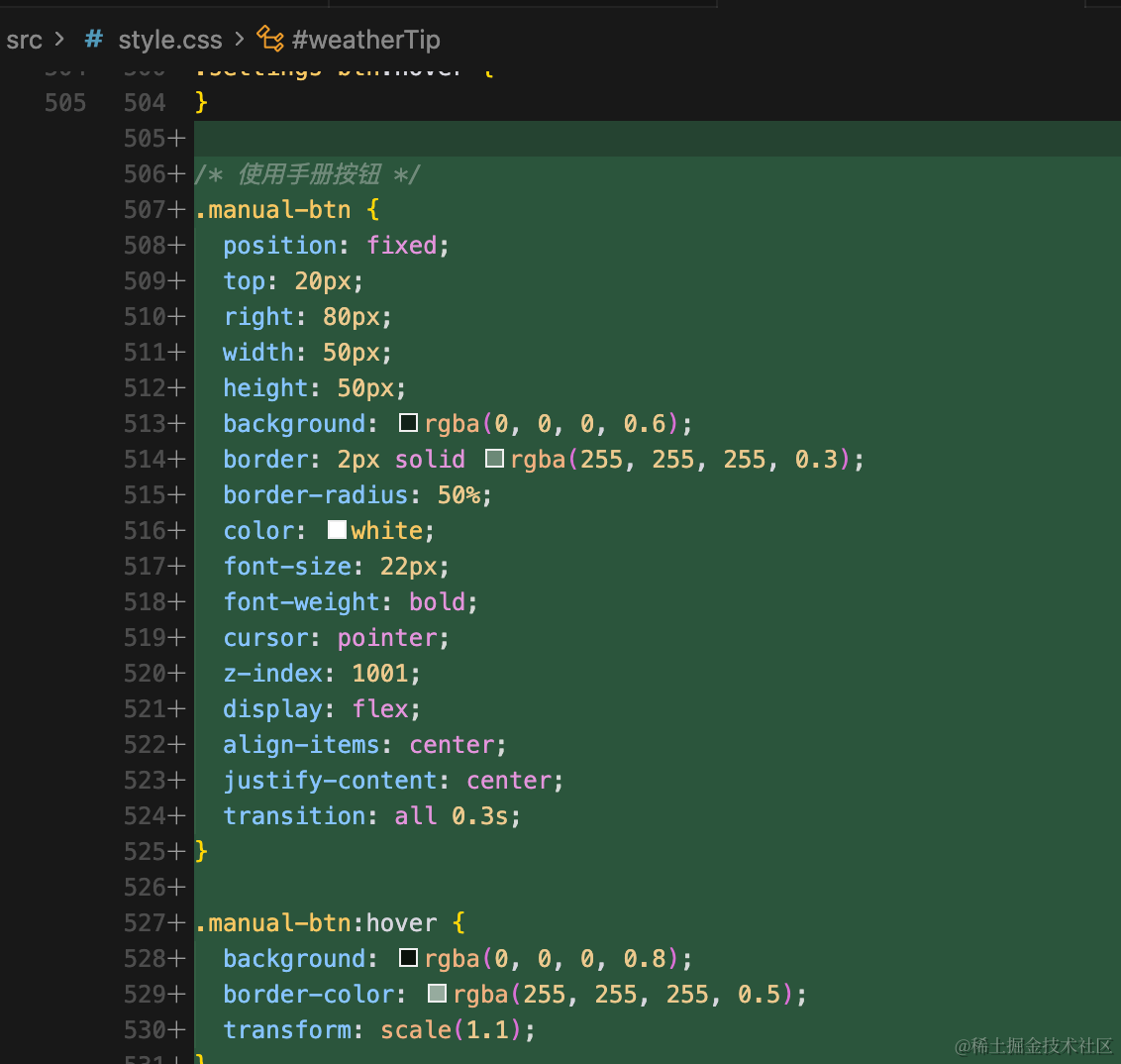
/* 使用手册按钮 */
.manual-btn {
  position: fixed;
  top: 20px;
  right: 80px;
  width: 50px;
  height: 50px;
  background: rgba(0, 0, 0, 0.6);
  border: 2px solid rgba(255, 255, 255, 0.3);
  border-radius: 50%;
  color: white;
  font-size: 22px;
  font-weight: bold;
  cursor: pointer;
  z-index: 1001;
  display: flex;
  align-items: center;
  justify-content: center;
  transition: all 0.3s;
}

.manual-btn:hover {
  background: rgba(0, 0, 0, 0.8);
  border-color: rgba(255, 255, 255, 0.5);
  transform: scale(1.1);
}

/* 使用手册面板 */
#manualPanel {
  position: fixed;
  top: 0;
  left: 0;
  width: 100%;
  height: 100%;
  background: rgba(0, 0, 0, 0.85);
  z-index: 3000;
  display: flex;
  justify-content: center;
  align-items: center;
  pointer-events: auto;
}

.manual-content {
  background: rgba(30, 30, 30, 0.98);
  border-radius: 12px;
  width: 90%;
  max-width: 420px;
  max-height: 85vh;
  overflow-y: auto;
  box-shadow: 0 8px 32px rgba(0, 0, 0, 0.5);
  border: 2px solid #555;
}

.manual-header {
  padding: 20px;
  background: rgba(0, 0, 0, 0.5);
  display: flex;
  justify-content: space-between;
  align-items: center;
  border-bottom: 2px solid #555;
  border-radius: 12px 12px 0 0;
}

.manual-header h2 {
  color: white;
  margin: 0;
  font-size: 22px;
}

.manual-body {
  padding: 24px;
}

.manual-body section {
  margin-bottom: 20px;
}

.manual-body section:last-child {
  margin-bottom: 0;
}

.manual-body h3 {
  color: #4ade80;
  margin: 0 0 8px 0;
  font-size: 16px;
}

.manual-body p {
  color: #e2e8f0;
  margin: 0 0 6px 0;
  font-size: 14px;
  line-height: 1.6;
}

.manual-body kbd {
  display: inline-block;
  padding: 2px 6px;
  background: #4a5568;
  border-radius: 4px;
  font-family: monospace;
  font-size: 13px;
}
然后其余提示的逻辑也改一下:
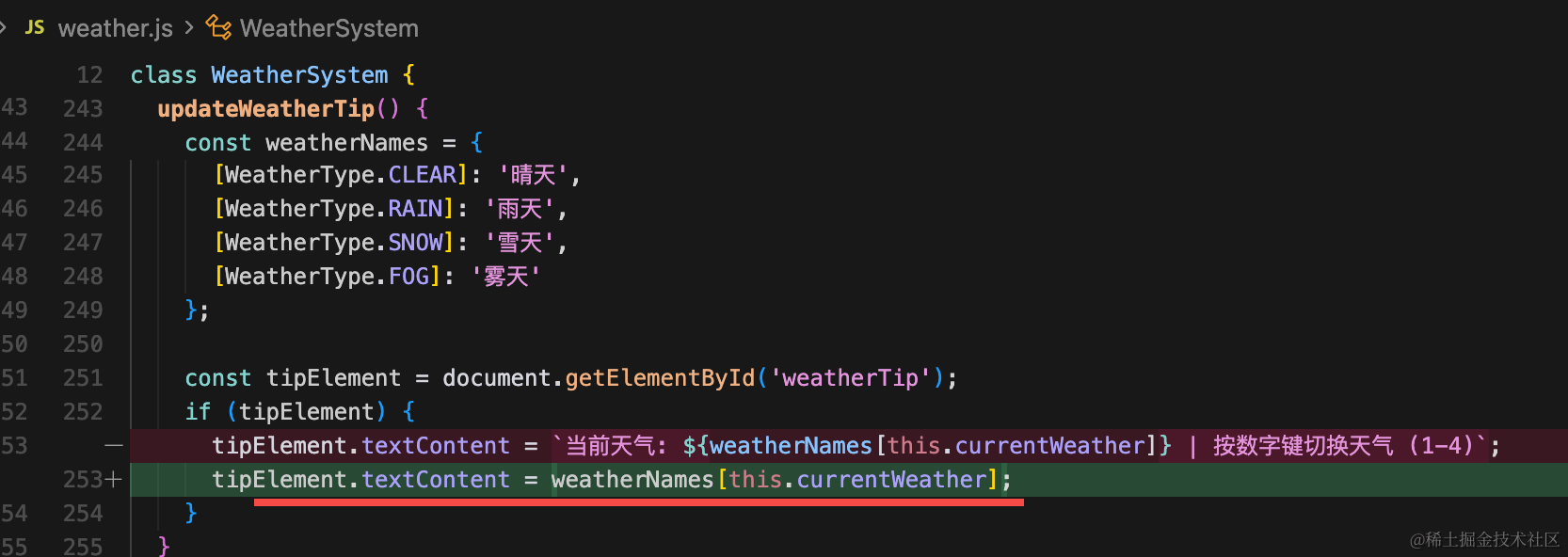
tipElement.textContent = weatherNames[this.currentWeather];并且和设置面板一样,帮助面板也要退出鼠标锁定状态:
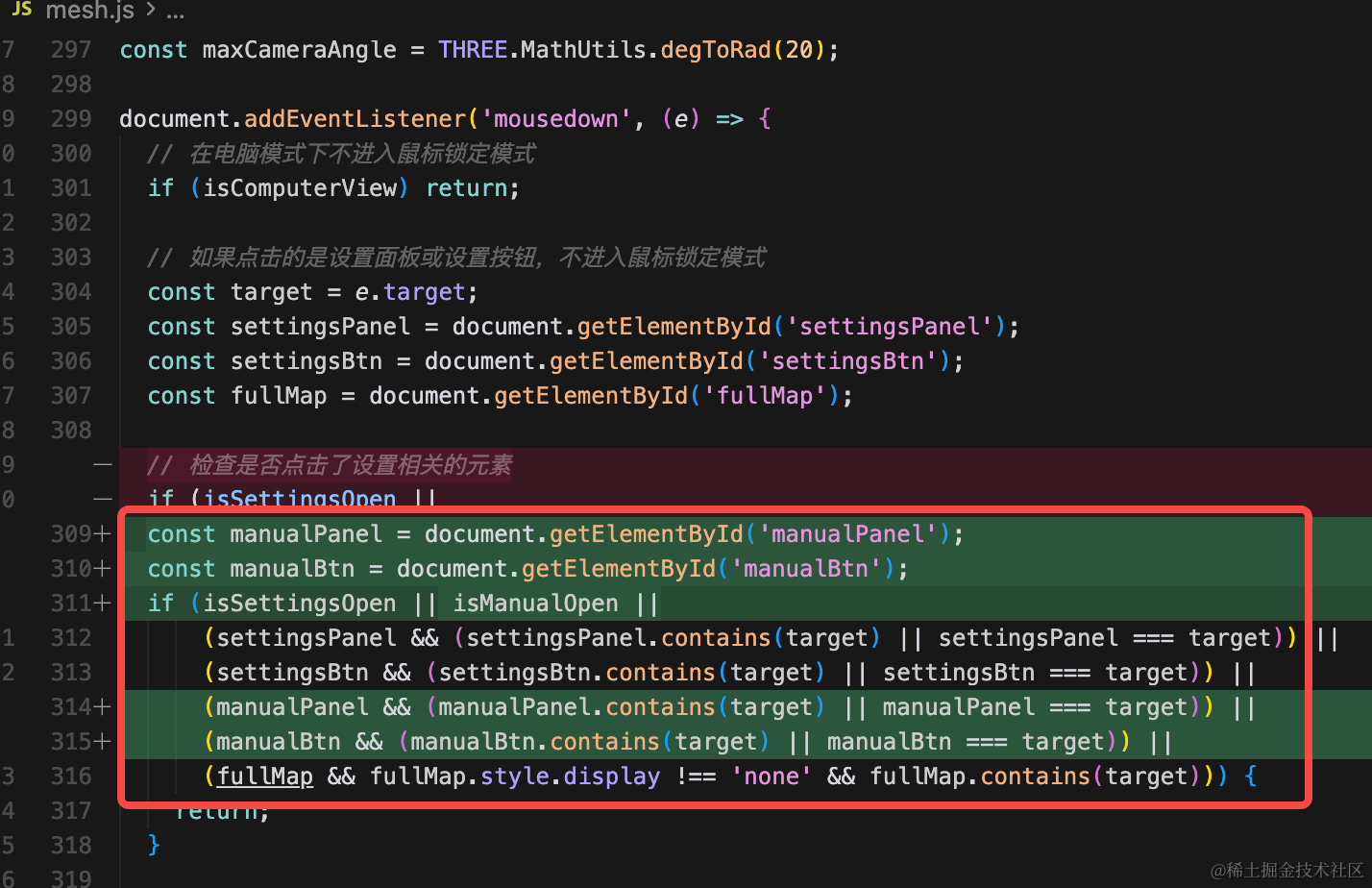
  const manualPanel = document.getElementById('manualPanel');
  const manualBtn = document.getElementById('manualBtn');
  if (isSettingsOpen || isManualOpen ||
      (settingsPanel && (settingsPanel.contains(target) || settingsPanel === target)) ||
      (settingsBtn && (settingsBtn.contains(target) || settingsBtn === target)) ||
      (manualPanel && (manualPanel.contains(target) || manualPanel === target)) ||
      (manualBtn && (manualBtn.contains(target) || manualBtn === target)) ||
      (fullMap && fullMap.style.display !== 'none' && fullMap.contains(target))) {
    return;
  }
不然没鼠标。
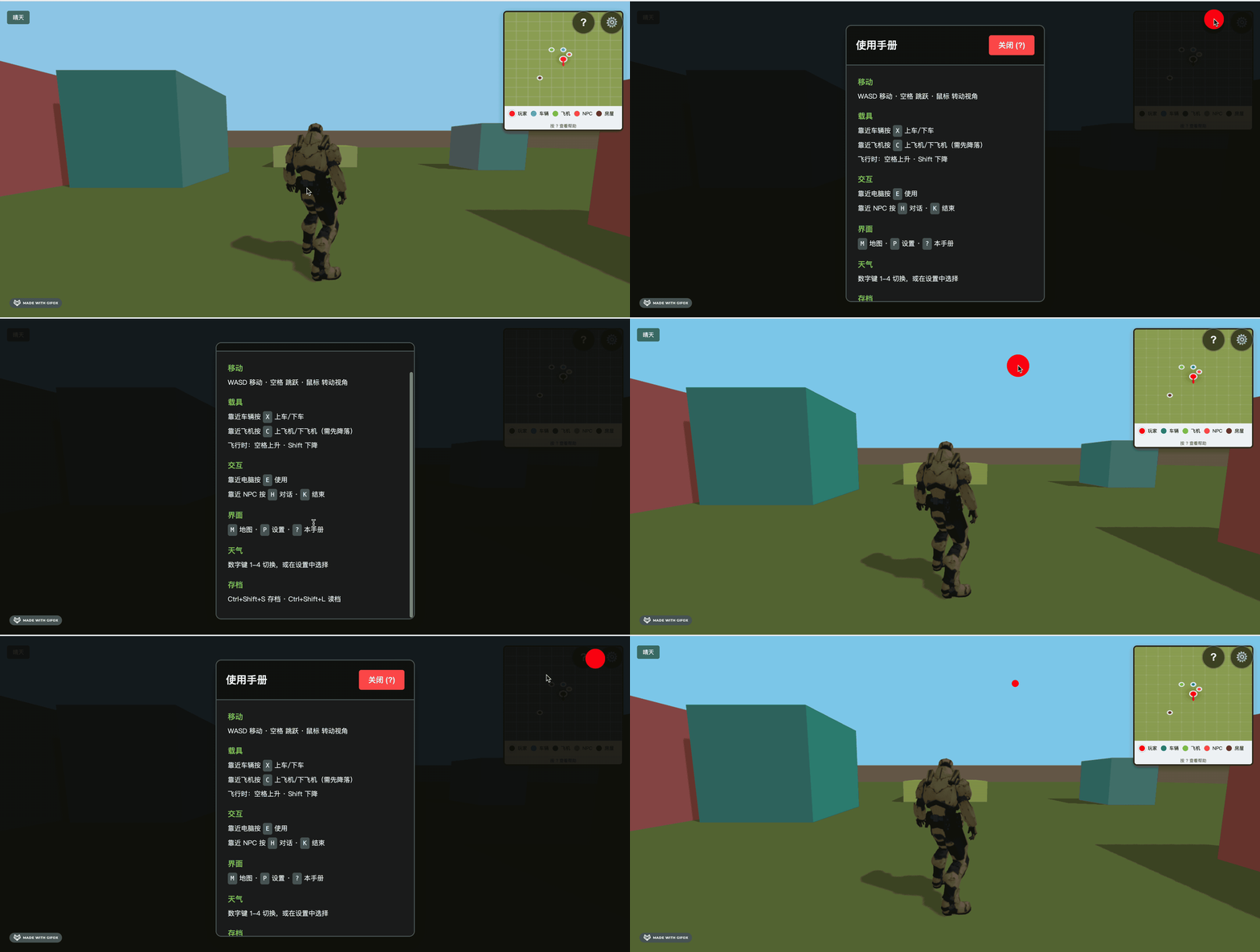
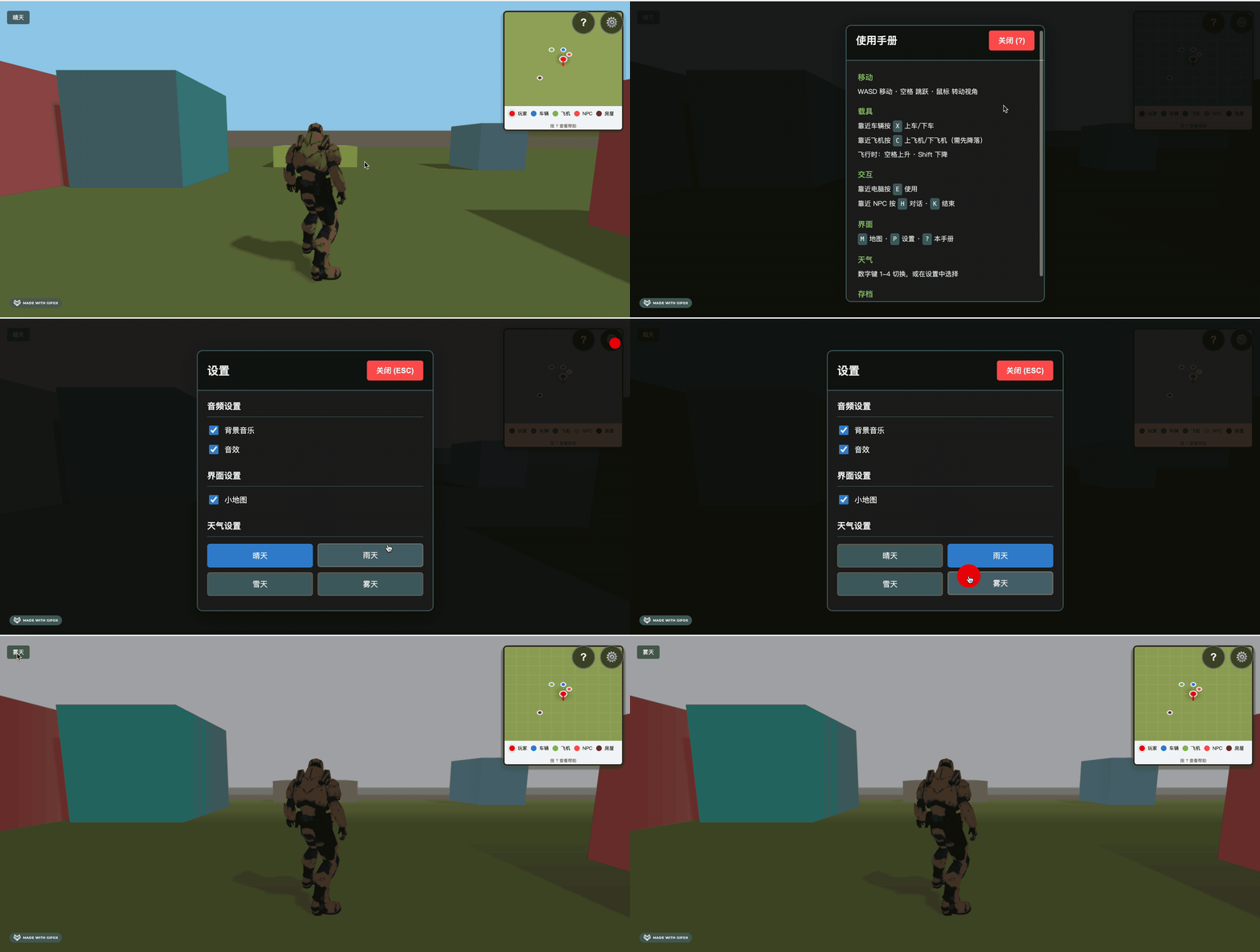
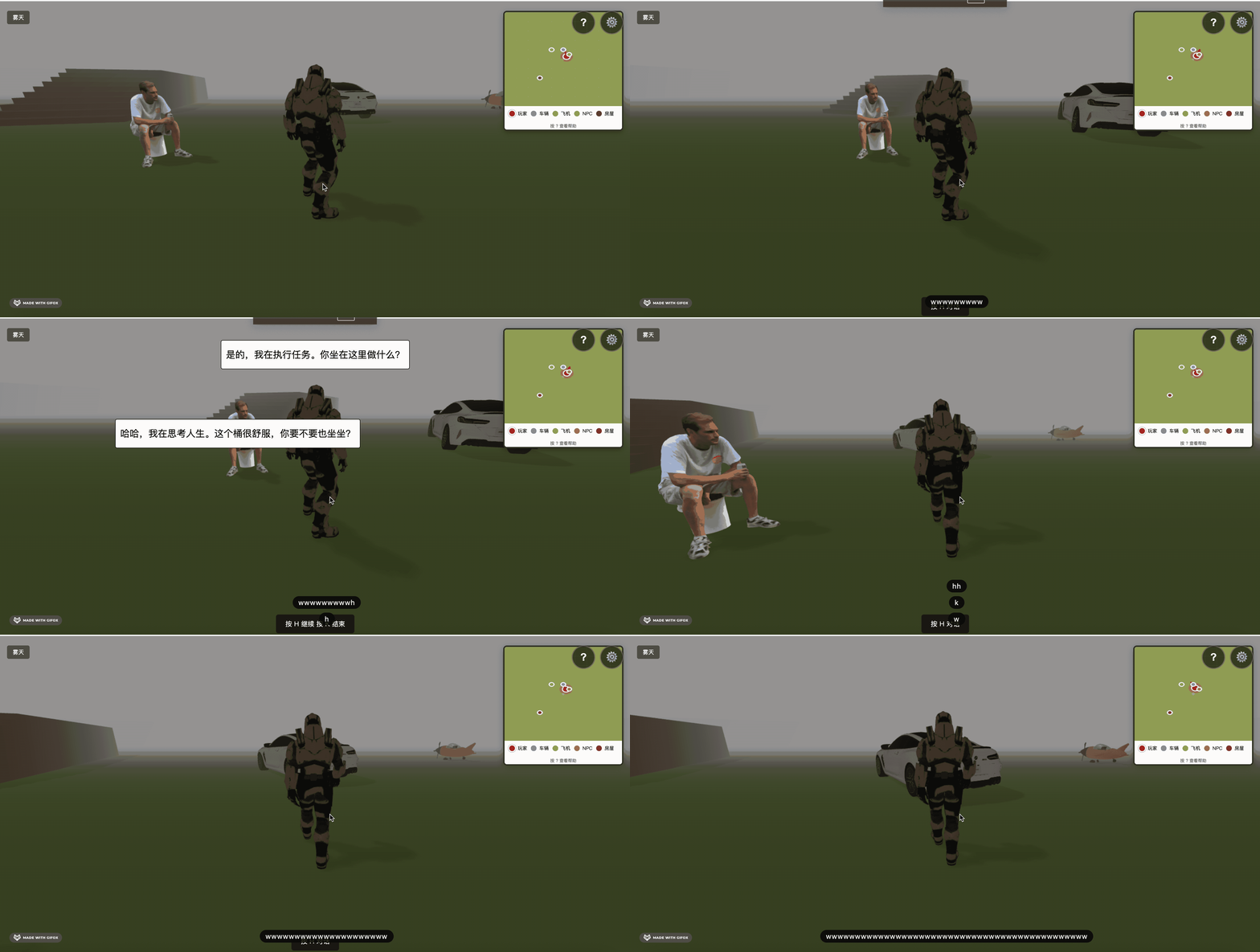
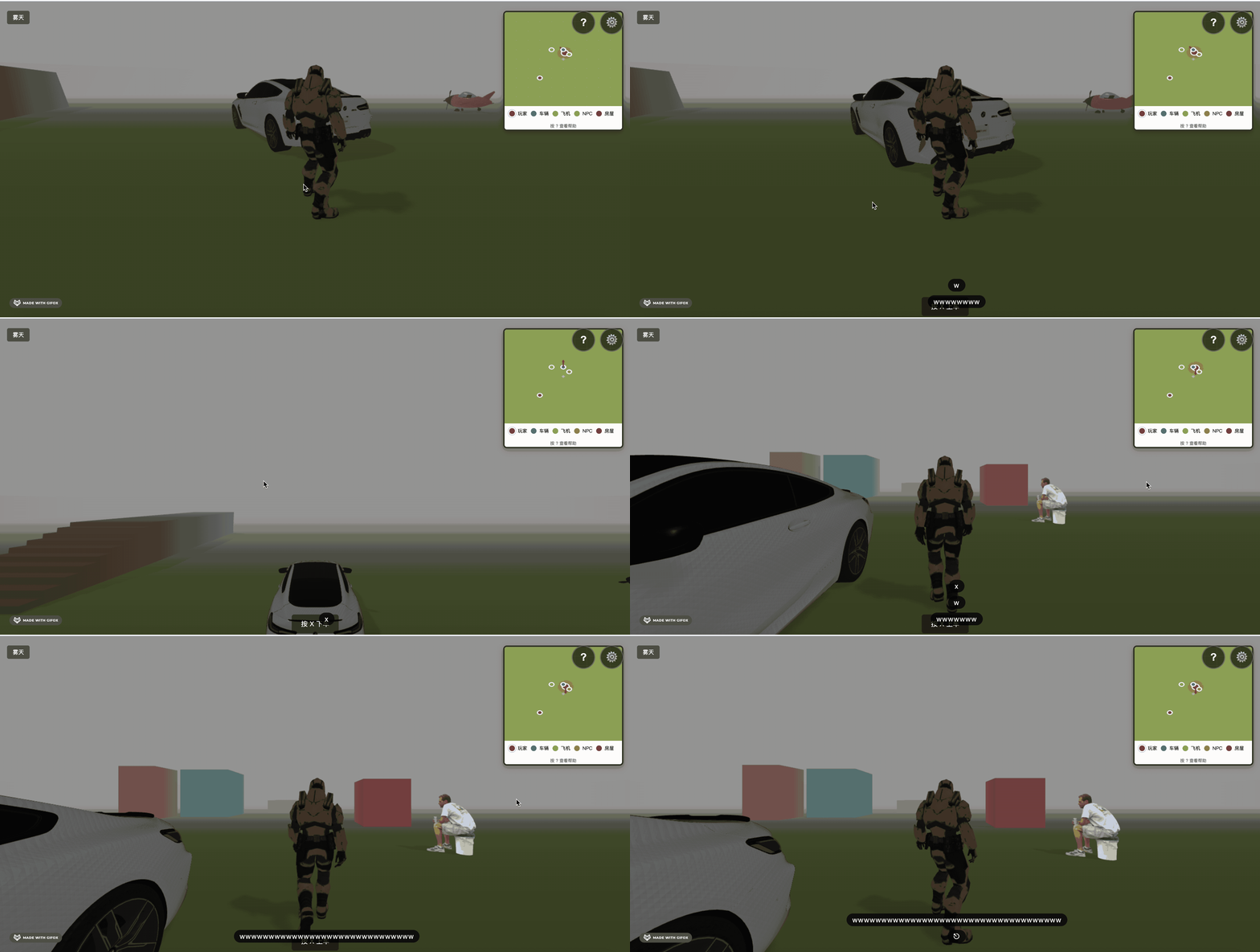
只有在靠近的时候才展示提示信息,其余都收到了帮助面板了。
界面简洁多了。
案例代码上传了小册仓库 部署好的 url:https://quarkgluonplasma.github.io/threejs-open-world/
总结
这节我们优化了提示信息。
加了一个帮助面板,在那里集中展示快捷键等信息。
当时走近 NPC、飞机、汽车等依然有提示。
这样体验就好多了。