上节把星球画出来了:
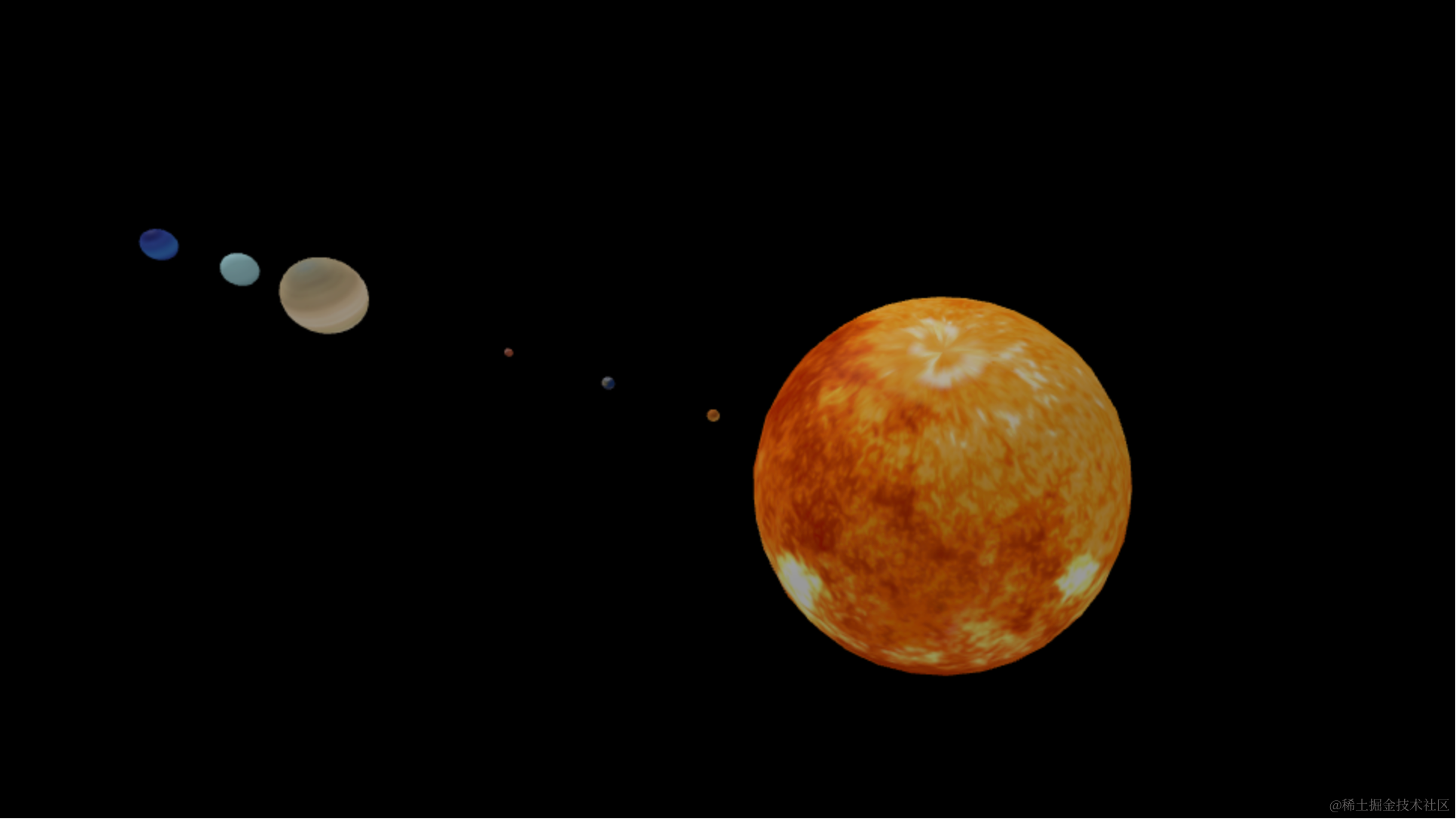
这节把星轨画一下:
画星轨自然是用曲线的 API
画完星球顺便画一下:
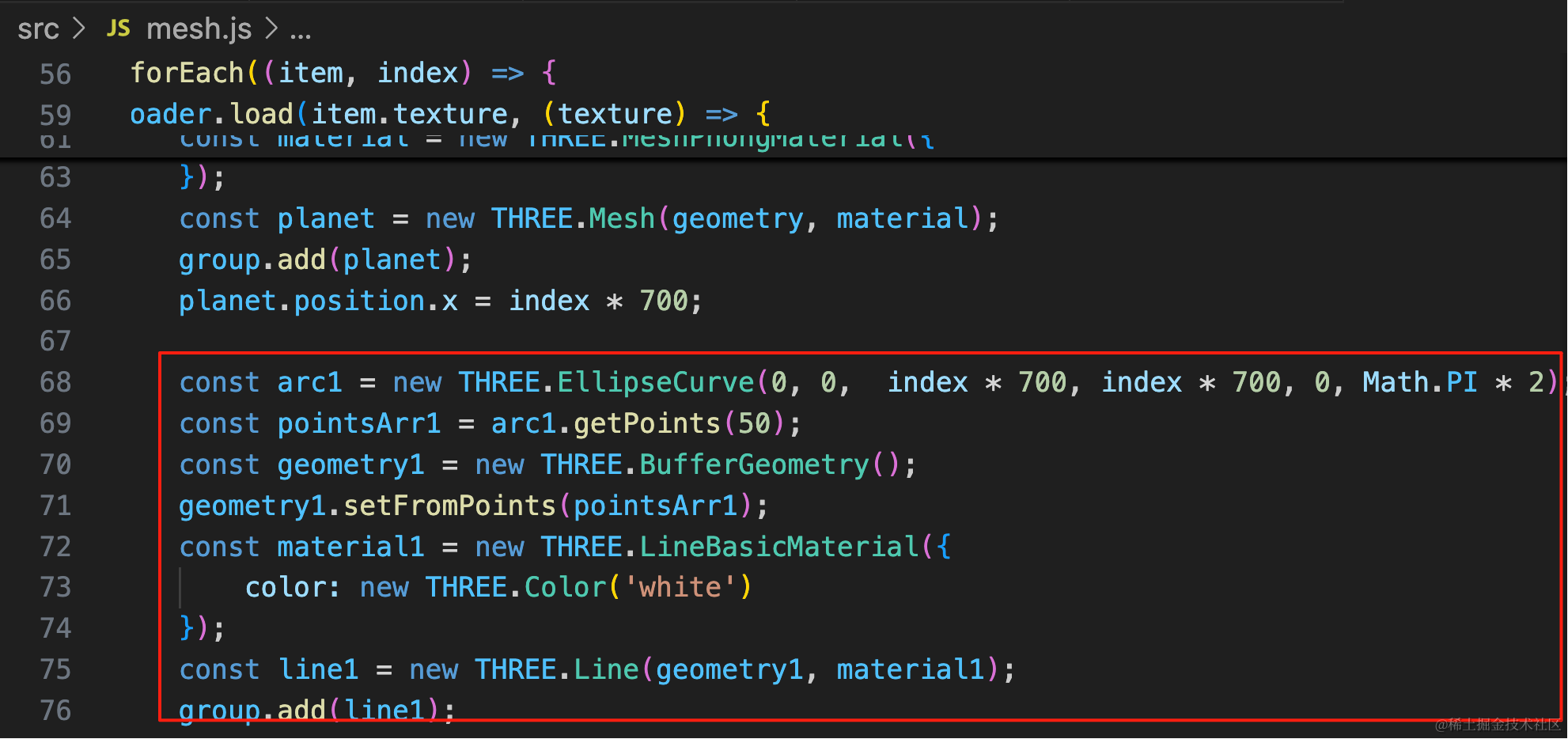
const arc1 = new THREE.EllipseCurve(0, 0,  index * 700, index * 700, 0, Math.PI * 2);
const pointsArr1 = arc1.getPoints(50);
const geometry1 = new THREE.BufferGeometry();
geometry1.setFromPoints(pointsArr1);
const material1 = new THREE.LineBasicMaterial({
    color: new THREE.Color('white')
});
const line1 = new THREE.Line(geometry1, material1);
group.add(line1);
用 EllipseCurve 的 api 画线,取点之后,用 BufferGeometry + Line 画出来。
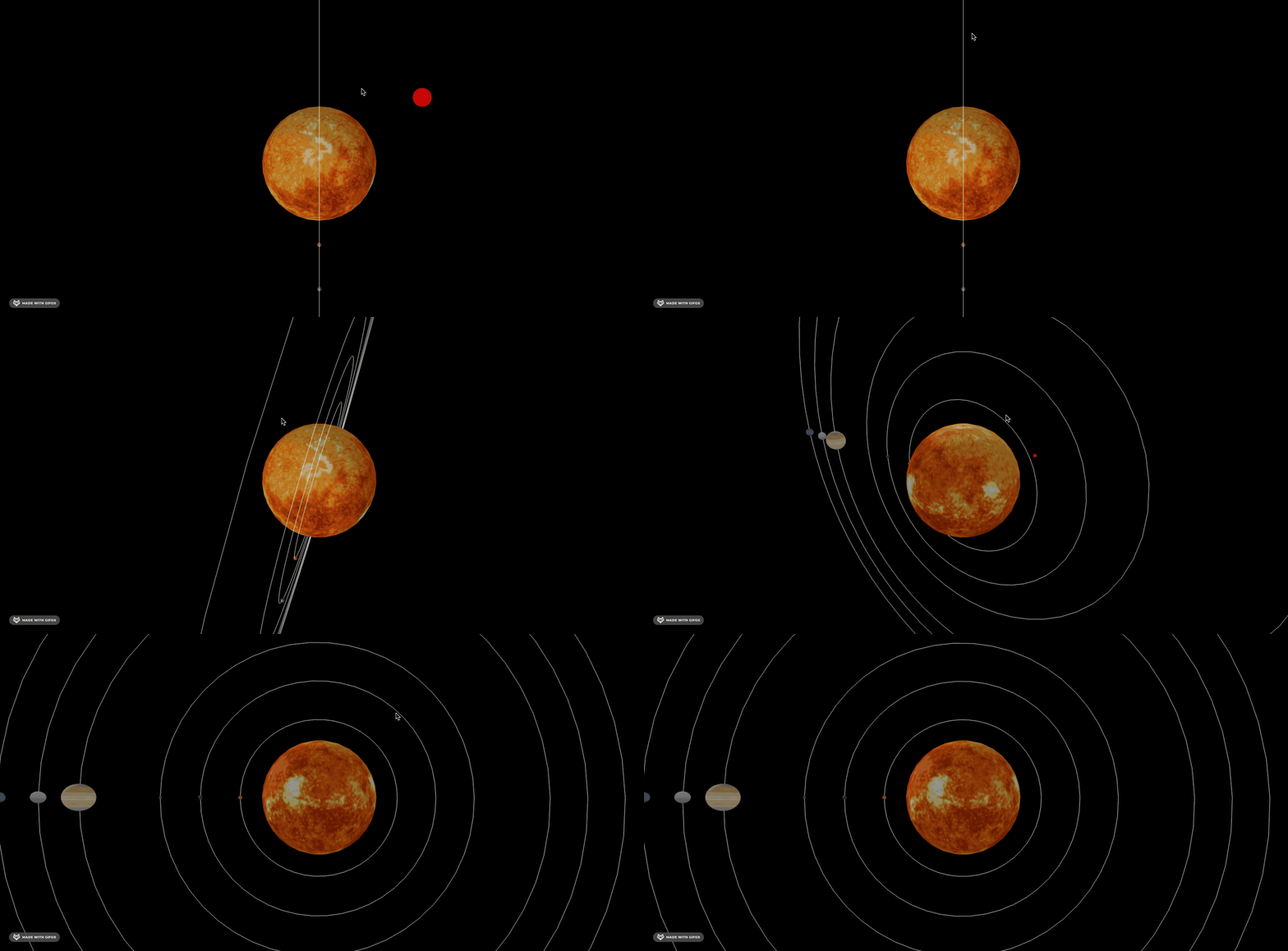
星轨画出来了。
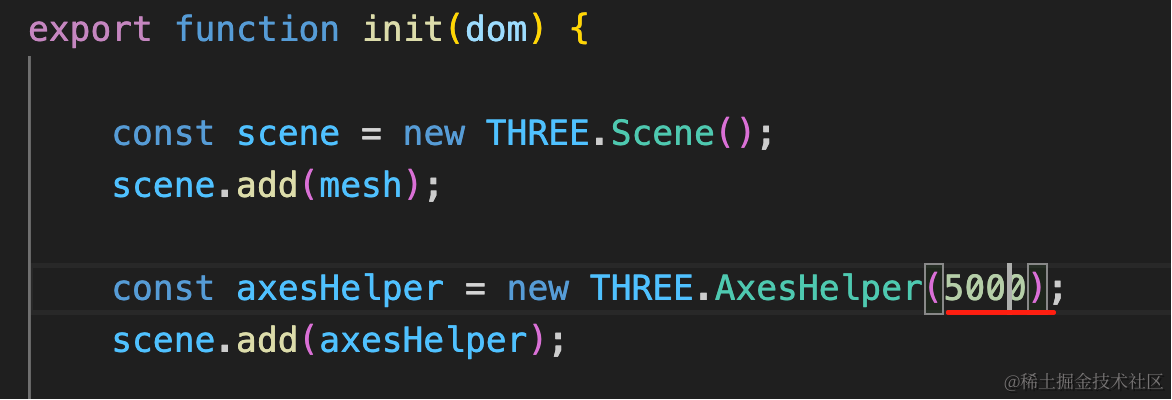
先把 AxesHelper 加长:
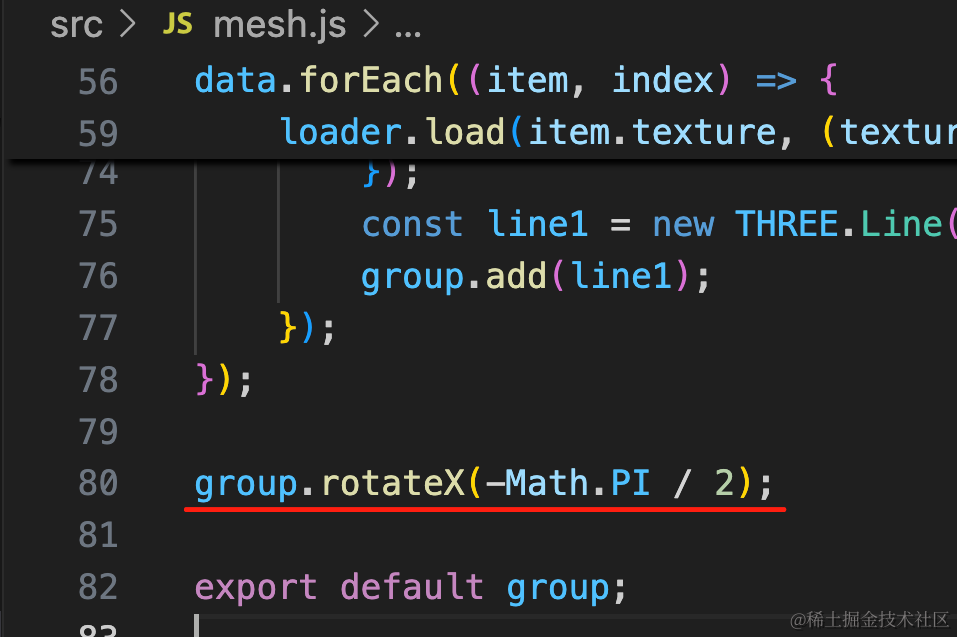
然后旋转下星系:
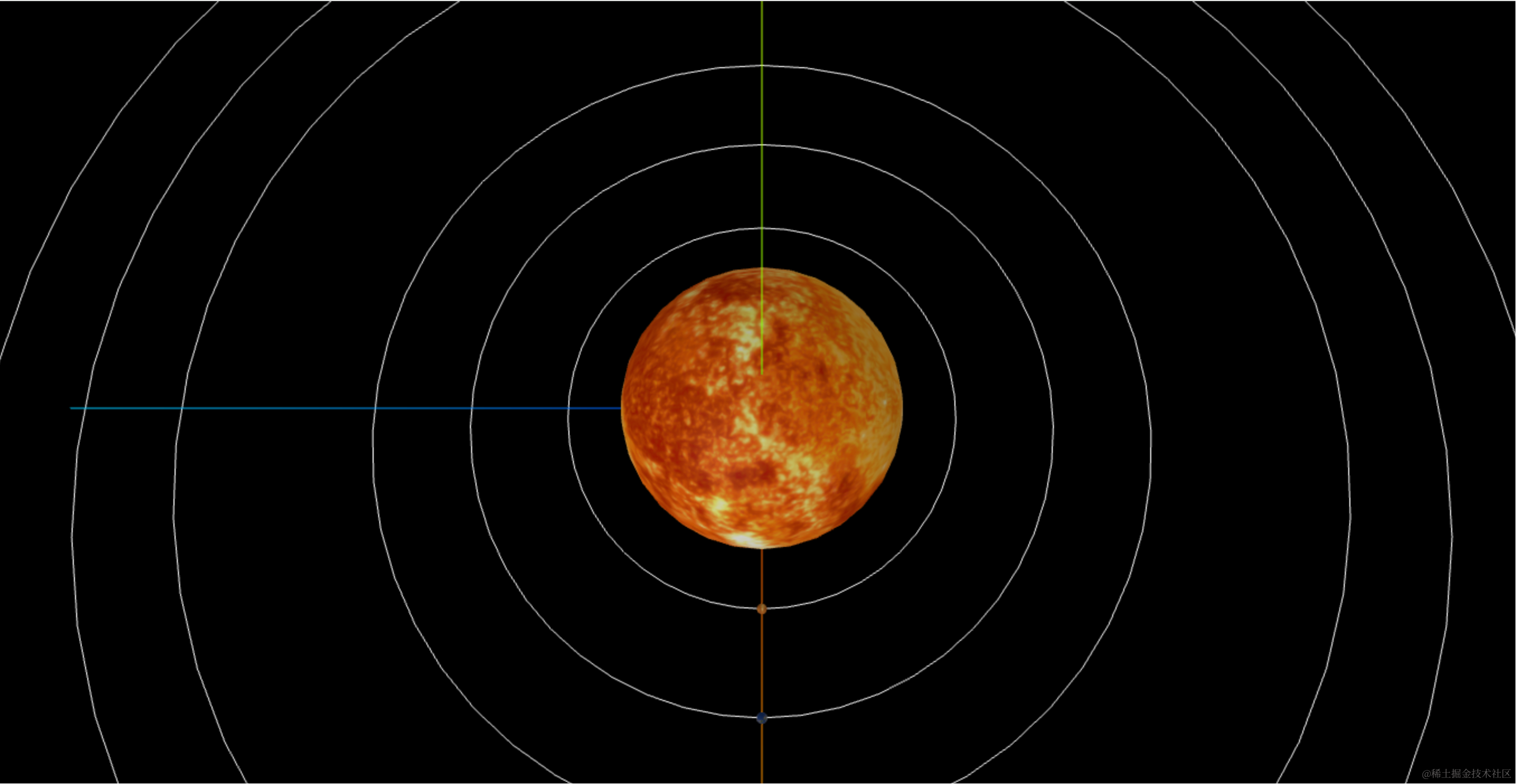
之后调下相机位置:
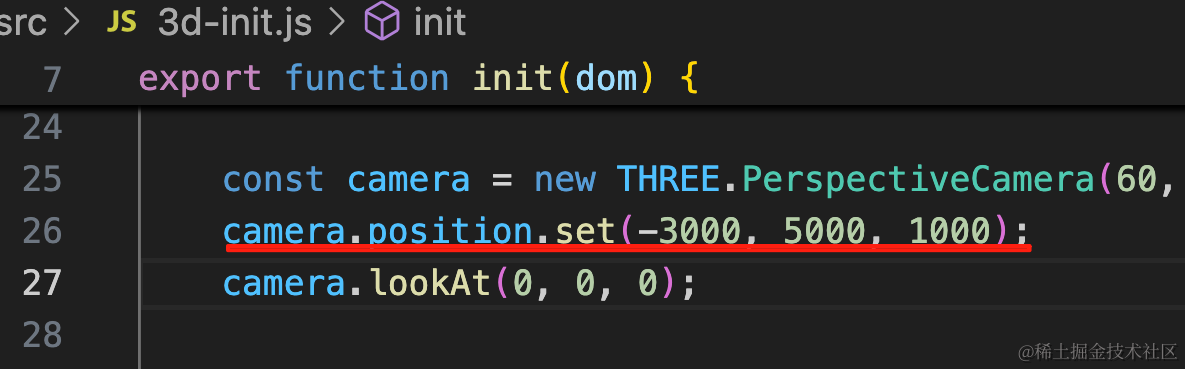
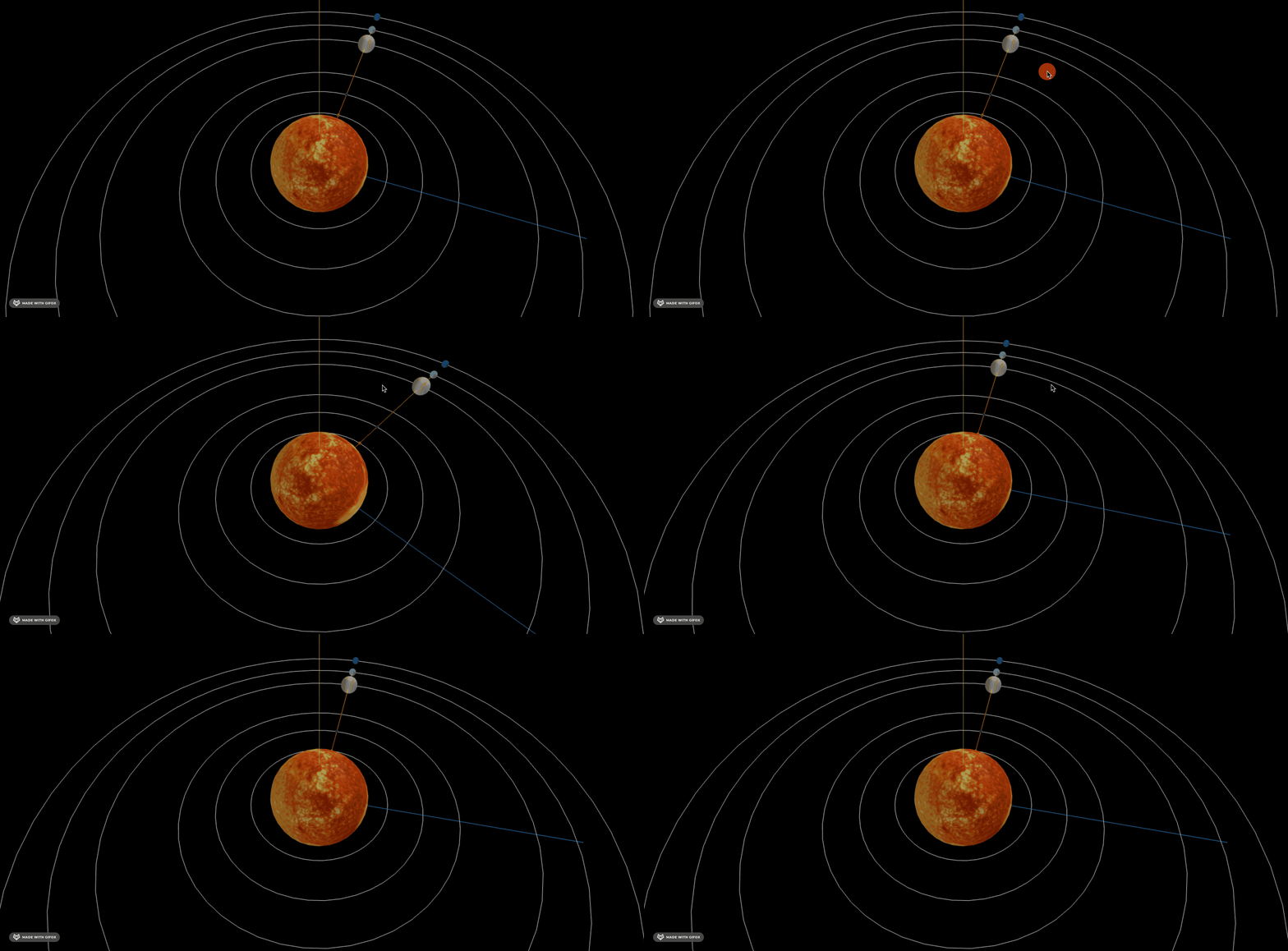
camera.position.set(-3000, 5000, 1000);然后让行星绕太阳旋转起来:
用 gasp 来做旋转:
pnpm install --save gsap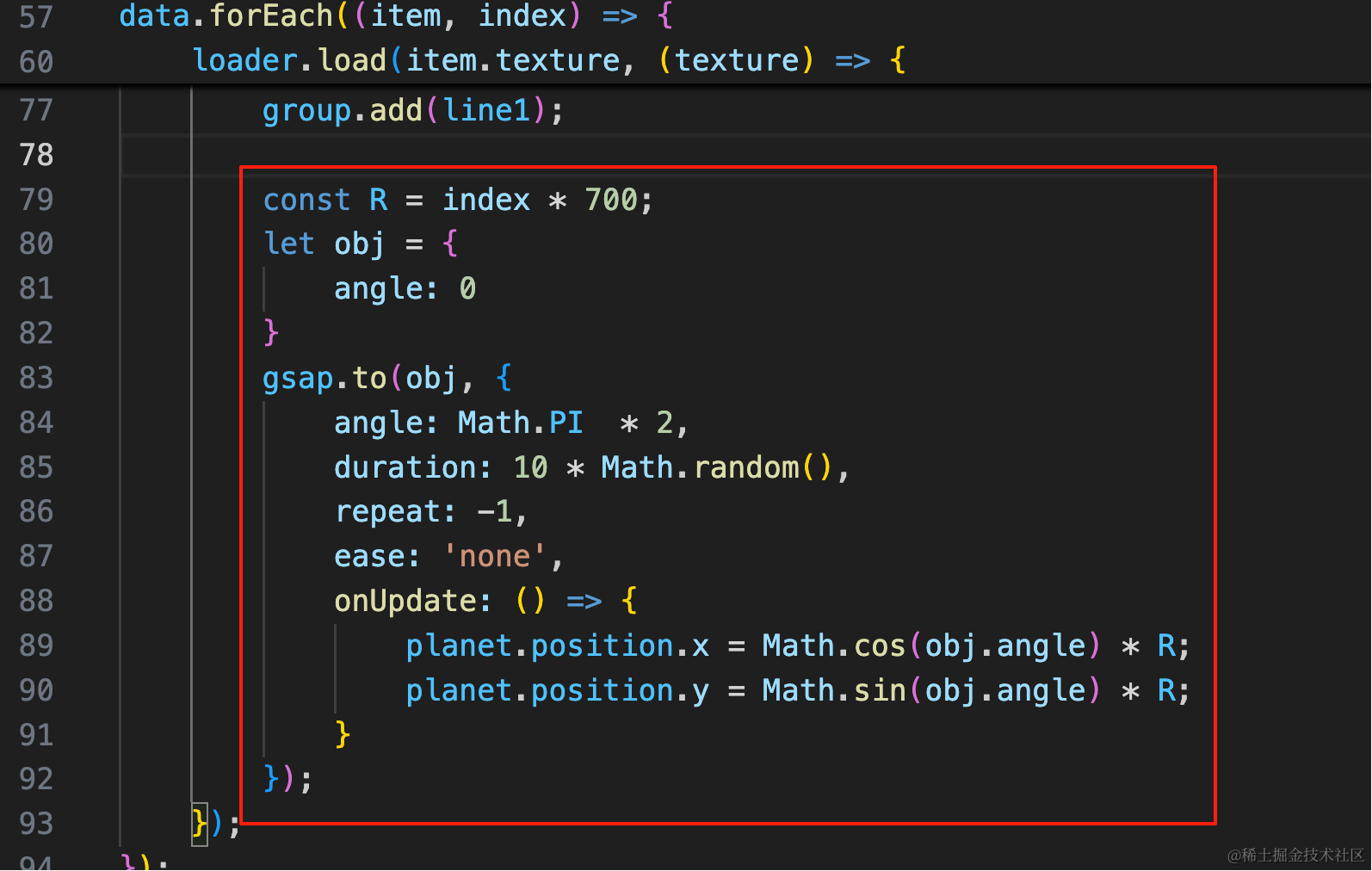
const R = index * 700;
let obj = {
    angle: 0
}
gsap.to(obj, {
    angle: Math.PI  * 2,
    duration: 10 * Math.random(),
    repeat: -1,
    ease: 'none',
    onUpdate: () => {
        planet.position.x = Math.cos(obj.angle) * R;
        planet.position.y = Math.sin(obj.angle) * R;
    }
});
从 0 到 Math.PI * 2 转一圈
不断改变 x、y 的位置。
这里我们每个行星都是随机的速度。
看下效果:
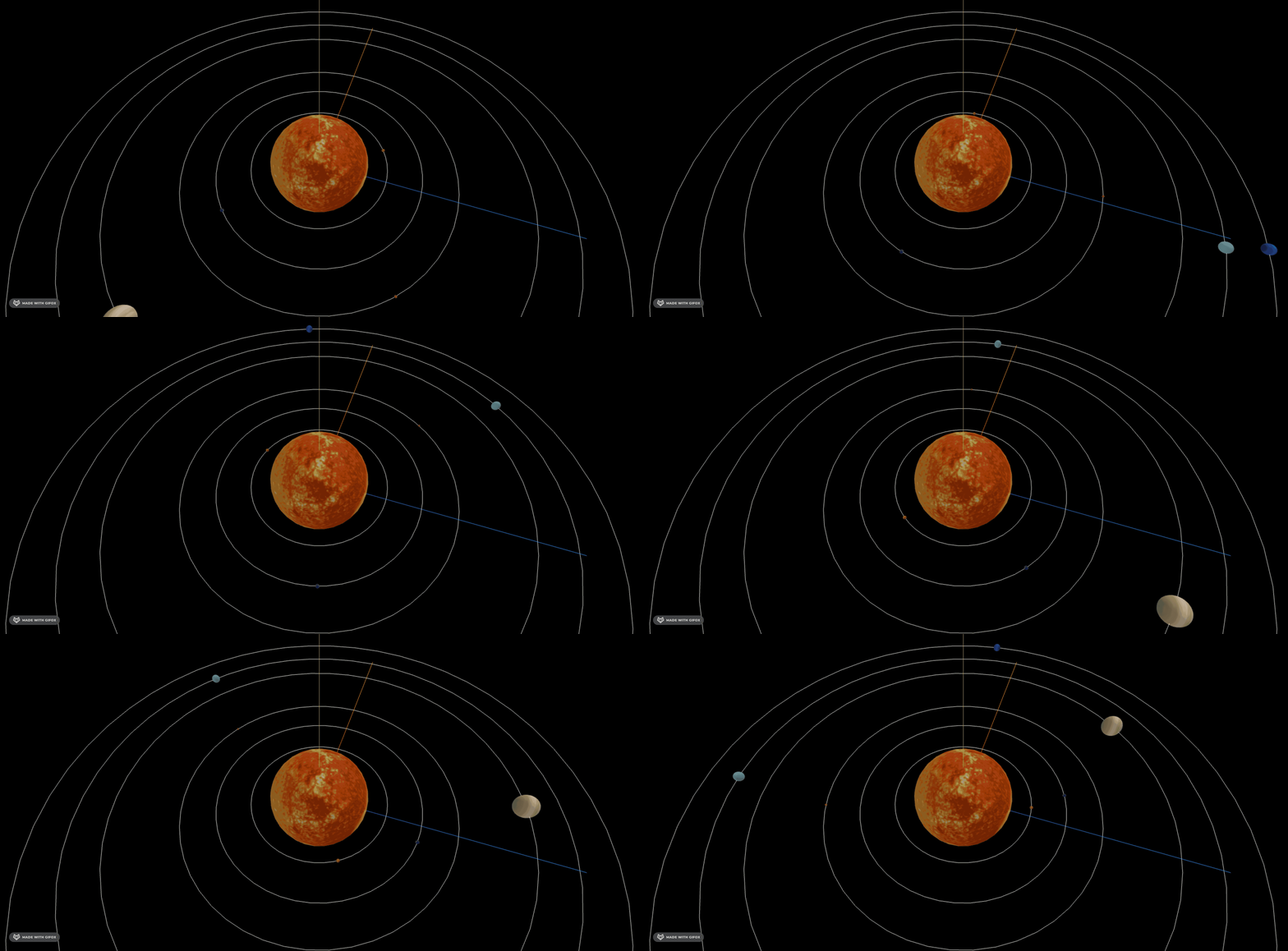
星轨太亮了,改下透明度:
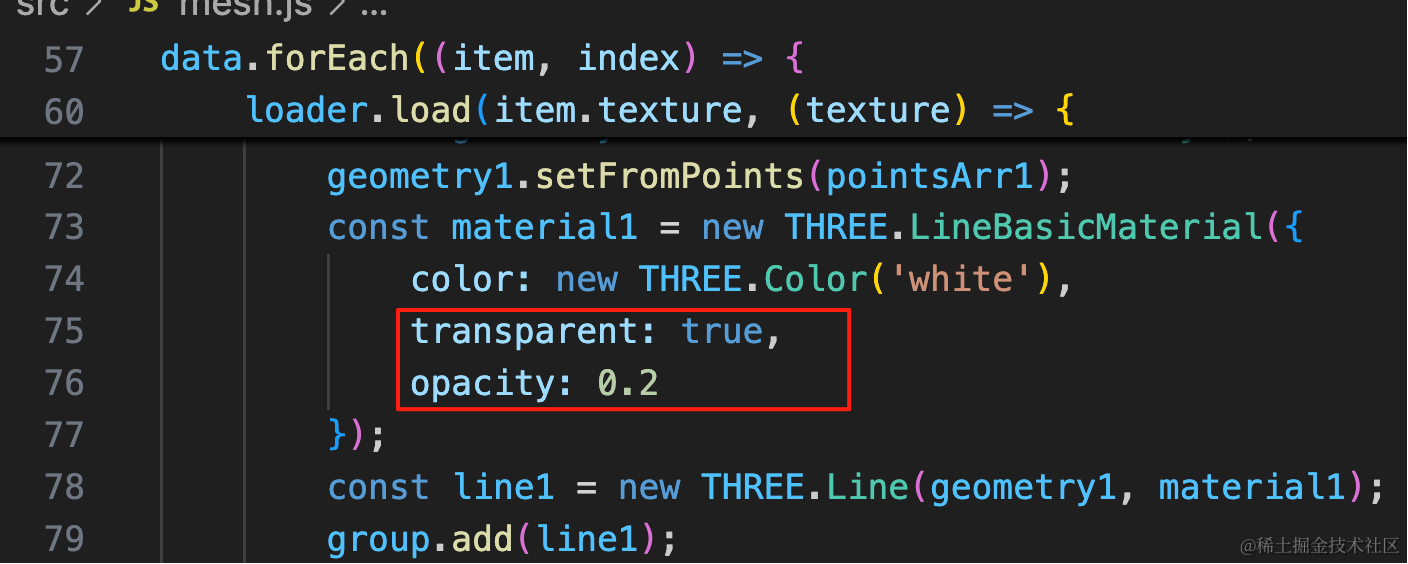
transparent: true,
opacity: 0.2
现在的速度是随机的,我们根据真实的公转速度来调整下:
我们按照公转最慢的水星转一圈为 1s,换算一下各个行星的公转周期
- 水星:1
- 金星:2.58
- 地球:4.17
- 火星:7.83
- 木星:49.42
- 土星:122.75
- 天王星:350.04
- 海王星:686.67
把它写到 json 里:
const data = [
    {
        name: '太阳',
        radius: 1000,
        texture: './sun.jpg',
        period: 0
    },
    {
        name: '水星',
        radius: 20,
        texture: './mercury.jpg',
        period: 1
    },
    {
        name: '金星',
        radius: 34.8,
        texture: './venus.jpg',
        period: 2.58
    },
    {
        name: '地球',
        radius: 36.1,
        texture: './earth.jpg',
        period: 4.17
    },
    {
        name: '火星',
        radius: 23.9,
        texture: './mars.jpg',
        period: 7.83
    },
    {
        name: '木星',
        radius: 286.5,
        texture: './jupiter.jpg',
        period: 49.42
    },
    {
        name: '土星',
        radius: 238.6,
        texture: './saturn.jpg',
        period: 122.75
    },
    {
        name: '天王星',
        radius: 104,
        texture: './uranus.jpg',
        period: 350.04
    },
    {
        name: '海王星',
        radius: 101,
        texture: './neptune.jpg',
        period: 686.67
    }
]
然后设置到 duration:
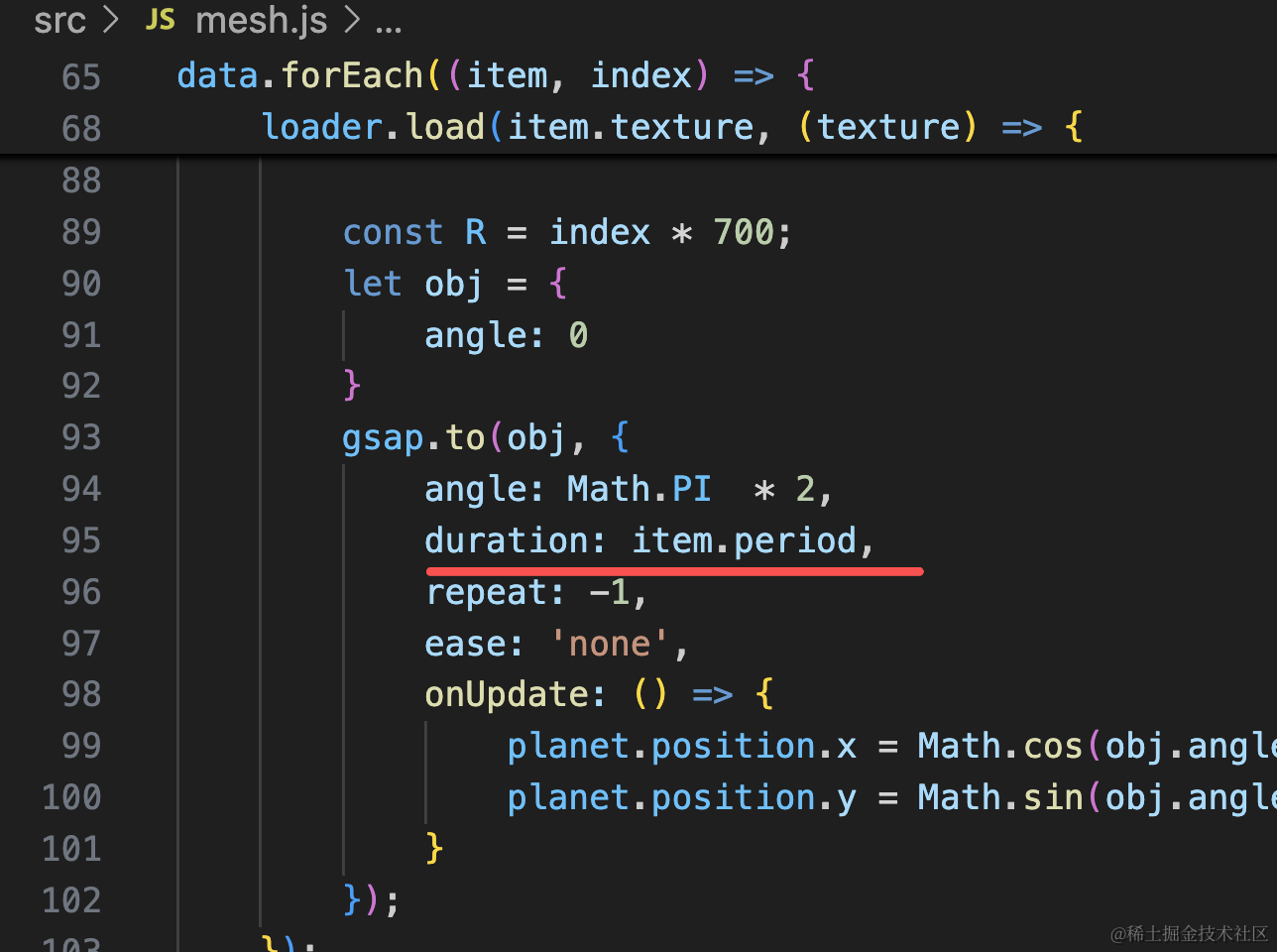
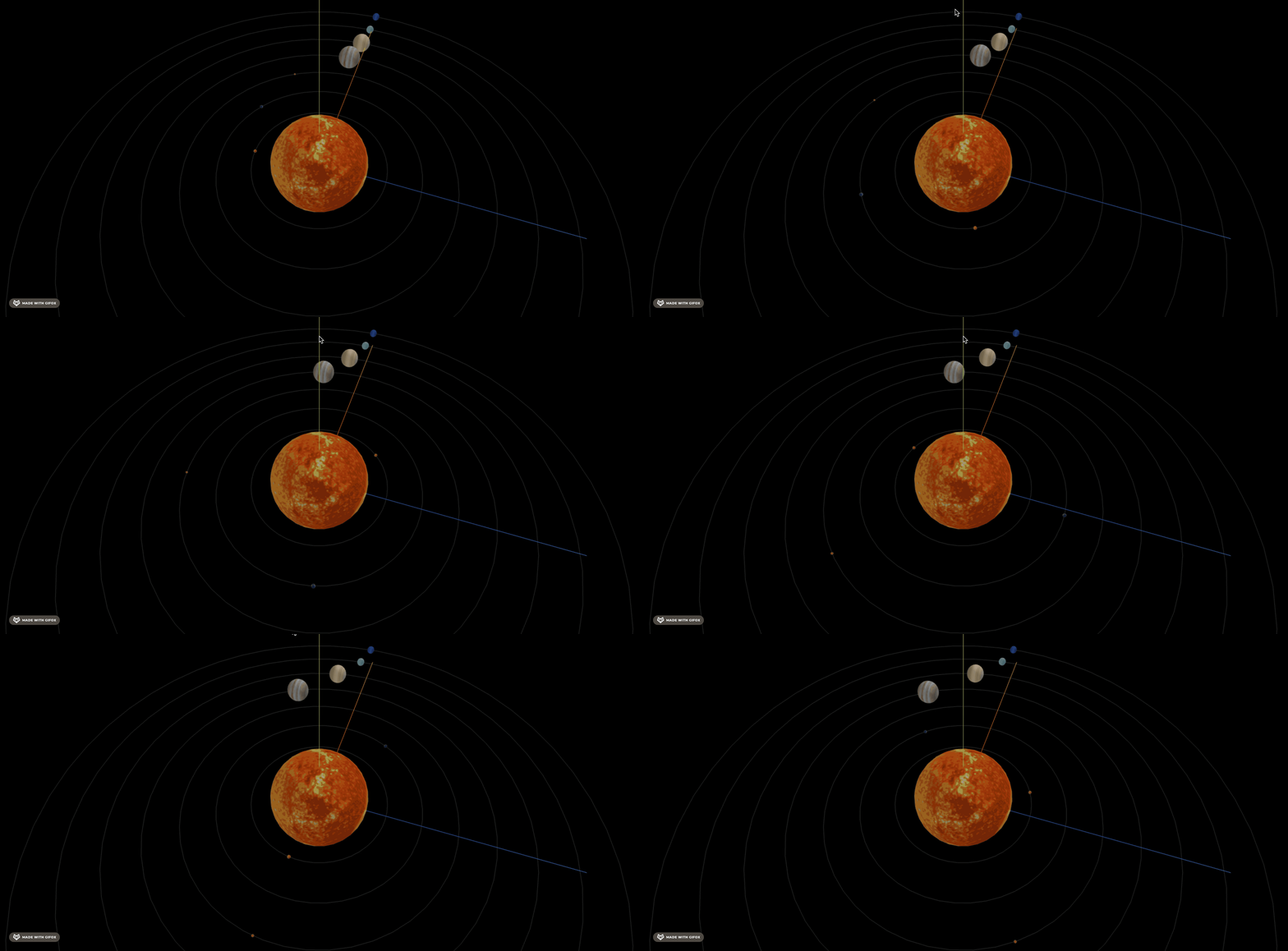
速度是对了,但每次从同一个位置开始转也不太真实。
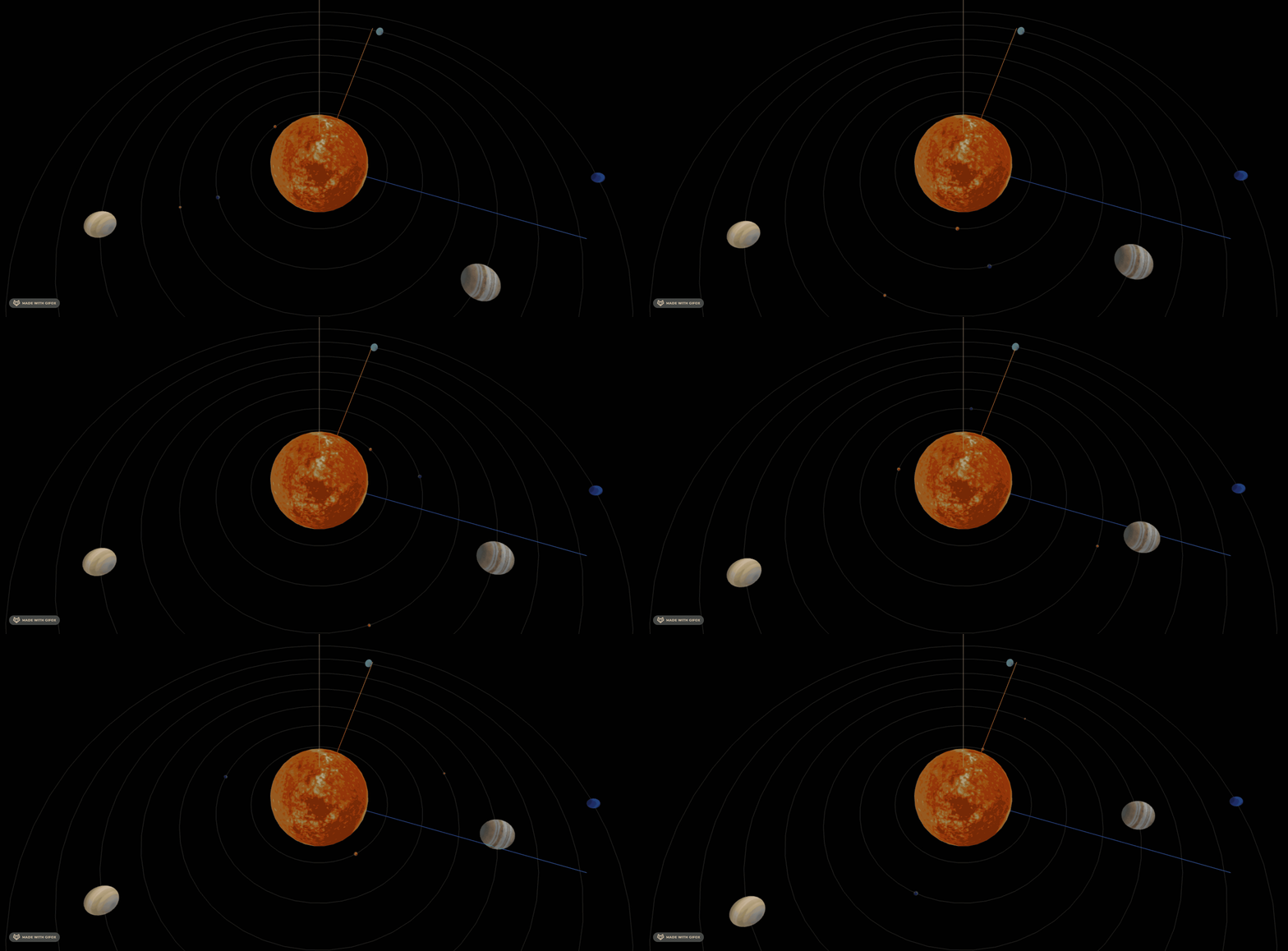
我们给开始的时候设置一个随机位置:
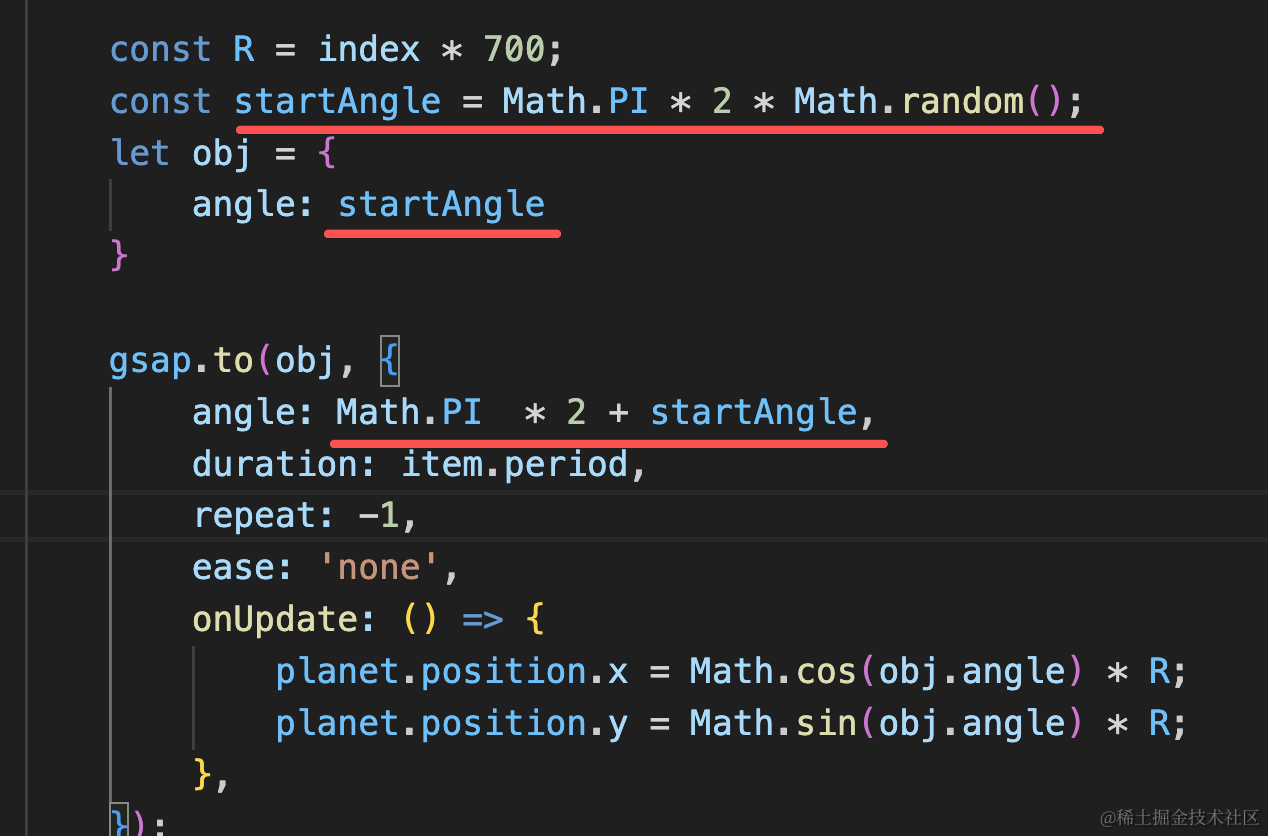
const R = index * 700;
const startAngle = Math.PI * 2 * Math.random();
let obj = {
    angle: startAngle
}

gsap.to(obj, {
    angle: Math.PI  * 2 + startAngle,
    duration: item.period,
    repeat: -1,
    ease: 'none',
    onUpdate: () => {
        planet.position.x = Math.cos(obj.angle) * R;
        planet.position.y = Math.sin(obj.angle) * R;
    },
});
转的还是太慢了,我们让周期除以 5
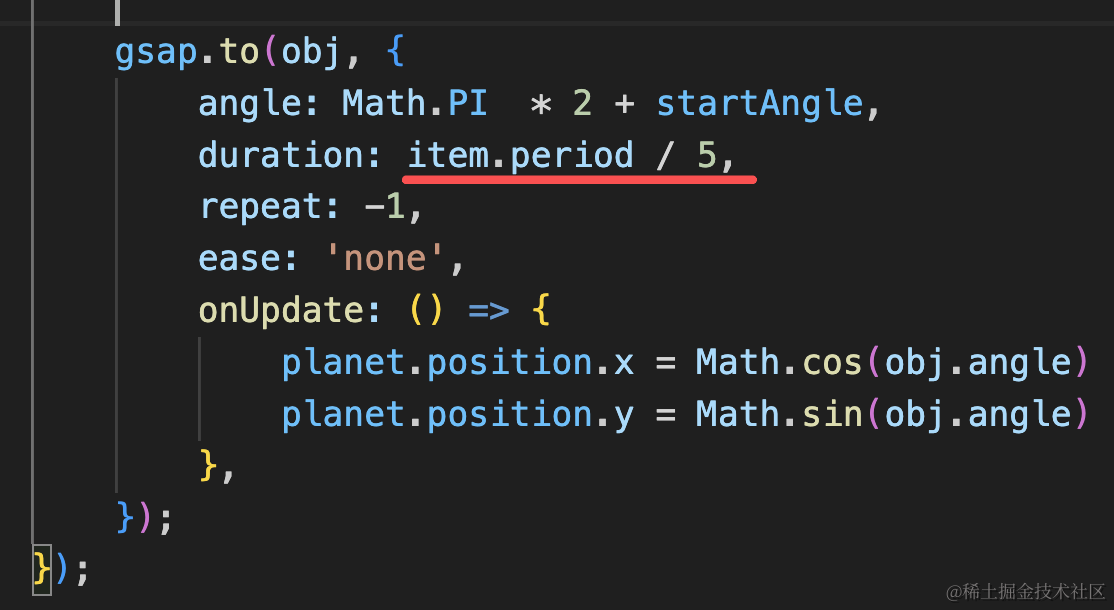
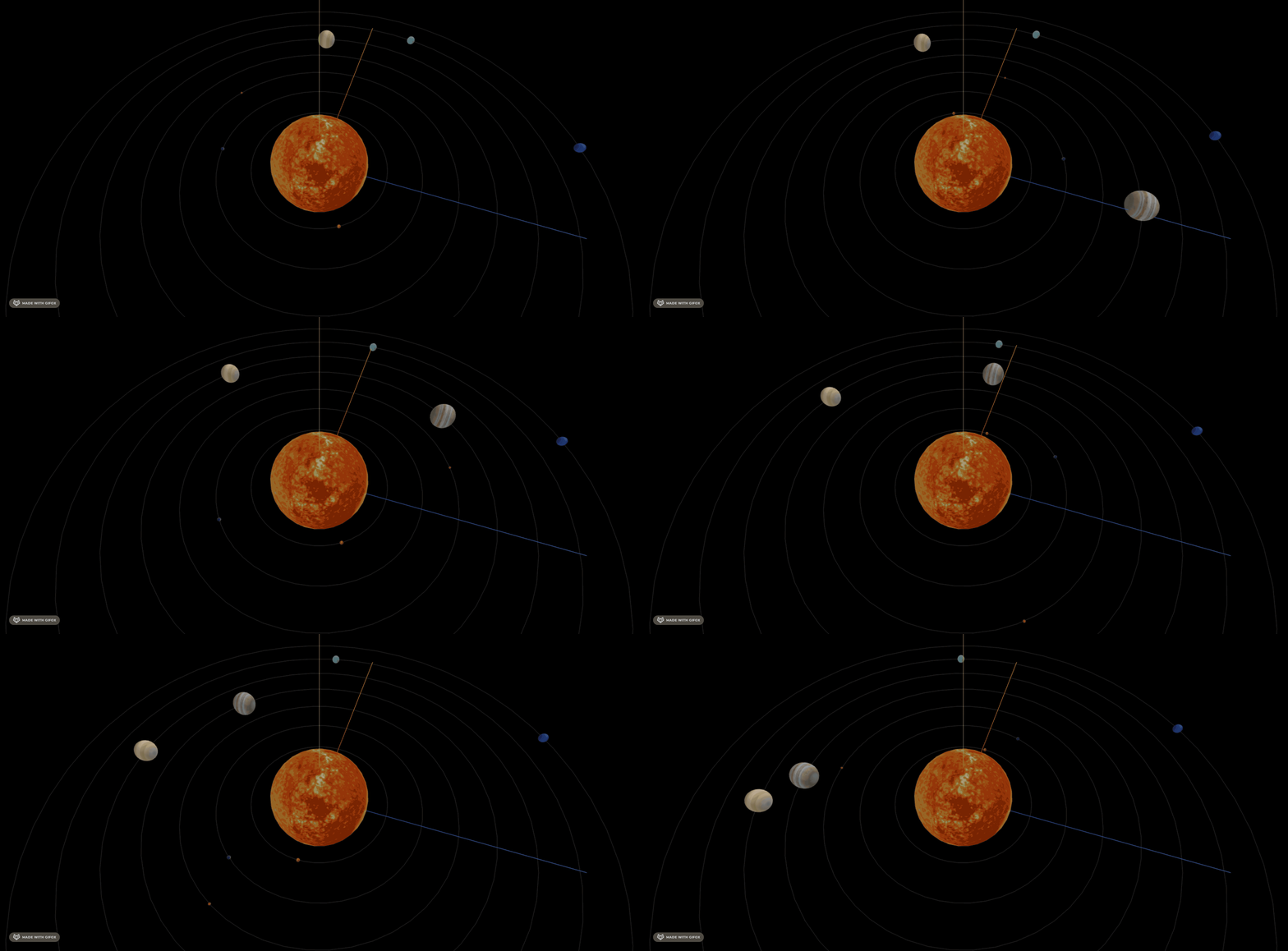
现在就明显多了。
案例代码上传了小册仓库
总结
这节我们加上了星轨和行星的公转。
星轨就是用曲线 API 来画,设置下透明度。
公转速度根据比例换算下,要注意给每个行星设置不同的开始角度。
下节开始我们做 div + css 部分。