上节讲了 gltf 模型有三种格式,包括 glb、gltf、gltf + bin + jpg/png
那如果我有一个 gltf + bin + jpg/png,如何转为 glb 呢?
或者 glb 文件如何转换为 gltf + bin + jpg/png 呢
这就要用到一个 npm 包 gltf-pipeline 了
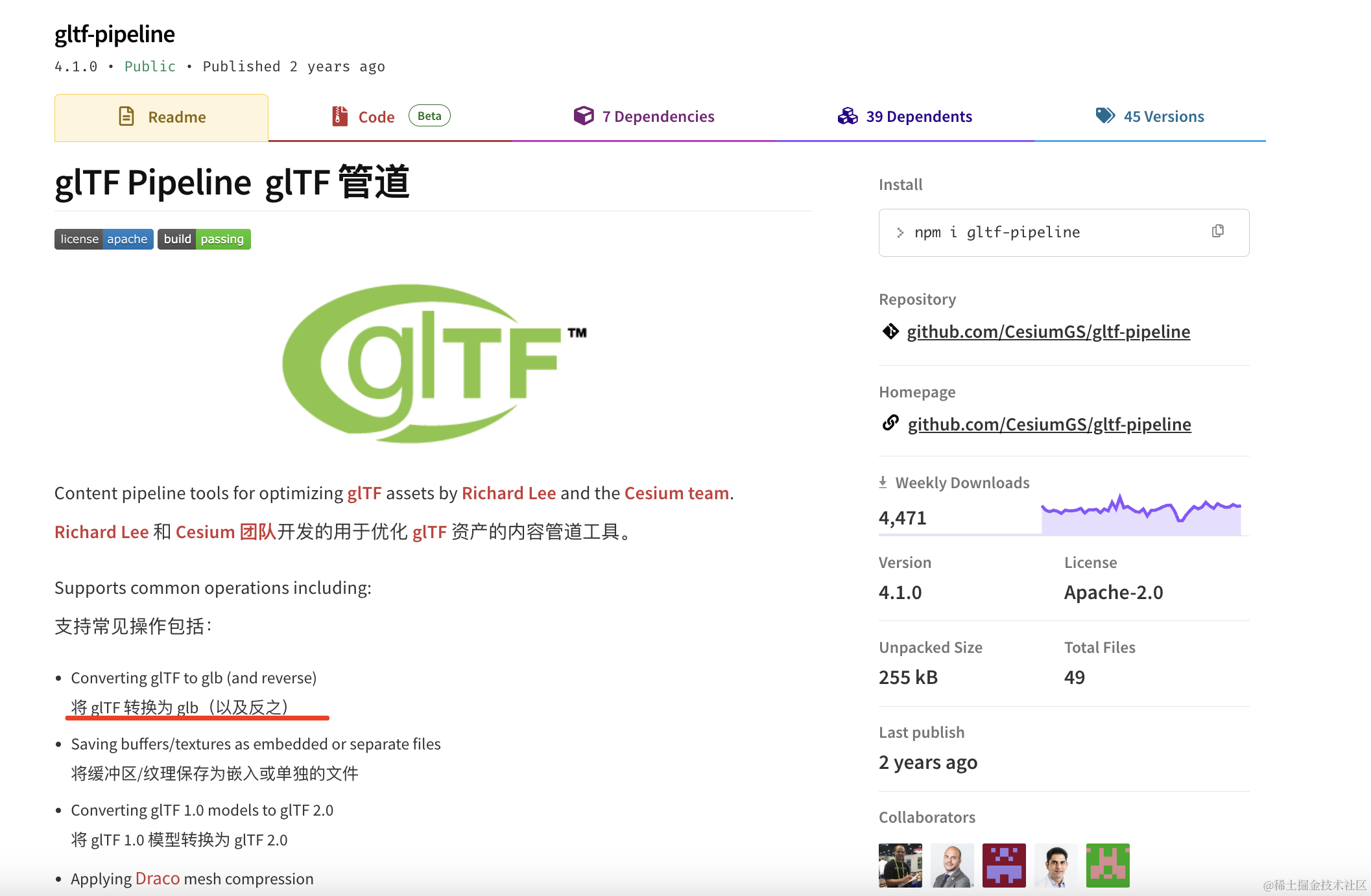
我们试一下:
mkdir gltf-pipeline-test
cd gltf-pipeline-test
npm init -y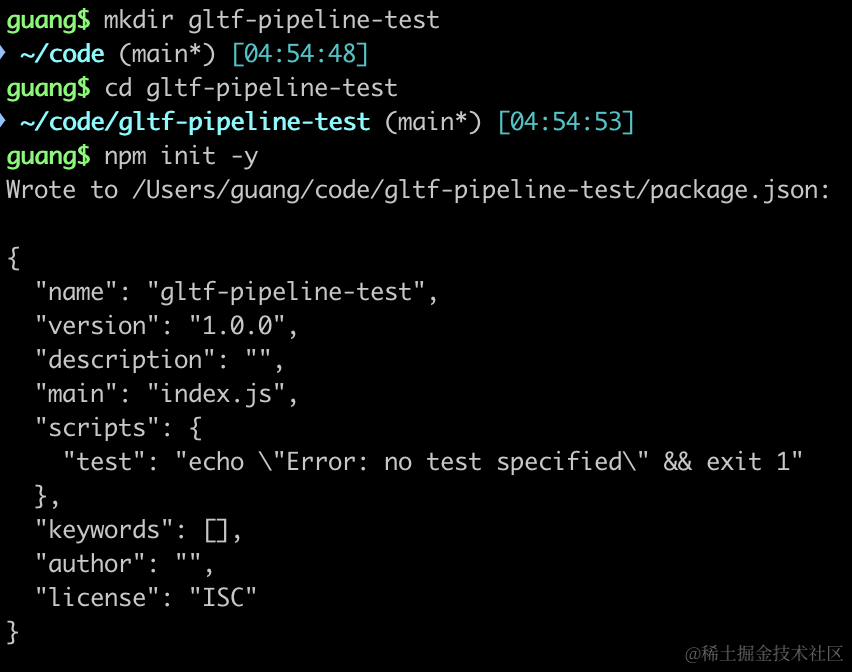
找一个 glb 模型:
https://github.com/QuarkGluonPlasma/threejs-course-code/blob/main/dancing-mirror/public/Michelle.glb
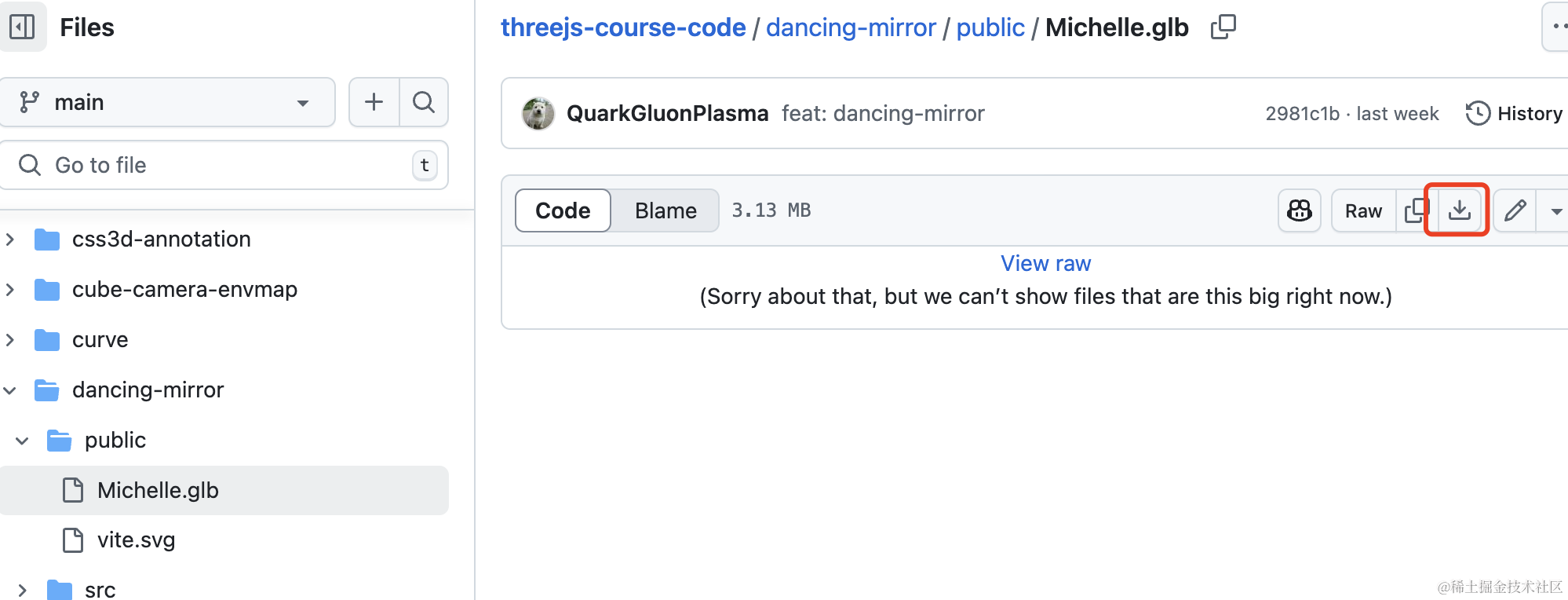
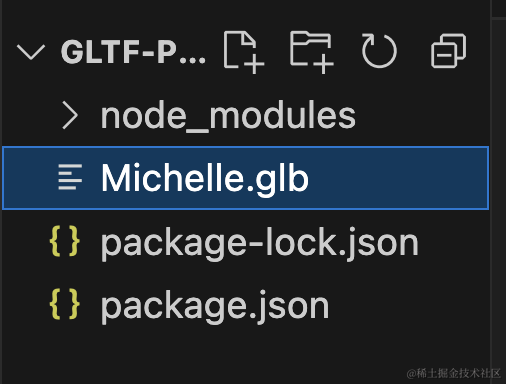
放到项目目录下:
我们先把它加载出来看一下:
先安装 three 的类型包:
npm install --save-dev @types/three创建 index.html
<!DOCTYPE html>
<html lang="en">
<head>
    <meta charset="UTF-8">
    <meta name="viewport" content="width=device-width, initial-scale=1.0">
    <title>Document</title>
    <style>
        body {
            margin: 0;
        }
    </style>
</head>
<body>
    <script type="importmap">
    {
        "imports": {
            "three": "https://esm.sh/three@0.174.0/build/three.module.js",
            "three/addons/": "https://esm.sh/three@0.174.0/examples/jsm/"
        }
    }
    </script>
    <script type="module" src="./index.js"></script>
</body>
</html>
还有 index.js
import * as THREE from 'three';
import {
    OrbitControls
} from 'three/addons/controls/OrbitControls.js';
import mesh from './mesh.js';

const scene = new THREE.Scene();

scene.add(mesh);

const light = new THREE.DirectionalLight(0xffffff);
light.position.set(100, 100, 100);
scene.add(light);

const light2 = new THREE.AmbientLight();
scene.add(light2);

const axesHelper = new THREE.AxesHelper(1000);
scene.add(axesHelper);

const width = window.innerWidth;
const height = window.innerHeight;

const camera = new THREE.PerspectiveCamera(60, width / height, 1, 10000);
camera.position.set(10, 10, 10);
camera.lookAt(0, 0, 0);

const renderer = new THREE.WebGLRenderer();
renderer.setSize(width, height)

function render() {
    renderer.render(scene, camera);
    requestAnimationFrame(render);
}

render();

document.body.append(renderer.domElement);

const controls = new OrbitControls(camera, renderer.domElement);
创建 Scene、Light、Camera、Renderer
然后创建 mesh.js
import * as THREE from 'three';
import { GLTFLoader } from 'three/addons/loaders/GLTFLoader.js';

const loader = new GLTFLoader();

const mesh = new THREE.Group();

loader.load("./Michelle.glb", function (gltf) {
    console.log(gltf);
    gltf.scene.scale.setScalar(5);
    mesh.add(gltf.scene);
})

export default mesh;
用 GLTFLoader 加载一下 glb 模型。
这里 scale.setScalar(5) 就是 scale.set(5,5,5)
跑一下:
npx live-server
看下效果:
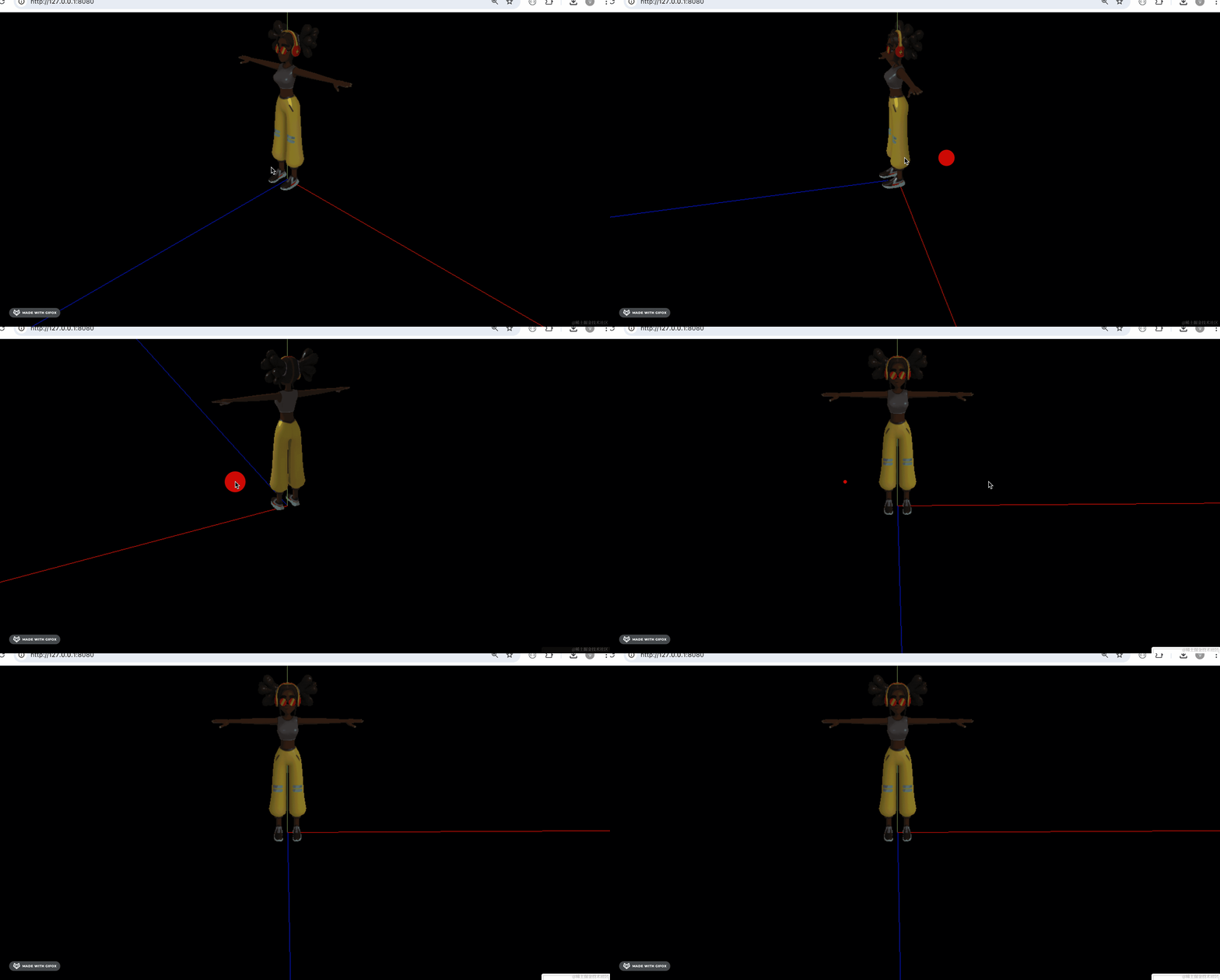
这样 glb 模型就加载出来了。
如果我们想把这个 glb 模型转为 gltf + bin 呢?
可以用 gltf-pipeline 的命令行工具。
npx gltf-pipeline -i Michelle.glb -o Michelle.gltf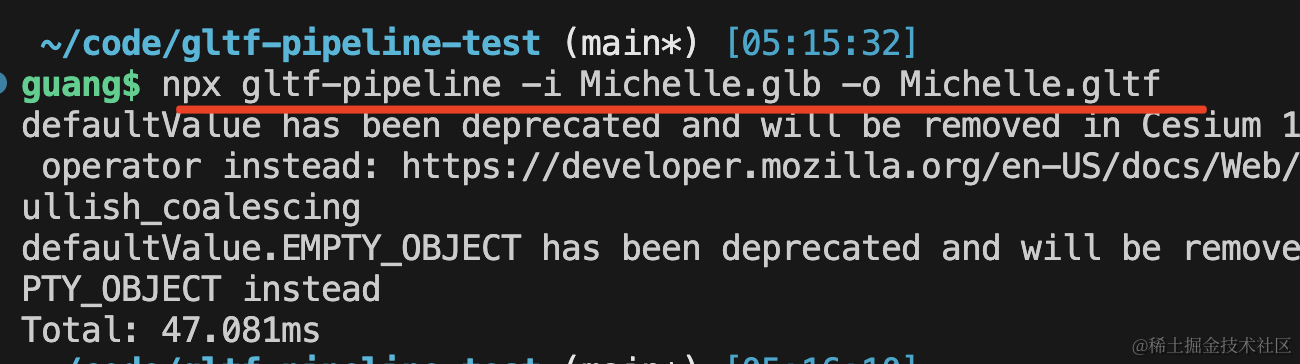
可以看到,生成了 gltf 文件:
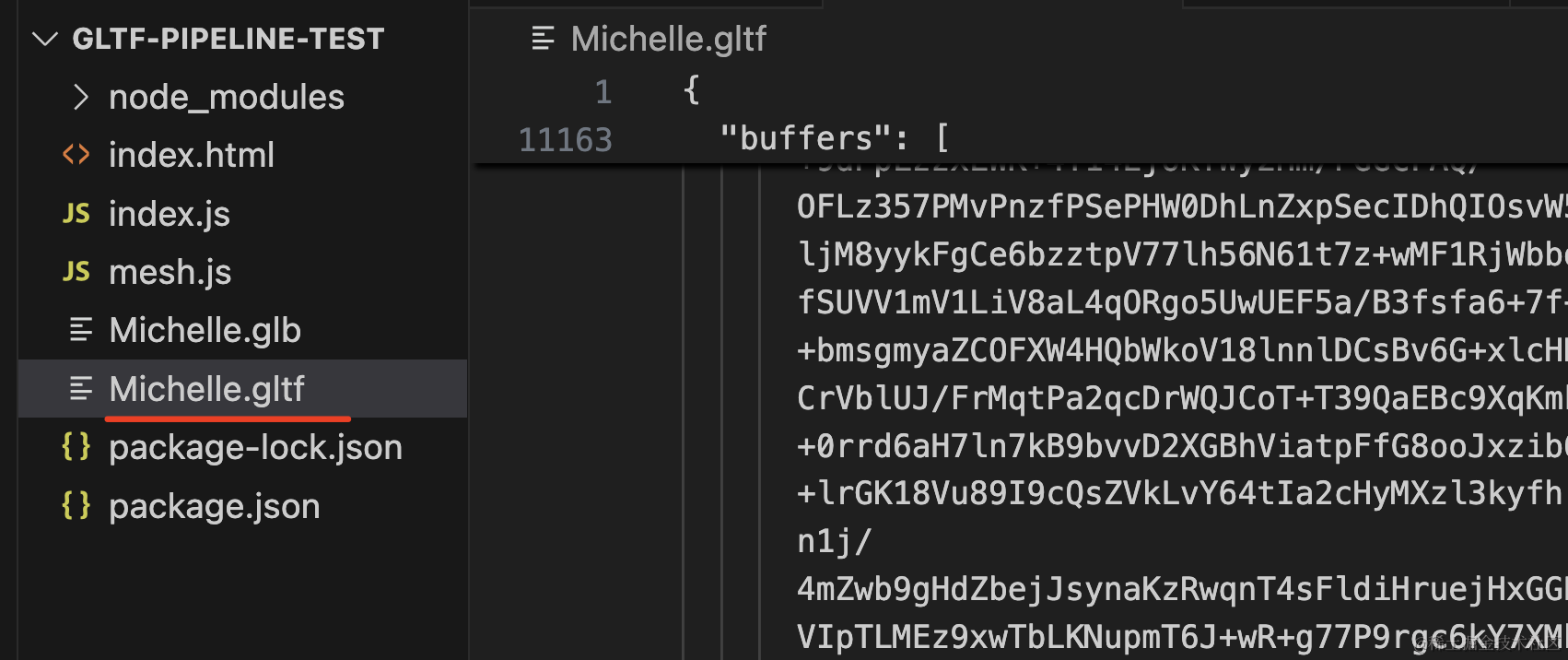
用的是资源内联的方式。
引入试一下:
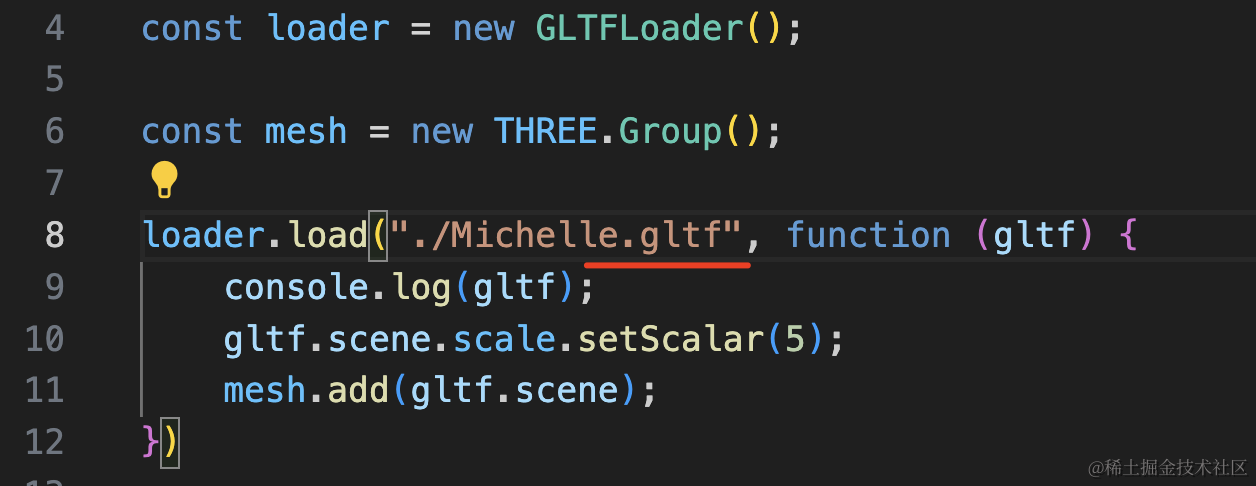
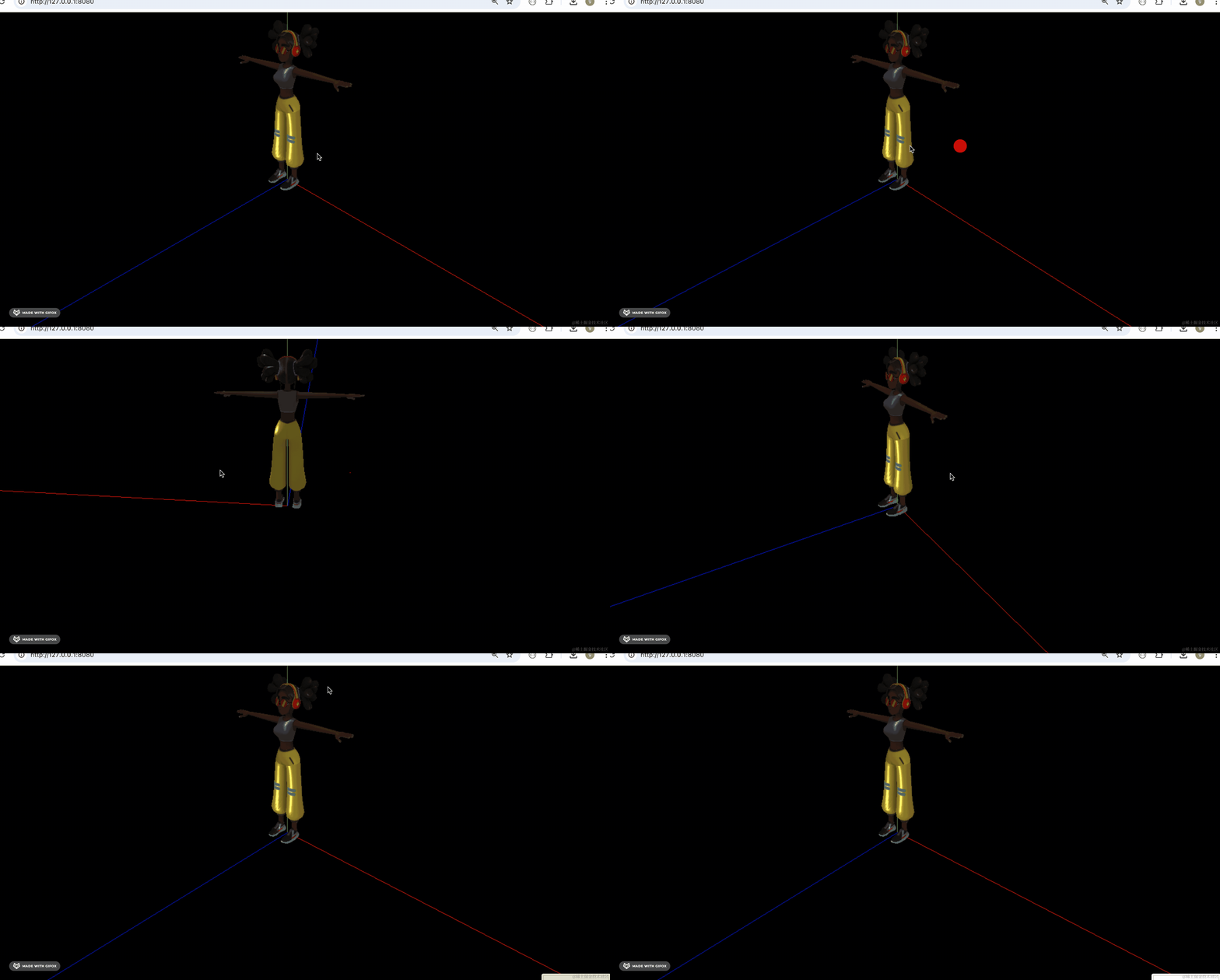
加载正常。
那如果是想把资源单独摘出来呢?
加个 -s
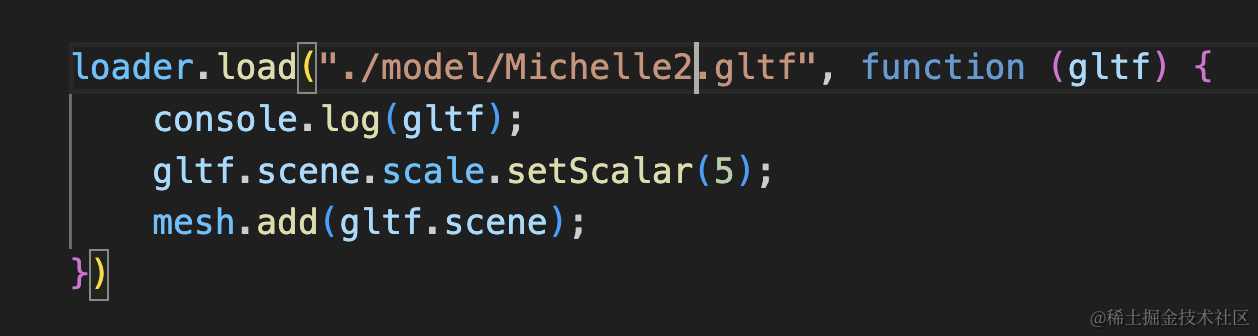
npx gltf-pipeline -i Michelle.glb -o ./model/Michelle2.gltf -s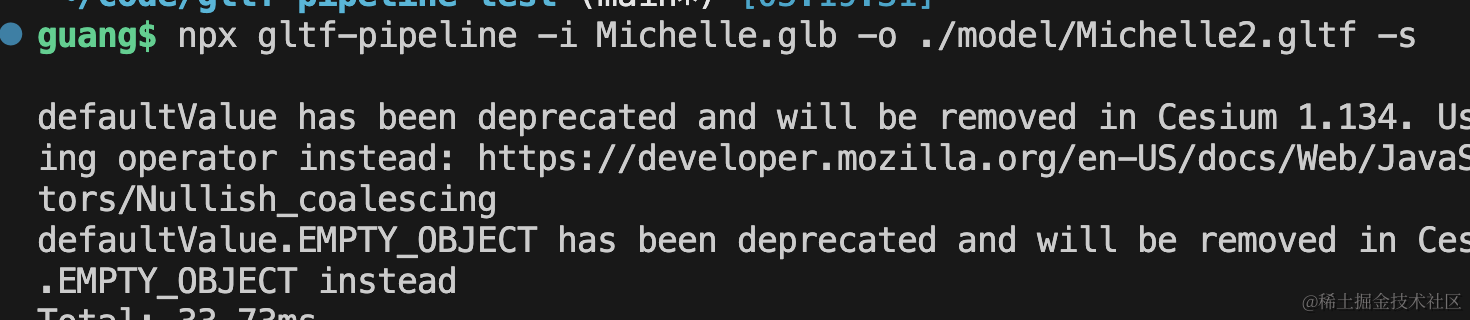
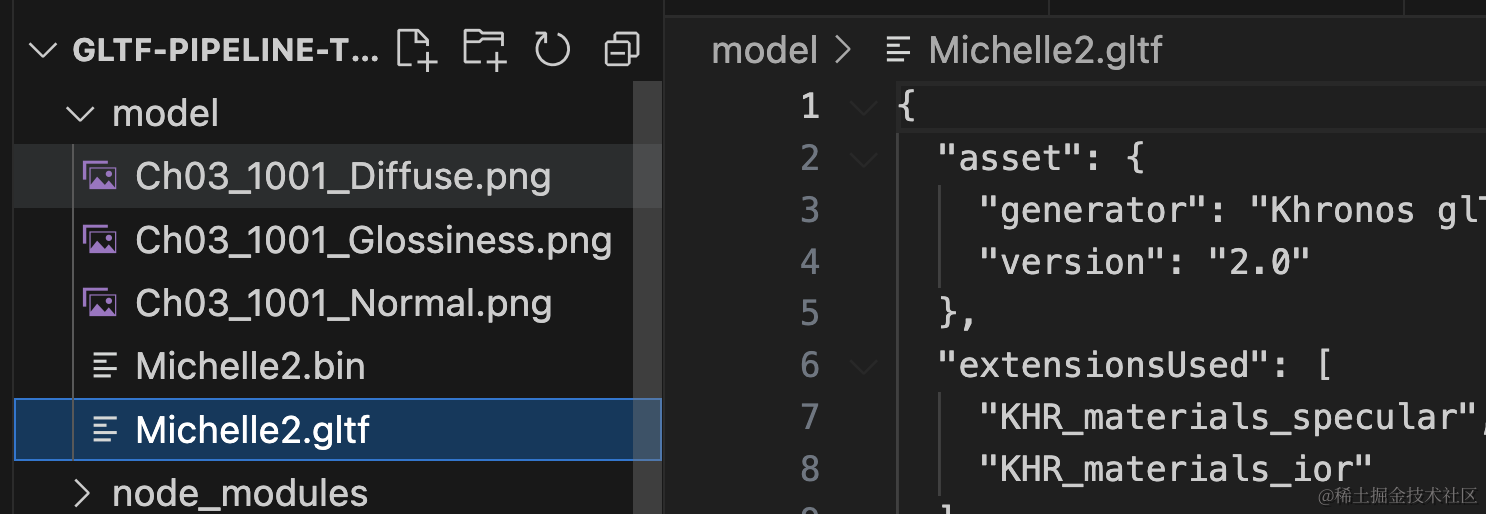
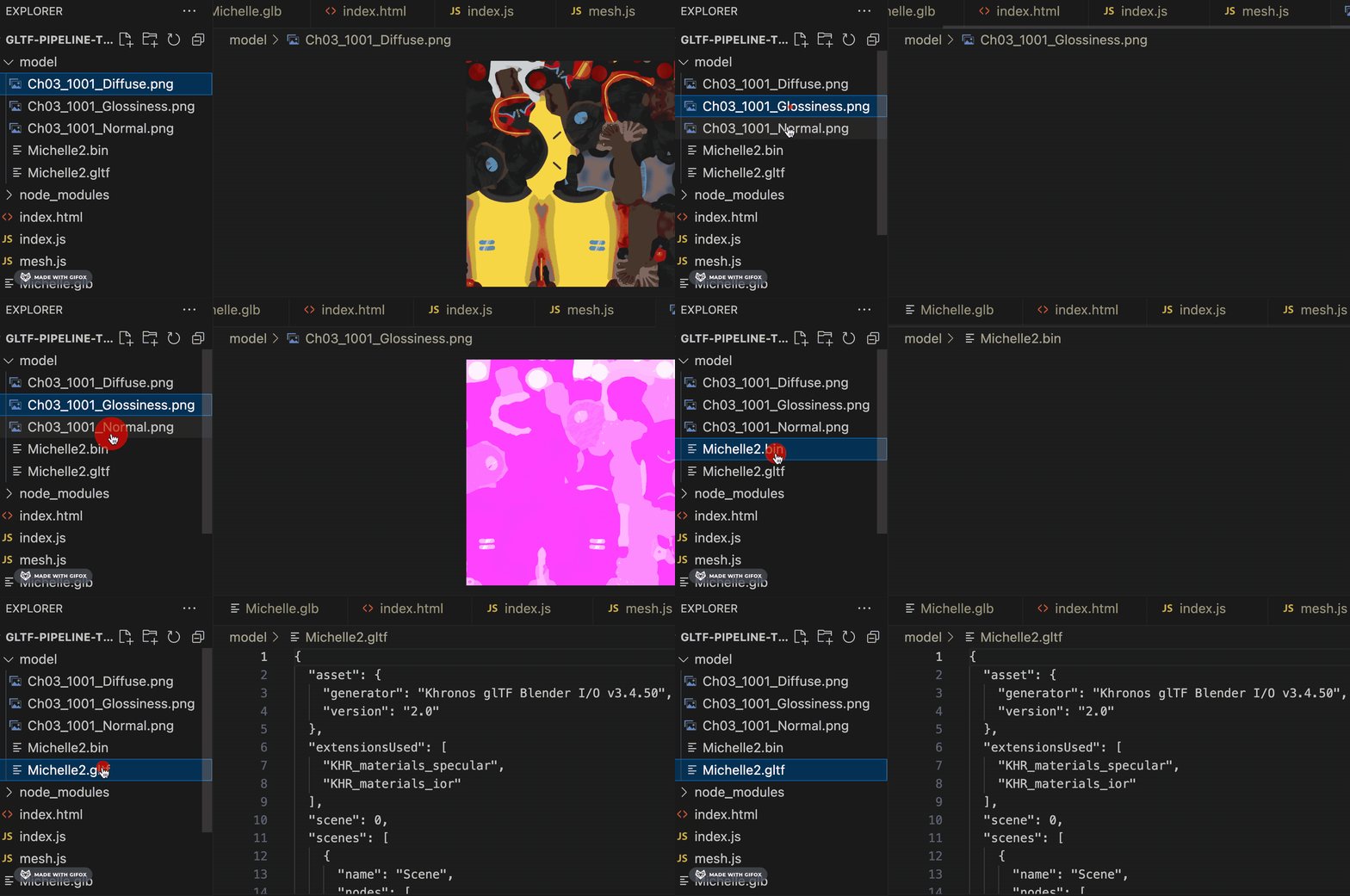
加载试试:
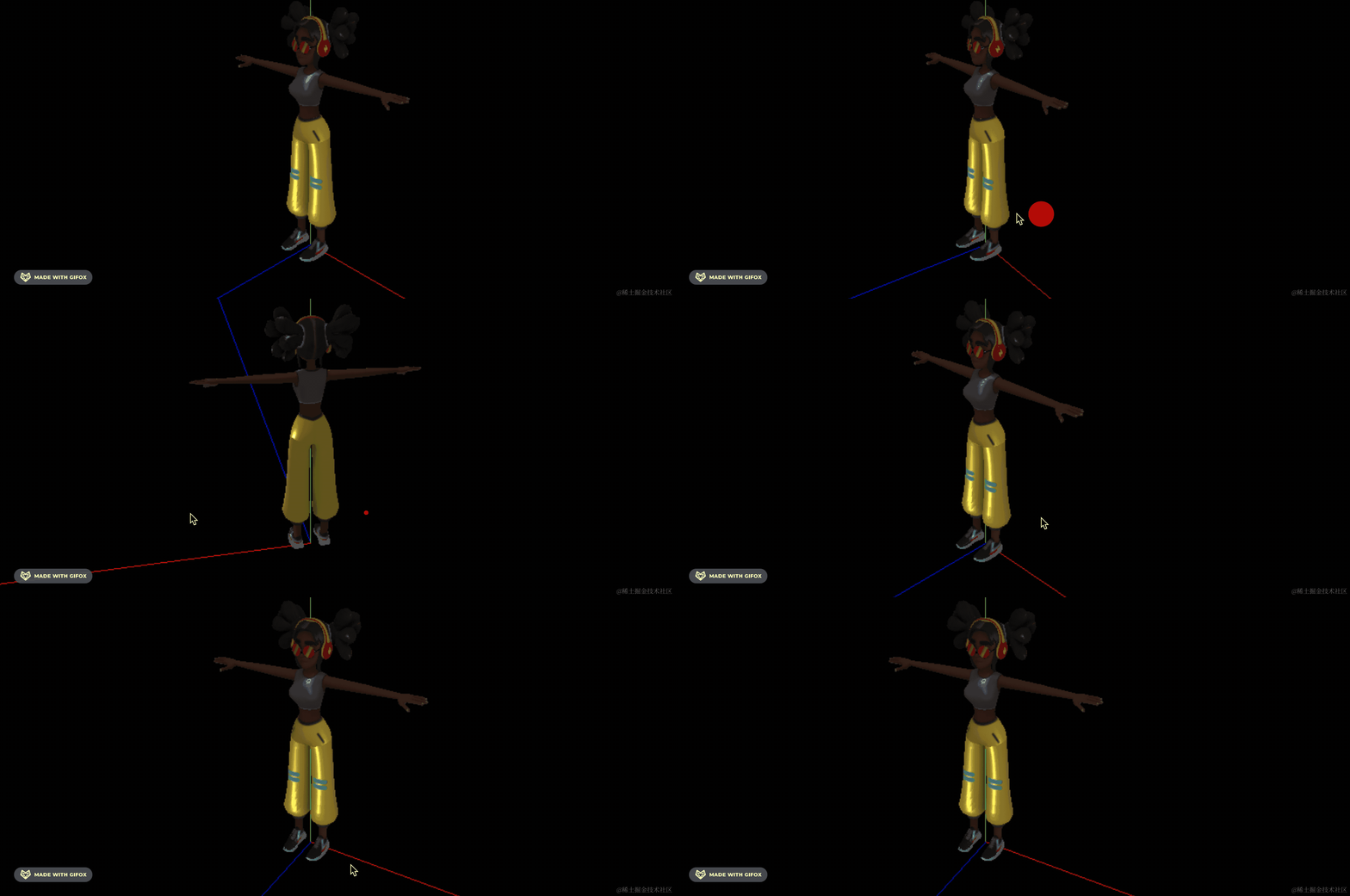
也没问题。
那如果是反过来,gltf 转 glb 呢?
也可以:
npx gltf-pipeline -i ./model/Michelle2.gltf -o ./Michelle2.glb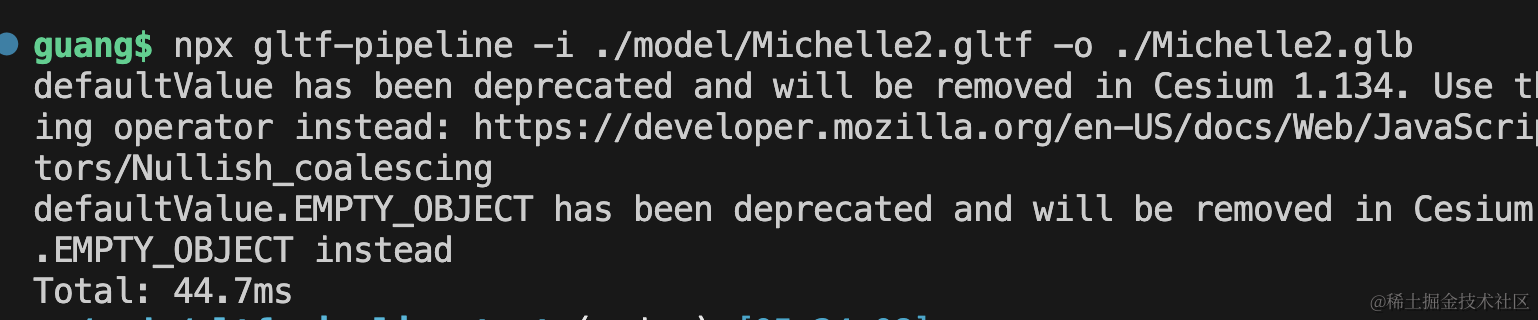
加载下:
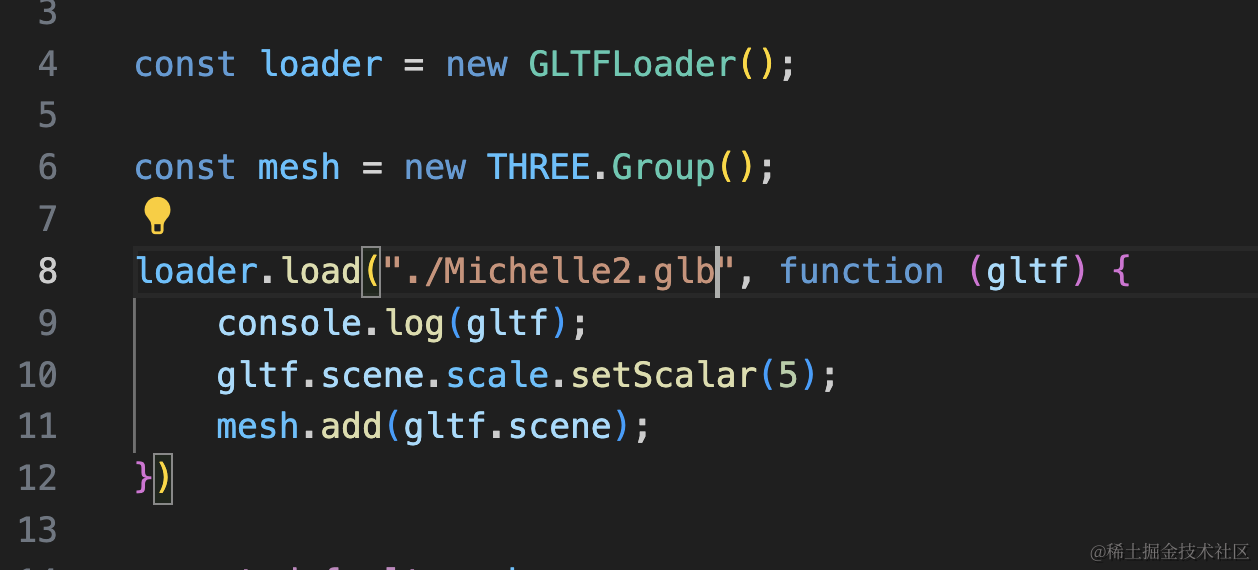
同样是正常的。
这样,我们就完成了 gltf、glb、gltf + bin + jpg/png 三种格式的互转。
当然,如果你有一些其他逻辑,可以在脚本里调用。
创建 test.mjs(mjs 后缀告诉 node 是 es module 的 js 模块)
import gltfPipeline from "gltf-pipeline";
import fs from 'fs';

const { gltfToGlb } = gltfPipeline;

const content = fs.readFileSync("./model/Michelle2.gltf", 'utf8');
const gltfJson = JSON.parse(content);

gltfToGlb(gltfJson, {
    resourceDirectory: "./model/"
}).then(function (results) {
  fs.writeFileSync("model.glb", results.glb);
});
引入 gltf-pipeline 调用它的 gltfToGlb 方法,指定资源目录。
回调函数里把生成的模型写入文件。
跑一下:
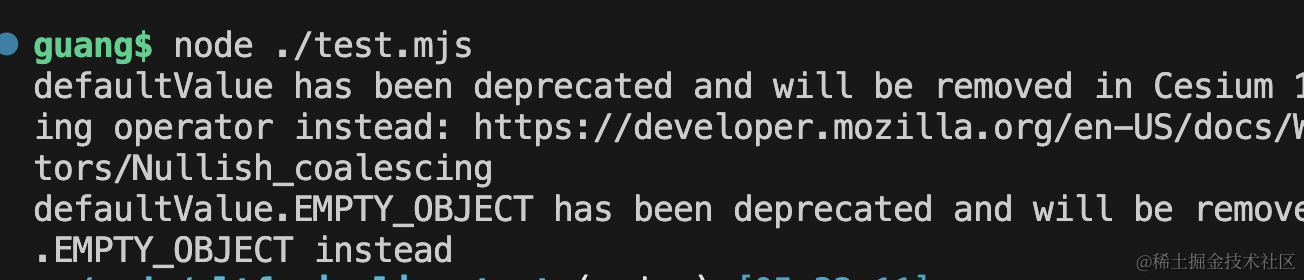
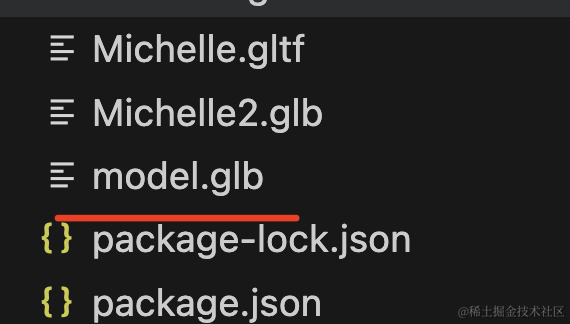
可以看到成功生成了 glb:
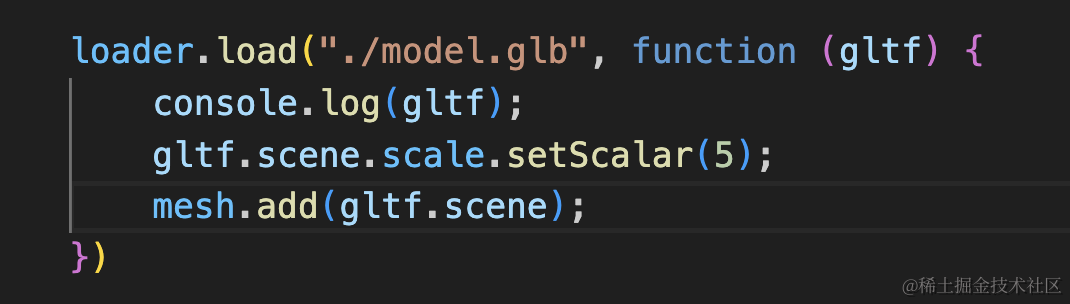
我们同样引入下看看是否正常:
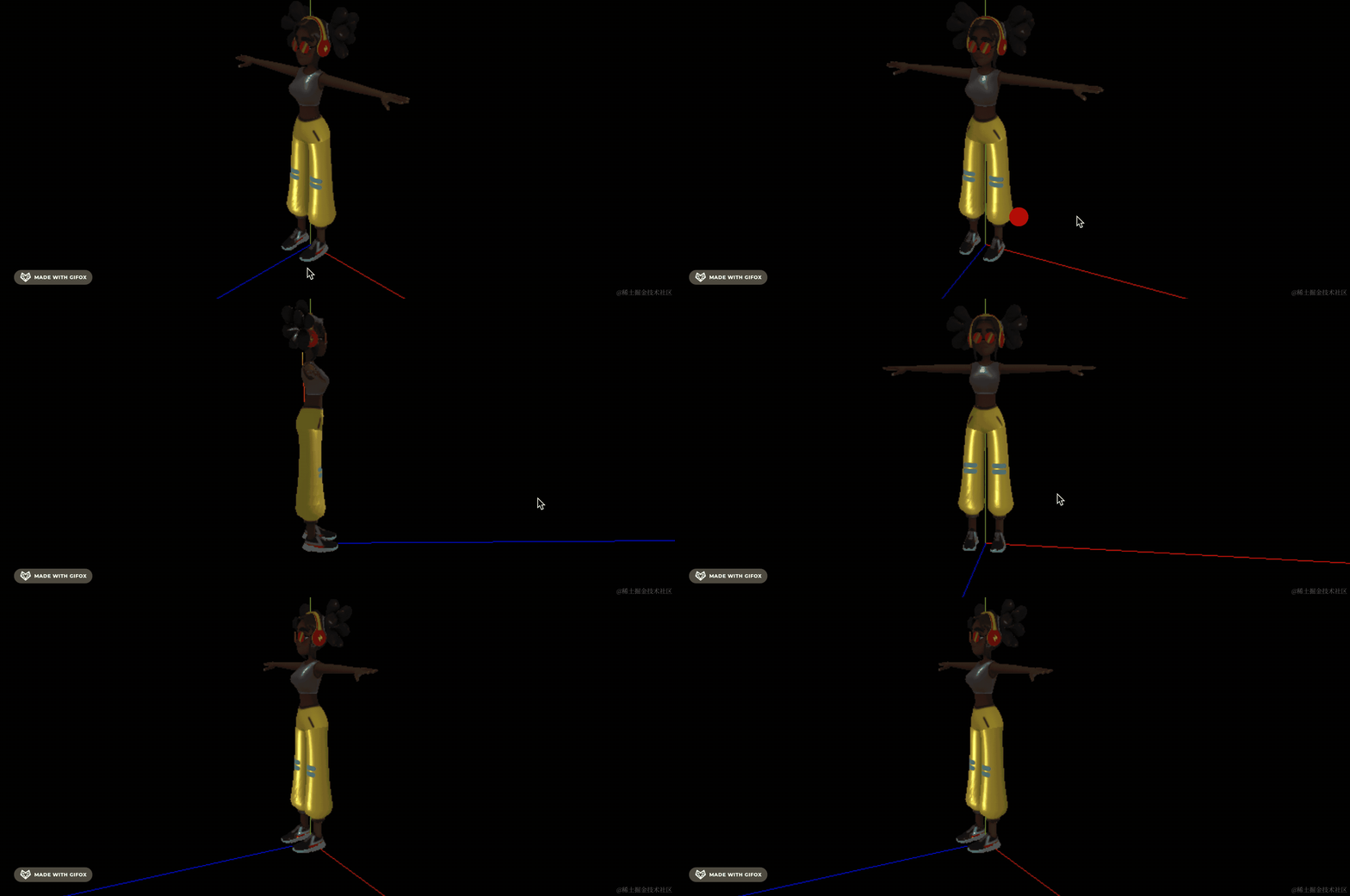
没啥问题。
这样,通过命令行和 node 脚本来实现三种格式的 gltf 模型互转就完成了。
案例代码上传了小册仓库。
总结
这节我们通过 gltf-pipeline 工具实现了 gltf 模型三种格式的互转。
通过命令行做 glb 转 gltf 默认是生成内联格式,加一个 -s 就会把资源分出来。
如果你有自定义的逻辑,也可以通过 node 脚本来调用。
后面需要处理 gltf 模型的时候,都可以用 gltf-pipeline 这个包。