不同模型的大小都不同:
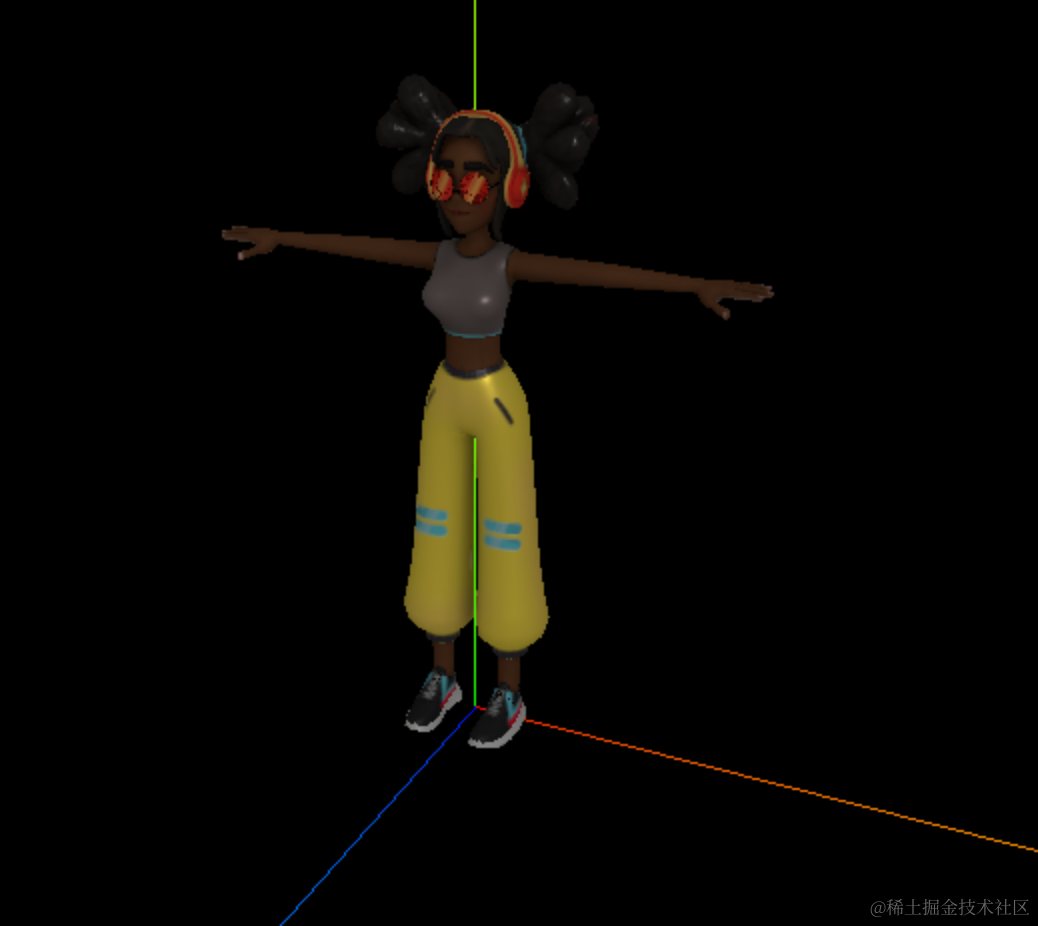
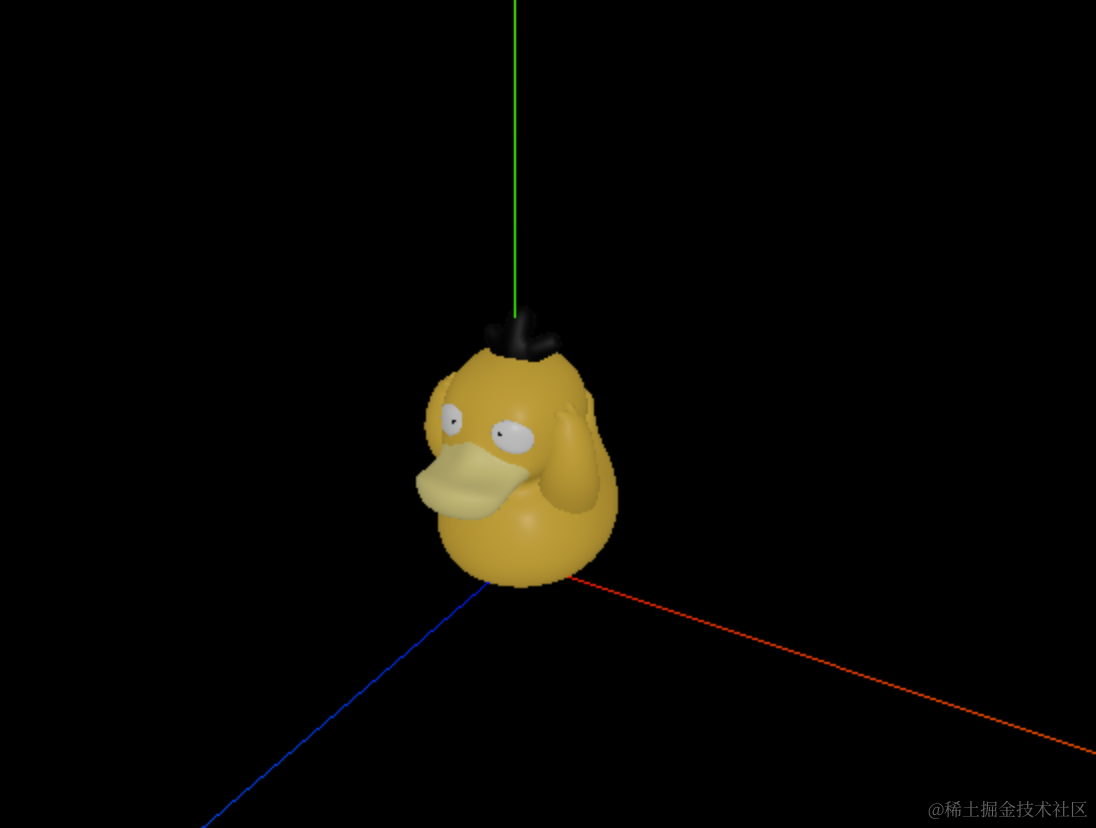
如果我们想在加载进来的多个模型的中央位置,加一个圆环,如何做呢?
如何知道不同模型的大小呢?
这个就涉及到包围盒的概念了。
要计算模型的大小,就是计算它的最小包围盒的长宽高:
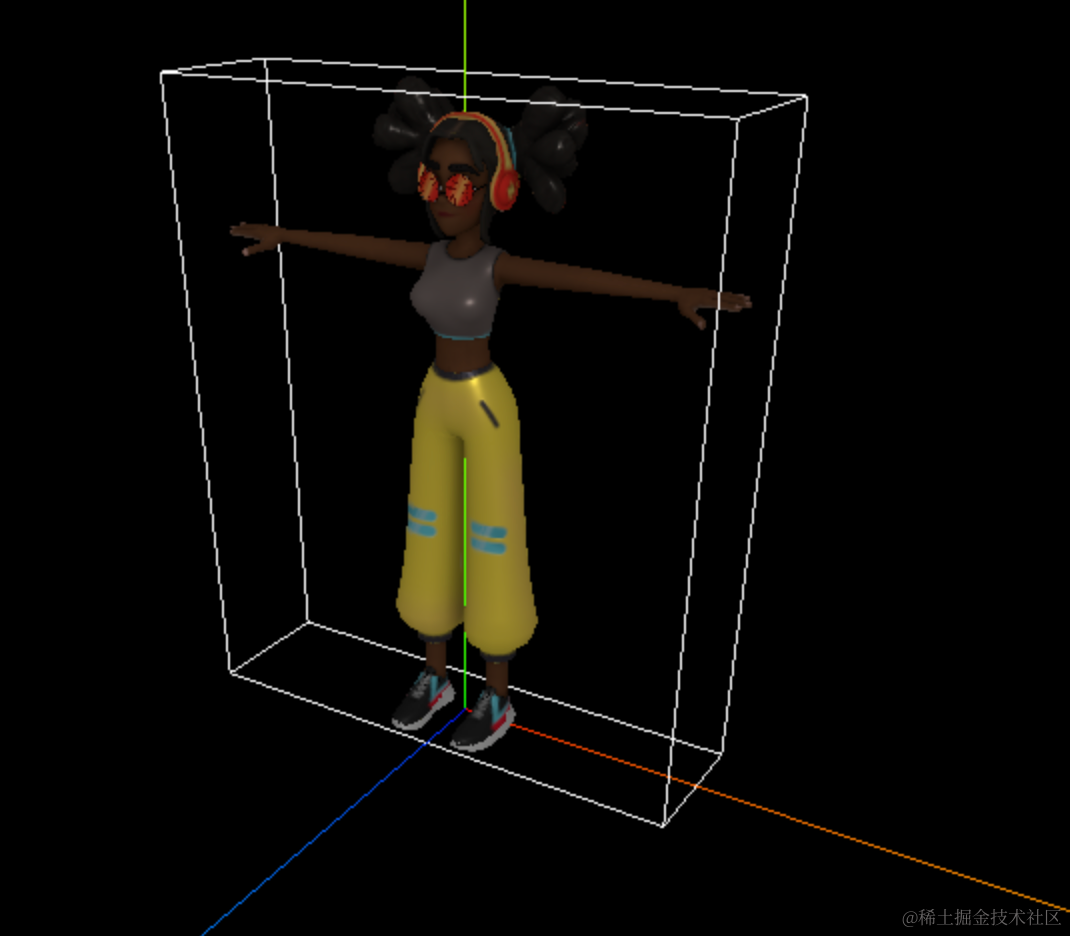
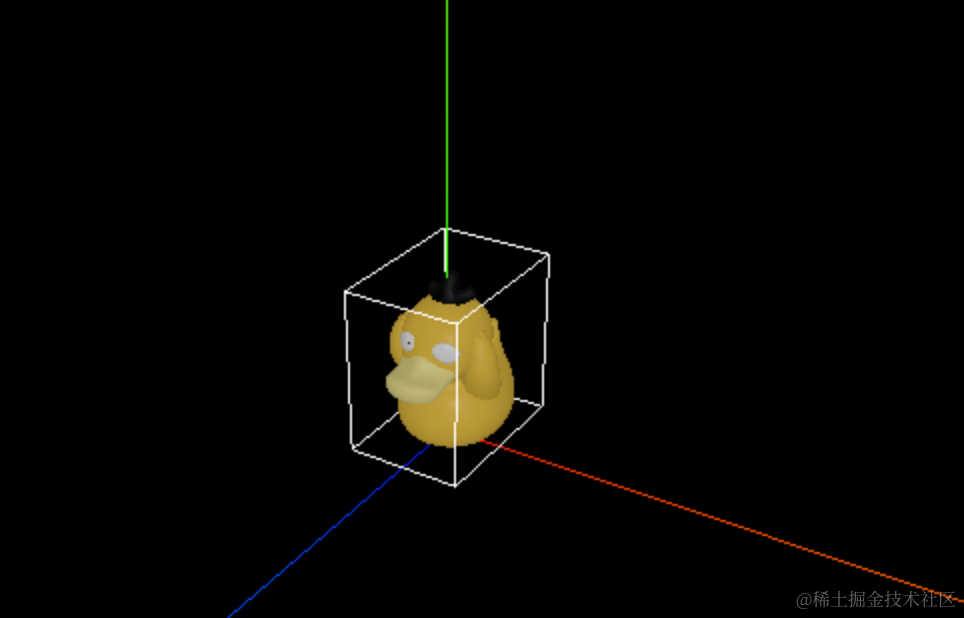
Three.js 提供了计算包围盒的 api:
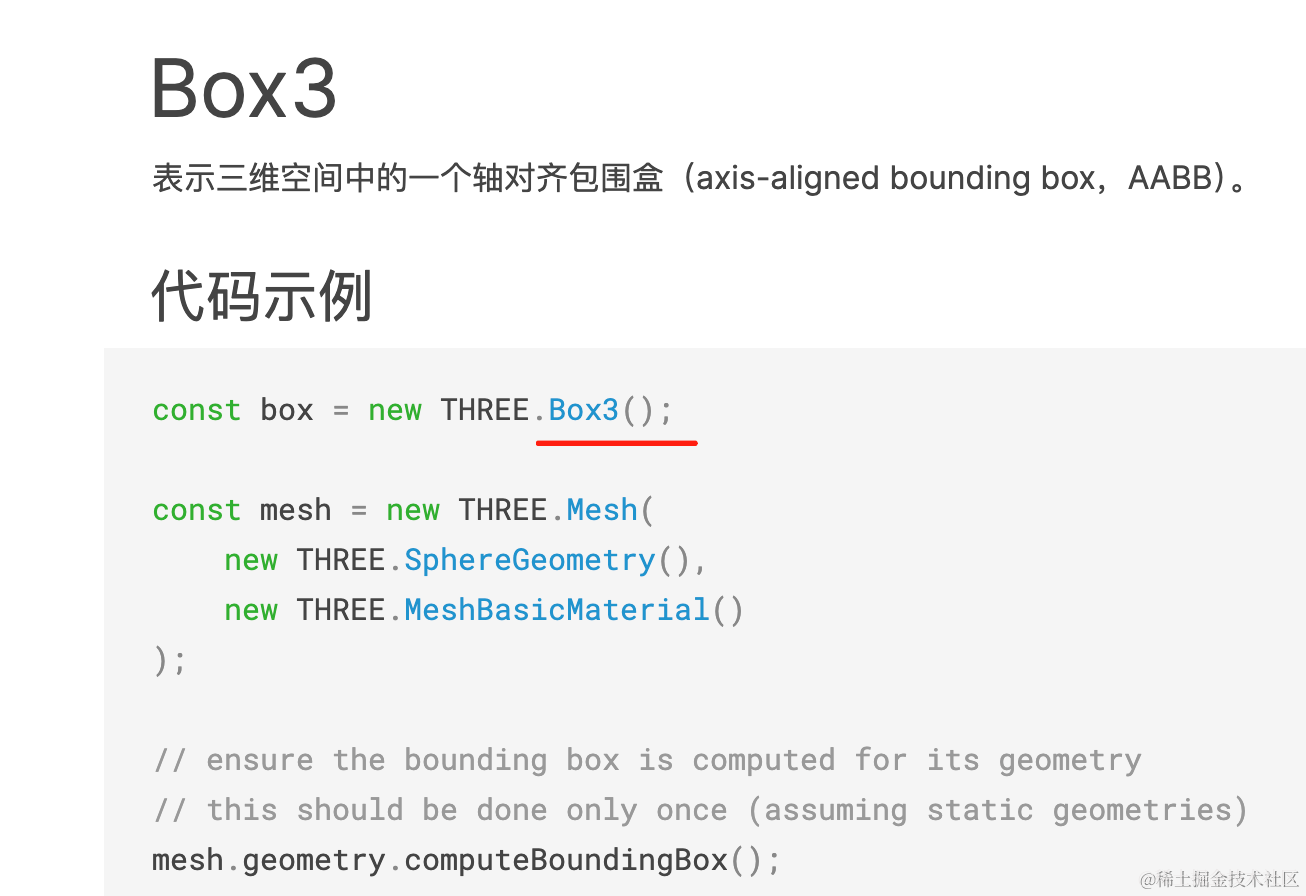
并且还提供了一个 helper 来可视化包围盒:
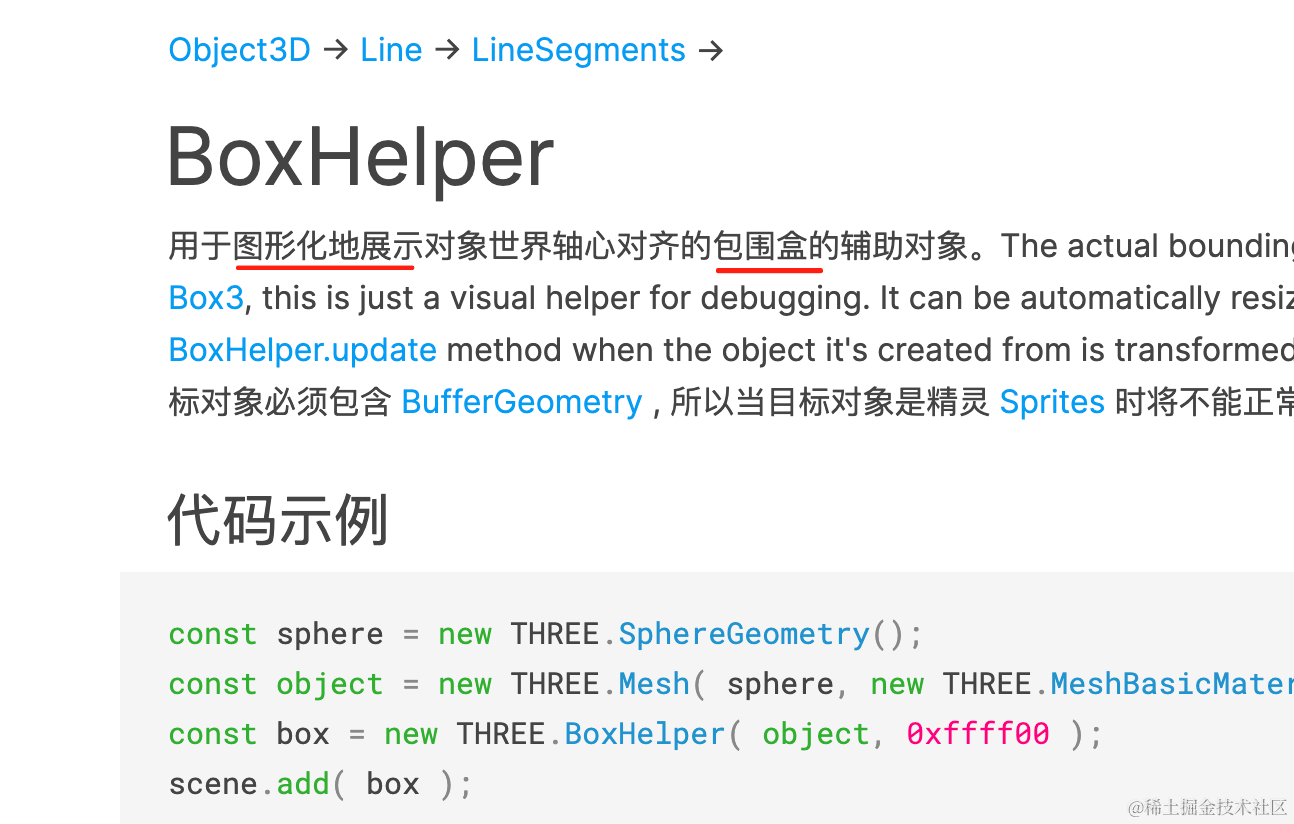
我们来试一下:
npx create-vite box3-test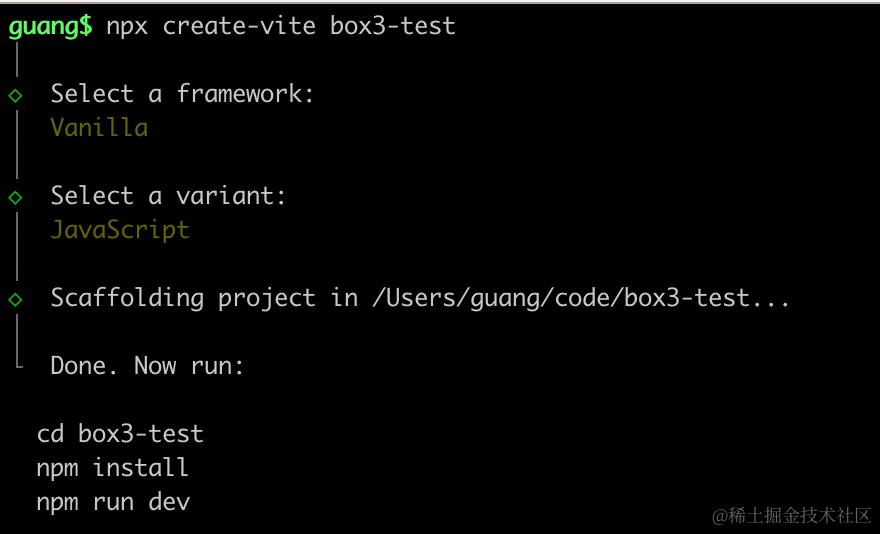
创建 vite 项目。
进入项目,安装依赖:
npm install
npm install --save three
npm install --save-dev @types/three
改下 src/index.js
import './style.css';
import * as THREE from 'three';
import {
    OrbitControls
} from 'three/addons/controls/OrbitControls.js';
import mesh from './mesh.js';

const scene = new THREE.Scene();

scene.add(mesh);

const light = new THREE.DirectionalLight(0xffffff);
light.position.set(500, 300, 600);
scene.add(light);

const light2 = new THREE.AmbientLight();
scene.add(light2);

const axesHelper = new THREE.AxesHelper(1000);
scene.add(axesHelper);

const width = window.innerWidth;
const height = window.innerHeight;

const camera = new THREE.PerspectiveCamera(60, width / height, 1, 10000);
camera.position.set(500, 300, 400);
camera.lookAt(0, 0, 0);

const renderer = new THREE.WebGLRenderer();
renderer.setSize(width, height)

function render() {
    renderer.render(scene, camera);
    requestAnimationFrame(render);
}

render();

document.body.append(renderer.domElement);

const controls = new OrbitControls(camera, renderer.domElement);
创建 Scene、Light、Camera、Renderer
改下 style.css
body {
    margin: 0;
}
然后创建 mesh.js
import * as THREE from 'three';
import { GLTFLoader } from 'three/addons/loaders/GLTFLoader.js';

const loader = new GLTFLoader();

const mesh = new THREE.Group();

loader.load("./Michelle.glb", function (gltf) {
    console.log(gltf);
    gltf.scene.scale.setScalar(150);
    mesh.add(gltf.scene);
})

export default mesh;
还是用之前的模型:
https://github.com/QuarkGluonPlasma/threejs-course-code/blob/main/dancing-mirror/public/Michelle.glb
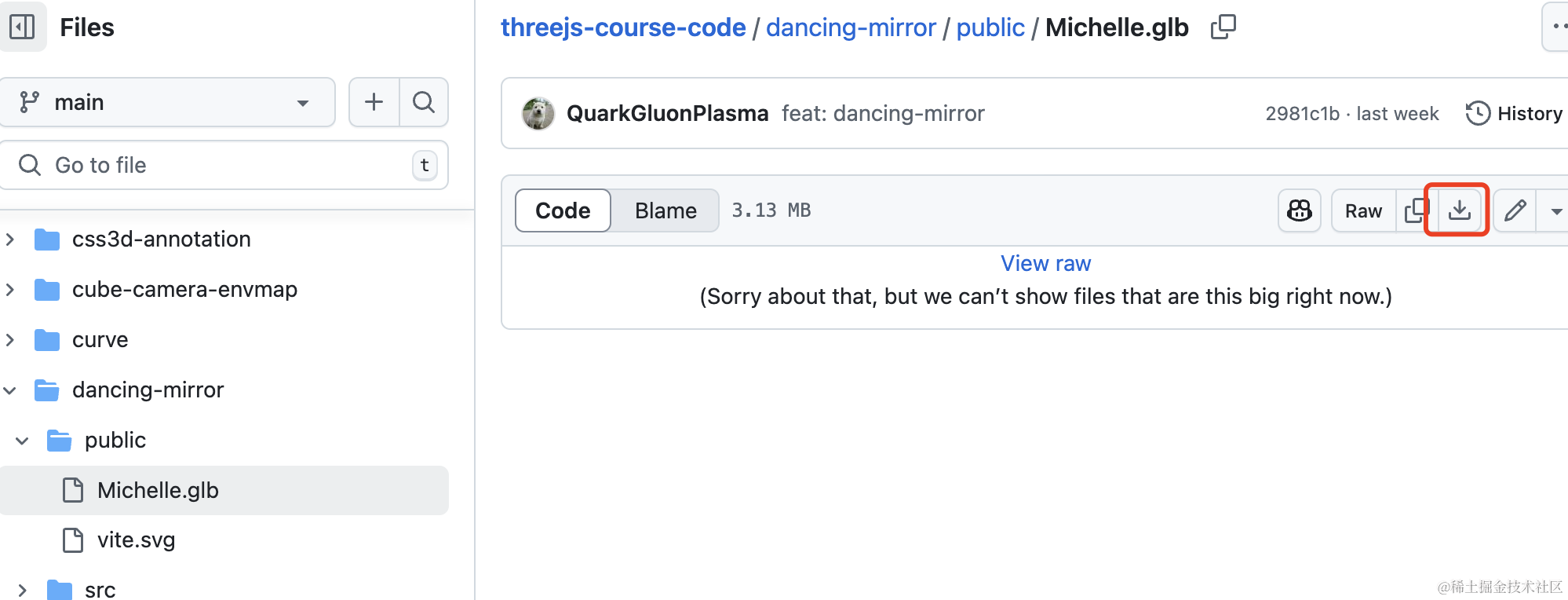
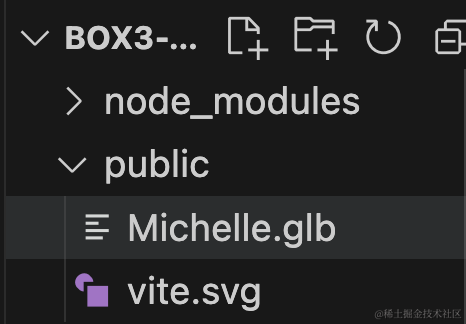
放到 public 目录下:
先跑起来看下:
npm run dev
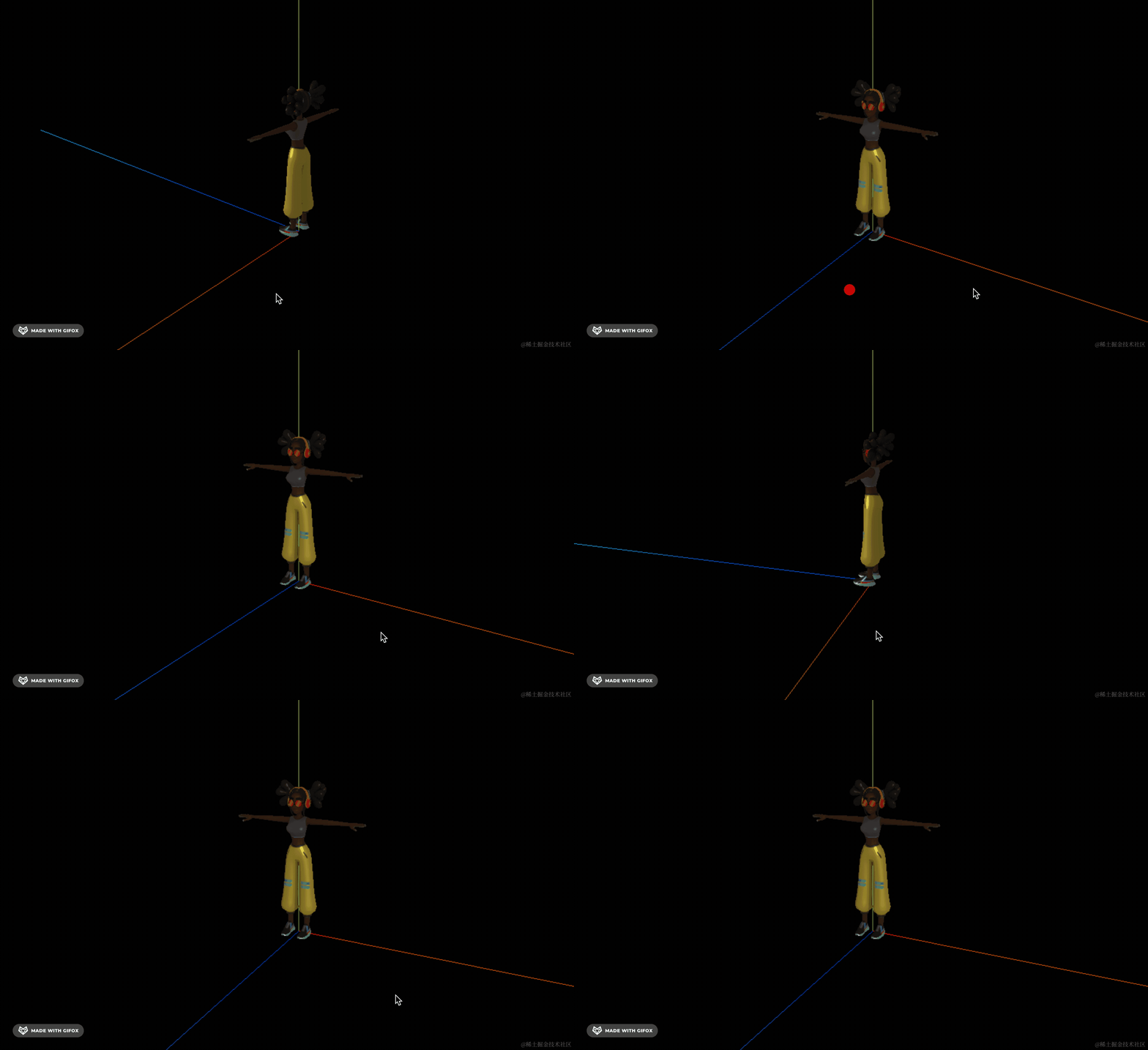
如何知道它的大小呢?
我们先用 BoxHelper 把包围盒可视化出来:
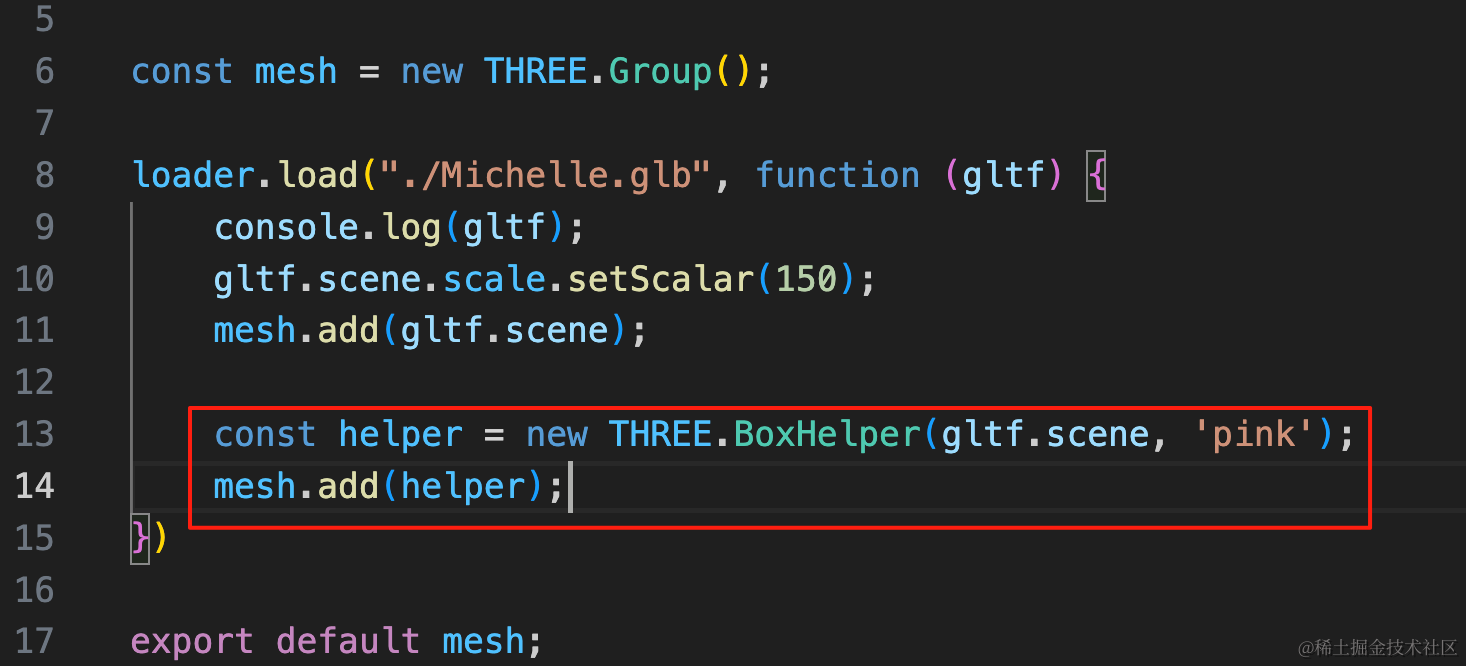
const helper = new THREE.BoxHelper(gltf.scene, 'pink');
mesh.add(helper);
看一下:
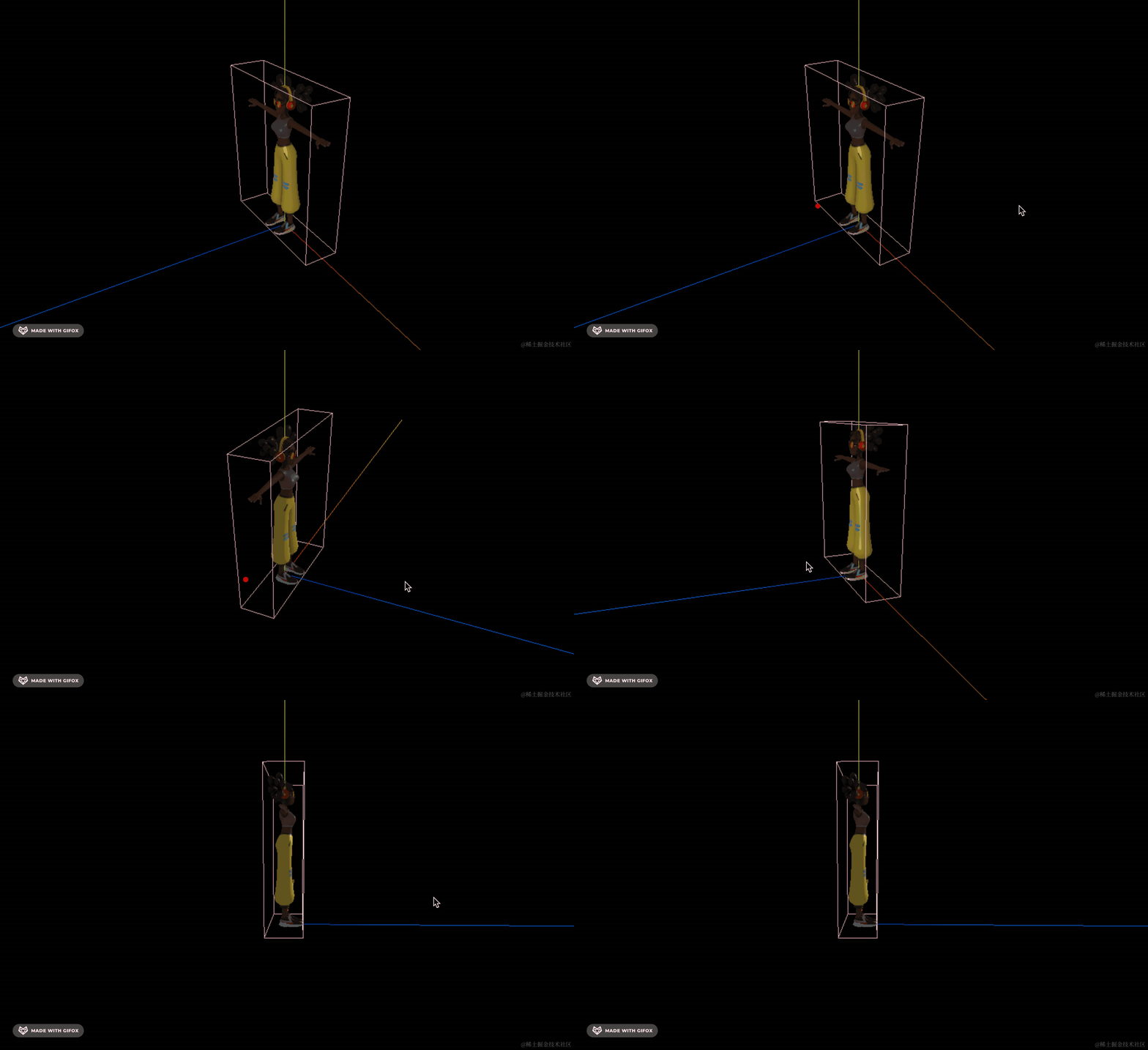
可以看到,模型外面的最小包围盒就可视化出来了。
那如何计算这个包围盒的大小呢?
用 Box3 的 api。
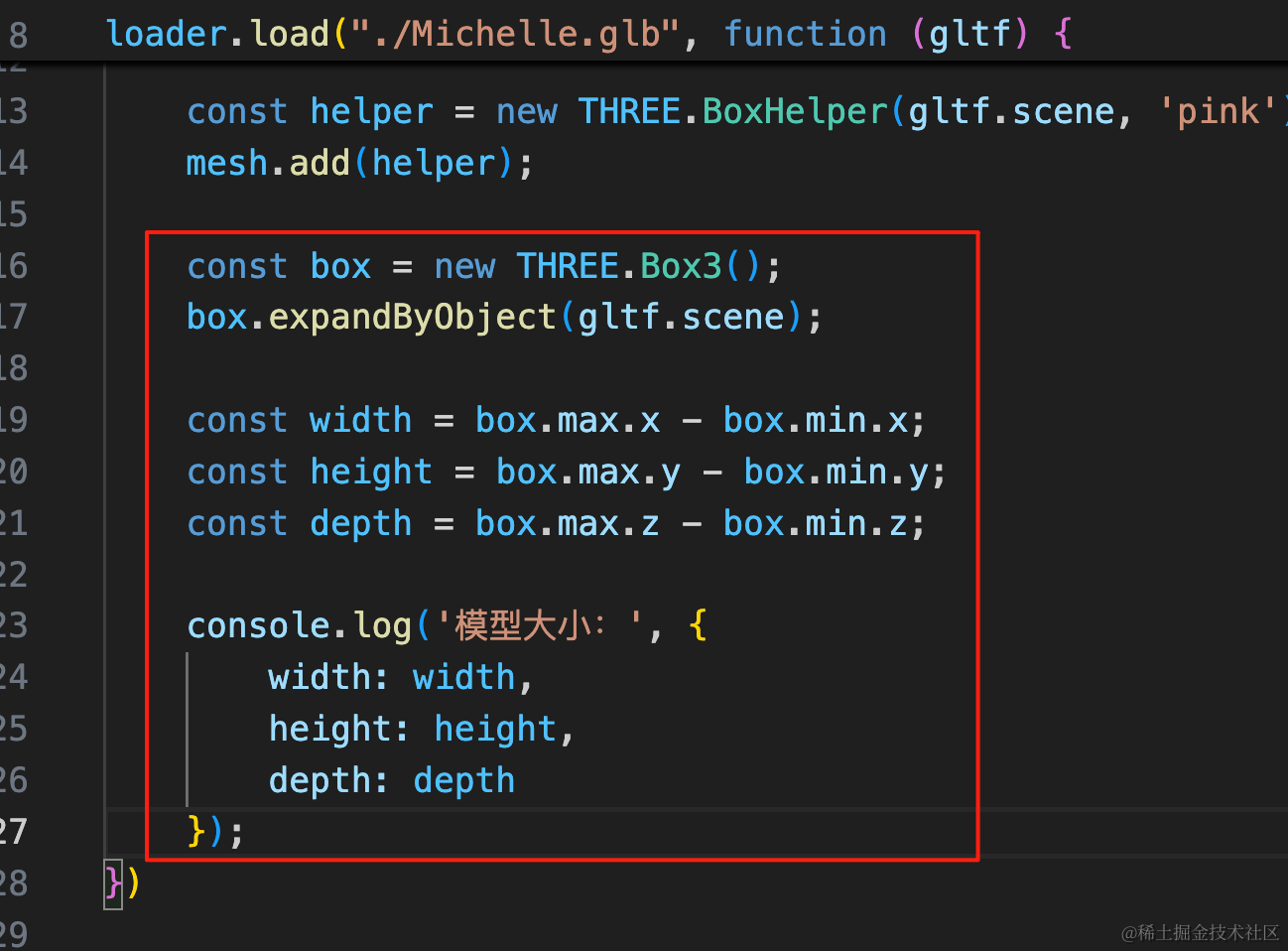
const box = new THREE.Box3();
box.expandByObject(gltf.scene);

const width = box.max.x - box.min.x;
const height = box.max.y - box.min.y;
const depth = box.max.z - box.min.z;

console.log('模型大小:', {
    width: width,
    height: height,
    depth: depth
});
创建一个 Box3 包围盒,它的 min、max 分别表示最小最大的 x、y、z
用 expandByObject 来计算包裹某个 obj 的包围盒大小,这里我们把模型包裹进去。
那最大和最小坐标的差值就是模型大小。
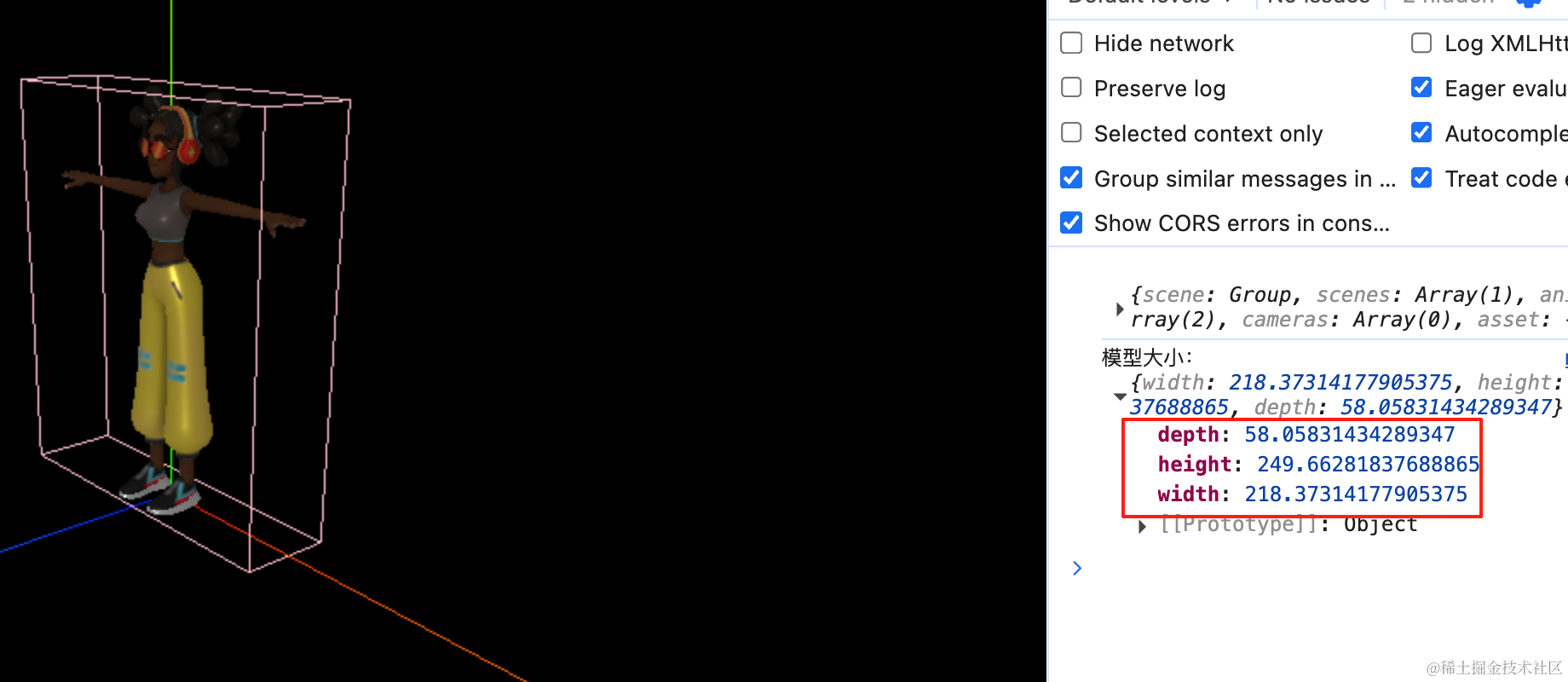
如何验证呢?
我们创建一个 BoxGeometry 看一下:
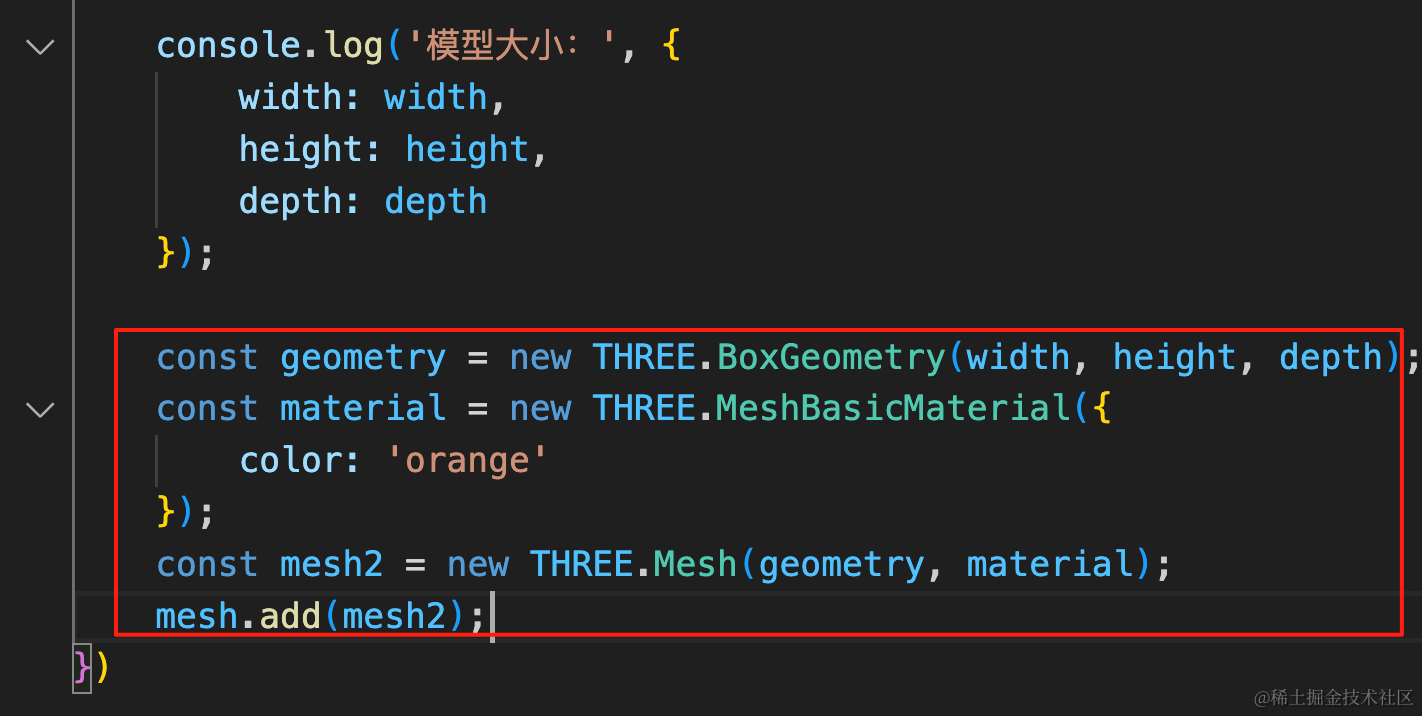
const geometry = new THREE.BoxGeometry(width, height, depth);
const material = new THREE.MeshBasicMaterial({
    color: 'orange'
});
const mesh2 = new THREE.Mesh(geometry, material);
mesh.add(mesh2);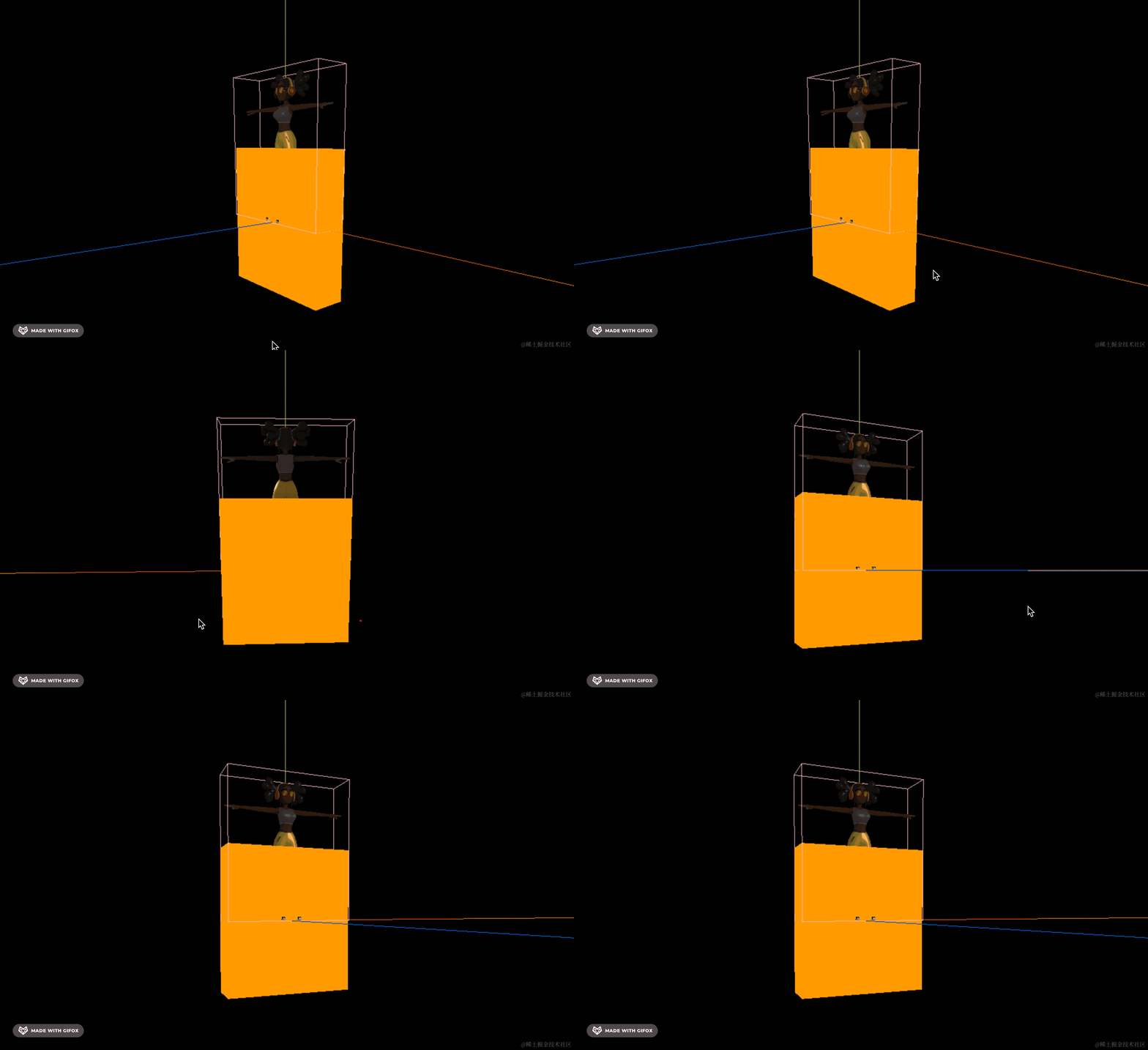
可以看到,大小是一样的。
上移一下,加点透明度:
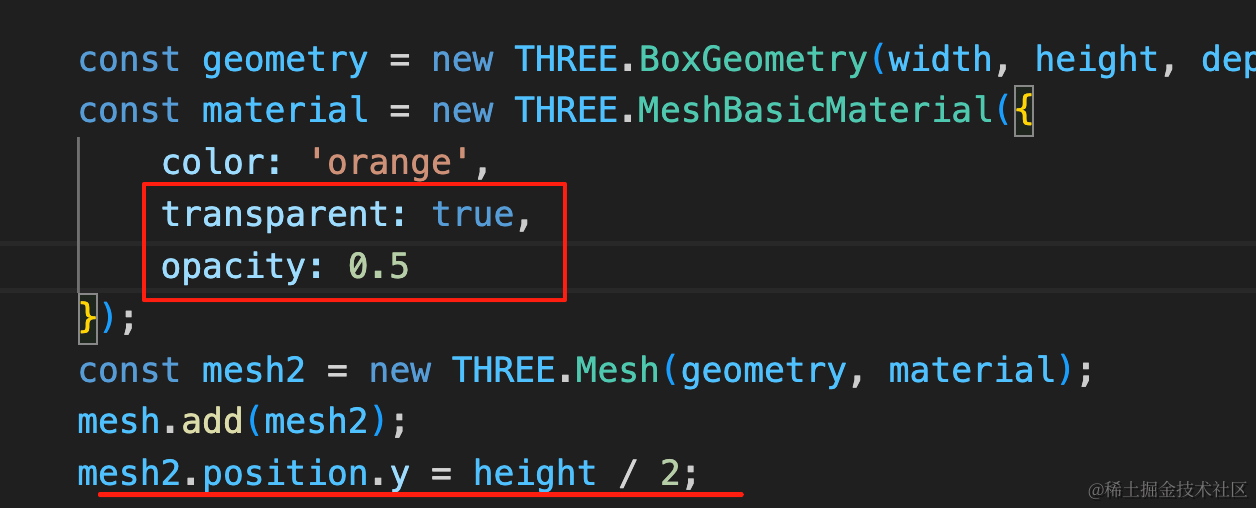
const geometry = new THREE.BoxGeometry(width, height, depth);
const material = new THREE.MeshBasicMaterial({
    color: 'orange',
    transparent: true,
    opacity: 0.5
});
const mesh2 = new THREE.Mesh(geometry, material);
mesh.add(mesh2);
mesh2.position.y = height / 2;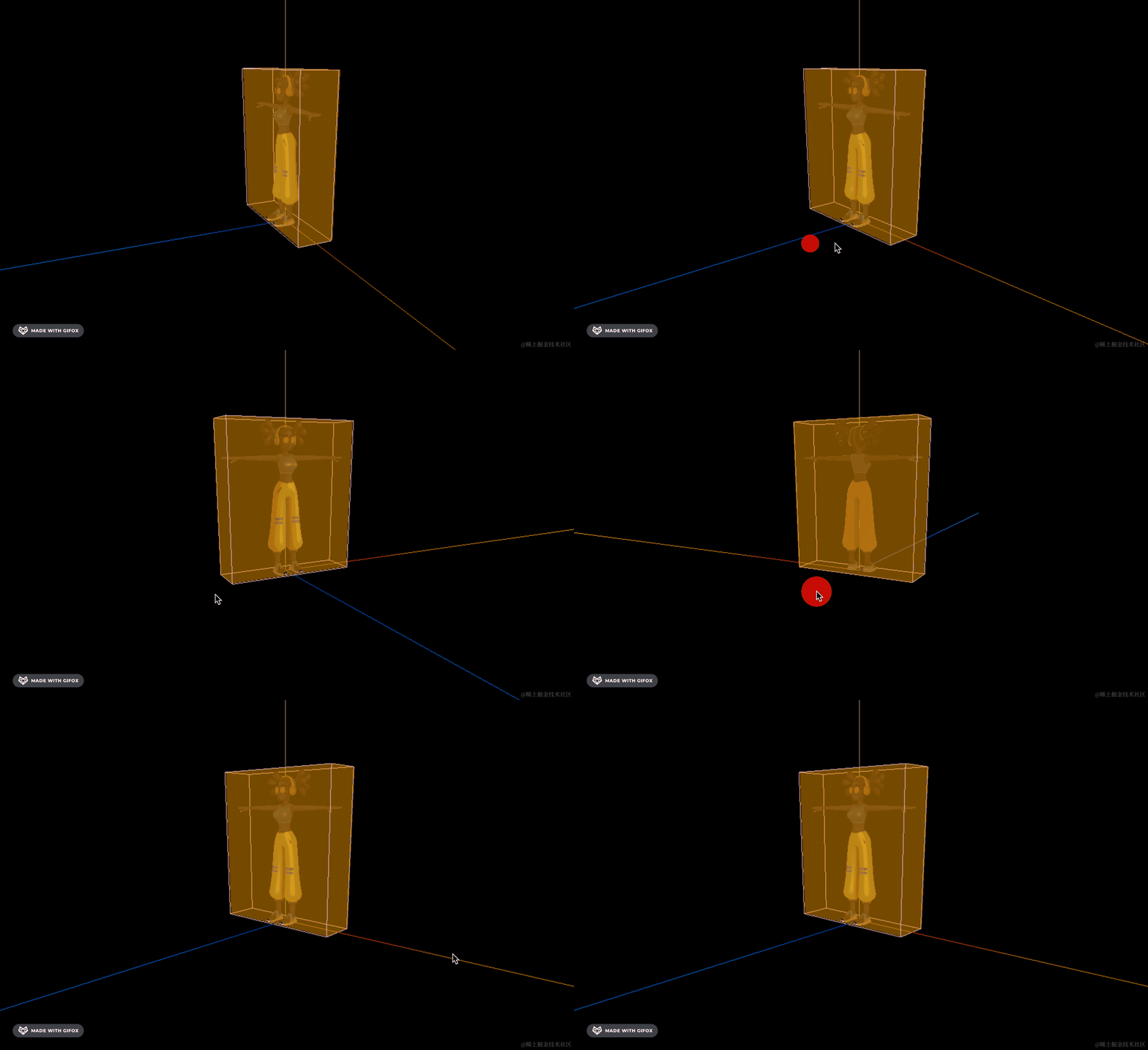
然后在模型中间位置加一个圆环。
用 RingGeometry:
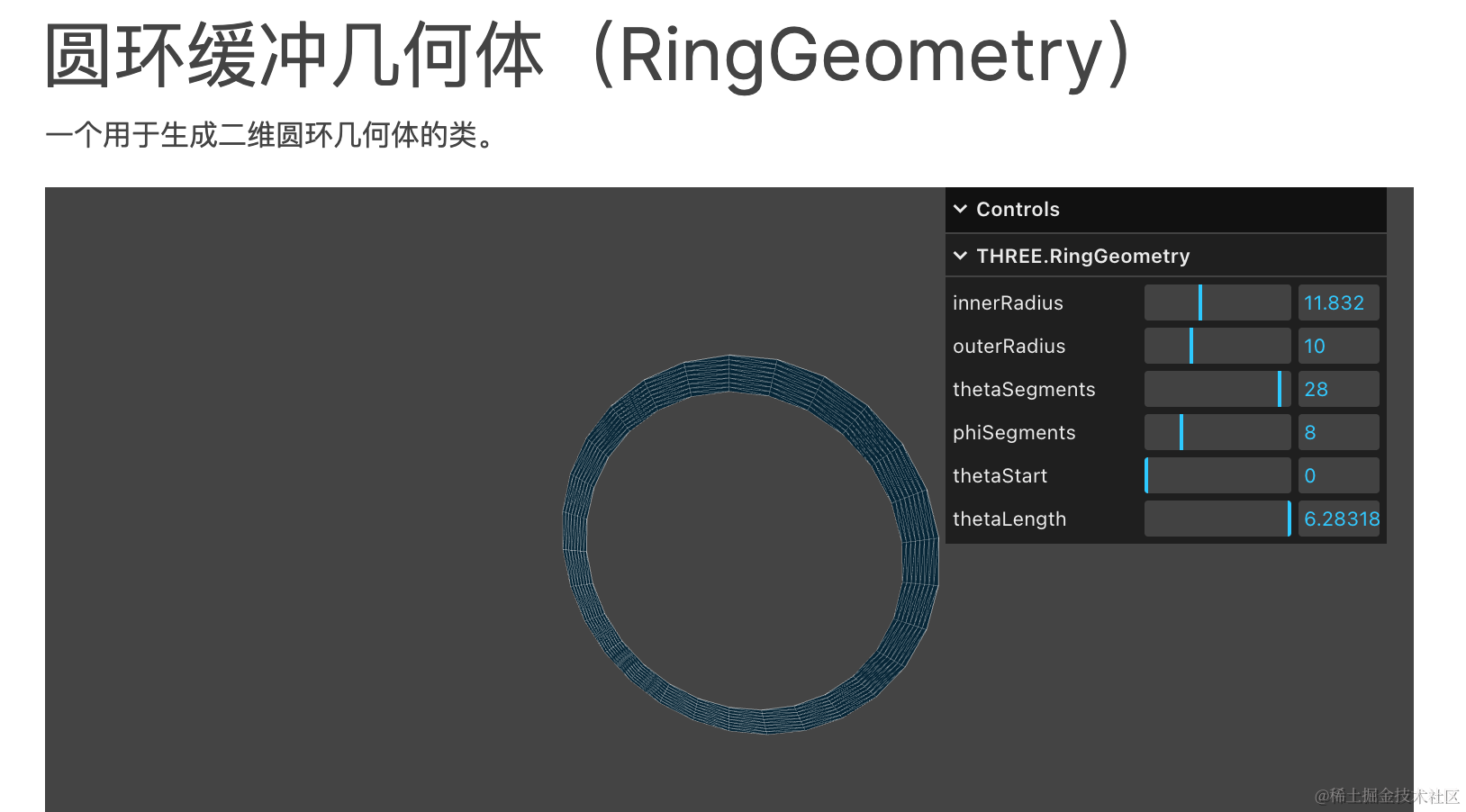
根据计算出的包围盒信息加一圈圆环:
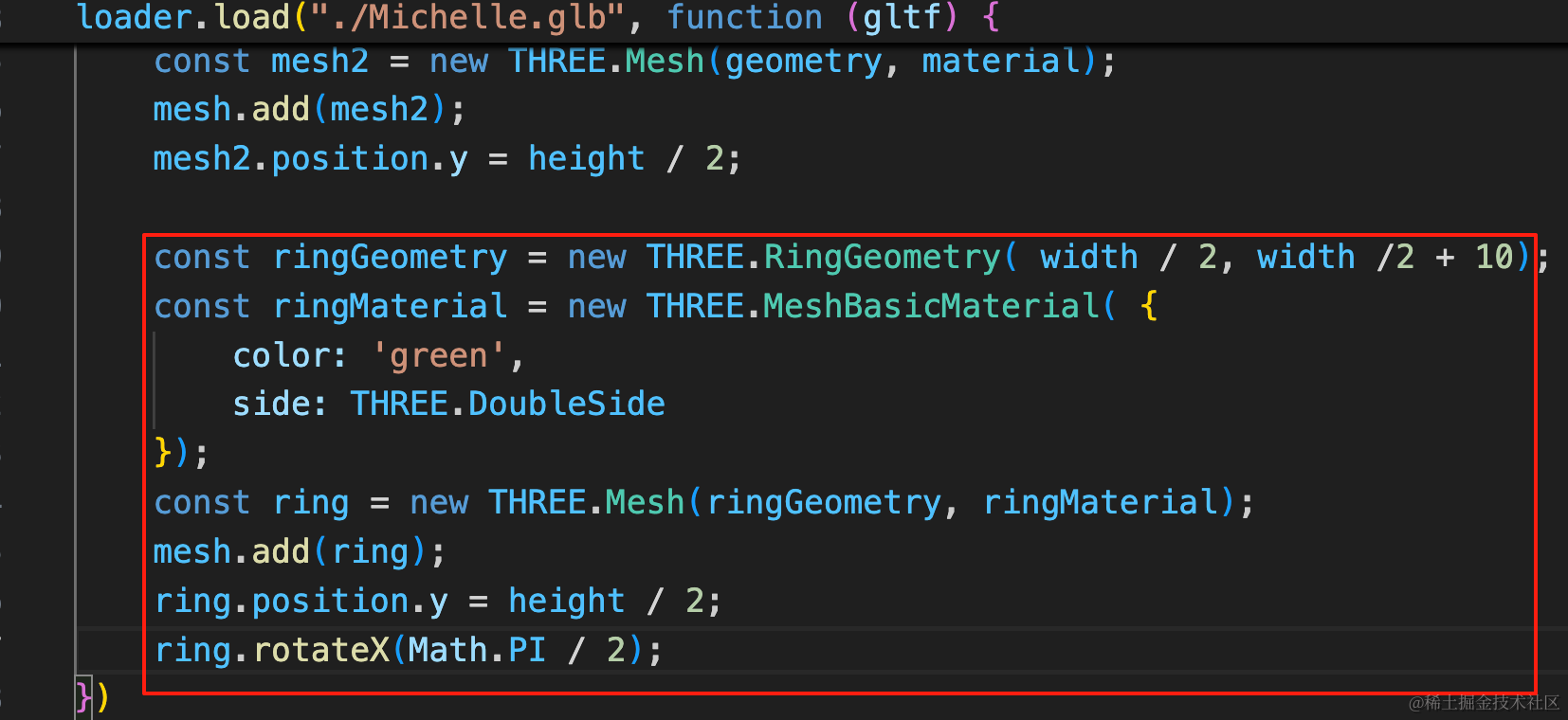
const ringGeometry = new THREE.RingGeometry( width / 2, width /2 + 10);
const ringMaterial = new THREE.MeshBasicMaterial( {
    color: 'green',
    side: THREE.DoubleSide
});
const ring = new THREE.Mesh(ringGeometry, ringMaterial);
mesh.add(ring);
ring.position.y = height / 2;
ring.rotateX(Math.PI / 2);
指定内圆半径、外圆半径,移动到模型中间的高度
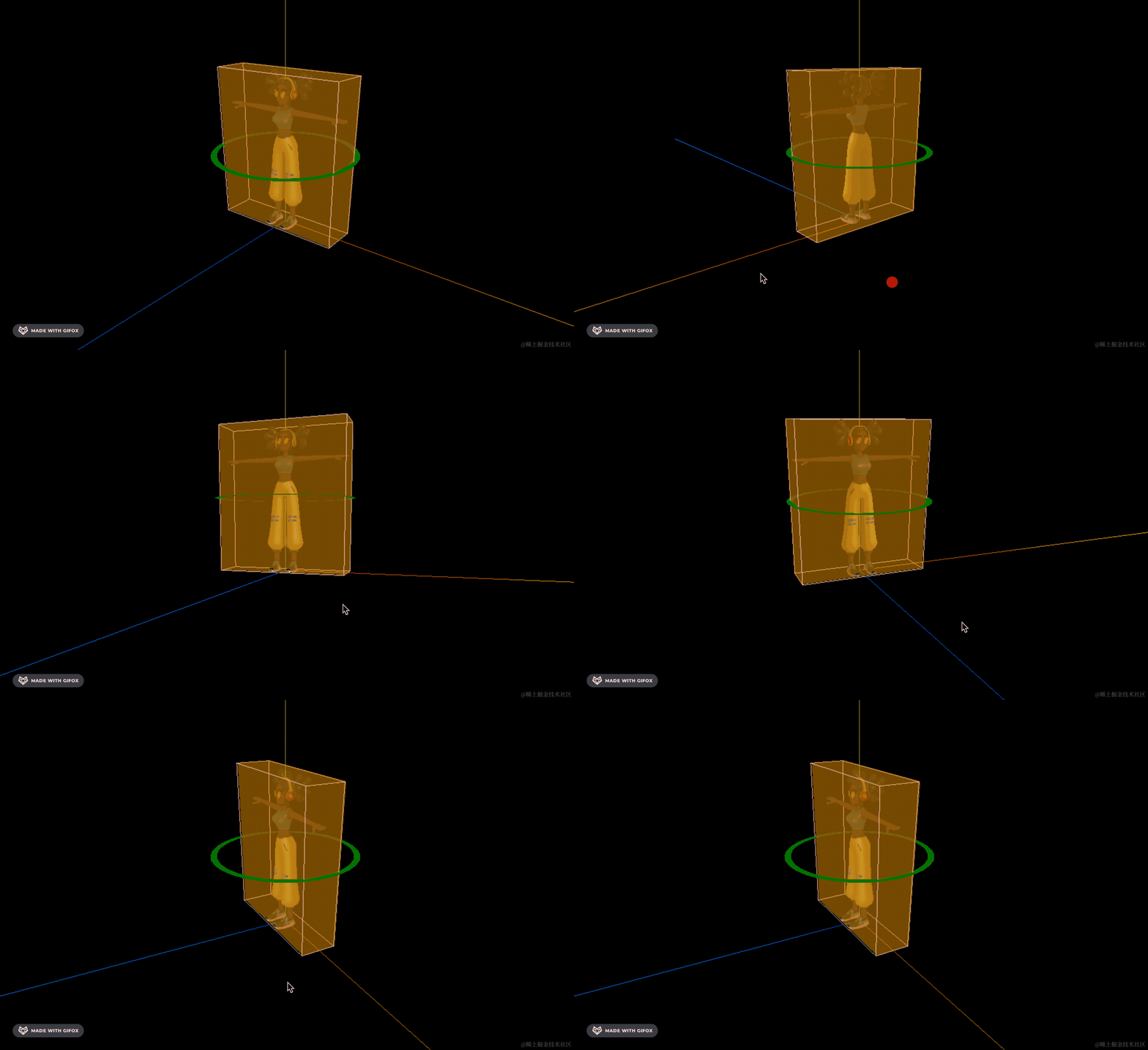
可以看到,正好在中间,计算的是对的。
我们换成鸭子的模型试一下:
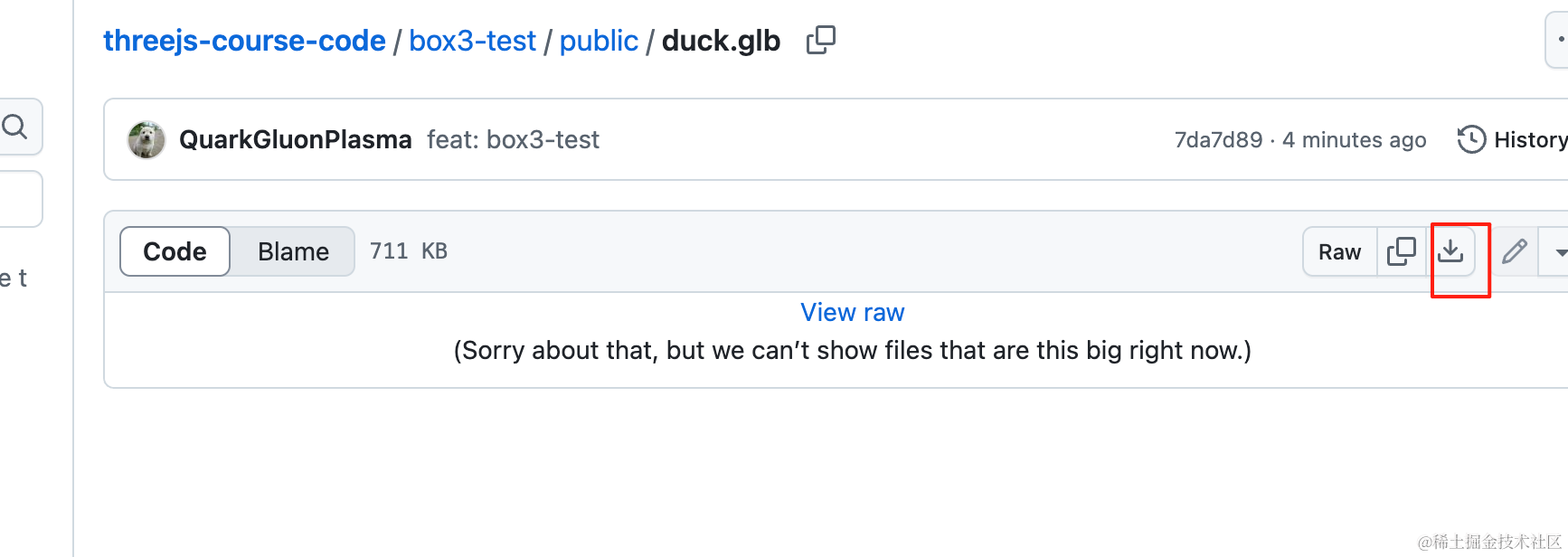
从这里下载,放到 public 目录下:
https://github.com/QuarkGluonPlasma/threejs-course-code/blob/main/box3-test/public/duck.glb
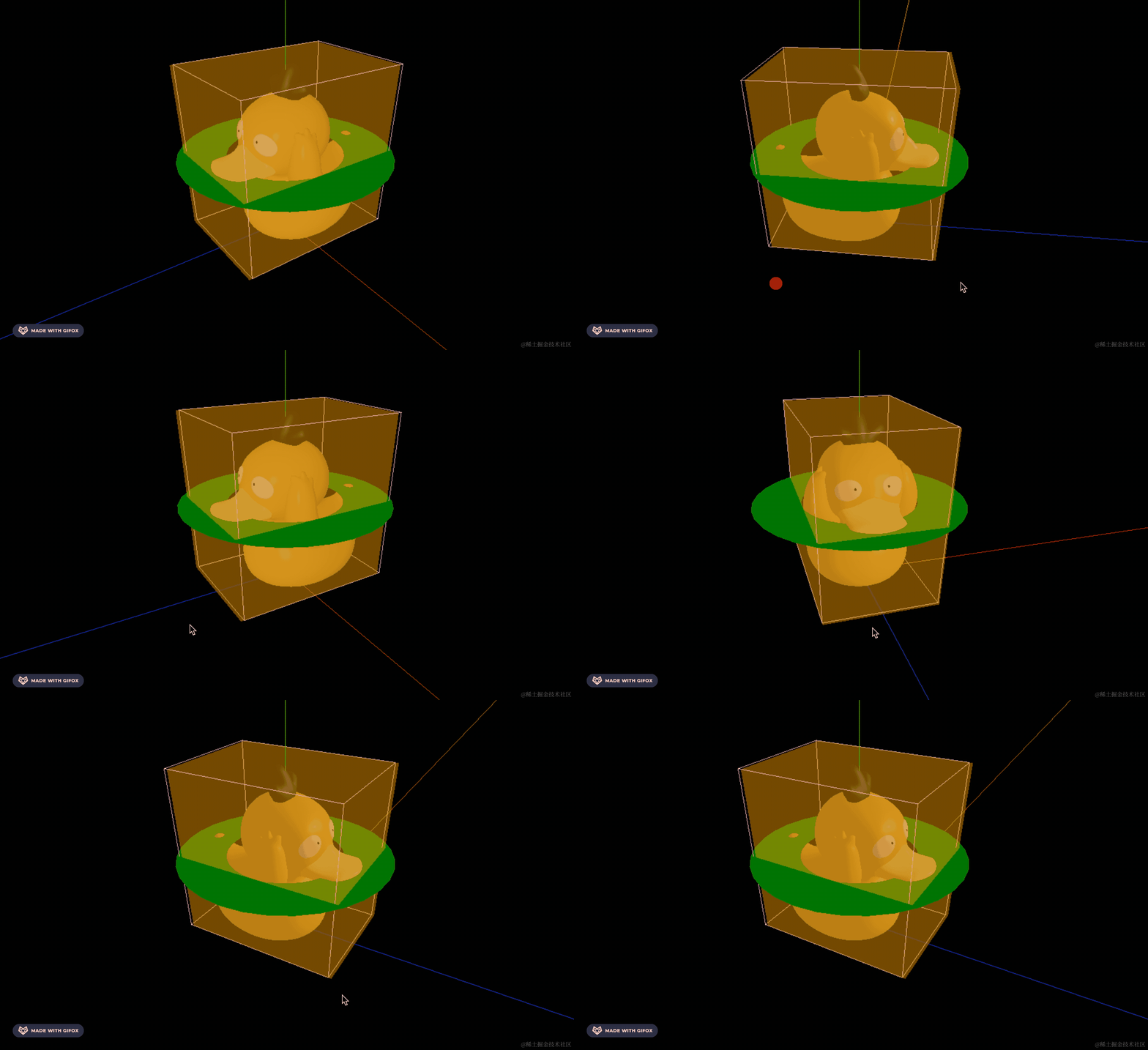
也是对的。
案例代码上传了小册仓库。
总结
这节我们学习了包围盒的计算。
计算一个对象的大小,就是计算它的最小包围盒的大小,用 Box3 的 api,它的 expandByObject 方法传入要包围的对象就好了,min、max 就是最小最大的 x、y、z,可以计算出包围盒的长宽高。
还可以通过 BoxHelper 来把目标对象的包围盒可视化出来。
当你想计算一个对象的大小,比如模型的大小,就可以通过 Box3 来做。