在酷家乐项目里,有这样一个效果:
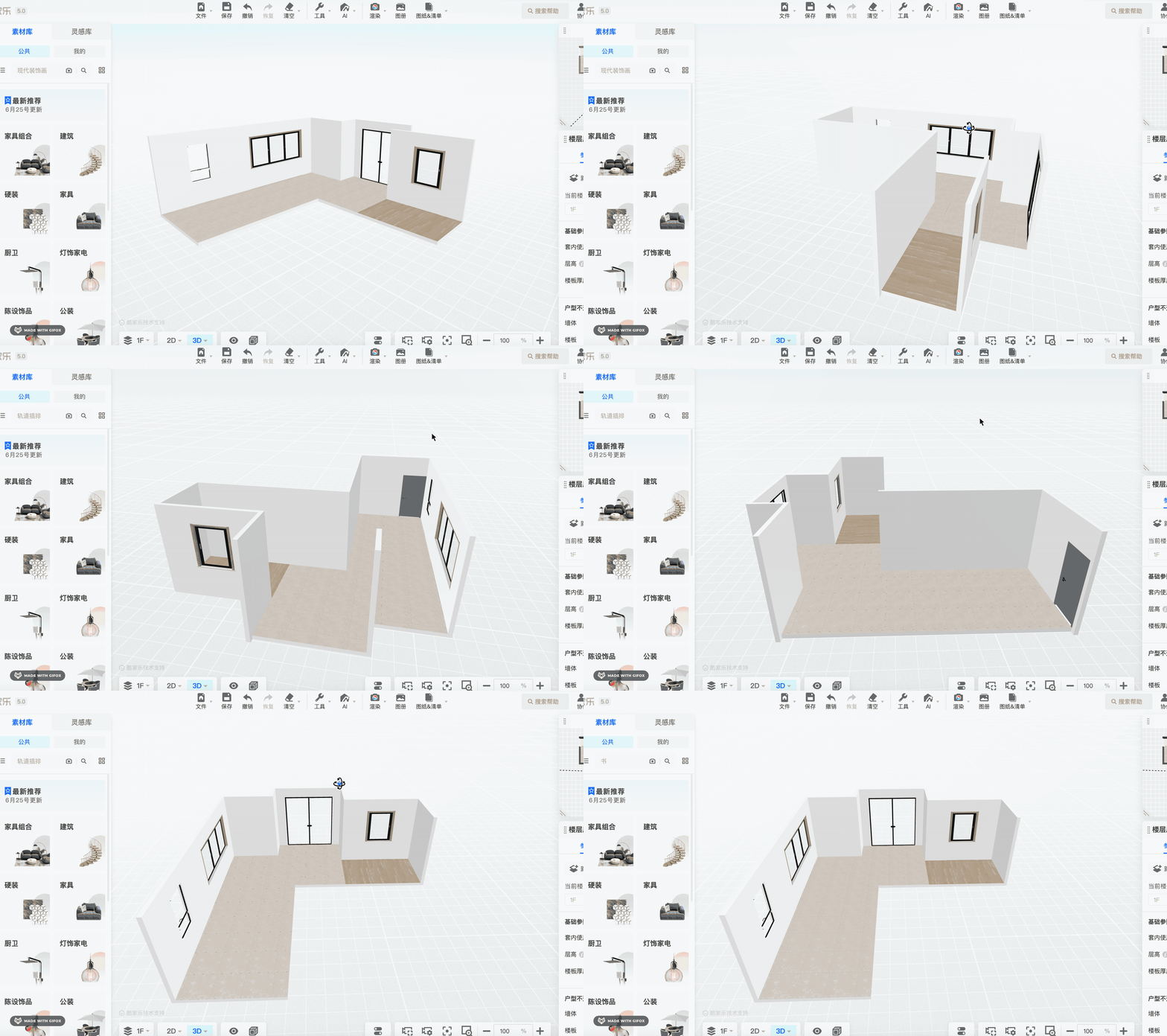
相机的位置改变的时候,靠近相机的墙会被隐藏。
这种功能是怎么实现的呢?
通过向量点积。
也就是两个向量判断夹角:
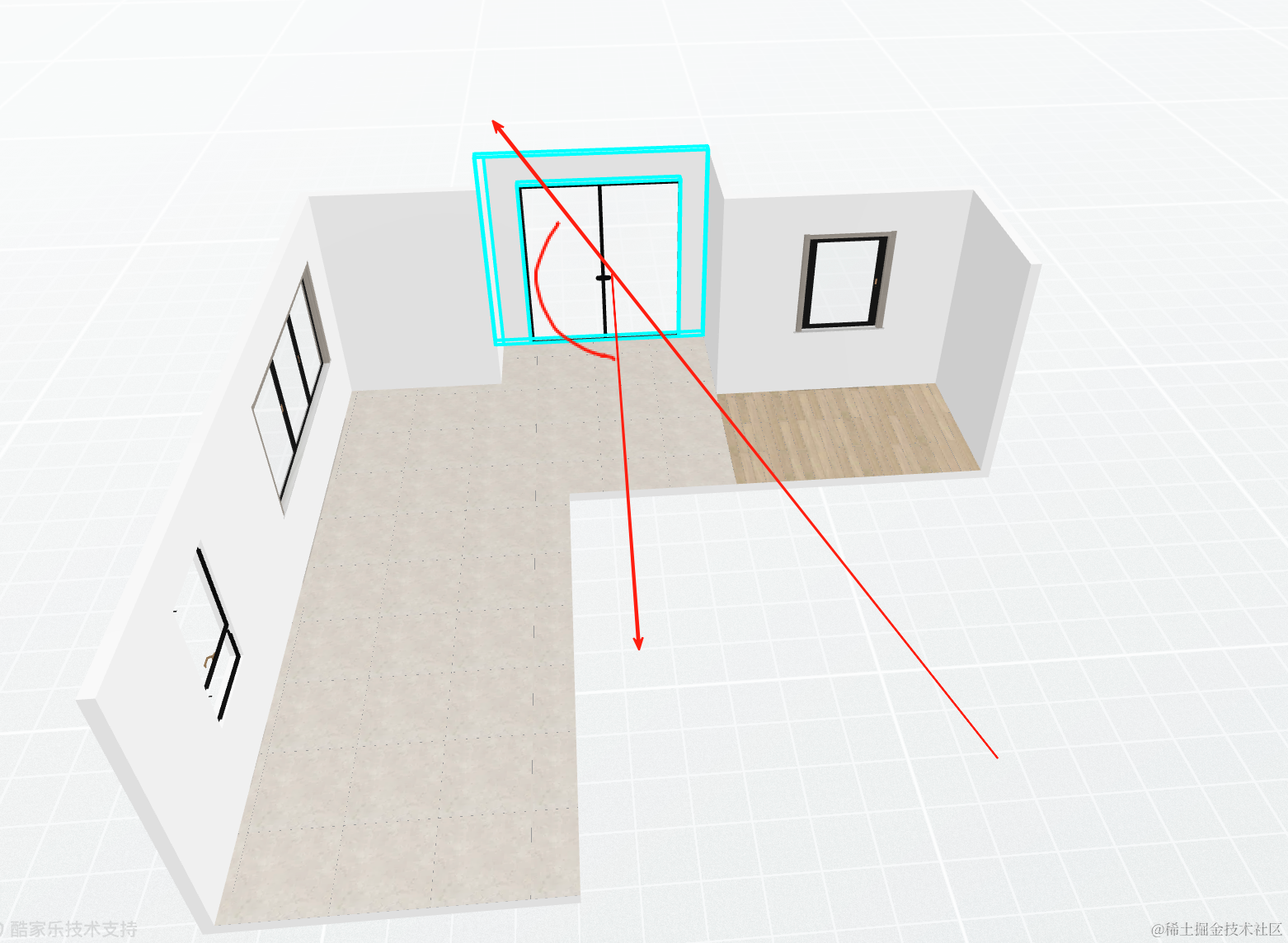
墙的法线向量,相机的方向向量,两者的夹角如果大于 90 度,那就不应该隐藏,否则就应该隐藏。
这个夹角的大小就可以通过向量点积来判断。
这个不只是在酷家乐项目里会用到,其他地方也可能用到,我们单独来学一下。
创建项目:
npx create-vite vector-dot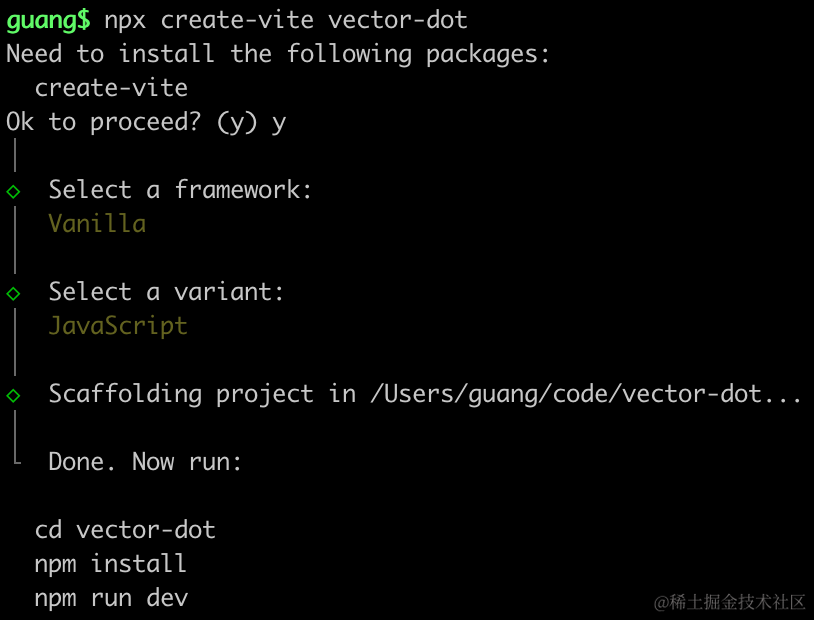
进入项目,安装依赖:
pnpm install
pnpm install --save three
pnpm install --save-dev @types/three
改下 src/main.js
import './style.css';
import * as THREE from 'three';
import {
    OrbitControls
} from 'three/addons/controls/OrbitControls.js';
import mesh from './mesh.js';

const scene = new THREE.Scene();
scene.add(mesh);

const directionLight = new THREE.DirectionalLight(0xffffff, 2);
directionLight.position.set(500, 400, 300);
scene.add(directionLight);

const ambientLight = new THREE.AmbientLight();
scene.add(ambientLight);

const width = window.innerWidth;
const height = window.innerHeight;

const helper = new THREE.AxesHelper(500);
scene.add(helper);

const camera = new THREE.PerspectiveCamera(60, width / height, 0.1, 10000);
camera.position.set(500, 500, 500);
camera.lookAt(0, 0, 0);

const renderer = new THREE.WebGLRenderer({
  antialias: true
});
renderer.setSize(width, height)

function render() {
    renderer.render(scene, camera);
    requestAnimationFrame(render);
}

render();

document.body.append(renderer.domElement);

const controls = new OrbitControls(camera, renderer.domElement);
创建 Scene、Light、Camera、Renderer。
改下 style.css
body {
  margin: 0;
}
创建 mesh.js
import * as THREE from 'three';

const group = new THREE.Group();

const origin = new THREE.Vector3( 0, 0, 0 );
const dir = new THREE.Vector3( 1, 2, 0 );
dir.normalize();

const arrowHelper = new THREE.ArrowHelper( dir, origin, 400, 'red' );
group.add( arrowHelper );

const dir2 = new THREE.Vector3( -1, 2, 0 );
dir2.normalize();

const arrowHelper2 = new THREE.ArrowHelper( dir2, origin, 400, 'red' );
group.add( arrowHelper2 );

export default group;
指定 orign 和两个点,分别用 ArrowHelper 画两个箭头。
跑起来看一下:
npm run dev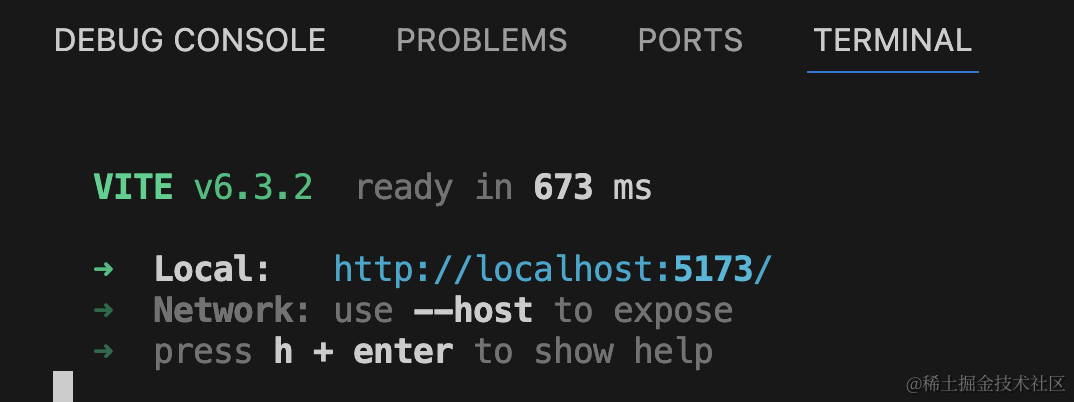
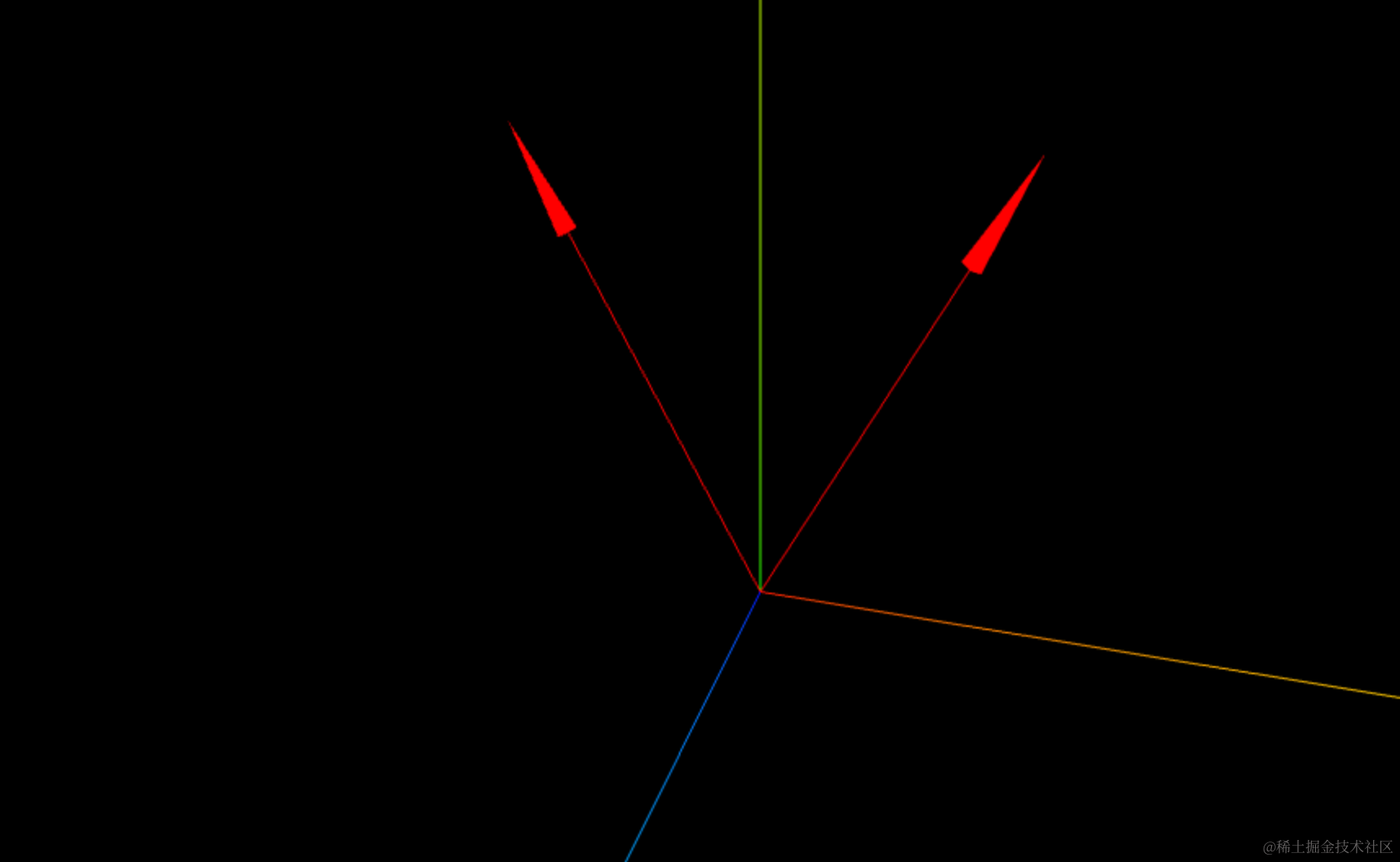
如何判断这两个向量的夹角是钝角还是锐角呢?
用点积。
点积大于 0 就是锐角、否则是钝角。
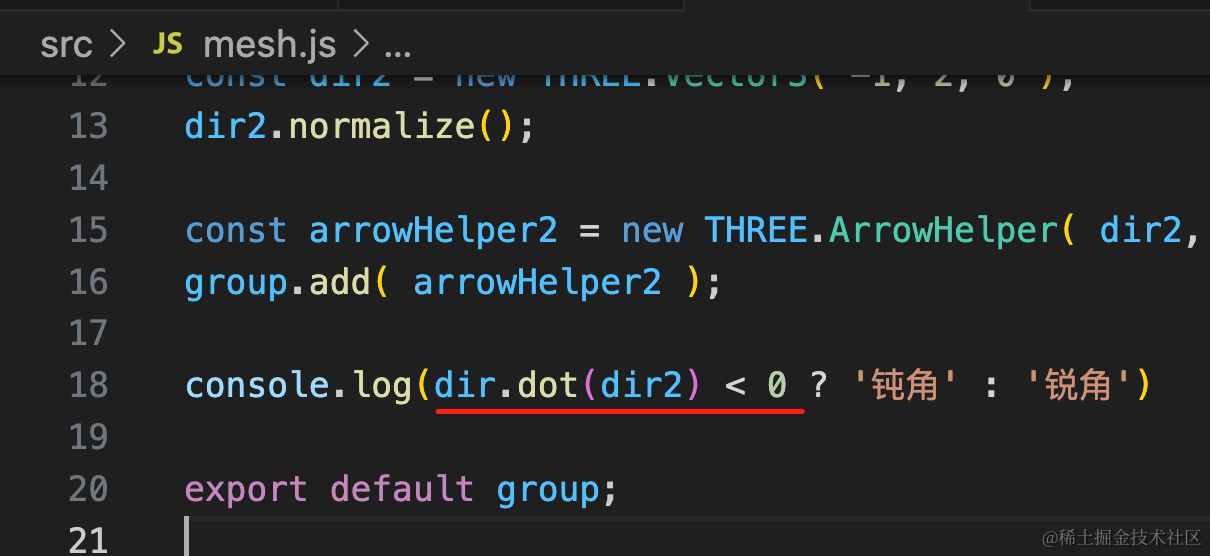
console.log(dir.dot(dir2) < 0 ? '钝角' : '锐角')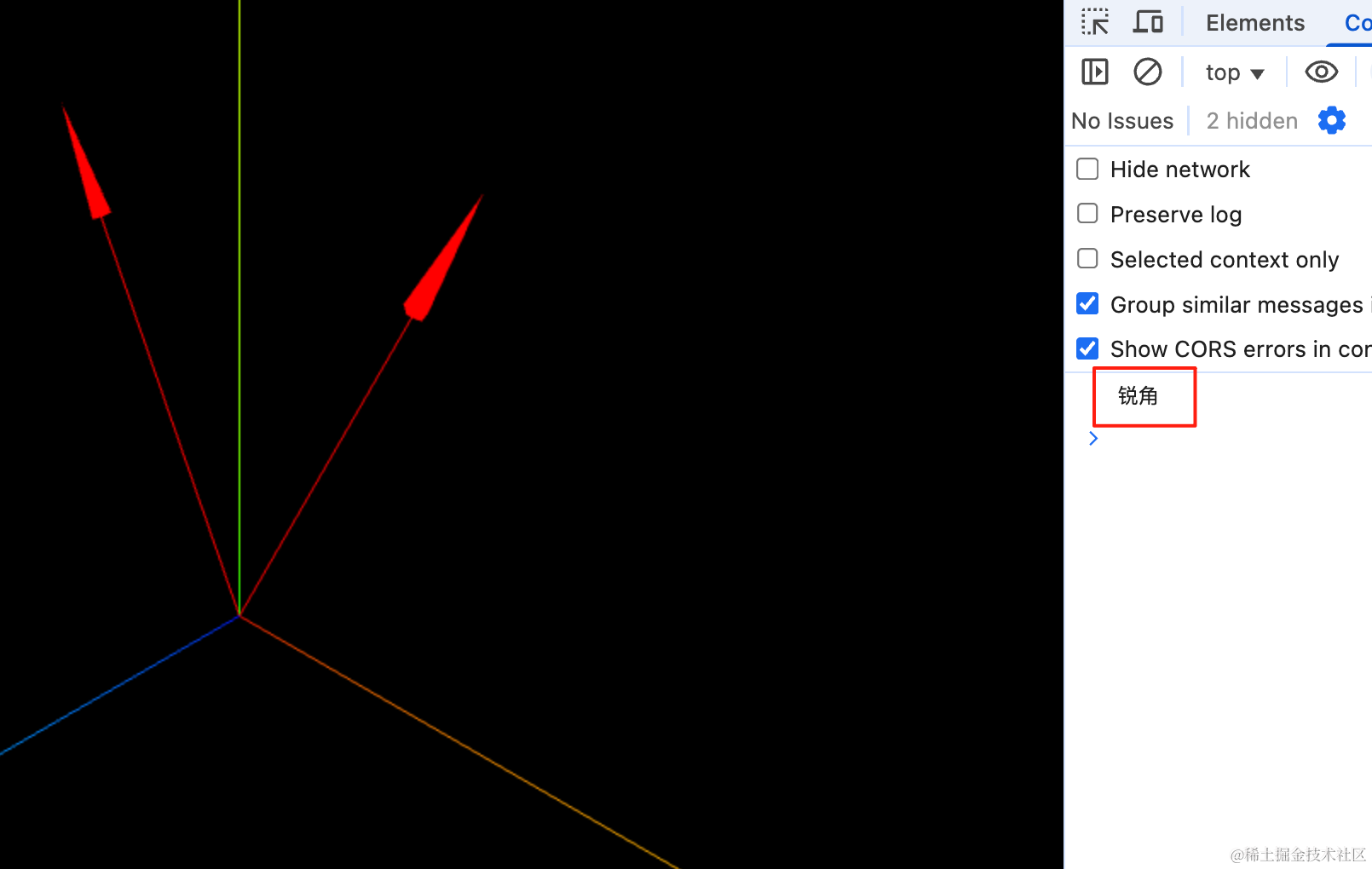
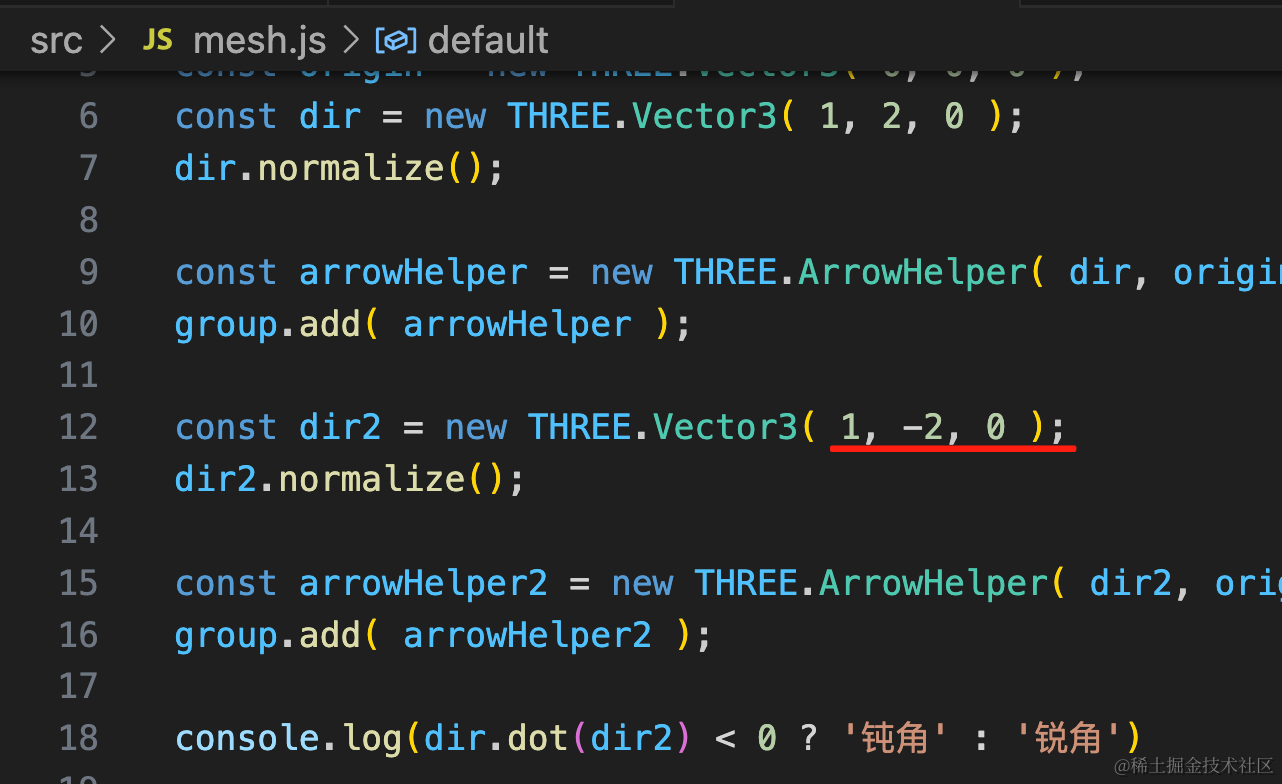
改一下第二个箭头的方向:
再看下:
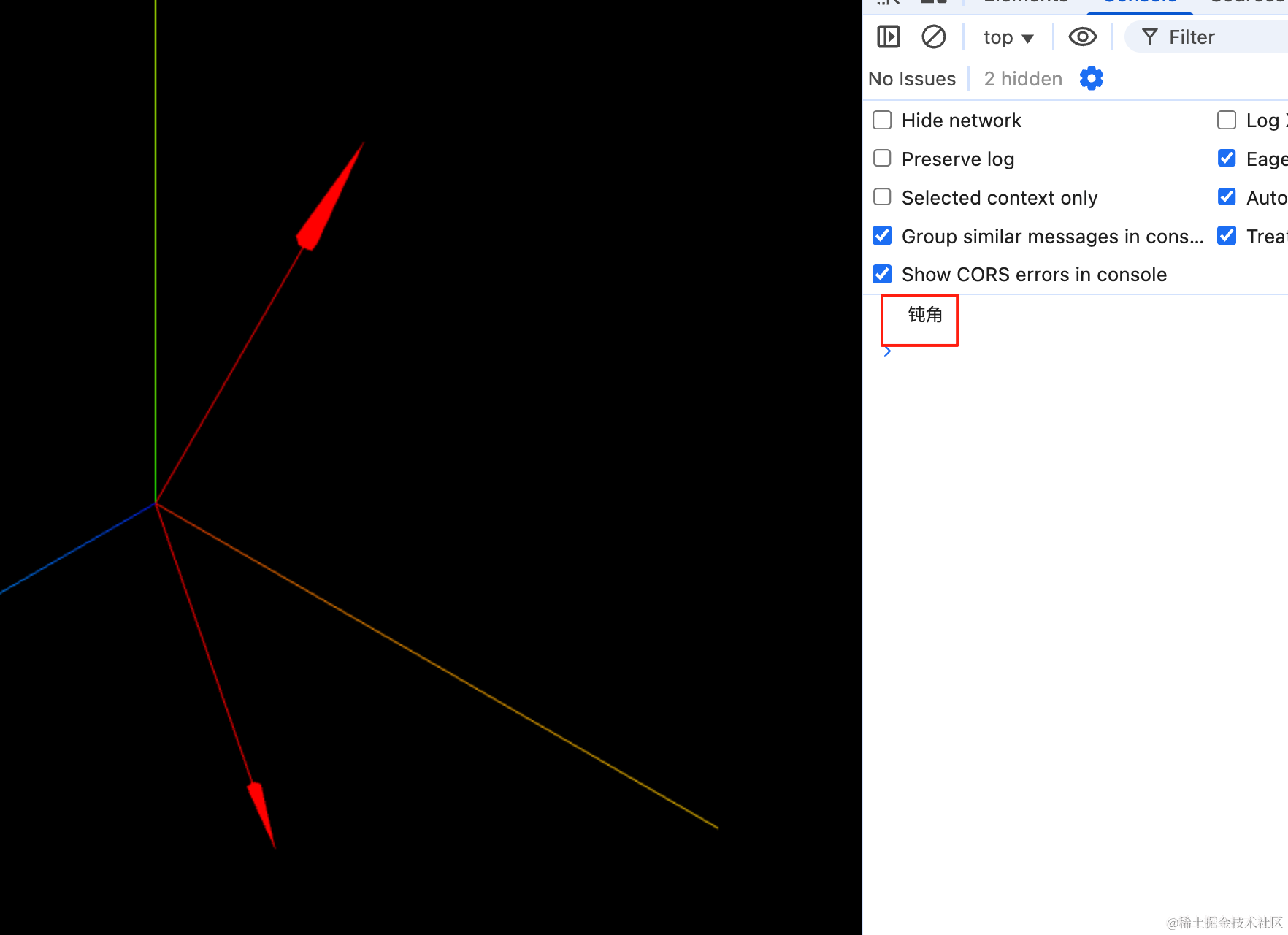
也正确的判断出钝角了。
回到酷家乐的这个效果:
有思路了么?
就是墙的法线向量和相机的方向向量的夹角的判断。
我们也来写一下:
创建 mesh2.js
import * as THREE from 'three';

const house = new THREE.Group();

for(let i = 0; i< 4; i ++) {
    const geometry = new THREE.BoxGeometry(500, 300, 20);
    const material = new THREE.MeshLambertMaterial({
        color: 'white'
    });
    const wall = new THREE.Mesh(geometry, material);
    wall.rotateY(Math.PI / 2 * i);
    house.add(wall);
}

house.children[0].position.z = 250;
house.children[1].position.x = 250;
house.children[2].position.z = -250;
house.children[3].position.x = -250;

export default house;
画了 4 面墙。
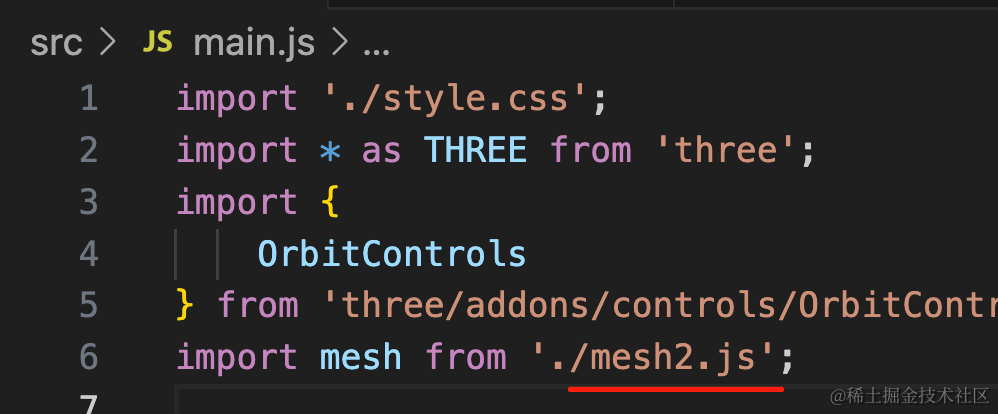
引入下:
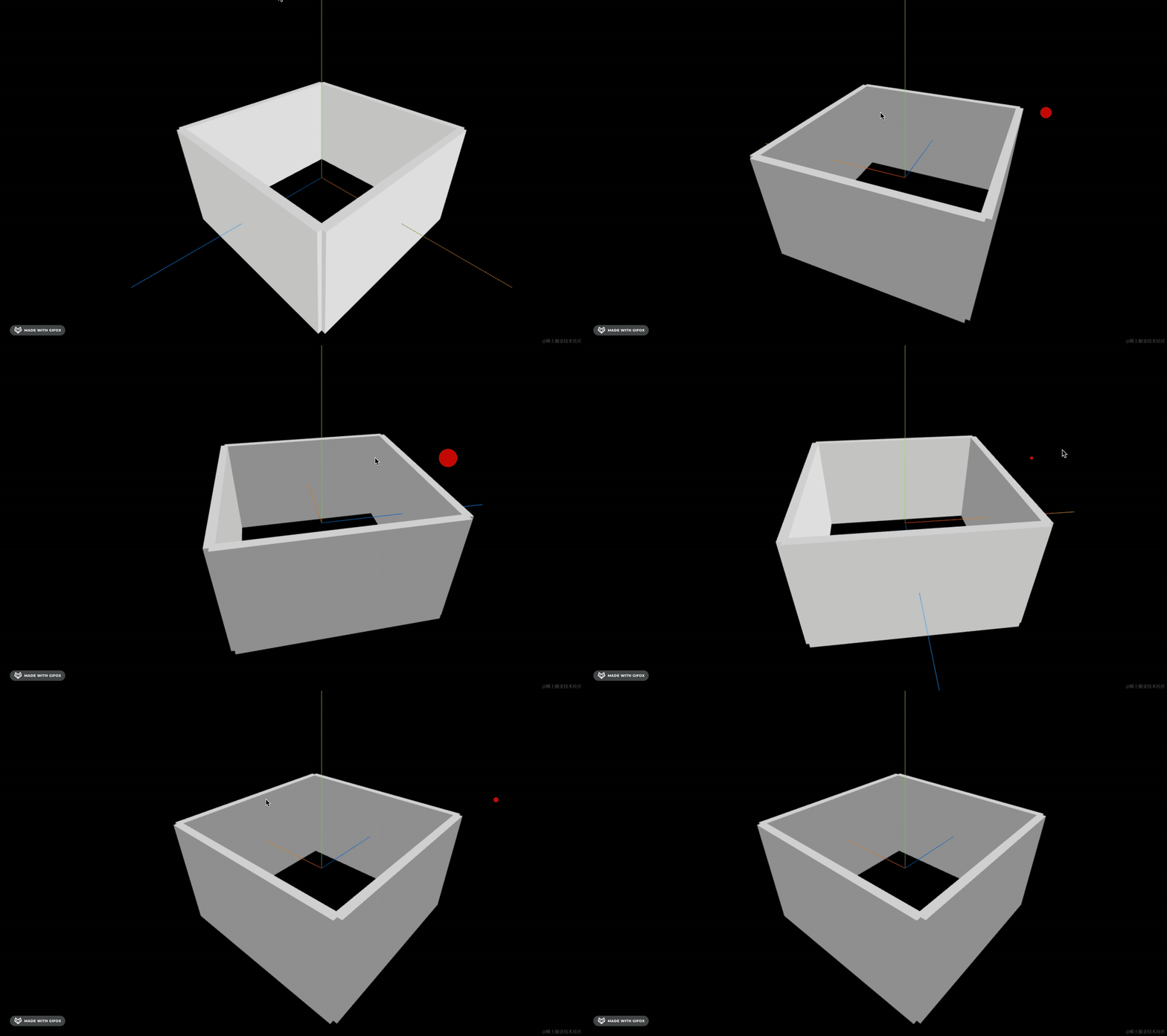
然后我们就可以得到 4 面墙的法线向量:
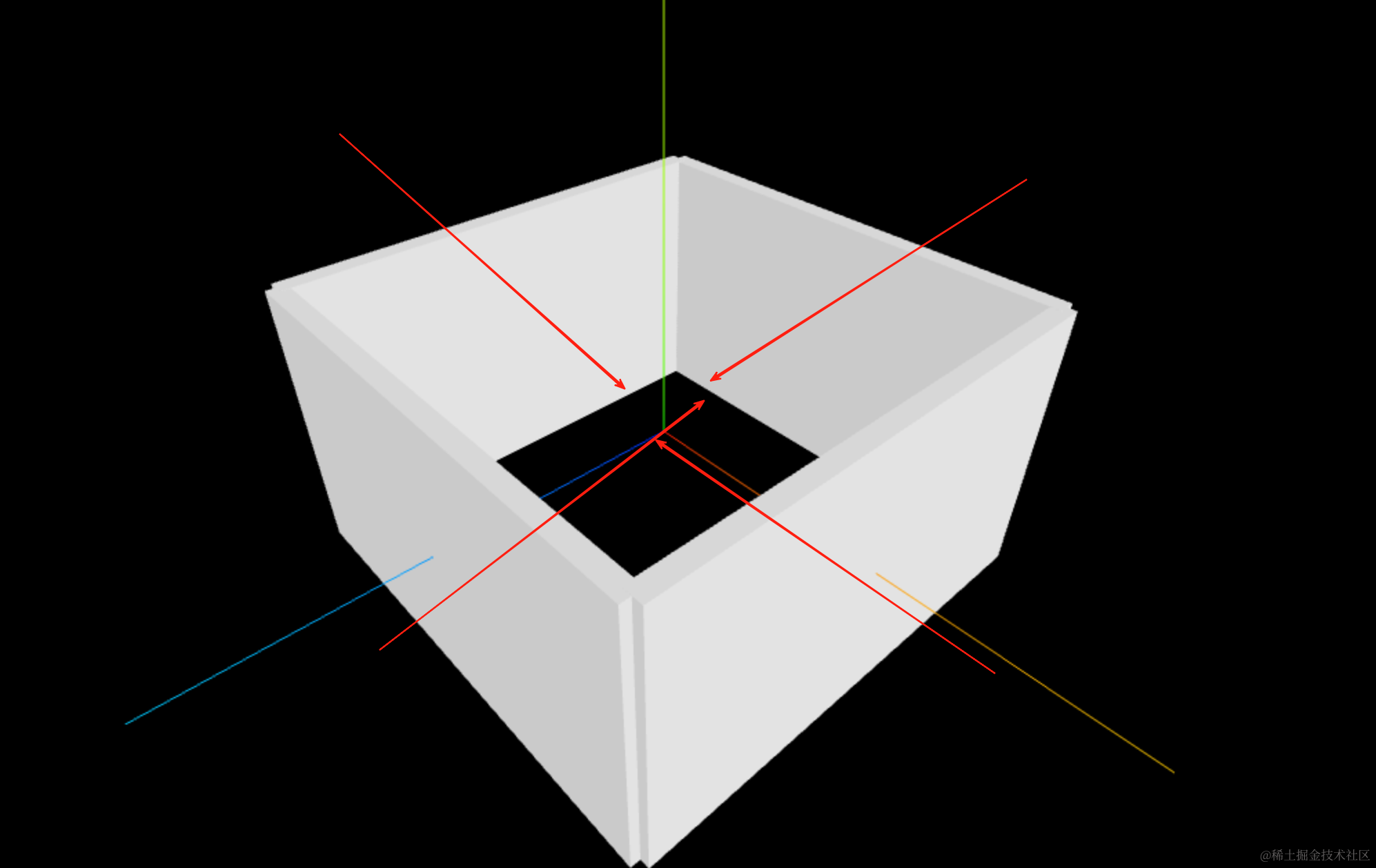
导出这 4 个向量:
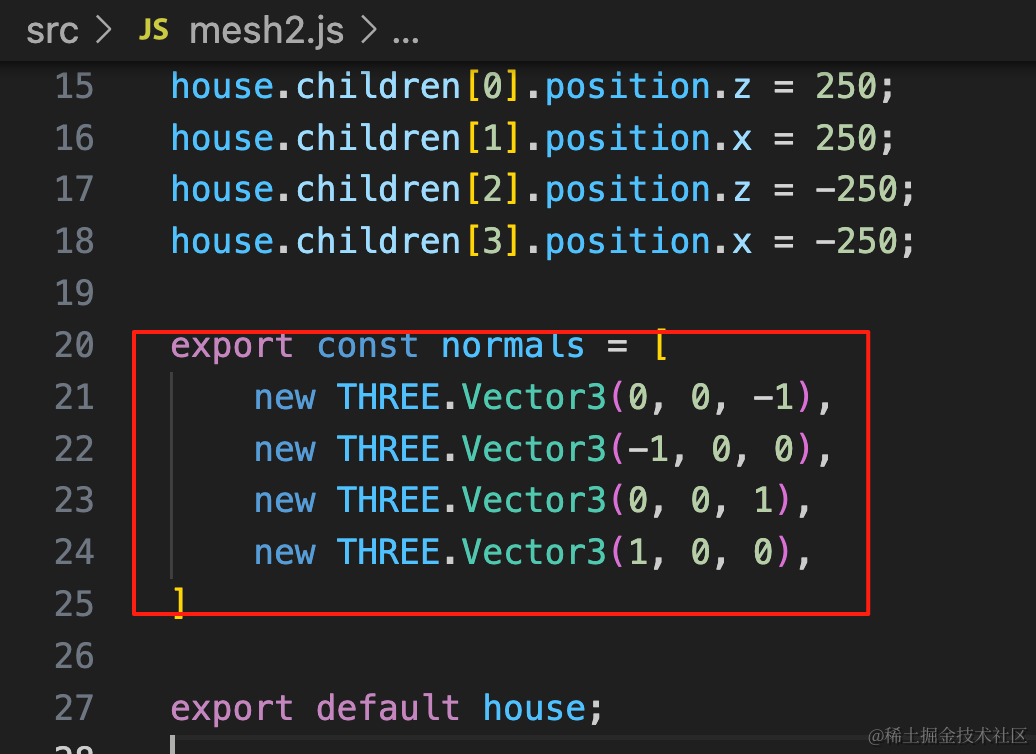
export const normals = [
    new THREE.Vector3(0, 0, -1),
    new THREE.Vector3(-1, 0, 0),
    new THREE.Vector3(0, 0, 1),
    new THREE.Vector3(1, 0, 0),
]
然后在渲染循环里就可以判断当前相机的方向向量和哪面墙的法线向量夹角是锐角:
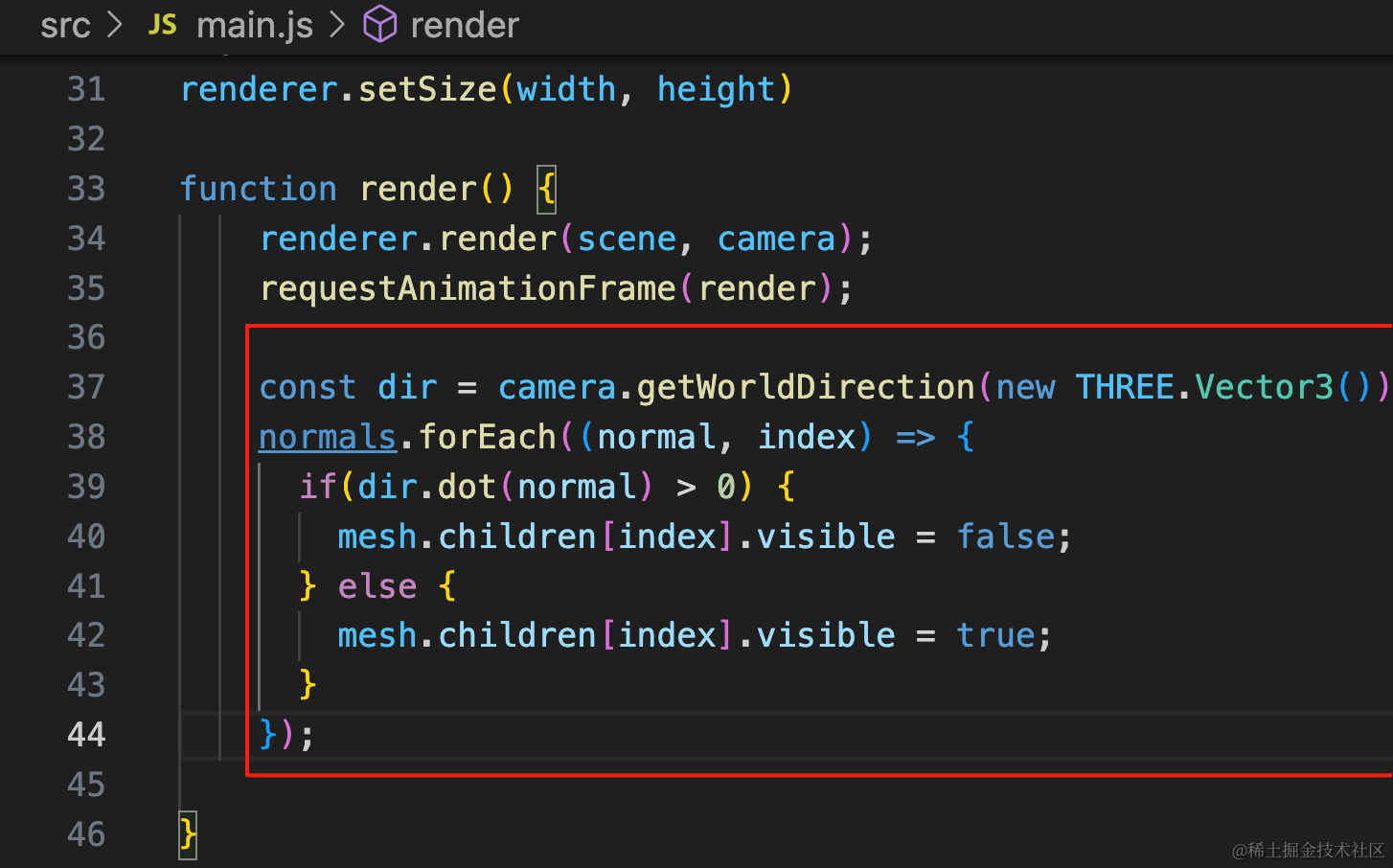
const dir = camera.getWorldDirection(new THREE.Vector3());
normals.forEach((normal, index) => {
  if(dir.dot(normal) > 0) {
    mesh.children[index].visible = false;
  } else {
    mesh.children[index].visible = true;
  }
});
用 camera.getWorldDirection 可以拿到 camera 的方向向量。
和每面墙的法线向量做点积,判断锐角就隐藏。
看下效果:
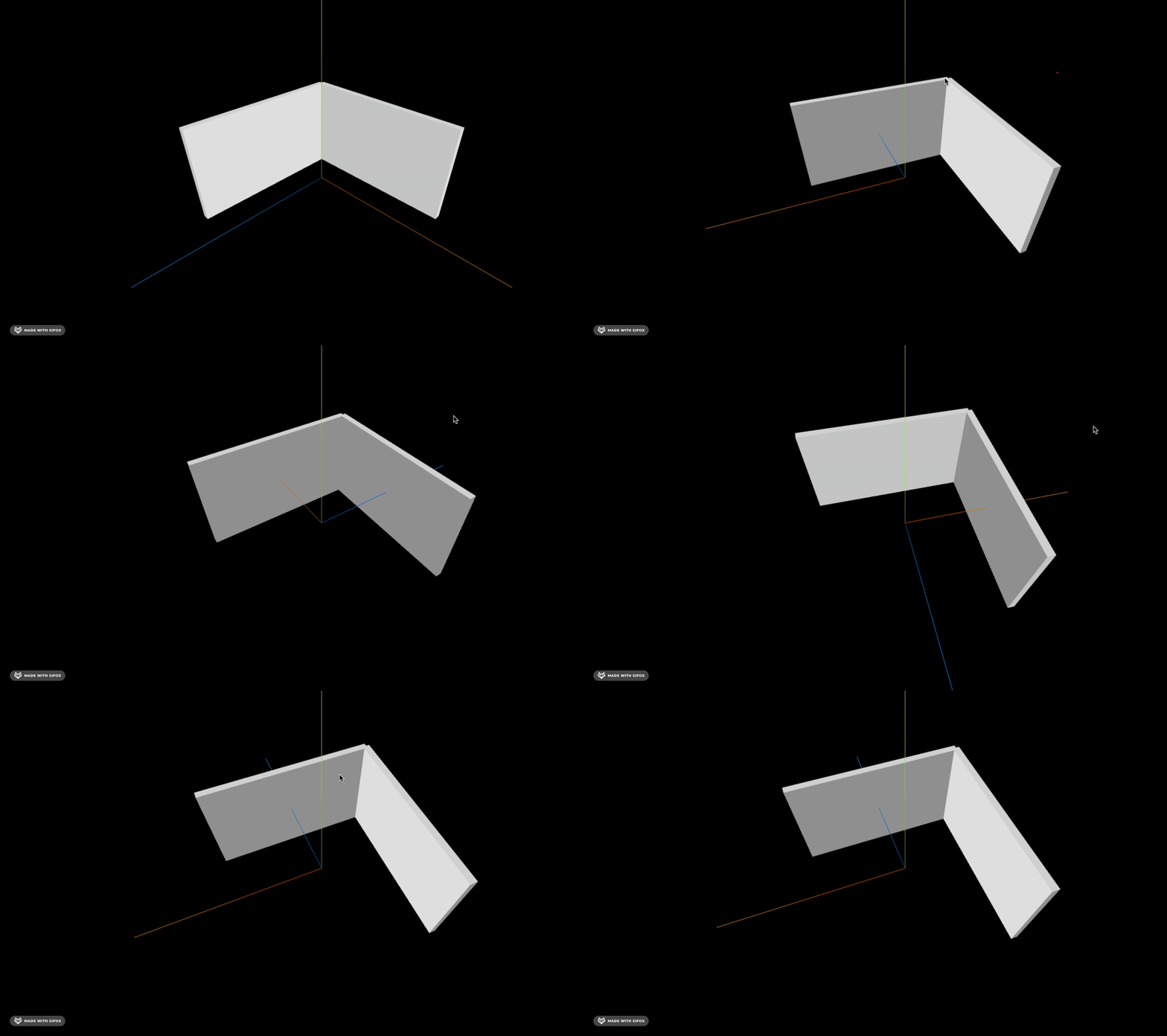
这样就实现了酷家乐同款隐藏靠近相机的墙的功能:
案例代码上传了小册仓库
总结
这节我们学了通过向量的点积来判断锐角、钝角。
向量 Vector3 的 dot 方法可以计算点积,当点积大于 0,夹角是锐角,反之是钝角。
用 camera.getWorldDirection 可以拿到 camera 的方向向量,用它和墙的法线向量做点积,就可以判断夹角是否是锐角,从而决定隐藏、显示。
向量点积在判断锐角的场景下特别有用,后面也有一些地方会用到。